Cumberland County Easement Deed Form
Last validated October 14, 2026 by our Forms Development TeamFormatted for recording in Cumberland County, for property anywhere in the county: rural and unincorporated areas as well as Burkesville, Dubre, Marrowbone.
- 4 documents included
- Immediate PDF download
- Formatting guarantee
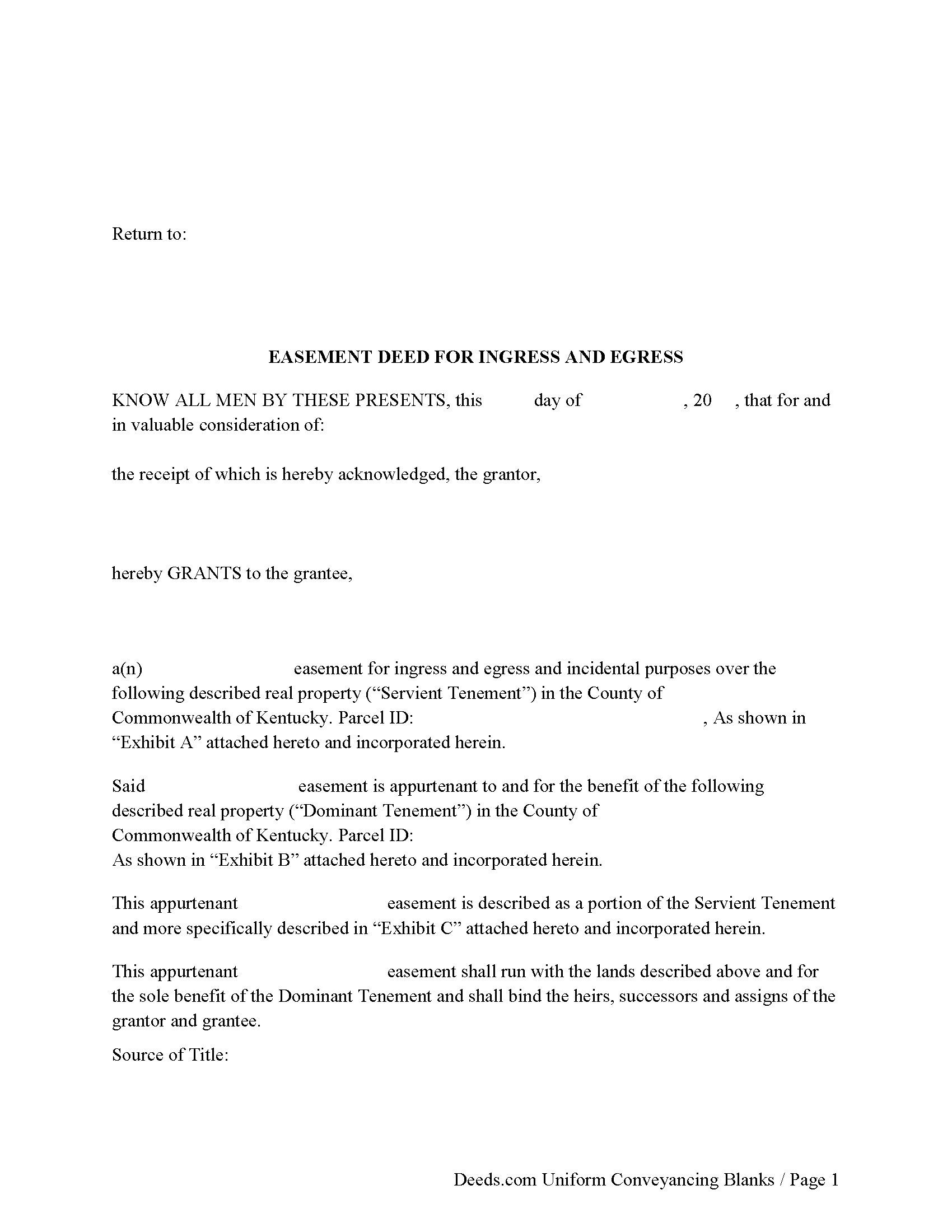
Cumberland County Easement Deed Form
Fill in the blank form formatted to comply with all recording and content requirements.
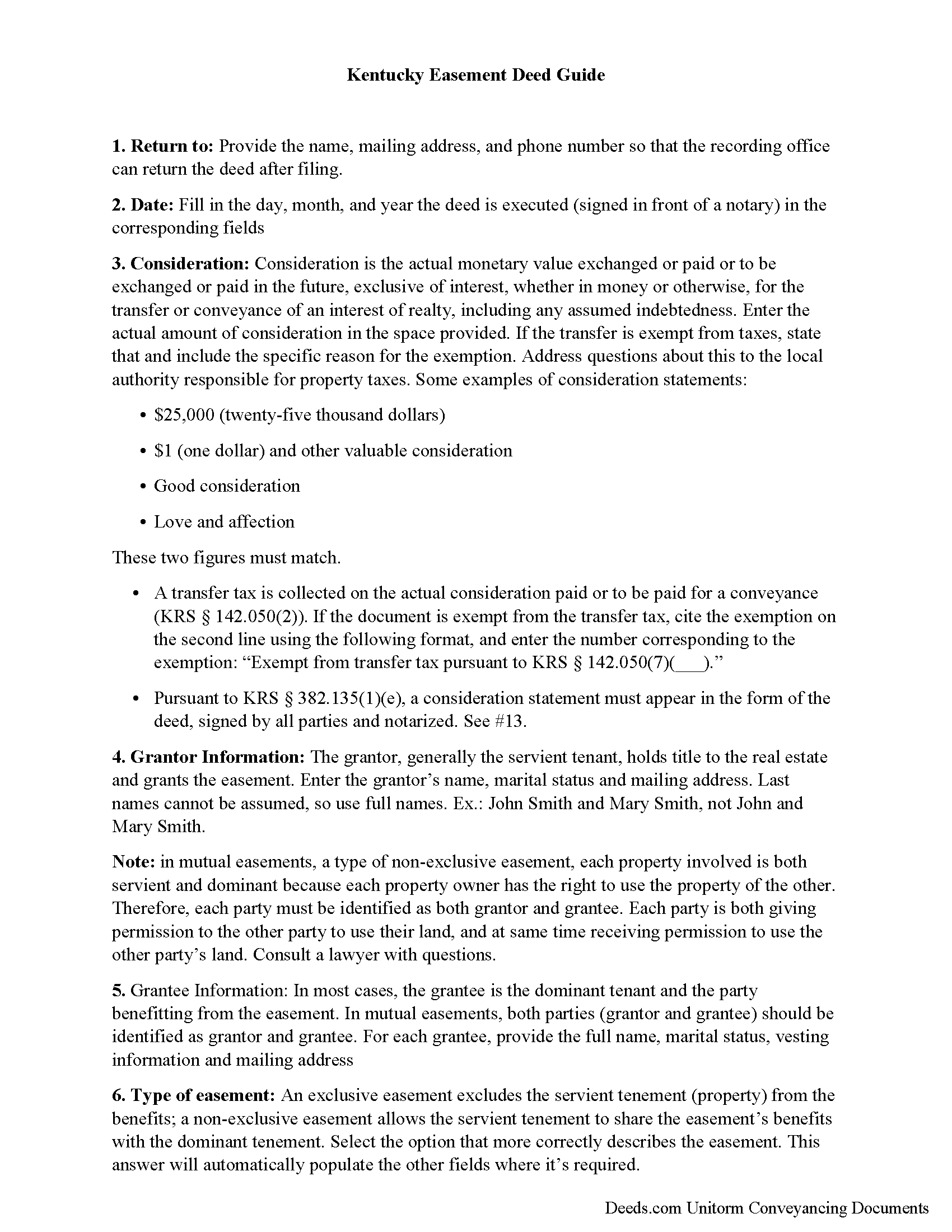
Cumberland County Easement Deed Guide
Line by line guide explaining every blank on the form.
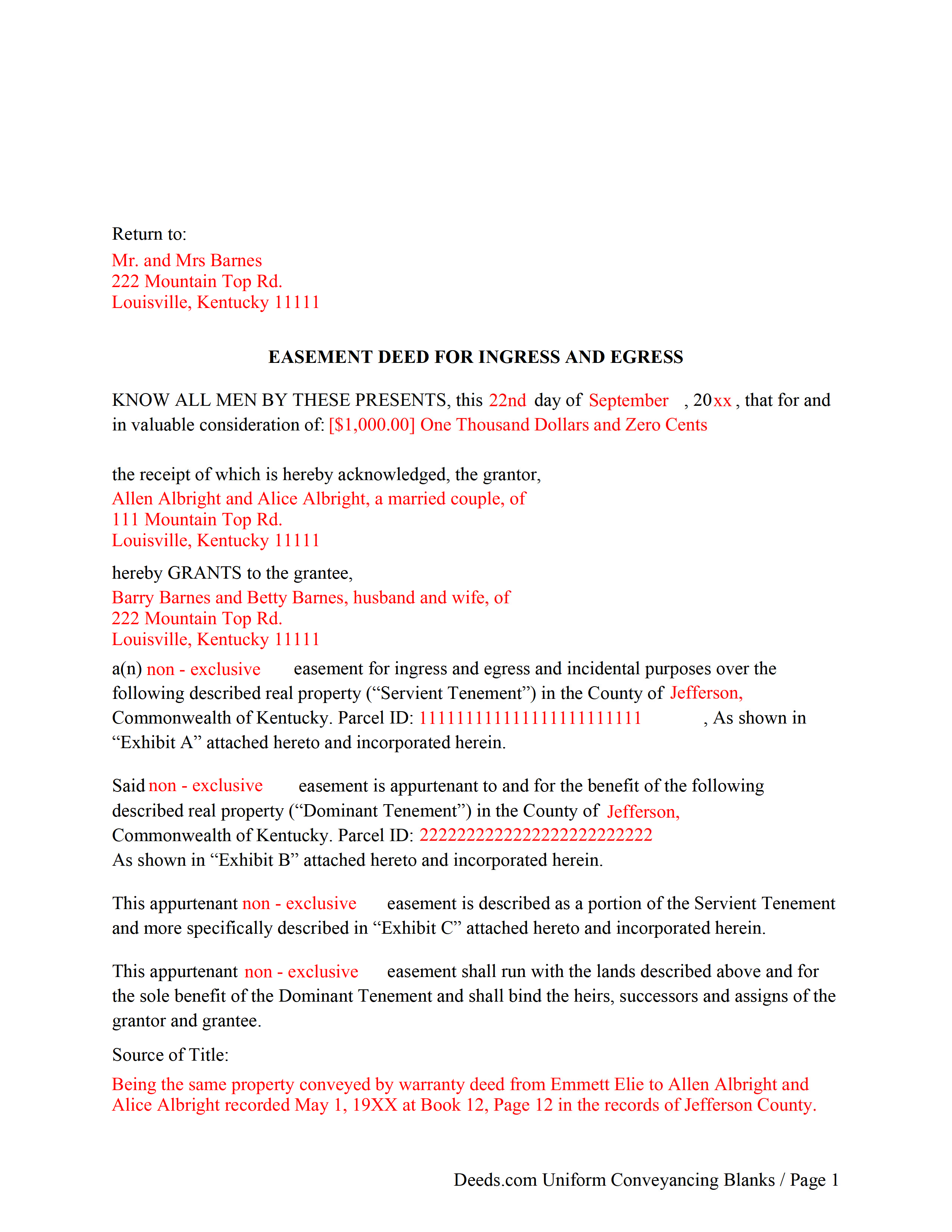
Cumberland County Completed Example of the Easement Deed Document
Example of a properly completed form for reference.
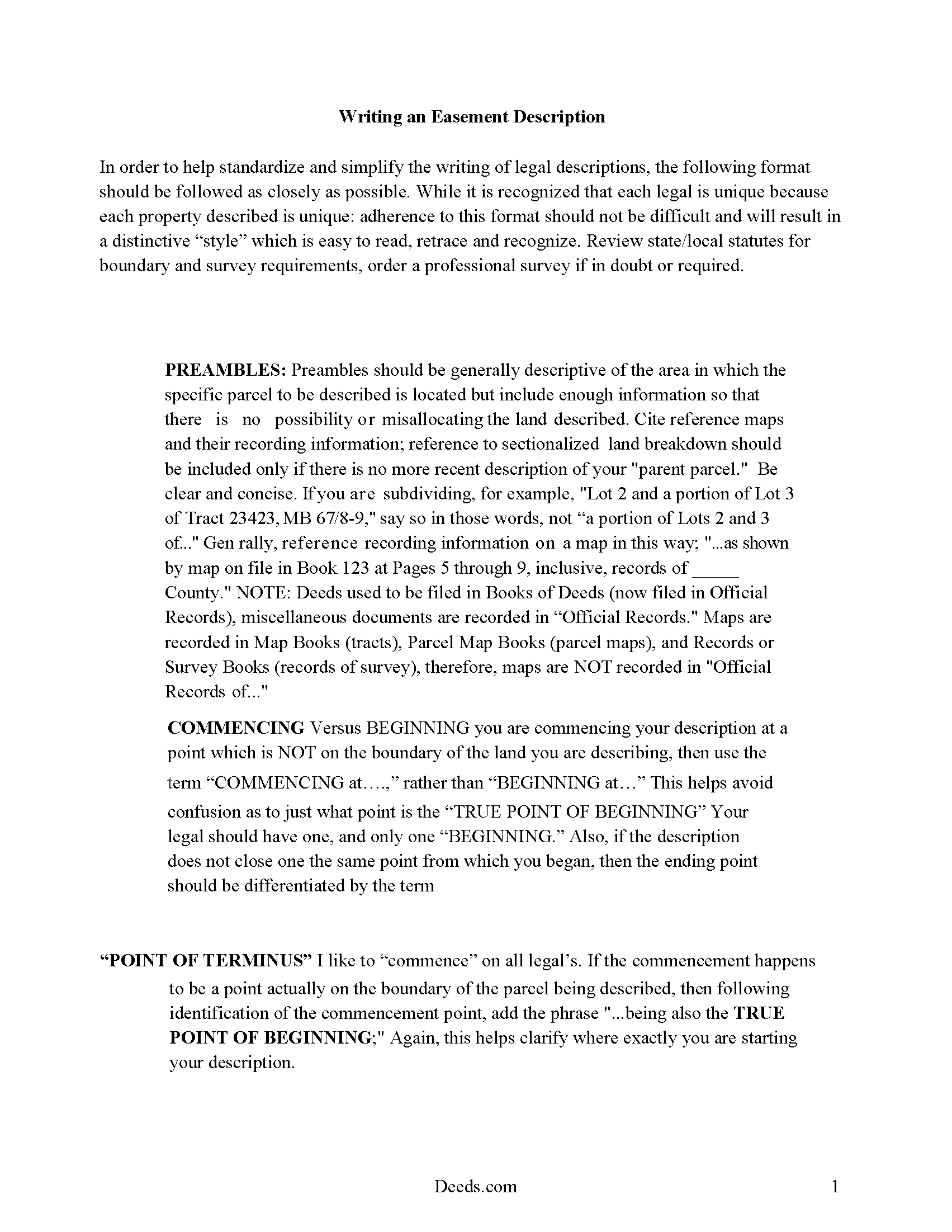
Cumberland County Guide to Writing an Easement Description
A Description of the Easement will be required. This will show how to write an acceptable description for a Right of Way Easement, which gives access, to and from - point A to point B.
All 4 documents above included • One-time purchase • No recurring fees
Immediate Download • Secure Checkout
Additional Kentucky and Cumberland County documents included at no extra charge:
Where to Record Your Documents
Cumberland County Clerk
Burkesville, Kentucky 42717-0275
Hours: 7:30 to 4:00 Monday through Friday; 8:00 to 11:00 Saturday
Phone: (270) 864-3726
Recording Tips for Cumberland County:
- Bring your driver's license or state-issued photo ID
- Ensure all signatures are in blue or black ink
- Avoid the last business day of the month when possible
- Both spouses typically need to sign if property is jointly owned
- Bring extra funds - fees can vary by document type and page count
Cities and Jurisdictions in Cumberland County
Properties in any of these areas use Cumberland County forms:
- Burkesville
- Dubre
- Marrowbone
Hours, fees, requirements, and more for Cumberland County
How do I get my forms?
Forms are available for immediate download after payment. The Cumberland County forms will be in your account ready to download to your computer. An account is created for you during checkout if you don't have one. Forms are NOT emailed.
Are these forms guaranteed to be recordable in Cumberland County?
Yes. Our form blanks are guaranteed to meet or exceed the applicable formatting requirements used for recording in Cumberland County, including margin requirements, font requirements, and other layout standards. This guarantee applies to formatting, not to the legal sufficiency of information entered by the user or the suitability of a form for a particular transaction.
Can I reuse these forms?
Yes. You can reuse the forms for your personal use. For example, if you have multiple properties in Cumberland County you only need to order once.
What do I need to use these forms?
The forms are PDFs that you fill out on your computer. The free Adobe Acrobat Reader is recommended, and most PDF apps also work. You do NOT enter your property information online - you download the blank forms and complete them privately on your own computer.
Are there any recurring fees?
No. This is a one-time purchase. Nothing to cancel, no memberships, no recurring fees.
How much does it cost to record in Cumberland County?
Recording fees in Cumberland County vary. Contact the recorder's office at (270) 864-3726 for current fees.
Questions answered? Let's get started!
An easement is the right of one person to use the real property of another person for a specific purpose without actually possessing the property. Easements are either affirmative or negative. An easement deed is the instrument which creates this right. In Kentucky, easements can be created by deed and are subject to the same formalities as other instruments of real property.
Every deed in Kentucky, unless an exception is made, is construed to include all buildings, privileges, and appurtenances of every kind attached to the land being conveyed (381.200).
Additional easements, such as solar and conservation easements can also be obtained. A conservation easement is a non-possessory interest of a holder in real property imposing limitations or affirmative obligations for the purpose of retaining or protecting the natural, scenic, or open space values of real property (382.800). This type of deed may be created, conveyed, recorded, assigned, released, modified, terminated, or otherwise altered or affected in the same manner as other easements (382.810).A solar easement can be obtained in Kentucky for the purpose of ensuring access to direct sunlight. This type of easement should be created in writing and shall be an interest in real property that may be acquired or transferred and is subject to the same recording and conveyancing requirements as other real estate instruments. A solar easement cannot be acquired by prescription (381.200).
Since an easement deed is subject to the same formalities as other real estate deeds, it must be signed and acknowledged by the grantor and may be admitted to record in Kentucky when it has been proved or acknowledged in one of the following ways: (A) acknowledged by the county clerk by the party making the deed (the grantor); (B) proved by two subscribing witnesses, or by one subscribing witness, who also proves the attestation of the other; (C) by a certificate of a county clerk of Kentucky, or any notary public, stating that the deed has been acknowledged before him by the party making the deed or proved before him in the manner provided by statute. Additional methods of proving deeds are stated in the Kentucky Annotated Statutes (382.130). If executed out of state, an easement deed can be admitted to record when it is certified in the manner prescribed by Kentucky Statutes (KRS 382.140). Deeds that only convey utility easements or right-of-ways do not require a Statement of Consideration in order to be recorded.
All easement deeds and other instruments required by law to be recorded in order to be effectual against purchasers without notice, or creditors, should be recorded in the county clerk's office of the county where the property, or the greater part of the property, is located (382.110). All real property instruments will take effect in the order that they are legally acknowledged or proved and lodged for record with the county clerk (382.280).
(Kentucky Easement Deed Package includes form, guidelines, and completed example)
Important: Your property must be located in Cumberland County to use these forms. Documents should be recorded at the county recording office listed above.
This Easement Deed meets all recording requirements specific to Cumberland County.
Our Promise
The documents you receive here are guaranteed to meet or exceed the applicable Cumberland County recording format requirements. If there is a rejection caused by our formatting, we will correct the issue or refund your payment. This guarantee applies to document formatting only and does not extend to information entered by the user, the selection of the form, or the legal effect of the completed document.
Save Time and Money
Get your Cumberland County Easement Deed form done right the first time with Deeds.com Uniform Conveyancing Blanks. At Deeds.com, we understand that your time and money are valuable resources, and we don't want you to face a penalty fee or rejection imposed by a county recorder for submitting nonstandard documents. We constantly review and update our forms to meet rapidly changing state and county recording requirements for roughly 3,500 counties and local jurisdictions.
4.8 out of 5 - ( 4,833 Reviews )
Joseph D. 5 out of 5 stars
Exellent and easy! Thqanks!
Thank you for your feedback. We really appreciate it. Have a great day!
Patricia H. 5 out of 5 stars
The process was so easy and result was excellent and expedient. I will definitely recommend your company for future recording needs.
Thank you!
Valerie B. 5 out of 5 stars
I had no clue how to write an easement termination, and I did not want to pay an attorney for it, so I ordered the instructions and form. It was very helpful to have a completed sample. I am satisfied and confident in the document I produced.
We appreciate your business and value your feedback. Thank you. Have a wonderful day!
LETICIA N. 5 out of 5 stars
I AM VERY PLEASED WITH YOUR WEBSITE. EASY AND I WAS GIVEN A SAMPLE OF THE FORM AND INSTRUCTIONS. I AM VERY PLEASED.
We appreciate your business and value your feedback. Thank you. Have a wonderful day!
Janet M. 5 out of 5 stars
This site is amazing! What a time saver from driving somewhere and standing around waiting.
Thank you!
Sara R. 5 out of 5 stars
The deed is presently at the auditors office and will be recorded after approval from zoning board. As far as I know, everything is going along well. A self addressed envelope was left at recorder's office for return after recording is complete.
Thank you!
Lorie S. 5 out of 5 stars
It was available to download immediately
Thank you!
Dee S. 5 out of 5 stars
Great service and so quick at responding!
We are motivated by your feedback to continue delivering excellence. Thank you!
Michael G M. 5 out of 5 stars
The download files should have the name of the form included. The present numeric soup is frustrating to navigate.
Thank you for your feedback. We really appreciate it. Have a great day!
Lanette H. 5 out of 5 stars
I liked getting the forms but I was charged twice for some reason. I'm not sure what happened with that. Can you reimburse me? Thank you. Lanette
Thank you for your feedback Lanette. In review, it looks like your first payment was declined, second one was approved and processed. What you are seeing is one payment and a hold placed by your financial institution for the declined attempt. We are not sure why they do this but the hold usually falls off after a few day depending on their policy. If you have further questions about this you can contact your financial institution and they will explain. Have a great day.
Tanya B. 5 out of 5 stars
Very convenient way to record documents without leaving the office. Responses to any questions have always been very quick. Would recommend using the site to anyone who needs to record documents and wants to save valuable time.
Thank you!
Caroline W. 5 out of 5 stars
They didn't have what I needed, but they were very quick in responding to let me know and where I needed to go to receive the desired information.
Thank you for your feedback Caroline.
jim g. 5 out of 5 stars
so far so good. was hoping to have the recorded document already. i need the recorded document by friday, june 5th for my city approval. anyway you can please get it to me tomorrow. thanks, jim
Thank you!
Katherine A R. 5 out of 5 stars
It's very easy to navigate through the website to find the service that you want. Great program.
Thank you!
Susan M. 5 out of 5 stars
Simple and straightforward
Thank you for your feedback. We really appreciate it. Have a great day!