Johnson County Mineral Deed Form
Last validated October 22, 2026 by our Forms Development TeamFormatted for recording in Johnson County, for property anywhere in the county: rural and unincorporated areas as well as Boons Camp, East Point, Flatgap, Hagerhill, Keaton, Meally, Oil Springs, Paintsville and 10 more.
- 3 documents included
- Immediate PDF download
- Formatting guarantee
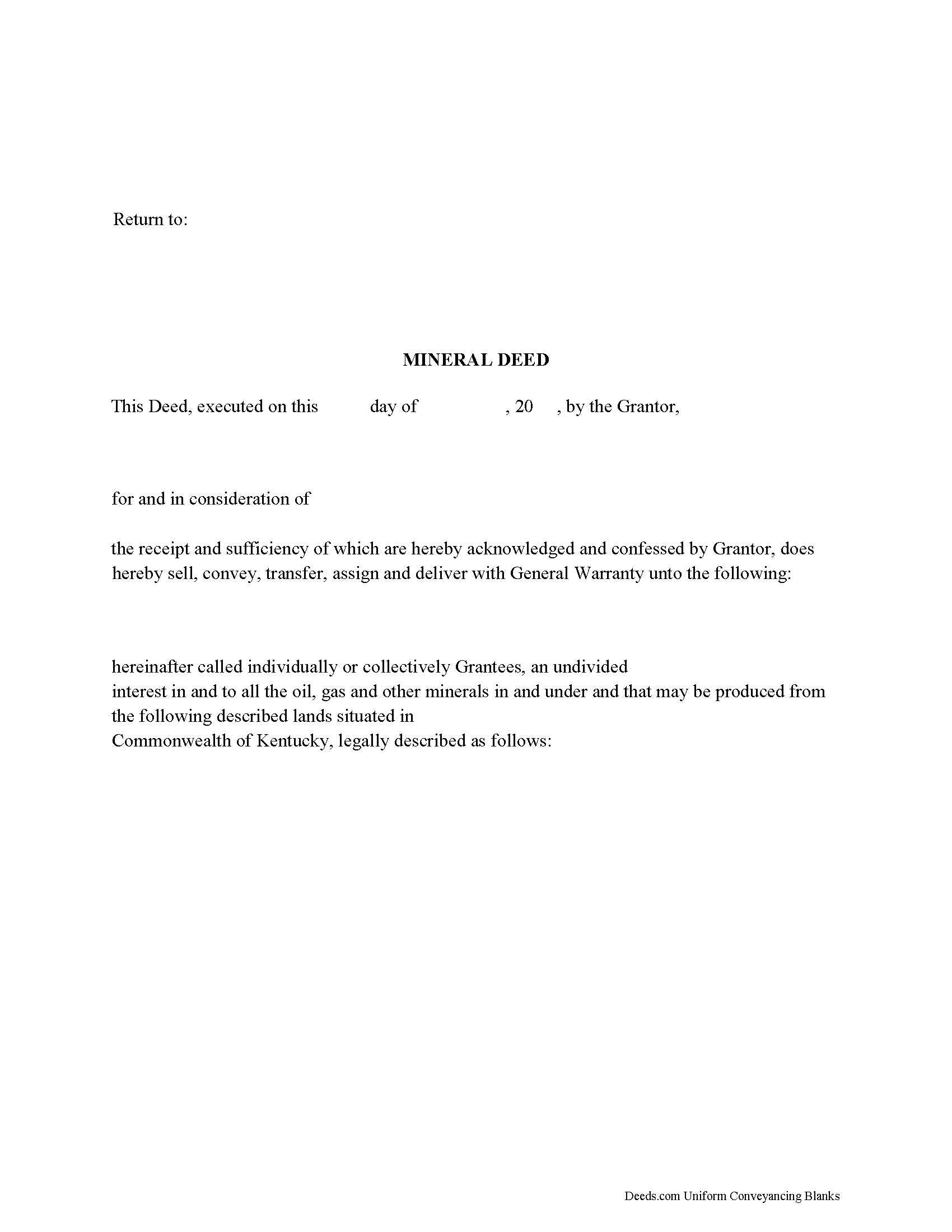
Johnson County Mineral Deed Form
Fill in the blank form formatted to comply with all recording and content requirements.
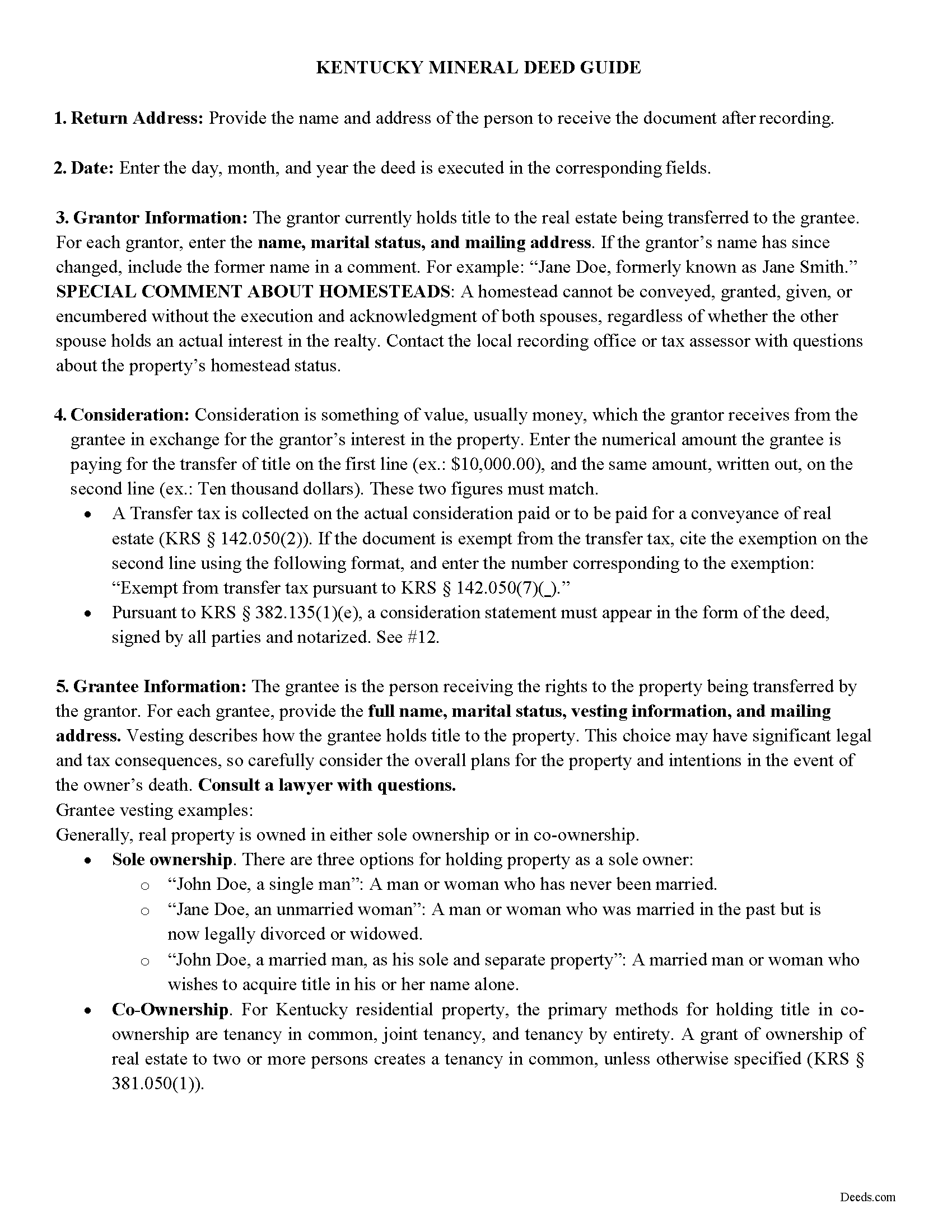
Johnson County Mineral Deed Guide
Line by line guide explaining every blank on the form.
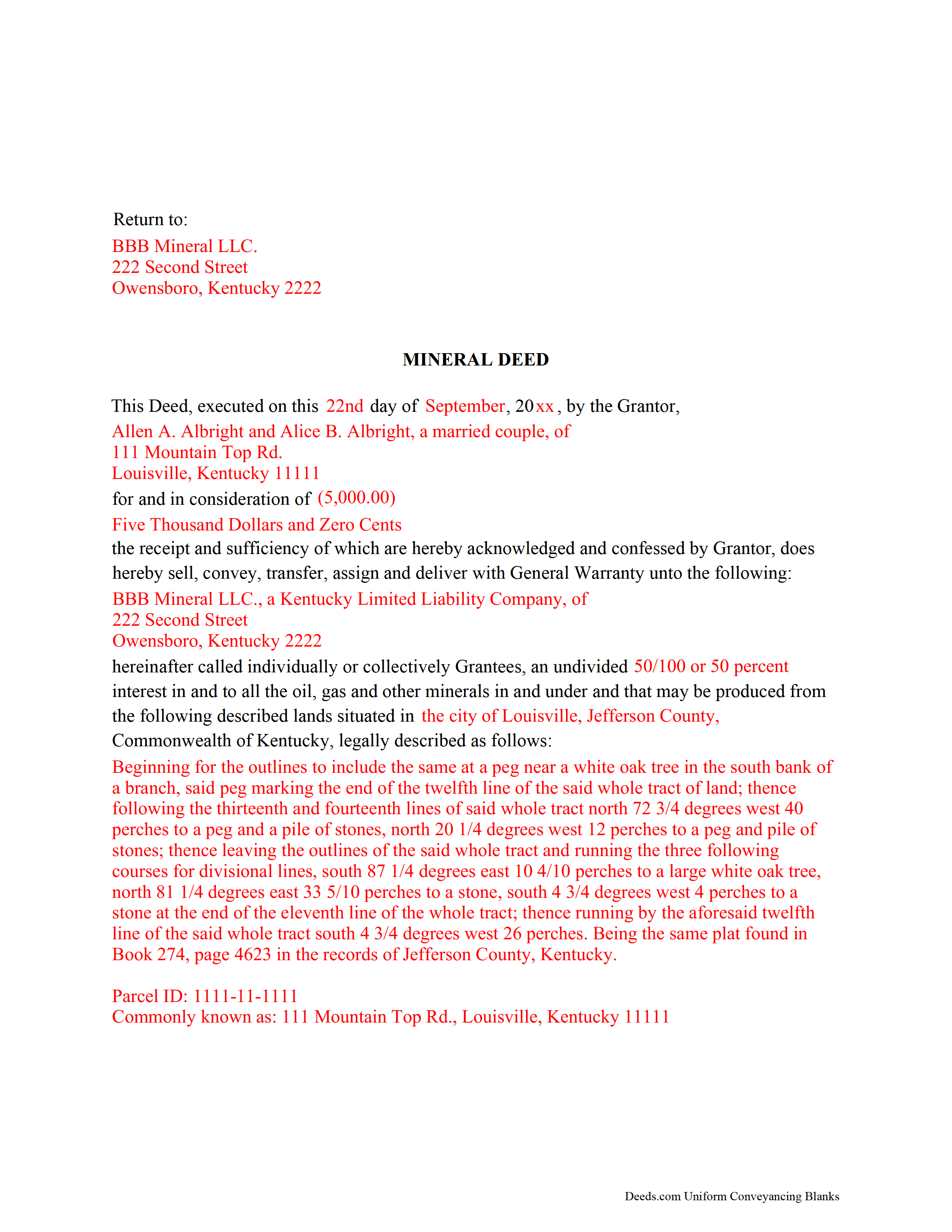
Johnson County Completed Example of the Mineral Deed Form
Example of a properly completed form for reference.
All 3 documents above included • One-time purchase • No recurring fees
Immediate Download • Secure Checkout
Additional Kentucky and Johnson County documents included at no extra charge:
Where to Record Your Documents
Johnson County Clerk
Paintsville, Kentucky 41240
Hours: 8:00am to 4:30pm M-F; Sat 8:30 to noon
Phone: (606) 789-2557
Recording Tips for Johnson County:
- Bring your driver's license or state-issued photo ID
- Ensure all signatures are in blue or black ink
- Leave recording info boxes blank - the office fills these
- Make copies of your documents before recording - keep originals safe
- Recorded documents become public record - avoid including SSNs
Cities and Jurisdictions in Johnson County
Properties in any of these areas use Johnson County forms:
- Boons Camp
- East Point
- Flatgap
- Hagerhill
- Keaton
- Meally
- Oil Springs
- Paintsville
- River
- Sitka
- Staffordsville
- Stambaugh
- Thelma
- Tutor Key
- Van Lear
- West Van Lear
- Williamsport
- Wittensville
Hours, fees, requirements, and more for Johnson County
How do I get my forms?
Forms are available for immediate download after payment. The Johnson County forms will be in your account ready to download to your computer. An account is created for you during checkout if you don't have one. Forms are NOT emailed.
Are these forms guaranteed to be recordable in Johnson County?
Yes. Our form blanks are guaranteed to meet or exceed the applicable formatting requirements used for recording in Johnson County, including margin requirements, font requirements, and other layout standards. This guarantee applies to formatting, not to the legal sufficiency of information entered by the user or the suitability of a form for a particular transaction.
Can I reuse these forms?
Yes. You can reuse the forms for your personal use. For example, if you have multiple properties in Johnson County you only need to order once.
What do I need to use these forms?
The forms are PDFs that you fill out on your computer. The free Adobe Acrobat Reader is recommended, and most PDF apps also work. You do NOT enter your property information online - you download the blank forms and complete them privately on your own computer.
Are there any recurring fees?
No. This is a one-time purchase. Nothing to cancel, no memberships, no recurring fees.
How much does it cost to record in Johnson County?
Recording fees in Johnson County vary. Contact the recorder's office at (606) 789-2557 for current fees.
Questions answered? Let's get started!
The General Mineral Deed in Kentucky transfers oil, gas, and mineral rights from the grantor to the grantee. THIS IS NOT A LEASE. There are no Exceptions or Reservations included.
The transfer includes the oil, gas and other minerals of every kind and nature. It also transfers any and all rights to receive royalties, overriding royalties, net profits interests or other payments out of or with respect to those oil, gas and other minerals. The Grantor can stipulate the percentage of Mineral Rights the Grantee will receive and is made subject to any rights existing under any valid and subsisting oil and gas lease or leases of record.
This general mineral deed gives the grantee the right to access, for the purpose of mining, drilling, exploring, operating and developing said lands for oil, gas, and other minerals, and storing handling, transporting and marketing of such.
In this document the Grantor Warrants and will defend said Title to Grantee. Use of this document has a permanent effect on your rights to the property, if you are not completely sure of what you are executing seek the advice of a legal professional.
(Kentucky Mineral Deed Package includes form, guidelines, and completed example)
Important: Your property must be located in Johnson County to use these forms. Documents should be recorded at the county recording office listed above.
This Mineral Deed meets all recording requirements specific to Johnson County.
Our Promise
The documents you receive here are guaranteed to meet or exceed the applicable Johnson County recording format requirements. If there is a rejection caused by our formatting, we will correct the issue or refund your payment. This guarantee applies to document formatting only and does not extend to information entered by the user, the selection of the form, or the legal effect of the completed document.
Save Time and Money
Get your Johnson County Mineral Deed form done right the first time with Deeds.com Uniform Conveyancing Blanks. At Deeds.com, we understand that your time and money are valuable resources, and we don't want you to face a penalty fee or rejection imposed by a county recorder for submitting nonstandard documents. We constantly review and update our forms to meet rapidly changing state and county recording requirements for roughly 3,500 counties and local jurisdictions.
4.8 out of 5 - ( 4,839 Reviews )
Fabio S. 5 out of 5 stars
Fast, Easy and with great assistance! I will definitely use their services again!
Thank you for your feedback. We really appreciate it. Have a great day!
James C. 5 out of 5 stars
An excellent resource for users.
Thank you!
Robert F. 5 out of 5 stars
This service is excellent. I submitted a Quickclaim Deed so my home would be in the name of a Living Trust I had just created. This was my first attempted at any of this and the staff person, KVH, who reviewed my Deed was extremely helpful and quick to respond to any questions I had and to make sure the Deed had the correct information before submittal to the county for recording. I started the process one afternoon and by the next day, the Deed was submitted to, and recorded in, my county. I will use them again whenever needed.
We appreciate your business and value your feedback. Thank you. Have a wonderful day!
Lisa m. 5 out of 5 stars
Very fast and easy! Thanks!!
Glad we could help. Thank you!
Hamed T. 5 out of 5 stars
Easy Process! Realy recommend them for E-Recording!
Thank you for your feedback. We really appreciate it. Have a great day!
Shaaron Z. 5 out of 5 stars
So far, this is working well. However, I don't see a form to change name due to marriage.
Thank you!
Kenneth M. 5 out of 5 stars
It was adequate to serve my current need, however turned out to be more expensive than I cared for.
Thank you for your feedback. We really appreciate it. Have a great day!
chris a. 5 out of 5 stars
It was easy to complete the deed but on the third page I only need one signature in stead of 3 I need to delete 2 or put n//a in those blocks I will continue to use your services and have recommended it to others
Thank you for your feedback. We really appreciate it. Have a great day!
WJ H. 5 out of 5 stars
The Quit Claim Deed for the state of Ohio worked for me, saving me the cost of an attorney doing it. O.K., maybe that wouldn't have amounted to more than a few hundred dollars, but anywhere I thought I could save money (and learn something new on top of it) is something I want to do. That said, be forwarned. While I'm not an attorney I'm not averse to spending many hours researching the lingo found in this kind of form and thoroughly understanding exactly how everything has to be filled in. I should add that my ex-wife and I remain friends and she was the one giving me the property/house (thus, technically I filled out the forms on her behalf). Because there was no personal conflict, it made it easier to undertake. Lastly, what others have said about the county office where you must file a Quit Claim Deed not being helpful, that's true in the sense that they do not want to be instructing non-attorneys on filling out the necessary forms. I did take a preliminary draft set of the forms to the county office but was VERY CAREFUL about explaining that I only needed a couple of questions answered about procedure for submitting the final documents. They were helpful once I made it clear I wasn't asking them for "legal advice". And their help was critical as the final submittals requires stopping at three different offices (MapDocuments, Auditor and finally the Recorder's office). So I say thank you to Deeds.com. Their service for the Quit Claim Deed was invaluable.
We appreciate your business and value your feedback. Thank you. Have a wonderful day!
Mary M. 5 out of 5 stars
So easy to use. I was able to download all the forms I need, it saves a lot of time!
Thank you!
David A. 5 out of 5 stars
Forms were just what I needed. Very well explained and easy to use.
We appreciate your business and value your feedback. Thank you. Have a wonderful day!
Michael F. 5 out of 5 stars
I'm not too bright and I made a mess of things when I tried to create my own deed. It was lucky that I found the forms here after so many of my personal failures. It's good that the pros know what they are doing.
Such kind words Michael, thank you.
Marion R. 4 out of 5 stars
YOU WERE NOT ABLE TO PROVIDE SERVICE IN THE COUNTY WE NEEDED IN NEW MEXICO. YOUR RESPONSE WAS QUICK SO I APPRECIATE THAT. THANK YOU
Thank you for your feedback Marion.
Dorothy S. 4 out of 5 stars
Great service and documents that solved my legal issues I was frustrated with my inability to safe my information on the template and add an extra field box. Please make those instructions more clear for future customers.
Thank you for your feedback. We really appreciate it. Have a great day!
Desiree R. 5 out of 5 stars
very easy to use
We are delighted to have been of service. Thank you for the positive review!