Gallatin County Quitclaim Deed (Corporation Grantor) Form
Last validated October 2, 2026 by our Forms Development TeamFormatted for recording in Gallatin County, for property anywhere in the county: rural and unincorporated areas as well as Glencoe, Sparta, Warsaw.
- 3 documents included
- Immediate PDF download
- Formatting guarantee
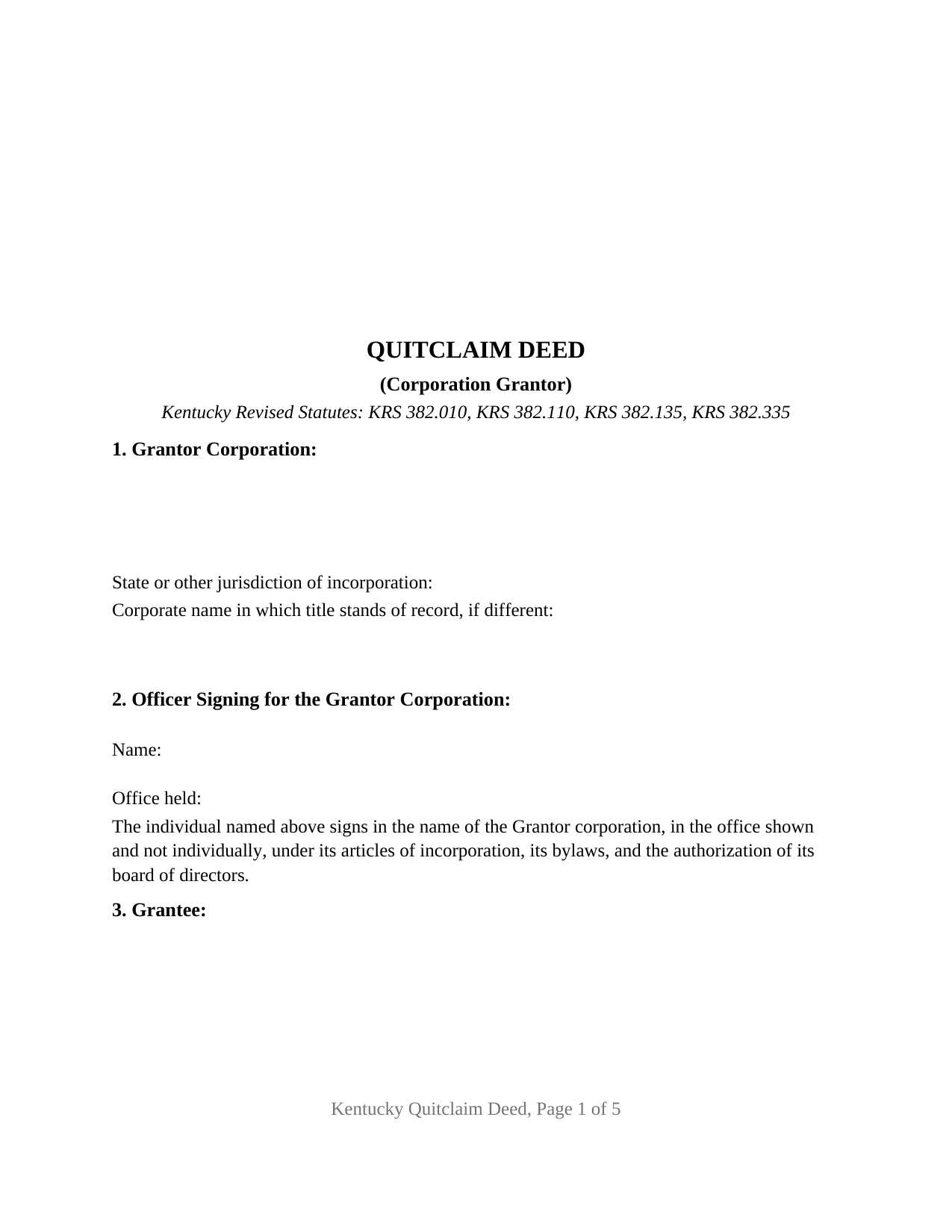
Gallatin County Quitclaim Deed (Corporation Grantor) Form
Fill in the blank Quitclaim Deed (Corporation Grantor) form formatted to comply with all Kentucky recording and content requirements.
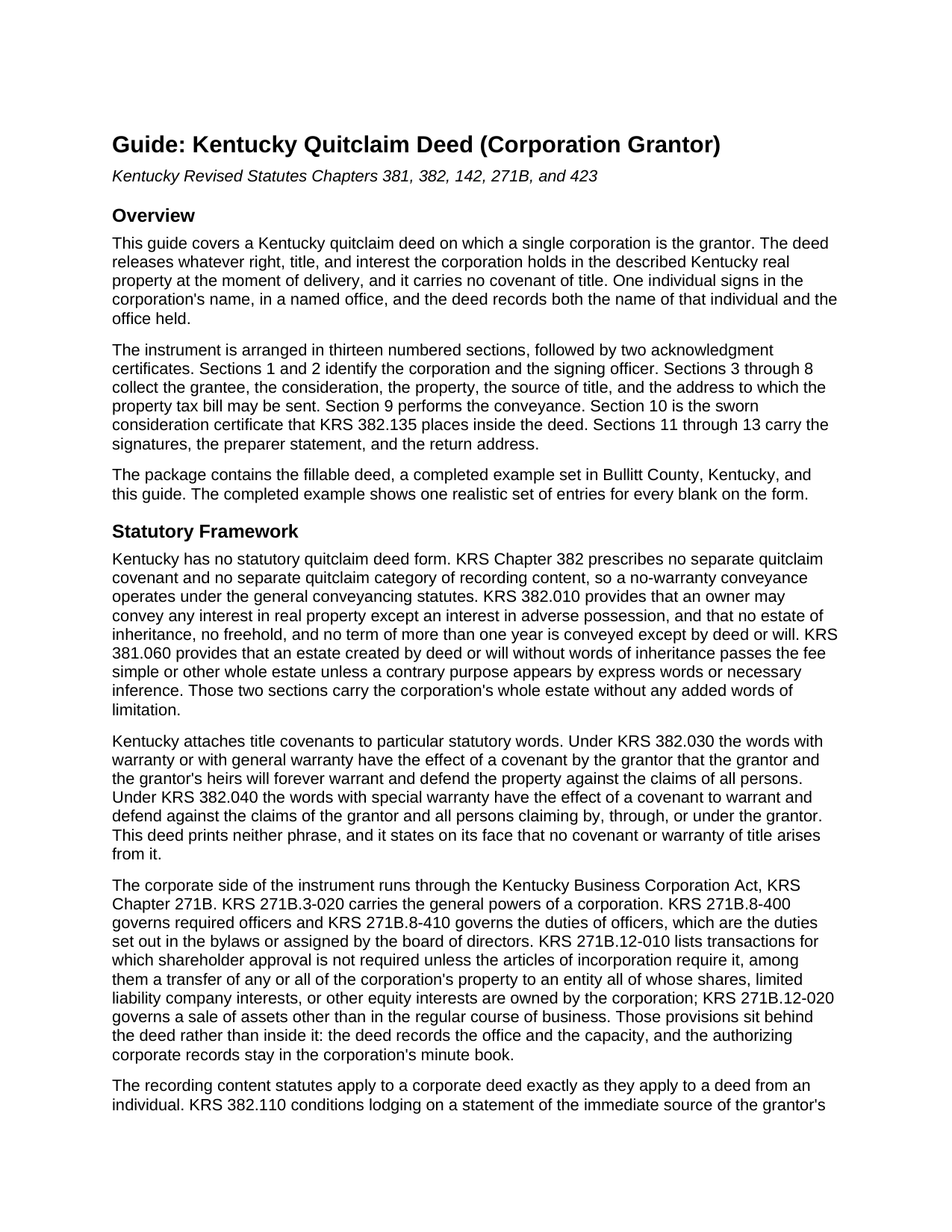
Gallatin County Quitclaim Deed (Corporation Grantor) Guide
Line by line guide explaining every blank on the Quitclaim Deed (Corporation Grantor) form.

Gallatin County Completed Example of the Quitclaim Deed (Corporation Grantor) Document
Example of a properly completed Kentucky Quitclaim Deed (Corporation Grantor) document for reference.
All 3 documents above included • One-time purchase • No recurring fees
Immediate Download • Secure Checkout
Additional Kentucky and Gallatin County documents included at no extra charge:
Where to Record Your Documents
Gallatin County Clerk
Warsaw, Kentucky 41095
Hours: 8:30 to 4:30 M-F
Phone: (859) 567-5411
Recording Tips for Gallatin County:
- Bring your driver's license or state-issued photo ID
- Ensure all signatures are in blue or black ink
- Recorded documents become public record - avoid including SSNs
- Recording fees may differ from what's posted online - verify current rates
- Request a receipt showing your recording numbers
Cities and Jurisdictions in Gallatin County
Properties in any of these areas use Gallatin County forms:
- Glencoe
- Sparta
- Warsaw
Hours, fees, requirements, and more for Gallatin County
How do I get my forms?
Forms are available for immediate download after payment. The Gallatin County forms will be in your account ready to download to your computer. An account is created for you during checkout if you don't have one. Forms are NOT emailed.
Are these forms guaranteed to be recordable in Gallatin County?
Yes. Our form blanks are guaranteed to meet or exceed the applicable formatting requirements used for recording in Gallatin County, including margin requirements, font requirements, and other layout standards. This guarantee applies to formatting, not to the legal sufficiency of information entered by the user or the suitability of a form for a particular transaction.
Can I reuse these forms?
Yes. You can reuse the forms for your personal use. For example, if you have multiple properties in Gallatin County you only need to order once.
What do I need to use these forms?
The forms are PDFs that you fill out on your computer. The free Adobe Acrobat Reader is recommended, and most PDF apps also work. You do NOT enter your property information online - you download the blank forms and complete them privately on your own computer.
Are there any recurring fees?
No. This is a one-time purchase. Nothing to cancel, no memberships, no recurring fees.
How much does it cost to record in Gallatin County?
Recording fees in Gallatin County vary. Contact the recorder's office at (859) 567-5411 for current fees.
Questions answered? Let's get started!
A corporation outlives the people who sign for it, and it can outlive its own name. This fillable Kentucky quitclaim deed puts one corporation on the granting side, records the office of the human being who executes it, and gives the chain of title somewhere to say that the corporation signing is the one in the deed book. It passes whatever interest the corporation holds at delivery, with no covenant of title.
Two names, one instrument
KRS 382.110 conditions lodging on a statement of the immediate source of the grantor's title by office, book, page, and date, and that recital does heavier work for an entity than for a person. A corporation that changed its name by amended articles, absorbed a predecessor by merger, or converted from another form still holds under a deed recorded in the older name. Section 1 takes the corporate name in which title stands of record where it differs from the name signing today, and Section 7 takes the source of title itself, so both names meet in one recorded instrument.
An office, not only a person
Section 2 asks two things a deed from an individual never asks: the name of the signer and the office that signer holds. The paragraph beneath recites that the individual signs in the corporate name and in the office shown, not personally, under the articles of incorporation, the bylaws, and the board's authorization. Kentucky's Business Corporation Act frames the rest: KRS 271B.3-020 carries a corporation's general powers, KRS 271B.8-400 and KRS 271B.8-410 govern required officers and their duties, and KRS 271B.12-010 and KRS 271B.12-020 divide dispositions between those needing no shareholder vote and those outside the regular course of business. The deed records the capacity; the resolution and the minute book stay with the corporation.
Exemption subsections written for corporate groups
The transfer tax under KRS 142.050 runs at fifty cents for every five hundred dollars of value and falls on the grantor, and under KRS 382.260 no deed is lodged until the clerk collects it. KRS 142.050(3)(c) matters to a company holding parcels in several counties: the tax is collected once per transaction, in the county where KRS 382.110(1) puts the recording. Two subsections of the exemption list are corporate. KRS 142.050(7)(h) reaches transfers made pursuant to a merger, a consolidation, or a conversion among corporations, partnerships, limited partnerships, and limited liability companies. KRS 142.050(7)(i) reaches a transfer between a subsidiary corporation and its parent for no consideration, nominal consideration, or in sole consideration of the cancellation or surrender of either corporation's stock. A conveyance to an outside buyer falls outside both, and its taxable figure comes from Section 10, the sworn KRS 382.135 certificate.
What this deed recites, and what it is not arranged for
The form recites one grantor, a corporation, with its mailing address and its jurisdiction of incorporation; one individual signing in a named office; and one or more grantees with a co-ownership designation entry. Three signature lines follow: the officer signs the deed with its sworn certificate, the grantee signs the certificate alone and conveys nothing, and whoever drew the instrument signs the Section 12 endorsement. A manufacturer releasing a surplus strip to an adjoining owner, and a corporation clearing a parcel that still stands in a predecessor's name, present the patterns this deed recites. It is not arranged for two corporations on the granting side, an individual conveying personally, a limited liability company signing through a member or manager, or a corporation whose bylaws call for a second attesting officer, and it carries no marital status entry and no joinder block, a corporation having no spouse.
No covenants, and the clerk's content list
Kentucky reads title covenants out of statutory words: KRS 382.030 gives with warranty the force of a covenant against all claims, and KRS 382.040 confines with special warranty to claims arising by, through, or under the grantor. This deed prints neither and says so in its own text, so mortgages, judgment liens, easements, and chain gaps pass through untouched. The remaining blanks answer the intake statutes: mailing addresses on both sides, the in care of address for the year's tax bill, a parcel identification entry under KRS 382.335(3), and the signed preparer endorsement that KRS 382.335 makes a condition of recording.
Sometimes searched as a corporate quit claim deed, this download provides the fillable deed, a completed Bullitt County example, and a guide keyed to the numbered sections. The materials are informational and are not legal advice.
Important: Your property must be located in Gallatin County to use these forms. Documents should be recorded at the county recording office listed above.
This Quitclaim Deed (Corporation Grantor) meets all recording requirements specific to Gallatin County.
Our Promise
The documents you receive here are guaranteed to meet or exceed the applicable Gallatin County recording format requirements. If there is a rejection caused by our formatting, we will correct the issue or refund your payment. This guarantee applies to document formatting only and does not extend to information entered by the user, the selection of the form, or the legal effect of the completed document.
Save Time and Money
Get your Gallatin County Quitclaim Deed (Corporation Grantor) form done right the first time with Deeds.com Uniform Conveyancing Blanks. At Deeds.com, we understand that your time and money are valuable resources, and we don't want you to face a penalty fee or rejection imposed by a county recorder for submitting nonstandard documents. We constantly review and update our forms to meet rapidly changing state and county recording requirements for roughly 3,500 counties and local jurisdictions.
4.8 out of 5 - ( 4,856 Reviews )
John G. 5 out of 5 stars
Very straightforward ordering process to obtain the forms I needed. Thank you.
Thank you!
Peggy L. 5 out of 5 stars
Download worked exactly as portrayed - will definitely use service again when needed.
Thank you, Peggy. Glad everything worked as expected. We will be here whenever you need us again.
Robin G. 5 out of 5 stars
Very responsive and helpful.
Thank you!
John P. 5 out of 5 stars
very good. received what i ordered in a timely fashion despite my incompetence.
Thank you for your feedback. We really appreciate it. Have a great day!
Norbert C. 5 out of 5 stars
Great resource and everything went smoothly except email was performed through autofill prompted by the system but the autofill added a letter that gave wrong email. I can still sign in with wrong email since the system recognizes it as mine even though it is wrong. May be my fault and not the system since I did not catch the discrepancy in time. I would suggest a field that allows a correction to any misinformation prior to signing out from the initial sign on. Still think it is a great resource if all documents are processed and accepted by the pwers to be. Thanks.
Thank you!
Richard G. 5 out of 5 stars
Easy to use. I was able to find out what I needed quickly and was able to download the information necessary.
Thank you!
JEFFREY P. 5 out of 5 stars
You need to add some short-form mortgages and notes for those who don't want endless clauses which might scare the other party away.
Jeffrey, thank you for the feedback. It's worth noting that short-form mortgages generally incorporate the full provisions by reference to a master form or statute, so the underlying terms still apply even though they don't appear in the recorded document. That said, your point about simpler instruments for private and family lending is well taken, and we'll consider options that cover the essential terms more concisely. We appreciate you taking the time to share this.
Joan L. W. 5 out of 5 stars
Excellent Service
Thank you!
Joe W. 5 out of 5 stars
Effortless transaction and very thorough paperwork and explanations.
Thank you!
Darlene A M. 5 out of 5 stars
Easy to navigate thru samples and document. Thank you.
We’re glad you had a positive experience. Thank you.
Ralph N. 5 out of 5 stars
Fast download and clear, easy-to-follow directions. A great service.
We appreciate your business and value your feedback. Thank you. Have a wonderful day!
steven l. 3 out of 5 stars
As a first time user and not having knowledge of how your site worked it was awkward to upload a file and not know what to do next. I found out there is nothing to do next but that after some time looking for a submit button or some kind of confirmation that I was doing the right thing. Ended up being very easy, just wasted time trying to figure out what to do when there was nothing left to do.
Thank you!
Ismael R. 5 out of 5 stars
Very informative and acess was instant and precise.
Great to hear — thank you for taking the time to write a review.
Thomas D. 2 out of 5 stars
The documents themselves are fine and the information provided with them is helpful. I find the actual processing of the documents, however, to be difficult particularly once the document has been saved. First, I note that the box for the date only allows entry of the last 2 digits of the year. Unfortunately, my download only allows me to enter one of the 2 digits required. When I delete it repeatedly, it eventually allows both digits to be entered but puts them in extremely small text and in superscrypt. I have not found a solution to this problem and am not sure the deed can even be recorded with this problem. Another problem is that if you try to revise the document after you have saved it the curser goes to the end of the line after each key entry. This means that there basically is no way to efficiently save the document for reworking later since you will have to delete everything you have entered in the text box unless you only need to make a single keystroke change or are willing to replace the curser after each entry. Try that with a long property description! Please note that I am using a Mac to prepare my documents and perhaps this is part of an "incompatibility problem". However, I didn't see a disclaimer regarding Mac use and so would expect the documents to perform correctly. Overall, I give the program a "2 star" rating because I am experiencing significant difficulties in entering dates in the documents even before saving them and because saving your work for later revision appears to be basically unworkable.
Thank you for your feedback Thomas, we appreciate you being specific about the issues you encountered. Adobe and Mac have a fairly long history of issues working together.
Melvin L. 5 out of 5 stars
So easy, very simple to use. I was very pleased with the service Deeds provided. Would definely use again.
We appreciate your business and value your feedback. Thank you. Have a wonderful day!