Assumption Parish Correction Deed Form
Last validated October 16, 2026 by our Forms Development TeamFormatted for recording in Assumption Parish, for property anywhere in the parish: rural and unincorporated areas as well as Belle Rose, Labadieville, Napoleonville, Paincourtville, Pierre Part, Plattenville.
- 3 documents included
- Immediate PDF download
- Formatting guarantee
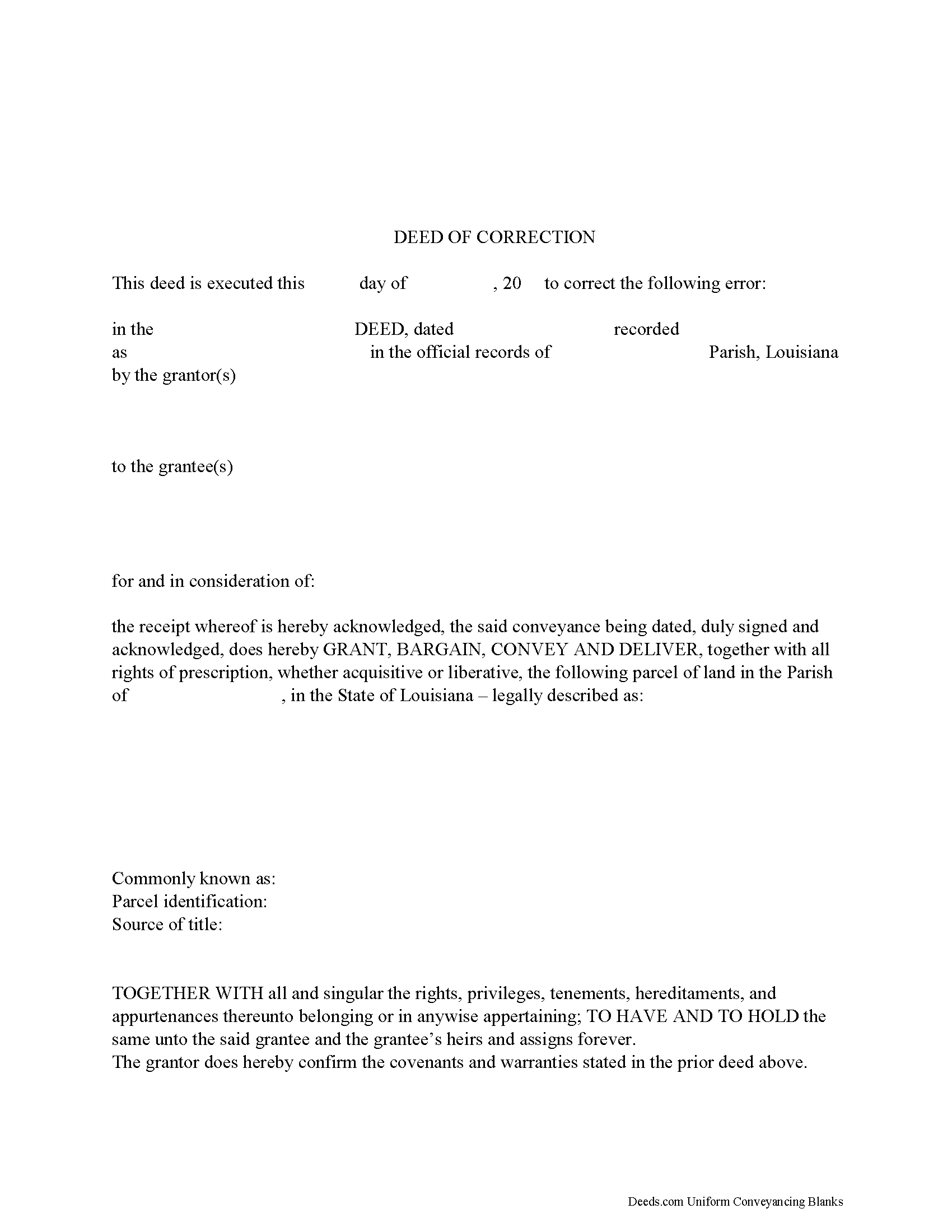
Assumption Parish Correction Deed Form
Fill in the blank form formatted to comply with all recording and content requirements.
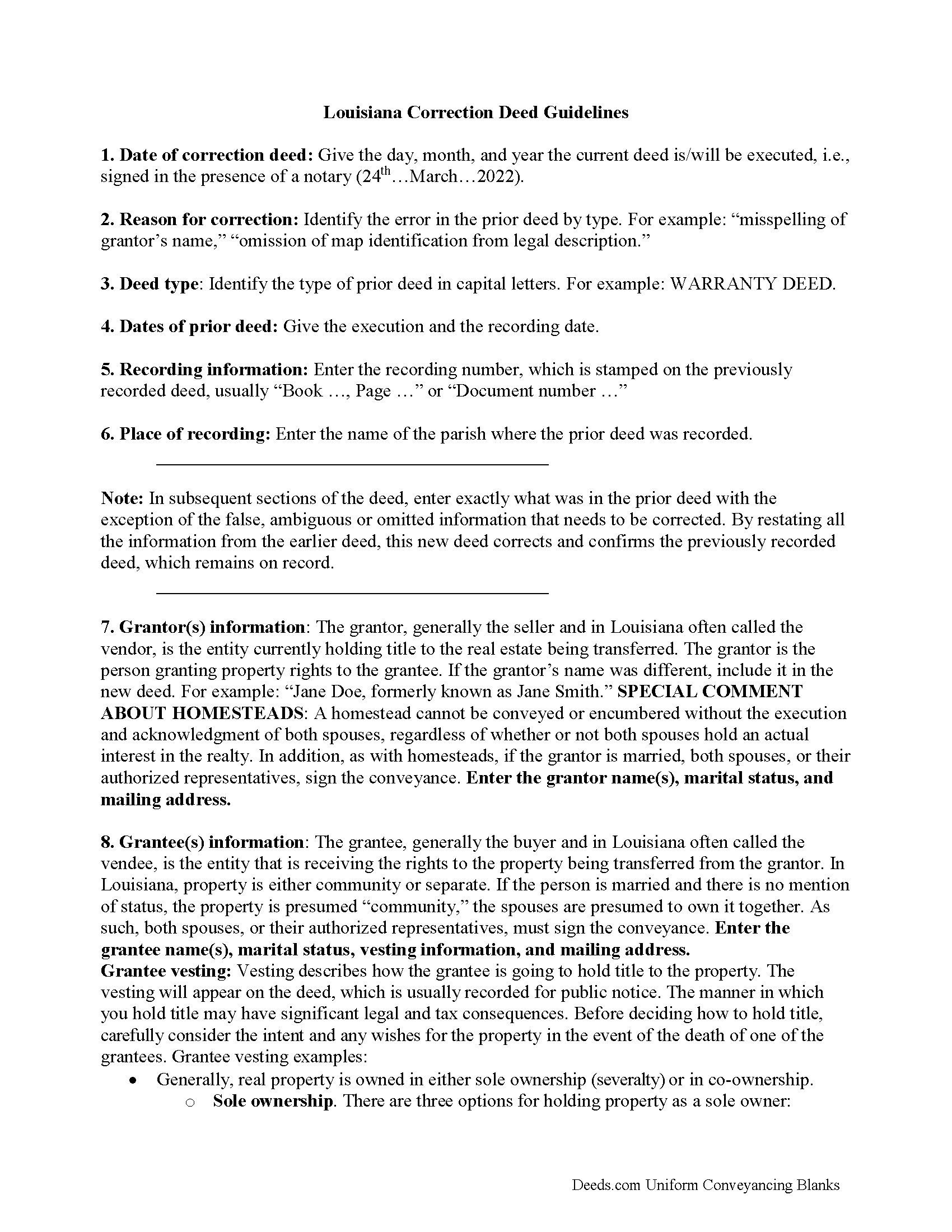
Assumption Parish Correction Deed Guide
Line by line guide explaining every blank on the form.
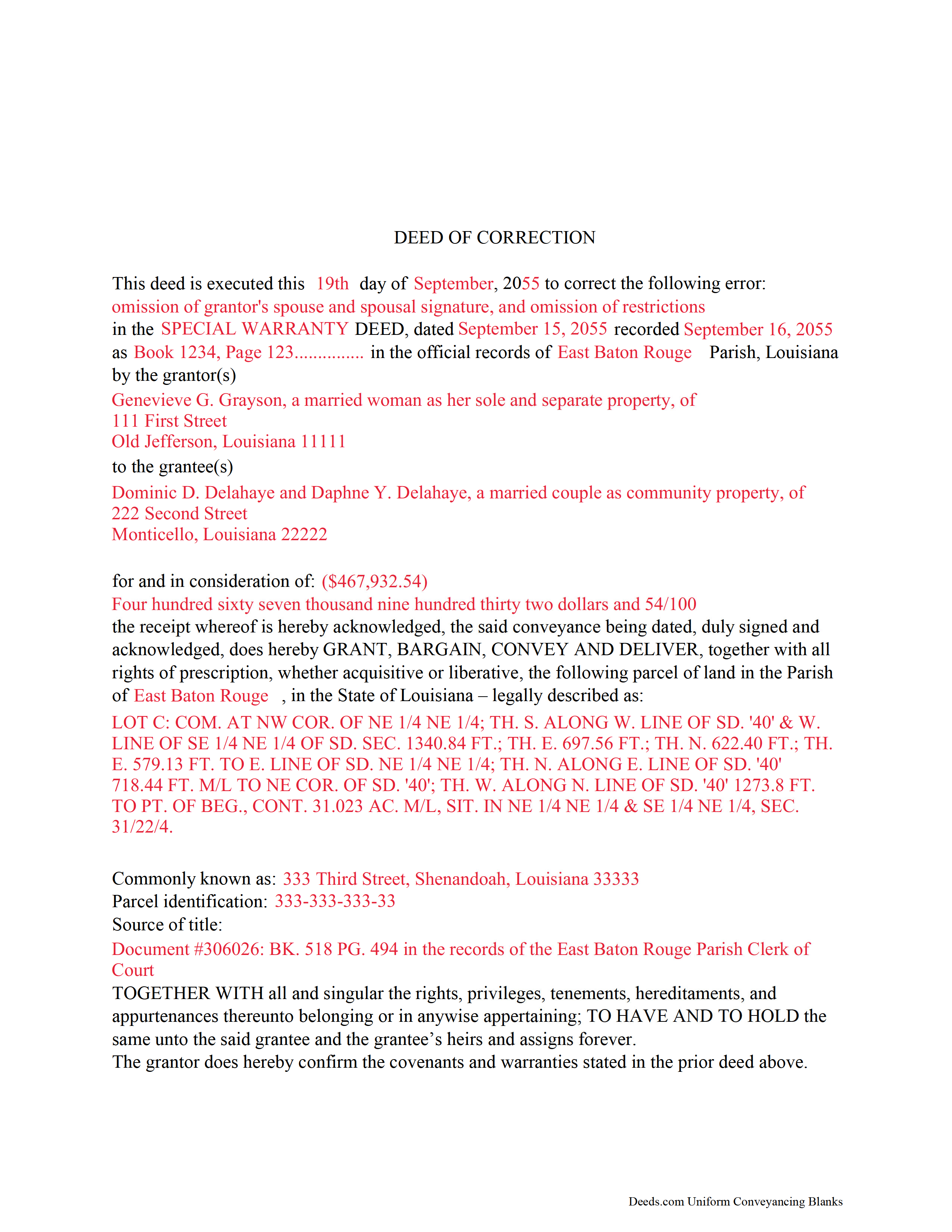
Assumption Parish Completed Example of the Correction Deed Document
Example of a properly completed form for reference.
All 3 documents above included • One-time purchase • No recurring fees
Immediate Download • Secure Checkout
Additional Louisiana and Assumption Parish documents included at no extra charge:
Where to Record Your Documents
Assumption Clerk of Court
Napoleonville, Louisiana 70390
Hours: 8:00 to 4:30 M-F
Phone: (985) 369-6653 or 369-2478
Recording Tips for Assumption Parish:
- Bring your driver's license or state-issued photo ID
- Ensure all signatures are in blue or black ink
- Documents must be on 8.5 x 11 inch white paper
- Double-check legal descriptions match your existing deed
- Verify all names are spelled correctly before recording
Cities and Jurisdictions in Assumption Parish
Properties in any of these areas use Assumption Parish forms:
- Belle Rose
- Labadieville
- Napoleonville
- Paincourtville
- Pierre Part
- Plattenville
Hours, fees, requirements, and more for Assumption Parish
How do I get my forms?
Forms are available for immediate download after payment. The Assumption Parish forms will be in your account ready to download to your computer. An account is created for you during checkout if you don't have one. Forms are NOT emailed.
Are these forms guaranteed to be recordable in Assumption Parish?
Yes. Our form blanks are guaranteed to meet or exceed the applicable formatting requirements used for recording in Assumption Parish, including margin requirements, font requirements, and other layout standards. This guarantee applies to formatting, not to the legal sufficiency of information entered by the user or the suitability of a form for a particular transaction.
Can I reuse these forms?
Yes. You can reuse the forms for your personal use. For example, if you have multiple properties in Assumption Parish you only need to order once.
What do I need to use these forms?
The forms are PDFs that you fill out on your computer. The free Adobe Acrobat Reader is recommended, and most PDF apps also work. You do NOT enter your property information online - you download the blank forms and complete them privately on your own computer.
Are there any recurring fees?
No. This is a one-time purchase. Nothing to cancel, no memberships, no recurring fees.
How much does it cost to record in Assumption Parish?
Recording fees in Assumption Parish vary. Contact the recorder's office at (985) 369-6653 or 369-2478 for current fees.
Questions answered? Let's get started!
Use the correction deed to correct an error in a previously recorded quitclaim, warranty or grant deed in Louisiana.
In Louisiana, a previously recorded deed can be corrected by recording a second deed for the sole purpose of correcting the error and preventing potential title flaws, which may create problems when the current owner attempts to sell the property. The correction deed does not convey title but confirms the prior conveyance. For the most part it reiterates the prior deed verbatim, except for the correction.
Louisiana statutes also allow for an affidavit or act of correction, which must be executed by the notary or preparer of the original act or deed, or by a notary familiar with the records and the reason for the necessary correction. Such an act of correction is effective retroactively "to the date of recordation of the original act," but does not "prejudice the rights acquired by any third person before the act of correction is recorded" (LARS 35.2.1). It is usually reserved for clerical errors, such as minor omissions or typographical mistakes, sometimes called scrivener's errors.
When in doubt about the gravity of the error and its effects, it may be safer to record a correction deed since that involves execution by the affected parties and acknowledgment by a notary in the presence of two witnesses. The correction deed must be executed from the original grantor to the original grantee and state that its purpose is to correct a specific error, identified by type. It references the prior deed by date(s) and by book and page number, as well as place of recording.
Certain types of changes, however, might not be achieved by the use of a correction deed. Adding or omitting a grantee, for example, or changing the manner in which title is held, or making material changes to the legal description, especially deleting a portion of the originally transferred property, may all require a new deed of conveyance instead of a correction of the original deed.
(Louisiana CD Package includes form, guidelines, and completed example)
Important: Your property must be located in Assumption Parish to use these forms. Documents should be recorded at the parish recording office listed above.
This Correction Deed meets all recording requirements specific to Assumption Parish.
Our Promise
The documents you receive here are guaranteed to meet or exceed the applicable Assumption Parish recording format requirements. If there is a rejection caused by our formatting, we will correct the issue or refund your payment. This guarantee applies to document formatting only and does not extend to information entered by the user, the selection of the form, or the legal effect of the completed document.
Save Time and Money
Get your Assumption Parish Correction Deed form done right the first time with Deeds.com Uniform Conveyancing Blanks. At Deeds.com, we understand that your time and money are valuable resources, and we don't want you to face a penalty fee or rejection imposed by a county recorder for submitting nonstandard documents. We constantly review and update our forms to meet rapidly changing state and county recording requirements for roughly 3,500 counties and local jurisdictions.
4.8 out of 5 - ( 4,828 Reviews )
Judith H. 5 out of 5 stars
This site was so easy. Got my documents in minutes. downloaded and they work perfectly and accurately. I LOVE THIS SITE AND COMPANY!!!
Thank you for your feedback. We really appreciate it. Have a great day!
Betty Z. 5 out of 5 stars
Thank you so much for giving us a service so important to many. I will pass on this pertinent process to all who need it. again, thank you. bz
Thanks so much Betty. We appreciate you. Have a spectacular day!
Laurence G. 5 out of 5 stars
Easy to use, inexpensive, very helpful
Thank you!
Bonnee G. 5 out of 5 stars
Arrived at your site from my county's government site. Saw that all the forms I think I need were included in one package deal, hopefully its the correct package. I Although I've not looked into other aspects of the site, retrieving the forms was pretty easy. Thank you
Thank you for your feedback. We really appreciate it. Have a great day!
David S. 5 out of 5 stars
This site was recommended by my County's Clerks office website. Let me tell you when I received my specific State and County's Quit Claim Deed forms from Deeds.com, every conceivable form that could be needed in addition to the full instructions, and a sample filled out form, I was impressed (five stars) and made things so easy for me to feel confident in my legal activity on a land transaction.
Thank you for your positive words! We’re thrilled to hear about your experience.
Peter M. 5 out of 5 stars
GREAT! site, had everything we needed to complete our estate planning for our children
Thank you for your feedback. We really appreciate it. Have a great day!
Silvana M. 5 out of 5 stars
This is a great service, I was worried about my NOC and Liens being filed in this terrible time!!! Happy I have this service Deeds.com!!!
Thank you for your feedback. We really appreciate it. Have a great day!
Steve B. 5 out of 5 stars
Good format. Timely response. Adding a photo of the property would be a good improvement.
Thank you for your feedback. We really appreciate it. Have a great day!
David S. 5 out of 5 stars
The form was just what I needed for the Circuit Court and Land Records office. The additional information provided was very helpful as well.
We appreciate your business and value your feedback. Thank you. Have a wonderful day!
Roger M. 5 out of 5 stars
EASY. WORKED WITH PROBLEMS.
Thank you!
Joey D. 5 out of 5 stars
Great product delivered immediately at very reasonable price. Highly recommend !
We appreciate your business and value your feedback. Thank you. Have a wonderful day!
Darlene T. 5 out of 5 stars
Worth the cost. Quick and easy!
We deeply appreciate the trust you have placed in our services. Thank you for your valuable feedback and for choosing us.
Rebecca M. 5 out of 5 stars
This was pretty easy to fill out. The directions on all of the forms was very good. This should make life much easier at the County Recorder. Thank you!
We appreciate your business and value your feedback. Thank you. Have a wonderful day!
Susan V. 5 out of 5 stars
With a little assist from the customer service department-- who was extremely nice and professional- I was able to get my documents printed. I was pleased with the process and hope that the forms will work out for me. Thank you deeds.com for saving me $250 in lawyers fees.
Thank you for your feedback. We really appreciate it. Have a great day!
Jonnie G. 5 out of 5 stars
I very much dreaded this whole endeavor but very pleasantly surprised. So far, so good. I feel much more confidant that the crucial form, when presented, will play well with the county.......
We appreciate your business and value your feedback. Thank you. Have a wonderful day!