Harford County Quitclaim Deed (Trustee Grantee) Form
Last validated October 5, 2026 by our Forms Development TeamFormatted for recording in Harford County, for property anywhere in the county or independent city: rural and unincorporated areas as well as Aberdeen, Aberdeen Proving Ground, Abingdon, Bel Air, Belcamp, Benson, Churchville, Darlington and 12 more.
- 3 documents included
- Immediate PDF download
- Formatting guarantee
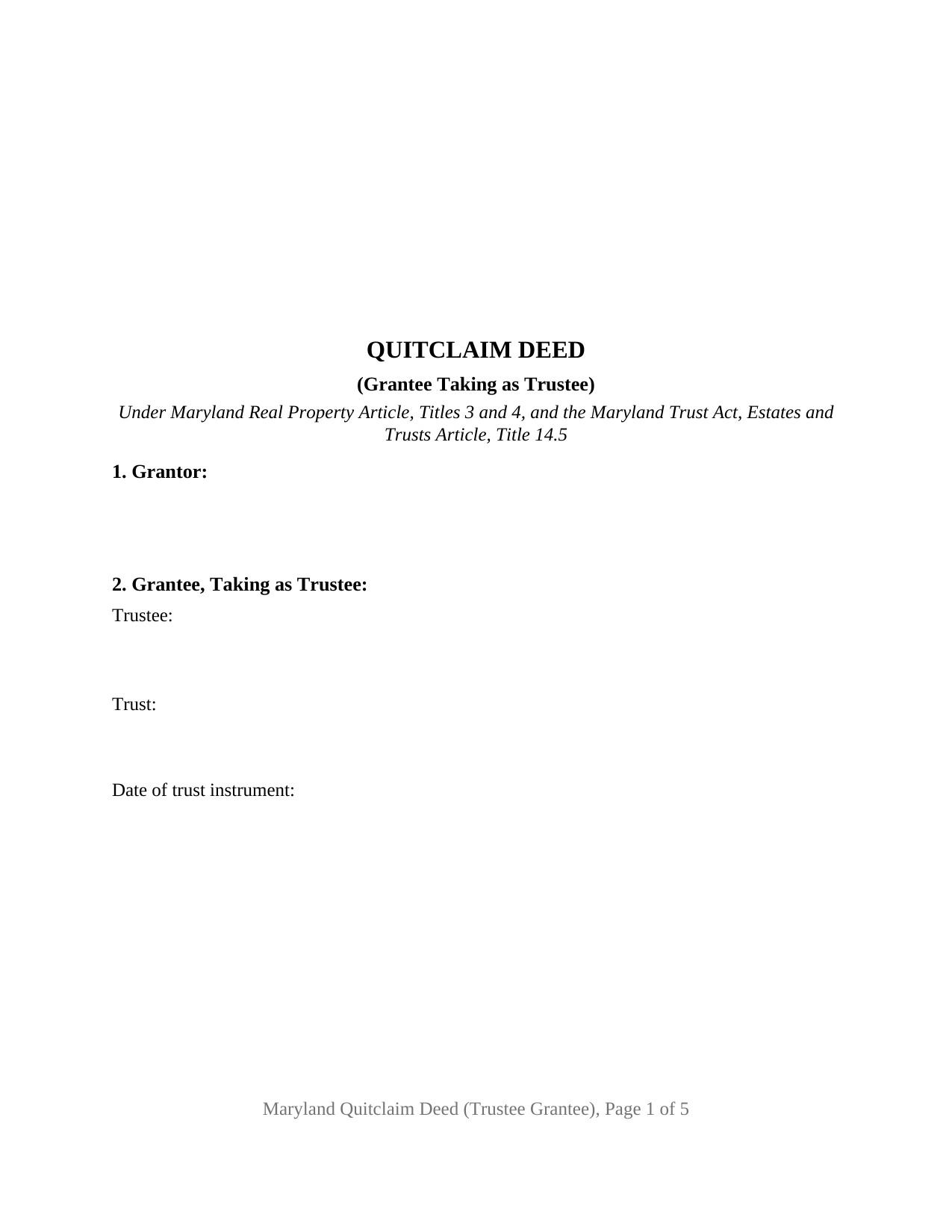
Harford County Quitclaim Deed (Trustee Grantee) Form
Fill in the blank Quitclaim Deed (Trustee Grantee) form formatted to comply with all Maryland recording and content requirements.
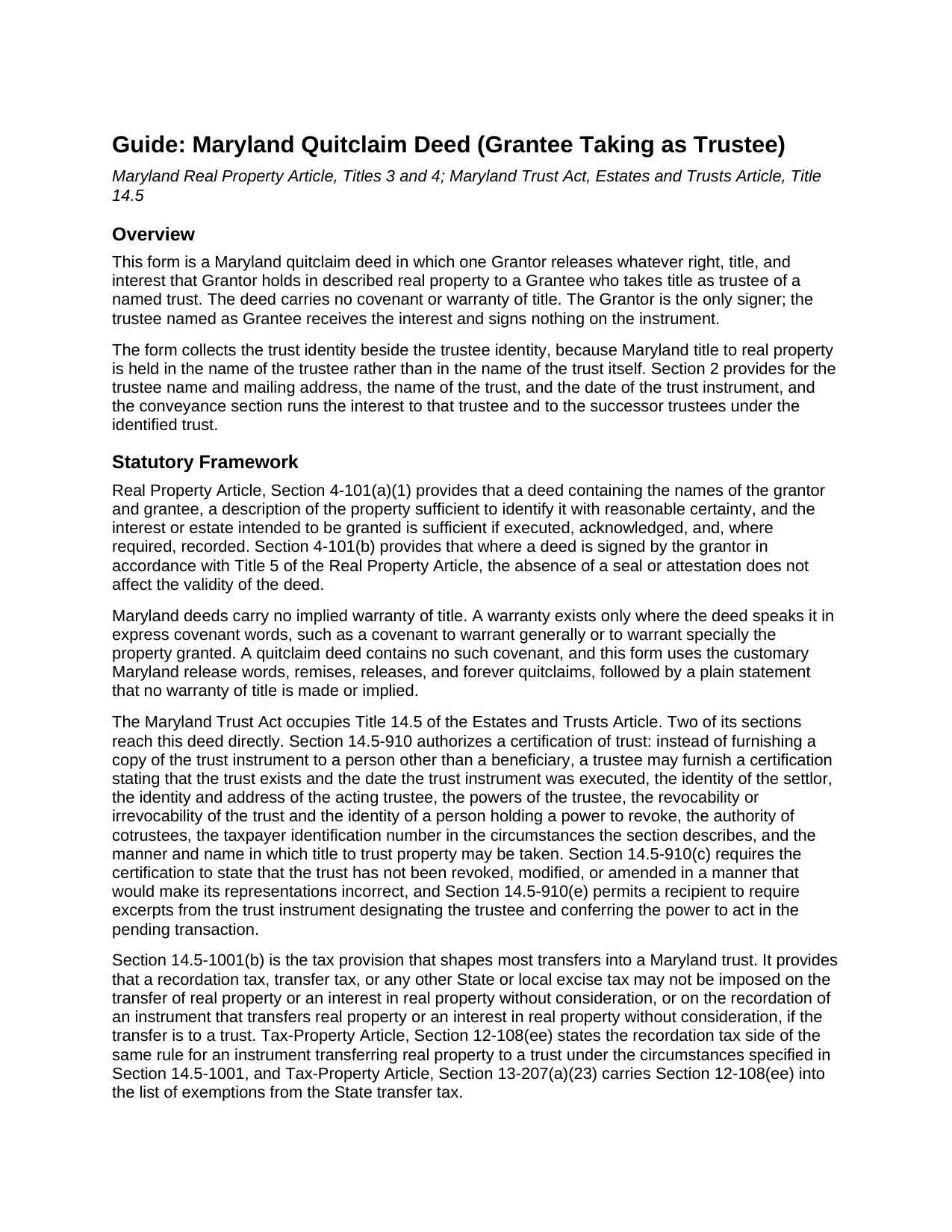
Harford County Quitclaim Deed (Trustee Grantee) Guide
Line by line guide explaining every blank on the Quitclaim Deed (Trustee Grantee) form.
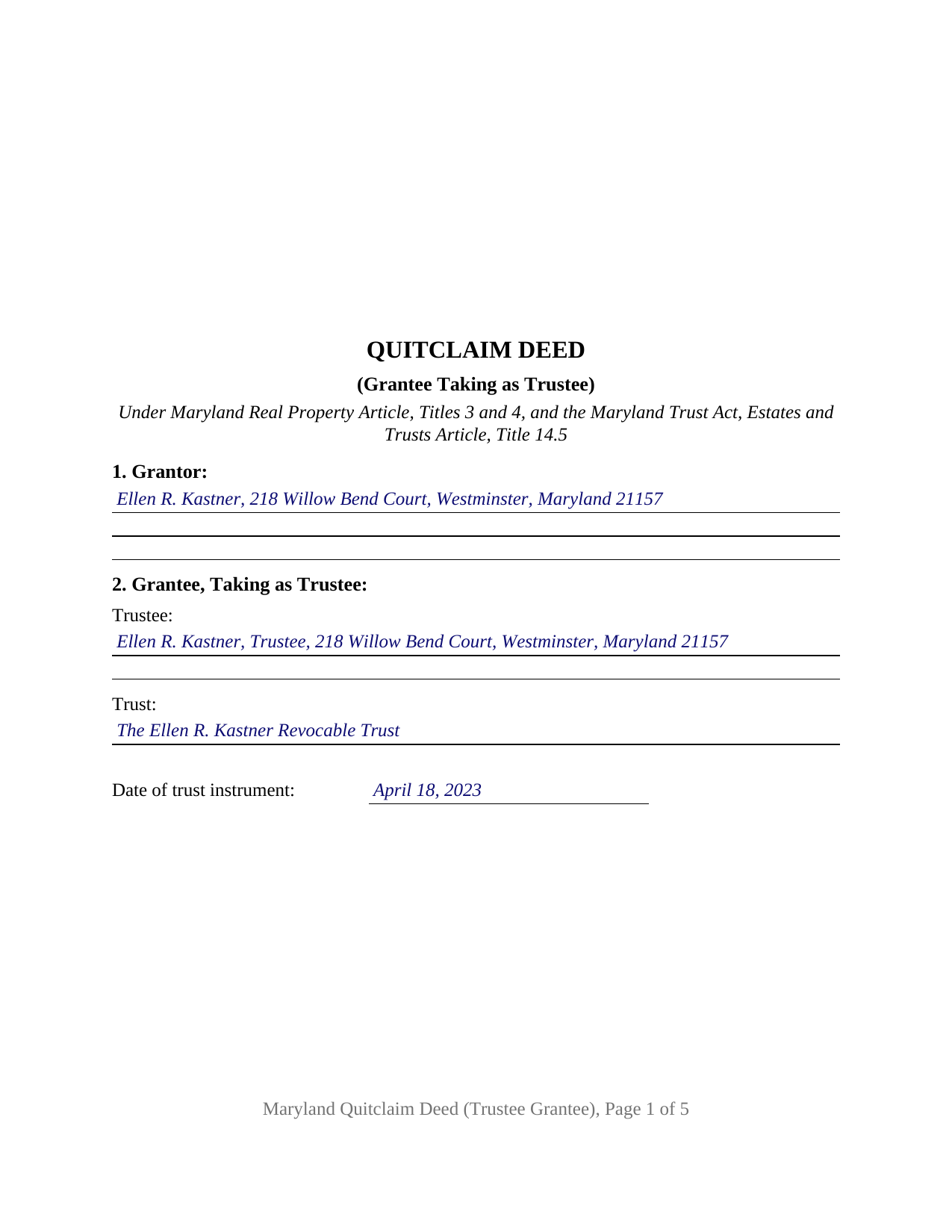
Harford County Completed Example of the Quitclaim Deed (Trustee Grantee) Document
Example of a properly completed Maryland Quitclaim Deed (Trustee Grantee) document for reference.
All 3 documents above included • One-time purchase • No recurring fees
Immediate Download • Secure Checkout
Additional Maryland and Harford County documents included at no extra charge:
Where to Record Your Documents
Clerk of the Circuit Court
Bel Air, Maryland 21014
Hours: 8:30am to 4:30pm Monday through Friday
Phone: 410-838-4952
Recording Tips for Harford County:
- Bring your driver's license or state-issued photo ID
- Ensure all signatures are in blue or black ink
- Make copies of your documents before recording - keep originals safe
- Recorded documents become public record - avoid including SSNs
- Recording fees may differ from what's posted online - verify current rates
Cities and Jurisdictions in Harford County
Properties in any of these areas use Harford County forms:
- Aberdeen
- Aberdeen Proving Ground
- Abingdon
- Bel Air
- Belcamp
- Benson
- Churchville
- Darlington
- Edgewood
- Fallston
- Forest Hill
- Gunpowder
- Havre De Grace
- Jarrettsville
- Joppa
- Perryman
- Pylesville
- Street
- White Hall
- Whiteford
Hours, fees, requirements, and more for Harford County
How do I get my forms?
Forms are available for immediate download after payment. The Harford County forms will be in your account ready to download to your computer. An account is created for you during checkout if you don't have one. Forms are NOT emailed.
Are these forms guaranteed to be recordable in Harford County?
Yes. Our form blanks are guaranteed to meet or exceed the applicable formatting requirements used for recording in Harford County, including margin requirements, font requirements, and other layout standards. This guarantee applies to formatting, not to the legal sufficiency of information entered by the user or the suitability of a form for a particular transaction.
Can I reuse these forms?
Yes. You can reuse the forms for your personal use. For example, if you have multiple properties in Harford County you only need to order once.
What do I need to use these forms?
The forms are PDFs that you fill out on your computer. The free Adobe Acrobat Reader is recommended, and most PDF apps also work. You do NOT enter your property information online - you download the blank forms and complete them privately on your own computer.
Are there any recurring fees?
No. This is a one-time purchase. Nothing to cancel, no memberships, no recurring fees.
How much does it cost to record in Harford County?
Recording fees in Harford County vary. Contact the recorder's office at 410-838-4952 for current fees.
Questions answered? Let's get started!
Trust real estate in Maryland is titled in the trustee, never in the trust as such, and that is the entry this quitclaim deed is built around. A single Grantor releases the right, title, and interest the land records show in that Grantor's name, and the release runs to a named trustee and to the successor trustees under the trust the deed identifies. No covenant or warranty of title comes with it, so what reaches the trustee is what the Grantor could give, held in a fiduciary capacity rather than personally.
A grantee entry that names a capacity
Where an ordinary deed asks for a grantee, this one asks for three things: the trustee's name and mailing address, the name of the trust, and the date of the trust instrument. Those coordinates let a later reader of the chain place the title. Estates and Trusts Article Section 14.5-910 works from the same set when it lists what a certification of trust may state, among them the date the trust instrument was executed, the identity and address of the acting trustee, the trustee's powers in the pending transaction, and the manner and name in which title to trust property may be taken. That certification, which keeps the trust instrument itself private, is prepared separately and is not included here. The deed does the narrower job of moving the interest and stating the capacity in which the Grantee takes it.
The tax rule that meets a transfer into trust
Estates and Trusts Article Section 14.5-1001(b) is unusually direct. A recordation tax, a transfer tax, or any other State or local excise tax may not be imposed on a transfer of real property, or on the recordation of an instrument transferring real property, made without consideration, where the transfer is to a trust. The Tax-Property Article says the same thing from the tax side: Section 12-108(ee) exempts an instrument transferring real property to a trust under the circumstances Section 14.5-1001 specifies, and Section 13-207(a)(23) carries that subsection into the roster of State transfer tax exemptions. Consideration is still recited: Section 12-104(a) puts the consideration payable, including the principal amount of any mortgage debt the grantee assumes, in the recitals or the acknowledgment or in an accompanying affidavit. A funding transfer enters zero there, the same zero Tax-General Article Section 10-912(a)(6) reads for nonresident withholding. The form gives the exemption its own numbered section, so the citation sits on the face of the instrument as well as on the intake sheet.
One signature, and it is not the trustee's
The form recites exactly one Grantor, signing personally, with a single acknowledgment certificate on the State Government Article Section 18-216 short form and a certificate of preparation carrying a capacity blank. The Grantee signs nothing, because acceptance and authority live in the trust instrument rather than on the deed. Patterns presenting this configuration appear in the land records: an owner funding an irrevocable trust with a parcel, a relative serving as trustee of a family trust taking land from the person who created it, and a conveyance placing title in the named trustee where an earlier instrument had named only the trust. The form is not set up as a release by two Grantors, as a grant to grantees taking in their individual capacities, or as an instrument executed on the Grantor side by a trustee, a personal representative, or an attorney-in-fact.
Maryland formalities on the face of the form
Acknowledgment before a notarial officer is the governing execution formality, and the deed carries no witness line and no seal, since Real Property Article Section 4-101(b) leaves validity untouched by the absence of either. Section 3-104(f) supplies the preparation certificate a Maryland deed cannot be recorded without, Section 3-104(d) puts a printed name with the signature, and the page answers the margin reserve of Section 3-104(e)(1)(i)2, enforceable by refusal as well as by extra charge since October 1, 2025. Filing happens at the Clerk of the Circuit Court for the county or Baltimore City where the land lies.
What the download contains
The download holds three items: the blank fillable Maryland quitclaim deed configured for a grantee taking as trustee, a completed example working a Carroll County trust funding transfer through every blank, and a plain-language guide covering the sections in order, the vesting forms a Maryland grantee may take, signing and notarization, the taxes, and county recording. Everything here describes Maryland law and this form; it is informational and is not legal advice.
Important: Your property must be located in Harford County to use these forms. Documents should be recorded at the county or independent city recording office listed above.
This Quitclaim Deed (Trustee Grantee) meets all recording requirements specific to Harford County.
Our Promise
The documents you receive here are guaranteed to meet or exceed the applicable Harford County recording format requirements. If there is a rejection caused by our formatting, we will correct the issue or refund your payment. This guarantee applies to document formatting only and does not extend to information entered by the user, the selection of the form, or the legal effect of the completed document.
Save Time and Money
Get your Harford County Quitclaim Deed (Trustee Grantee) form done right the first time with Deeds.com Uniform Conveyancing Blanks. At Deeds.com, we understand that your time and money are valuable resources, and we don't want you to face a penalty fee or rejection imposed by a county recorder for submitting nonstandard documents. We constantly review and update our forms to meet rapidly changing state and county recording requirements for roughly 3,500 counties and local jurisdictions.
4.8 out of 5 - ( 4,836 Reviews )
Patricia W. 5 out of 5 stars
Easy to use with the itemized instruction.
Thank you for your feedback. We really appreciate it. Have a great day!
Robert J. F. 5 out of 5 stars
Nice work. Easy to use site for reasonable price. Thank you.
Thank you for your feedback. We really appreciate it. Have a great day!
Karen M. 5 out of 5 stars
Great way to get the forms you need. Quick, easy and affordable
Thank you!
Rose C. 5 out of 5 stars
easy breezy *****
We appreciate your business and value your feedback. Thank you. Have a wonderful day!
Holly M. 5 out of 5 stars
This was the simplest method of filing a document that I've ever encountered. I've already recommended it my colleagues, and would highly encourage anyone to use it. Fast, easy, simple.
We appreciate your business and value your feedback. Thank you. Have a wonderful day!
Patricia C. 5 out of 5 stars
Deeds.com saved me time and research by offering a beneficiary deed and full instructions for filling it out. My home will now pass directly to my only son without probate. This form and other complimentary forms was an excellent value.
Thank you for your feedback. We really appreciate it. Have a great day!
ARACELI V. 5 out of 5 stars
AWESOME COMPANY RELIABLE FAST AND EASY, VERY ECONOMIC, LOVE TO WORK WITH THEM , GREAT CUSTOMER SERVICE , THEY REPLY TO YOU FAST
Thank you for your feedback. We really appreciate it. Have a great day!
Jayne S. 5 out of 5 stars
Simple and quick -- just what we needed!
Your feedback is greatly appreciated. Thank you for taking the time to share your experience!
Lori W. 5 out of 5 stars
Timely, efficient and easy to use.
We appreciate your business and value your feedback. Thank you. Have a wonderful day!
Kathryn C. 2 out of 5 stars
The transfer deed documents are laid out the way county offices need, but I don't like the requirements so I'm going to leave a bad review.
Well, thanks we guess.
Michael F. 5 out of 5 stars
VERY EFFICIENT AND PLEASANT.
Thank you for your feedback. We really appreciate it. Have a great day!
Maryanne M. 5 out of 5 stars
Excellent service and actually better than expected. Plus if the information is not available you refund my money immediately. I will use this service again and again. Thanks
Thank you for your feedback. We really appreciate it. Have a great day!
Sara W. 5 out of 5 stars
Got the legal forms, they worked. Nothing exciting but that probably a good thing.
Thank you Sara, we appreciate you.
Diane P. 5 out of 5 stars
Form was very easy to use and was processed/ recorded with no issue. Thank you it saved me from having to contact an attorney.
We appreciate your business and value your feedback. Thank you. Have a wonderful day!
EVE A. 5 out of 5 stars
Site was easy to navigate. I found the lien discharge form I was looking for immediately and the download and completion was simple. Thank you for having a great site.
Thank you for your feedback. We really appreciate it. Have a great day!