Calvert County Termination of Easement Form
Last validated October 15, 2026 by our Forms Development TeamFormatted for recording in Calvert County, for property anywhere in the county or independent city: rural and unincorporated areas as well as Barstow, Broomes Island, Chesapeake Beach, Dowell, Dunkirk, Huntingtown, Lusby, North Beach and 6 more.
- 3 documents included
- Immediate PDF download
- Formatting guarantee
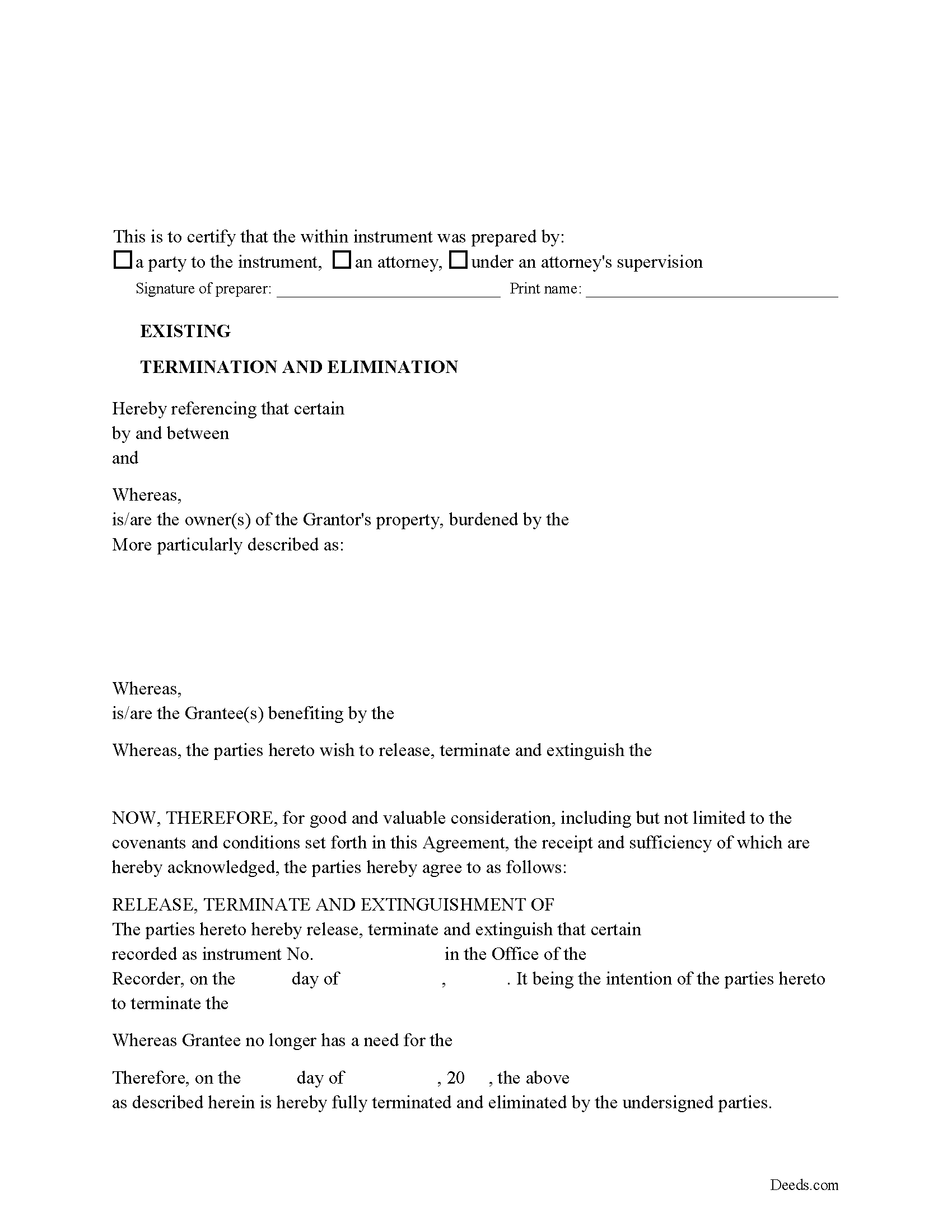
Calvert County Release of Easement, Right of Way Form
Fill in the blank form formatted to comply with all recording and content requirements.
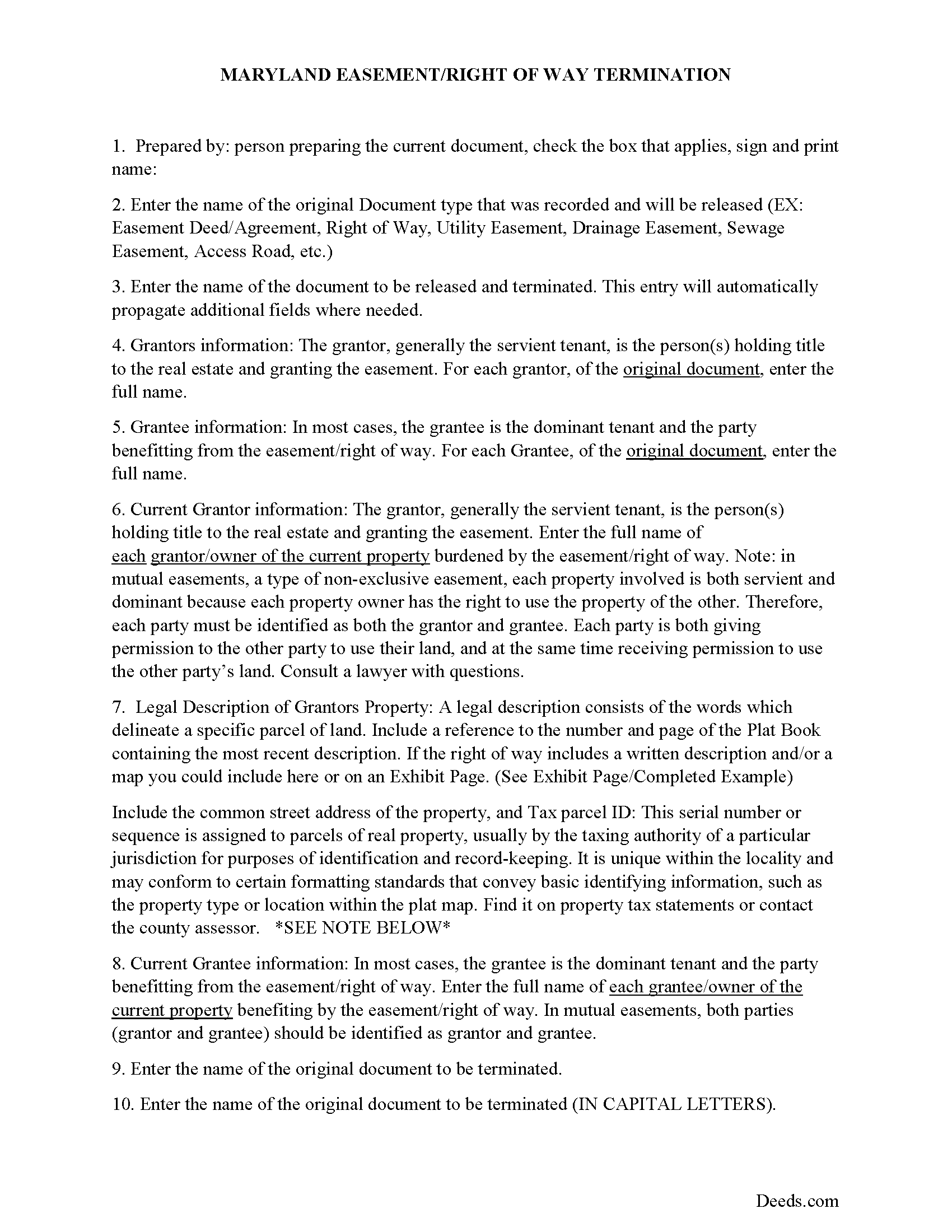
Calvert County Guidelines for Release of Easement
Line by line guide explaining every blank on the form.
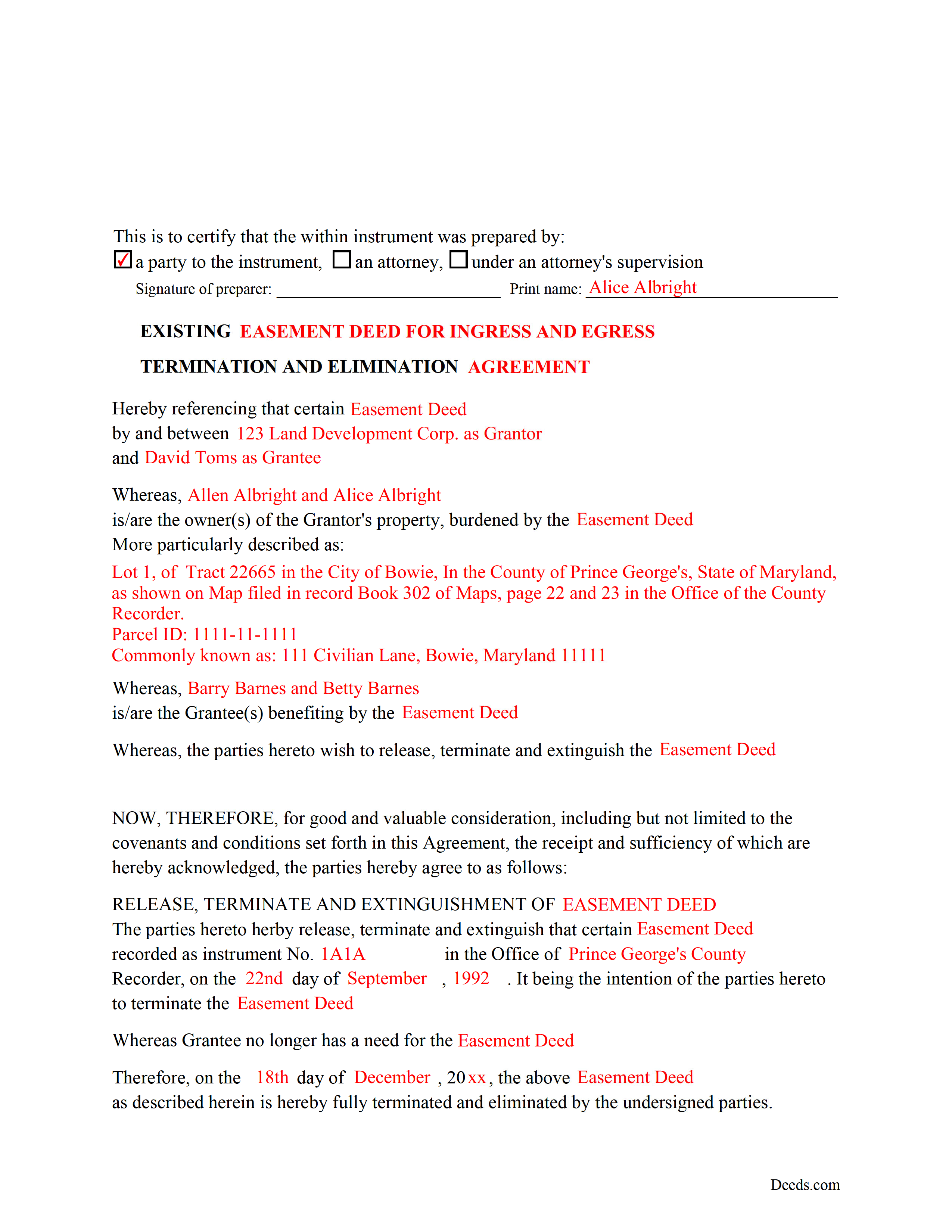
Calvert County Completed Example of the Release of Easement Document
Example of a properly completed form for reference.
All 3 documents above included • One-time purchase • No recurring fees
Immediate Download • Secure Checkout
Additional Maryland and Calvert County documents included at no extra charge:
Where to Record Your Documents
Circuit Court Clerk's Office
Prince Frederick, Maryland 20678
Hours: 8:30 to 4:30 M-F
Phone: (410) 535-1600 Ext. 2267
Recording Tips for Calvert County:
- Bring your driver's license or state-issued photo ID
- Ensure all signatures are in blue or black ink
- Ask about their eRecording option for future transactions
- Avoid the last business day of the month when possible
- Both spouses typically need to sign if property is jointly owned
Cities and Jurisdictions in Calvert County
Properties in any of these areas use Calvert County forms:
- Barstow
- Broomes Island
- Chesapeake Beach
- Dowell
- Dunkirk
- Huntingtown
- Lusby
- North Beach
- Owings
- Port Republic
- Prince Frederick
- Saint Leonard
- Solomons
- Sunderland
Hours, fees, requirements, and more for Calvert County
How do I get my forms?
Forms are available for immediate download after payment. The Calvert County forms will be in your account ready to download to your computer. An account is created for you during checkout if you don't have one. Forms are NOT emailed.
Are these forms guaranteed to be recordable in Calvert County?
Yes. Our form blanks are guaranteed to meet or exceed the applicable formatting requirements used for recording in Calvert County, including margin requirements, font requirements, and other layout standards. This guarantee applies to formatting, not to the legal sufficiency of information entered by the user or the suitability of a form for a particular transaction.
Can I reuse these forms?
Yes. You can reuse the forms for your personal use. For example, if you have multiple properties in Calvert County you only need to order once.
What do I need to use these forms?
The forms are PDFs that you fill out on your computer. The free Adobe Acrobat Reader is recommended, and most PDF apps also work. You do NOT enter your property information online - you download the blank forms and complete them privately on your own computer.
Are there any recurring fees?
No. This is a one-time purchase. Nothing to cancel, no memberships, no recurring fees.
How much does it cost to record in Calvert County?
Recording fees in Calvert County vary. Contact the recorder's office at (410) 535-1600 Ext. 2267 for current fees.
Questions answered? Let's get started!
Use this form to release, terminate, extinguish a previously recorded document that involves access to and from a property.
Documents such as:
1. Easement Deeds or Agreements (An easement is a non-possessory interest in land, granting the right to use someone else's property for a specific purpose, like a driveway or utility line)
2. Access Roads
3. Right of Ways
4. Utility Easements (Power, Gas, Water, Sewer, Etc.)
5. Drainage Easements
This document allows the owner of the land, burdened by the access and the party that benefits from the access, to sign an agreement releasing the property from such access, under the premises the benefiting party no longer needs access. Once the easement is successfully terminated and the release is recorded, it should be reflected in the title records for the property, effectively removing the easement from the property's title.
(Termination of Easement Package includes form, guidelines, and completed example)
Important: Your property must be located in Calvert County to use these forms. Documents should be recorded at the county or independent city recording office listed above.
This Termination of Easement meets all recording requirements specific to Calvert County.
Our Promise
The documents you receive here are guaranteed to meet or exceed the applicable Calvert County recording format requirements. If there is a rejection caused by our formatting, we will correct the issue or refund your payment. This guarantee applies to document formatting only and does not extend to information entered by the user, the selection of the form, or the legal effect of the completed document.
Save Time and Money
Get your Calvert County Termination of Easement form done right the first time with Deeds.com Uniform Conveyancing Blanks. At Deeds.com, we understand that your time and money are valuable resources, and we don't want you to face a penalty fee or rejection imposed by a county recorder for submitting nonstandard documents. We constantly review and update our forms to meet rapidly changing state and county recording requirements for roughly 3,500 counties and local jurisdictions.
4.8 out of 5 - ( 4,842 Reviews )
Donna C. 5 out of 5 stars
I was very impressed with the system. Easy to navigate. Took less than 15 minutes to get what I needed.
We appreciate your business and value your feedback. Thank you. Have a wonderful day!
Amanda P. 5 out of 5 stars
Quick kind and useful feedback provided related to issues.
We appreciate your business and value your feedback. Thank you. Have a wonderful day!
Monte J. 5 out of 5 stars
Very helpful.
Thank you!
Stephen B. 1 out of 5 stars
5 stars. Licensed to practice law for 25 years in multiple jurisdictions, the most dreaded part of doing what you already know how to do is researching again to make sure the legislatures have not changed the rules while you were doing something else. 22 bucks for this package is one hell of a deal and a real timesaver. Many thanks.
Thank you for your feedback. We really appreciate it. Have a great day!
MARY LACEY M. 5 out of 5 stars
I am extremely impressed with the quality of this service. They are a pleasure to work with and I know I can rely on them.
Thank you for your feedback. We really appreciate it. Have a great day!
Josephine A. 5 out of 5 stars
Being a first timer, I was hesitant at first to use the service. I was genuinely surprised at how easy it is to set up an account, upload my document, and pay the invoice. The next day I downloaded my document duly recorded. Good work, guys!
Thank you for your feedback. We really appreciate it. Have a great day!
Frank K. 5 out of 5 stars
One thing I suggest is use the nomenclature Borrower / Lender / instead of Mortgatator / Mortgatee… Had to google which is which ? !
Thank you for your feedback. We really appreciate it. Have a great day!
Marsha C. 5 out of 5 stars
Awesome so far! What a great service!
Thank you Marsha, we really appreciate your feedback.
Alan S. 5 out of 5 stars
Quick, easy, and accurate. And if there's ever a problem, the resolution is also quick, easy, and accurate. The service is hard to beat.
Thank you for your feedback. We really appreciate it. Have a great day!
John M. 5 out of 5 stars
I ordered my gift deed forms one evening, filled them out the next day, and registered them with the register of deeds the next morning. Boom. Done! Easy peasy, no lawyer expense!
Thank you!
Michele J. 5 out of 5 stars
I found a typo. It would be good to list the documents an individual needs to fill out the form.
Thank you!
Kathy H. 5 out of 5 stars
Very accommodating and self explanatory.
It was a pleasure serving you. Thank you for the positive feedback!
Debbra .S C. 5 out of 5 stars
Very easy and nice website to use.
Thank you for your feedback. We really appreciate it. Have a great day!
David L. 4 out of 5 stars
It was a very easy to use application. I can only give it four stars because I have yet to receive confirmation from the county that my application was acceptable, ie., format, font, etc. I believe it will be fine.
Thank you for your feedback. We really appreciate it. Have a great day!
Danelle S. 5 out of 5 stars
So easy and fast that even I could do it, and I'm technologically challenged! Thank you Deeds.com for taking care of the technical stuff so I can live and play. Definitely speedy delivery!
Thank you!