Tuscola County Correction Deed Form
Last validated September 18, 2026 by our Forms Development TeamFormatted for recording in Tuscola County, for property anywhere in the county: rural and unincorporated areas as well as Akron, Caro, Cass City, Deford, Fairgrove, Fostoria, Gagetown, Gilford and 8 more.
- 3 documents included
- Immediate PDF download
- Formatting guarantee
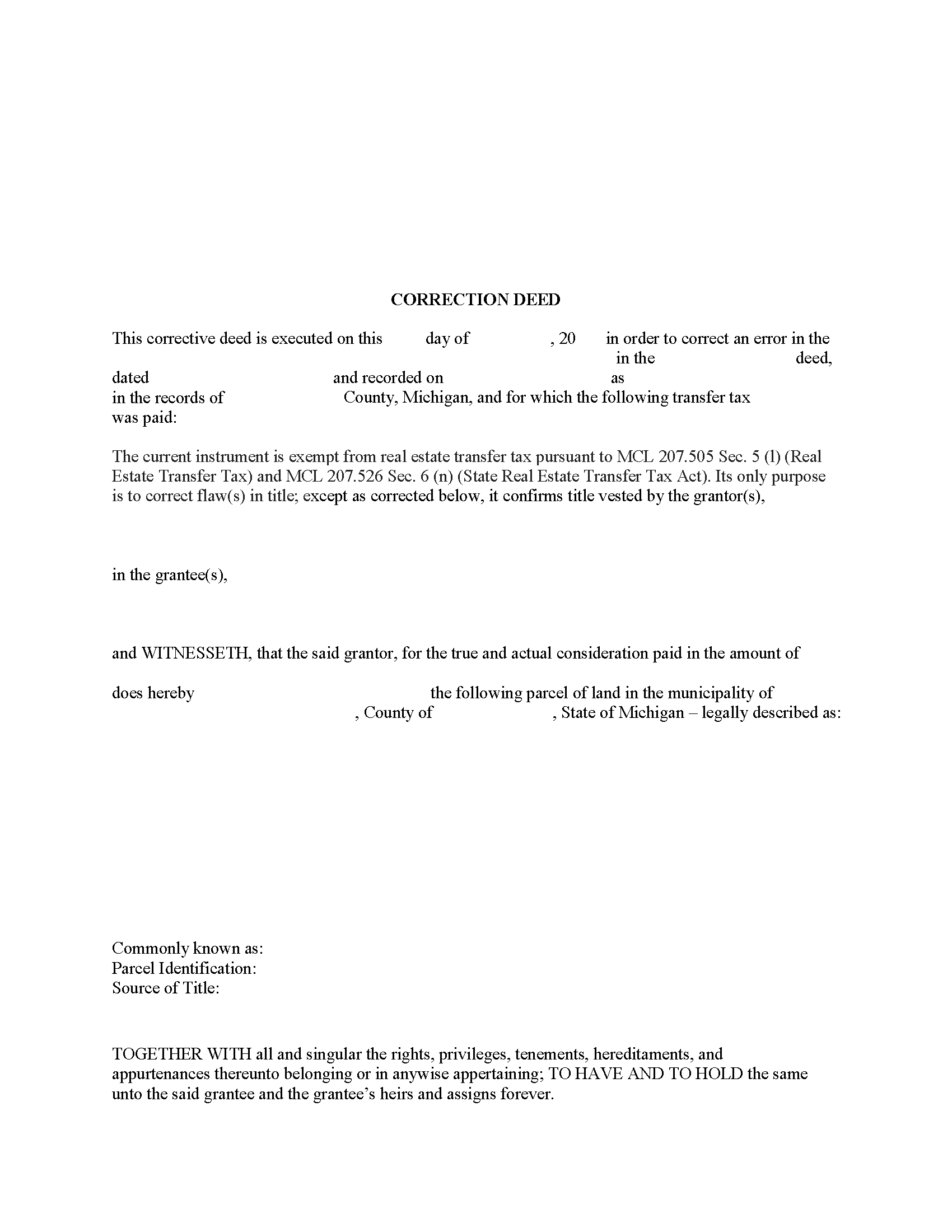
Tuscola County Correction Deed Form
Fill in the blank form formatted to comply with all recording and content requirements.
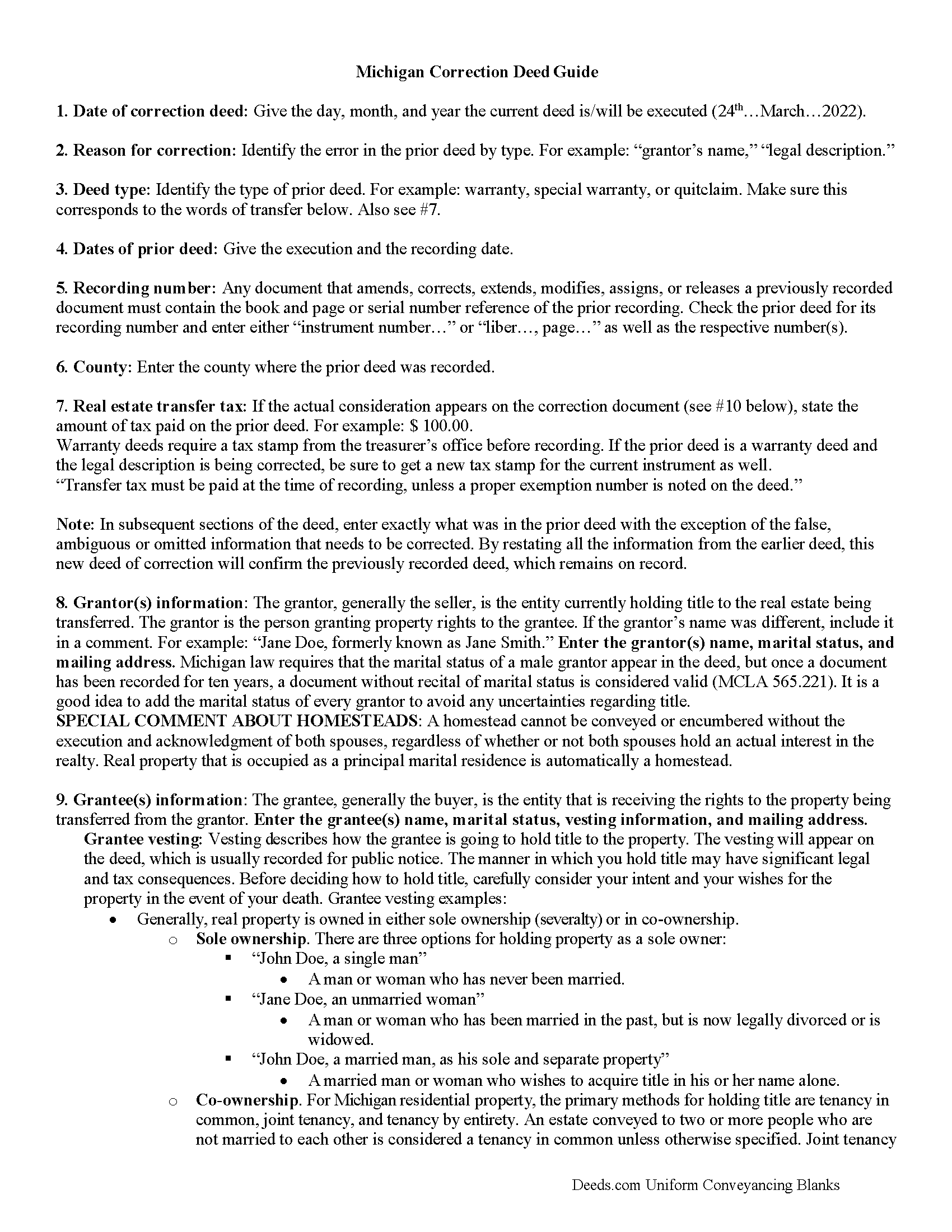
Tuscola County Correction Deed Guide
Line by line guide explaining every blank on the form.
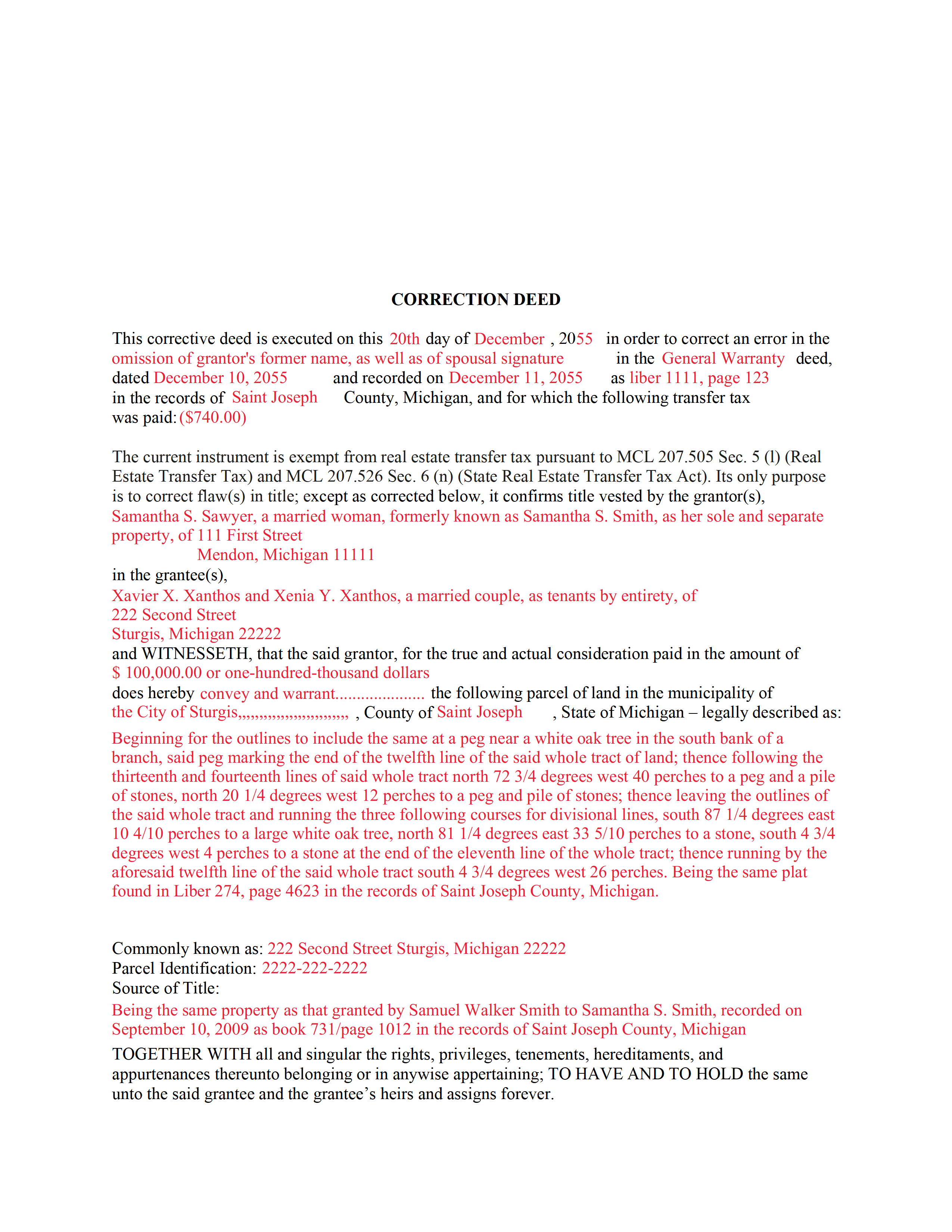
Tuscola County Completed Example of the Correction Deed Document
Example of a properly completed form for reference.
All 3 documents above included • One-time purchase • No recurring fees
Immediate Download • Secure Checkout
Additional Michigan and Tuscola County documents included at no extra charge:
Where to Record Your Documents
Tuscola County Register of Deeds
Caro, Michigan 48723-1591
Hours: 8:00 to 12:00 & 1:00 to 4:30 M-F
Phone: (989) 672-3840
Recording Tips for Tuscola County:
- Bring your driver's license or state-issued photo ID
- Ensure all signatures are in blue or black ink
- Recording fees may differ from what's posted online - verify current rates
- Request a receipt showing your recording numbers
- Ask about accepted payment methods when you call ahead
Cities and Jurisdictions in Tuscola County
Properties in any of these areas use Tuscola County forms:
- Akron
- Caro
- Cass City
- Deford
- Fairgrove
- Fostoria
- Gagetown
- Gilford
- Kingston
- Mayville
- Millington
- Reese
- Richville
- Tuscola
- Unionville
- Vassar
Hours, fees, requirements, and more for Tuscola County
How do I get my forms?
Forms are available for immediate download after payment. The Tuscola County forms will be in your account ready to download to your computer. An account is created for you during checkout if you don't have one. Forms are NOT emailed.
Are these forms guaranteed to be recordable in Tuscola County?
Yes. Our form blanks are guaranteed to meet or exceed the applicable formatting requirements used for recording in Tuscola County, including margin requirements, font requirements, and other layout standards. This guarantee applies to formatting, not to the legal sufficiency of information entered by the user or the suitability of a form for a particular transaction.
Can I reuse these forms?
Yes. You can reuse the forms for your personal use. For example, if you have multiple properties in Tuscola County you only need to order once.
What do I need to use these forms?
The forms are PDFs that you fill out on your computer. The free Adobe Acrobat Reader is recommended, and most PDF apps also work. You do NOT enter your property information online - you download the blank forms and complete them privately on your own computer.
Are there any recurring fees?
No. This is a one-time purchase. Nothing to cancel, no memberships, no recurring fees.
How much does it cost to record in Tuscola County?
Recording fees in Tuscola County vary. Contact the recorder's office at (989) 672-3840 for current fees.
Questions answered? Let's get started!
Use this correction deed to correct an error in a previously executed and recorded deed.
Correction deeds are used to adjust the earlier deed when that document contains minor errors of omission or typographical errors, sometimes called scrivener's mistakes. For example, a misspelled name, an omitted or wrong middle initial, a minor error in the property description, or an omitted execution date. Do not us the correction deed for more substantial changes, such as the removal of a name from a deed. Such alterations are better handled through a quit claim deed.
The correction deed, also called corrective deed, must state that its sole purpose is to correct a specific error, which is usually identified by type. For example: an error in the grantor's name, or an error in the grantor's marital status. It also must clearly reference the type of document it is correcting and state the execution and recording date of that prior document, as well as the number under which it was recorded, either referred to as instrument number or liber (book) and page number.
In subsequent sections, the correction deed repeats the information that was in the prior deed with the exception of the false, ambiguous or omitted information that needs to be corrected. By restating all the information from the earlier deed, this new deed of correction will confirm the previously recorded deed, which remains on record as is.
Warranty deeds require a tax stamp from the treasurer's office before recording. If the prior deed is a warranty deed and the legal description is being corrected, be sure to get a new tax stamp for the current instrument as well. In some counties, any deed that contains the word "warrant" must be checked by the treasurer's office first regardless of the type of correction.
(Michigan CD Package includes form, guidelines, and completed example)
Important: Your property must be located in Tuscola County to use these forms. Documents should be recorded at the county recording office listed above.
This Correction Deed meets all recording requirements specific to Tuscola County.
Our Promise
The documents you receive here are guaranteed to meet or exceed the applicable Tuscola County recording format requirements. If there is a rejection caused by our formatting, we will correct the issue or refund your payment. This guarantee applies to document formatting only and does not extend to information entered by the user, the selection of the form, or the legal effect of the completed document.
Save Time and Money
Get your Tuscola County Correction Deed form done right the first time with Deeds.com Uniform Conveyancing Blanks. At Deeds.com, we understand that your time and money are valuable resources, and we don't want you to face a penalty fee or rejection imposed by a county recorder for submitting nonstandard documents. We constantly review and update our forms to meet rapidly changing state and county recording requirements for roughly 3,500 counties and local jurisdictions.
4.8 out of 5 - ( 4,828 Reviews )
Brian O. 5 out of 5 stars
It's an instant download. I was very pleased that it included instructions and any necessary additional forms. Much easier than spending 3 hours on a county assessor's website searching for every single form. A good deal and I don't know how Deeds.com keeps up with thousands of counties. The fillable .pdf capability is a great enhancement.
Thank you for your feedback. We really appreciate it. Have a great day!
Joel B. 5 out of 5 stars
I would have liked more room in the text fields for describing the potential claim. had to use Exhibit A. Could not delete Exhibit B. Alo would like to have a custom footer - not deeds.com. Unprofessional.
Thank you for your feedback. We really appreciate it. Have a great day!
John S. 5 out of 5 stars
The website is very user-friendly. Easily to download forms.
Thank you!
Diana M. 5 out of 5 stars
First time user - process went very smooth and fast. It took me a little to find my messages. At first I didn't know you process documents other than deeds so maybe you should consider putting on your home page that it's not only for deeds - it's for any document that needs recording. :)
Thank you for your feedback. We really appreciate it. Have a great day!
james h. 5 out of 5 stars
Service was quick and easy to use. I got not only the necessary forms, but instructions and sample forms filled out. Highly recommended.
Thank you!
Jennifer M P. 5 out of 5 stars
Locating the deed I needed was not too hard. I love that you can download and complete it on your time frame.
Thank you!
LEON S. 5 out of 5 stars
recorded deed space to small for corrective deed requirement
Thank you for your feedback. We really appreciate it. Have a great day!
John U. 4 out of 5 stars
It's too early for me to tell because I just uploaded the document today and it hasn't been recorded yet. However, I will say that the website is very user friendly so assuming that everything goes as planned, this is a great service.
Thank you!
Trace A. 5 out of 5 stars
Deeds.com had much better and fuller information than any other help i found (90% complete vs 60 % complete); they tout how up-to-date they are on all the counties in the country and the idiosyncrasies of each county's forms and procedures; but some minor points of the info i needed were missing or confusing. Including that they sold me on e-Recording my deed through them, only to find out after i had done all the prep for that, that they had failed to tell me upfront (or i missed it somehow) that the county i was dealing with did not yet accept online recording. So, they were by far the best i found, but not 100%.
Thank you for your honest and thorough feedback Trace. We will review your concerns carefully in an effort to improve our services. Hope you have an amazing day.
Jeffrey G. 5 out of 5 stars
We had a one-time-only recording to make in the District of Columbia. We could not have e-filed the document without the assistance Deeds.com! The service they provided was wonderful.
Thank you for your feedback. We really appreciate it. Have a great day!
Donald W. 5 out of 5 stars
Well organized document preparation. Great way to save on legal fees
Thank you for your feedback. We really appreciate it. Have a great day!
JOHN H. 5 out of 5 stars
It was simple and fast thanks so much.
We appreciate your business and value your feedback. Thank you. Have a wonderful day!
Josephine R. 5 out of 5 stars
Completed, notarized, and recorded with no issues.
Thank you for your feedback. We really appreciate it. Have a great day!
Michael M. 5 out of 5 stars
THE PROCESS WENT VERY SMOOTH AND EASY
Thank you for your feedback. We really appreciate it. Have a great day!
Patricia J. 5 out of 5 stars
So simple. Thank you.
Thank you Patricia.