Calhoun County Mineral Deed Form
Last validated October 14, 2026 by our Forms Development TeamFormatted for recording in Calhoun County, for property anywhere in the county: rural and unincorporated areas as well as Albion, Athens, Battle Creek, Bedford, Burlington, Ceresco, East Leroy, Homer and 2 more.
- 3 documents included
- Immediate PDF download
- Formatting guarantee
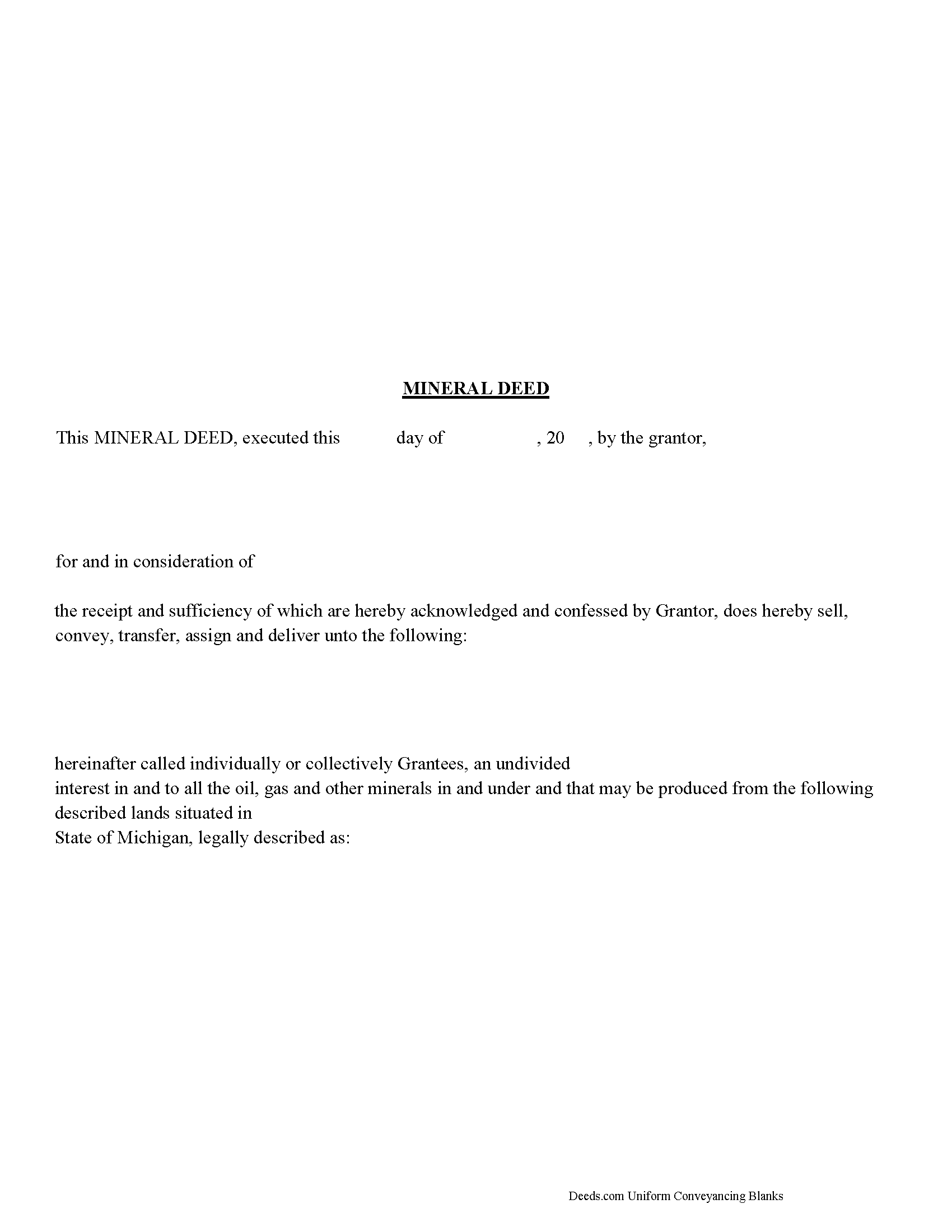
Calhoun County Mineral Deed Form
Fill in the blank form formatted to comply with all recording and content requirements.
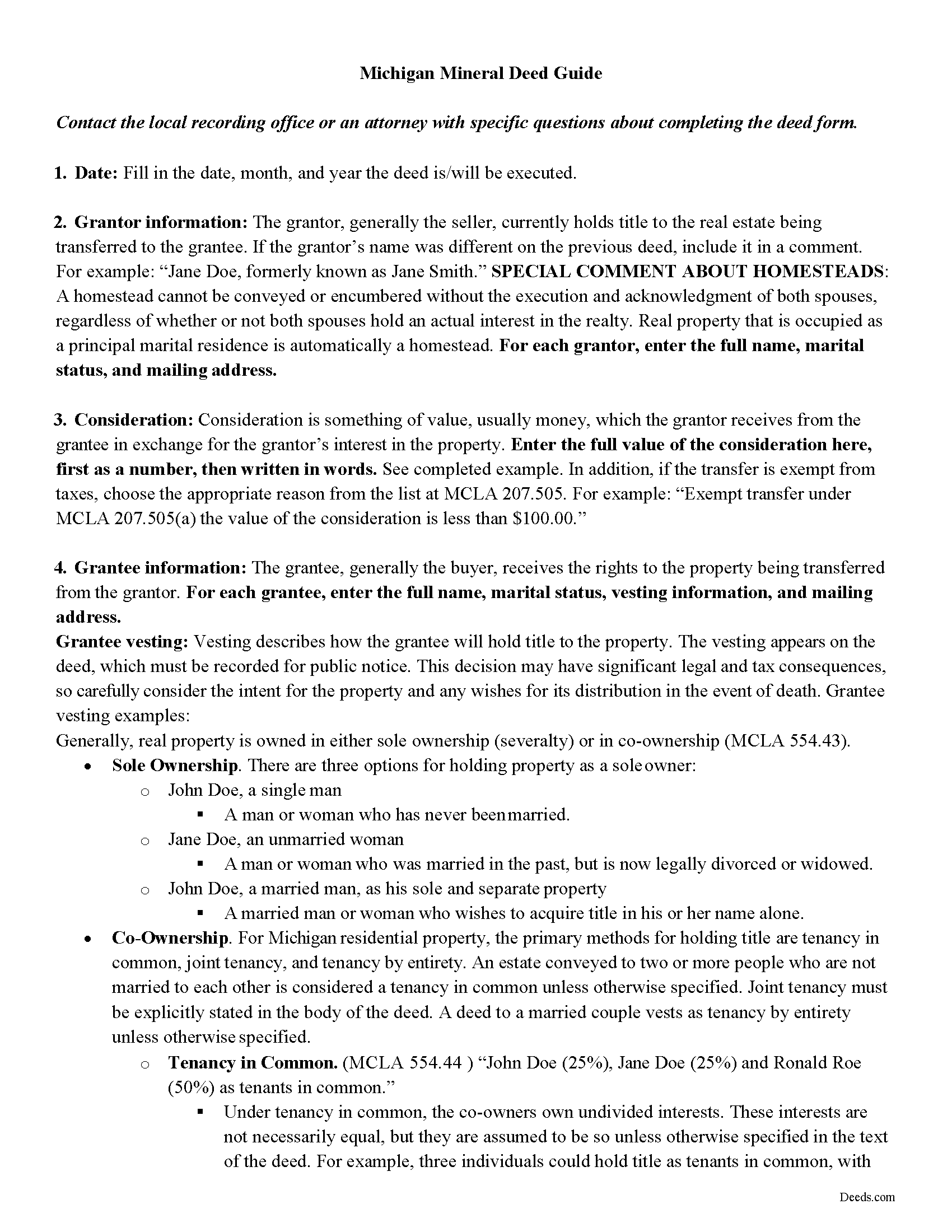
Calhoun County Mineral Deed Guide
Line by line guide explaining every blank on the form.
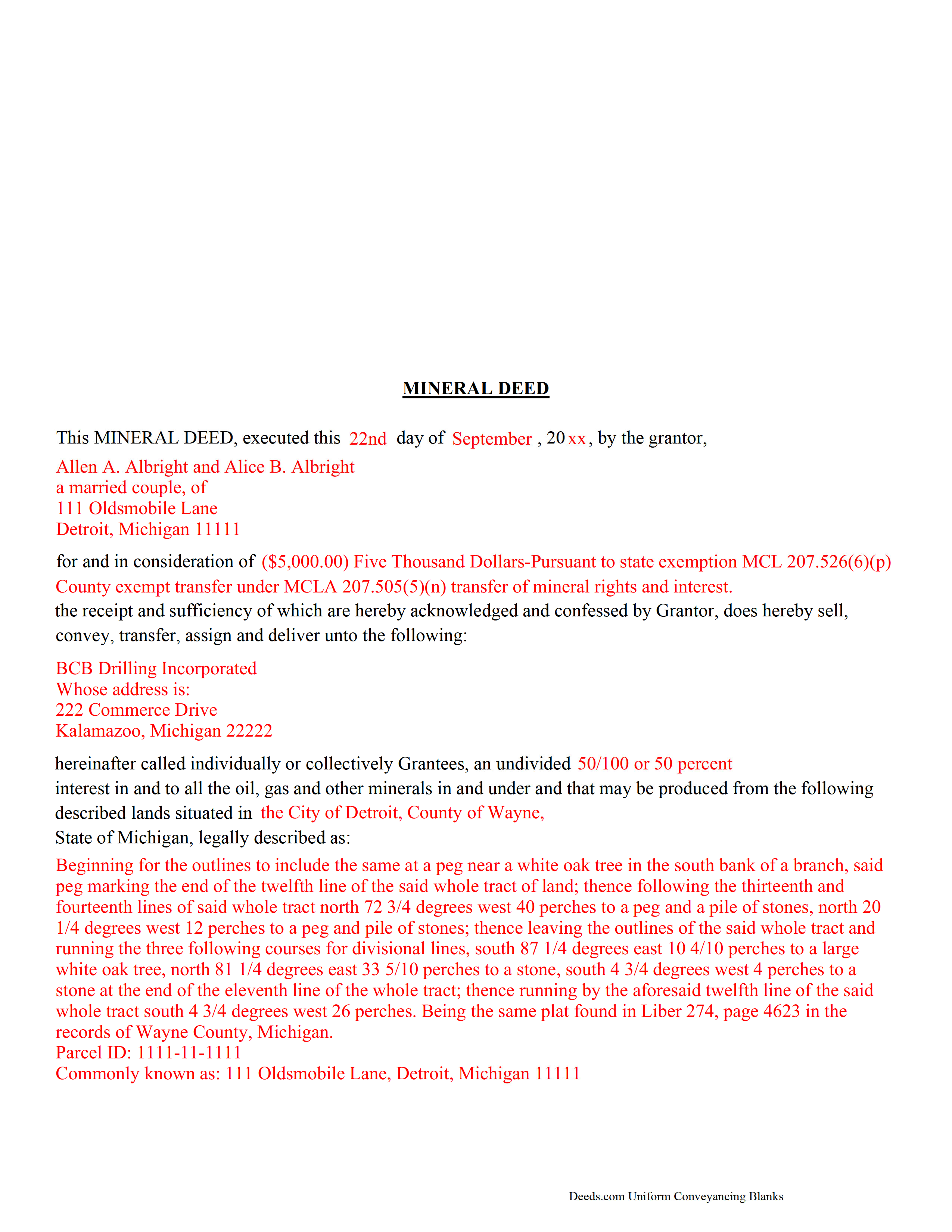
Calhoun County Completed Example of a Mineral Deed Document
Example of a properly completed form for reference.
All 3 documents above included • One-time purchase • No recurring fees
Immediate Download • Secure Checkout
Additional Michigan and Calhoun County documents included at no extra charge:
Where to Record Your Documents
Calhoun County Register of Deeds
Marshall, Michigan 49068
Hours: 8:00am-5:00pm M-F
Phone: (269) 781-0718
Battle Creek Office
Battle Creek, Michigan 49017
Hours: 8:00am-5:00pm M-F
Phone: 269-969-6908
Recording Tips for Calhoun County:
- Bring your driver's license or state-issued photo ID
- Ensure all signatures are in blue or black ink
- Recording fees may differ from what's posted online - verify current rates
- Request a receipt showing your recording numbers
- Ask about accepted payment methods when you call ahead
Cities and Jurisdictions in Calhoun County
Properties in any of these areas use Calhoun County forms:
- Albion
- Athens
- Battle Creek
- Bedford
- Burlington
- Ceresco
- East Leroy
- Homer
- Marshall
- Tekonsha
Hours, fees, requirements, and more for Calhoun County
How do I get my forms?
Forms are available for immediate download after payment. The Calhoun County forms will be in your account ready to download to your computer. An account is created for you during checkout if you don't have one. Forms are NOT emailed.
Are these forms guaranteed to be recordable in Calhoun County?
Yes. Our form blanks are guaranteed to meet or exceed the applicable formatting requirements used for recording in Calhoun County, including margin requirements, font requirements, and other layout standards. This guarantee applies to formatting, not to the legal sufficiency of information entered by the user or the suitability of a form for a particular transaction.
Can I reuse these forms?
Yes. You can reuse the forms for your personal use. For example, if you have multiple properties in Calhoun County you only need to order once.
What do I need to use these forms?
The forms are PDFs that you fill out on your computer. The free Adobe Acrobat Reader is recommended, and most PDF apps also work. You do NOT enter your property information online - you download the blank forms and complete them privately on your own computer.
Are there any recurring fees?
No. This is a one-time purchase. Nothing to cancel, no memberships, no recurring fees.
How much does it cost to record in Calhoun County?
Recording fees in Calhoun County vary. Contact the recorder's office at (269) 781-0718 for current fees.
Questions answered? Let's get started!
The General Mineral Deed in Michigan transfers oil, gas, and mineral rights from the grantor to the grantee. THIS IS NOT A LEASE. There are no Exceptions or Reservations included.
The transfer includes the oil, gas and other minerals of every kind and nature. It also transfers any and all rights to receive royalties, overriding royalties, net profits interests or other payments out of or with respect to those oil, gas and other minerals. The Grantor can stipulate the percentage of Mineral Rights the Grantee will receive and is made subject to any rights existing under any valid and subsisting oil and gas lease or leases of record.
This general mineral deed gives the grantee the right to access, for the purpose of mining, drilling, exploring, operating and developing said lands for oil, gas, and other minerals, and storing handling, transporting and marketing of such.
In this document the Grantor Warrants and will defend said Title to Grantee. Use of this document has a permanent effect on your rights to the property, if you are not completely sure of what you are executing seek the advice of a legal professional.
(Michigan MD Package includes form, guidelines, and completed example)
Important: Your property must be located in Calhoun County to use these forms. Documents should be recorded at the county recording office listed above.
This Mineral Deed meets all recording requirements specific to Calhoun County.
Our Promise
The documents you receive here are guaranteed to meet or exceed the applicable Calhoun County recording format requirements. If there is a rejection caused by our formatting, we will correct the issue or refund your payment. This guarantee applies to document formatting only and does not extend to information entered by the user, the selection of the form, or the legal effect of the completed document.
Save Time and Money
Get your Calhoun County Mineral Deed form done right the first time with Deeds.com Uniform Conveyancing Blanks. At Deeds.com, we understand that your time and money are valuable resources, and we don't want you to face a penalty fee or rejection imposed by a county recorder for submitting nonstandard documents. We constantly review and update our forms to meet rapidly changing state and county recording requirements for roughly 3,500 counties and local jurisdictions.
4.8 out of 5 - ( 4,828 Reviews )
Ondina S. 5 out of 5 stars
Am very happy with the wealth of forms that were available with my purchase! This site is an awesome resource which I plan to use in the future.
We appreciate your business and value your feedback. Thank you. Have a wonderful day!
juanita S. 5 out of 5 stars
Easy to fill with explanations to accompany
Thank you Juanita, we really appreciate your feedback.
Maxine P. 5 out of 5 stars
This is so amazing and I truly thank you for what I needed for my documents. This is a great company and will take care of what you needs.
Thank you for your feedback. We really appreciate it. Have a great day!
Sally P. 5 out of 5 stars
I cannot thank the staff at Deeds.com enough for all of their assistance and their quick and their most pleasant responses. They were extremely quick and efficient to help me to file my documents. Thanks for everything and I will definitely be referring folks to your site.
Our team is deeply committed to providing efficient, reliable assistance and it's always rewarding to know we've made a difference for our customers. Your kind words about our quick and pleasant responses are much appreciated and will certainly serve as an extra boost of motivation for our team.
We also sincerely appreciate your intention to refer others to our site. Your trust and confidence in our service means a lot to us, and we're grateful to have you as part of the Deeds.com community.
JUDITH-DIAN W. 5 out of 5 stars
I didn't have any problem downloading and filling out the form on my computer and printing it yesterday. I didn't know what to put for "Source of Title". I called the county recording office; they didn't know either and said to leave it blank. I got the form notarized at my bank and took it in to the recording office. They checked it, accepted it, I paid a fee, and it's done. So easy. My children will appreciate that I've done this. Added note: You do have one typo on your form--you left out 'at'. It should read: "You should carefully read all information at the end of this form."
Thank you for your feedback. We really appreciate it. Have a great day!
Estelle R. 5 out of 5 stars
Easy to download. Hopefully easy to fill in. Just wish there was wording for a Beneficiary Deed for moving real estate property owned by a married couple to their Trust upon death of last Trustee.
We appreciate your business and value your feedback. Thank you. Have a wonderful day!
spencer d. 5 out of 5 stars
Great and quick service!
Thank you!
diana l. 5 out of 5 stars
Easy to use & got my one question answered in less than 5 minutes! Excellence.
Your satisfaction with our services is of utmost importance to us. Thank you for letting us know how we did!
Melanie K. 5 out of 5 stars
Great service! Super easy to use! I used the service to download a deed notice to do a TOD on a property in Fairfax County, VA. Just a heads up that Fairfax County required me to add the last deed book and page # onto the deed notice but otherwise all was just as they required!
Thank you!
Rhonda P. 5 out of 5 stars
Very quick and easy! Didn't even have to leave the house and I didn't have to send via USPS which is nice since we are in a pandemic. The convenience of this site is worth the extra money. Would definitely use this site again.
We appreciate your business and value your feedback. Thank you. Have a wonderful day!
Kendall B. 5 out of 5 stars
Good
Thank you!
Scott G. 5 out of 5 stars
Frankly, if our tax dollars were being used to run government "services" correctly, we wouldn't need Deeds.com Since the sun will burn out before government is run correctly, Deeds.com provides an important, efficient, time-saving service that, all things considered, offers big savings over time-and-soul-draining struggles with government agencies.
Your feedback is greatly appreciated. Thank you for taking the time to share your experience!
Viviana Hansen M. 5 out of 5 stars
I was thrilled that I could execute the paperwork for a lady bird deed here in Florida ! Thank you
We are grateful for your feedback and looking forward to serving you again. Thank you!
Eduardo A. 5 out of 5 stars
Perfect, blank forms, just what I ordered. Easy to download, understand, and complete.
Thank you!
Martine S. 5 out of 5 stars
Very easy process and was recorded in a prompt manner. We will be using your services again in the future for sure.
We appreciate your business and value your feedback. Thank you. Have a wonderful day!