Kalkaska County Quitclaim Deed (Corporation Grantor) Form
Last validated October 9, 2026 by our Forms Development TeamFormatted for recording in Kalkaska County, for property anywhere in the county: rural and unincorporated areas as well as Fife Lake, Kalkaska, Rapid City, South Boardman.
- 3 documents included
- Immediate PDF download
- Formatting guarantee
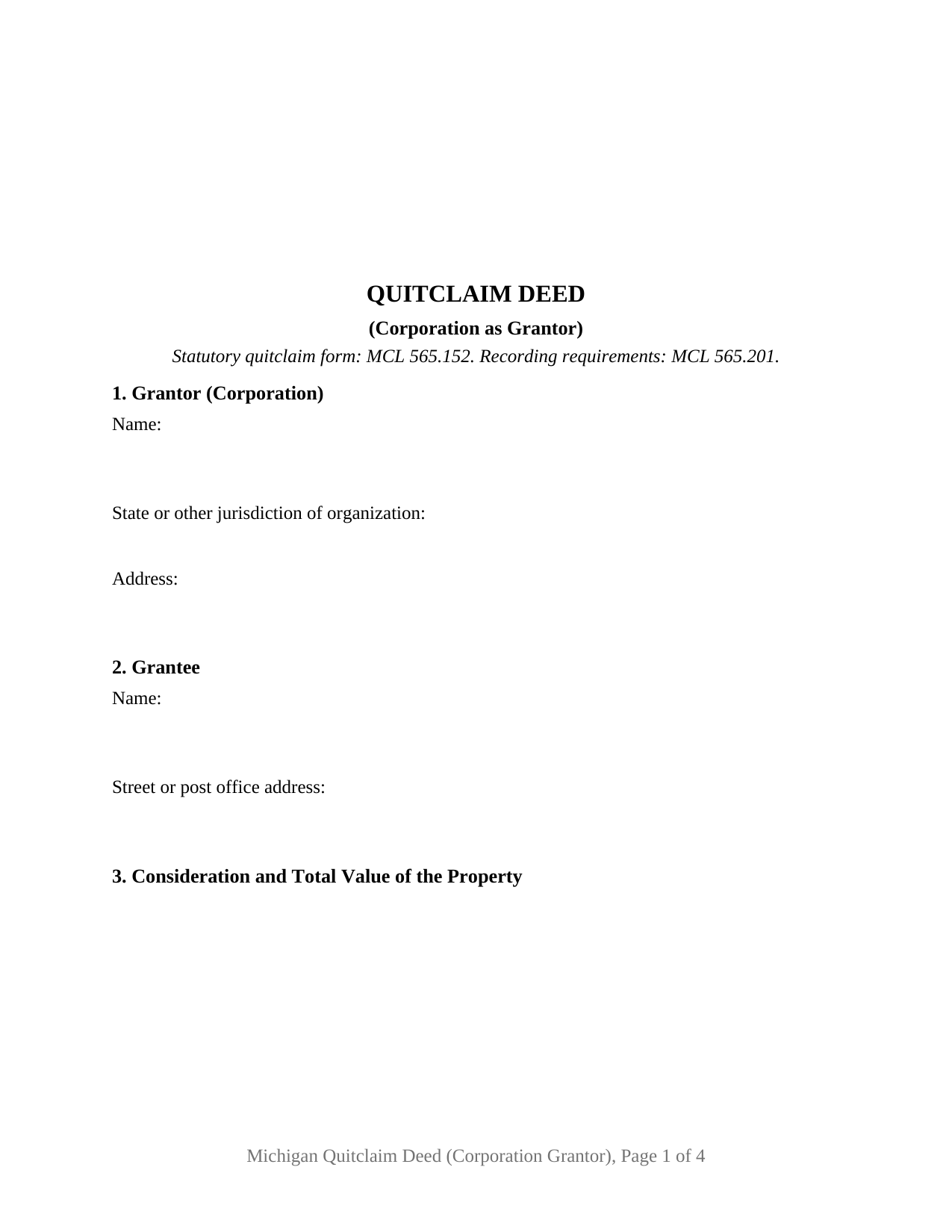
Kalkaska County Quitclaim Deed (Corporation Grantor) Form
Fill in the blank Quitclaim Deed (Corporation Grantor) form formatted to comply with all Michigan recording and content requirements.
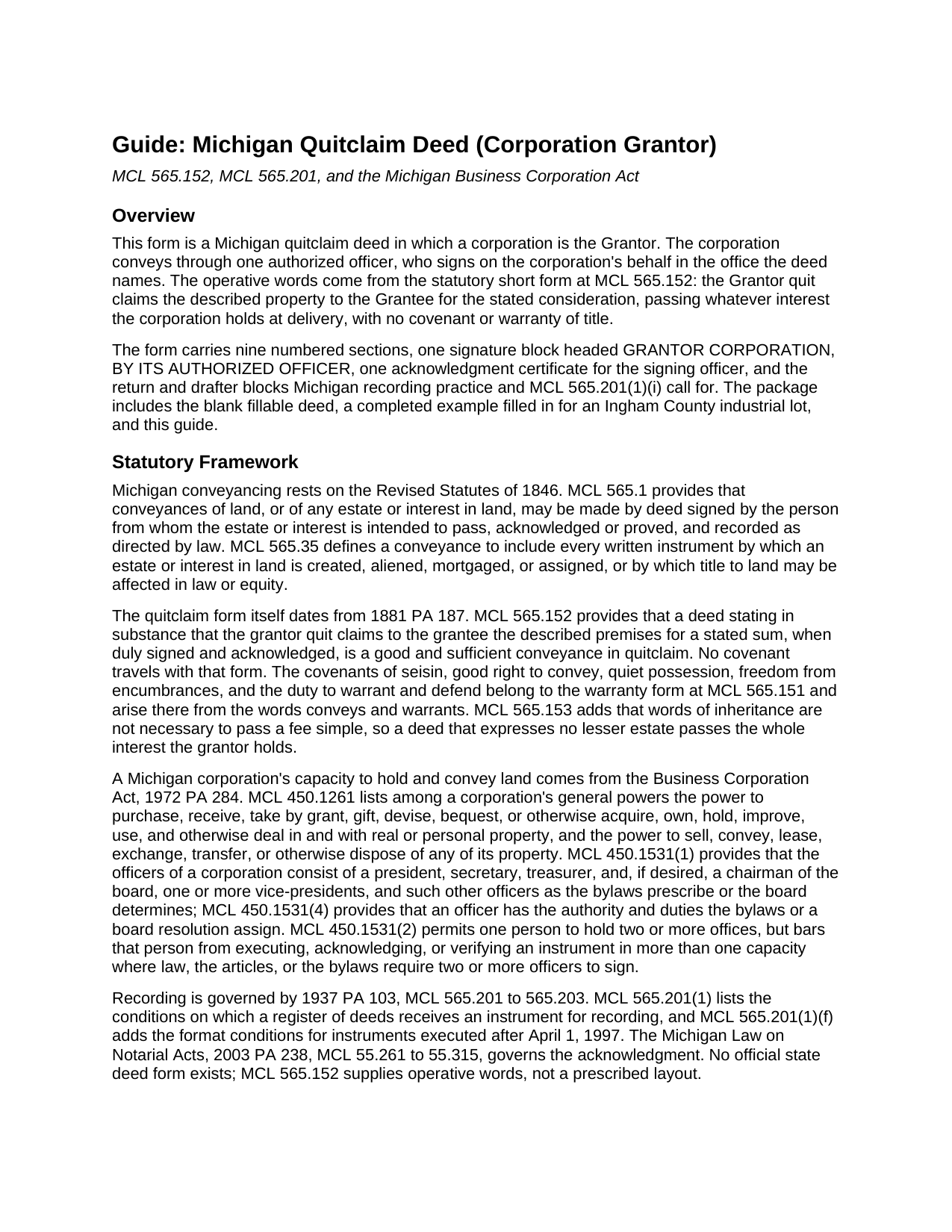
Kalkaska County Quitclaim Deed (Corporation Grantor) Guide
Line by line guide explaining every blank on the Quitclaim Deed (Corporation Grantor) form.
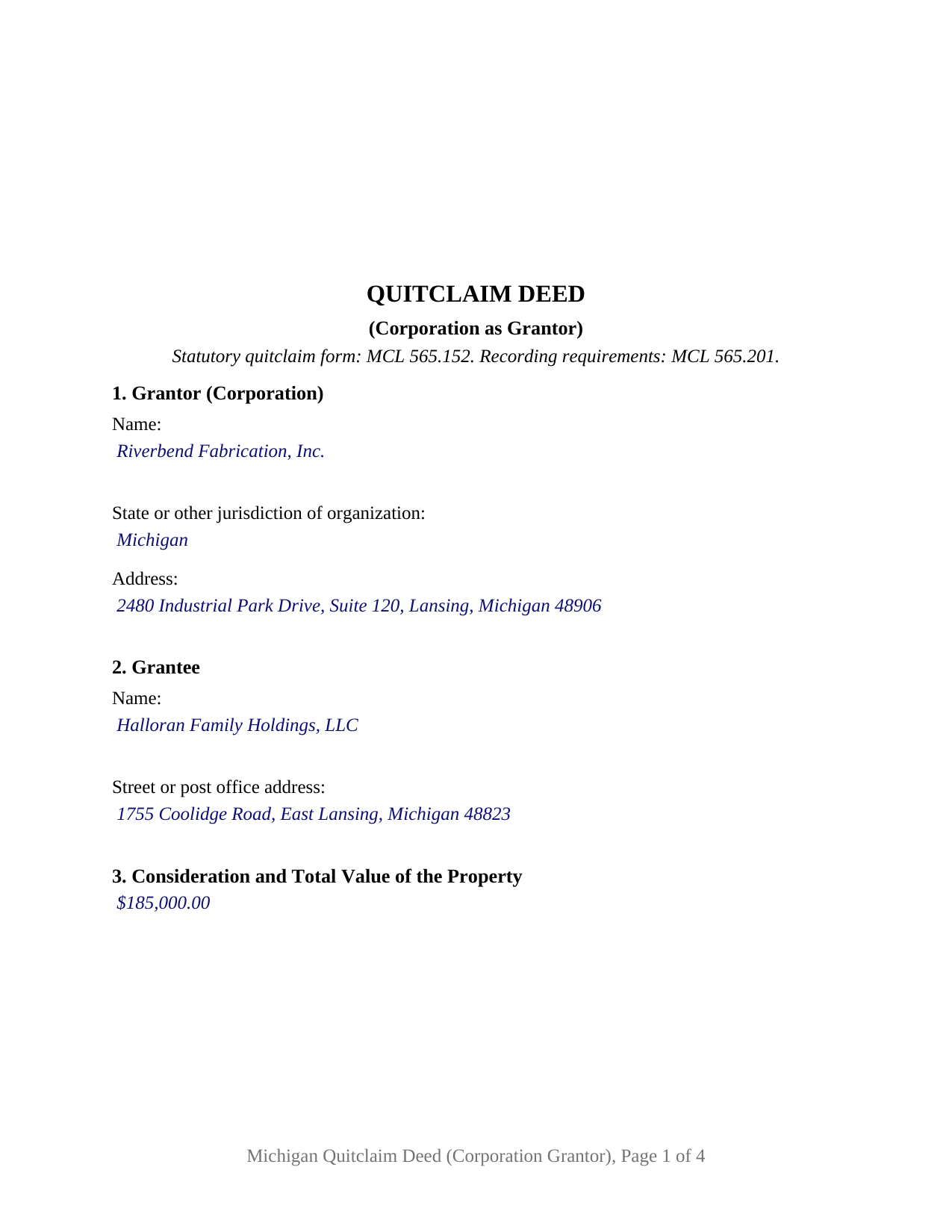
Kalkaska County Completed Example of the Quitclaim Deed (Corporation Grantor) Document
Example of a properly completed Michigan Quitclaim Deed (Corporation Grantor) document for reference.
All 3 documents above included • One-time purchase • No recurring fees
Immediate Download • Secure Checkout
Additional Michigan and Kalkaska County documents included at no extra charge:
Where to Record Your Documents
Kalkaska County Register of Deeds
Kalkaska, Michigan 49646
Hours: 9:00am to 5:00pm Monday thru Friday
Phone: (231) 258-3315
Recording Tips for Kalkaska County:
- Bring your driver's license or state-issued photo ID
- Ensure all signatures are in blue or black ink
- Ask for certified copies if you need them for other transactions
- Ask if they accept credit cards - many offices are cash/check only
- Check that your notary's commission hasn't expired
Cities and Jurisdictions in Kalkaska County
Properties in any of these areas use Kalkaska County forms:
- Fife Lake
- Kalkaska
- Rapid City
- South Boardman
Hours, fees, requirements, and more for Kalkaska County
How do I get my forms?
Forms are available for immediate download after payment. The Kalkaska County forms will be in your account ready to download to your computer. An account is created for you during checkout if you don't have one. Forms are NOT emailed.
Are these forms guaranteed to be recordable in Kalkaska County?
Yes. Our form blanks are guaranteed to meet or exceed the applicable formatting requirements used for recording in Kalkaska County, including margin requirements, font requirements, and other layout standards. This guarantee applies to formatting, not to the legal sufficiency of information entered by the user or the suitability of a form for a particular transaction.
Can I reuse these forms?
Yes. You can reuse the forms for your personal use. For example, if you have multiple properties in Kalkaska County you only need to order once.
What do I need to use these forms?
The forms are PDFs that you fill out on your computer. The free Adobe Acrobat Reader is recommended, and most PDF apps also work. You do NOT enter your property information online - you download the blank forms and complete them privately on your own computer.
Are there any recurring fees?
No. This is a one-time purchase. Nothing to cancel, no memberships, no recurring fees.
How much does it cost to record in Kalkaska County?
Recording fees in Kalkaska County vary. Contact the recorder's office at (231) 258-3315 for current fees.
Questions answered? Let's get started!
A corporation never picks up a pen. This Michigan quitclaim deed is drafted around that fact: the Grantor is the corporation itself, and the deed reaches the record through one authorized officer who signs in the office the deed names. The execution section repeats the corporate name at signing and states the signer's office, the signature line carries the printed name MCL 565.201(1)(a) places beneath it, and one acknowledgment certificate records the officer's acknowledgment on the corporation's behalf.
Statutory words, no promises attached
The conveying is done by Michigan's short form. Under MCL 565.152, a deed stating that the grantor quit claims the described premises for a stated sum passes the grantor's estate in quitclaim, and no covenant travels with it: no covenant of seisin, none against encumbrances, no duty to defend, all of which belong to the conveys and warrants form of MCL 565.151. The absence carries to the counter: MCL 211.135 sends a conveyance containing a covenant of warranty to the county treasurer for certification before recording, and this form contains none.
Who signs for the company
Power over the parcel comes from MCL 450.1261: a corporation may hold real property in its own name and may sell, convey, exchange, or otherwise dispose of it. The roster of possible signers comes from MCL 450.1531: president, secretary, treasurer, and, if the corporation wants them, a board chair, vice-presidents, and other bylaw offices. Section 9 recites that the board of directors, the articles of incorporation, or the bylaws authorize the conveyance, and the signer's office is entered on its own line so a later examiner reads the capacity plainly. Where a corporation's own documents call for two officer signatures, MCL 450.1531(2) bars one person holding two offices from filling both.
One corporate grantor, one officer, one certificate
The form recites exactly one corporate Grantor, with blanks for the corporate name, the jurisdiction of organization, the corporate address, and the recorded instrument that put the parcel in the corporate name. That entry earns its place because MCL 450.1211 fixes what a corporate name contains and title practice reads the chain name against the name signing now. Patterns presenting this configuration run through Michigan records: a manufacturer selling a surplus parcel as it stands, a parcel moved to a wholly owned affiliate in the transaction MCL 450.1751(1)(c) reaches, a corporation winding up under MCL 450.1833, a company releasing an alley remnant to a neighbor. What the form is not set up as: a conveyance by individuals personally, an execution by a trustee or attorney in fact, or a deed for a limited liability company, whose signer is a member or manager under another act.
Value, tax, and two citation lines
Michigan reads total value from the face of the deed, so the form states it and adds a line for a real estate transfer valuation affidavit instead. Tax runs at $3.75 per $500 of value under MCL 207.525 and $0.55 per $500 under MCL 207.504, $4.30 per $500 combined, rounded up to the next $500. Because the state and county exemption lists are not identical, the deed carries one citation line for MCL 207.526 and a second for MCL 207.505. The completed example works that arithmetic on a taxable Ingham County industrial lot at $185,000: $1,387.50 of state tax and $203.50 of county tax.
Filed where the land lies
The signed deed goes to the register of deeds for the county holding the parcel, at the flat $30 fee of MCL 600.2567; Wayne County quotes the charter-county schedule it adopted for 2026. MCL 565.201 governs receipt, and this deed answers each condition in turn: the first line of print names one recordable event, the top 2-1/2 inches of page one stays unprinted, the type is black on white 20 pound stock, and two addresses appear, the grantee's and the drafter's business address. The deed also carries the Land Division Act statements for a parcel of unplatted land, including the exact right to farm text of MCL 560.109(4).
The download delivers this corporate quitclaim deed as a blank fillable PDF, a completed example filled in entry by entry for the Ingham County sale described above, and a plain language guide that walks each section, the officer's acknowledgment, the recording steps, and the Property Transfer Affidavit the new owner files with the local assessor inside 45 days. Often searched as a quit claim deed from a corporation, the form and these materials describe Michigan law in general terms and are not legal advice.
Important: Your property must be located in Kalkaska County to use these forms. Documents should be recorded at the county recording office listed above.
This Quitclaim Deed (Corporation Grantor) meets all recording requirements specific to Kalkaska County.
Our Promise
The documents you receive here are guaranteed to meet or exceed the applicable Kalkaska County recording format requirements. If there is a rejection caused by our formatting, we will correct the issue or refund your payment. This guarantee applies to document formatting only and does not extend to information entered by the user, the selection of the form, or the legal effect of the completed document.
Save Time and Money
Get your Kalkaska County Quitclaim Deed (Corporation Grantor) form done right the first time with Deeds.com Uniform Conveyancing Blanks. At Deeds.com, we understand that your time and money are valuable resources, and we don't want you to face a penalty fee or rejection imposed by a county recorder for submitting nonstandard documents. We constantly review and update our forms to meet rapidly changing state and county recording requirements for roughly 3,500 counties and local jurisdictions.
4.8 out of 5 - ( 4,825 Reviews )
Donna P. 5 out of 5 stars
Your documents were very helpful. I went ahead and filled in all the info for the Release of Lien document. It was easy to do with your example. I had all the necessary info such as plot numbers, etc. for the property and everything fit nicely onto the document. It has been notorized and mailed. My grandparents' Victorian home has new owners who love it and has paid it off. Yeah!!!
We appreciate your business and value your feedback. Thank you. Have a wonderful day!
Shelly S. 4 out of 5 stars
was fairly easy to work through the forms but needed better information on what goes on a few of the lines
Thank you for your feedback. We really appreciate it. Have a great day!
Barbara C. 5 out of 5 stars
Excellent site; easy to use
Thank you!
Traci M. 4 out of 5 stars
Deeds.com made it easy to obtain and download the deed form I needed - I will keep this account active!
Thanks, Traci. We’re glad the process was easy and that the forms worked well for you. We appreciate you staying with us.
Shirley P. 5 out of 5 stars
Very easy to use, download and print. Thank you!
We appreciate your business and value your feedback. Thank you. Have a wonderful day!
Gabriela C. 5 out of 5 stars
Easy
Thank you!
Rosie M. 5 out of 5 stars
I found exactly what I was looking for, and the documents are a complete package. Great service!
Thank you, Rosie! We're so glad you found exactly what you needed and that the documents met your expectations. We appreciate your kind words and your support! If you ever need anything else, we're here to help.
Kenneth M. 5 out of 5 stars
It was adequate to serve my current need, however turned out to be more expensive than I cared for.
Thank you for your feedback. We really appreciate it. Have a great day!
Cindy A. 5 out of 5 stars
Easy to understand and use. However, need to add line for phone number for preparer - Thanks
Thank you for your feedback. We really appreciate it. Have a great day!
Beverly R. 5 out of 5 stars
This was a wonderful experience, easy fast and convenient. Thank you for all your help.
We appreciate your business and value your feedback. Thank you. Have a wonderful day!
irene w. 5 out of 5 stars
Just found this site, what a great resource ! Thank you so much for providing affordable help to those of us navigating estate planning mazes. The forms were all very easy to download, even on our rather ancient computer, and the accompanying explanations were in clear, understandable English designed to explain, with appropriate cautions to avoid problems.
Thank you for your feedback. We really appreciate it. Have a great day!
Michael C. 3 out of 5 stars
No Search feature on the site? How do I look for forms?
Thank you for your feedback. We really appreciate it. Have a great day!
jack b. 5 out of 5 stars
good form, reasonable fee
Thank you Jack. We really appreciate you taking the time to leave your feedback. Have a great day!
Thomas W. 5 out of 5 stars
The serevice was fast and accurate. I would highly recommend Deeds.com to my friends and associates.
Thank you!
BARBARA L. 4 out of 5 stars
Fairly easy to use. I had to really search to get some info. I had to use the Exhibit feature because the description box was way too small and I ended up re-typing it. The package had good and useful links. The County Clerk looked at it and said, "I see you used an online form, and that's OK, but..." and proceeded to show me a couple of things that were left out. They recorded it with no problems.
Thank you!