Chippewa County Quitclaim Deed Form
Last validated October 9, 2026 by our Forms Development TeamFormatted for recording in Chippewa County, for property anywhere in the county: rural and unincorporated areas as well as Barbeau, Brimley, Dafter, De Tour Village, Drummond Island, Eckerman, Goetzville, Hulbert and 8 more.
- 3 documents included
- Immediate PDF download
- Formatting guarantee
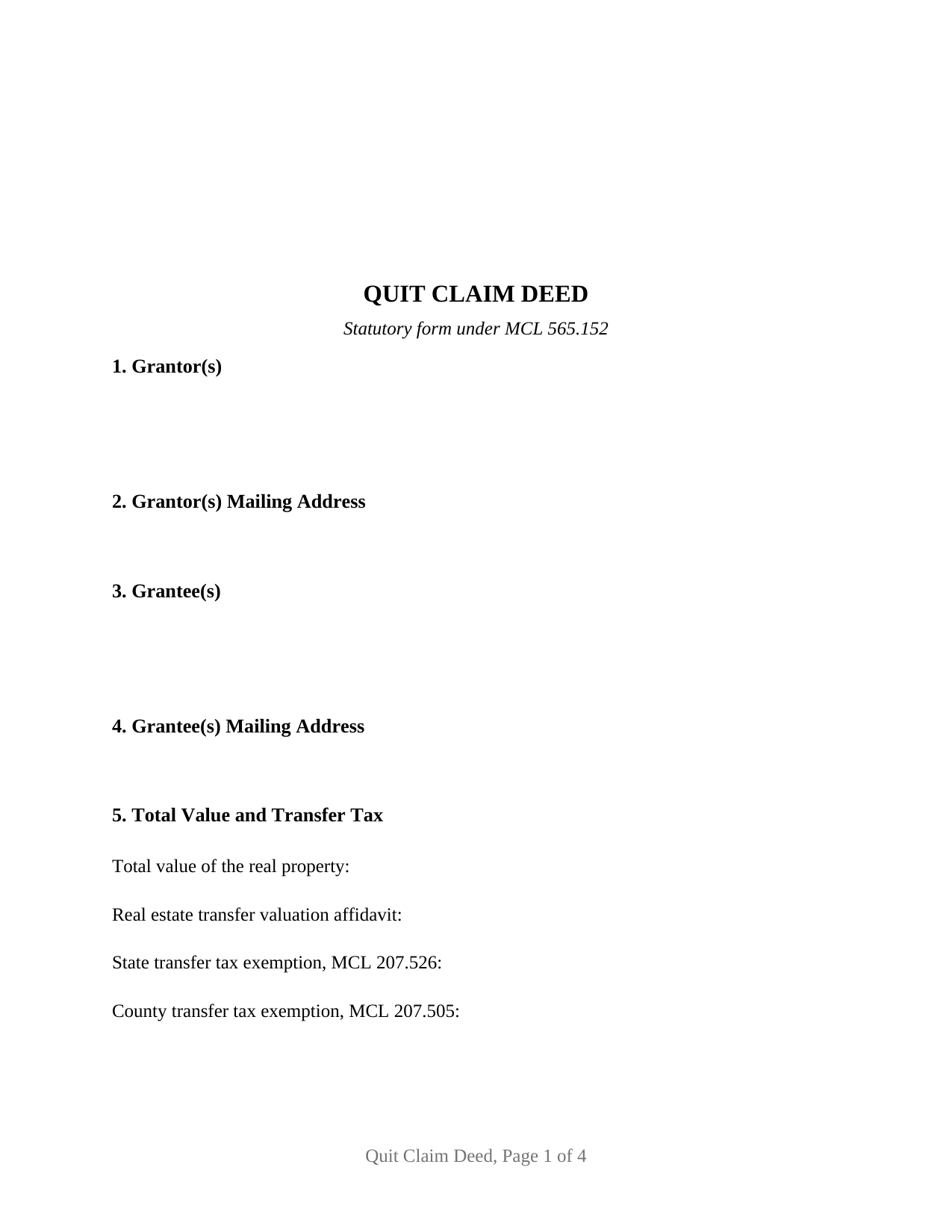
Chippewa County Quitclaim Deed Form
Fill in the blank Quitclaim Deed form formatted to comply with all Michigan recording and content requirements.
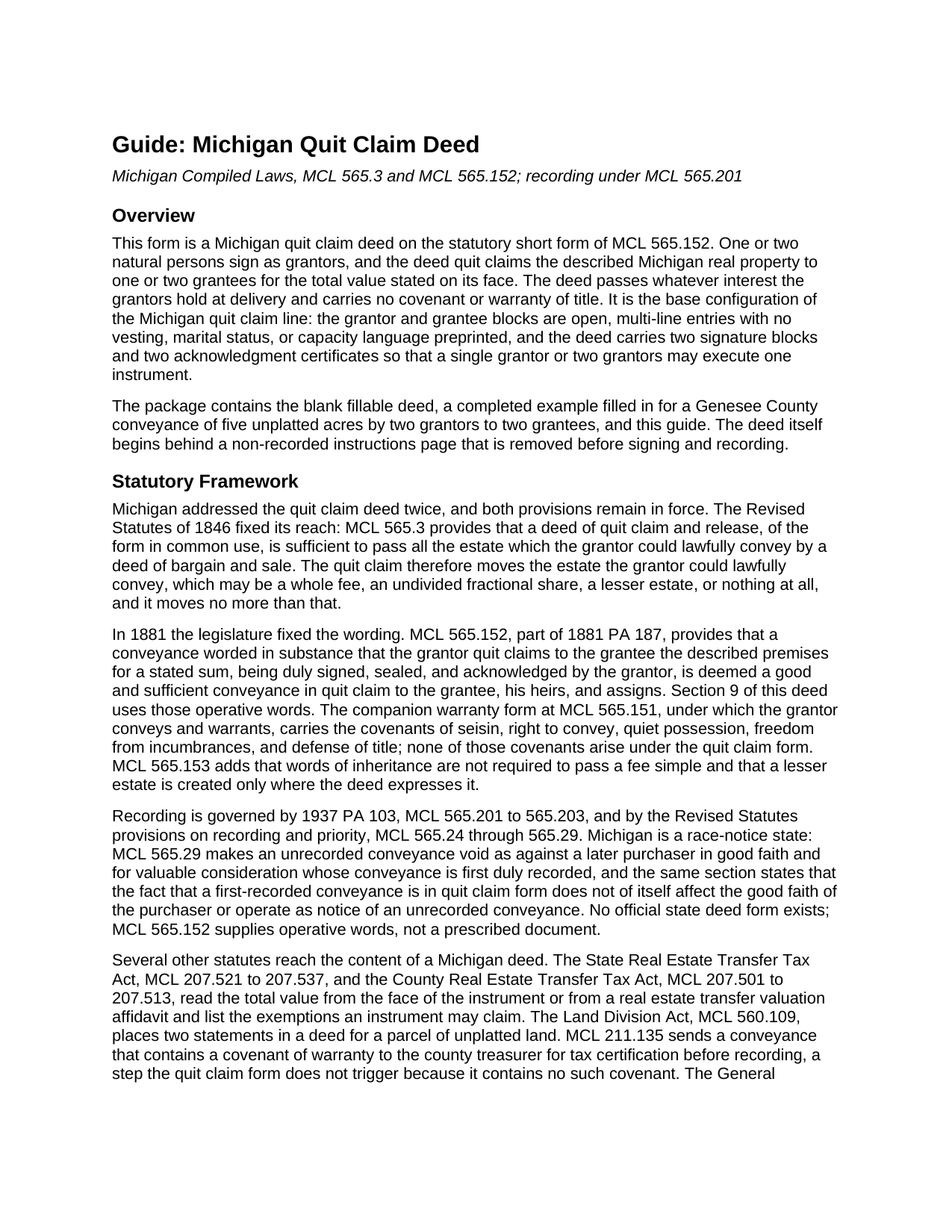
Chippewa County Quitclaim Deed Guide
Line by line guide explaining every blank on the Quitclaim Deed form.
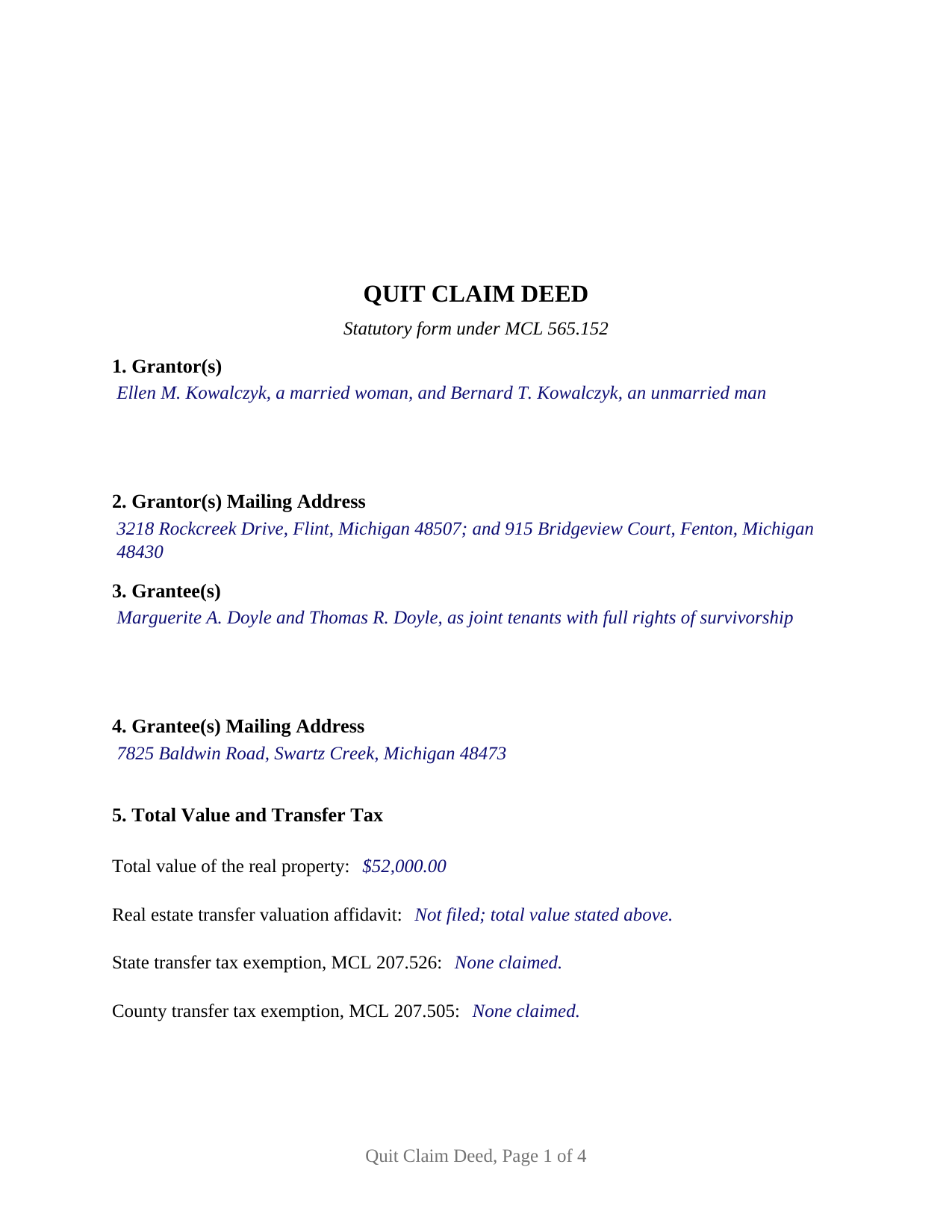
Chippewa County Completed Example of the Quitclaim Deed Document
Example of a properly completed Michigan Quitclaim Deed document for reference.
All 3 documents above included • One-time purchase • No recurring fees
Immediate Download • Secure Checkout
Additional Michigan and Chippewa County documents included at no extra charge:
Where to Record Your Documents
Chippewa County Register of Deeds
Sault Ste. Marie, Michigan 49783
Hours: 8:00 to 5:00 M-F / Vault until 4:30
Phone: (906) 635-6312
Recording Tips for Chippewa County:
- Bring your driver's license or state-issued photo ID
- Ensure all signatures are in blue or black ink
- White-out or correction fluid may cause rejection
- Ask about their eRecording option for future transactions
- Avoid the last business day of the month when possible
Cities and Jurisdictions in Chippewa County
Properties in any of these areas use Chippewa County forms:
- Barbeau
- Brimley
- Dafter
- De Tour Village
- Drummond Island
- Eckerman
- Goetzville
- Hulbert
- Kincheloe
- Kinross
- Paradise
- Pickford
- Rudyard
- Sault Sainte Marie
- Strongs
- Trout Lake
Hours, fees, requirements, and more for Chippewa County
How do I get my forms?
Forms are available for immediate download after payment. The Chippewa County forms will be in your account ready to download to your computer. An account is created for you during checkout if you don't have one. Forms are NOT emailed.
Are these forms guaranteed to be recordable in Chippewa County?
Yes. Our form blanks are guaranteed to meet or exceed the applicable formatting requirements used for recording in Chippewa County, including margin requirements, font requirements, and other layout standards. This guarantee applies to formatting, not to the legal sufficiency of information entered by the user or the suitability of a form for a particular transaction.
Can I reuse these forms?
Yes. You can reuse the forms for your personal use. For example, if you have multiple properties in Chippewa County you only need to order once.
What do I need to use these forms?
The forms are PDFs that you fill out on your computer. The free Adobe Acrobat Reader is recommended, and most PDF apps also work. You do NOT enter your property information online - you download the blank forms and complete them privately on your own computer.
Are there any recurring fees?
No. This is a one-time purchase. Nothing to cancel, no memberships, no recurring fees.
How much does it cost to record in Chippewa County?
Recording fees in Chippewa County vary. Contact the recorder's office at (906) 635-6312 for current fees.
Questions answered? Let's get started!
Michigan settled the quit claim question twice, and both settlements are still law. The Revised Statutes of 1846 fixed its reach: MCL 565.3 provides that a deed of quit claim and release, of the form in common use, passes all the estate which the grantor could lawfully convey by a deed of bargain and sale. Thirty-five years on, 1881 PA 187 fixed the wording, and MCL 565.152 has carried it since. This Michigan quitclaim deed is built on both.
Two sections, one conveyance
MCL 565.152 supplies the operative language: a conveyance worded in substance that the grantor quit claims described premises for a stated sum, duly signed and acknowledged, is a good and sufficient conveyance in quit claim. Nothing in that sentence promises anything. Seisin, freedom from encumbrances, and the duty to defend belong to the separate warranty form at MCL 565.151, and their absence follows the deed to the counter, since MCL 211.135 routes a covenant of warranty to the county treasurer first and there is none here to certify. MCL 565.3 supplies the ceiling: what moves is the estate the grantor could lawfully convey, which may be a whole fee, an undivided share, or nothing.
One or two names on each side
This is the base configuration of the Michigan line, and its architecture is deliberately open. The Grantor block and the Grantee block are multi-line blanks that each take one or two natural persons, with no vesting or capacity wording preprinted, so four count patterns run through a single form: one to one, one to two, two to one, and two to two. Execution follows suit, with two signature blocks headed GRANTOR and SECOND GRANTOR (if applicable) and a certificate for each, so two signers may appear before different notaries on different dates; where a single grantor conveys, the second block and its certificate stay blank. What the form is not set up as: an instrument executed in an entity name, one signed in a representative capacity, or a conveyance out of three or more record owners.
The words that follow the grantee names
Because vesting is nowhere preprinted, the designation entered after the grantee names selects the estate, and the Michigan menu holds a trap. MCL 554.44 makes tenancy in common the default for two or more grantees and permits a joint tenancy only where one is expressly declared. Albro v Allen, 434 Mich 271 (1990), separates ordinary joint tenancy, which a cotenant may sever alone, from joint tenancy with full rights of survivorship, which Michigan treats as a joint life estate carrying indestructible contingent remainders. Grantees married to each other draw the entirety presumption of MCL 554.45 and MCL 557.71, and DeYoung v Mesler holds that merely adding joint tenancy words does not displace it.
Value on the face, tax in two acts
Michigan reads total value off the face of a deed, so the form states it and adds a blank for the valuation affidavit MCL 207.504(2) and MCL 207.525(2) accept instead. Because the two exemption lists differ, one citation blank answers to MCL 207.526 and a second to MCL 207.505. The example runs a taxable 52,000 dollar conveyance of five unplatted acres in Genesee County, works the combined rate through to 390 dollars of state tax and 57 dollars and 20 cents of county tax, and completes the two statements MCL 560.109 places in a deed for unplatted land.
What the counter reads
MCL 565.201 fixes the terms on which a Michigan register of deeds receives an instrument, and a deed missing one is turned away rather than surcharged: a single recordable event on the first line of print, two and one half inches left clear atop page one, an address for each grantee, printed names matching the certificates, and the drafter's business address. The fee is flat, 30 dollars for a document of any length under MCL 600.2567. Recording buys priority rather than validity, since MCL 565.29 voids an unrecorded conveyance against a later good faith purchaser who records first.
Delivered here: the blank fillable deed, a completed example worked through entry by entry for the Genesee County conveyance above, and a plain language guide to every section, the vesting language, the notarization, recording, and the assessor filing Michigan Treasury Form 2766 calls for after a transfer. Often searched as a quit claim deed, this Michigan form and its materials describe Michigan law in general terms and are not legal advice.
Important: Your property must be located in Chippewa County to use these forms. Documents should be recorded at the county recording office listed above.
This Quitclaim Deed meets all recording requirements specific to Chippewa County.
Our Promise
The documents you receive here are guaranteed to meet or exceed the applicable Chippewa County recording format requirements. If there is a rejection caused by our formatting, we will correct the issue or refund your payment. This guarantee applies to document formatting only and does not extend to information entered by the user, the selection of the form, or the legal effect of the completed document.
Save Time and Money
Get your Chippewa County Quitclaim Deed form done right the first time with Deeds.com Uniform Conveyancing Blanks. At Deeds.com, we understand that your time and money are valuable resources, and we don't want you to face a penalty fee or rejection imposed by a county recorder for submitting nonstandard documents. We constantly review and update our forms to meet rapidly changing state and county recording requirements for roughly 3,500 counties and local jurisdictions.
4.8 out of 5 - ( 4,829 Reviews )
Tammy S. 5 out of 5 stars
Easy to download, great guidelines, and samples of each form needed.
Thank you!
Joseph F. 5 out of 5 stars
I Found Deeds.com to be fabulous. I had no idea how or where to start to get a quitclaim deed. deeds.com made it effortless and easy to complete the paperwork with great instructions and information. I highly recommend deeds.com
Thank you for your feedback. We really appreciate it. Have a great day!
Michael S. 5 out of 5 stars
Well designed easy to use system. Provided all instructions and updates required, as well as catching an extra form required by our county.
We appreciate your business and value your feedback. Thank you. Have a wonderful day!
Delba O. 5 out of 5 stars
This was the easiest process ever. Thank you for making this so easy. No hassle, just upload your docs, pay the invoice and done. It didn't even take 2 business days to get my deed recorded. If I ever need to record anything I will definitely use your services again.
We appreciate your business and value your feedback. Thank you. Have a wonderful day!
Rebecca V. 5 out of 5 stars
The staff is Great to work with, Thank You
Thank you!
Thomas J. 5 out of 5 stars
I'm pleased with the service
Thank you!
Kevin M. 5 out of 5 stars
All I can say is WOW. They were so fast and professional. I received my copy of my deed that same day I requested it. There was some confusion on my part but within minutes it was explained.
We appreciate your business and value your feedback. Thank you. Have a wonderful day!
Patricia K. 5 out of 5 stars
Able to find the information that I needed.
Thank you!
Ruby C. 5 out of 5 stars
very easy to use this site as I live out of state.
Tanks Ruby, glad we could help.
Ricardo M. 5 out of 5 stars
easy to use
Thank you!
REBECCA E. 5 out of 5 stars
Very easy process from you so far, thanks! i don't hav a computer, only an apple iphone, so on a day very soon i'll need to go to my Fayetteville library to download and complete the forms. thanks for any suggestions/advice you may have...
We appreciate your business and value your feedback. Thank you. Have a wonderful day!
Craig H. 5 out of 5 stars
Worked exactly like it was supposed to. No glitches
Thank you for your feedback. We really appreciate it. Have a great day!
Olga E. 5 out of 5 stars
Oh my that was so easy. I love it. Awesome. If someone needs help use the deeds.com
Thank you for your feedback. We really appreciate it. Have a great day!
Evelyn A. 5 out of 5 stars
Was easy to use. Just didnt find what i needed
Thank you for your feedback. We really appreciate it. Have a great day!
STACIA V. 4 out of 5 stars
I filled out the forms that were somewhat easy. I was surprised that it was recorded by the county recording office. I just hope that it really worked. I think it did. I will find out later this year.
Thank you!