Chippewa County Affidavit of Identity and Survivorship Form
Last validated September 11, 2026 by our Forms Development TeamFormatted for recording in Chippewa County, for property anywhere in the county: rural and unincorporated areas as well as Clara City, Maynard, Milan, Montevideo, Watson.
- 3 documents included
- Immediate PDF download
- Formatting guarantee
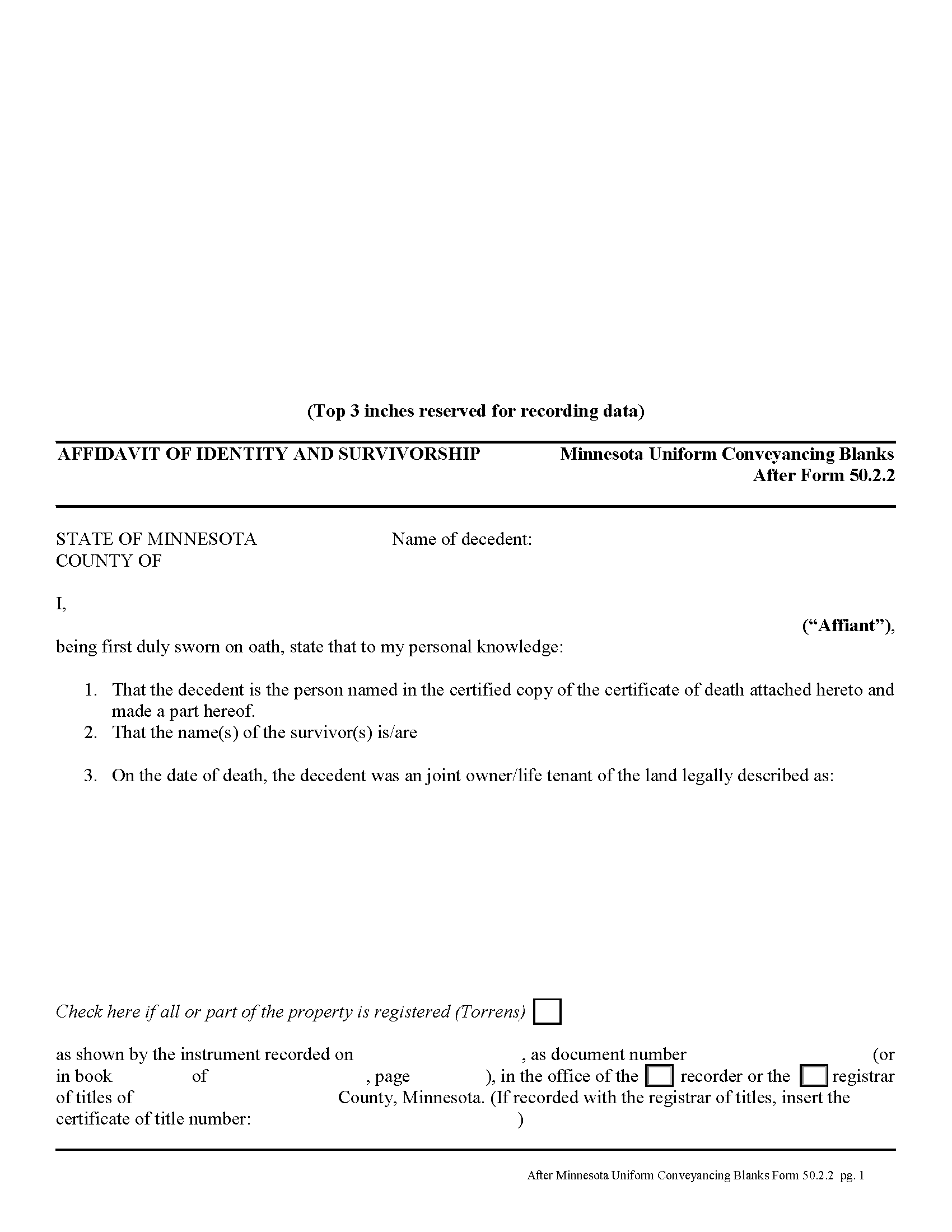
Chippewa County Affidavit of Identity and Survivorship Form
Fill in the blank form formatted to comply with all recording and content requirements.
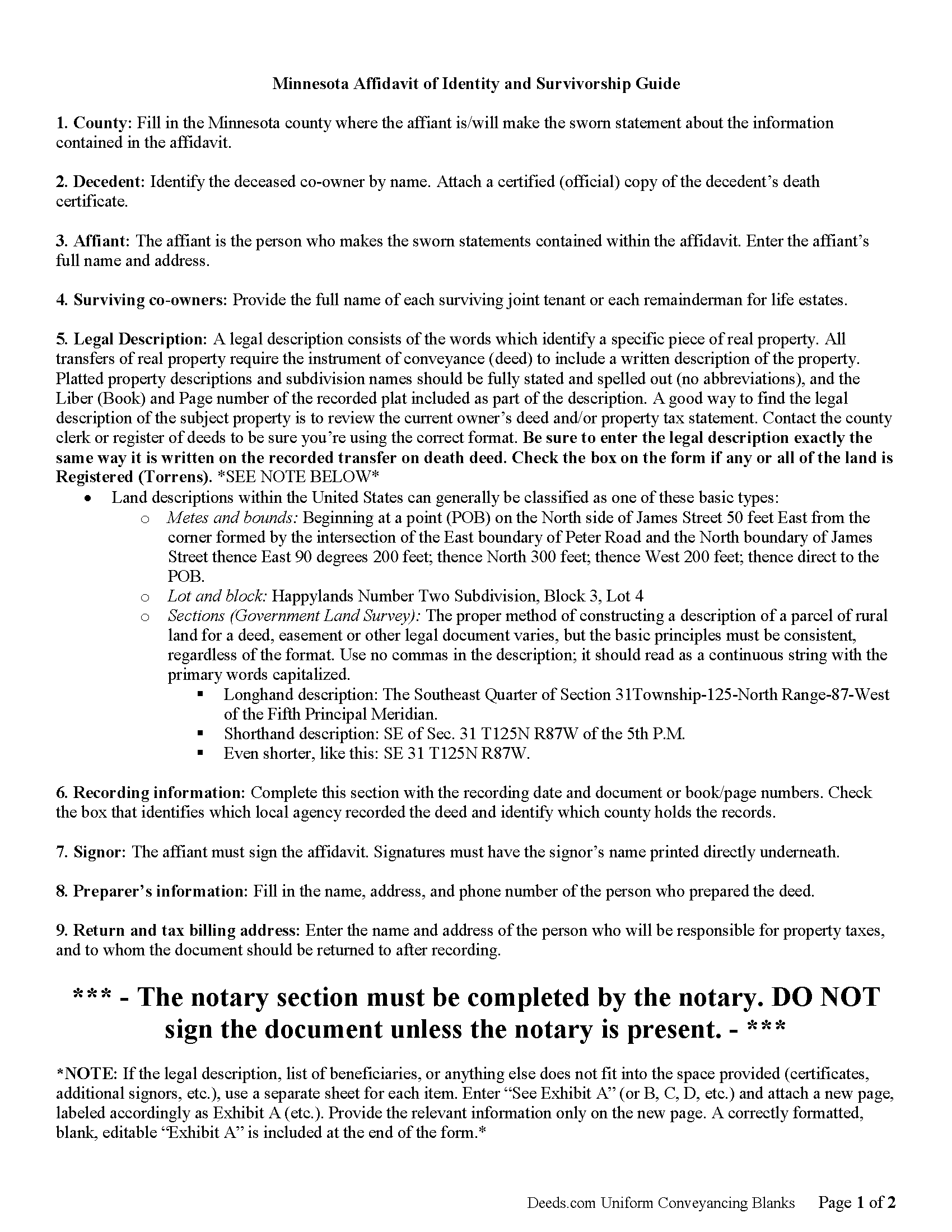
Chippewa County Affidavit of Indentity and Survivorship Guide
Line by line guide explaining every blank on the form.
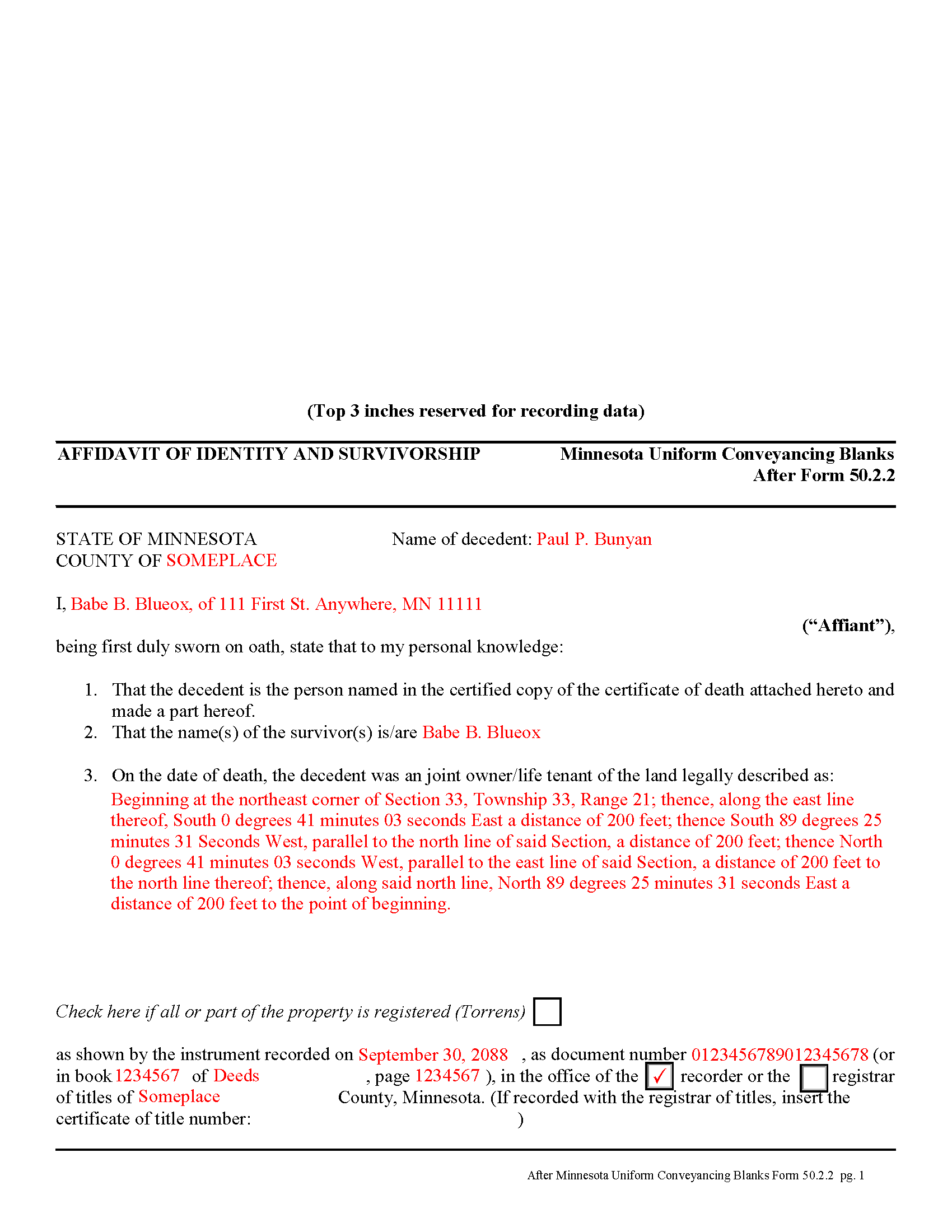
Chippewa County Completed Example of the Affidavit of Identity and Survivorship Document
Example of a properly completed form for reference.
All 3 documents above included • One-time purchase • No recurring fees
Immediate Download • Secure Checkout
Additional Minnesota and Chippewa County documents included at no extra charge:
Where to Record Your Documents
Chippewa County Recorder
Montevideo, Minnesota 56265
Hours: 8:00am to 4:30pm M-F
Phone: (320) 269-9431
Recording Tips for Chippewa County:
- Bring your driver's license or state-issued photo ID
- Ensure all signatures are in blue or black ink
- Verify all names are spelled correctly before recording
- White-out or correction fluid may cause rejection
- Ask about their eRecording option for future transactions
Cities and Jurisdictions in Chippewa County
Properties in any of these areas use Chippewa County forms:
- Clara City
- Maynard
- Milan
- Montevideo
- Watson
Hours, fees, requirements, and more for Chippewa County
How do I get my forms?
Forms are available for immediate download after payment. The Chippewa County forms will be in your account ready to download to your computer. An account is created for you during checkout if you don't have one. Forms are NOT emailed.
Are these forms guaranteed to be recordable in Chippewa County?
Yes. Our form blanks are guaranteed to meet or exceed the applicable formatting requirements used for recording in Chippewa County, including margin requirements, font requirements, and other layout standards. This guarantee applies to formatting, not to the legal sufficiency of information entered by the user or the suitability of a form for a particular transaction.
Can I reuse these forms?
Yes. You can reuse the forms for your personal use. For example, if you have multiple properties in Chippewa County you only need to order once.
What do I need to use these forms?
The forms are PDFs that you fill out on your computer. The free Adobe Acrobat Reader is recommended, and most PDF apps also work. You do NOT enter your property information online - you download the blank forms and complete them privately on your own computer.
Are there any recurring fees?
No. This is a one-time purchase. Nothing to cancel, no memberships, no recurring fees.
How much does it cost to record in Chippewa County?
Recording fees in Chippewa County vary. Contact the recorder's office at (320) 269-9431 for current fees.
Questions answered? Let's get started!
Minnesota allows two or more people to share ownership of real estate as joint tenants. Unlike tenants in common, who each own individual portions of the property, joint tenants share equal parts of the undivided whole property. As a result, if one joint tenant dies, his/her rights are distributed evenly amongst the surviving joint tenants. Note that joint tenancy property passes outside of probate, so it does not become part of the decedent's estate.
To complete the transfer of ownership rights, the surviving joint tenant or tenants should execute an affidavit of identity and survivorship, based on Minnesota Form 50.2.2. The affidavit references the recorded deed where the joint tenants gained the property rights, and also requires a certified copy of the decedent's death certificate. Record the affidavit and its supporting documents in the office responsible for maintaining property records for the county where the land is located.
After recording the affidavit, the deceased joint tenant no longer holds any property rights, but his/her name will still appear as an owner in the records. To actually remove that name, the remaining joint tenant(s) should execute a new deed listing all original joint tenants as grantors, but identifying the deceased individual and including a certified copy of the death certificate. Name only the surviving tenants as grantees. After filing the new deed, the property records should only show the remaining owners.
(Minnesota AOI Package includes form, guidelines, and completed example)
Important: Your property must be located in Chippewa County to use these forms. Documents should be recorded at the county recording office listed above.
This Affidavit of Identity and Survivorship meets all recording requirements specific to Chippewa County.
Our Promise
The documents you receive here are guaranteed to meet or exceed the applicable Chippewa County recording format requirements. If there is a rejection caused by our formatting, we will correct the issue or refund your payment. This guarantee applies to document formatting only and does not extend to information entered by the user, the selection of the form, or the legal effect of the completed document.
Save Time and Money
Get your Chippewa County Affidavit of Identity and Survivorship form done right the first time with Deeds.com Uniform Conveyancing Blanks. At Deeds.com, we understand that your time and money are valuable resources, and we don't want you to face a penalty fee or rejection imposed by a county recorder for submitting nonstandard documents. We constantly review and update our forms to meet rapidly changing state and county recording requirements for roughly 3,500 counties and local jurisdictions.
4.8 out of 5 - ( 4,818 Reviews )
Freda S. 5 out of 5 stars
Excellent Services!
Thank you!
Ted C. 5 out of 5 stars
Everything was straight forward. I think I was able to accomplish my objective.
Thank you!
SUZANNE W. 5 out of 5 stars
Very quick and efficient. Received recorded document within hours after beginning the process. Very reasonable fees. Highly recommended!
Thank you!
Nancy B. 5 out of 5 stars
Deeds.com is a godsend! Being able to download the pertinent state and county specific forms reassured me of having the correct t forms in which to proceed. The cost was most reasonable. Thanks for this service.
Thank you!
steven l. 3 out of 5 stars
As a first time user and not having knowledge of how your site worked it was awkward to upload a file and not know what to do next. I found out there is nothing to do next but that after some time looking for a submit button or some kind of confirmation that I was doing the right thing. Ended up being very easy, just wasted time trying to figure out what to do when there was nothing left to do.
Thank you!
Daisy R. 5 out of 5 stars
I did my Lady Bird Deed in a way the instruction indicated to do. The example you provided make it easy to understand. Thank you
Happy we could assist. Thank you for sharing your experience.
Julie G. 5 out of 5 stars
Such a great site!! Everyone is so helpful! Thanks again! Julie
We appreciate your business and value your feedback. Thank you. Have a wonderful day!
Terrence R. 5 out of 5 stars
So far so good I was able to find the documents I needed.
We appreciate your business and value your feedback. Thank you. Have a wonderful day!
Robert G. 5 out of 5 stars
Very nice. Especially liked that I could re-use the form since I have a couple of properties.
Thank you!
WJ H. 5 out of 5 stars
The Quit Claim Deed for the state of Ohio worked for me, saving me the cost of an attorney doing it. O.K., maybe that wouldn't have amounted to more than a few hundred dollars, but anywhere I thought I could save money (and learn something new on top of it) is something I want to do. That said, be forwarned. While I'm not an attorney I'm not averse to spending many hours researching the lingo found in this kind of form and thoroughly understanding exactly how everything has to be filled in. I should add that my ex-wife and I remain friends and she was the one giving me the property/house (thus, technically I filled out the forms on her behalf). Because there was no personal conflict, it made it easier to undertake. Lastly, what others have said about the county office where you must file a Quit Claim Deed not being helpful, that's true in the sense that they do not want to be instructing non-attorneys on filling out the necessary forms. I did take a preliminary draft set of the forms to the county office but was VERY CAREFUL about explaining that I only needed a couple of questions answered about procedure for submitting the final documents. They were helpful once I made it clear I wasn't asking them for "legal advice". And their help was critical as the final submittals requires stopping at three different offices (MapDocuments, Auditor and finally the Recorder's office). So I say thank you to Deeds.com. Their service for the Quit Claim Deed was invaluable.
We appreciate your business and value your feedback. Thank you. Have a wonderful day!
Alex J. 5 out of 5 stars
Very simple to use. I am a private homeowner with no experience in such things and it was very easy to do which was quite a relief. Thank you.
We appreciate your business and value your feedback. Thank you. Have a wonderful day!
Shantu S. 5 out of 5 stars
Easy to follow directions and complete the Deed.
Thank you!
Wilma E. 5 out of 5 stars
Very satisfied with service and form. Completed form, printed, and submitted to county for processing. Everything went well.
Thank you for your feedback. We really appreciate it. Have a great day!
Catherine V. 5 out of 5 stars
I love simple and easy! This is the model that many businesses should use!
Thank you!
LINDA C. 5 out of 5 stars
EASY, FAST, AND CONVENIENT.
Thank you!