Mcleod County Affidavit of Identity and Survivorship Form
Last validated October 20, 2026 by our Forms Development TeamFormatted for recording in Mcleod County, for property anywhere in the county: rural and unincorporated areas as well as Brownton, Glencoe, Hutchinson, Lester Prairie, Plato, Silver Lake, Stewart, Winsted.
- 3 documents included
- Immediate PDF download
- Formatting guarantee
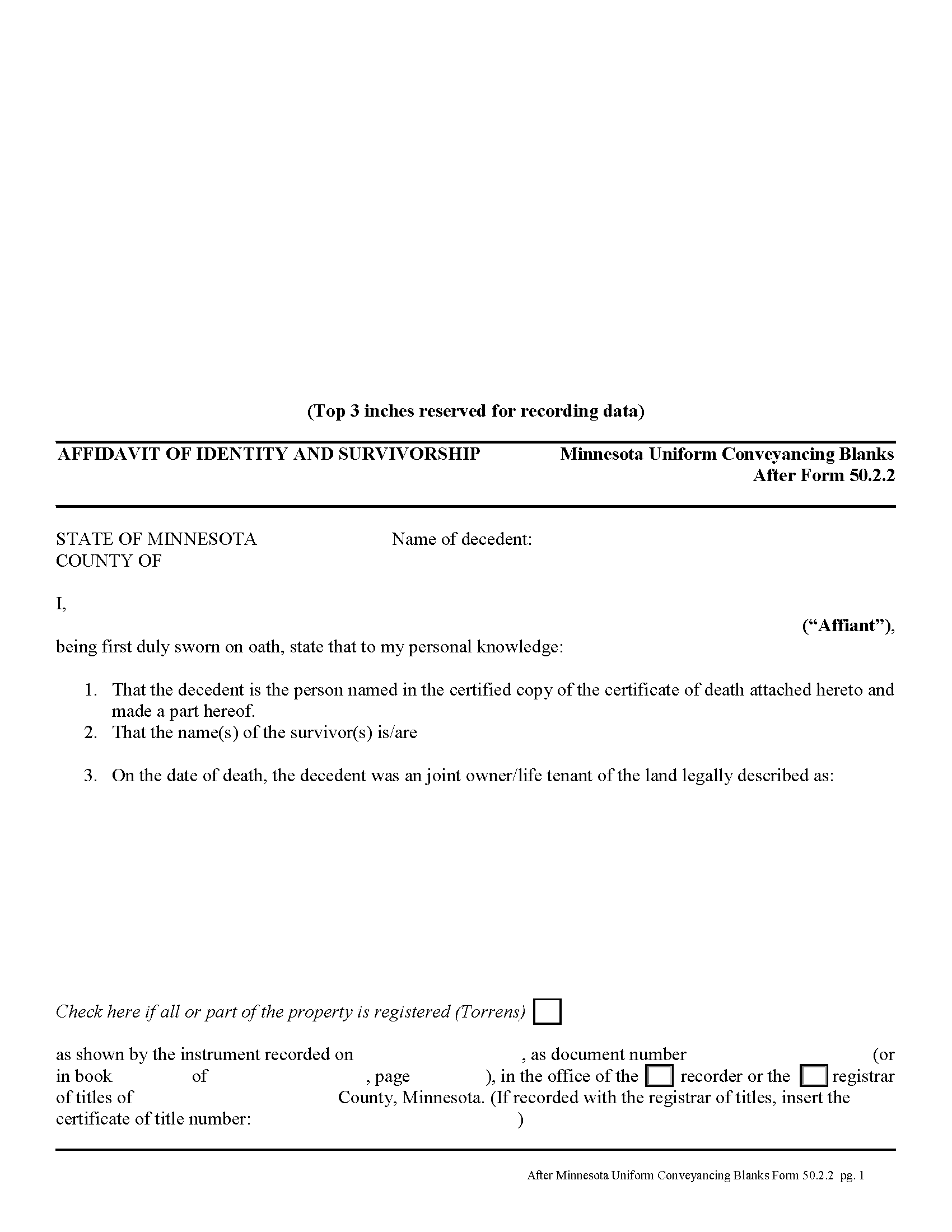
Mcleod County Affidavit of Identity and Survivorship Form
Fill in the blank form formatted to comply with all recording and content requirements.
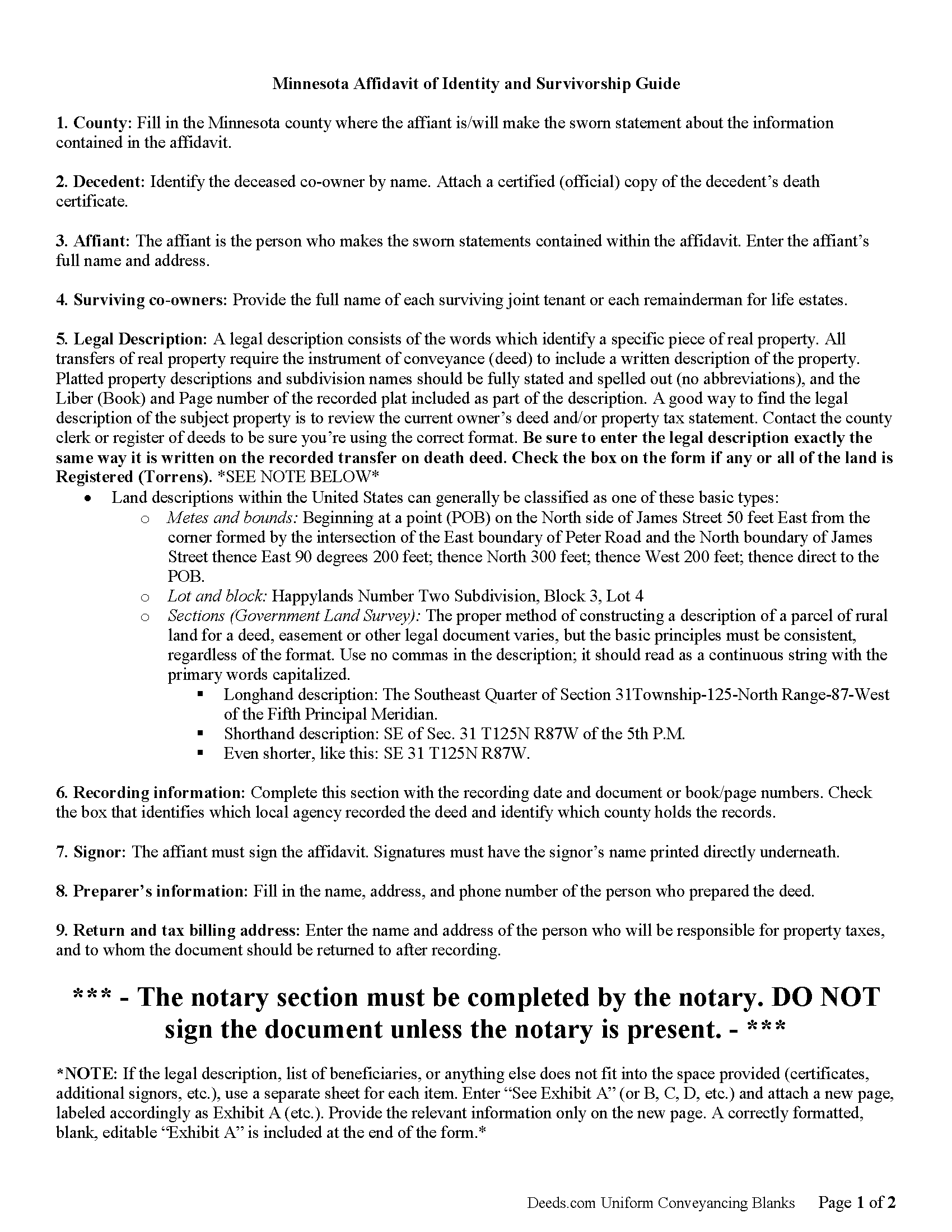
Mcleod County Affidavit of Indentity and Survivorship Guide
Line by line guide explaining every blank on the form.
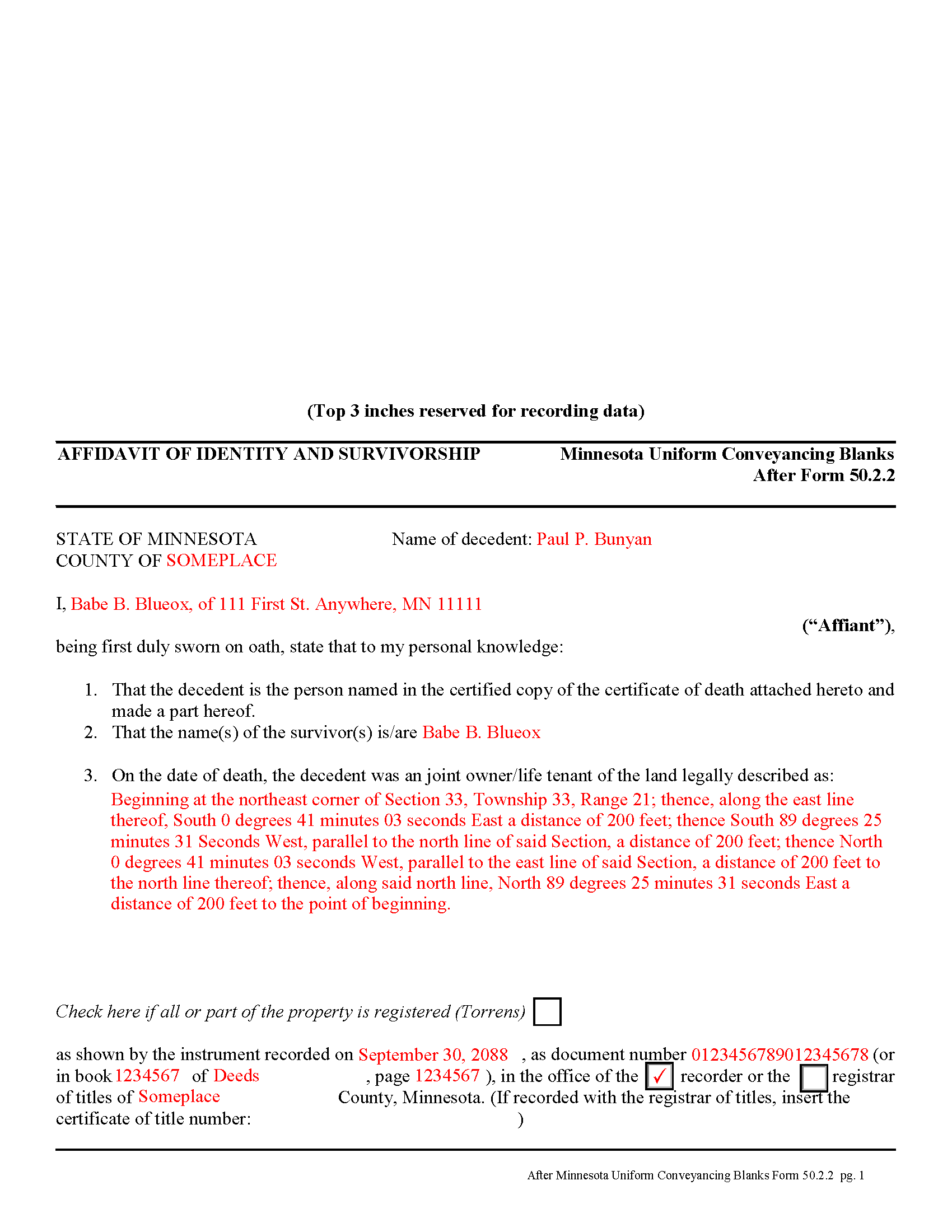
Mcleod County Completed Example of the Affidavit of Identity and Survivorship Document
Example of a properly completed form for reference.
All 3 documents above included • One-time purchase • No recurring fees
Immediate Download • Secure Checkout
Additional Minnesota and Mcleod County documents included at no extra charge:
Where to Record Your Documents
McLeod County Recorder
Glencoe, Minnesota 55336
Hours: 8:00am to 4:30pm Monday through Friday
Phone: (320) 864-1327
Recording Tips for Mcleod County:
- Bring your driver's license or state-issued photo ID
- Ensure all signatures are in blue or black ink
- Ask about accepted payment methods when you call ahead
- Ask for certified copies if you need them for other transactions
- Ask if they accept credit cards - many offices are cash/check only
Cities and Jurisdictions in Mcleod County
Properties in any of these areas use Mcleod County forms:
- Brownton
- Glencoe
- Hutchinson
- Lester Prairie
- Plato
- Silver Lake
- Stewart
- Winsted
Hours, fees, requirements, and more for Mcleod County
How do I get my forms?
Forms are available for immediate download after payment. The Mcleod County forms will be in your account ready to download to your computer. An account is created for you during checkout if you don't have one. Forms are NOT emailed.
Are these forms guaranteed to be recordable in Mcleod County?
Yes. Our form blanks are guaranteed to meet or exceed the applicable formatting requirements used for recording in Mcleod County, including margin requirements, font requirements, and other layout standards. This guarantee applies to formatting, not to the legal sufficiency of information entered by the user or the suitability of a form for a particular transaction.
Can I reuse these forms?
Yes. You can reuse the forms for your personal use. For example, if you have multiple properties in Mcleod County you only need to order once.
What do I need to use these forms?
The forms are PDFs that you fill out on your computer. The free Adobe Acrobat Reader is recommended, and most PDF apps also work. You do NOT enter your property information online - you download the blank forms and complete them privately on your own computer.
Are there any recurring fees?
No. This is a one-time purchase. Nothing to cancel, no memberships, no recurring fees.
How much does it cost to record in Mcleod County?
Recording fees in Mcleod County vary. Contact the recorder's office at (320) 864-1327 for current fees.
Questions answered? Let's get started!
Minnesota allows two or more people to share ownership of real estate as joint tenants. Unlike tenants in common, who each own individual portions of the property, joint tenants share equal parts of the undivided whole property. As a result, if one joint tenant dies, his/her rights are distributed evenly amongst the surviving joint tenants. Note that joint tenancy property passes outside of probate, so it does not become part of the decedent's estate.
To complete the transfer of ownership rights, the surviving joint tenant or tenants should execute an affidavit of identity and survivorship, based on Minnesota Form 50.2.2. The affidavit references the recorded deed where the joint tenants gained the property rights, and also requires a certified copy of the decedent's death certificate. Record the affidavit and its supporting documents in the office responsible for maintaining property records for the county where the land is located.
After recording the affidavit, the deceased joint tenant no longer holds any property rights, but his/her name will still appear as an owner in the records. To actually remove that name, the remaining joint tenant(s) should execute a new deed listing all original joint tenants as grantors, but identifying the deceased individual and including a certified copy of the death certificate. Name only the surviving tenants as grantees. After filing the new deed, the property records should only show the remaining owners.
(Minnesota AOI Package includes form, guidelines, and completed example)
Important: Your property must be located in Mcleod County to use these forms. Documents should be recorded at the county recording office listed above.
This Affidavit of Identity and Survivorship meets all recording requirements specific to Mcleod County.
Our Promise
The documents you receive here are guaranteed to meet or exceed the applicable Mcleod County recording format requirements. If there is a rejection caused by our formatting, we will correct the issue or refund your payment. This guarantee applies to document formatting only and does not extend to information entered by the user, the selection of the form, or the legal effect of the completed document.
Save Time and Money
Get your Mcleod County Affidavit of Identity and Survivorship form done right the first time with Deeds.com Uniform Conveyancing Blanks. At Deeds.com, we understand that your time and money are valuable resources, and we don't want you to face a penalty fee or rejection imposed by a county recorder for submitting nonstandard documents. We constantly review and update our forms to meet rapidly changing state and county recording requirements for roughly 3,500 counties and local jurisdictions.
4.8 out of 5 - ( 4,833 Reviews )
Robert W. 5 out of 5 stars
Perfect timing. Everything was consistent and timely.
Thank you Robert, we appreciate your feedback.
Helen M. 1 out of 5 stars
The forms are very confusing when there is so much to download! Trying to keep track and make sure you have everything needed is terrible! I think I have everything but I was under the impression I would be filling it out online and with instructions... I am very disappointed to say the least!
Sorry to hear of your disappointment Helen. We have gone ahead and canceled your order and payment. We do hope that you are able to find something more suitable to your needs elsewhere. Have a wonderful day.
Regina A. 5 out of 5 stars
I needed to look for a recorded document and found what I was looking for. Thank you for the great service.
Thank you for your feedback. We really appreciate it. Have a great day!
Alfred D. 5 out of 5 stars
The material was very usable and site was easy to navigate. Well worth the money. If I have similar needs, I'll ber back.
Thank you for your feedback. We really appreciate it. Have a great day!
Earline S. 5 out of 5 stars
Total package. Very prompt with complete instructions & example to complete forms. If you don't want to hire a lawyer, this is pretty simple & will bypass probate.
Thank you, we really appreciate your feedback.
Sara W. 5 out of 5 stars
Got the legal forms, they worked. Nothing exciting but that probably a good thing.
Thank you Sara, we appreciate you.
Jennifer H. 1 out of 5 stars
Price is too expensive.
Thank you for your feedback Jennifer.
Ariel S. 5 out of 5 stars
Awesome....love the ease of use and response.
Thank you for the kinds words Ariel, we appreciate you! Have a fantastic day!
Robert W. 5 out of 5 stars
With the guide everything went great
Thank you!
Betty S. 5 out of 5 stars
Thank you for the excellent and complete layout of all forms needed to complete the Affidavit of Death and Heirship, including the notarial officer and an example of how these forms should be completed. This method definitely saves time and money and an answer to my family's Prayers.
Thank you for your feedback. We really appreciate it. Have a great day!
Catherine B. 5 out of 5 stars
Was looking for information and forms relating to a trust my parents created, but what I purchased seems geared toward trusts containing real estate only, which is not what I needed. Clearly I missed something prior to purchasing something I can not use. Perhaps additional clarification for us without any experience is this area would be helpful.
Thank you for your feedback. We really appreciate it. Have a great day!
Donald H. 5 out of 5 stars
Easy to use and very quick turn around ... Very satisfied with ease of use and services provided ...
Thank you for your feedback. We really appreciate it. Have a great day!
Lance T. W. 4 out of 5 stars
All in all an easy, cost-effective approach to simple legal work.
Thank you for your feedback. We really appreciate it. Have a great day!
JAMES S. 5 out of 5 stars
Saved me 1-2 hours' time dictating. Will use again.
Thank you!
Laurie B. 5 out of 5 stars
easy to use, good experience
Thank you!