Mcleod County Correction Deed Form
Last validated November 17, 2026 by our Forms Development TeamFormatted for recording in Mcleod County, for property anywhere in the county: rural and unincorporated areas as well as Brownton, Glencoe, Hutchinson, Lester Prairie, Plato, Silver Lake, Stewart, Winsted.
- 3 documents included
- Immediate PDF download
- Formatting guarantee
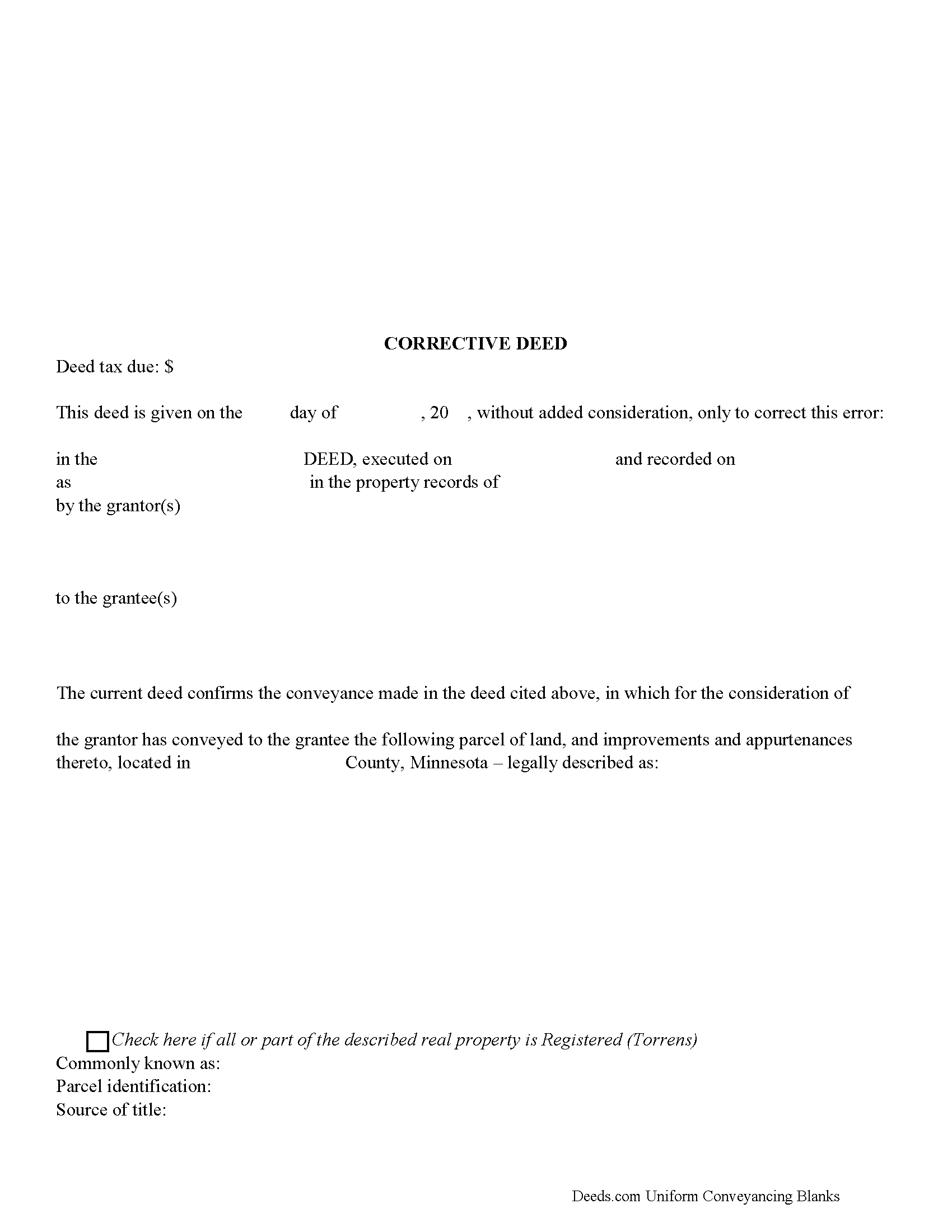
Mcleod County Corrective Deed Form
Fill in the blank form formatted to comply with all recording and content requirements.
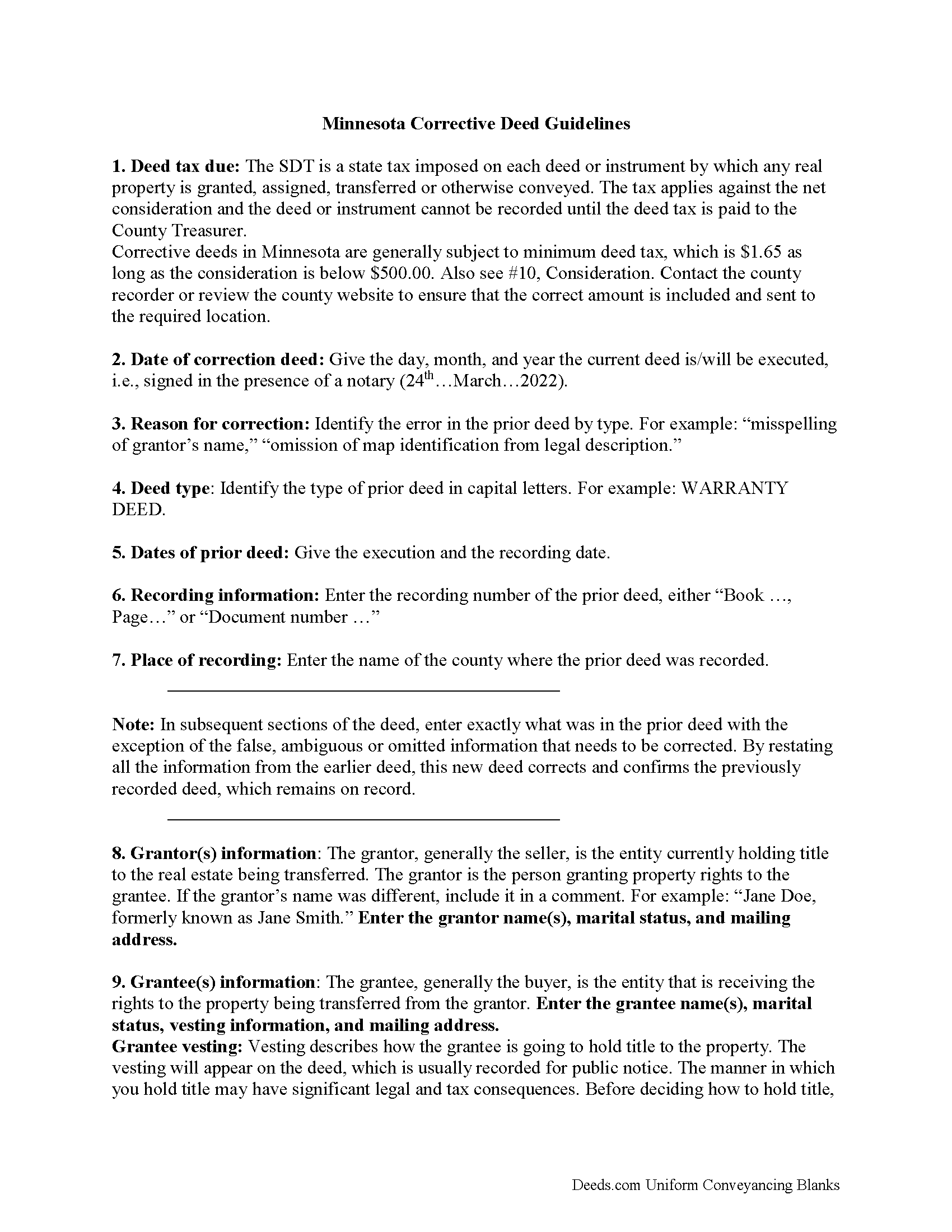
Mcleod County Correction Deed Guide
Line by line guide explaining every blank on the form.
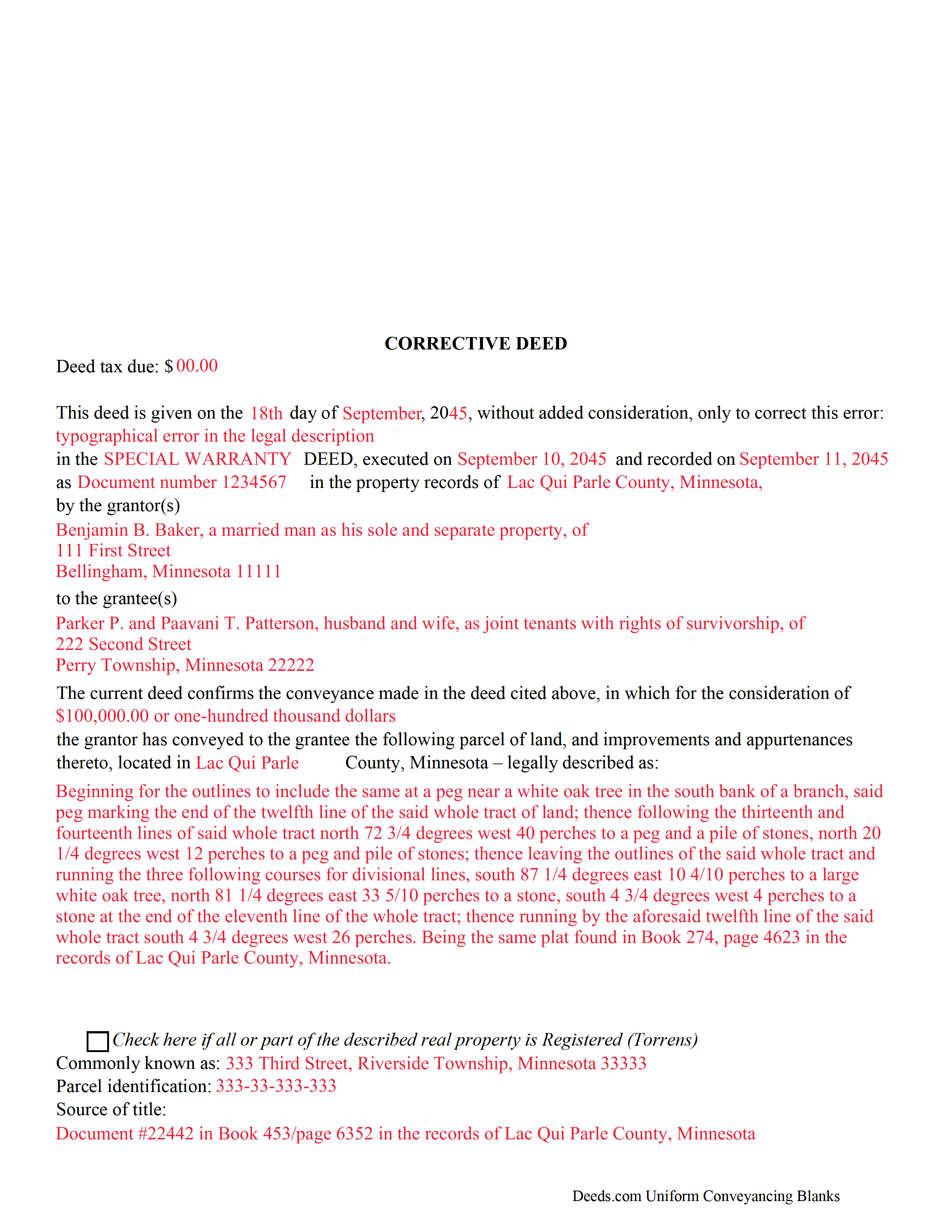
Mcleod County Completed Example of the Corrective Deed Document
Example of a properly completed form for reference.
All 3 documents above included • One-time purchase • No recurring fees
Immediate Download • Secure Checkout
Additional Minnesota and Mcleod County documents included at no extra charge:
Where to Record Your Documents
McLeod County Recorder
Glencoe, Minnesota 55336
Hours: 8:00am to 4:30pm Monday through Friday
Phone: (320) 864-1327
Recording Tips for Mcleod County:
- Bring your driver's license or state-issued photo ID
- Ensure all signatures are in blue or black ink
- Ask about their eRecording option for future transactions
- Avoid the last business day of the month when possible
- Both spouses typically need to sign if property is jointly owned
Cities and Jurisdictions in Mcleod County
Properties in any of these areas use Mcleod County forms:
- Brownton
- Glencoe
- Hutchinson
- Lester Prairie
- Plato
- Silver Lake
- Stewart
- Winsted
Hours, fees, requirements, and more for Mcleod County
How do I get my forms?
Forms are available for immediate download after payment. The Mcleod County forms will be in your account ready to download to your computer. An account is created for you during checkout if you don't have one. Forms are NOT emailed.
Are these forms guaranteed to be recordable in Mcleod County?
Yes. Our form blanks are guaranteed to meet or exceed the applicable formatting requirements used for recording in Mcleod County, including margin requirements, font requirements, and other layout standards. This guarantee applies to formatting, not to the legal sufficiency of information entered by the user or the suitability of a form for a particular transaction.
Can I reuse these forms?
Yes. You can reuse the forms for your personal use. For example, if you have multiple properties in Mcleod County you only need to order once.
What do I need to use these forms?
The forms are PDFs that you fill out on your computer. The free Adobe Acrobat Reader is recommended, and most PDF apps also work. You do NOT enter your property information online - you download the blank forms and complete them privately on your own computer.
Are there any recurring fees?
No. This is a one-time purchase. Nothing to cancel, no memberships, no recurring fees.
How much does it cost to record in Mcleod County?
Recording fees in Mcleod County vary. Contact the recorder's office at (320) 864-1327 for current fees.
Questions answered? Let's get started!
Use the corrective deed to amend a previously recorded deed of conveyance with an error that could affect the title.
In Minnesota, there are two options for correcting a deed, re-recording the corrected original deed and recording a newly drafted corrective deed. When re-recording the original deed, make corrections directly on the document, but keep in mind that legal documents cannot be altered with strikeout, whiteout, line through or correction tape. Check with the county's recording office before choosing this option to verify local requirements regarding title pages, required attachments and how to handle the correcting itself.
A re-recorded document must be re-signed by the original parties and re-acknowledged and contain a correction statement that gives the reason for the re-recording and refers to the prior recording. Keep in mind that adding extra pages for the various required statements and the signatures will increase the overall page count of the re-recording, which may affect recording fees.
The easiest and cleanest option is to record a new corrective deed, which mostly restates the prior deed, but also contains the reason for the correction, reference to the prior deed by date, recording number and title, as well as the actual corrected information. By restating all the information from the earlier deed, the new deed corrects and confirms the previously recorded deed, which remains on record.
Take advantage of the statutorily defined right to have a corrective instrument inspected by the county attorney, who, "on finding that such deed is given for the purpose of correcting a defect in the title, or on account of a technical error in a prior conveyance," will certify those findings so that the deed can be recorded even if "there are unpaid taxes or assessments upon such land." (Minn. Stat. 272.15) As far as deed tax is concerned, corrective deeds in Minnesota are generally subject to minimum deed tax. Contact the county recorder or review the county website to ensure that the correct amount is included and sent to the required location.
(Minnesota CD Package includes form, guidelines, and completed example)
Important: Your property must be located in Mcleod County to use these forms. Documents should be recorded at the county recording office listed above.
This Correction Deed meets all recording requirements specific to Mcleod County.
Our Promise
The documents you receive here are guaranteed to meet or exceed the applicable Mcleod County recording format requirements. If there is a rejection caused by our formatting, we will correct the issue or refund your payment. This guarantee applies to document formatting only and does not extend to information entered by the user, the selection of the form, or the legal effect of the completed document.
Save Time and Money
Get your Mcleod County Correction Deed form done right the first time with Deeds.com Uniform Conveyancing Blanks. At Deeds.com, we understand that your time and money are valuable resources, and we don't want you to face a penalty fee or rejection imposed by a county recorder for submitting nonstandard documents. We constantly review and update our forms to meet rapidly changing state and county recording requirements for roughly 3,500 counties and local jurisdictions.
4.8 out of 5 - ( 4,864 Reviews )
ieva r. 5 out of 5 stars
Excellent! I was worried because I saw some negative reviews online but I really needed an e-recording company and they completed everything perfectly. I will most definitely recommend them and use them again in the future. All the staff was super nice and very helpful.
We appreciate your business and value your feedback. Thank you. Have a wonderful day!
Sylvia H. 5 out of 5 stars
Thank you so very much for such an easy experience.
Thank you for your feedback. We really appreciate it. Have a great day!
Daniel S. 5 out of 5 stars
Great way of getting the right documents for each state and county.
We appreciate your business and value your feedback. Thank you. Have a wonderful day!
Therese L. 5 out of 5 stars
Good instructions and example
Thank you!
Nellouise S. 5 out of 5 stars
Documents are ok but I needed to reword some of the verbiage and it cannot be edited without paying a monthly or annual membership. otherwise it is a very nice site.
Thank you for your feedback. We really appreciate it. Have a great day!
Justine John S. 5 out of 5 stars
Splendid! I will definitely and absolutely recommend you guys and this company to my co-investors !
Thank you!
Dennis O. 5 out of 5 stars
Everything I needed plus more. Great service!!!
Thank you for your feedback. We really appreciate it. Have a great day!
Tonya J. 5 out of 5 stars
User friendly and fast response time!!
Thank you for your feedback. We really appreciate it. Have a great day!
Wayne R. 5 out of 5 stars
Couldn't believe how simple it was to do such a very important family support task and the price was right! Thank you
We appreciate your business and value your feedback. Thank you. Have a wonderful day!
Tullea S. 5 out of 5 stars
Although I didn't get what I needed, the customer service is outstanding. I got a text asking if I needed any help. He canceled my subscription right away and was very helpful. He responded quickly each time.
We are delighted to have been of service. Thank you for the positive review!
Gloria S. 5 out of 5 stars
Hard to find, obscure, forms were available. I did not think I was going to be able to find them, let alone find such high quality docs, great job!
Thank you for your feedback. We really appreciate it. Have a great day!
ziad k. 5 out of 5 stars
FIRST TIME USER EXCELENT SERVICE.
Thank you for your feedback. We really appreciate it. Have a great day!
Jan C. 5 out of 5 stars
Wow - finding your service was a lifesaver! I know my forms, but I don't have the time right now to draft them from "scratch". So once I found this site it was a couple of quick clicks and VOILA!! almost a done deal. Thanks for the assistance.
Thank you for your feedback. We really appreciate it. Have a great day!
Jimmy W. 5 out of 5 stars
Very thorough with plenty of instructions. Nice to be able to fill in the forms on my computer at my own pace and edit if needed. Jim
We appreciate your business and value your feedback. Thank you. Have a wonderful day!
Christine S. 5 out of 5 stars
One stop shopping for your Deed needs. Downloaded the forms and filled them out with ease following the step by step instructions. Saved me hundreds of dollars for not having to hire an attorney to do the exact same thing.
Thank you for your feedback. We really appreciate it. Have a great day!