Blue Earth County Correction Deed Form
Last validated September 28, 2026 by our Forms Development TeamFormatted for recording in Blue Earth County, for property anywhere in the county: rural and unincorporated areas as well as Amboy, Eagle Lake, Garden City, Good Thunder, Lake Crystal, Madison Lake, Mankato, Mapleton and 3 more.
- 3 documents included
- Immediate PDF download
- Formatting guarantee
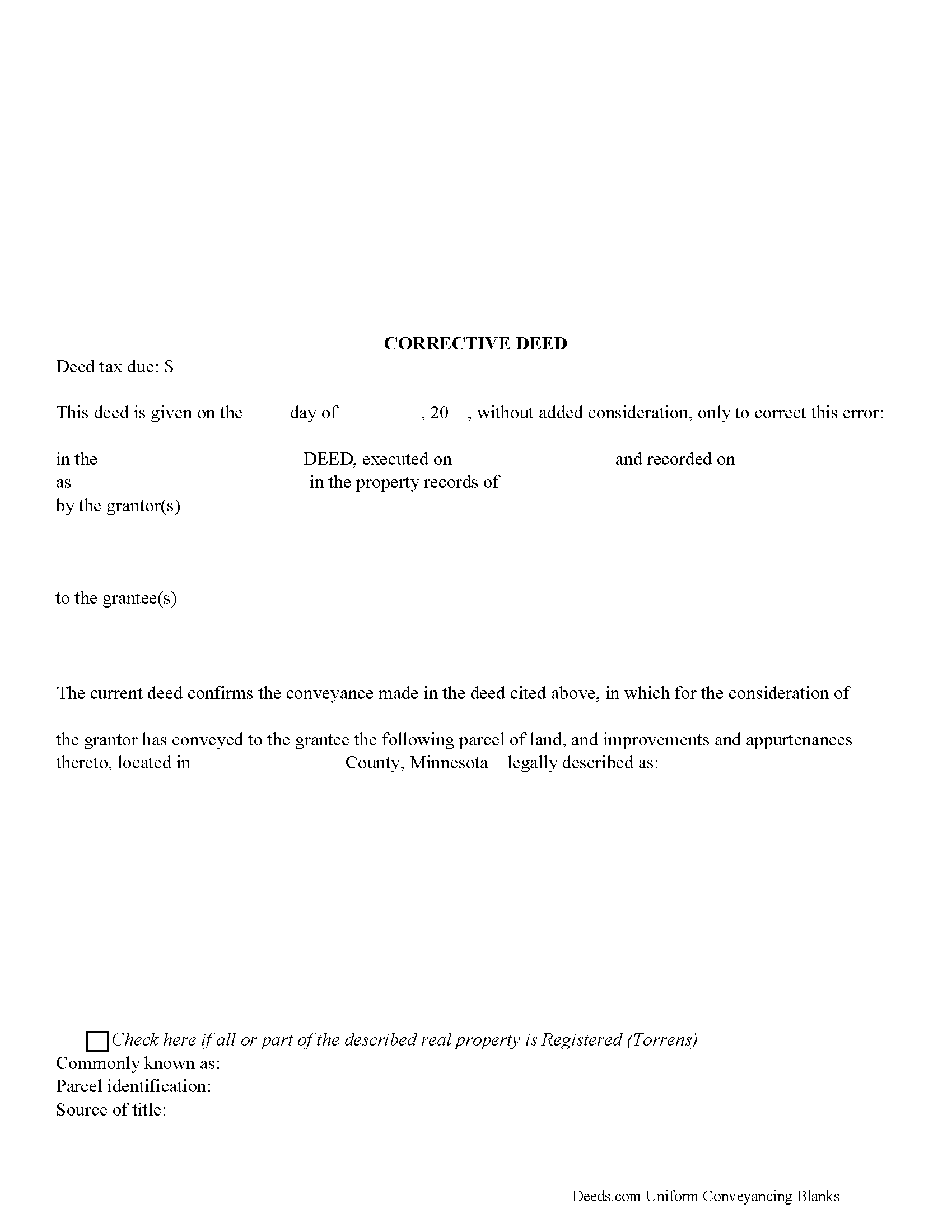
Blue Earth County Corrective Deed Form
Fill in the blank form formatted to comply with all recording and content requirements.
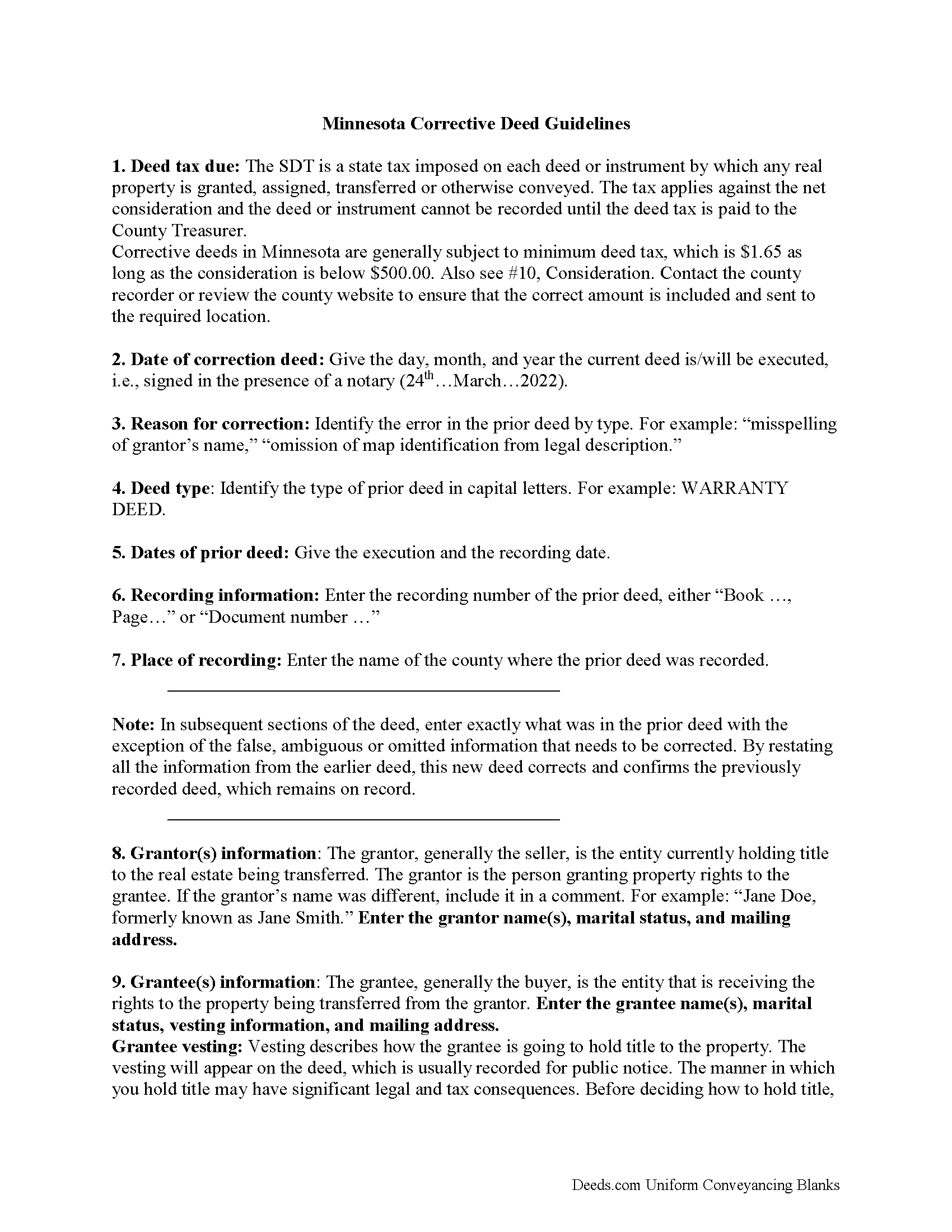
Blue Earth County Correction Deed Guide
Line by line guide explaining every blank on the form.
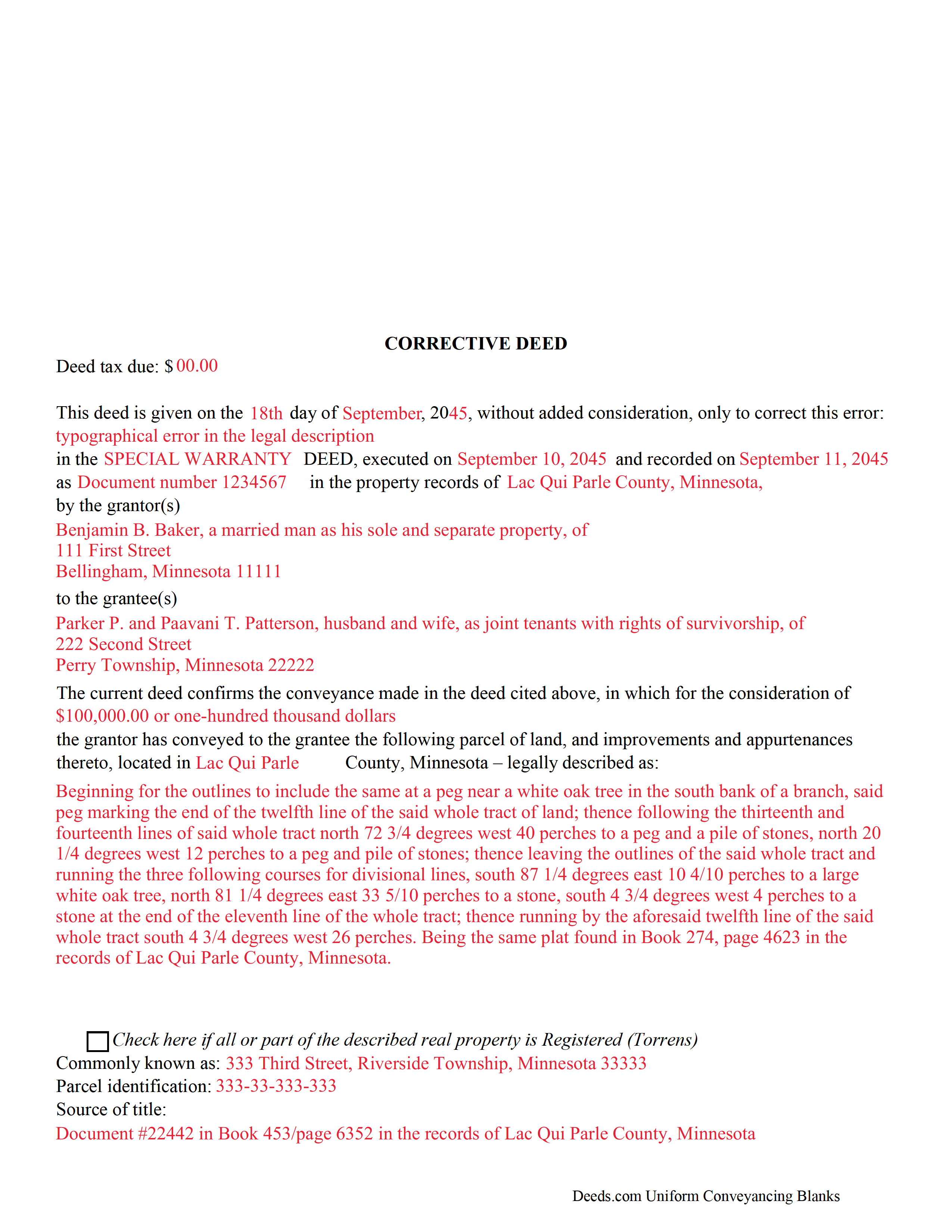
Blue Earth County Completed Example of the Corrective Deed Document
Example of a properly completed form for reference.
All 3 documents above included • One-time purchase • No recurring fees
Immediate Download • Secure Checkout
Additional Minnesota and Blue Earth County documents included at no extra charge:
Where to Record Your Documents
Taxpayer Services: Real Estate Recordings Division
Mankato, Minnesota 56002-3567
Hours: 8:00am to 4:30pm M-F
Phone: (507) 304-4251
Recording Tips for Blue Earth County:
- Bring your driver's license or state-issued photo ID
- Ensure all signatures are in blue or black ink
- Make copies of your documents before recording - keep originals safe
- Recorded documents become public record - avoid including SSNs
- Recording fees may differ from what's posted online - verify current rates
Cities and Jurisdictions in Blue Earth County
Properties in any of these areas use Blue Earth County forms:
- Amboy
- Eagle Lake
- Garden City
- Good Thunder
- Lake Crystal
- Madison Lake
- Mankato
- Mapleton
- Pemberton
- Saint Clair
- Vernon Center
Hours, fees, requirements, and more for Blue Earth County
How do I get my forms?
Forms are available for immediate download after payment. The Blue Earth County forms will be in your account ready to download to your computer. An account is created for you during checkout if you don't have one. Forms are NOT emailed.
Are these forms guaranteed to be recordable in Blue Earth County?
Yes. Our form blanks are guaranteed to meet or exceed the applicable formatting requirements used for recording in Blue Earth County, including margin requirements, font requirements, and other layout standards. This guarantee applies to formatting, not to the legal sufficiency of information entered by the user or the suitability of a form for a particular transaction.
Can I reuse these forms?
Yes. You can reuse the forms for your personal use. For example, if you have multiple properties in Blue Earth County you only need to order once.
What do I need to use these forms?
The forms are PDFs that you fill out on your computer. The free Adobe Acrobat Reader is recommended, and most PDF apps also work. You do NOT enter your property information online - you download the blank forms and complete them privately on your own computer.
Are there any recurring fees?
No. This is a one-time purchase. Nothing to cancel, no memberships, no recurring fees.
How much does it cost to record in Blue Earth County?
Recording fees in Blue Earth County vary. Contact the recorder's office at (507) 304-4251 for current fees.
Questions answered? Let's get started!
Use the corrective deed to amend a previously recorded deed of conveyance with an error that could affect the title.
In Minnesota, there are two options for correcting a deed, re-recording the corrected original deed and recording a newly drafted corrective deed. When re-recording the original deed, make corrections directly on the document, but keep in mind that legal documents cannot be altered with strikeout, whiteout, line through or correction tape. Check with the county's recording office before choosing this option to verify local requirements regarding title pages, required attachments and how to handle the correcting itself.
A re-recorded document must be re-signed by the original parties and re-acknowledged and contain a correction statement that gives the reason for the re-recording and refers to the prior recording. Keep in mind that adding extra pages for the various required statements and the signatures will increase the overall page count of the re-recording, which may affect recording fees.
The easiest and cleanest option is to record a new corrective deed, which mostly restates the prior deed, but also contains the reason for the correction, reference to the prior deed by date, recording number and title, as well as the actual corrected information. By restating all the information from the earlier deed, the new deed corrects and confirms the previously recorded deed, which remains on record.
Take advantage of the statutorily defined right to have a corrective instrument inspected by the county attorney, who, "on finding that such deed is given for the purpose of correcting a defect in the title, or on account of a technical error in a prior conveyance," will certify those findings so that the deed can be recorded even if "there are unpaid taxes or assessments upon such land." (Minn. Stat. 272.15) As far as deed tax is concerned, corrective deeds in Minnesota are generally subject to minimum deed tax. Contact the county recorder or review the county website to ensure that the correct amount is included and sent to the required location.
(Minnesota CD Package includes form, guidelines, and completed example)
Important: Your property must be located in Blue Earth County to use these forms. Documents should be recorded at the county recording office listed above.
This Correction Deed meets all recording requirements specific to Blue Earth County.
Our Promise
The documents you receive here are guaranteed to meet or exceed the applicable Blue Earth County recording format requirements. If there is a rejection caused by our formatting, we will correct the issue or refund your payment. This guarantee applies to document formatting only and does not extend to information entered by the user, the selection of the form, or the legal effect of the completed document.
Save Time and Money
Get your Blue Earth County Correction Deed form done right the first time with Deeds.com Uniform Conveyancing Blanks. At Deeds.com, we understand that your time and money are valuable resources, and we don't want you to face a penalty fee or rejection imposed by a county recorder for submitting nonstandard documents. We constantly review and update our forms to meet rapidly changing state and county recording requirements for roughly 3,500 counties and local jurisdictions.
4.8 out of 5 - ( 4,828 Reviews )
Rebecca G. 5 out of 5 stars
Very user friendly. Forms professional and acceptable to state applicable to. Appreciate the sample & instructions.
Thank you for your feedback. We really appreciate it. Have a great day!
Cynthia H. 5 out of 5 stars
Thank you for having these forms so reasonable and easy to access. I only WISH I would have looked here 1st, spent way to much valuable time trying to get help with this deed. This was so EASY and quick... THANK YOU THANK YOU Highly Recommend
Thank you!
Michelle H. 5 out of 5 stars
Fast, easy and helpful. Highly recommend, my document was recorded within 24 hours.
Thank you!
Brenda E. 5 out of 5 stars
This is a great tool to use. It makes recording documents so easy and convenient. The website is very user-friendly. The only suggestion I would have is if the website could email me directly when I have a message so I don't have to keep checking back to see if my document is ready.
Thank you for your feedback. We really appreciate it. Have a great day!
David D. 5 out of 5 stars
Two thumbs up!
Thank you!
Kerry G. 5 out of 5 stars
Could not be happier with the deeds here. Long time customer and never had a problem, they always have the right documents for what I need.
Thank you for the kind words Kerry. Have a great day!
Alexander M. 5 out of 5 stars
Great recording service ! Very professional and easy to navigate !!!!
It was a pleasure serving you. Thank you for the positive feedback!
David M. 5 out of 5 stars
Extremely easy to use. The sample completed document was very helpful. I really appreciated not having to spend a few hundred dollars for a lawyer to generate a document that I can produce myself for a small fraction of the cost.
We appreciate your business and value your feedback. Thank you. Have a wonderful day!
Melody P. 5 out of 5 stars
Thank you for getting our docs recorded so quickly and efficiently! Great and dependable service, as always!
We appreciate your business and value your feedback. Thank you. Have a wonderful day!
Elbert M. 5 out of 5 stars
I found The blank documents easy to use and the instructions informative and simple to follow. Thanks
Thank you for your feedback. We really appreciate it. Have a great day!
David C. 5 out of 5 stars
I got what I expected. Thank you
Thank you for your feedback. We really appreciate it. Have a great day!
Roger S. 1 out of 5 stars
status was canceled. said i needed to record directly. would be 5 stars if it worked.
Sorry for the inconvenience Roger. Unfortunately, not all jurisdictions in the country have progressed to the point of being able to accept all document types for e-recording.
Maria S. 3 out of 5 stars
The paperwork/forms are fine, but there isn't enough explanation for me to figure out how to file the extra forms (which I do need in my case). The main form, Deed Upon Death is fine. I think the price is pretty high for these forms. I wouldn't have purchased it because there are places to get them for much cheaper (about 6 dollars), but this site had the extra forms I wanted (property in a trust and another form). Unfortunately these were included as a "courtesy" and there are no instructions for them. So three stars for being clear about what was in the package, having the right forms that I need, but instructions for putting them to use and price took a couple of stars off. Downloading was easy and once you download you can type the info into the PDF--that makes working with the forms much easier.
Thank you for the feedback Maria. Regarding the supplement documents, it is best to get assistance from the agency that requires them. These are not legal documents, they should provide full support and guidance for them.
David H. 5 out of 5 stars
Rapid, excellent service. This definitely beats the old way of trying to obtain public documents from LA County. Great improvement!
Thank you!
Joyce D. 5 out of 5 stars
Great service. Fast and efficient.
Thank you!