Meeker County Limited Warranty Deed Form
Last validated October 6, 2026 by our Forms Development TeamFormatted for recording in Meeker County, for property anywhere in the county: rural and unincorporated areas as well as Cosmos, Darwin, Dassel, Eden Valley, Grove City, Litchfield, Watkins.
- 3 documents included
- Immediate PDF download
- Formatting guarantee
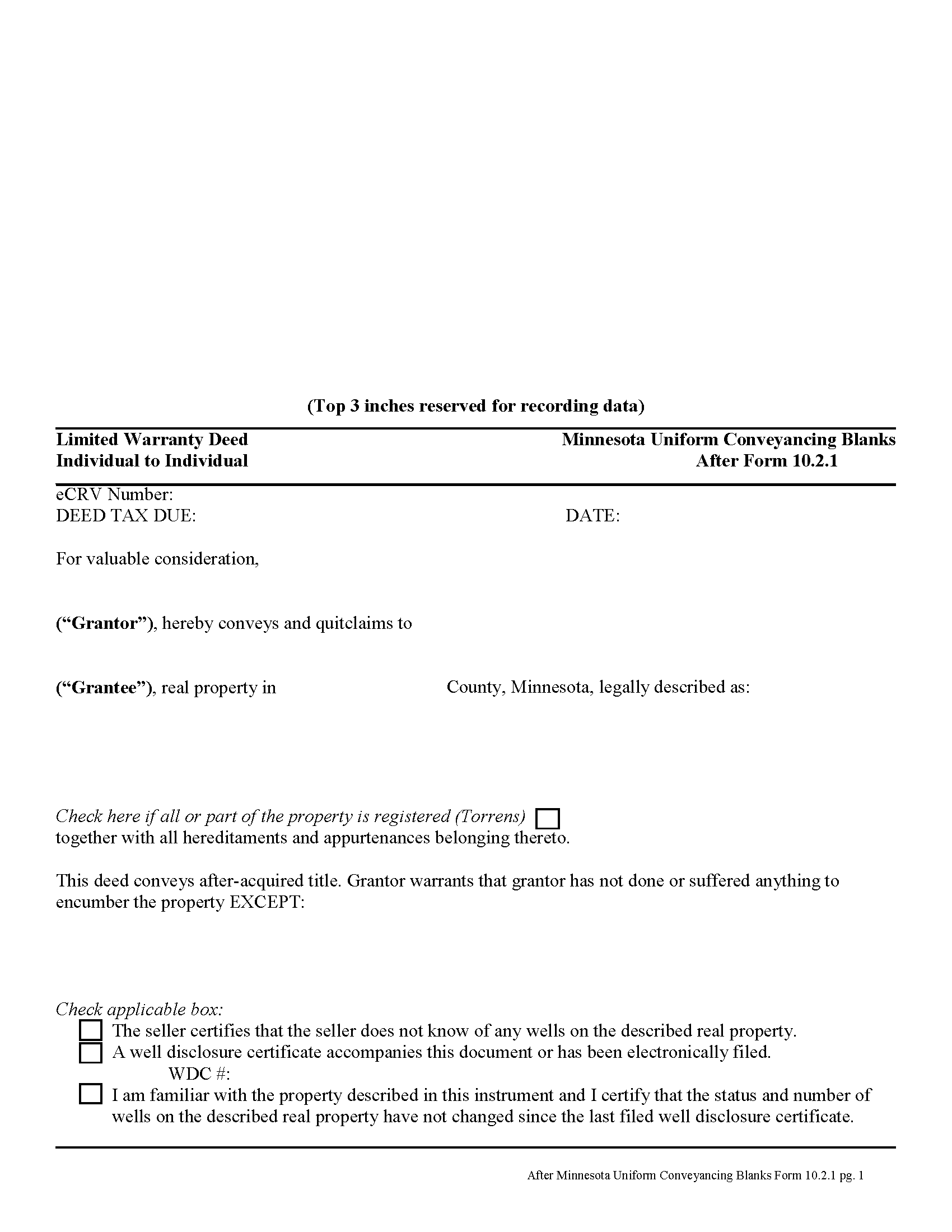
Meeker County Limited Warranty Deed Form
Fill in the blank form formatted to comply with all recording and content requirements.
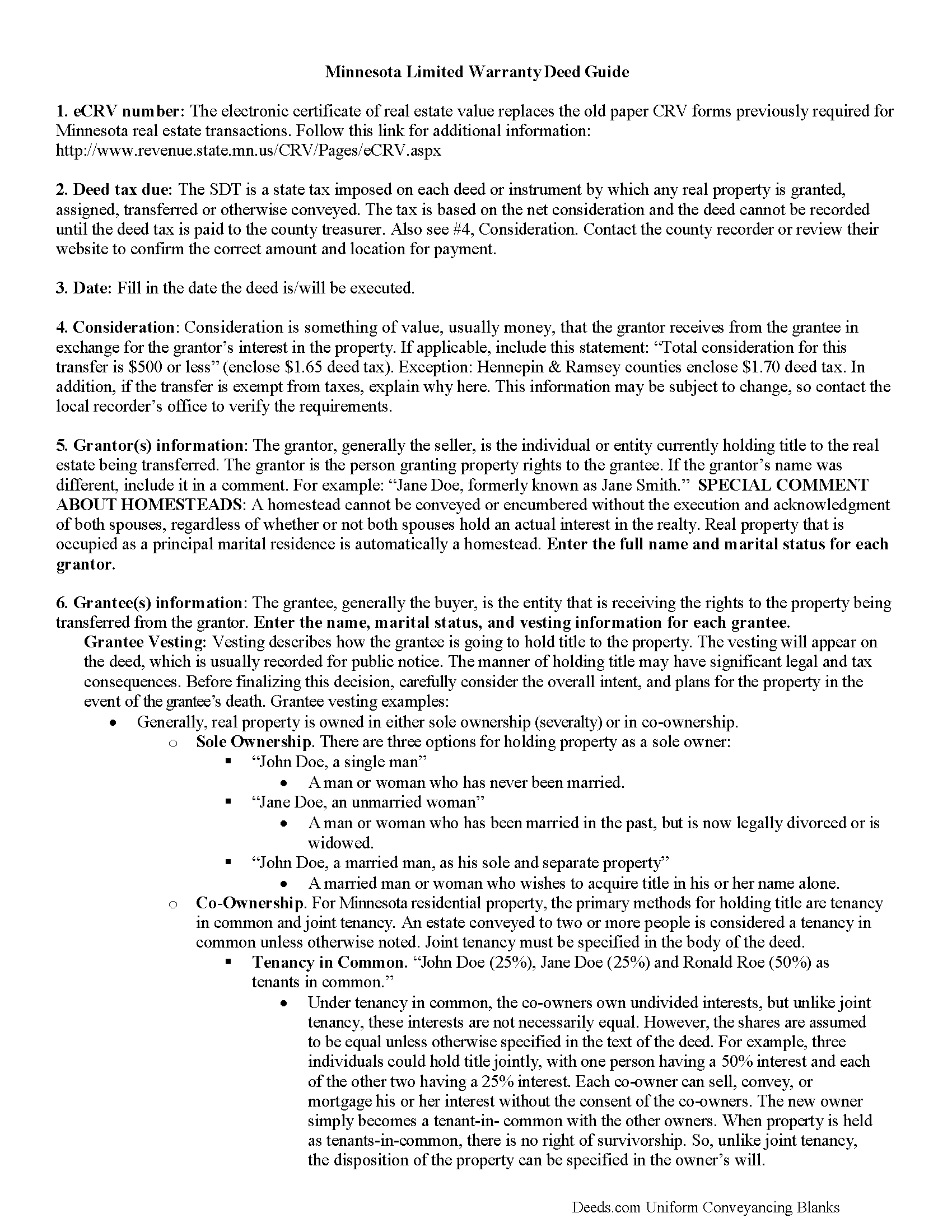
Meeker County Limited Warranty Deed Guide
Line by line guide explaining every blank on the form.
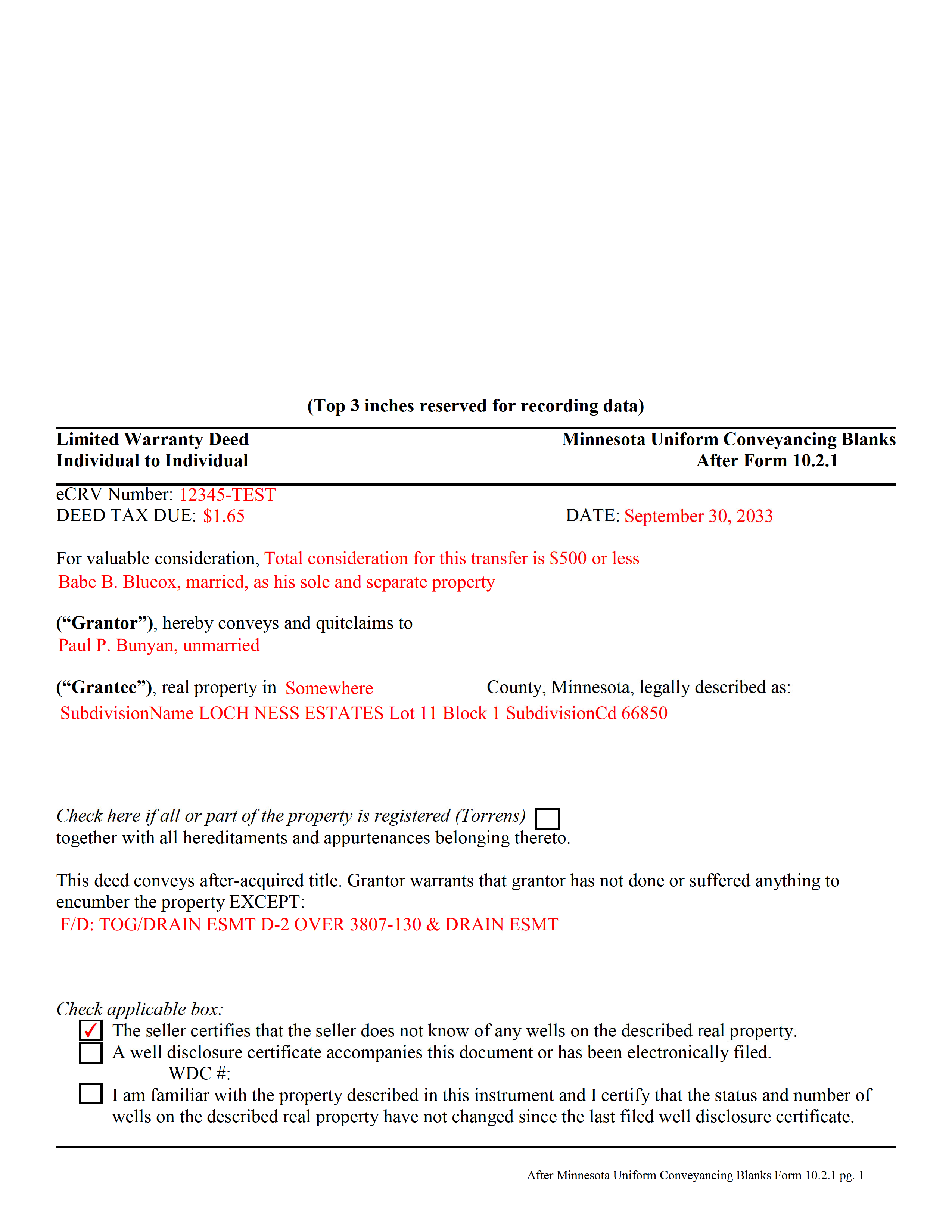
Meeker County Completed Example of the Limited Warranty Deed Document
Example of a properly completed form for reference.
All 3 documents above included • One-time purchase • No recurring fees
Immediate Download • Secure Checkout
Additional Minnesota and Meeker County documents included at no extra charge:
Where to Record Your Documents
Meeker County Recorder
Litchfield, Minnesota 55355
Hours: 8:00am to 4:30pm Monday through Friday
Phone: (320) 693-5440
Recording Tips for Meeker County:
- Bring your driver's license or state-issued photo ID
- Ensure all signatures are in blue or black ink
- Ask about their eRecording option for future transactions
- Avoid the last business day of the month when possible
- Both spouses typically need to sign if property is jointly owned
Cities and Jurisdictions in Meeker County
Properties in any of these areas use Meeker County forms:
- Cosmos
- Darwin
- Dassel
- Eden Valley
- Grove City
- Litchfield
- Watkins
Hours, fees, requirements, and more for Meeker County
How do I get my forms?
Forms are available for immediate download after payment. The Meeker County forms will be in your account ready to download to your computer. An account is created for you during checkout if you don't have one. Forms are NOT emailed.
Are these forms guaranteed to be recordable in Meeker County?
Yes. Our form blanks are guaranteed to meet or exceed the applicable formatting requirements used for recording in Meeker County, including margin requirements, font requirements, and other layout standards. This guarantee applies to formatting, not to the legal sufficiency of information entered by the user or the suitability of a form for a particular transaction.
Can I reuse these forms?
Yes. You can reuse the forms for your personal use. For example, if you have multiple properties in Meeker County you only need to order once.
What do I need to use these forms?
The forms are PDFs that you fill out on your computer. The free Adobe Acrobat Reader is recommended, and most PDF apps also work. You do NOT enter your property information online - you download the blank forms and complete them privately on your own computer.
Are there any recurring fees?
No. This is a one-time purchase. Nothing to cancel, no memberships, no recurring fees.
How much does it cost to record in Meeker County?
Recording fees in Meeker County vary. Contact the recorder's office at (320) 693-5440 for current fees.
Questions answered? Let's get started!
A limited warranty deed can be used in a conveyance of real property in this state. The grantor in a limited warranty deed in Minnesota warrants to the grantee that the grantor has not done or suffered anything to encumber the title, except as may be listed in the deed. According to the Minnesota Statutes, no covenants of title are implied in a conveyance, whether the conveyance contains special covenants or not, except for the covenants included in a warranty deed (507.16).
In a deed of real estate upon which any encumbrance exists, the grantor shall make known to the grantee the existence and nature of such encumbrance, so far as the grantor has knowledge of. This is to be done before any consideration is paid (507.20).
To entitle a limited warranty deed to be recorded with the county recorder or registrar of titles, it must be executed and acknowledged by the parties executing it. The acknowledgment must be certified, as required by law. In addition, the original signatures of the parties executing the instrument must be present on the deed, as well as the original signature of the notary public or other officer taking acknowledgments. If the warranty deed is executed out of state, it is entitled to be recorded in Minnesota if it is executed as provided by Minnesota laws or according to the laws of the place of execution (507.24). When a limited warranty deed is presented for recordation, it must be accompanied by a Certificate of Real Estate Value and, if applicable, a completed Well Disclosure Certificate.
An unrecorded limited warranty deed is void as against a subsequent purchaser in good faith and for a valuable consideration of the same real estate or part thereof, whose conveyance is first duly recorded and as against any attachment levied thereon or any judgment lawfully obtained at the suit of any party against the person in whose name the title to such land appears of record prior to the recording of such conveyance. If the first recorded conveyance pertaining to the same real estate is in the form of or contains the terms of a quitclaim deed, this does not affect the question of good faith of the subsequent purchaser or be of itself notice to the subsequent purchaser of any unrecorded conveyance of the same real estate or any part thereof (507.34). Limited warranty deeds should be recorded in the county where the property is located.
(Minnesota LWD Package includes form, guidelines, and completed example)
Important: Your property must be located in Meeker County to use these forms. Documents should be recorded at the county recording office listed above.
This Limited Warranty Deed meets all recording requirements specific to Meeker County.
Our Promise
The documents you receive here are guaranteed to meet or exceed the applicable Meeker County recording format requirements. If there is a rejection caused by our formatting, we will correct the issue or refund your payment. This guarantee applies to document formatting only and does not extend to information entered by the user, the selection of the form, or the legal effect of the completed document.
Save Time and Money
Get your Meeker County Limited Warranty Deed form done right the first time with Deeds.com Uniform Conveyancing Blanks. At Deeds.com, we understand that your time and money are valuable resources, and we don't want you to face a penalty fee or rejection imposed by a county recorder for submitting nonstandard documents. We constantly review and update our forms to meet rapidly changing state and county recording requirements for roughly 3,500 counties and local jurisdictions.
4.8 out of 5 - ( 4,836 Reviews )
Nick A. 5 out of 5 stars
Easy to use website. Found what I was looking for.
Thank you for your feedback. We really appreciate it. Have a great day!
THOMAS K. 5 out of 5 stars
Very pleased with all info and forms
We appreciate your business and value your feedback. Thank you. Have a wonderful day!
Biinah B. 5 out of 5 stars
Wished I had known about this site earlier. Just what we needed. Get tool to get lip to date legal help.
Thank you for your feedback. We really appreciate it. Have a great day!
Richard M. 5 out of 5 stars
Needed some help at the beginning but once I was into the program it was smooth sailing.
Thank you!
Karen B. 5 out of 5 stars
Great forms! No issues at all at the recorder office. Will be back for sure if needed.
Wonderful to hear Karen. Thanks for taking the time to share your experience. Have a great day!
David P. 5 out of 5 stars
The forms were easy to follow and it was good to have an example to follow as well. It was convenient that they had forms for each County.
We truly value your business and appreciate your review.
Thomas M. 5 out of 5 stars
Great Service. I had to record 13 deeds in various Oregon counties, with o previous experience, and the process was straightforward with excellent instruction. Thank you.
Thank you for your feedback. We really appreciate it. Have a great day!
Michael R. 5 out of 5 stars
This process was so easy.
We appreciate your business and value your feedback. Thank you. Have a wonderful day!
Stephanie G. 5 out of 5 stars
Wonderful. Easier to fill out this form than I thought it would be.
Thank you for your feedback. We really appreciate it. Have a great day!
Matthew G. 5 out of 5 stars
Second time using Deeds.com. Easy and professional
Thank you Matthew. Have a great day!
Masud K. 5 out of 5 stars
Deeds.com did an excellent job in providing me the Real Estate documents I needed. You delivered the documents fast and they were accurate. I greatly appreciate your help. Thanks for everything
We appreciate your business and value your feedback. Thank you. Have a wonderful day!
Robyn D. 5 out of 5 stars
Excellent service, knowledgeable and helpful representatives via the messaging service. Reliable information provided by reps, overall excellent experience.
We appreciate your business and value your feedback. Thank you. Have a wonderful day!
Gertrude H. 5 out of 5 stars
I used this form and guide a couple years ago and found it helpful and easy to fill out. Had good results at the Recorder's Office. Would recommend Deeds.com.
Thank you for your feedback. We really appreciate it. Have a great day!
laura w. 5 out of 5 stars
I found Deeds to be okay except I was hoping it would give me a title or deed to my house if I would have known I would have just got a warranty deed I probably would not have pay the money but it's still worth it
Thank you for your feedback. We really appreciate it. Have a great day!
Linda J. 5 out of 5 stars
I was referred to you by a recording service for Walton County, Florida. I registered on your website, and 48 hours later I received a copy of a recorded deed. Easy and Fast!
We appreciate your business and value your feedback. Thank you. Have a wonderful day!