Anoka County Transfer on Death Deed by Married Sole Owner Form
Last validated September 23, 2026 by our Forms Development TeamFormatted for recording in Anoka County, for property anywhere in the county: rural and unincorporated areas as well as Andover, Anoka, Bethel, Cedar, Circle Pines, Minneapolis, Saint Francis.
- 3 documents included
- Immediate PDF download
- Formatting guarantee
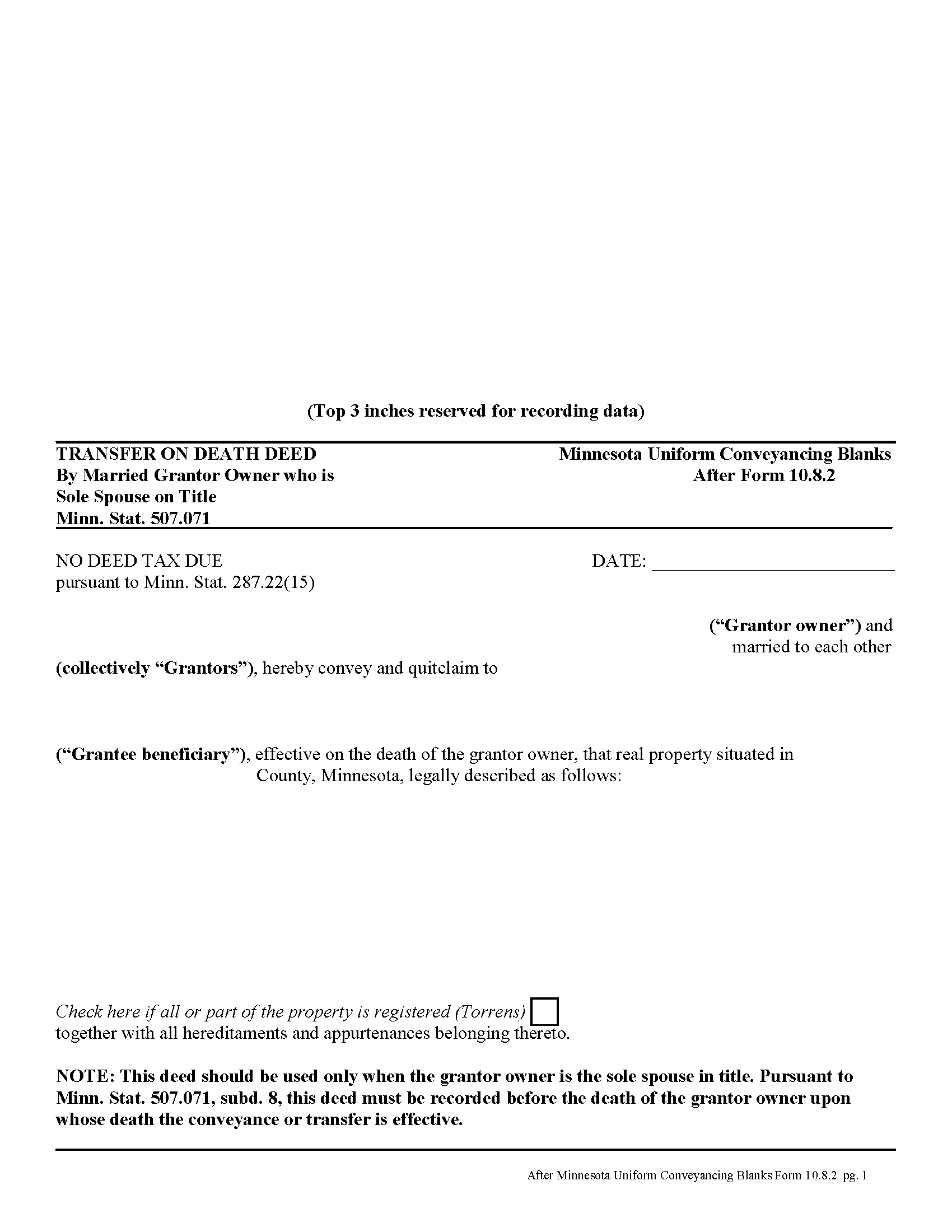
Anoka County Transfer on Death Deed by Married Sole Owner
Fill in the blank form formatted to comply with all recording and content requirements.
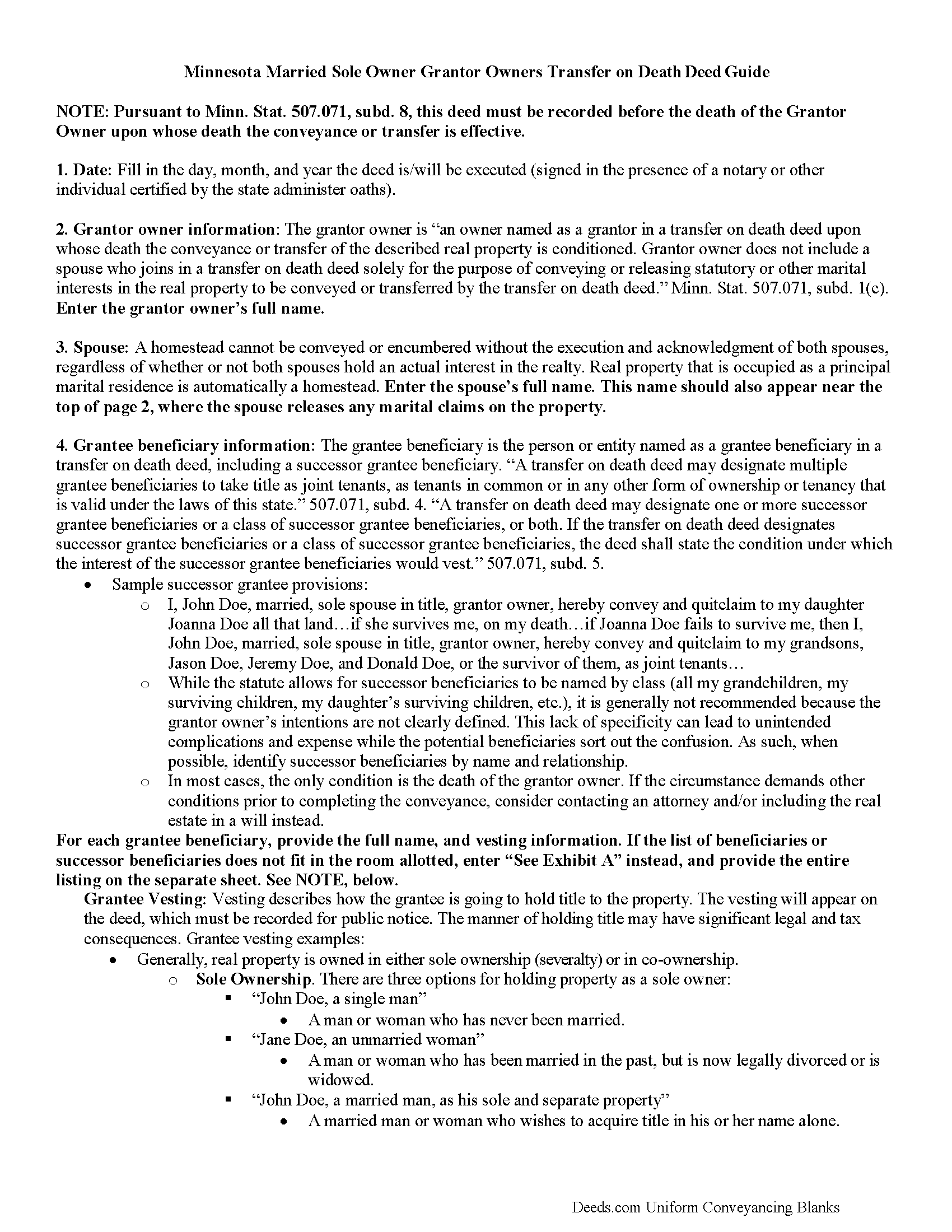
Anoka County Transfer on Death Deed by Married Sole Owner Guide
Line by line guide explaining every blank on the form.
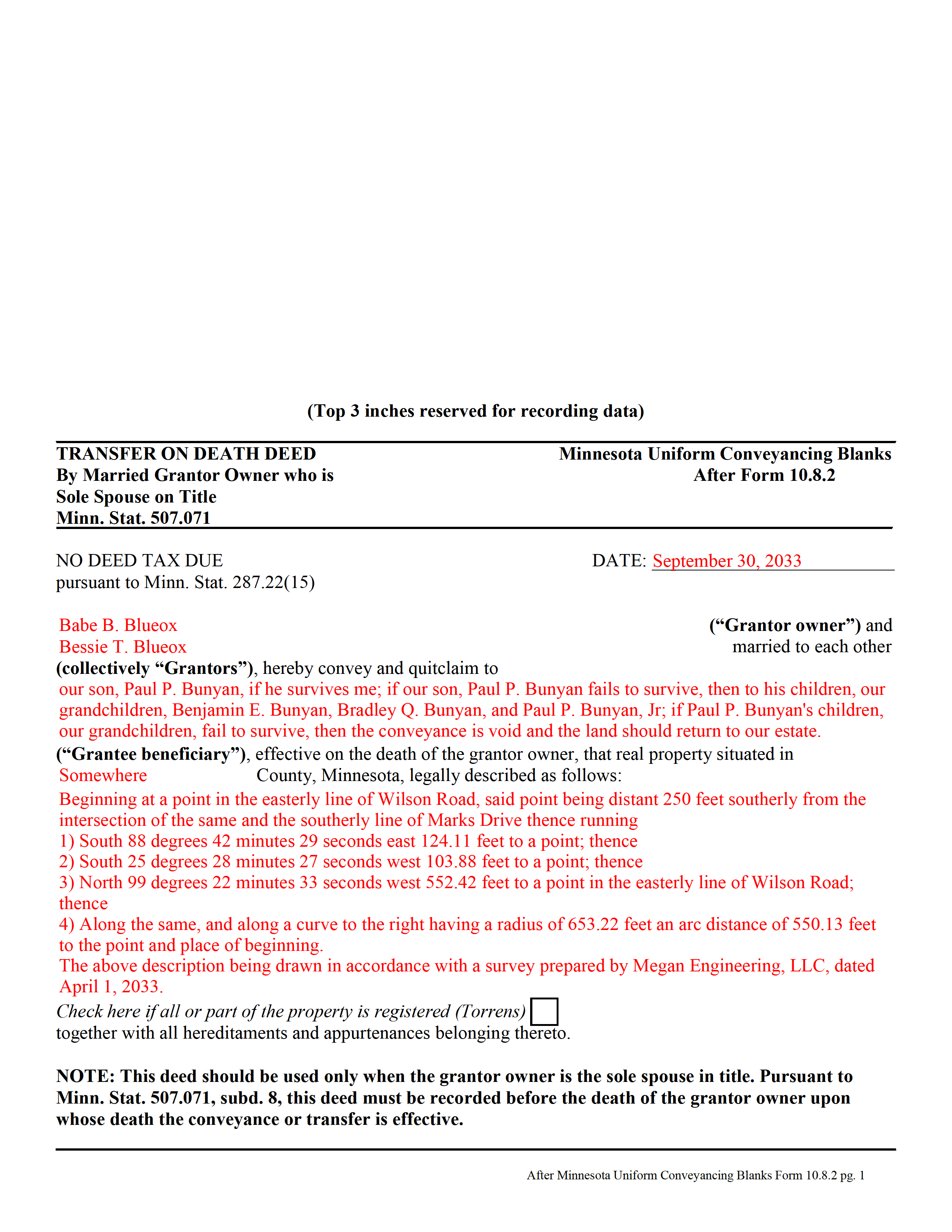
Anoka County Completed Example of the Transfer on Death Deed by Married Sole Owner Document
Example of a properly completed form for reference.
All 3 documents above included • One-time purchase • No recurring fees
Immediate Download • Secure Checkout
Additional Minnesota and Anoka County documents included at no extra charge:
Where to Record Your Documents
Property Records & Taxation
Anoka, Minnesota 55303
Hours: 8:00am to 4:30pm M-F
Phone: (763) 323-5400
Recording Tips for Anoka County:
- Bring your driver's license or state-issued photo ID
- Ensure all signatures are in blue or black ink
- Make copies of your documents before recording - keep originals safe
- Recorded documents become public record - avoid including SSNs
- Recording fees may differ from what's posted online - verify current rates
Cities and Jurisdictions in Anoka County
Properties in any of these areas use Anoka County forms:
- Andover
- Anoka
- Bethel
- Cedar
- Circle Pines
- Minneapolis
- Saint Francis
Hours, fees, requirements, and more for Anoka County
How do I get my forms?
Forms are available for immediate download after payment. The Anoka County forms will be in your account ready to download to your computer. An account is created for you during checkout if you don't have one. Forms are NOT emailed.
Are these forms guaranteed to be recordable in Anoka County?
Yes. Our form blanks are guaranteed to meet or exceed the applicable formatting requirements used for recording in Anoka County, including margin requirements, font requirements, and other layout standards. This guarantee applies to formatting, not to the legal sufficiency of information entered by the user or the suitability of a form for a particular transaction.
Can I reuse these forms?
Yes. You can reuse the forms for your personal use. For example, if you have multiple properties in Anoka County you only need to order once.
What do I need to use these forms?
The forms are PDFs that you fill out on your computer. The free Adobe Acrobat Reader is recommended, and most PDF apps also work. You do NOT enter your property information online - you download the blank forms and complete them privately on your own computer.
Are there any recurring fees?
No. This is a one-time purchase. Nothing to cancel, no memberships, no recurring fees.
How much does it cost to record in Anoka County?
Recording fees in Anoka County vary. Contact the recorder's office at (763) 323-5400 for current fees.
Questions answered? Let's get started!
In Minnesota, transfer on death deeds are governed by Minn. Stat. 507.071.
While the statute provides a basic form, as well as overall content requirements, the state authorized the development of uniform conveyance documents for some specific situations. One such situation occurs when a married property owner holds sole title to the real estate he or she wishes to convey with a transfer on death deed. A correctly-completed basic statutory form is valid in most cases, but because the owner's husband or wife may be able to claim spousal interest in the property, these deeds require the spouse to sign a statement releasing any marital rights. Without this release, the non-probate transfer on death may not occur, and the property could revert to the deceased owner's estate for probate distribution instead. To prevent such unintended outcomes, there is a special deed for this circumstance.
This transfer on death deed form is for use ONLY by married grantor owners who are the sole spouse on the property's title.
As with other transfer on death deeds, this form must be executed and RECORDED during the grantor owner's lifetime.
(Minnesota TOD Deed by Married Sole Owner Package includes form, guidelines, and completed example)
Important: Your property must be located in Anoka County to use these forms. Documents should be recorded at the county recording office listed above.
This Transfer on Death Deed by Married Sole Owner meets all recording requirements specific to Anoka County.
Our Promise
The documents you receive here are guaranteed to meet or exceed the applicable Anoka County recording format requirements. If there is a rejection caused by our formatting, we will correct the issue or refund your payment. This guarantee applies to document formatting only and does not extend to information entered by the user, the selection of the form, or the legal effect of the completed document.
Save Time and Money
Get your Anoka County Transfer on Death Deed by Married Sole Owner form done right the first time with Deeds.com Uniform Conveyancing Blanks. At Deeds.com, we understand that your time and money are valuable resources, and we don't want you to face a penalty fee or rejection imposed by a county recorder for submitting nonstandard documents. We constantly review and update our forms to meet rapidly changing state and county recording requirements for roughly 3,500 counties and local jurisdictions.
4.8 out of 5 - ( 4,820 Reviews )
Rachelle S. 5 out of 5 stars
Wow that was easy
Thank you!
Edith T. 5 out of 5 stars
this was wonderful. I found everything very easy to understand. And great examples.
Thank you!
Aleksander M. 5 out of 5 stars
So far all is perfect! Thank you for all your help!
Thank you!
Thomas D. 5 out of 5 stars
Can I use this for easement in gross ? Like to grant cousins easement to use river front property with riparian rights ?
Sorry, we are unable to give advice on specific legal situations.
Edward M. 5 out of 5 stars
Professional and courteous and responsive service by KVH for my problem. He or she should receive a pat on the back but not on the back side. Ed Mattingly
Thank you for your feedback. We really appreciate it. Have a great day!
iris e. 5 out of 5 stars
Easy to use website. customer service messages you back super quickly. They also double check your work and if anything is missing they message me right away. Price is reasonable. I highly recommend their services. 5 Star hands Down!!
We are grateful for your engagement and feedback, which help us to serve you better. Thank you for being an integral part of our community.
Diana M. 5 out of 5 stars
First time user - process went very smooth and fast. It took me a little to find my messages. At first I didn't know you process documents other than deeds so maybe you should consider putting on your home page that it's not only for deeds - it's for any document that needs recording. :)
Thank you for your feedback. We really appreciate it. Have a great day!
Gordon J. 5 out of 5 stars
The experience was generally very satisfactory. I was able to fill out the Trust Deed and send it via email no problem. However, I was not able to send the filled out form of the Note. It always erased my fill-ins when it was sent. I found that very frustrating.
Thank you, Gordon. Glad the Trust Deed worked well. Issues like the one you reported with the Note can sometimes be related to how the file is opened or sent. Using Adobe Reader to fill, save, and send the form is recommended. We also pass along all feedback like this to our team to confirm there are no issues.
David W. 5 out of 5 stars
The forms were exactly the ones required by that New Jersey county, and were very easy to fill out. I would use this site again, and highly recommend it.
We appreciate your business and value your feedback. Thank you. Have a wonderful day!
Kimberly R. 5 out of 5 stars
Love this site. Very informative and helpful!
Thank you for your feedback. We really appreciate it. Have a great day!
eduardo r. 5 out of 5 stars
Very easy to fill out forms thank you very much
Thank you!
William T. 5 out of 5 stars
Very informative and user friendly. Thank you.
Your feedback is greatly appreciated. Thank you for taking the time to share your experience!
GERALD P. 5 out of 5 stars
Product is as advertised. Most beneficial is including detailed instructions and examples. Most other options did not include instructions.
Thank you for your feedback. We really appreciate it. Have a great day!
willie B. 5 out of 5 stars
I love how you can get information you need online great program ,outstanding just love it....
Thank you!
Bayyinah M. 5 out of 5 stars
EasyPeasy!
Thank you!