Faribault County Transfer on Death Deed by Married Sole Owner Form
Last validated October 27, 2026 by our Forms Development TeamFormatted for recording in Faribault County, for property anywhere in the county: rural and unincorporated areas as well as Blue Earth, Bricelyn, Delavan, Easton, Elmore, Frost, Huntley, Kiester and 3 more.
- 3 documents included
- Immediate PDF download
- Formatting guarantee
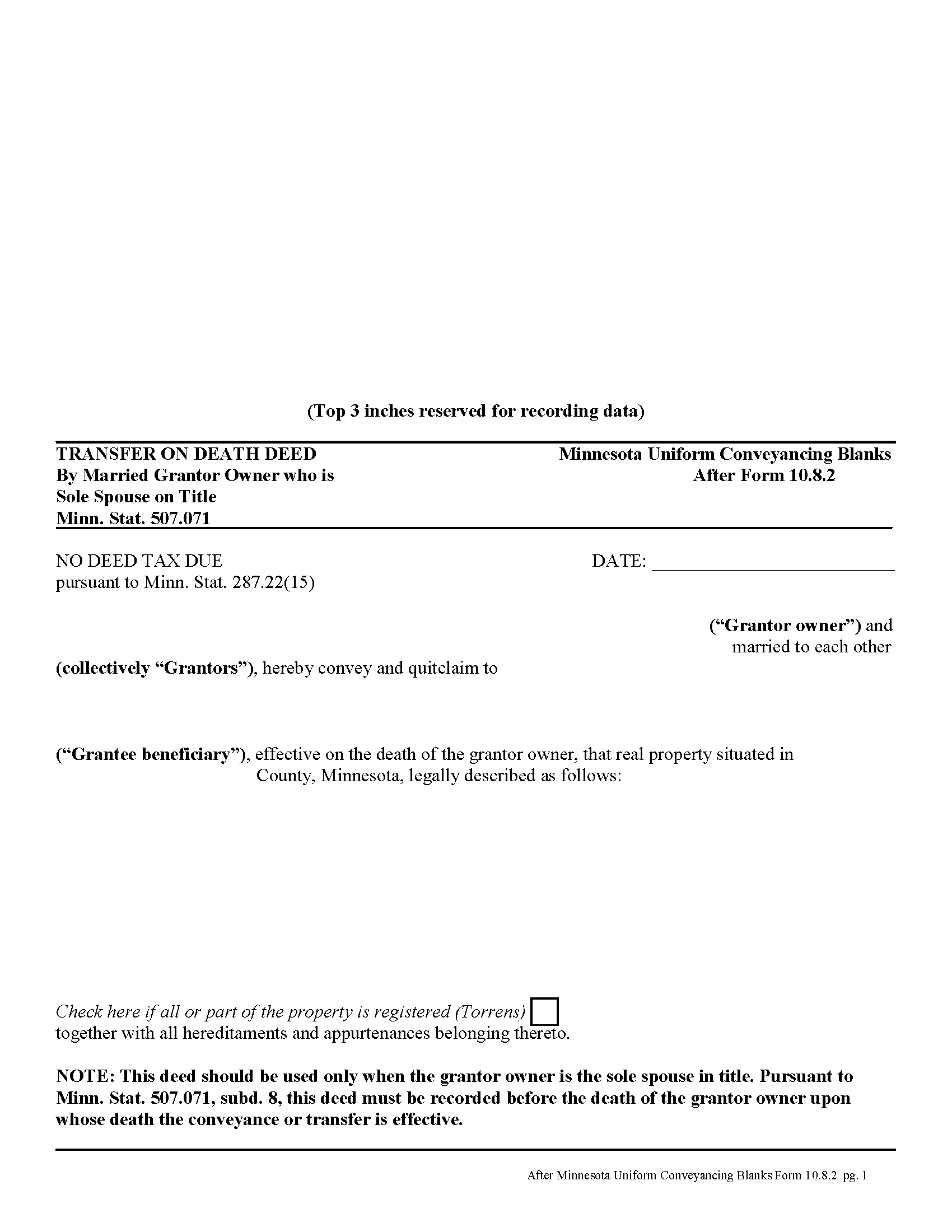
Faribault County Transfer on Death Deed by Married Sole Owner
Fill in the blank form formatted to comply with all recording and content requirements.
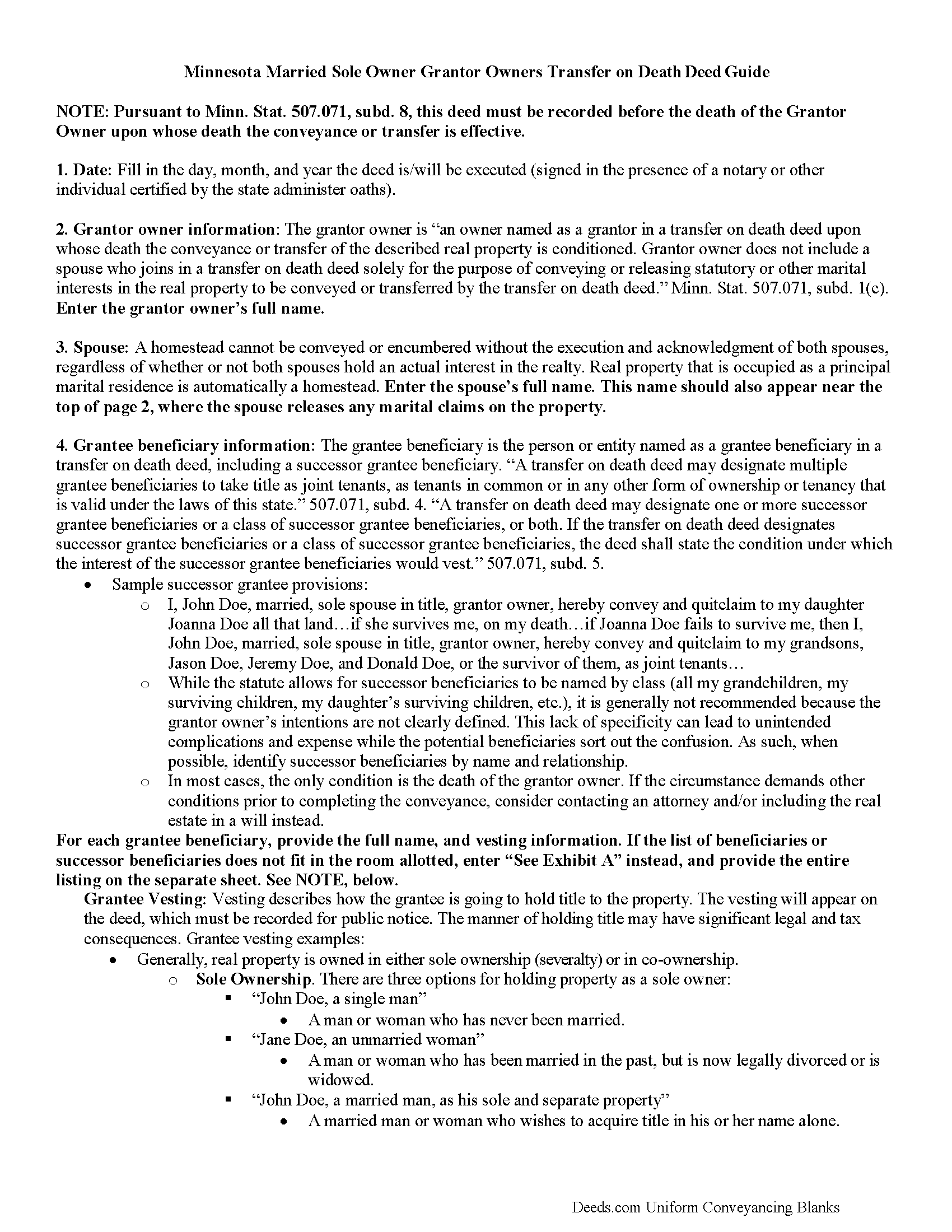
Faribault County Transfer on Death Deed by Married Sole Owner Guide
Line by line guide explaining every blank on the form.
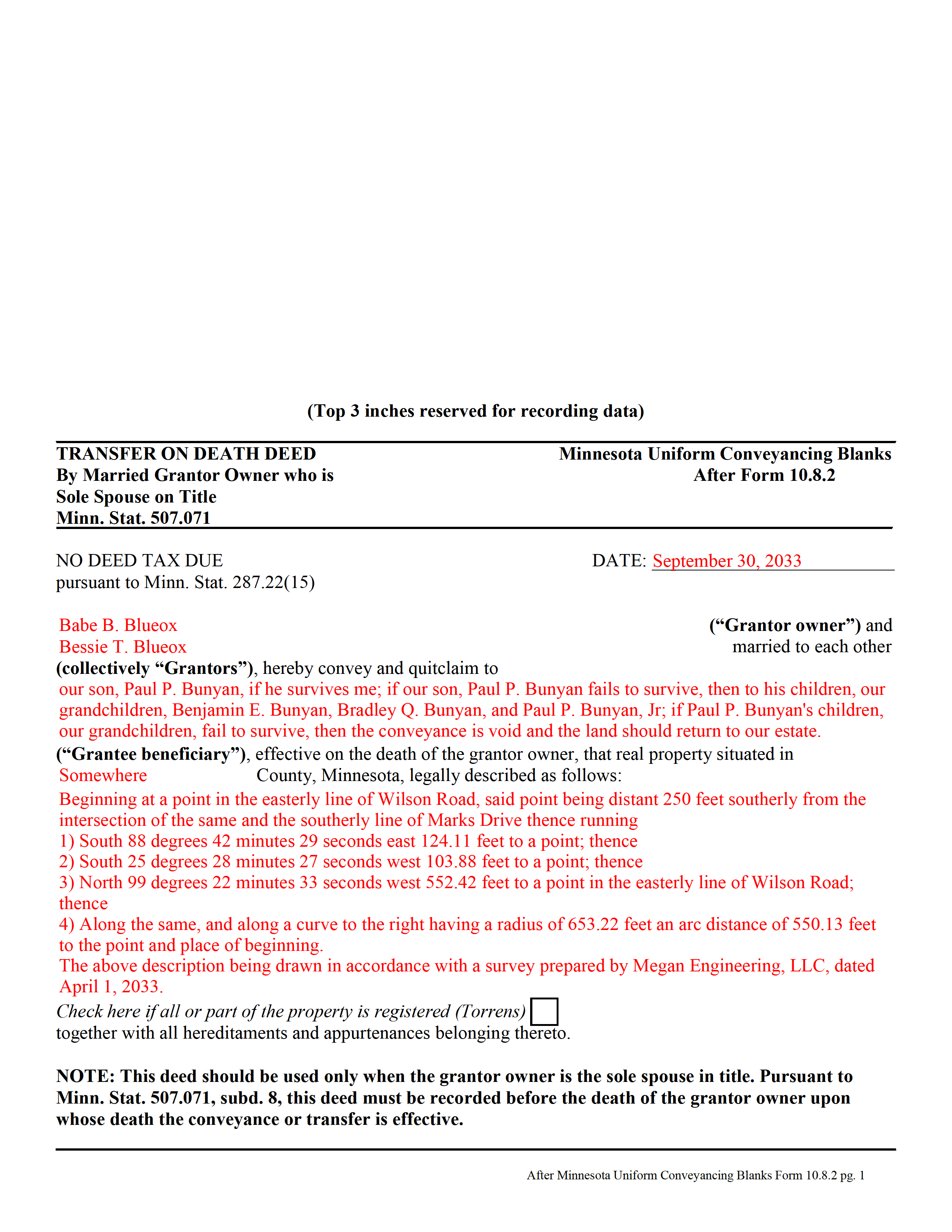
Faribault County Completed Example of the Transfer on Death Deed by Married Sole Owner Document
Example of a properly completed form for reference.
All 3 documents above included • One-time purchase • No recurring fees
Immediate Download • Secure Checkout
Additional Minnesota and Faribault County documents included at no extra charge:
Where to Record Your Documents
Faribault County Recorder
Blue Earth, Minnesota 56013
Hours: 8:00am to 4:30pm M-F
Phone: (507) 526-6252
Recording Tips for Faribault County:
- Bring your driver's license or state-issued photo ID
- Ensure all signatures are in blue or black ink
- Check that your notary's commission hasn't expired
- Documents must be on 8.5 x 11 inch white paper
- Double-check legal descriptions match your existing deed
Cities and Jurisdictions in Faribault County
Properties in any of these areas use Faribault County forms:
- Blue Earth
- Bricelyn
- Delavan
- Easton
- Elmore
- Frost
- Huntley
- Kiester
- Minnesota Lake
- Wells
- Winnebago
Hours, fees, requirements, and more for Faribault County
How do I get my forms?
Forms are available for immediate download after payment. The Faribault County forms will be in your account ready to download to your computer. An account is created for you during checkout if you don't have one. Forms are NOT emailed.
Are these forms guaranteed to be recordable in Faribault County?
Yes. Our form blanks are guaranteed to meet or exceed the applicable formatting requirements used for recording in Faribault County, including margin requirements, font requirements, and other layout standards. This guarantee applies to formatting, not to the legal sufficiency of information entered by the user or the suitability of a form for a particular transaction.
Can I reuse these forms?
Yes. You can reuse the forms for your personal use. For example, if you have multiple properties in Faribault County you only need to order once.
What do I need to use these forms?
The forms are PDFs that you fill out on your computer. The free Adobe Acrobat Reader is recommended, and most PDF apps also work. You do NOT enter your property information online - you download the blank forms and complete them privately on your own computer.
Are there any recurring fees?
No. This is a one-time purchase. Nothing to cancel, no memberships, no recurring fees.
How much does it cost to record in Faribault County?
Recording fees in Faribault County vary. Contact the recorder's office at (507) 526-6252 for current fees.
Questions answered? Let's get started!
In Minnesota, transfer on death deeds are governed by Minn. Stat. 507.071.
While the statute provides a basic form, as well as overall content requirements, the state authorized the development of uniform conveyance documents for some specific situations. One such situation occurs when a married property owner holds sole title to the real estate he or she wishes to convey with a transfer on death deed. A correctly-completed basic statutory form is valid in most cases, but because the owner's husband or wife may be able to claim spousal interest in the property, these deeds require the spouse to sign a statement releasing any marital rights. Without this release, the non-probate transfer on death may not occur, and the property could revert to the deceased owner's estate for probate distribution instead. To prevent such unintended outcomes, there is a special deed for this circumstance.
This transfer on death deed form is for use ONLY by married grantor owners who are the sole spouse on the property's title.
As with other transfer on death deeds, this form must be executed and RECORDED during the grantor owner's lifetime.
(Minnesota TOD Deed by Married Sole Owner Package includes form, guidelines, and completed example)
Important: Your property must be located in Faribault County to use these forms. Documents should be recorded at the county recording office listed above.
This Transfer on Death Deed by Married Sole Owner meets all recording requirements specific to Faribault County.
Our Promise
The documents you receive here are guaranteed to meet or exceed the applicable Faribault County recording format requirements. If there is a rejection caused by our formatting, we will correct the issue or refund your payment. This guarantee applies to document formatting only and does not extend to information entered by the user, the selection of the form, or the legal effect of the completed document.
Save Time and Money
Get your Faribault County Transfer on Death Deed by Married Sole Owner form done right the first time with Deeds.com Uniform Conveyancing Blanks. At Deeds.com, we understand that your time and money are valuable resources, and we don't want you to face a penalty fee or rejection imposed by a county recorder for submitting nonstandard documents. We constantly review and update our forms to meet rapidly changing state and county recording requirements for roughly 3,500 counties and local jurisdictions.
4.8 out of 5 - ( 4,836 Reviews )
Dawn W. 5 out of 5 stars
wonderful help!!!
Thank you!
Carmen H. 5 out of 5 stars
your site was a godsend for us, really appreciate the sample and instructions you provide, was very useful. And that we can save and use later, you guys are great. I have used your service twice, and will be using you in the future too. Thank you again.
Thank you for your feedback. We really appreciate it. Have a great day!
MARY LACEY M. 5 out of 5 stars
Deeds.com consistently provides excellent service at a fair price, and we rely and are thankful them for assisting with our recording needs.
Thank you, Mary! We truly appreciate your kind words and continued trust in Deeds.com. It means a lot to us to be part of your recording process, and we’re always here to help whenever you need us.
Brian O. 5 out of 5 stars
It's an instant download. I was very pleased that it included instructions and any necessary additional forms. Much easier than spending 3 hours on a county assessor's website searching for every single form. A good deal and I don't know how Deeds.com keeps up with thousands of counties. The fillable .pdf capability is a great enhancement.
Thank you for your feedback. We really appreciate it. Have a great day!
Steven S. 5 out of 5 stars
Accurate and informative, great site for deed forms.
Thank you for your feedback. We really appreciate it. Have a great day!
Billy A. 5 out of 5 stars
Documents were as described, Will not be able to tell if it works or not.. Will be Dead, but easy enough to fill out.
Thank you for taking a moment to share your thoughts.
Harold F. 5 out of 5 stars
You're a creditable company that performs well and provides what I requested.
Thank you!
Robert O. 5 out of 5 stars
A very easy site to use and got the documents that I needed without any problems. Would highly recommend this site.
Thank you Robert, Have a great day!
Susan A. 5 out of 5 stars
Very convenient. Instructions and samples are a plus because I often see documents incorrectly completed. Take the time to do it right.
We appreciate your business and value your feedback. Thank you. Have a wonderful day!
JAMES WILLIAM H. 5 out of 5 stars
The DOCUMENT AND INFORMATION WAS JUST WHAT I WANTED AND NEEDED. HOWEVER, NAVIGATING THE ON LINE PROCESS WAS A PROBLEM.. AT ONE POINT IT LOOKED LIKE I HAD PAID FOR THE PRODUCT AND LOST CONTACT WITH THE SYSTEM. I FINALLY GOT TO PRINT WHAT I PURCHASED. FOR SUCH I WOULD ONLY GIVE A FOUR STAR RATING.
Thank you, James. We're glad the documents and information met your needs, and we appreciate you pointing out the navigation issue. Feedback like this helps us improve the ordering experience. Thank you for your review and your business.
Harry C. 3 out of 5 stars
Sign up was rocky. Tried to access documents and msg. said did not recognize my email (even though it had sent me an email). Contacted support and it was resolved. House transfer affidavit straight forward and easy to fill out.
Thank you for your feedback. We really appreciate it. Have a great day!
Missie R. 5 out of 5 stars
Very fast and professionally handled.
Thank you!
barbara s. 5 out of 5 stars
you provided the service requested for a reasonable fee
Thank you!
Dennis B. 5 out of 5 stars
It was easy to download the necessary "Death of Joint Tenant" forms. These easy to use interactive forms are made to comply with the laws specific to your state.
Thank you!
Brian H. 2 out of 5 stars
Forms are good. But need to be able to fill in information and blanks so these can be filed. Disappointed.
Thank you for your feedback. The forms are fill in the blank, Adobe PDFs. As is noted on the site, make sure you download the documents to your computer and open them with Adobe. Sounds like you may be trying to complete them online in your browser.