Oktibbeha County Revocation of Transfer on Death Deed Form
Last validated November 5, 2026 by our Forms Development TeamFormatted for recording in Oktibbeha County, for property anywhere in the county: rural and unincorporated areas as well as Mississippi State, Starkville, Sturgis.
- 3 documents included
- Immediate PDF download
- Formatting guarantee
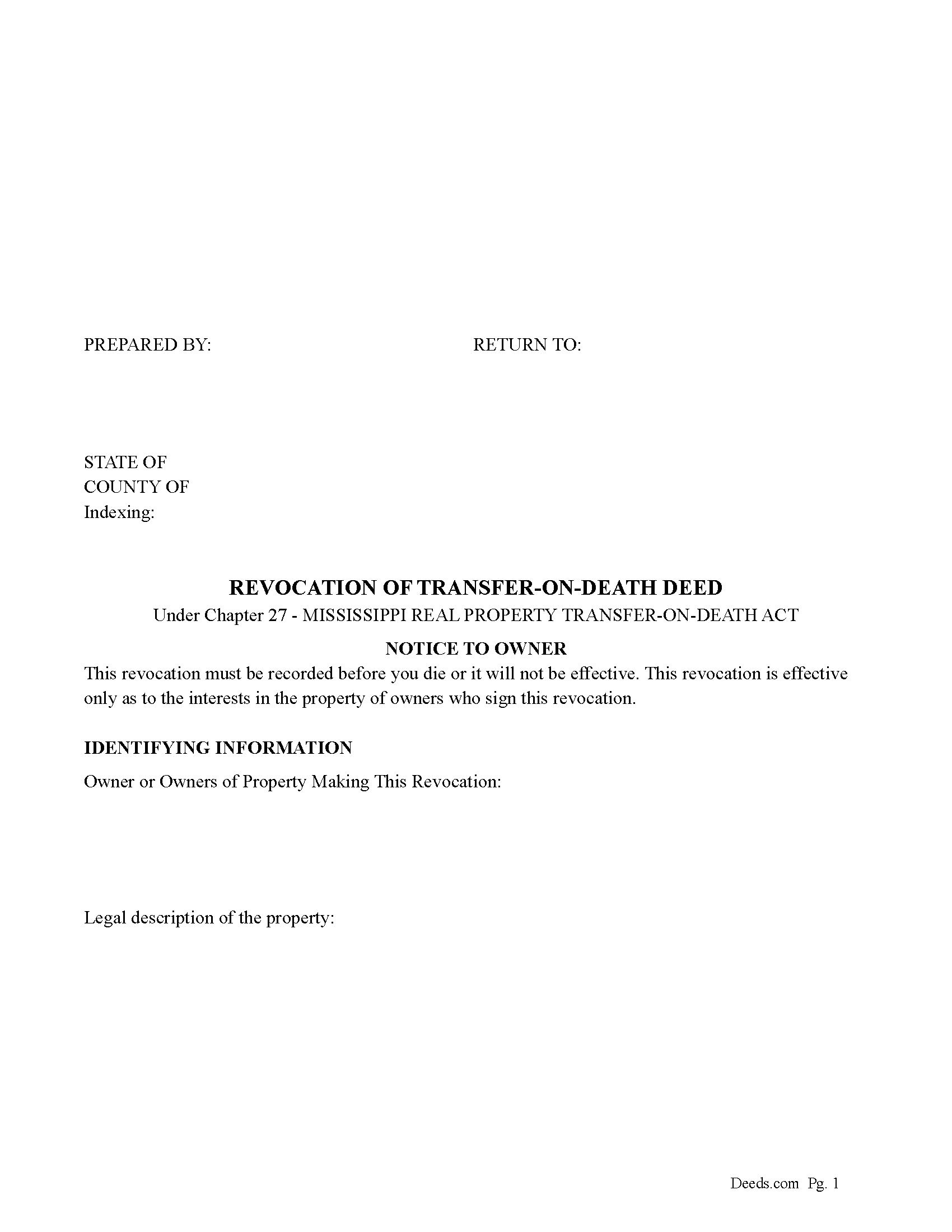
Oktibbeha County Revocation of Transfer on Death Deed Form
Fill in the blank form formatted to comply with all recording and content requirements.
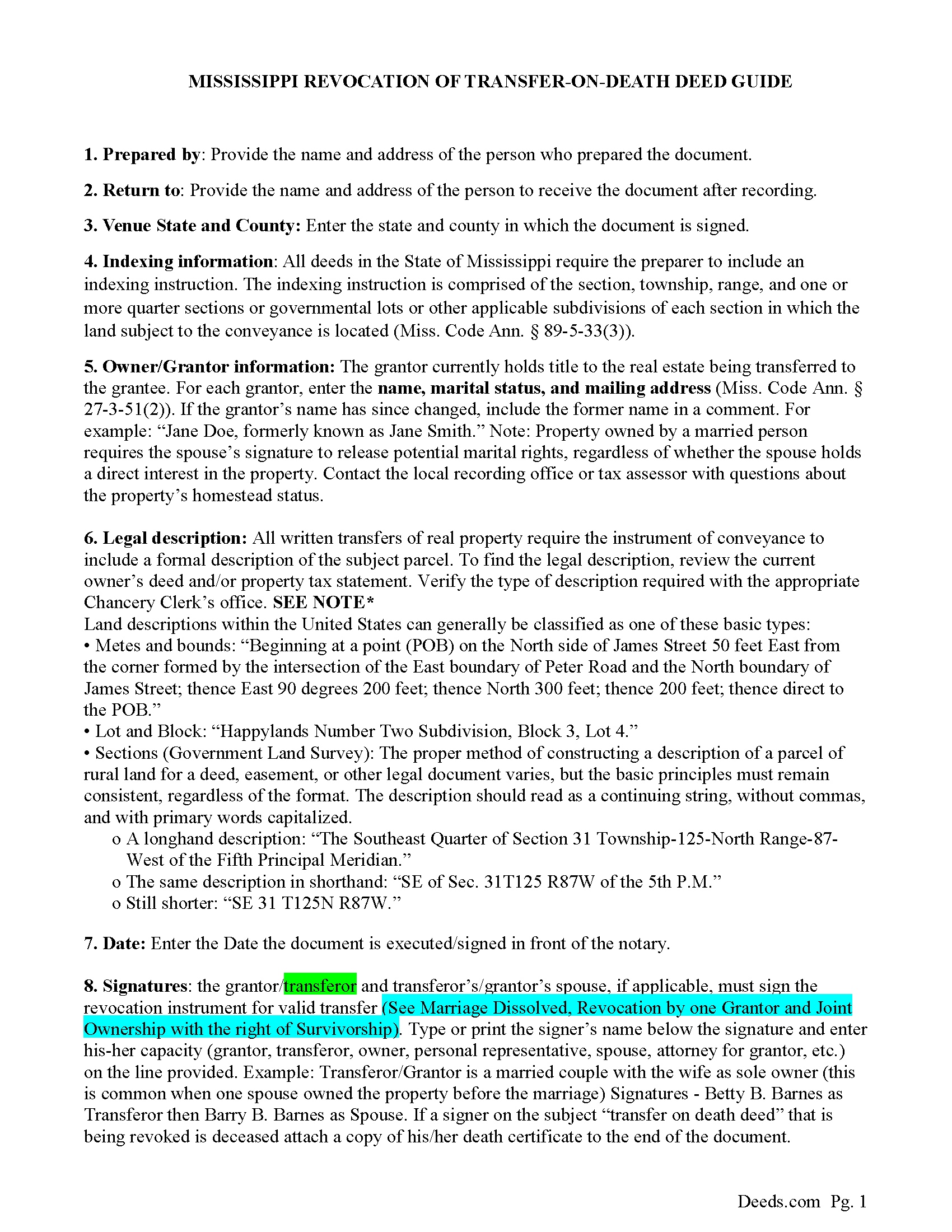
Oktibbeha County Guidelines for Revocation of Transfer on Death Deed
Line by line guide explaining every blank on the form.
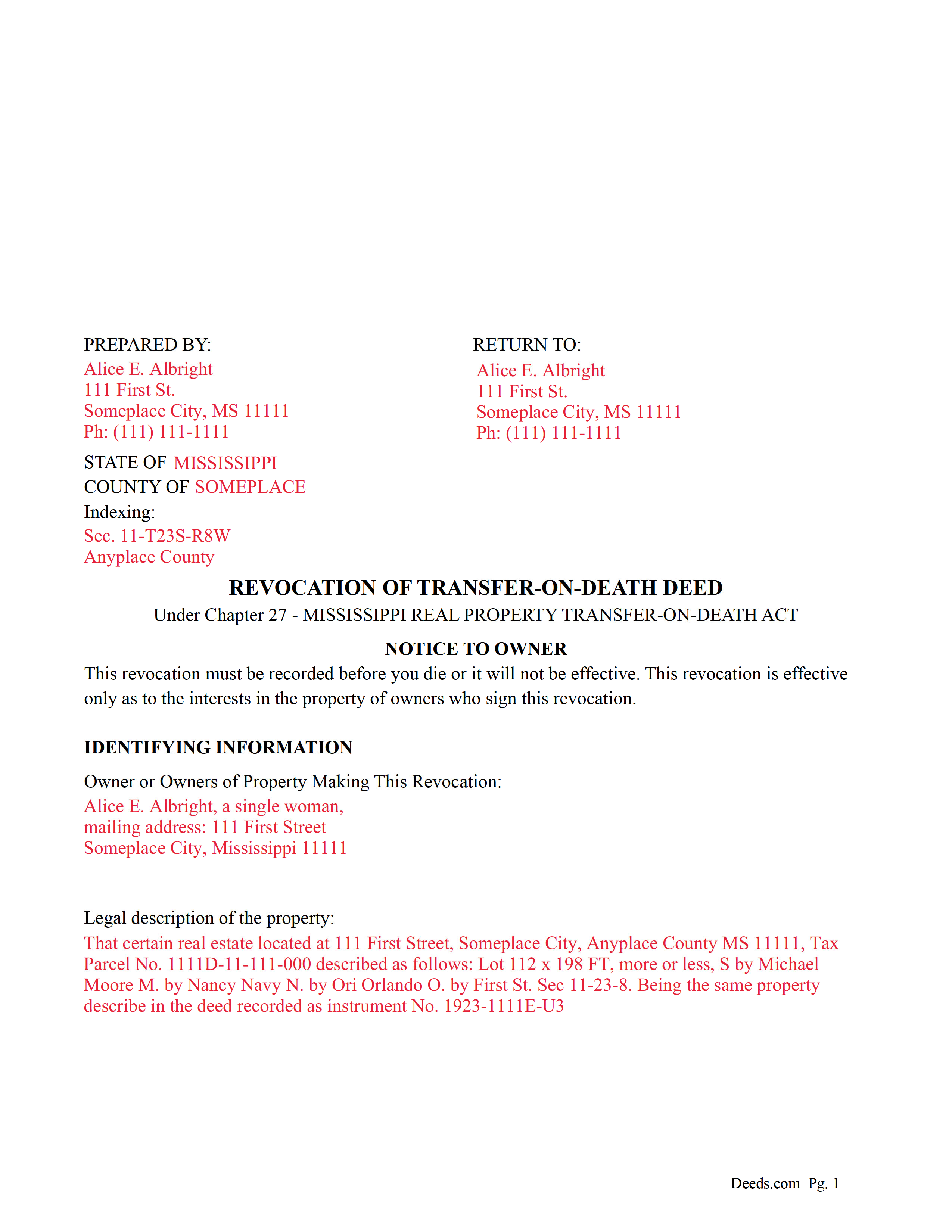
Oktibbeha County Completed Example of a Revocation of Transfer on Death Deed Document
Example of a properly completed form for reference.
All 3 documents above included • One-time purchase • No recurring fees
Immediate Download • Secure Checkout
Additional Mississippi and Oktibbeha County documents included at no extra charge:
Where to Record Your Documents
Oktibbeha County Chancery Clerk
Starkville, Mississippi 39759
Hours: 8:00 to 5:00 M-F CST
Phone: (662) 323-5834
Recording Tips for Oktibbeha County:
- Bring your driver's license or state-issued photo ID
- Ensure all signatures are in blue or black ink
- Recorded documents become public record - avoid including SSNs
- Recording fees may differ from what's posted online - verify current rates
- Request a receipt showing your recording numbers
Cities and Jurisdictions in Oktibbeha County
Properties in any of these areas use Oktibbeha County forms:
- Mississippi State
- Starkville
- Sturgis
Hours, fees, requirements, and more for Oktibbeha County
How do I get my forms?
Forms are available for immediate download after payment. The Oktibbeha County forms will be in your account ready to download to your computer. An account is created for you during checkout if you don't have one. Forms are NOT emailed.
Are these forms guaranteed to be recordable in Oktibbeha County?
Yes. Our form blanks are guaranteed to meet or exceed the applicable formatting requirements used for recording in Oktibbeha County, including margin requirements, font requirements, and other layout standards. This guarantee applies to formatting, not to the legal sufficiency of information entered by the user or the suitability of a form for a particular transaction.
Can I reuse these forms?
Yes. You can reuse the forms for your personal use. For example, if you have multiple properties in Oktibbeha County you only need to order once.
What do I need to use these forms?
The forms are PDFs that you fill out on your computer. The free Adobe Acrobat Reader is recommended, and most PDF apps also work. You do NOT enter your property information online - you download the blank forms and complete them privately on your own computer.
Are there any recurring fees?
No. This is a one-time purchase. Nothing to cancel, no memberships, no recurring fees.
How much does it cost to record in Oktibbeha County?
Recording fees in Oktibbeha County vary. Contact the recorder's office at (662) 323-5834 for current fees.
Questions answered? Let's get started!
Use this form to revoke or partially revoke a previously recorded Revocable Transfer on Death Deed.
Section 91-27-21 - Revocation by instrument authorized; revocation by act not permitted
(a) Subject to subsections (d) and (e), an instrument is effective to revoke a recorded transfer-on-death deed, or any part of it, if the instrument:
(1) Is one (1) of the following:
(A) A subsequent transfer-on-death deed that revokes the preceding transfer-on-death deed or part of the deed expressly or by inconsistency; or
(B) Except as provided by subsection (b), an instrument of revocation that expressly revokes the transfer-on-death deed or part of the deed;
(2) Is acknowledged by the transferor after the acknowledgment of the deed being revoked; and
(3) Is recorded before the transferor's death in the official records of the chancery clerk of the county where the deed being revoked is recorded.
(b) A will does not revoke or supersede a transfer-on-death deed.
(c) If a marriage between the transferor and a designated beneficiary is dissolved after a transfer-on-death deed is recorded, a final judgment of the court dissolving the marriage operates to revoke the transfer-on-death deed as to that designated beneficiary.
(d) If a transfer-on-death deed is made by more than one (1) transferor, revocation by a transferor does not affect the deed as to the interest of another transferor who does not make that revocation.
(e) A transfer-on-death deed made by joint owners with right of survivorship is revoked only if it is revoked by all of the living joint owners.
(f) This section does not limit the effect of an inter vivos transfer of the real property.
(Mississippi Revocation of TODD Package includes form, guidelines, and completed example) For use in Mississippi only.
Important: Your property must be located in Oktibbeha County to use these forms. Documents should be recorded at the county recording office listed above.
This Revocation of Transfer on Death Deed meets all recording requirements specific to Oktibbeha County.
Our Promise
The documents you receive here are guaranteed to meet or exceed the applicable Oktibbeha County recording format requirements. If there is a rejection caused by our formatting, we will correct the issue or refund your payment. This guarantee applies to document formatting only and does not extend to information entered by the user, the selection of the form, or the legal effect of the completed document.
Save Time and Money
Get your Oktibbeha County Revocation of Transfer on Death Deed form done right the first time with Deeds.com Uniform Conveyancing Blanks. At Deeds.com, we understand that your time and money are valuable resources, and we don't want you to face a penalty fee or rejection imposed by a county recorder for submitting nonstandard documents. We constantly review and update our forms to meet rapidly changing state and county recording requirements for roughly 3,500 counties and local jurisdictions.
4.8 out of 5 - ( 4,845 Reviews )
Jules S. 5 out of 5 stars
I can't believe I haven't been using this service since inception. The only thing I would recommend is to allow us to delete an erroneous upload. I accidentally uploaded the same document twice but I saw no way for me to correct my mistake other than to send an email.
Thank you for your feedback. We really appreciate it. Have a great day!
Goran L. 5 out of 5 stars
Fast and convenient.
Thank you for your feedback. We really appreciate it. Have a great day!
Chanda C. 5 out of 5 stars
It's going well so far!
Thank you!
Eldridge S. 5 out of 5 stars
very pleased to attain this important document
We appreciate your business and value your feedback. Thank you. Have a wonderful day!
Karen L. 5 out of 5 stars
Form is easy to complete but has a crowded look upon printing. I would put more returns between paragraphs to make it easier to read.
Thank you for your feedback. We really appreciate it. Have a great day!
Carol O. 5 out of 5 stars
Easy process as I had an example of my other property deeds to work from plus my most current Real Estate Tax forms.
We appreciate your business and value your feedback. Thank you. Have a wonderful day!
Fred D. 5 out of 5 stars
At first glance, explanations and guidance to fill out the grant deed seems quite direct and no too difficult. I did not see any reference to a mortgagee which I believe needs to be incorporated in a boundary line adjustment (BLA), though not sure I'll do the actual filling out the form in the next couple of weeks and will be in a better position for a more complete review.
Thank you for your feedback. We really appreciate it. Have a great day!
Jeff R. 5 out of 5 stars
Easy process to receive service. thank you
Thank you!
Pamela L. 5 out of 5 stars
Fast efficient informative. Thank you.
Thank you for your feedback. We really appreciate it. Have a great day!
Ray L. 5 out of 5 stars
This was my first time using Deeds.com It was very easy to understand and use. I was pleasantly suprised.
We appreciate your business and value your feedback. Thank you. Have a wonderful day!
Ma Luisa R. 5 out of 5 stars
Great service and fast
We appreciate your business and value your feedback. Thank you. Have a wonderful day!
Anita L. 5 out of 5 stars
Found this site very easy to navigate and customer service very supportive and quickly answers any questions you have regarding forms. Best of all you can get the forms you need and only pay for those forms, not tied to some ongoing fee that you must cancel if you have no further need beyond forms you've already purchased.
We appreciate your business and value your feedback. Thank you. Have a wonderful day!
Mark & Linda W. 4 out of 5 stars
Quite simple and easy. Only one critique: It would be easier if the names of the PDF would reflect the name of the deed/form such as 'Controlling tax return' rather than '1579101185SF56863.pdf'. However I love downloading forms rather than mail.
Thank you for your feedback. We really appreciate it. Have a great day!
Donald S. 2 out of 5 stars
Guidelines somewhat helpful. Forms fillable but not editable unless you buy an Adobe conversion service subscription. End product looks crude and amateurish. Fields can't be reduced or enlarged to accommodate unique data. Very disappointing.
Thank you for your feedback. We really appreciate it. Have a great day!
Denise B. 5 out of 5 stars
I highly recommend Deeds.com to be your go-to search website. I was able to get the information that I needed.
We appreciate your business and value your feedback. Thank you. Have a wonderful day!