Tippah County Substitution of Trustee Form
Last validated November 6, 2026 by our Forms Development TeamFormatted for recording in Tippah County, for property anywhere in the county: rural and unincorporated areas as well as Blue Mountain, Dumas, Falkner, Ripley, Tiplersville, Walnut.
- 3 documents included
- Immediate PDF download
- Formatting guarantee
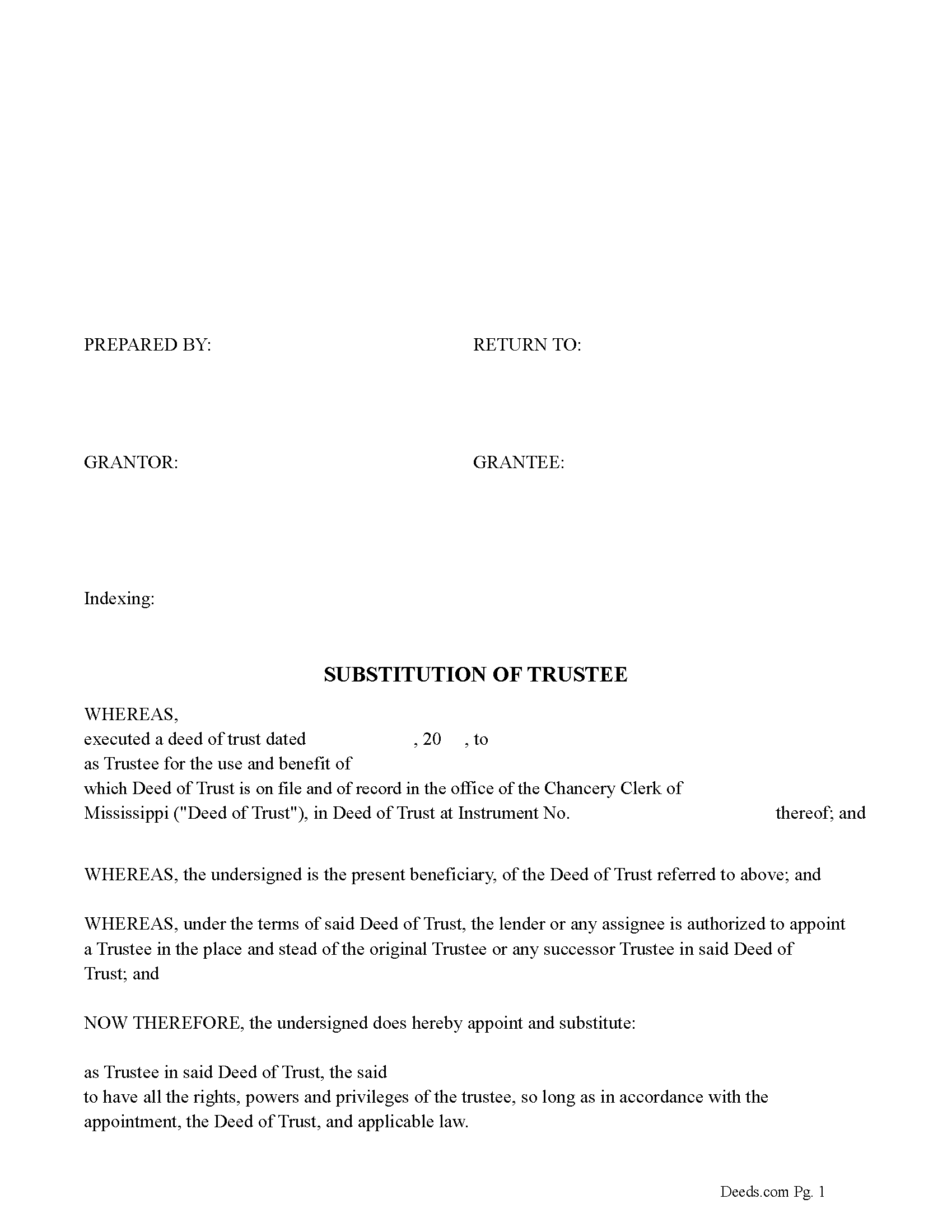
Tippah County Substitution of Trustee Form
Fill in the blank form formatted to comply with all recording and content requirements.
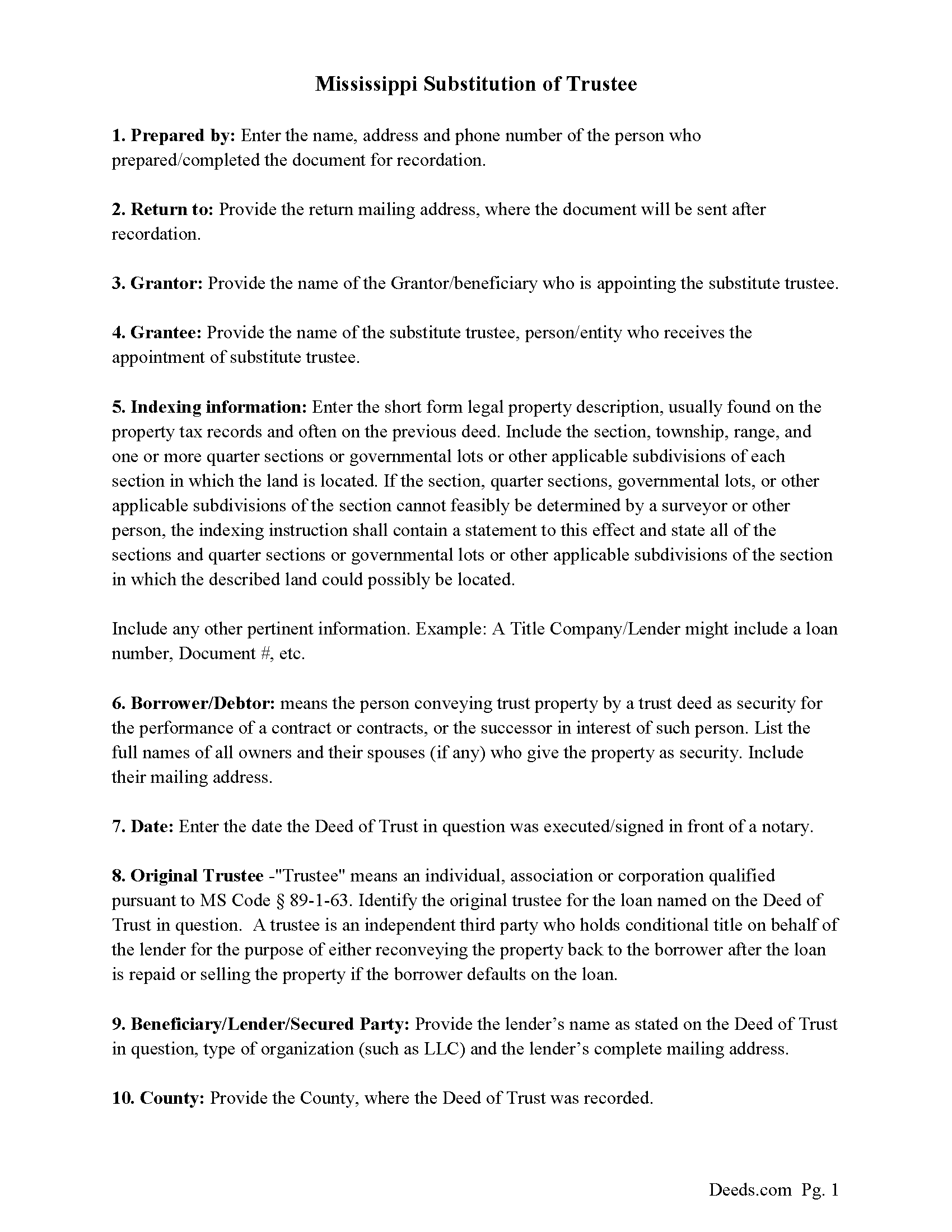
Tippah County Guidelines for Substitution of Trustee Document
Line by line guide explaining every blank on the form.
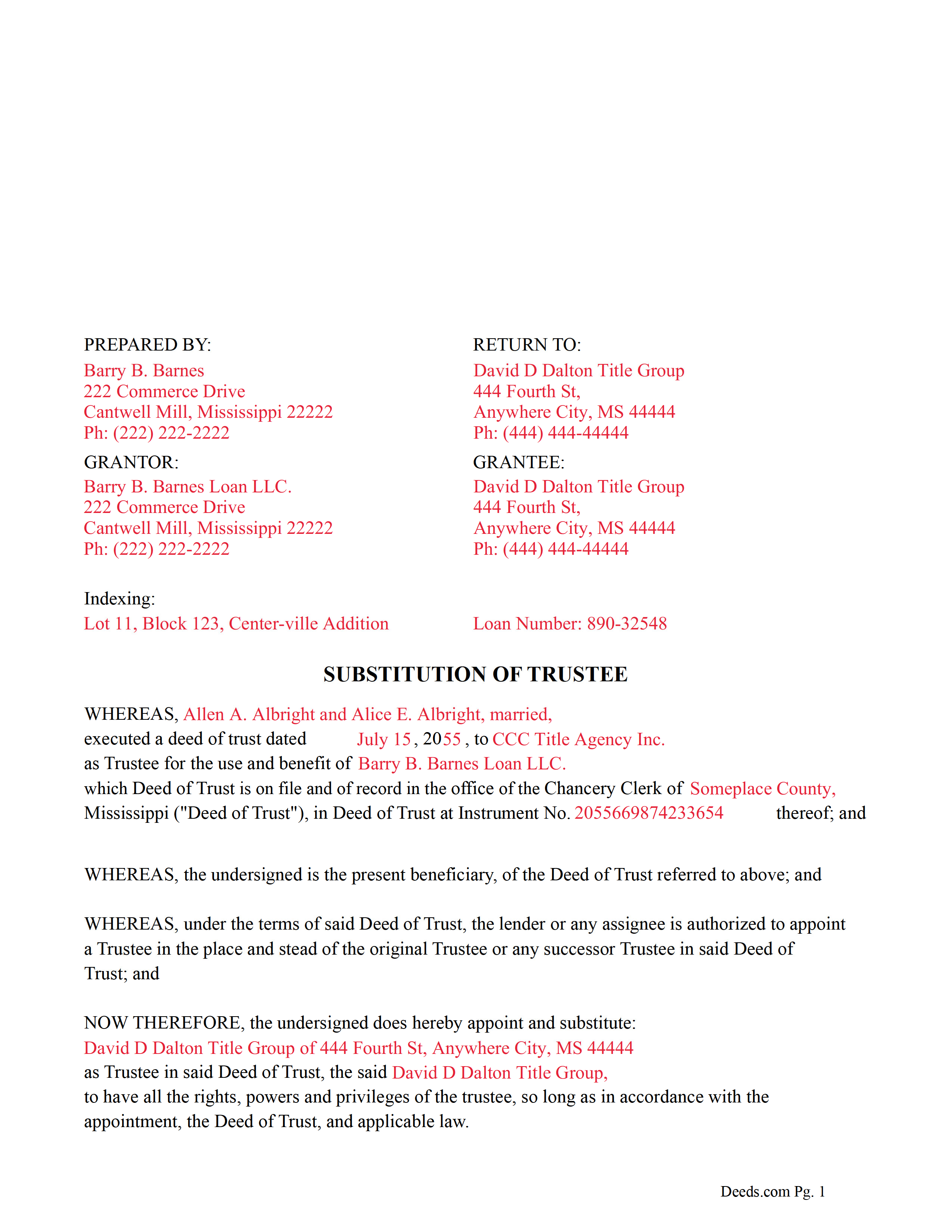
Tippah County Completed Example of the Substitution of Trustee Document
Example of a properly completed form for reference.
All 3 documents above included • One-time purchase • No recurring fees
Immediate Download • Secure Checkout
Additional Mississippi and Tippah County documents included at no extra charge:
Where to Record Your Documents
Tippah County Chancery Clerk
Ripley, Mississippi 38663
Hours: 8:00 to 5:00 M-F
Phone: (662) 837-7374
Recording Tips for Tippah County:
- Bring your driver's license or state-issued photo ID
- Ensure all signatures are in blue or black ink
- Ask about their eRecording option for future transactions
- Avoid the last business day of the month when possible
- Both spouses typically need to sign if property is jointly owned
Cities and Jurisdictions in Tippah County
Properties in any of these areas use Tippah County forms:
- Blue Mountain
- Dumas
- Falkner
- Ripley
- Tiplersville
- Walnut
Hours, fees, requirements, and more for Tippah County
How do I get my forms?
Forms are available for immediate download after payment. The Tippah County forms will be in your account ready to download to your computer. An account is created for you during checkout if you don't have one. Forms are NOT emailed.
Are these forms guaranteed to be recordable in Tippah County?
Yes. Our form blanks are guaranteed to meet or exceed the applicable formatting requirements used for recording in Tippah County, including margin requirements, font requirements, and other layout standards. This guarantee applies to formatting, not to the legal sufficiency of information entered by the user or the suitability of a form for a particular transaction.
Can I reuse these forms?
Yes. You can reuse the forms for your personal use. For example, if you have multiple properties in Tippah County you only need to order once.
What do I need to use these forms?
The forms are PDFs that you fill out on your computer. The free Adobe Acrobat Reader is recommended, and most PDF apps also work. You do NOT enter your property information online - you download the blank forms and complete them privately on your own computer.
Are there any recurring fees?
No. This is a one-time purchase. Nothing to cancel, no memberships, no recurring fees.
How much does it cost to record in Tippah County?
Recording fees in Tippah County vary. Contact the recorder's office at (662) 837-7374 for current fees.
Questions answered? Let's get started!
This form is used by the current beneficiary/lender to appoint a substitute trustee for a previously recorded Deed of Trust. (The beneficiary or holder of any deed of trust, including his agents, employees, successors, assigns, attorneys-in-fact or other legal representatives, may appoint a trustee or substitute a trustee, with or without the permission of the mortgagor or mortgagors. The trustee or substitute trustee so appointed may be a natural person, partnership, corporation, limited liability company, professional association or any other legal entity.) (MS Code 89-1-63)
(Mississippi SOT Package includes form, guidelines, and completed example) For use in Mississippi only.
Important: Your property must be located in Tippah County to use these forms. Documents should be recorded at the county recording office listed above.
This Substitution of Trustee meets all recording requirements specific to Tippah County.
Our Promise
The documents you receive here are guaranteed to meet or exceed the applicable Tippah County recording format requirements. If there is a rejection caused by our formatting, we will correct the issue or refund your payment. This guarantee applies to document formatting only and does not extend to information entered by the user, the selection of the form, or the legal effect of the completed document.
Save Time and Money
Get your Tippah County Substitution of Trustee form done right the first time with Deeds.com Uniform Conveyancing Blanks. At Deeds.com, we understand that your time and money are valuable resources, and we don't want you to face a penalty fee or rejection imposed by a county recorder for submitting nonstandard documents. We constantly review and update our forms to meet rapidly changing state and county recording requirements for roughly 3,500 counties and local jurisdictions.
4.8 out of 5 - ( 4,846 Reviews )
DARLA L. 5 out of 5 stars
I was happy with the quick response to obtain the requested forms. Effective and easy website to use.
We appreciate your business and value your feedback. Thank you. Have a wonderful day!
Nancy C. 3 out of 5 stars
Very disappointed that you had certain documents but did not have the accompanying documents needed to complete the transfer. I also had issues with the documents not allowing you to fill in the pages... example the document was prefilled in as so ... Page 1 of_____ but you could not fill in the blank... I tried reaching out to your customer service, but they had no solution for me. So, I had to write in the page, which didn't look professional. I think I could have gotten documents just as good for free if I'd research a little longer.
Thank you for your feedback, Nancy.
The Virginia Transfer on Death Deed and the Virginia Transfer on Death Beneficiary Affidavit are separate documents and are offered individually because many customers only need one, depending on their situation. In your case, the affidavit was later ordered separately.
Regarding the page numbering (“Page 1 of ___”), that field is intentionally left blank. The total number of pages is not known until the document is finalized, signed, notarized, and all attachments (such as exhibits or legal descriptions) are included. It is standard practice to complete that portion by hand at execution so the final page count accurately reflects the recorded document.
We are unable to locate a customer service inquiry associated with your order, but we are always glad to assist when contacted directly.
We appreciate your feedback and wish you the best with your transfer.
Justin S. 5 out of 5 stars
Very useful information
Thank you!
Ma Luisa R. 5 out of 5 stars
Great service and fast
We appreciate your business and value your feedback. Thank you. Have a wonderful day!
Charles C. 5 out of 5 stars
Using an I pad and cannot type on form that was downloaded. I do not have a computer Charles
Thank you for your feedback Charles. You might want to make sure you have the Adobe app on your Ipad: https://itunes.apple.com/us/app/adobe-fill-sign/id950099951?mt=8
Equity S. 5 out of 5 stars
I love the service you provide. Very helpful and saves a ton of time.
We appreciate your business and value your feedback. Thank you. Have a wonderful day!
Marjorie D. 5 out of 5 stars
Makes recording fast and easy. Great service!
Knowing our customers are happy is our top priority. Thank you for the wonderful feedback!
Lowell R. 5 out of 5 stars
Awesome. Quick informative and very easy. I made a mistake the first time, emailed you and was able to get it fixed quickly and got it done.
Thank you for your feedback. We really appreciate it. Have a great day!
Jackson J. 5 out of 5 stars
Thank you very much for all your help its always a pleasure to continue working with you thanks again.
Thank you for your feedback. We really appreciate it. Have a great day!
Barry N. 5 out of 5 stars
The form was straight forward and very easy to complete. It took me less than 15 minutes to complete. Make sure you have the "current deed' available' when completing the form.
Thank you for your feedback Barry. Have a fantastic day!
Joseph D. 5 out of 5 stars
Easy to use and a quick turnaround Deed was recorded and retuned within 24 hours
We are grateful for your engagement and feedback, which help us to serve you better. Thank you for being an integral part of our community.
Susan S. 4 out of 5 stars
Great forms, easy to understand and use (the guide helped a lot). Recorded with no issues. Will be back when needed.
We appreciate your business and value your feedback. Thank you. Have a wonderful day!
Jubal T. 5 out of 5 stars
This is the most comprehensive, helpful real estate tool I have seen. I was at first worried because the 330# didn’t have live operators but I received messages in my account as quickly as a conversation had by text and was able to download a deed and record it the same day in a county 1,300 miles away. Highly recommended!
We are sincerely grateful for your feedback and are committed to providing the highest quality service. Thank you for your trust in us.
Joseph S. 5 out of 5 stars
The best solution in creating deeds.
Thank you!
Robby T. 4 out of 5 stars
Most people coming to this sight will not have the knowledge for deeds. Therefore, I wish there were more instructions on when the Grantor signs and when the Grantee signs and the process steps to making the transaction final. I would give it 4 out of 5 starts
Thank you for your feedback. We really appreciate it. Have a great day!