Quitman County Termination of Easement Form
Last validated October 27, 2026 by our Forms Development TeamFormatted for recording in Quitman County, for property anywhere in the county: rural and unincorporated areas as well as Belen, Crowder, Darling, Falcon, Lambert, Marks, Vance.
- 3 documents included
- Immediate PDF download
- Formatting guarantee
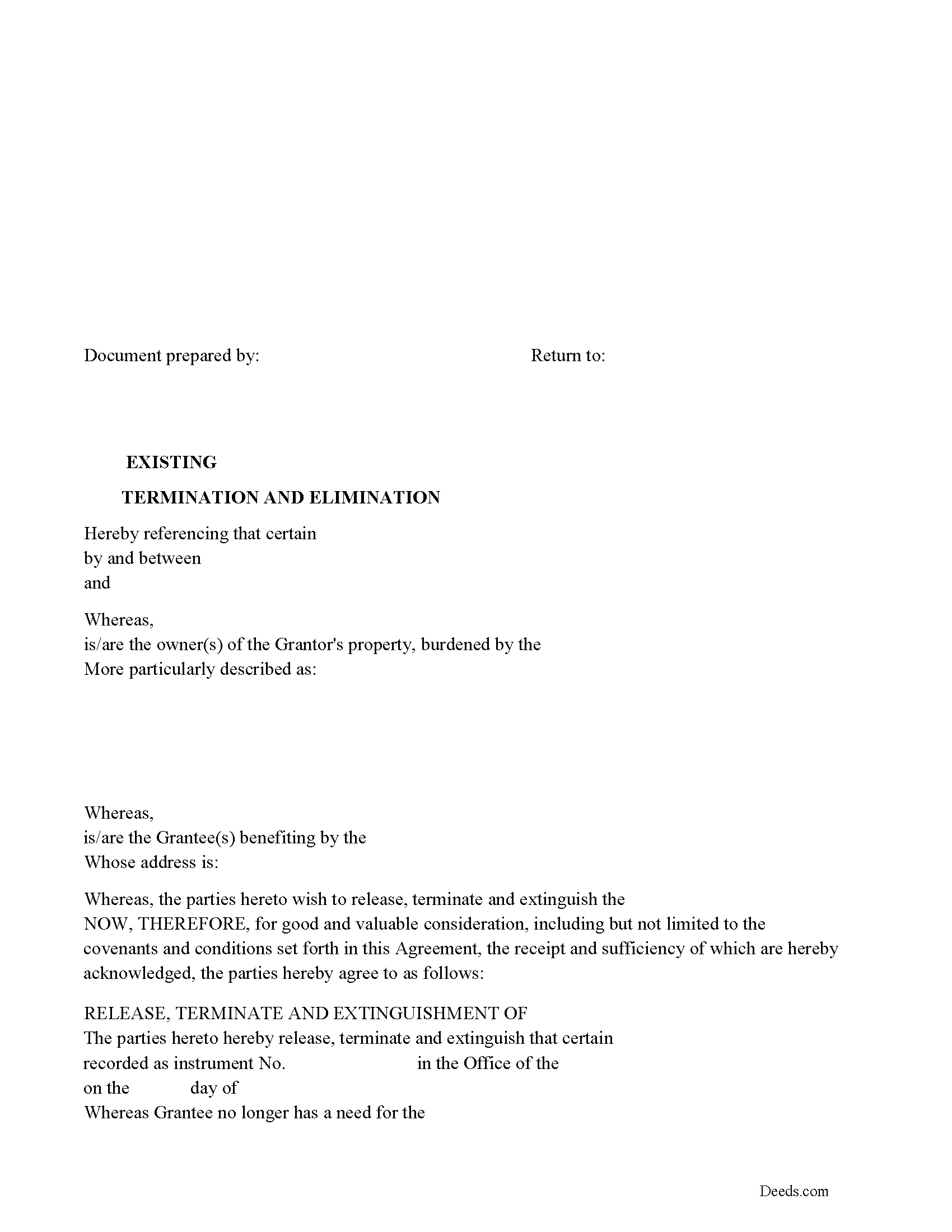
Quitman County Release of Easement, Right of Way Form
Fill in the blank form formatted to comply with all recording and content requirements.
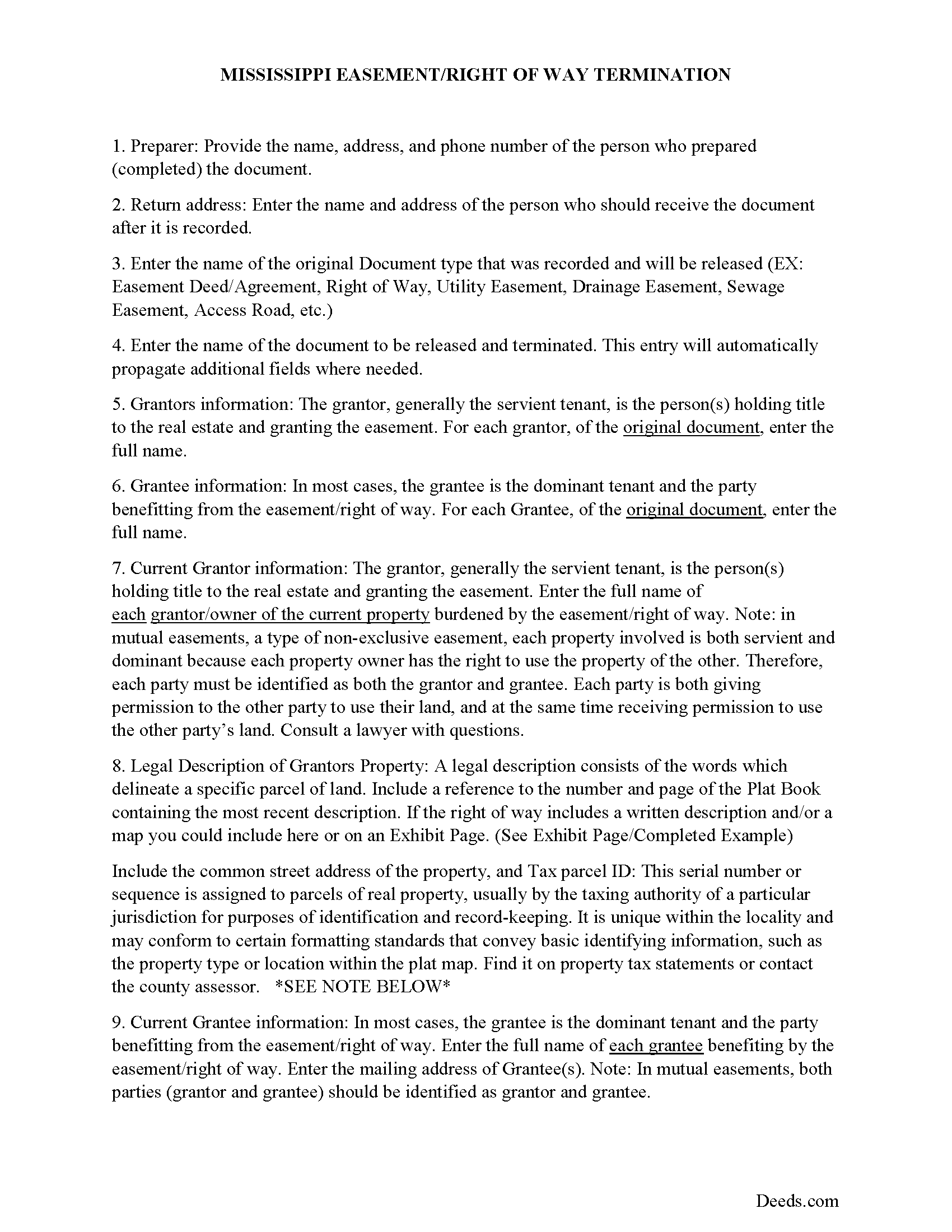
Quitman County Guidelines for Release of Easement
Line by line guide explaining every blank on the form.
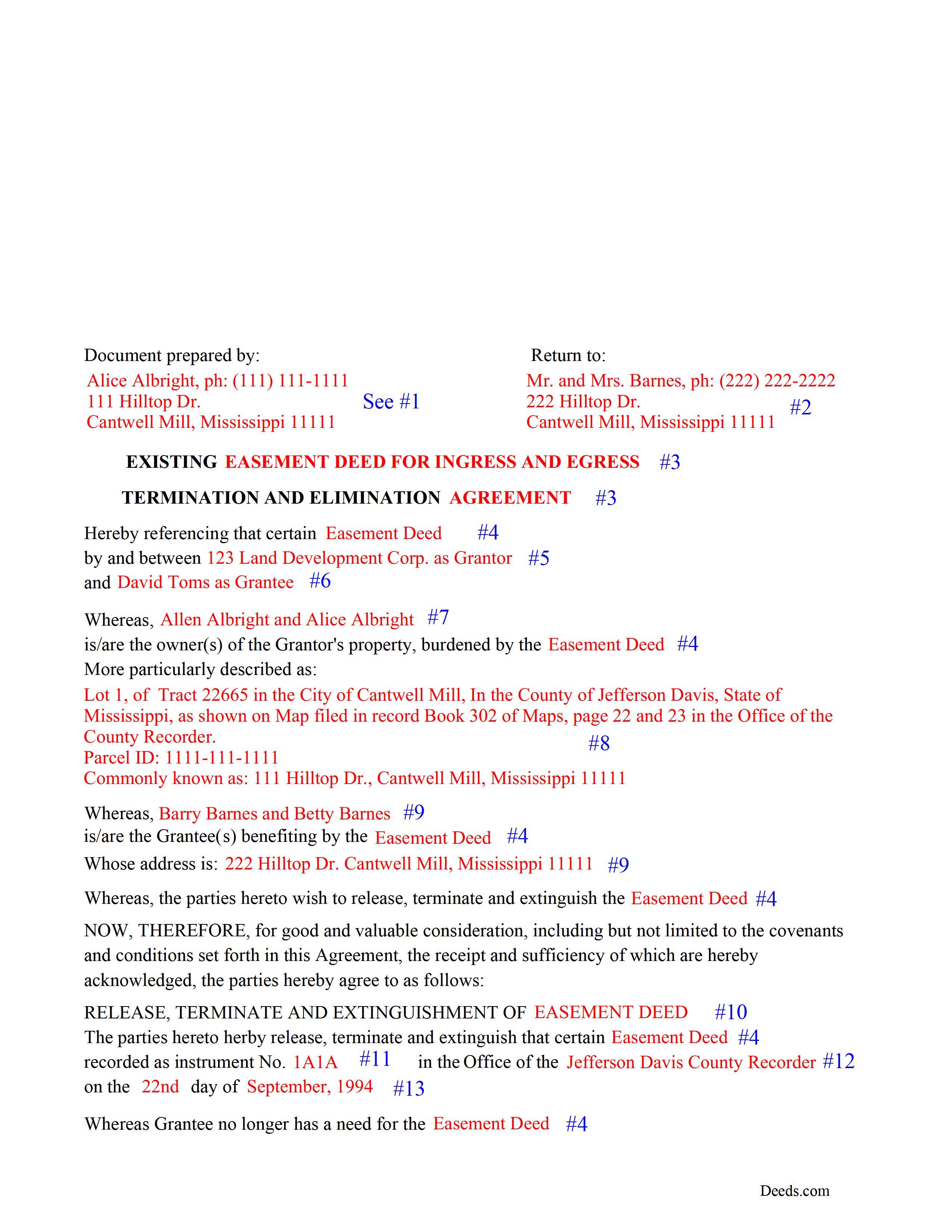
Quitman County Completed Example of the Release of Easement Document
Example of a properly completed form for reference.
All 3 documents above included • One-time purchase • No recurring fees
Immediate Download • Secure Checkout
Additional Mississippi and Quitman County documents included at no extra charge:
Where to Record Your Documents
Quitman County Chancery Clerk
Marks, Mississippi 38646
Hours: 8:00 to 5:00 M-F
Phone: (662) 326-2661
Recording Tips for Quitman County:
- Bring your driver's license or state-issued photo ID
- Ensure all signatures are in blue or black ink
- Ask if they accept credit cards - many offices are cash/check only
- Check that your notary's commission hasn't expired
- Documents must be on 8.5 x 11 inch white paper
Cities and Jurisdictions in Quitman County
Properties in any of these areas use Quitman County forms:
- Belen
- Crowder
- Darling
- Falcon
- Lambert
- Marks
- Vance
Hours, fees, requirements, and more for Quitman County
How do I get my forms?
Forms are available for immediate download after payment. The Quitman County forms will be in your account ready to download to your computer. An account is created for you during checkout if you don't have one. Forms are NOT emailed.
Are these forms guaranteed to be recordable in Quitman County?
Yes. Our form blanks are guaranteed to meet or exceed the applicable formatting requirements used for recording in Quitman County, including margin requirements, font requirements, and other layout standards. This guarantee applies to formatting, not to the legal sufficiency of information entered by the user or the suitability of a form for a particular transaction.
Can I reuse these forms?
Yes. You can reuse the forms for your personal use. For example, if you have multiple properties in Quitman County you only need to order once.
What do I need to use these forms?
The forms are PDFs that you fill out on your computer. The free Adobe Acrobat Reader is recommended, and most PDF apps also work. You do NOT enter your property information online - you download the blank forms and complete them privately on your own computer.
Are there any recurring fees?
No. This is a one-time purchase. Nothing to cancel, no memberships, no recurring fees.
How much does it cost to record in Quitman County?
Recording fees in Quitman County vary. Contact the recorder's office at (662) 326-2661 for current fees.
Questions answered? Let's get started!
Use this form to release, terminate, extinguish a previously recorded document that involves access to and from a property.
Documents such as:
1. Easement Deeds or Agreements (An easement is a non-possessory interest in land, granting the right to use someone else's property for a specific purpose, like a driveway or utility line)
2. Access Roads
3. Right of Ways
4. Utility Easements (Power, Gas, Water, Sewer, Etc.)
5. Drainage Easements
This document allows the owner of the land, burdened by the access and the party that benefits from the access, to sign an agreement releasing the property from such access, under the premises the benefiting party no longer needs access. Once the easement is successfully terminated and the release is recorded, it should be reflected in the title records for the property, effectively removing the easement from the property's title.
(MISS Termination of Easement Package includes form, guidelines, and completed example)
Important: Your property must be located in Quitman County to use these forms. Documents should be recorded at the county recording office listed above.
This Termination of Easement meets all recording requirements specific to Quitman County.
Our Promise
The documents you receive here are guaranteed to meet or exceed the applicable Quitman County recording format requirements. If there is a rejection caused by our formatting, we will correct the issue or refund your payment. This guarantee applies to document formatting only and does not extend to information entered by the user, the selection of the form, or the legal effect of the completed document.
Save Time and Money
Get your Quitman County Termination of Easement form done right the first time with Deeds.com Uniform Conveyancing Blanks. At Deeds.com, we understand that your time and money are valuable resources, and we don't want you to face a penalty fee or rejection imposed by a county recorder for submitting nonstandard documents. We constantly review and update our forms to meet rapidly changing state and county recording requirements for roughly 3,500 counties and local jurisdictions.
4.8 out of 5 - ( 4,845 Reviews )
Erik N. 5 out of 5 stars
I liked it, very much.
Thank you!
Paul M. 5 out of 5 stars
Great site! Got what I needed and I'm not the brightest bulb in the box when it comes to this interwebz stuff.
Thank you!
Lorie C. 5 out of 5 stars
Easy and effective...surely saved hundreds by avoiding a lawyer.
We appreciate your business and value your feedback. Thank you. Have a wonderful day!
Gary K. 5 out of 5 stars
Easy to use site. Good job, it works with no stress.
Thank you!
Todd W. 2 out of 5 stars
Communication is hard. The reps need to be empowered and encouraged to call the customers when necessary. They encourage 300 dpi resolution and under 2 MB PDF file, which is not even possible with our scanner. They made a vague comment about a legal description looking abbreviated but did not explain. They refused to call me. They said the county said "Image is light please darken", but the image looked fine to me. Maybe not their fault, but they refused to help work with the county on that for me. I followed their suggestion though and re-scanned at 300 dpi, but they misunderstood me and did not re-submit it right away. Over 48 hours later, it's still not recorded yet. I hope it will be today.
Thank you for your feedback Todd.
Linda W. 5 out of 5 stars
Fast service. From the time I sent my Quit Claim Deed to deeds.com, and six hours later my deed was recorded. It was painless, great convenience.
Thank you!
Randy F. 5 out of 5 stars
SO FAR SO GOOD, DOC'S DOWNLOADED WITHOUT A PROBLEM
Thank you!
Francis L. 2 out of 5 stars
You have duplicate documents in your listing of documents. please clean up.
Thank you!
James M. 5 out of 5 stars
Great selection of documents. Easy to use, with guidance material.
Thank you for taking the time to leave your feedback James. We appreciate you.
Quinn R. 5 out of 5 stars
DEEDS.COM IS THE BEST WAY TO E-RECORD DEEDS. THEY ARE FAST, POLITE AND A FANTASTIC DEAL FOR THE SERVICE THAT THEY OFFER!!!
Thank you!
Richard A. 5 out of 5 stars
Deeds.com was easy to use and provided everything needed to do a quitclaim deed!
Thank you!
Dorothy J F. 5 out of 5 stars
Appreciated the prompt answers to my inquiries…
We are grateful for your engagement and feedback, which help us to serve you better. Thank you for being an integral part of our community.
Stephen P. 5 out of 5 stars
Quick and Easy
Thank you!
Sunny S. 5 out of 5 stars
Easy to use and quick turnaround. I would use again.
Thank you!
Peggy R. 5 out of 5 stars
Thank you it was quick and easy
Thank you!