Texas County Beneficiary Deed Form
Last validated October 22, 2026 by our Forms Development TeamFormatted for recording in Texas County, for property anywhere in the county or independent city: rural and unincorporated areas as well as Bucyrus, Cabool, Elk Creek, Eunice, Hartshorn, Houston, Huggins, Licking and 7 more.
- 3 documents included
- Immediate PDF download
- Formatting guarantee
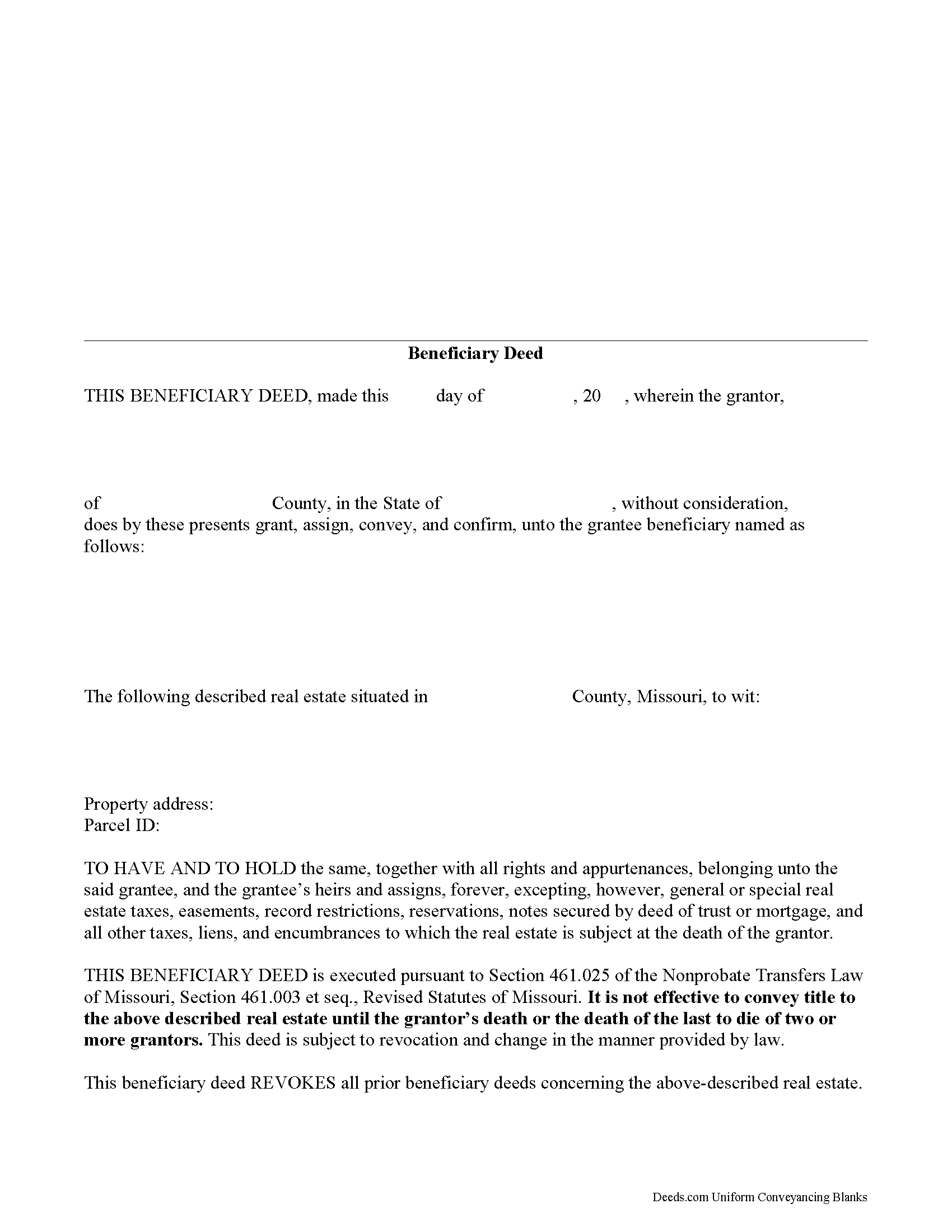
Texas County Beneficiary Deed Form
Fill in the blank form formatted to comply with all recording and content requirements.
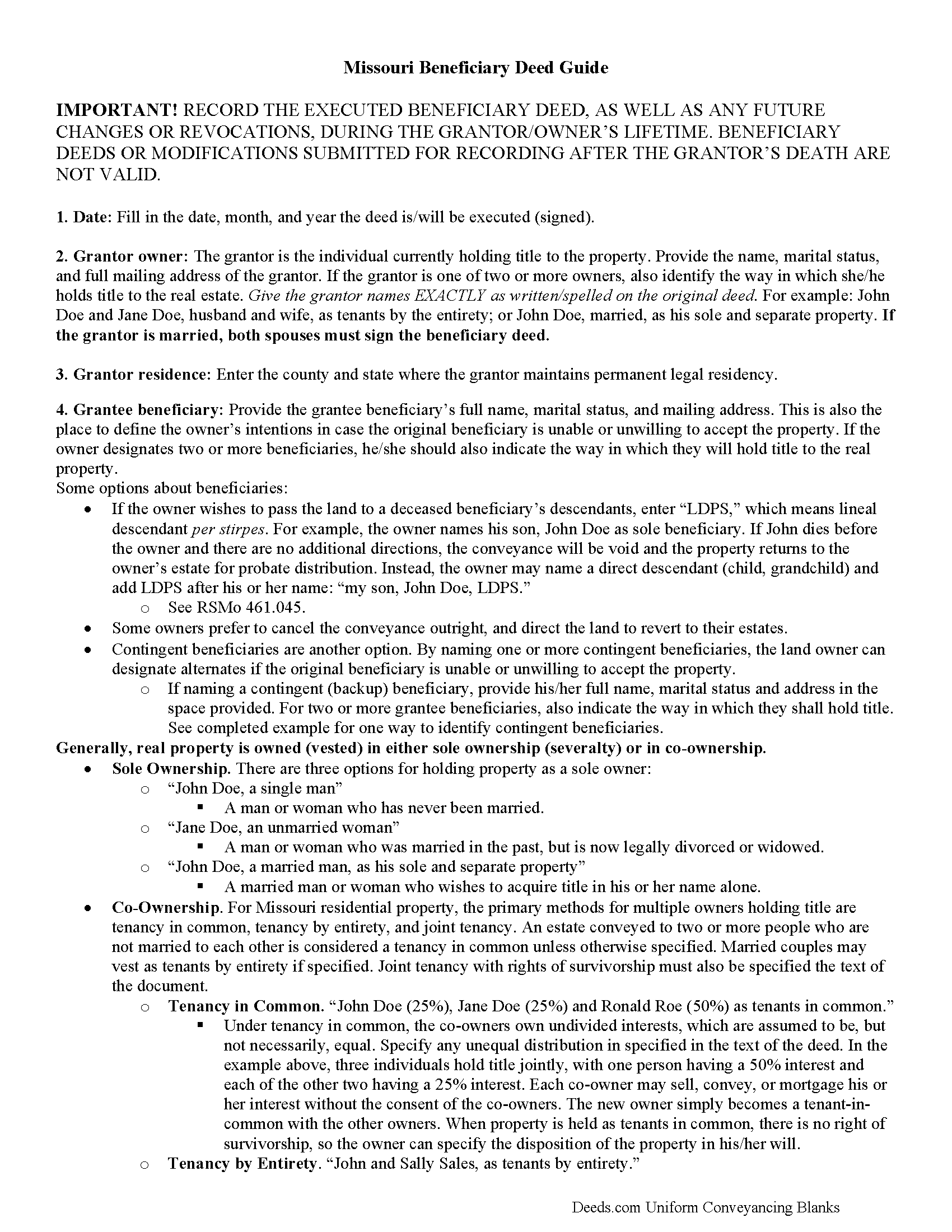
Texas County Beneficiary Deed Guide
Line by line guide explaining every blank on the form.
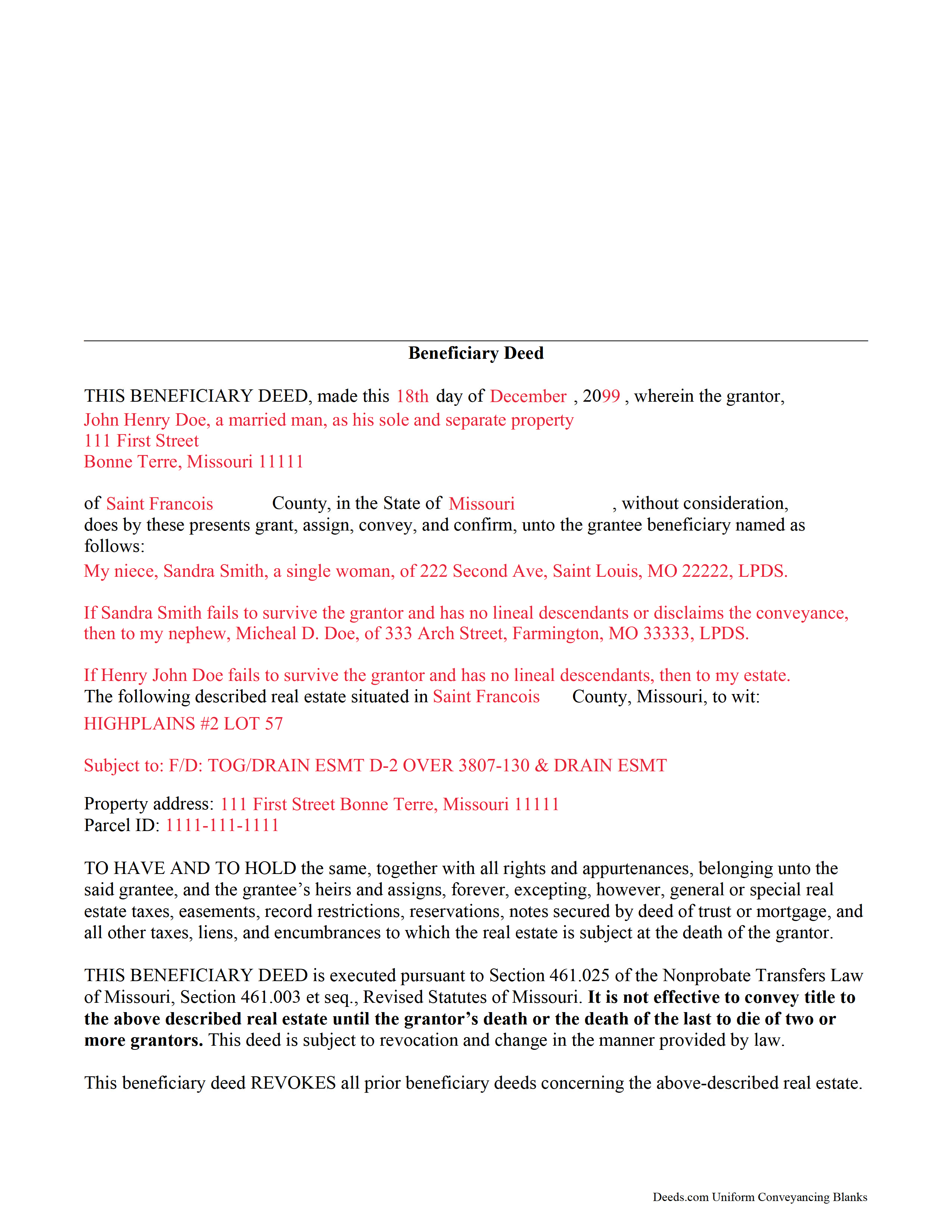
Texas County Completed Example of the Beneficiary Deed Document
Example of a properly completed form for reference.
All 3 documents above included • One-time purchase • No recurring fees
Immediate Download • Secure Checkout
Additional Missouri and Texas County documents included at no extra charge:
Where to Record Your Documents
Texas County Recorder of Deeds
Houston, Missouri 65483
Hours: 8:00 to 12:00 & 12:30 to 4:30 M-F
Phone: (417) 967-8438
Recording Tips for Texas County:
- Bring your driver's license or state-issued photo ID
- Ensure all signatures are in blue or black ink
- Ask about their eRecording option for future transactions
- Avoid the last business day of the month when possible
- Both spouses typically need to sign if property is jointly owned
Cities and Jurisdictions in Texas County
Properties in any of these areas use Texas County forms:
- Bucyrus
- Cabool
- Elk Creek
- Eunice
- Hartshorn
- Houston
- Huggins
- Licking
- Plato
- Raymondville
- Roby
- Solo
- Success
- Summersville
- Yukon
Hours, fees, requirements, and more for Texas County
How do I get my forms?
Forms are available for immediate download after payment. The Texas County forms will be in your account ready to download to your computer. An account is created for you during checkout if you don't have one. Forms are NOT emailed.
Are these forms guaranteed to be recordable in Texas County?
Yes. Our form blanks are guaranteed to meet or exceed the applicable formatting requirements used for recording in Texas County, including margin requirements, font requirements, and other layout standards. This guarantee applies to formatting, not to the legal sufficiency of information entered by the user or the suitability of a form for a particular transaction.
Can I reuse these forms?
Yes. You can reuse the forms for your personal use. For example, if you have multiple properties in Texas County you only need to order once.
What do I need to use these forms?
The forms are PDFs that you fill out on your computer. The free Adobe Acrobat Reader is recommended, and most PDF apps also work. You do NOT enter your property information online - you download the blank forms and complete them privately on your own computer.
Are there any recurring fees?
No. This is a one-time purchase. Nothing to cancel, no memberships, no recurring fees.
How much does it cost to record in Texas County?
Recording fees in Texas County vary. Contact the recorder's office at (417) 967-8438 for current fees.
Questions answered? Let's get started!
Enacted in 1989, the Missouri Nonprobate Transfers Law (Sections 461.003 et seq, Revised Statutes of Missouri (2012)) allows those who own real property in Missouri the option of conveying real property after death, but without the need for probate distribution.
One distinctive feature of this useful estate planning tool is its flexibility. The grantor retains absolute ownership of and control over the Missouri real estate, with the freedom to sell, rent, mortgage, or otherwise use the land at will with no penalty for waste or obligation to inform the named beneficiary. He or she may also change details about beneficiaries or even revoke the beneficiary deed outright by executing and recording a new document containing the updated information. For the beneficiary deed and any related changes or revocations to be valid, however, the deed must be recorded during the grantor's lifetime.
This flexibility is possible because the transfer of ownership is incomplete. There is no statutory obligation to notify grantees of their beneficiary status, so there is typically no consideration (something of value, usually money) paid for the potential future interest in the real estate. The transfer of ownership rights is completed when the grantor dies and the beneficiary records the appropriate documentation.
Overall, Missouri beneficiary deeds are a simple and effective estate planning tool for individuals who want to pass on real property rights outside of the probate process. Even so, it is essential to review how executing a beneficiary deed might impact taxes, as well as eligibility for local, state, and federal benefits and asset-based programs.
(Missouri BD Package includes form, guidelines, and completed example)
Important: Your property must be located in Texas County to use these forms. Documents should be recorded at the county or independent city recording office listed above.
This Beneficiary Deed meets all recording requirements specific to Texas County.
Our Promise
The documents you receive here are guaranteed to meet or exceed the applicable Texas County recording format requirements. If there is a rejection caused by our formatting, we will correct the issue or refund your payment. This guarantee applies to document formatting only and does not extend to information entered by the user, the selection of the form, or the legal effect of the completed document.
Save Time and Money
Get your Texas County Beneficiary Deed form done right the first time with Deeds.com Uniform Conveyancing Blanks. At Deeds.com, we understand that your time and money are valuable resources, and we don't want you to face a penalty fee or rejection imposed by a county recorder for submitting nonstandard documents. We constantly review and update our forms to meet rapidly changing state and county recording requirements for roughly 3,500 counties and local jurisdictions.
4.8 out of 5 - ( 4,840 Reviews )
Andrew T. 5 out of 5 stars
I was pleasantly surprised with the experience. Cost was better than other sites I checked. Questions about my submittal were asked within an hour. Document was recorded by next day.
Thanks for the review, Andrew. Glad we could get your document recorded quickly — that's the standard we hold ourselves to. We appreciate your business.
RUTH O. 5 out of 5 stars
Got access to the forms immediately after ordering. Lots of helpful information, forms were easy to use. Happy I choose this site.
Thank you Ruth. Have a great day!
Lisa H. 5 out of 5 stars
I needed a copy of a deed for a client and wanted to be sure I had the most recent one. I used Deeds.com and had it along with detailed property information within minutes at a very reasonable price. I am very pleased.
Thank you!
Kenneh C. 1 out of 5 stars
I was looking for something this website does not offer. Very dissapointed.
Sorry to hear that. We do hope you found what you were looking for elsewhere.
William B. 5 out of 5 stars
The website works just as described. I couldn't ask for anything more helpful in drafting an easement and all at a very reasonable price. Thank you!
Thank you for your feedback. We really appreciate it. Have a great day!
Jacquelyn W. 4 out of 5 stars
Great site with great info. Almost made the job seamless but form would not adjust to my longer than usual legal description -- I ended up having to recreate the form in word processing software (Libre). But could not have done it without the guidelines.
Thank you!
Anita L. 5 out of 5 stars
Found this site very easy to navigate and customer service very supportive and quickly answers any questions you have regarding forms. Best of all you can get the forms you need and only pay for those forms, not tied to some ongoing fee that you must cancel if you have no further need beyond forms you've already purchased.
We appreciate your business and value your feedback. Thank you. Have a wonderful day!
Bobby T. 5 out of 5 stars
Great!! Helps me out
Thank you!
Shawn B. 5 out of 5 stars
Deeds.com support is very quick and responsive. Would use again and recommend to others in need of e-recording.
Thank you for your feedback. We really appreciate it. Have a great day!
Clarence R. 5 out of 5 stars
service from your team was quick and very accurate. My experience was excellent.
Thank you!
Catherine M. 5 out of 5 stars
Easy to use, loved the format, will use again
Thank you, Catherine! We’re so glad you found the process easy and liked the format. We appreciate your support and look forward to helping you again soon!
Renee H. 5 out of 5 stars
First time to use this service, was easy and quick return.
We appreciate your business and value your feedback. Thank you. Have a wonderful day!
Heather R. 5 out of 5 stars
Fast and convenient service.
Thank you Heather, we appreciate your feedback.
John B. 5 out of 5 stars
I bought a Quitclaim Deed package for Fayette County, Kentucky, to transfer my house into a Living Trust that I had set up previously. Creating my Quitclaim Deed was pretty straightforward, using the form, the instructions, and the sample Quitclaim Deed. I signed my Quitclaim Deed at a nearby Notary Public, then took it to the Fayette County Clerk's office to be recorded. The clerk there asked me to make two small changes to the Quitclaim Deed, which she let me do in pen on the spot: * In the signature block for the receiver of the property, filled in "Capacity" as "Grantee as Trustee ______________________________ Living Trust". * In the notary's section, changed "were acknowledged before me" to "were acknowledged and sworn to before me".
Thank you for your feedback. We really appreciate it. Have a great day!
Janette C. 5 out of 5 stars
Love the service !!
Your appreciative words mean the world to us. Thank you.