Bollinger County Claim of Mechanic's Lien Form
Last validated October 2, 2026 by our Forms Development TeamFormatted for recording in Bollinger County, for property anywhere in the county or independent city: rural and unincorporated areas as well as Gipsy, Glenallen, Leopold, Marble Hill, Patton, Sedgewickville, Sturdivant, Zalma.
- 3 documents included
- Immediate PDF download
- Formatting guarantee
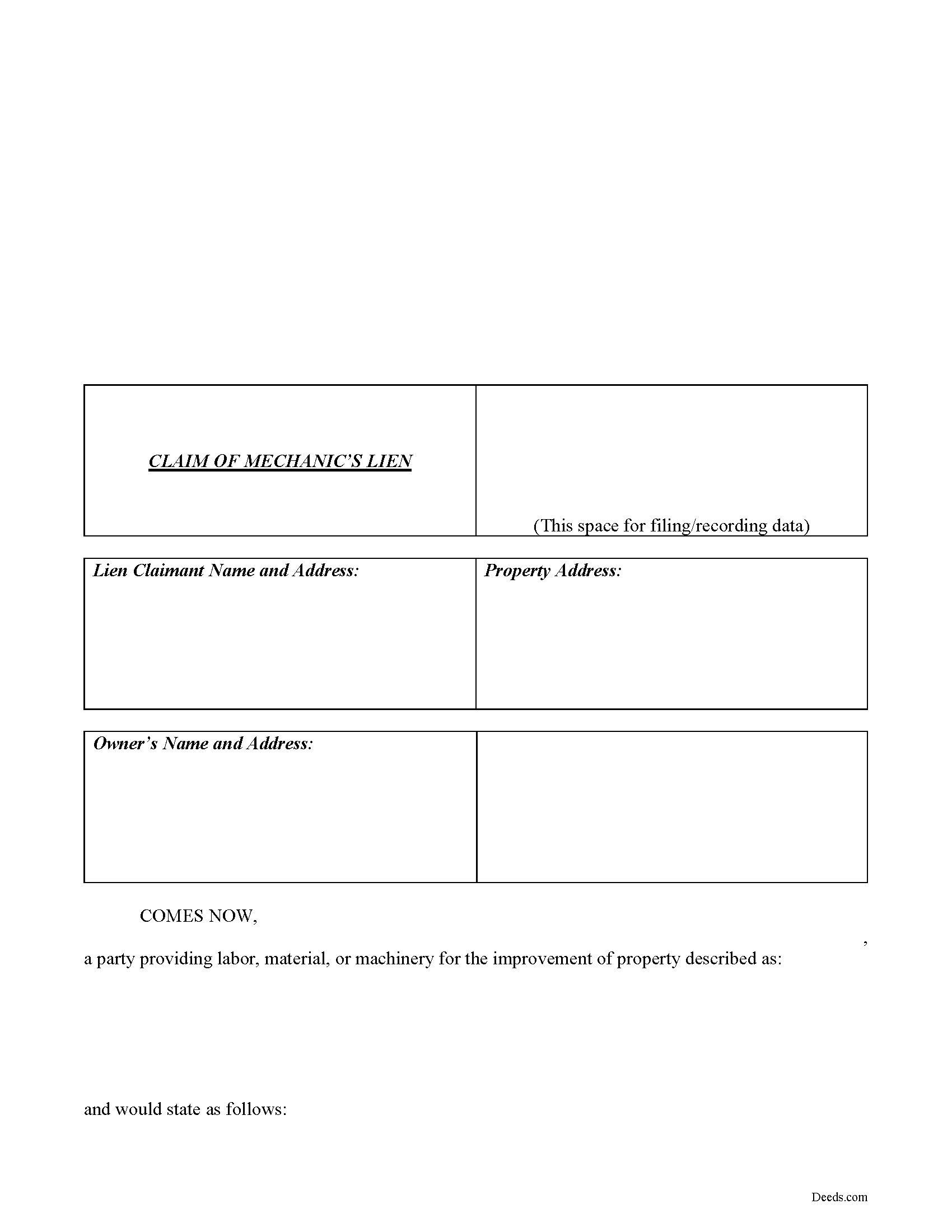
Bollinger County Claim of Lien Form
Fill in the blank Claim of Lien form formatted to comply with all Missouri recording and content requirements.
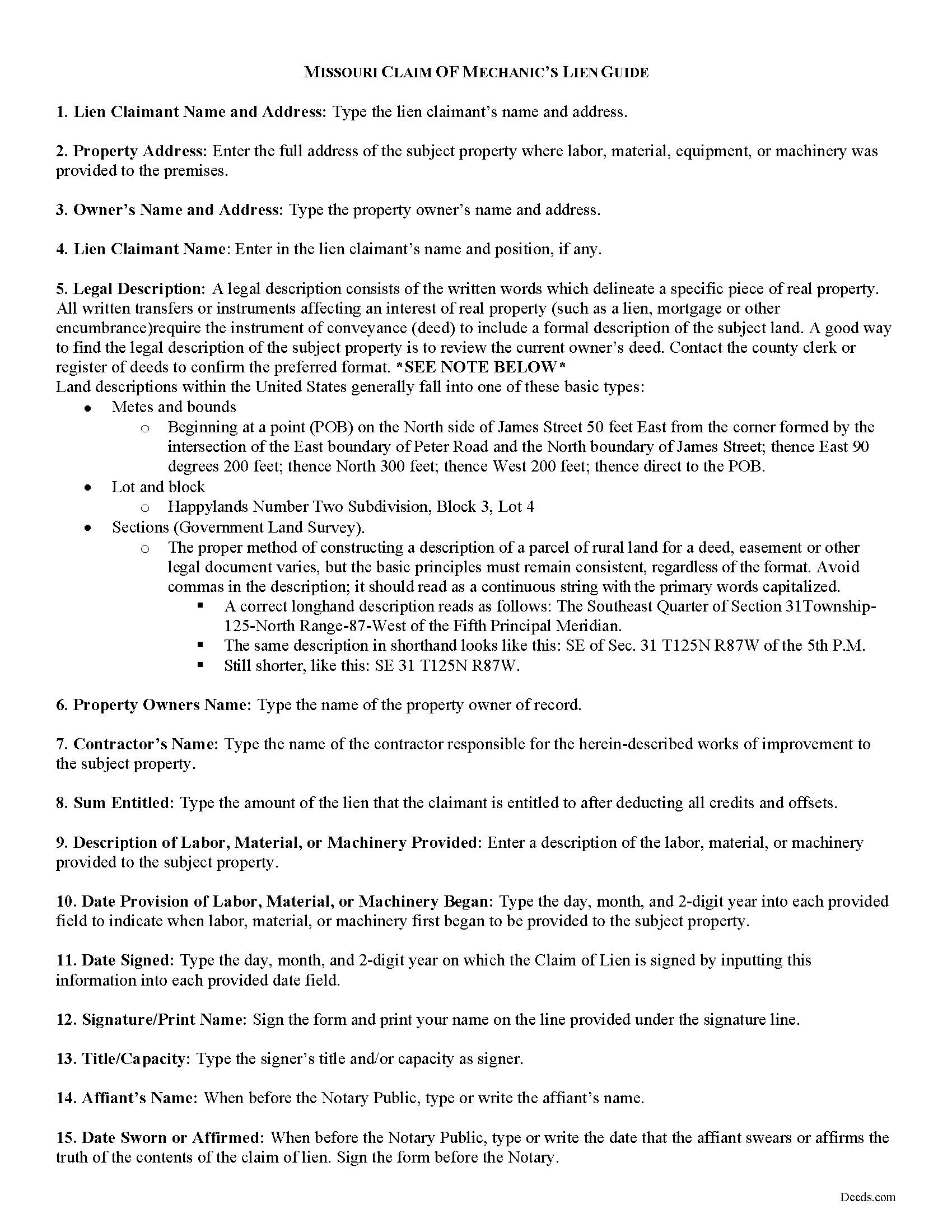
Bollinger County Claim of Lien Guide
Line by line guide explaining every blank on the form.
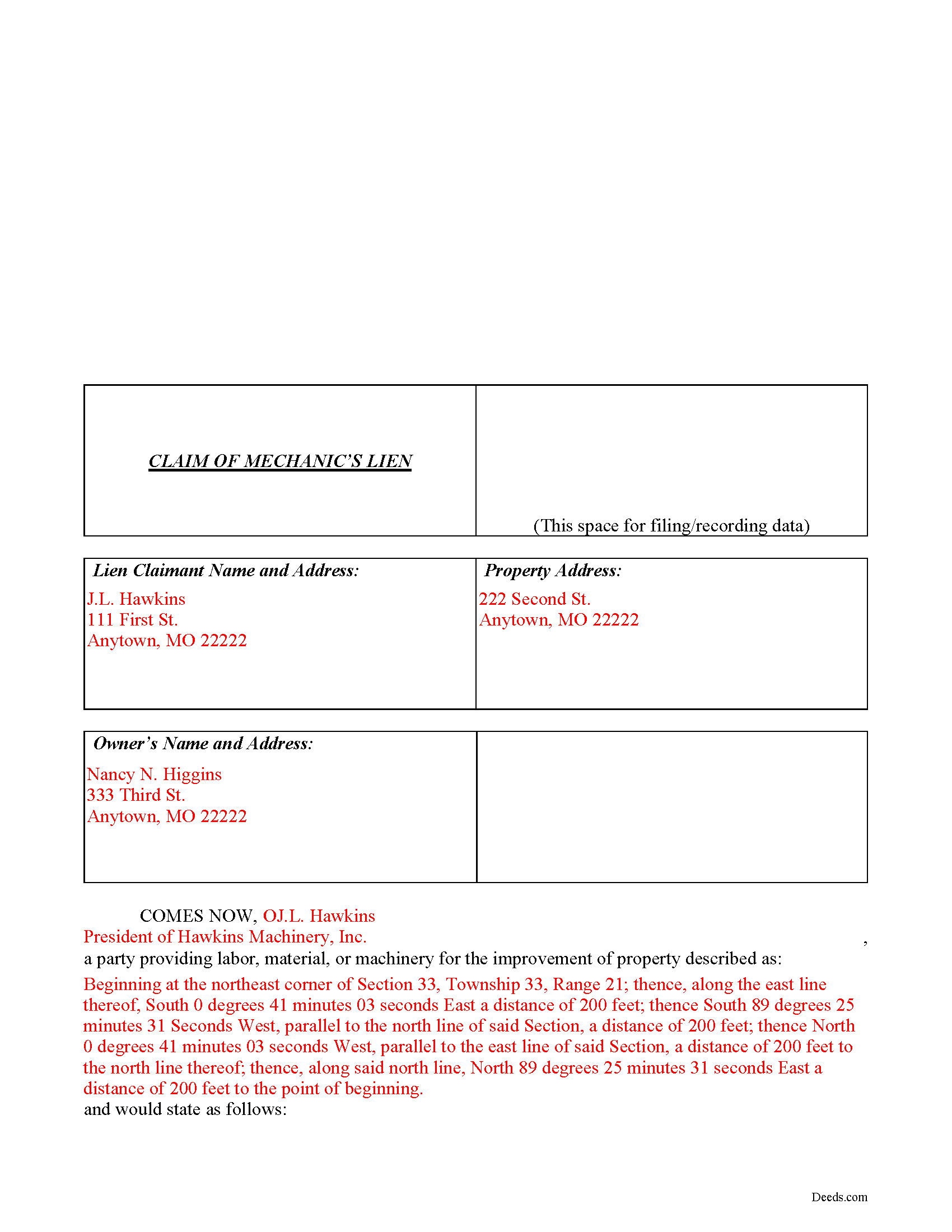
Bollinger County Completed Example of the Claim of Mechanics Lien Document
Example of a properly completed form for reference.
All 3 documents above included • One-time purchase • No recurring fees
Immediate Download • Secure Checkout
Additional Missouri and Bollinger County documents included at no extra charge:
Where to Record Your Documents
Bollinger County Recorder of Deeds
Marble Hill, Missouri 63764
Hours: 8:30 to 4:30 M-F
Phone: (573) 238-1900 Ext. 7
Recording Tips for Bollinger County:
- Bring your driver's license or state-issued photo ID
- Ensure all signatures are in blue or black ink
- Ask for certified copies if you need them for other transactions
- Ask if they accept credit cards - many offices are cash/check only
- Check that your notary's commission hasn't expired
Cities and Jurisdictions in Bollinger County
Properties in any of these areas use Bollinger County forms:
- Gipsy
- Glenallen
- Leopold
- Marble Hill
- Patton
- Sedgewickville
- Sturdivant
- Zalma
Hours, fees, requirements, and more for Bollinger County
How do I get my forms?
Forms are available for immediate download after payment. The Bollinger County forms will be in your account ready to download to your computer. An account is created for you during checkout if you don't have one. Forms are NOT emailed.
Are these forms guaranteed to be recordable in Bollinger County?
Yes. Our form blanks are guaranteed to meet or exceed the applicable formatting requirements used for recording in Bollinger County, including margin requirements, font requirements, and other layout standards. This guarantee applies to formatting, not to the legal sufficiency of information entered by the user or the suitability of a form for a particular transaction.
Can I reuse these forms?
Yes. You can reuse the forms for your personal use. For example, if you have multiple properties in Bollinger County you only need to order once.
What do I need to use these forms?
The forms are PDFs that you fill out on your computer. The free Adobe Acrobat Reader is recommended, and most PDF apps also work. You do NOT enter your property information online - you download the blank forms and complete them privately on your own computer.
Are there any recurring fees?
No. This is a one-time purchase. Nothing to cancel, no memberships, no recurring fees.
How much does it cost to record in Bollinger County?
Recording fees in Bollinger County vary. Contact the recorder's office at (573) 238-1900 Ext. 7 for current fees.
Questions answered? Let's get started!
Claiming a Missouri Mechanic's Lien
In Missouri, Mechanic's Liens are used to place a block on a property owner's title when a contractor, materials supplier, or other laborer such as a subcontractor has not been paid for labor, materials, or equipment provided.
Under R.S.M.O. 429.080, all eligible individuals seeking to obtain the benefit of a mechanic lien must file a claim of lien within six (6) months after the indebtedness accrues, or, with respect to rental equipment or machinery rented to others, within sixty (60) days after the date the last of the rental equipment or machinery was last removed from the property.
The claim must state a just and true account of the demand due after all just credits have been given, and that amount becomes a lien upon such building or other improvements. It also includes the names and addresses of the lien claimant and property owners; a true description of the property; a description of the labor, materials, or equipment provided; and the amount the lien is claimed for. Id. The claim must also be verified by the oath of the claimant or some credible person for him before a notary. Id. Record the completed claim of lien with the clerk of the circuit court of the county where the property is situated.
This article is provided for informational purposes only and should not be considered legal advice or relied upon as a substitute for speaking with a legal professional. If you have any questions about claiming a Missouri lien, please speak with a qualified attorney.
Important: Your property must be located in Bollinger County to use these forms. Documents should be recorded at the county or independent city recording office listed above.
This Claim of Mechanic's Lien meets all recording requirements specific to Bollinger County.
Our Promise
The documents you receive here are guaranteed to meet or exceed the applicable Bollinger County recording format requirements. If there is a rejection caused by our formatting, we will correct the issue or refund your payment. This guarantee applies to document formatting only and does not extend to information entered by the user, the selection of the form, or the legal effect of the completed document.
Save Time and Money
Get your Bollinger County Claim of Mechanic's Lien form done right the first time with Deeds.com Uniform Conveyancing Blanks. At Deeds.com, we understand that your time and money are valuable resources, and we don't want you to face a penalty fee or rejection imposed by a county recorder for submitting nonstandard documents. We constantly review and update our forms to meet rapidly changing state and county recording requirements for roughly 3,500 counties and local jurisdictions.
4.8 out of 5 - ( 4,819 Reviews )
Victor W. 5 out of 5 stars
Once I was able to get the code Number, it all went well. I was able to easily download and print off what I needed for my lawyer. thank you.
Thank you!
James W. 5 out of 5 stars
We were able to find deceased parents' deed.
Thank you!
Steven B. 5 out of 5 stars
Easy peazy to find the right forms and they come with instructions and a sample.
Your feedback is appreciated. Thank you for letting us know how we did.
Mark S. 5 out of 5 stars
Quick and easy. Had what I was searching for. Simple to pay and download.
Thank you!
Terry S. 4 out of 5 stars
I was very happy with the document package that I purchased. It contained all of the necessary documents and a few extras I had not thought about. Perhaps if you provided a link to download all of the documents with one click, it would make it a little easier.
Thank you for your feedback. We really appreciate it. Have a great day!
Kitty H. 5 out of 5 stars
I have had it reviewed by a mortgage broker and a title manager and both said it was done correctly! Your product and the instructions are what made this possible. It took me several hours as I continued to review your information. I just finished printing and ready to file. Yeah! Thanks! Highly recommend the product!
We appreciate your business and value your feedback. Thank you. Have a wonderful day!
Noble Mikhail F. 5 out of 5 stars
The system is wonderful, and makes recording and searching simple, thanks a lot
Thank you!
Stan P. 5 out of 5 stars
Great, covered all the legal area I needed to identify.
Thank you!
alena t. 5 out of 5 stars
It was quick and easy to print and download the forms I needed.
We appreciate your business and value your feedback. Thank you. Have a wonderful day!
Barbara C. 5 out of 5 stars
Excellent site; easy to use
Thank you!
Frank T. 5 out of 5 stars
Great service, fast easy to use, accurate forms for our project. Thank you. FTM
Thank you for your feedback. We really appreciate it. Have a great day!
Cheryl C. 5 out of 5 stars
Very pleased. I spent a fair amount of time chasing a blank form only to be told it couldn't be given to me - I had to go through my attorney. Going thru the deeds.com was a breeze; the blank form looked exactly like one I had filed before :-)
We appreciate your business and value your feedback. Thank you. Have a wonderful day!
Richard R. 5 out of 5 stars
Kind of expensive for a 3 page item...but I received it pronto and it will fill the bill.
Thank you!
John F. 5 out of 5 stars
Excellent service, very reliable.
Thank you for your feedback. We really appreciate it. Have a great day!
Barbara S. 5 out of 5 stars
I found your site easy to use, though I would prefer an option to download to MWords but Adobe works well. The cost is very, very reasonable and provides documents I didn't know were needed. I would recommend this to anyone trying to deal with legal documents.
Thank you!