Randolph County Claim of Mechanic's Lien Form
Last validated October 15, 2026 by our Forms Development TeamFormatted for recording in Randolph County, for property anywhere in the county or independent city: rural and unincorporated areas as well as Cairo, Clark, Clifton Hill, Higbee, Huntsville, Jacksonville, Moberly, Renick.
- 3 documents included
- Immediate PDF download
- Formatting guarantee
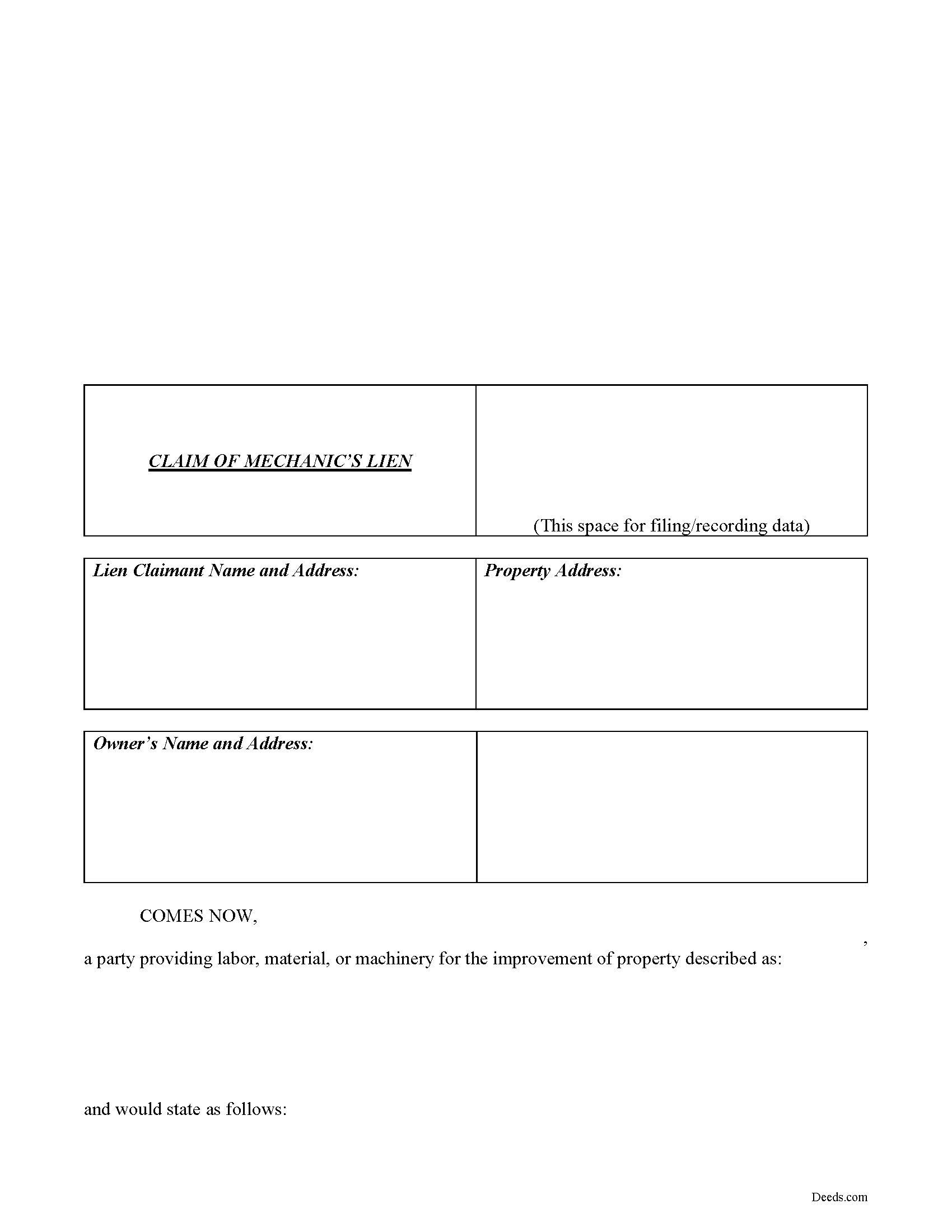
Randolph County Claim of Lien Form
Fill in the blank Claim of Lien form formatted to comply with all Missouri recording and content requirements.
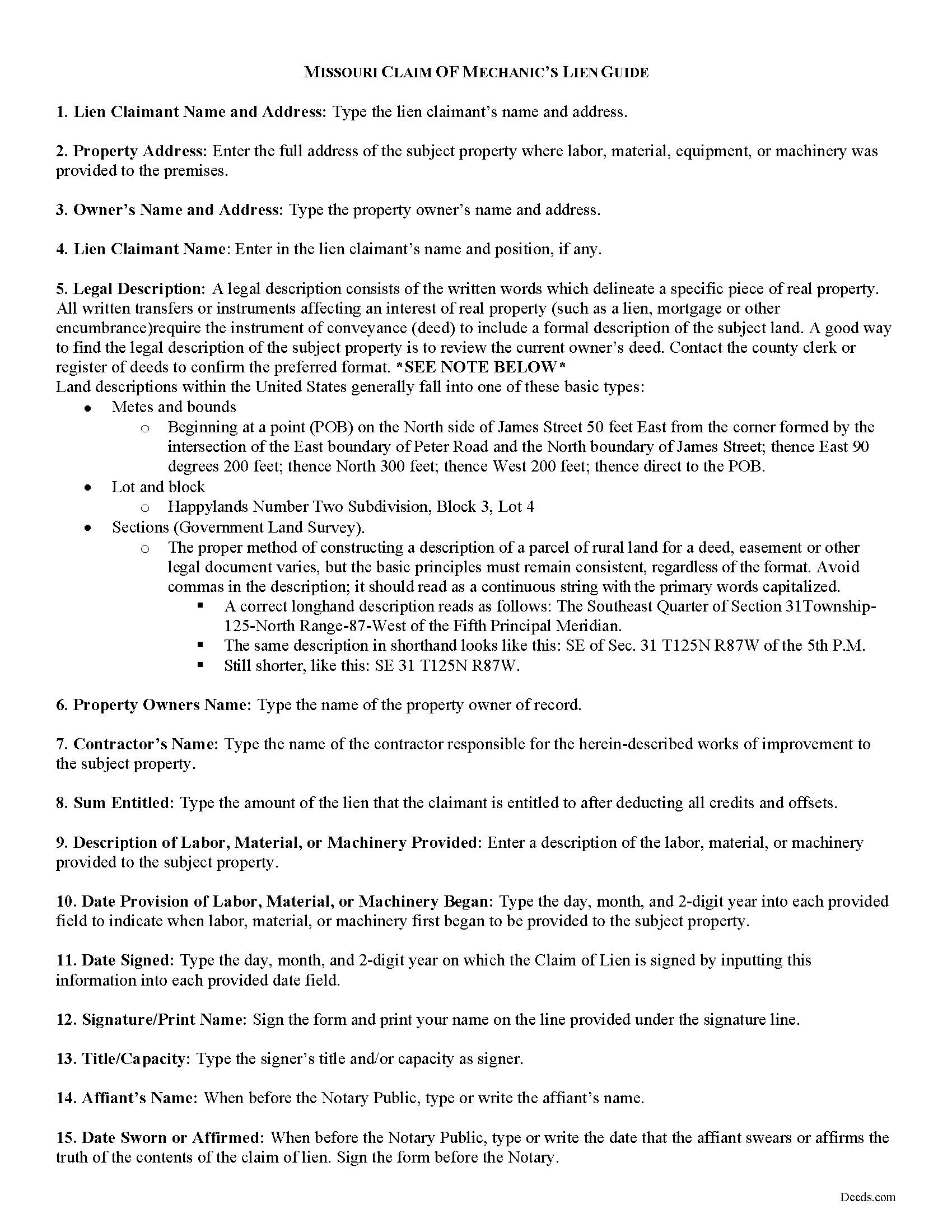
Randolph County Claim of Lien Guide
Line by line guide explaining every blank on the form.
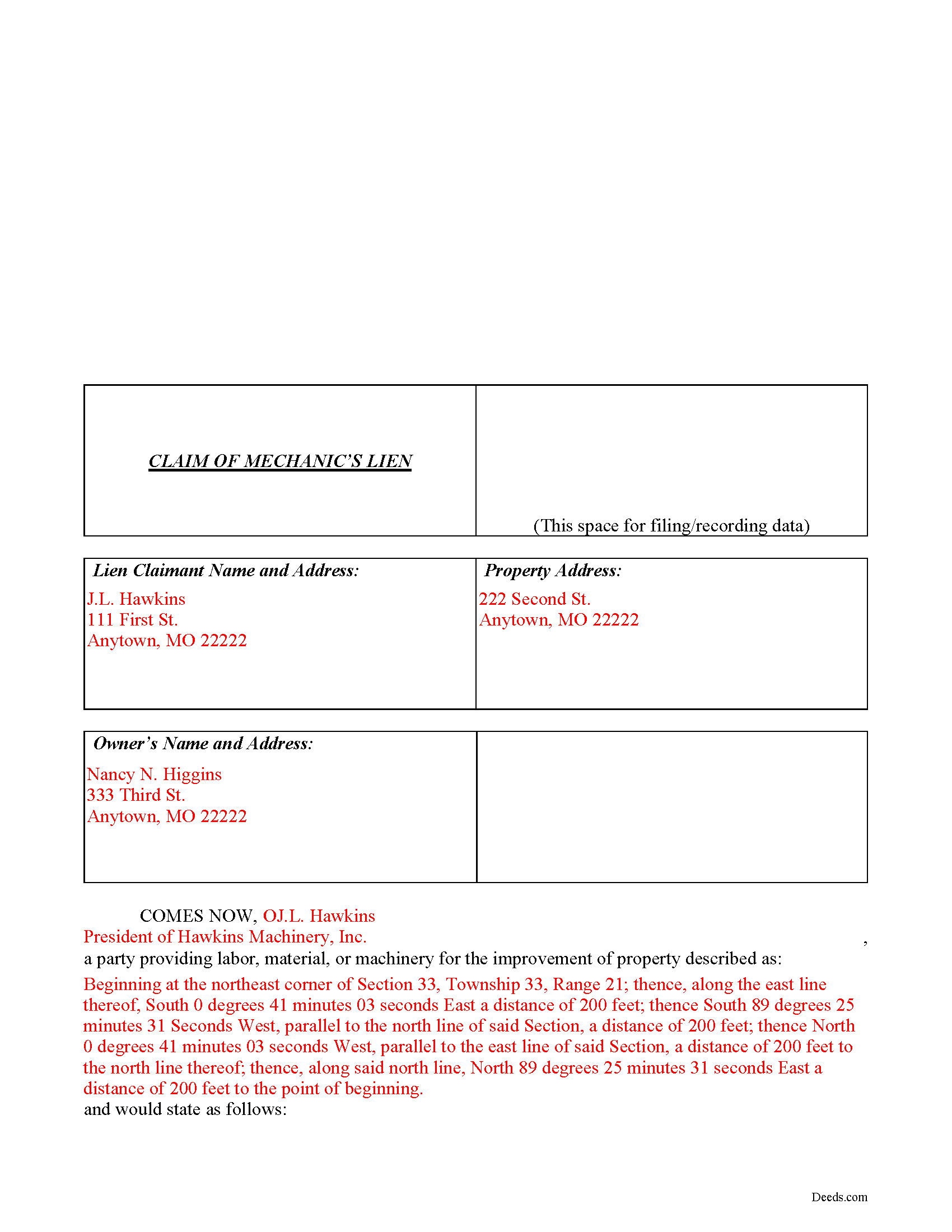
Randolph County Completed Example of the Claim of Mechanics Lien Document
Example of a properly completed form for reference.
All 3 documents above included • One-time purchase • No recurring fees
Immediate Download • Secure Checkout
Additional Missouri and Randolph County documents included at no extra charge:
Where to Record Your Documents
Randolph County Recorder of Deeds
Huntsville , Missouri 65259-1292
Hours: 8:00 to 4:00 M-F
Phone: 844-277-6555 X 330
Recording Tips for Randolph County:
- Bring your driver's license or state-issued photo ID
- Ensure all signatures are in blue or black ink
- Both spouses typically need to sign if property is jointly owned
- Bring extra funds - fees can vary by document type and page count
- Check margin requirements - usually 1-2 inches at top
Cities and Jurisdictions in Randolph County
Properties in any of these areas use Randolph County forms:
- Cairo
- Clark
- Clifton Hill
- Higbee
- Huntsville
- Jacksonville
- Moberly
- Renick
Hours, fees, requirements, and more for Randolph County
How do I get my forms?
Forms are available for immediate download after payment. The Randolph County forms will be in your account ready to download to your computer. An account is created for you during checkout if you don't have one. Forms are NOT emailed.
Are these forms guaranteed to be recordable in Randolph County?
Yes. Our form blanks are guaranteed to meet or exceed the applicable formatting requirements used for recording in Randolph County, including margin requirements, font requirements, and other layout standards. This guarantee applies to formatting, not to the legal sufficiency of information entered by the user or the suitability of a form for a particular transaction.
Can I reuse these forms?
Yes. You can reuse the forms for your personal use. For example, if you have multiple properties in Randolph County you only need to order once.
What do I need to use these forms?
The forms are PDFs that you fill out on your computer. The free Adobe Acrobat Reader is recommended, and most PDF apps also work. You do NOT enter your property information online - you download the blank forms and complete them privately on your own computer.
Are there any recurring fees?
No. This is a one-time purchase. Nothing to cancel, no memberships, no recurring fees.
How much does it cost to record in Randolph County?
Recording fees in Randolph County vary. Contact the recorder's office at 844-277-6555 X 330 for current fees.
Questions answered? Let's get started!
Claiming a Missouri Mechanic's Lien
In Missouri, Mechanic's Liens are used to place a block on a property owner's title when a contractor, materials supplier, or other laborer such as a subcontractor has not been paid for labor, materials, or equipment provided.
Under R.S.M.O. 429.080, all eligible individuals seeking to obtain the benefit of a mechanic lien must file a claim of lien within six (6) months after the indebtedness accrues, or, with respect to rental equipment or machinery rented to others, within sixty (60) days after the date the last of the rental equipment or machinery was last removed from the property.
The claim must state a just and true account of the demand due after all just credits have been given, and that amount becomes a lien upon such building or other improvements. It also includes the names and addresses of the lien claimant and property owners; a true description of the property; a description of the labor, materials, or equipment provided; and the amount the lien is claimed for. Id. The claim must also be verified by the oath of the claimant or some credible person for him before a notary. Id. Record the completed claim of lien with the clerk of the circuit court of the county where the property is situated.
This article is provided for informational purposes only and should not be considered legal advice or relied upon as a substitute for speaking with a legal professional. If you have any questions about claiming a Missouri lien, please speak with a qualified attorney.
Important: Your property must be located in Randolph County to use these forms. Documents should be recorded at the county or independent city recording office listed above.
This Claim of Mechanic's Lien meets all recording requirements specific to Randolph County.
Our Promise
The documents you receive here are guaranteed to meet or exceed the applicable Randolph County recording format requirements. If there is a rejection caused by our formatting, we will correct the issue or refund your payment. This guarantee applies to document formatting only and does not extend to information entered by the user, the selection of the form, or the legal effect of the completed document.
Save Time and Money
Get your Randolph County Claim of Mechanic's Lien form done right the first time with Deeds.com Uniform Conveyancing Blanks. At Deeds.com, we understand that your time and money are valuable resources, and we don't want you to face a penalty fee or rejection imposed by a county recorder for submitting nonstandard documents. We constantly review and update our forms to meet rapidly changing state and county recording requirements for roughly 3,500 counties and local jurisdictions.
4.8 out of 5 - ( 4,828 Reviews )
Jo Ann P. 3 out of 5 stars
Was hoping I would be sent copies on paper so I can fill them out without a desk computer
We appreciate your feedback. Our forms are delivered instantly as digital files, so customers can download and print as many copies as they need. This way, you have the flexibility to complete them by hand if you prefer.
Eric L. 4 out of 5 stars
Great service, but still needs some knowledge to complete. Also missing Michigan right to farm paragraph.
Thank you!
Kathy R. 5 out of 5 stars
I was very pleased with the quick turn around on a response to my inquiry. Further guidance was direct and I appreciate the professionalism from deeds.com.
Thank you!
Rodrigo M. 5 out of 5 stars
Excellent service
Thank you!
Cindy A. 5 out of 5 stars
Needed a deed and the form provided with example and guide were of the most help. Thank you
Thank you, Cindy! We’re so glad the form, example, and guide were helpful in getting your deed taken care of. We appreciate your feedback!
Lisa D. 5 out of 5 stars
It was an easy site to use and very a good price. Thank you!!
We appreciate your business and value your feedback. Thank you. Have a wonderful day!
Kathryn C. 5 out of 5 stars
I truly appreciate you and you service for all you do to help me ThankYou kathrynchertock
Thank you for your feedback. We really appreciate it. Have a great day!
A. S. 3 out of 5 stars
First, I am glad that you gave a blank copy, an example copy, and a 'guide'. It made it much easier to do. Overall I was very happy with your products and organization... however, things got pretty confusing and I have a pretty 'serious' law background in Real Estate and Civil law. With that said, I spent about 10+ hours getting my work done, using the Deed of Trust and Promissory note from you and there were a few problems: First, it would be FANTASTIC if you actually aligned your guide to actually match the Deed or Promissory Note. What I mean is that if the Deed says 'section (E)' then your guide shouldn't be 'randomly' numbered as 1,2,3, for advice/instructions, but should EXACTLY match 'section (E)'. Some places you have to 'hunt' for what you are looking for, and if you did it based on my suggestion, you wouldn't need to 'hunt' and it would avoid confusion. 2nd: This one really 'hurt'... you had something called the 'Deed of Trust Master Form' yet you had basically no information on what it was or how to use it. The only information you had was a small section at the top of the 'Short Form Deed of Trust Guide'. Holy Cow, was that 'section' super confusing. I still don't know if I did it correctly, but your guide says only put a return address on it and leave the rest of the 16 or so page Deed of Trust beneath it blank... and then include your 'Deed of Trust' (I had to assume the short form deed that I had just created) as part of it. I had to assume that I had to print off the entire 17 page or so title page and blank deed. I also had to assume that the promissory note was supposed to be EXHIBIT A or B on the Short Form Deed. It would be great if someone would take a serious look at that short section in your 'Short Form Deed of Trust Guide' and realize that those of us using your products are seriously turning this into a county clerk to file and that most of us, probably already have a property that has an existing Deed... or at least can find one in the county records if necessary... and make sure that you make a distinction between the Deed for the property that already exists, versus the Deed of Trust and Promissory note that we are trying to file. Thanks.
Thank you for your feedback. We'll have staff review the document for clarity. Have a great day!
Mark S. 5 out of 5 stars
Had the forms i needed for illinois. More than i expected. Most companies would charge per form.
Thank you!
Ann W. 5 out of 5 stars
GREAT forms, easy to use and most importantly... compliant. Worth it and then some!
Thank you!
Nick A. 5 out of 5 stars
Easy to use website. Found what I was looking for.
Thank you for your feedback. We really appreciate it. Have a great day!
Robert H. 5 out of 5 stars
I am very pleased with your service.
Thank you!
Lori M. 5 out of 5 stars
So easy to use. The directions are very clear.
Thank you!
Brenda K R. 5 out of 5 stars
Hello, I like how easy the form is to follow. I'm unsure however of how to proceed as what I am trying to do is have my name added to the deed so in event of death I have ownership.
Thank you for your feedback. We really appreciate it. Have a great day!
Kathryn M. 5 out of 5 stars
Never know an online service was available for recording county documents. It was so easy and simple and FAST! Within a matter of a couple hours it's done. I would definitely recommend Deeds.com to anyone.
Thank you Kathryn, we really appreciate that.