Randolph County Revocation of Beneficiary Deed Form
Last validated October 27, 2026 by our Forms Development TeamFormatted for recording in Randolph County, for property anywhere in the county or independent city: rural and unincorporated areas as well as Cairo, Clark, Clifton Hill, Higbee, Huntsville, Jacksonville, Moberly, Renick.
- 3 documents included
- Immediate PDF download
- Formatting guarantee
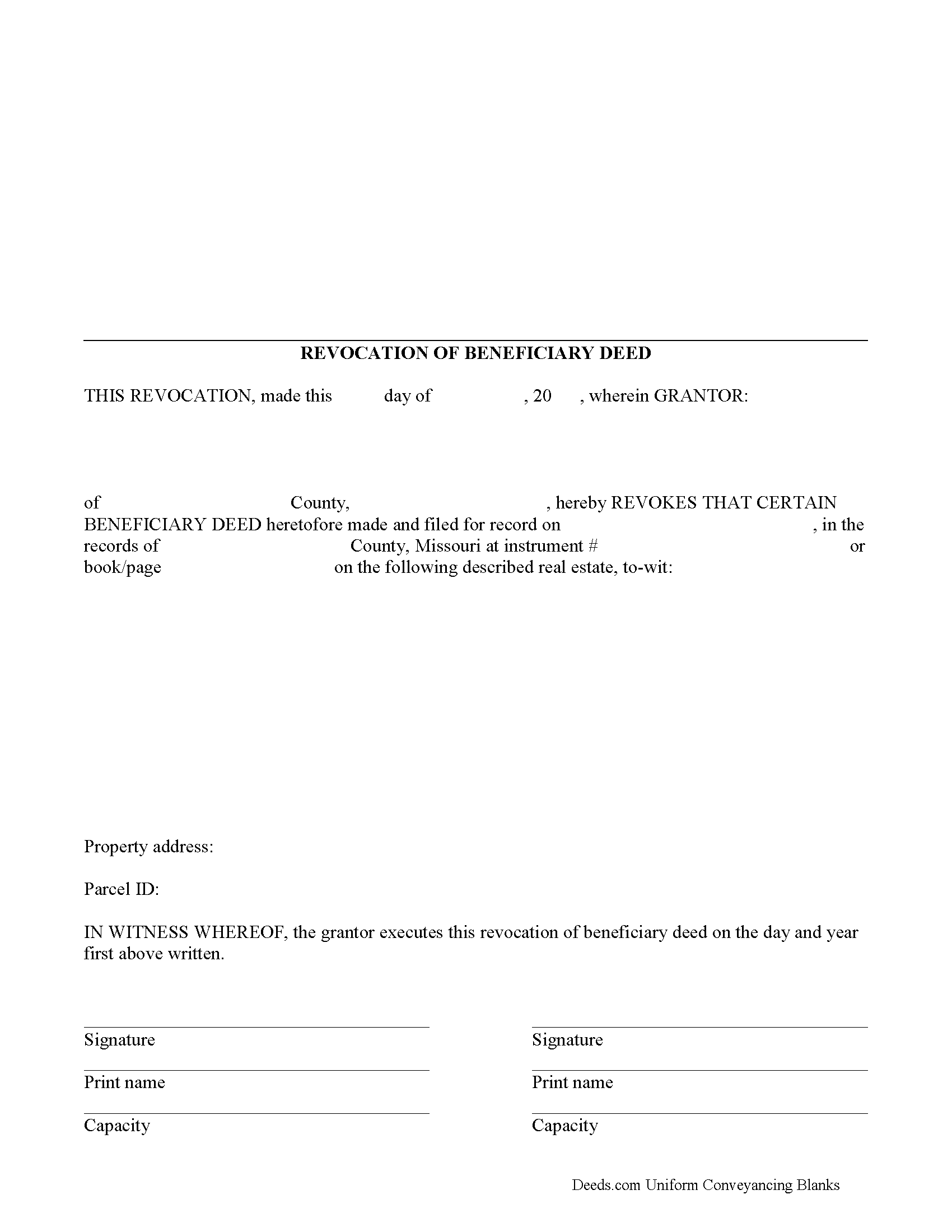
Randolph County Revocation of Beneficiary Deed Form
Fill in the blank form formatted to comply with all recording and content requirements.
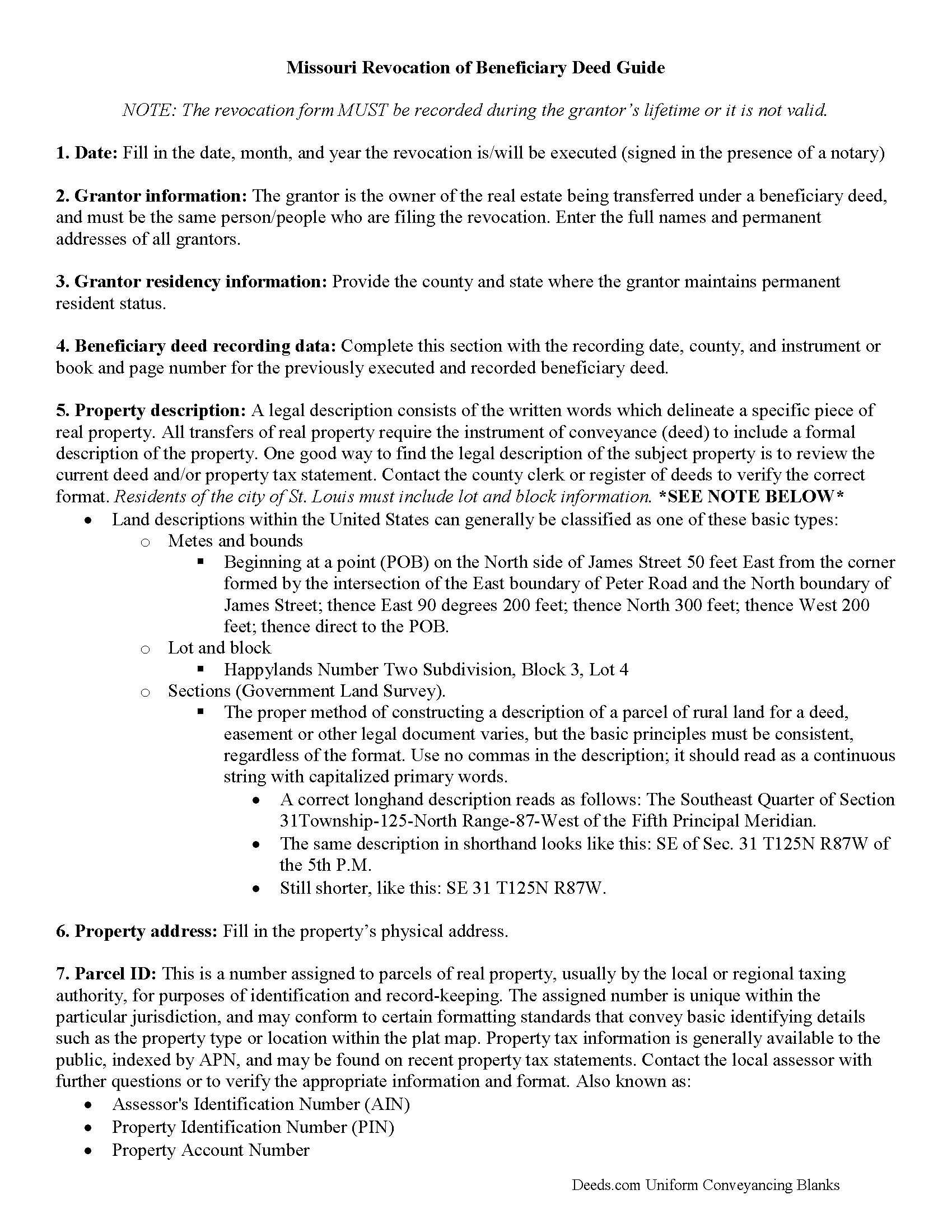
Randolph County Revocation of Beneficiary Deed Guide
Line by line guide explaining every blank on the form.
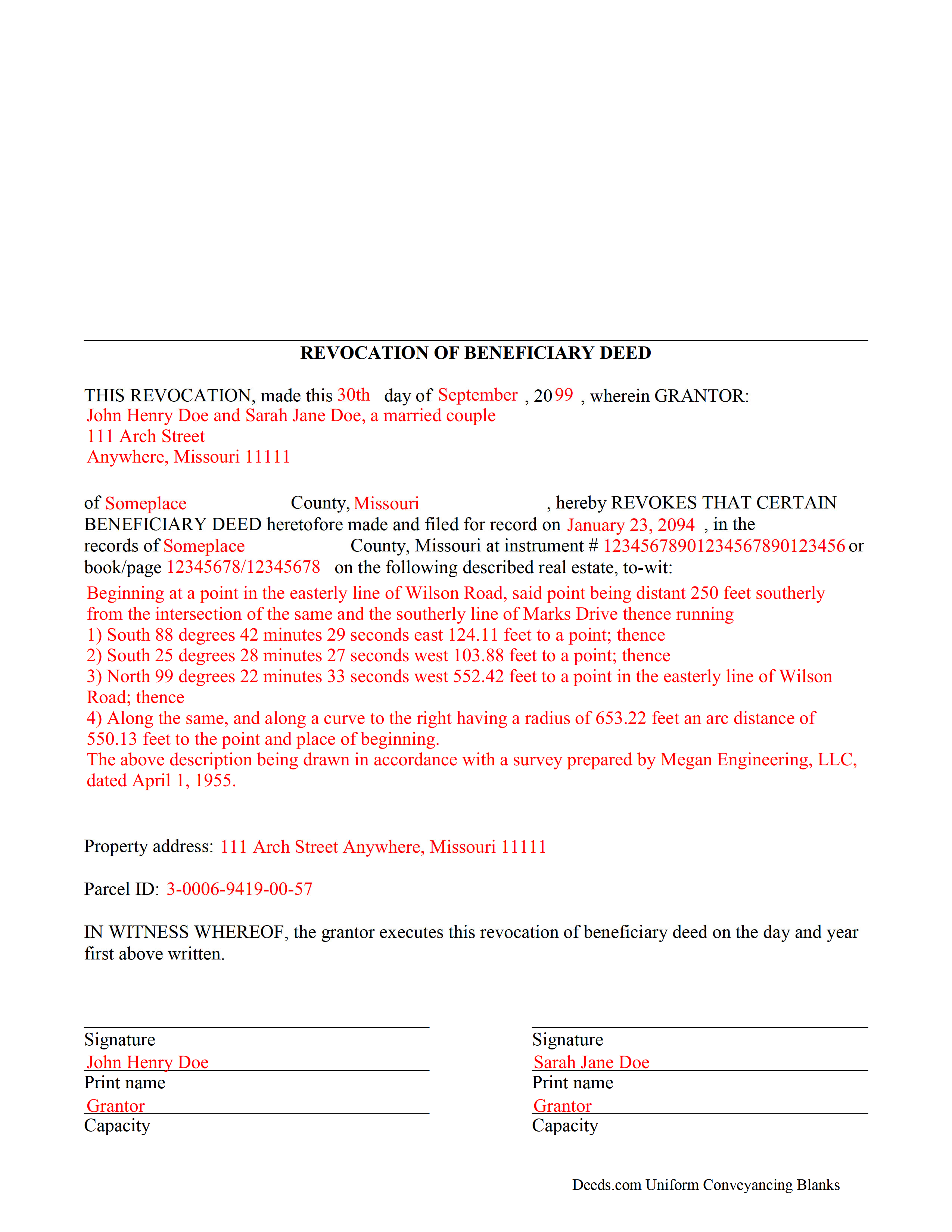
Randolph County Completed Example of the Revocation of Beneficiary Deed Document
Example of a properly completed form for reference.
All 3 documents above included • One-time purchase • No recurring fees
Immediate Download • Secure Checkout
Additional Missouri and Randolph County documents included at no extra charge:
Where to Record Your Documents
Randolph County Recorder of Deeds
Huntsville , Missouri 65259-1292
Hours: 8:00 to 4:00 M-F
Phone: 844-277-6555 X 330
Recording Tips for Randolph County:
- Bring your driver's license or state-issued photo ID
- Ensure all signatures are in blue or black ink
- Check that your notary's commission hasn't expired
- Documents must be on 8.5 x 11 inch white paper
- Double-check legal descriptions match your existing deed
Cities and Jurisdictions in Randolph County
Properties in any of these areas use Randolph County forms:
- Cairo
- Clark
- Clifton Hill
- Higbee
- Huntsville
- Jacksonville
- Moberly
- Renick
Hours, fees, requirements, and more for Randolph County
How do I get my forms?
Forms are available for immediate download after payment. The Randolph County forms will be in your account ready to download to your computer. An account is created for you during checkout if you don't have one. Forms are NOT emailed.
Are these forms guaranteed to be recordable in Randolph County?
Yes. Our form blanks are guaranteed to meet or exceed the applicable formatting requirements used for recording in Randolph County, including margin requirements, font requirements, and other layout standards. This guarantee applies to formatting, not to the legal sufficiency of information entered by the user or the suitability of a form for a particular transaction.
Can I reuse these forms?
Yes. You can reuse the forms for your personal use. For example, if you have multiple properties in Randolph County you only need to order once.
What do I need to use these forms?
The forms are PDFs that you fill out on your computer. The free Adobe Acrobat Reader is recommended, and most PDF apps also work. You do NOT enter your property information online - you download the blank forms and complete them privately on your own computer.
Are there any recurring fees?
No. This is a one-time purchase. Nothing to cancel, no memberships, no recurring fees.
How much does it cost to record in Randolph County?
Recording fees in Randolph County vary. Contact the recorder's office at 844-277-6555 X 330 for current fees.
Questions answered? Let's get started!
One of the many useful aspects of the Nonprobate Transfers Law of Missouri (RSMo Sections 461.003 to 461.081) is the option to revoke a previously recorded beneficiary deed. Revocation is specifically addressed in RSMo 431.033. The option to revoke is possible for several reasons: the grantor is not required to notify the beneficiary of the potential future interest; there is no consideration given in exchange for property rights; and the transfer of ownership is not completed until the grantor or grantors have all died. As a result, the named beneficiary has no actual interest in the real estate.
A grantor on a beneficiary deed may change or revoke beneficiary designations at will, and with no obligation to the individuals named as beneficiaries on the deed. To accomplish this, the original grantor (or grantors) may record a signed, notarized notice of revocation with the same office that accepted the original beneficiary deed. While effective, real estate that is not re-conveyed under a new beneficiary deed reverts back to the grantor's estate at his/her death, and is then distributed via the probate process. Alternately, the grantor may execute a new beneficiary deed, designating someone else as the beneficiary. Recording the new deed removes the prior beneficiary's name and replaces it, identifying the current beneficiary's information.
Note that any change in beneficiary designation must be executed and submitted for recordation during the grantor's lifetime.
(Missouri Revocation of BD Package includes form, guidelines, and completed example)
Important: Your property must be located in Randolph County to use these forms. Documents should be recorded at the county or independent city recording office listed above.
This Revocation of Beneficiary Deed meets all recording requirements specific to Randolph County.
Our Promise
The documents you receive here are guaranteed to meet or exceed the applicable Randolph County recording format requirements. If there is a rejection caused by our formatting, we will correct the issue or refund your payment. This guarantee applies to document formatting only and does not extend to information entered by the user, the selection of the form, or the legal effect of the completed document.
Save Time and Money
Get your Randolph County Revocation of Beneficiary Deed form done right the first time with Deeds.com Uniform Conveyancing Blanks. At Deeds.com, we understand that your time and money are valuable resources, and we don't want you to face a penalty fee or rejection imposed by a county recorder for submitting nonstandard documents. We constantly review and update our forms to meet rapidly changing state and county recording requirements for roughly 3,500 counties and local jurisdictions.
4.8 out of 5 - ( 4,837 Reviews )
Mark C. 5 out of 5 stars
WOW! I am so pleased the County Registrar’s office recommended Deeds.com. From start to a very quick finish Deeds.com worked to ensure my documents were correct and they immediately filed them. The Warranty Deed was accepted by the County and registered within a hour. Deeds.com’s communication was superb. I will use this handy resource every time I am in need.
Your feedback is greatly appreciated. Thank you for taking the time to share your experience!
Clifford K. 5 out of 5 stars
got the forms we needed, and ones we did not even know we needed!
Your feedback is greatly appreciated. Thank you for taking the time to share your experience!
Thomas K. 5 out of 5 stars
Very easy to navigate, download,and print forms!
Thank you!
Carol T. 2 out of 5 stars
It was very difficult to maneuver through your website the wording on certain things are very difficult to figure out. I can't seem to get through to one place that I want versus what I don't want. I think it needs to be a little more explanatory and I am a college graduate so it's not like I'm stupid or anything. Thank you
Thank you for your feedback. Very sorry to hear that we failed you with our navigation. We will certainly address it to see how we can approve. Have a wonderful day.
Rachel S. 5 out of 5 stars
It would be nice to get a reply in a small window that says "Your request package has been submitted." That way I can log out and wait for the email. I do love the efficient service.
Thank you!
Giovanni S. 5 out of 5 stars
Simple and easy going process
Thank you!
JOSEPH P. 3 out of 5 stars
It would have been a lot better if I could have downloaded ALL at once, as a package.
Thank you for your feedback. We really appreciate it. Have a great day!
Michael S. 5 out of 5 stars
Well designed easy to use system. Provided all instructions and updates required, as well as catching an extra form required by our county.
We appreciate your business and value your feedback. Thank you. Have a wonderful day!
Pat K. 5 out of 5 stars
It has been very easy. Like that the recording is so fast.
Thank you for your feedback. We really appreciate it. Have a great day!
Dana L. 5 out of 5 stars
So far, so good! Love you guys!
We appreciate your business and value your feedback. Thank you. Have a wonderful day!
Beverly J. A. 5 out of 5 stars
Thank you for the paperwork. It was so much easier to do at home than go out and have to have people miss work.
Thank you!
Zennell W. 5 out of 5 stars
Quick fast and easy transaction.
We are grateful for your feedback and looking forward to serving you again. Thank you!
MATTHEW R. 5 out of 5 stars
Absolutely amazing throughout the whole process
Thank you!
Donna F. 5 out of 5 stars
Straight forward easy to understand completing my document. The guide readily explained filing all portions of the document.
Thank you Donna, we appreciate your feedback.
Josephine A. 5 out of 5 stars
Being a first timer, I was hesitant at first to use the service. I was genuinely surprised at how easy it is to set up an account, upload my document, and pay the invoice. The next day I downloaded my document duly recorded. Good work, guys!
Thank you for your feedback. We really appreciate it. Have a great day!