Dunklin County Quitclaim Deed (Interspousal) Form
Last validated October 2, 2026 by our Forms Development TeamFormatted for recording in Dunklin County, for property anywhere in the county or independent city: rural and unincorporated areas as well as Arbyrd, Campbell, Cardwell, Clarkton, Gibson, Holcomb, Hornersville, Kennett and 4 more.
- 3 documents included
- Immediate PDF download
- Formatting guarantee
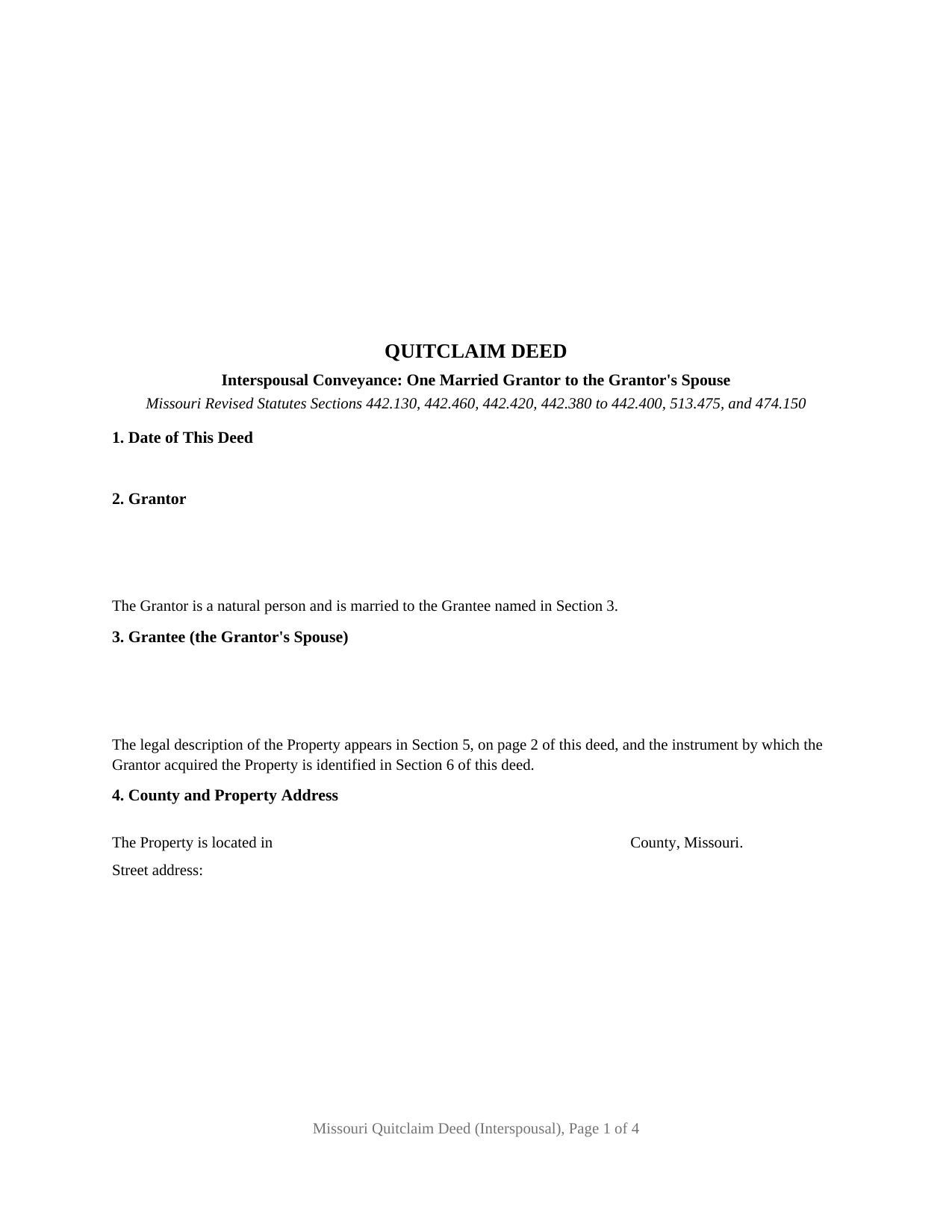
Dunklin County Quitclaim Deed (Interspousal) Form
Fill in the blank Quitclaim Deed (Interspousal) form formatted to comply with all Missouri recording and content requirements.
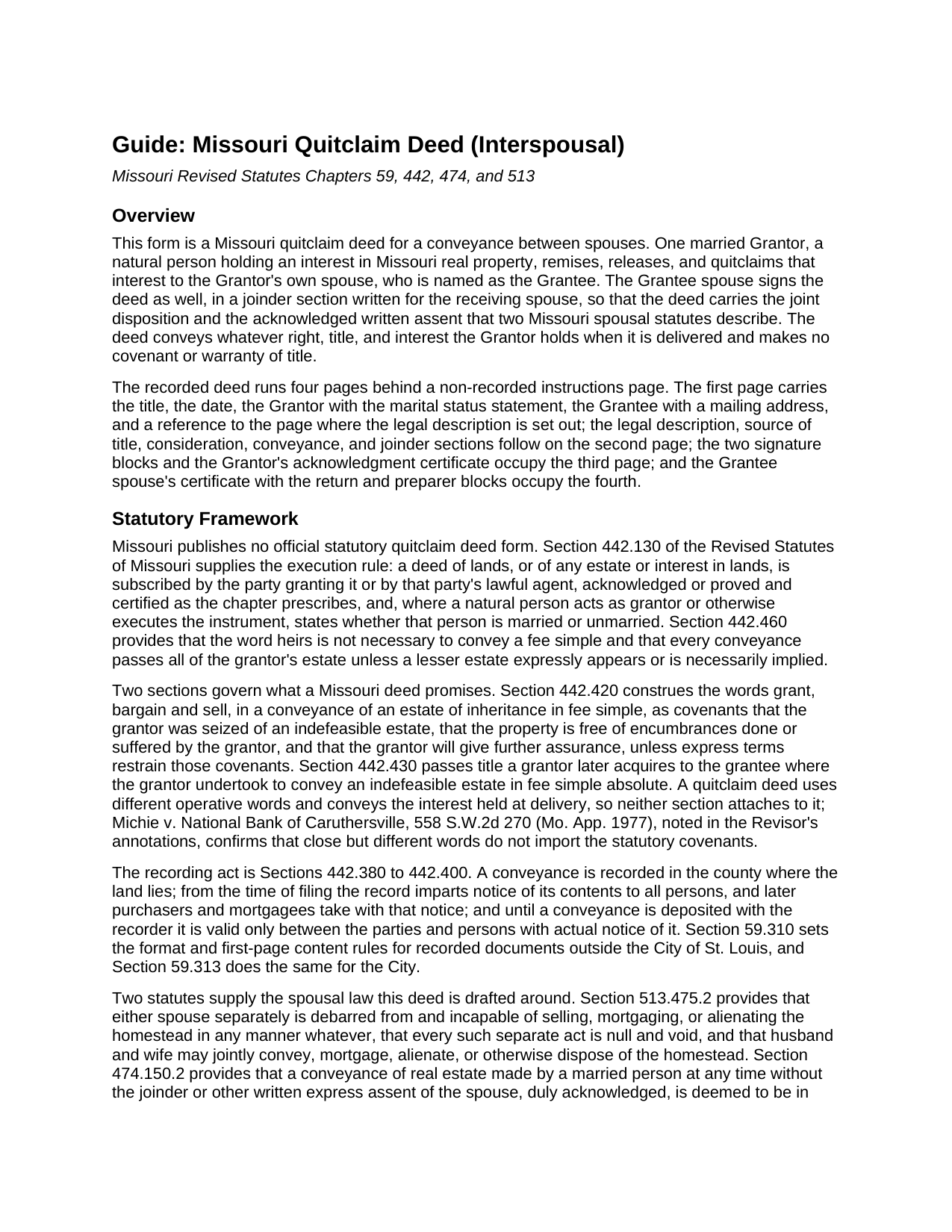
Dunklin County Quitclaim Deed (Interspousal) Guide
Line by line guide explaining every blank on the Quitclaim Deed (Interspousal) form.
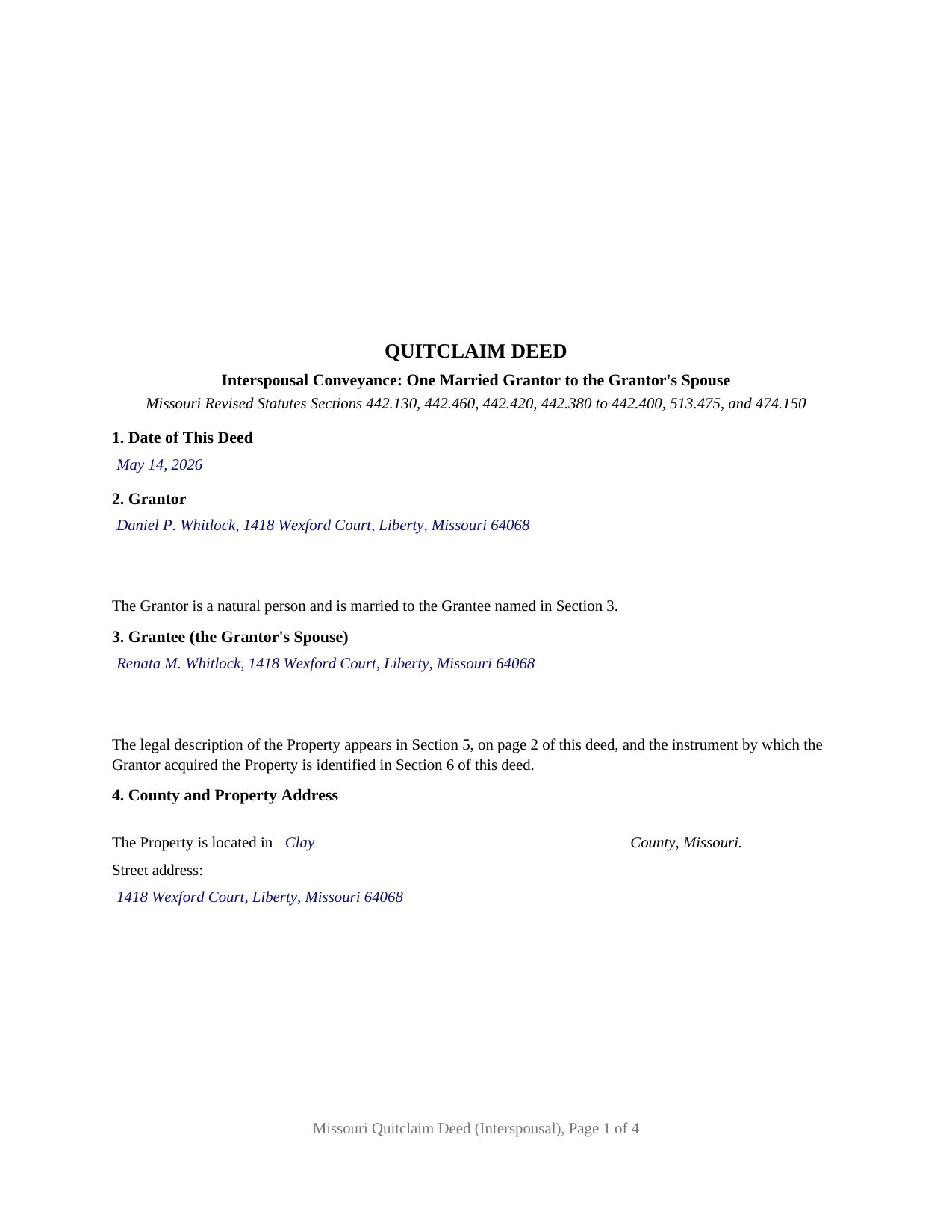
Dunklin County Completed Example of the Quitclaim Deed (Interspousal) Document
Example of a properly completed Missouri Quitclaim Deed (Interspousal) document for reference.
All 3 documents above included • One-time purchase • No recurring fees
Immediate Download • Secure Checkout
Additional Missouri and Dunklin County documents included at no extra charge:
Where to Record Your Documents
Dunklin County Recorder of Deeds
Kennett, Missouri 63857
Hours: 8:30 to 12:00 & 1:00 to 4:30 M-F
Phone: (573) 888-3468
Recording Tips for Dunklin County:
- Bring your driver's license or state-issued photo ID
- Ensure all signatures are in blue or black ink
- Ask if they accept credit cards - many offices are cash/check only
- Check that your notary's commission hasn't expired
- Documents must be on 8.5 x 11 inch white paper
Cities and Jurisdictions in Dunklin County
Properties in any of these areas use Dunklin County forms:
- Arbyrd
- Campbell
- Cardwell
- Clarkton
- Gibson
- Holcomb
- Hornersville
- Kennett
- Malden
- Rives
- Senath
- Whiteoak
Hours, fees, requirements, and more for Dunklin County
How do I get my forms?
Forms are available for immediate download after payment. The Dunklin County forms will be in your account ready to download to your computer. An account is created for you during checkout if you don't have one. Forms are NOT emailed.
Are these forms guaranteed to be recordable in Dunklin County?
Yes. Our form blanks are guaranteed to meet or exceed the applicable formatting requirements used for recording in Dunklin County, including margin requirements, font requirements, and other layout standards. This guarantee applies to formatting, not to the legal sufficiency of information entered by the user or the suitability of a form for a particular transaction.
Can I reuse these forms?
Yes. You can reuse the forms for your personal use. For example, if you have multiple properties in Dunklin County you only need to order once.
What do I need to use these forms?
The forms are PDFs that you fill out on your computer. The free Adobe Acrobat Reader is recommended, and most PDF apps also work. You do NOT enter your property information online - you download the blank forms and complete them privately on your own computer.
Are there any recurring fees?
No. This is a one-time purchase. Nothing to cancel, no memberships, no recurring fees.
How much does it cost to record in Dunklin County?
Recording fees in Dunklin County vary. Contact the recorder's office at (573) 888-3468 for current fees.
Questions answered? Let's get started!
Both spouses sign this Missouri quitclaim deed, and only one of them gives anything up. The Grantor is a married person who holds the interest being released; the Grantee is that person's own spouse, who receives it and who signs as well, in a joinder section written for the receiving spouse rather than for the owner. That two signature, one conveyance shape is what makes an interspousal deed different from every other quitclaim in Missouri.
A transfer that stays inside one marriage
Missouri is a separate property state, so a parcel deeded to one spouse belongs to that spouse, and moving it to the other takes an instrument. This deed does that and nothing more: it releases whatever right, title, and interest the Grantor holds when the deed is delivered, and it stops there. Patterns that show up in the land records under this configuration include a parcel standing in one spouse's name that moves to the other so the record shows the intended owner, a residence placed in the name of the spouse whose credit a lender underwrote, and a parcel shifted to the other spouse's side of a family estate plan.
Why the spouse receiving the property signs too
Two Missouri statutes explain the second signature, and neither one is about who owns the land. Section 513.475.2 of the Revised Statutes of Missouri debars either spouse separately from selling, mortgaging, or alienating the homestead in any manner whatever and declares such a separate act null and void, while expressly preserving a homestead disposition made jointly by husband and wife. Section 474.150.2 reaches every conveyance by a married person: absent the spouse's joinder or duly acknowledged written express assent, the conveyance is deemed made in fraud of that spouse's marital rights if that spouse becomes a surviving spouse, unless the contrary is shown. Because the Grantee here is the very spouse those sections protect, Section 9 has the Grantee join in the deed and assent to it, and the Grantee's acknowledged signature follows the Grantor's.
One Grantor, one Grantee, two acknowledgments
The form recites exactly one Grantor, a married natural person acting individually, and exactly one Grantee, that Grantor's spouse. Section 2 carries the Grantor's name, mailing address, and the married status statement Section 442.130 draws from a natural person executing a conveyance, phrased for this variant as married to the Grantee named in Section 3. Each signer then gets an acknowledgment certificate of their own, carrying the substance of the short form in Section 442.210.1(1) plus the line Section 442.145 gives the officer for designating physical presence or appearance by communication technology, so spouses appearing together before one notary and spouses signing on different days are both accommodated. A deed by two record owners, a deed to two grantees, and a deed by a trustee or company officer each recite different party sections than this one.
A release of interest, with nothing promised
Missouri publishes no official quit claim deed form, so the operative words carry the whole load. Section 442.420 turns the phrase grant, bargain and sell into limited statutory covenants of title, so this deed keeps those words off the page and adds a sentence saying that no covenant of title arises from anything written in it. The conveyance is confined to the interest held at delivery, which keeps the after acquired title rule of Section 442.430 out of play.
Page one, recording, and the county extras
Missouri's format statute reserves the top three inches of page one for the recorder and lists what goes below it, so the form prints the title, date, both party blocks, and the marital status statement there, then uses the statutory page reference to locate the legal description further in. From the moment of filing, the record gives notice of the conveyance to everyone. No Missouri transfer tax applies to a spousal transfer or any other deed, though a certificate of value rides along at recording in St. Charles County, St. Louis County, and the City of St. Louis, prepared apart from the deed. The completed example works a Clay County transfer, where the deed stands alone.
The download holds the interspousal quitclaim deed as a fillable PDF, a completed example filled in end to end for the Clay County pattern above, and a plain language guide covering each section, the spousal statutes, and recording. It describes Missouri law generally, for information, and is not legal advice.
Important: Your property must be located in Dunklin County to use these forms. Documents should be recorded at the county or independent city recording office listed above.
This Quitclaim Deed (Interspousal) meets all recording requirements specific to Dunklin County.
Our Promise
The documents you receive here are guaranteed to meet or exceed the applicable Dunklin County recording format requirements. If there is a rejection caused by our formatting, we will correct the issue or refund your payment. This guarantee applies to document formatting only and does not extend to information entered by the user, the selection of the form, or the legal effect of the completed document.
Save Time and Money
Get your Dunklin County Quitclaim Deed (Interspousal) form done right the first time with Deeds.com Uniform Conveyancing Blanks. At Deeds.com, we understand that your time and money are valuable resources, and we don't want you to face a penalty fee or rejection imposed by a county recorder for submitting nonstandard documents. We constantly review and update our forms to meet rapidly changing state and county recording requirements for roughly 3,500 counties and local jurisdictions.
4.8 out of 5 - ( 4,829 Reviews )
janice l. 5 out of 5 stars
Exact form needed with perfect instructions. Easy Peazy! Just got my fully recorded document back today. Saved hundreds. Just make sure and read all the instructions .
Thank you for your feedback. We really appreciate it. Have a great day!
Marilyn C. 5 out of 5 stars
Fillable documents, after a download, would be helpful. Very good to have all these forms online and accessible for an overall fee.
Thank you!
Susan M. 5 out of 5 stars
I was able to download a lot of forms that I need, will be going back to day to search for records so I can fill in the blanks. A great website for forms - It was easy to find what I needed and download! Thanks!!!
We appreciate your business and value your feedback. Thank you. Have a wonderful day!
Terry M. 4 out of 5 stars
Application is not well laid out. I guess it does the job but leaves a lot to be desired. Hard to follow
Thank you for your feedback. We really appreciate it. Have a great day!
Joseph M. 5 out of 5 stars
Very easy to use the service and responses came very quickly.
Thank you!
Kristi T. 5 out of 5 stars
This was so very easy and fast! Well worth the small fee. I will use this again if I have a need. Thank you!
We appreciate your business and value your feedback. Thank you. Have a wonderful day!
Zerrin M. 5 out of 5 stars
I’m in Clearwater, FL and needed to record a something in Palm Beach County. Deeds.com made the entire process incredibly simple. I submitted the documents, they sent it back once (same day) for a small correction, I fixed it and returned them, and everything was completed within the same day. It was even much faster and more convenient than going to my local recorder’s office. In-person usually means planning when to go, driving across town, paying for parking, and waiting in line — all of which I avoid with Deeds.com. Highly recommended!
Thank you, Zerrin! Glad we could save you the trip across town. We appreciate you taking the time to share your experience.
Travis S. 5 out of 5 stars
Glad this existed.
Thank you!
Missy J. 5 out of 5 stars
as always, perfect!
Thank you!
Mark M. 5 out of 5 stars
Quick, easy everything that i was looking for and then some.
Thank you for your feedback. We really appreciate it. Have a great day!
William /. 5 out of 5 stars
Great service would use again
Thank you!
Kathy Z. 5 out of 5 stars
Great site !! Very easy to navigate and explanations are clear and simple to understand. Thank You!
We appreciate your business and value your feedback. Thank you. Have a wonderful day!
Pamela P. 5 out of 5 stars
Access to all the necessary forms was easy. The detailed guide very helpful for ensuring a customer can fill out the documents accurately.
We appreciate your business and value your feedback. Thank you. Have a wonderful day!
Ute P. 5 out of 5 stars
Thank you it was hard for me to pull these documents online you been a big help since I am in a different state, quick and awesome.
We appreciate your business and value your feedback. Thank you. Have a wonderful day!
Joanne W. 5 out of 5 stars
I was very pleased to find this service, as (another website) charges about $40 for the same service, so yours was a bargain.
Thank you!