Christian County Quitclaim Deed (Reserving Life Estate) Form
Last validated November 10, 2026 by our Forms Development TeamFormatted for recording in Christian County, for property anywhere in the county or independent city: rural and unincorporated areas as well as Billings, Bruner, Chadwick, Chestnutridge, Clever, Garrison, Highlandville, Nixa and 4 more.
- 3 documents included
- Immediate PDF download
- Formatting guarantee
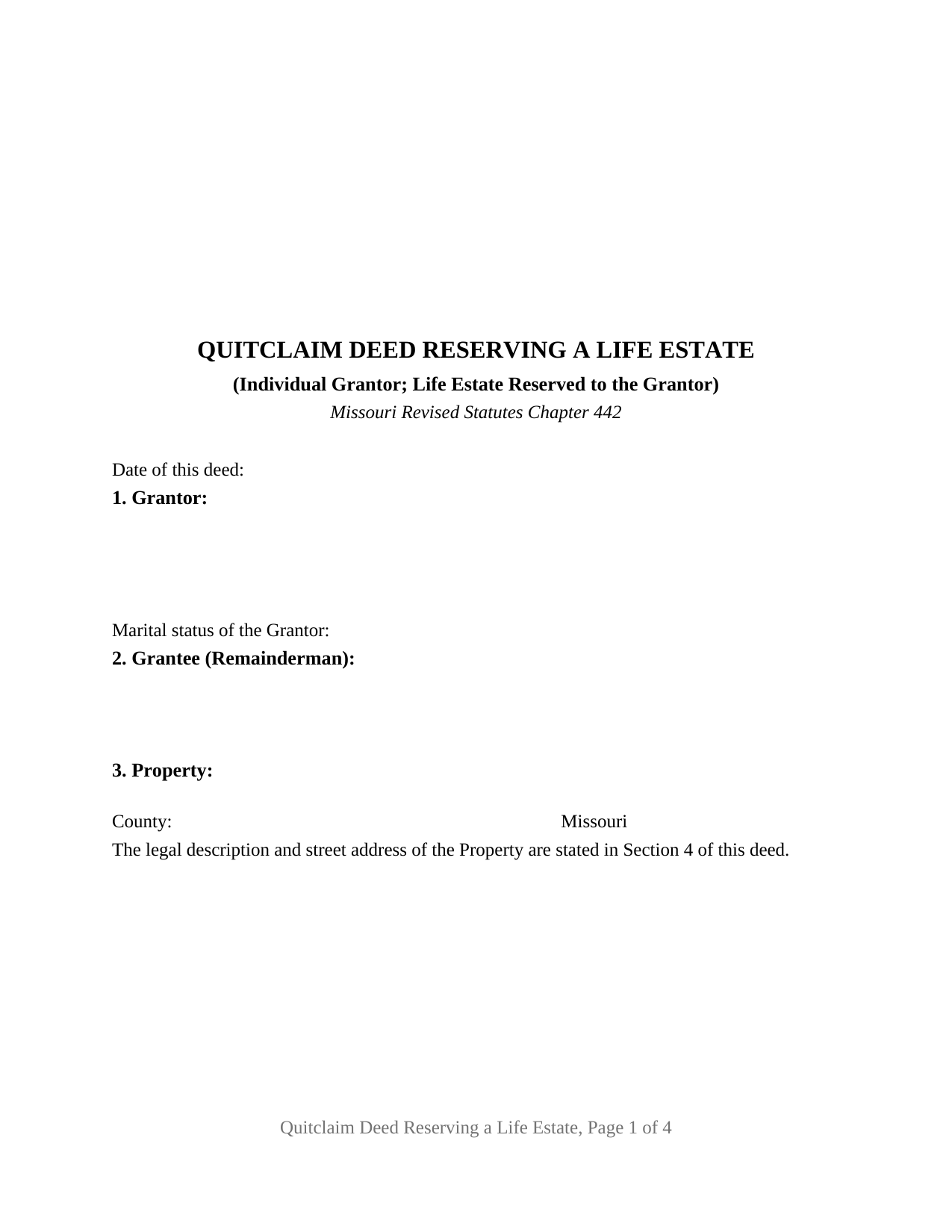
Christian County Quitclaim Deed (Reserving Life Estate) Form
Fill in the blank Quitclaim Deed (Reserving Life Estate) form formatted to comply with all Missouri recording and content requirements.
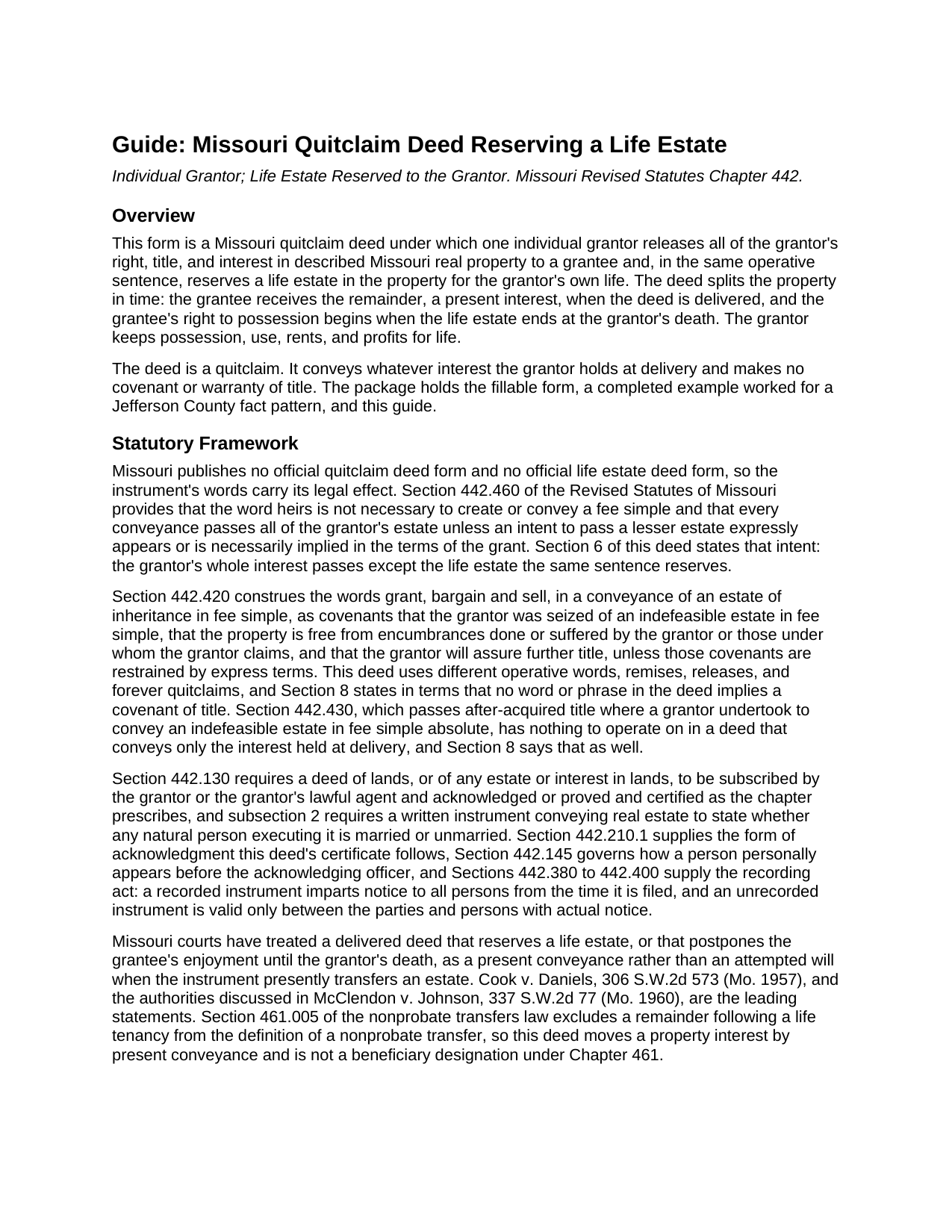
Christian County Quitclaim Deed (Reserving Life Estate) Guide
Line by line guide explaining every blank on the Quitclaim Deed (Reserving Life Estate) form.
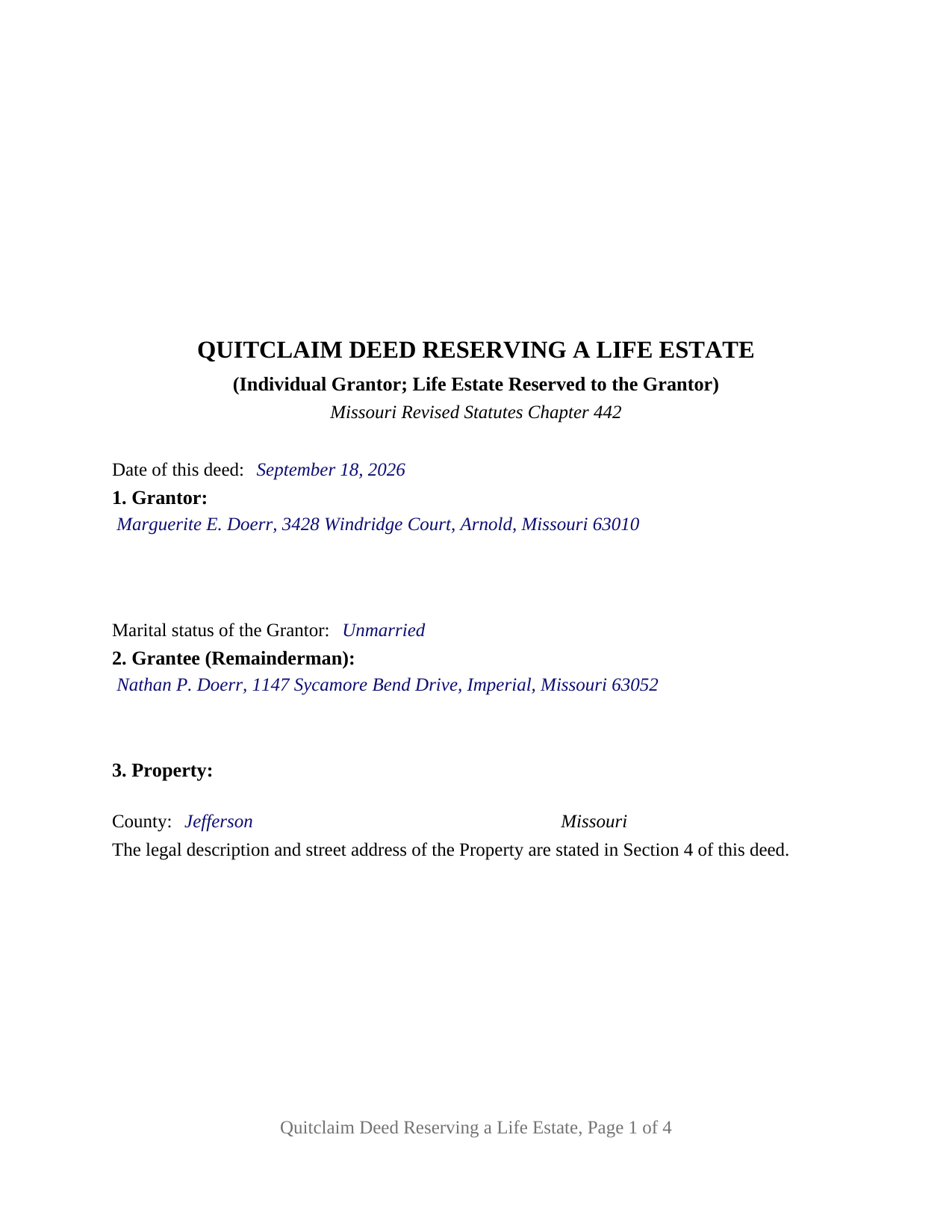
Christian County Completed Example of the Quitclaim Deed (Reserving Life Estate) Document
Example of a properly completed Missouri Quitclaim Deed (Reserving Life Estate) document for reference.
All 3 documents above included • One-time purchase • No recurring fees
Immediate Download • Secure Checkout
Additional Missouri and Christian County documents included at no extra charge:
Where to Record Your Documents
Christian County Recorder
Ozark, Missouri 65721-0358
Hours: 8:00am to 4:30pm M-F / Recording until 4:00pm
Phone: (417) 582-4360
Recording Tips for Christian County:
- Bring your driver's license or state-issued photo ID
- Ensure all signatures are in blue or black ink
- Make copies of your documents before recording - keep originals safe
- Recorded documents become public record - avoid including SSNs
- Recording fees may differ from what's posted online - verify current rates
Cities and Jurisdictions in Christian County
Properties in any of these areas use Christian County forms:
- Billings
- Bruner
- Chadwick
- Chestnutridge
- Clever
- Garrison
- Highlandville
- Nixa
- Oldfield
- Ozark
- Sparta
- Spokane
Hours, fees, requirements, and more for Christian County
How do I get my forms?
Forms are available for immediate download after payment. The Christian County forms will be in your account ready to download to your computer. An account is created for you during checkout if you don't have one. Forms are NOT emailed.
Are these forms guaranteed to be recordable in Christian County?
Yes. Our form blanks are guaranteed to meet or exceed the applicable formatting requirements used for recording in Christian County, including margin requirements, font requirements, and other layout standards. This guarantee applies to formatting, not to the legal sufficiency of information entered by the user or the suitability of a form for a particular transaction.
Can I reuse these forms?
Yes. You can reuse the forms for your personal use. For example, if you have multiple properties in Christian County you only need to order once.
What do I need to use these forms?
The forms are PDFs that you fill out on your computer. The free Adobe Acrobat Reader is recommended, and most PDF apps also work. You do NOT enter your property information online - you download the blank forms and complete them privately on your own computer.
Are there any recurring fees?
No. This is a one-time purchase. Nothing to cancel, no memberships, no recurring fees.
How much does it cost to record in Christian County?
Recording fees in Christian County vary. Contact the recorder's office at (417) 582-4360 for current fees.
Questions answered? Let's get started!
This Missouri quitclaim deed splits the property in time rather than in shares. In one operative sentence the grantor releases an interest in the described real property to the grantee and holds back a life estate measured by the grantor's life, so the grantee owns the remainder from the day the deed is delivered while the grantor keeps the place and whatever it earns until death.
Two estates, one conveyance
Section 442.460 of the Revised Statutes of Missouri is what lets a single instrument do that: every conveyance passes the grantor's whole estate unless an intent to pass a lesser estate expressly appears or is necessarily implied in the terms of the grant. Section 6 states that intent, and the reservation carries possession, use, rents, and profits for the grantor's life. What crosses to the grantee is the remainder, a present interest whose right to possession arrives when the life estate ends at the grantor's death, with no further conveyance needed. Missouri has read that arrangement as a deed rather than an attempted will since at least Cook v. Daniels, 306 S.W.2d 573 (Mo. 1957).
One grantor, one signature, one certificate
The form recites exactly one grantor, a natural person acting individually, and one grantee taking the remainder. Page one carries the date, the grantor with the married or unmarried statement Section 442.130 draws from a natural person executing a conveyance, the grantee with the mailing address Section 59.330.2 sends the recorder looking for, and a printed reference locating the legal description a page later. Below it sit one signature line with a printed name beneath, and one acknowledgment certificate carrying the Section 442.210.1(1) form for a person acting in that person's own right word for word, with the line Section 442.145.2 gives the officer to designate whether the appearance was by physical presence or by communication technology. A parent deeding the family home to an adult child and living there for life, and an owner of rented ground passing the remainder to a niece while keeping the rents, present the pattern this deed recites. A reservation measured by two lives, or one reserved to someone other than the grantor, recites a different structure.
Quitclaim words, and a reservation with nothing held back beyond it
Missouri prints no official quit claim deed form, so the operative wording decides its character. The limited covenants Section 442.420 reads into a fee simple conveyance made with the words grant, bargain and sell never attach here, because those words appear nowhere on the page; the deed remises, releases, and forever quitclaims, and expressly denies any implied covenant of title. Only the interest held at delivery moves, so later acquired title and Section 442.430 stay outside it, and liens, easements, and unpaid taxes keep burdening the parcel. The reserved estate is a conventional one: the grantor keeps no power to revoke the deed and none to sell or mortgage free of what the grantee received, so a later conveyance of the whole fee takes both signatures.
What Missouri law attaches to a life tenant
Section 537.420 subjects a tenant for life who commits waste, without special license in writing, to a civil action, loss of the thing wasted, and treble damages. Section 442.530 values a life interest, where a gross sum is paid in its place, as an annuity of six percent over the holder's probable life under the Carlisle tables printed there. And Section 461.005 keeps a remainder following a life tenancy out of the nonprobate transfer definition, so this life estate deed moves ordinary property rather than a revocable designation.
Recording, and the three inches at the top
The signed and notarized deed is filed with the recorder of deeds for the county where the parcel sits, or with the City of St. Louis recorder, and under Section 442.390 that filing imparts notice to all persons. Sections 59.310 and 59.313 keep the top three inches of page one clear, so the legal description sits in Section 4 under a first-page reference. No Missouri transfer tax attaches, though three jurisdictions collect a certificate of value with the deed, prepared apart from it.
The download holds three files: this quitclaim deed reserving a life estate as a fillable PDF, a completed Jefferson County example filled in end to end, and a plain language guide to every blank, the life estate and quitclaim statutes, and recording. The materials describe Missouri law in general terms and are not legal advice.
Important: Your property must be located in Christian County to use these forms. Documents should be recorded at the county or independent city recording office listed above.
This Quitclaim Deed (Reserving Life Estate) meets all recording requirements specific to Christian County.
Our Promise
The documents you receive here are guaranteed to meet or exceed the applicable Christian County recording format requirements. If there is a rejection caused by our formatting, we will correct the issue or refund your payment. This guarantee applies to document formatting only and does not extend to information entered by the user, the selection of the form, or the legal effect of the completed document.
Save Time and Money
Get your Christian County Quitclaim Deed (Reserving Life Estate) form done right the first time with Deeds.com Uniform Conveyancing Blanks. At Deeds.com, we understand that your time and money are valuable resources, and we don't want you to face a penalty fee or rejection imposed by a county recorder for submitting nonstandard documents. We constantly review and update our forms to meet rapidly changing state and county recording requirements for roughly 3,500 counties and local jurisdictions.
4.8 out of 5 - ( 4,853 Reviews )
Nicole w. 5 out of 5 stars
Awesome and very fast service!!!
Thank you!
Tracey T. 5 out of 5 stars
I downloaded the Lady Bird deed. The process was quick and easy to download. Just select your county, fill out the form. You will need the property description from your original deed. In my case I had to go downtown Wayne County (Detroit). (Make an appt online). 1st you will have to get the property tax certified to ensure all taxes are paid to date (5th floor at the Wayne County Treasurer office). Give them the form you just filled out and they will stamp certified $5. After that take the form to the Register of Deeds (7th floor) appt needed. $18. Make sure it is properly notarized and all signatures completed. Once approved, they will scan it, stamp it, give it back with a receipt and mail a copy also. All Done. Worked beautifully. My co worker go a lawyer and paid over $250. I just used deeds.com and total for forms and going downtown with notarizing was less than $40 Yea!
Thank you for your feedback. We really appreciate it. Have a great day!
Marilyn W. 5 out of 5 stars
The Mineral Deed transfer form was pretty good. Could have used more info in the guide about where to find legal property descriptions and source of title. Also more space on the pdf for entering return addresses - there was room for only one; I needed three. I will be sending the form to the County Courthouse soon. I hope it works.
Thank you for your feedback. We really appreciate it. Have a great day!
John S. 5 out of 5 stars
Easy system to use. good information.
Thank you for taking a moment to share your thoughts.
Sandra H. 5 out of 5 stars
I am a retired attorney. I chanced upon this website while looking for a Florida Lady Bird Deed Form. It conforms to Florida Law and was exactly what I needed. The forms are easy to obtain and even easier to use and print out.
Thank you so much Sandra, we really appreciate your feedback.
Jason J. 5 out of 5 stars
My first submission was super quick and easy. I had trouble with the second submission, as I was not aware of what the county would require, but the team at Deeds.com walked me through every step of the process. Will definitely use again and refer business partners to Deeds.com!
Thank you, Jason! We’re glad your first submission went smoothly and appreciate your patience with the second. County requirements can vary, and we’re always here to help make the process as simple as possible. We look forward to assisting you — and your business partners — again soon!
Raymond C. 5 out of 5 stars
Very convenient
We appreciate your business and value your feedback. Thank you. Have a wonderful day!
Joseph N. 5 out of 5 stars
The site is easy to navigate and exceptional services. Unfortunately, they could find no information on a tract of land that I own, and they canceled the search and refunded my payment.
Sorry we were unable to help you find what you were looking for Joseph.
Richard W. 5 out of 5 stars
Very happy I tried your service/product. The quit deed forms were excepted by the register of deeds with no issue. Thank You
We appreciate your business and value your feedback. Thank you. Have a wonderful day!
Gordon J. 5 out of 5 stars
The experience was generally very satisfactory. I was able to fill out the Trust Deed and send it via email no problem. However, I was not able to send the filled out form of the Note. It always erased my fill-ins when it was sent. I found that very frustrating.
Thank you, Gordon. Glad the Trust Deed worked well. Issues like the one you reported with the Note can sometimes be related to how the file is opened or sent. Using Adobe Reader to fill, save, and send the form is recommended. We also pass along all feedback like this to our team to confirm there are no issues.
Robert H. 5 out of 5 stars
I have used the quit claim form and seem is very easy.
Thank you Robert, have an awesome day!
Richard H. 1 out of 5 stars
It was a waste of time. I asked a question via your chat service. I received an acknowledgement that you received the question, that you might or might not answer it, and don't bother to reply to you email, as no one would read it. Confirming my belief that customer service is an oxymoron for most companies. (I doubt this review will ever appear on the site, or anyuhere else.)
Thank you!
Susan J. 5 out of 5 stars
I was pleased that I could send the documents this way rather than having to mail it or take time out of my day to go down to the records office.
Thank you for taking the time to leave your feedback Susan, we really appreciate you. Have an amazing day.
Barbara W. 5 out of 5 stars
Easy website to navigate. Found the form I needed within seconds. Thank you
Thank you for your feedback. We really appreciate it. Have a great day!
Diane W. 3 out of 5 stars
The forms were immediately available for download, which was nice. However, I was not impressed by the lack of several features: 1) there was no way to edit set text in the form, such as where it says you should consult an attorney. That is not necessary for recording the deed and I wanted to deleted it, but could not. 2) Also, under the "Notes" section, there is a limited area to write; I tried adding a fuller explanation of something, but the form would not accept or include it when I printed the final document. The form may do the job, but it's not very sophisticated or elegant.
Thank you for your feedback. We really appreciate it. Have a great day!