Bollinger County Trustee Deed Under Sale (Foreclosure) Form
Last validated September 2, 2026 by our Forms Development TeamFormatted for recording in Bollinger County, for property anywhere in the county or independent city: rural and unincorporated areas as well as Gipsy, Glenallen, Leopold, Marble Hill, Patton, Sedgewickville, Sturdivant, Zalma.
- 3 documents included
- Immediate PDF download
- Formatting guarantee
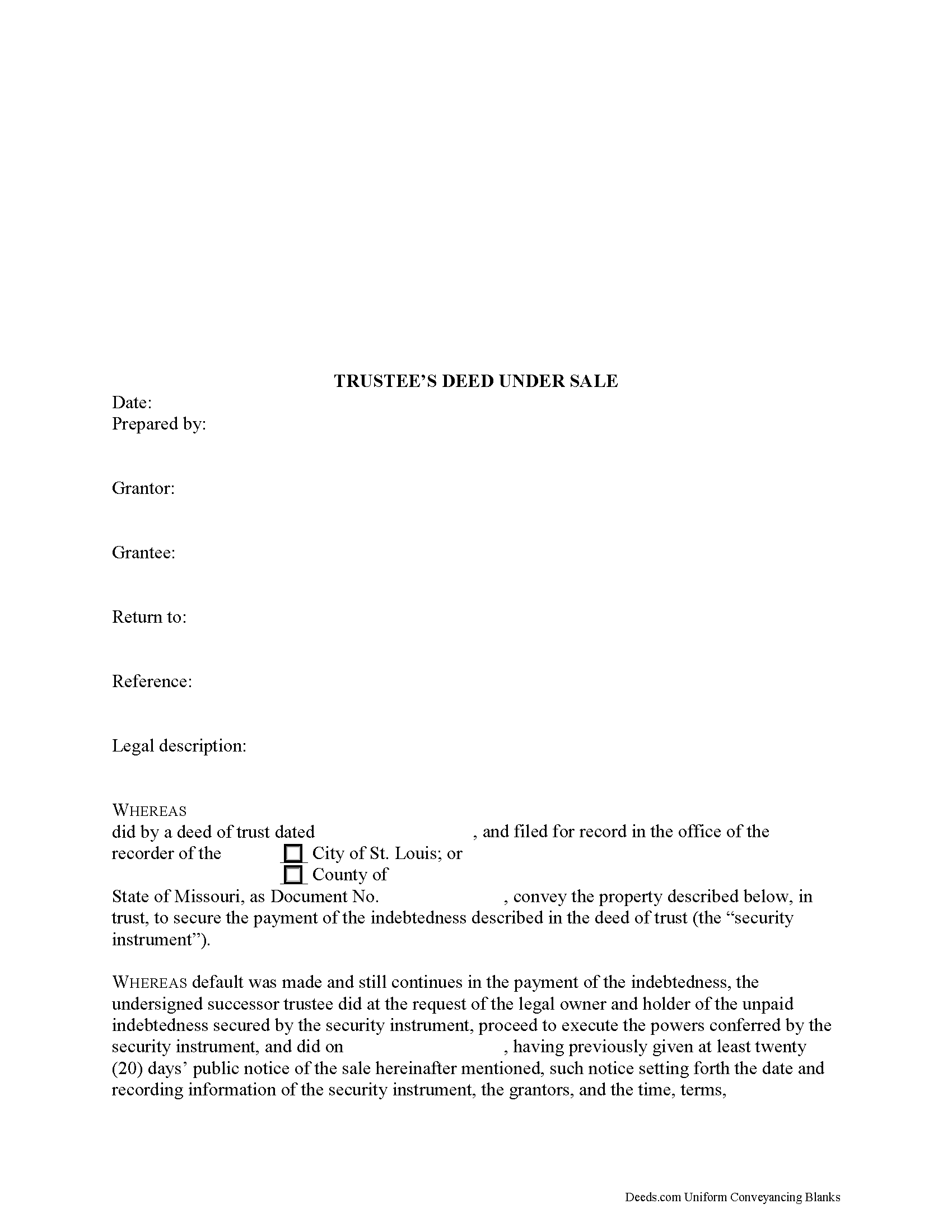
Bollinger County Trustee Deed Under Sale Form
Fill in the blank form formatted to comply with all recording and content requirements.
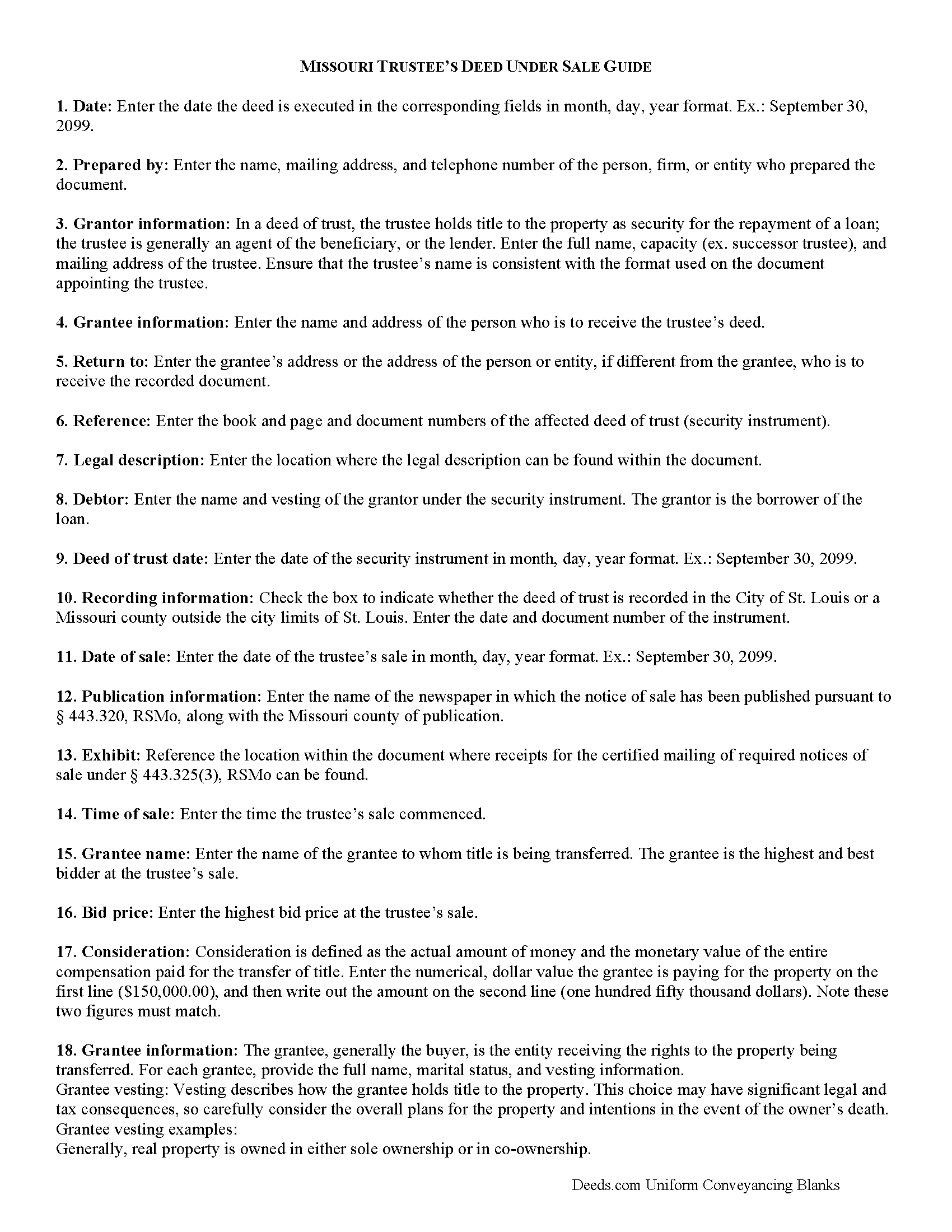
Bollinger County Trustee Deed Guide
Line by line guide explaining every blank on the form.
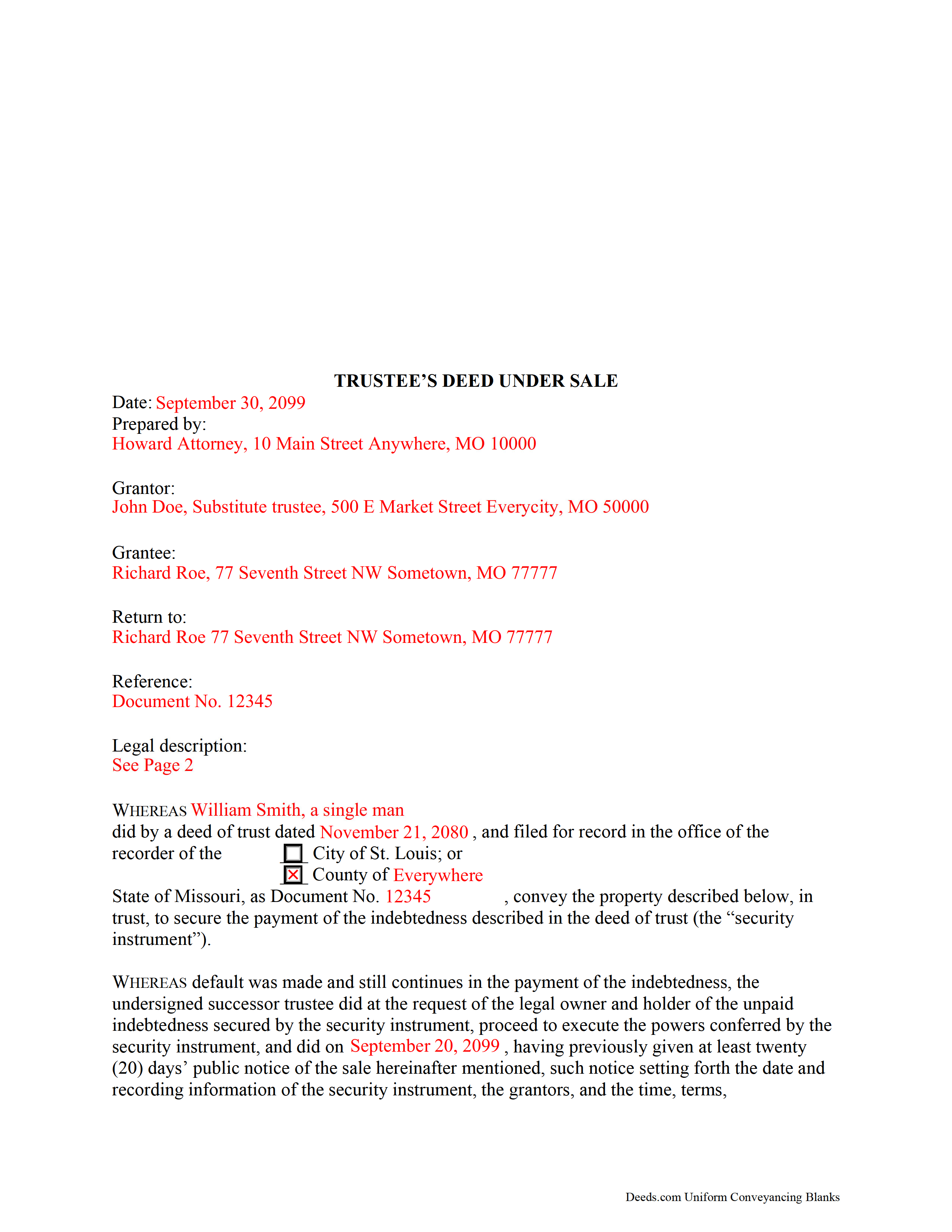
Bollinger County Completed Example of the Trustee Deed Document
Example of a properly completed form for reference.
All 3 documents above included • One-time purchase • No recurring fees
Immediate Download • Secure Checkout
Additional Missouri and Bollinger County documents included at no extra charge:
Where to Record Your Documents
Bollinger County Recorder of Deeds
Marble Hill, Missouri 63764
Hours: 8:30 to 4:30 M-F
Phone: (573) 238-1900 Ext. 7
Recording Tips for Bollinger County:
- Bring your driver's license or state-issued photo ID
- Ensure all signatures are in blue or black ink
- Make copies of your documents before recording - keep originals safe
- Recorded documents become public record - avoid including SSNs
- Recording fees may differ from what's posted online - verify current rates
Cities and Jurisdictions in Bollinger County
Properties in any of these areas use Bollinger County forms:
- Gipsy
- Glenallen
- Leopold
- Marble Hill
- Patton
- Sedgewickville
- Sturdivant
- Zalma
Hours, fees, requirements, and more for Bollinger County
How do I get my forms?
Forms are available for immediate download after payment. The Bollinger County forms will be in your account ready to download to your computer. An account is created for you during checkout if you don't have one. Forms are NOT emailed.
Are these forms guaranteed to be recordable in Bollinger County?
Yes. Our form blanks are guaranteed to meet or exceed the applicable formatting requirements used for recording in Bollinger County, including margin requirements, font requirements, and other layout standards. This guarantee applies to formatting, not to the legal sufficiency of information entered by the user or the suitability of a form for a particular transaction.
Can I reuse these forms?
Yes. You can reuse the forms for your personal use. For example, if you have multiple properties in Bollinger County you only need to order once.
What do I need to use these forms?
The forms are PDFs that you fill out on your computer. The free Adobe Acrobat Reader is recommended, and most PDF apps also work. You do NOT enter your property information online - you download the blank forms and complete them privately on your own computer.
Are there any recurring fees?
No. This is a one-time purchase. Nothing to cancel, no memberships, no recurring fees.
How much does it cost to record in Bollinger County?
Recording fees in Bollinger County vary. Contact the recorder's office at (573) 238-1900 Ext. 7 for current fees.
Questions answered? Let's get started!
A trustee's deed under sale, also known as a trustee's deed and bill of sale under foreclosure, is a document used to convey real property to the highest bidder at a trustee's sale. A trustee's sale is part of the non-judicial foreclosure process, initiated when a borrower defaults on the terms of the security instrument (deed of trust), and the lender instructs the trustee to commence with foreclosing.
Under a deed of trust, a grantor (borrower) conveys title to a trustee as security for the repayment of a loan to the beneficiary (lender). The trustee is generally an agent of the lender. The power of sale clause contained within the deed of trust allows the trustee may sell property by public or private sale upon the default on conditions set forth by the security instrument.
The process for the non-judicial foreclosure under a deed of trust is codified at Chapter 443 of the Missouri Revised Statutes. The trustee is required to fulfill certain obligations prior to the trustee's sale, including the publication and mailing of a notice of sale, and any requirements at the municipal level.
Typically, the trustee's deed is executed by a successor trustee, and not the original trustee under the deed of trust. The appointment of successor trustee is recorded by the lender's agent at the time of appointment.
A trustee's deed under foreclosure contains the granting language of "bargain and sell, convey and confirm." In Missouri, this implies seller's intent to transfer property to a grantee with special warranty, protecting the grantee against title defects arising only in the duration of the grantor's ownership. A special warranty deed is most appropriate for cases such as foreclosure by a trustee, "where the grantor has limited knowledge or information regarding the property". Note, however, that according to a 1977 ruling mentioned in the annotation of 442.420, RSMo, the granting language "bargain, sell, and convey" does not carry a covenant of fee simple title.
Apart from meeting first-page requirements under 59.310, RSMo and all standards for form and content for Missouri deeds, the deed must contain a reference to the deed of trust being foreclosed, including the grantor's name (borrower). In addition to the recitations pursuant to 443.320, 443.325(3), RSMo, the deed recites the outcome of the trustee's sale, including the purchase price and name of purchaser. The trustee must sign the deed in the presence of a notary public. In the City of St. Louis, the grantee's notarized signature is also required.
For releases of Missouri deeds of trust recorded prior to January 1, 1986, the original principal note (promissory note secured by the deed of trust) is required to accompany the trustee's deed under foreclosure ( 443.390, RSMo).
Contact an attorney with any questions regarding trustee's deeds after sale or deeds of trust in general.
(Missouri TD under Sale Package includes form, guidelines, and completed example)
Important: Your property must be located in Bollinger County to use these forms. Documents should be recorded at the county or independent city recording office listed above.
This Trustee Deed Under Sale (Foreclosure) meets all recording requirements specific to Bollinger County.
Our Promise
The documents you receive here are guaranteed to meet or exceed the applicable Bollinger County recording format requirements. If there is a rejection caused by our formatting, we will correct the issue or refund your payment. This guarantee applies to document formatting only and does not extend to information entered by the user, the selection of the form, or the legal effect of the completed document.
Save Time and Money
Get your Bollinger County Trustee Deed Under Sale (Foreclosure) form done right the first time with Deeds.com Uniform Conveyancing Blanks. At Deeds.com, we understand that your time and money are valuable resources, and we don't want you to face a penalty fee or rejection imposed by a county recorder for submitting nonstandard documents. We constantly review and update our forms to meet rapidly changing state and county recording requirements for roughly 3,500 counties and local jurisdictions.
4.8 out of 5 - ( 4,845 Reviews )
Patricia J. 5 out of 5 stars
So simple. Thank you.
Thank you Patricia.
Scott O. 5 out of 5 stars
Very efficient and surprisingly quick.
Thank you for your feedback. We really appreciate it. Have a great day!
Charles S. 5 out of 5 stars
I was very please with the deed, deed of trust and the deed of trust note. It save me a lot of preparation time.
Thank you!
Louise P. 5 out of 5 stars
Easy to use
Thank you!
Patricia P. 5 out of 5 stars
First time using this service and was totally happy with the results. Very user friendly and easy site to understand and upload all files. Very prompt and thorough responses to any questions I had and having my documents filed. I will definitely use them again.
We appreciate your business and value your feedback. Thank you. Have a wonderful day!
William A B. 5 out of 5 stars
Good service...deed release form as required.
Thank you!
Matthew C. 1 out of 5 stars
Your Transfer on Death Deed is fine and you have plenty of information about that part. But where is the Confirmatory Deed that is required in many jurisdictions in order to actually pass ownership of a property when the Transfer on Death Deed becomes effective? IT IS MISSING!!
Thank you for your feedback. We really appreciate it. Have a great day!
Shelton S. 5 out of 5 stars
This site provided everything I needed to get the job done. Next step is a trip to the County Clerk!
We deeply appreciate the trust you have placed in our services. Thank you for your valuable feedback and for choosing us.
Jerry G. 2 out of 5 stars
I found the document confusing and I don't think I can use it.
Thank you for your feedback. We recognize that do-it-yourself legal documents may not be suitable for everyone. We always advise all our customers to seek assistance from a legal professional familiar with their specific situation for any form they do not completely understand. For your convenience, we have canceled your order and processed a refund.
Charles C. 5 out of 5 stars
Easy to use. Good price. I like that it came with instructions and an example.
Thank you for your feedback. We really appreciate it. Have a great day!
Douglas A. 5 out of 5 stars
So far so good once we got the initial problems worked out.
Thank you!
Walter T. 5 out of 5 stars
Awesome thanks
Thank you for your feedback. We really appreciate it. Have a great day!
Shirley R J. 5 out of 5 stars
Great website.....fast and easy access!
We appreciate your business and value your feedback. Thank you. Have a wonderful day!
Terri B. 4 out of 5 stars
It's worth the money. I would like to have seen a variety of examples showing different scenarios for completing a quitclaim deed.
Thank you!
Charles C. 5 out of 5 stars
Easy to use, fast!
Thank you!