Treasure County Quitclaim Deed (Divorce) Form
Last validated October 7, 2026 by our Forms Development TeamFormatted for recording in Treasure County, for property anywhere in the county: rural and unincorporated areas as well as Bighorn, Hysham, Sanders.
- 3 documents included
- Immediate PDF download
- Formatting guarantee
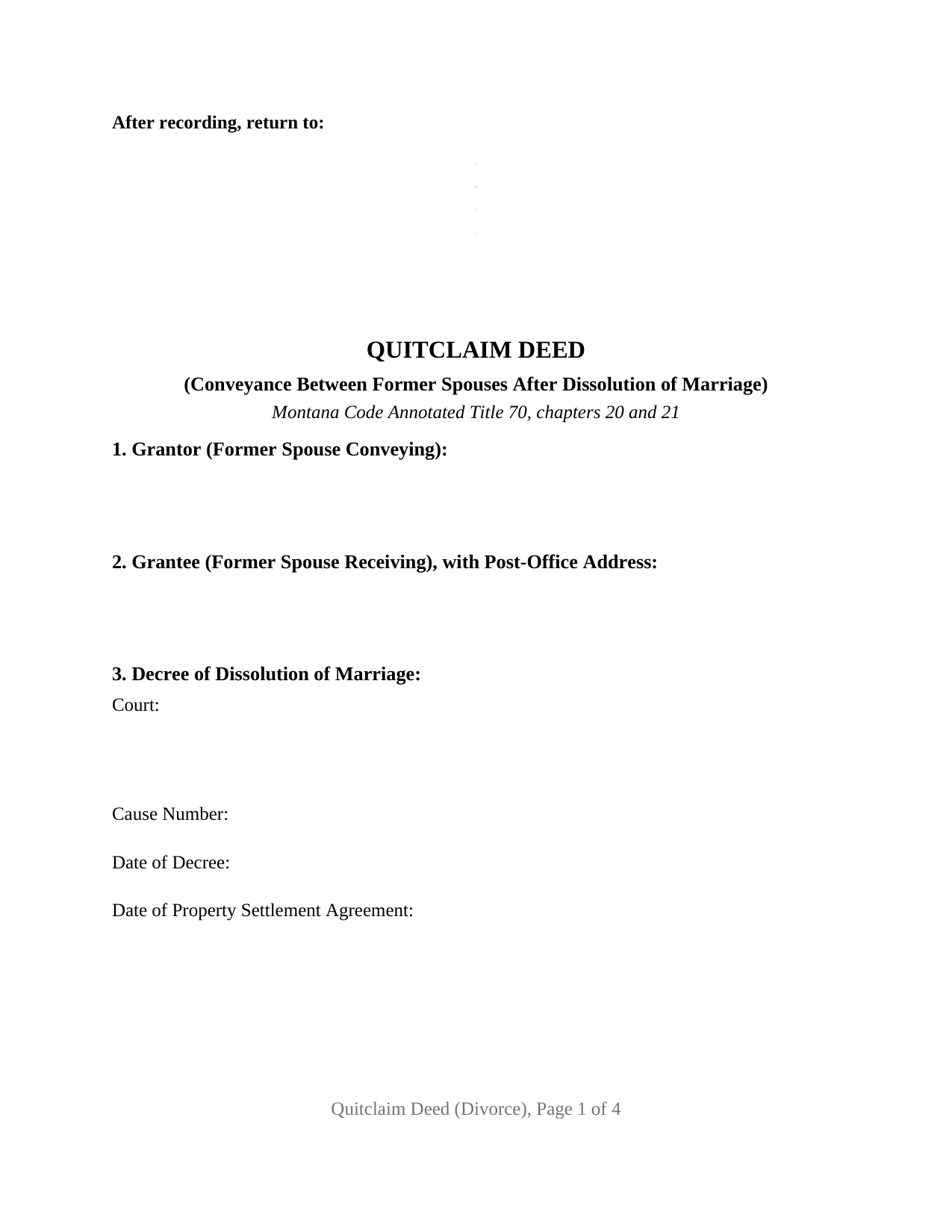
Treasure County Quitclaim Deed (Divorce) Form
Fill in the blank Quitclaim Deed (Divorce) form formatted to comply with all Montana recording and content requirements.
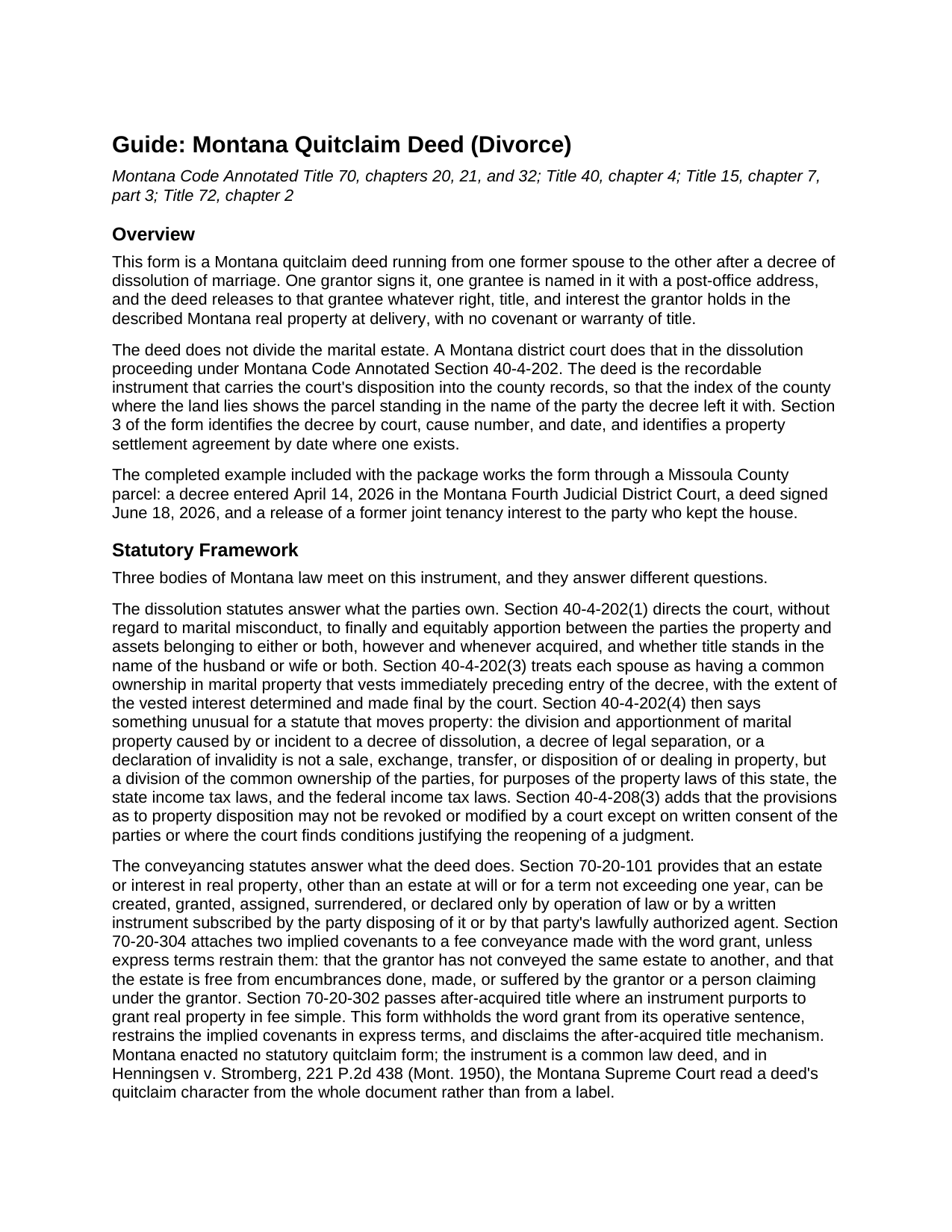
Treasure County Quitclaim Deed (Divorce) Guide
Line by line guide explaining every blank on the Quitclaim Deed (Divorce) form.
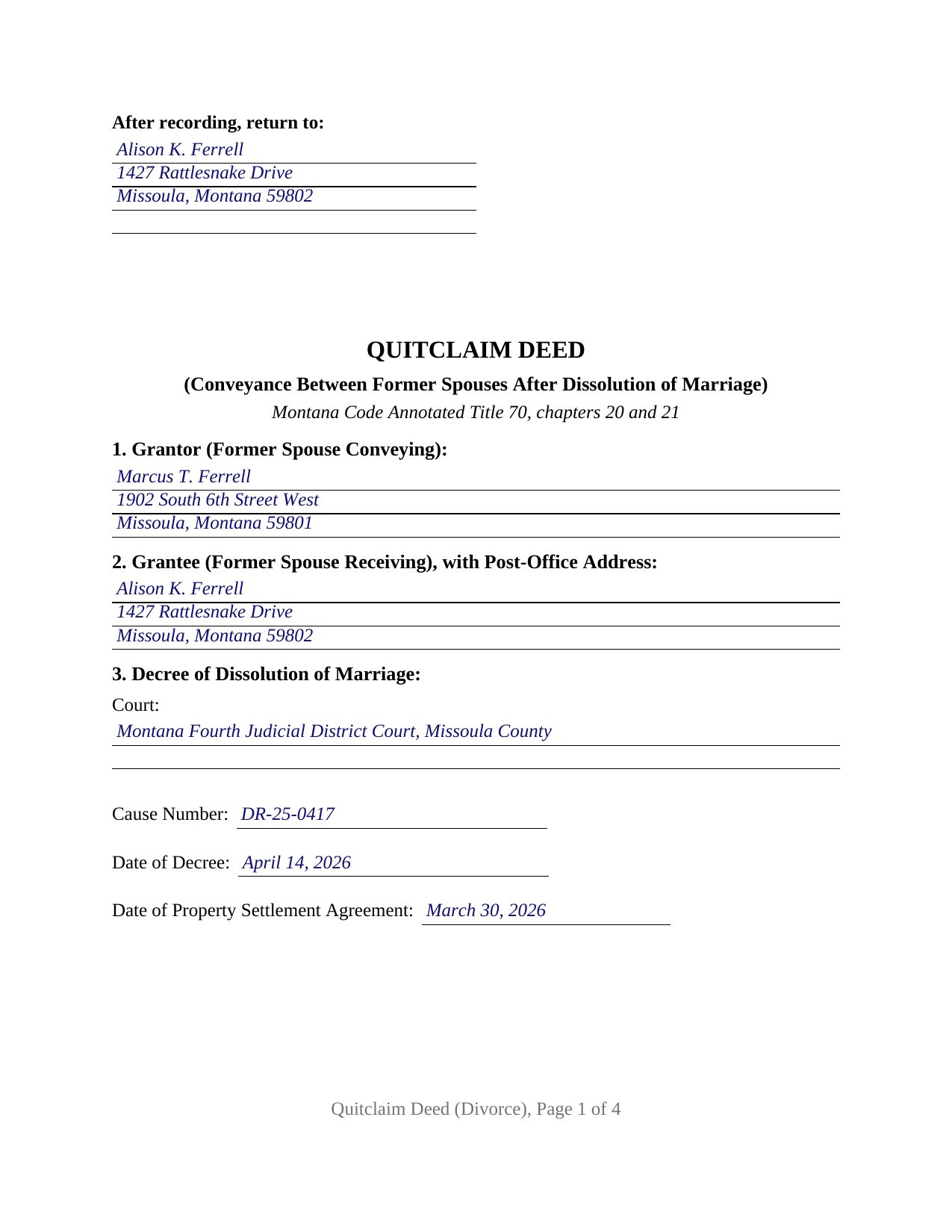
Treasure County Completed Example of the Quitclaim Deed (Divorce) Document
Example of a properly completed Montana Quitclaim Deed (Divorce) document for reference.
All 3 documents above included • One-time purchase • No recurring fees
Immediate Download • Secure Checkout
Additional Montana and Treasure County documents included at no extra charge:
Where to Record Your Documents
Treasure County Clerk / Recorder
Hysham, Montana 59038
Hours: 8:00 to 5:00 M-F
Phone: (406) 342-5547
Recording Tips for Treasure County:
- Bring your driver's license or state-issued photo ID
- Ensure all signatures are in blue or black ink
- Recording fees may differ from what's posted online - verify current rates
- Request a receipt showing your recording numbers
- Ask about accepted payment methods when you call ahead
Cities and Jurisdictions in Treasure County
Properties in any of these areas use Treasure County forms:
- Bighorn
- Hysham
- Sanders
Hours, fees, requirements, and more for Treasure County
How do I get my forms?
Forms are available for immediate download after payment. The Treasure County forms will be in your account ready to download to your computer. An account is created for you during checkout if you don't have one. Forms are NOT emailed.
Are these forms guaranteed to be recordable in Treasure County?
Yes. Our form blanks are guaranteed to meet or exceed the applicable formatting requirements used for recording in Treasure County, including margin requirements, font requirements, and other layout standards. This guarantee applies to formatting, not to the legal sufficiency of information entered by the user or the suitability of a form for a particular transaction.
Can I reuse these forms?
Yes. You can reuse the forms for your personal use. For example, if you have multiple properties in Treasure County you only need to order once.
What do I need to use these forms?
The forms are PDFs that you fill out on your computer. The free Adobe Acrobat Reader is recommended, and most PDF apps also work. You do NOT enter your property information online - you download the blank forms and complete them privately on your own computer.
Are there any recurring fees?
No. This is a one-time purchase. Nothing to cancel, no memberships, no recurring fees.
How much does it cost to record in Treasure County?
Recording fees in Treasure County vary. Contact the recorder's office at (406) 342-5547 for current fees.
Questions answered? Let's get started!
Montana law says a dissolution court does not transfer the family home. Under Montana Code Annotated Section 40-4-202(4), the division of marital property incident to a decree of dissolution is not a sale, exchange, transfer, or disposition of property, but a division of common ownership the parties already held. The county index, meanwhile, still reads as it did the day they bought the place. This Montana quitclaim deed, also searched as a divorce quitclaim deed, closes that distance: one former spouse releases whatever right, title, and interest that spouse holds in the parcel, and the record catches up with the decree.
What the divorce decree settles, and what the record still shows
Section 40-4-202(1) has the district court equitably apportion the property belonging to either or both parties, however and whenever acquired, and whether title stands in one name or both. What none of it changes is the name in the grantee column of the last recorded deed. Section 3 of this form names the court, the cause number, the date of the decree, and the date of a property settlement agreement where the decree adopted one, so the recorded instrument and the district court file read together.
The survivorship line the divorce already cut
Former spouses who bought as joint tenants with right of survivorship no longer hold that way. Section 72-2-814 severs those interests and turns them into tenancies in common by operation of the divorce itself. The catch sits in the same section: the severance does not reach a good-faith third party relying for value on apparent survivorship unless a written severance has been noted, registered, filed, or recorded in records appropriate to the property. A recorded deed is that writing, and the operative section here releases any right of survivorship of the grantor expressly, alongside any homestead right or claim under Title 70, chapter 32.
One grantor, one certificate, a decree on the page
The form recites one grantor and one grantee, described as former spouses of each other, with a single signature line and one acknowledgment certificate on the Montana individual short form at Section 1-5-610. The grantee signs nothing. Section 2 takes the grantee's post-office address, because Section 7-4-2618 keeps the clerk and recorder from receiving a deed that lacks it. No joining spouse block appears: the both-spouses execution rule of Section 70-32-301 reaches the homestead of a married person, and this deed runs between people whose marriage a decree has dissolved. It is not set up for two grantors signing together, for a signer acting under a power of attorney, or for a grantor conveying as trustee, personal representative, or officer of an entity. Configurations of this kind reach the Montana record where a decree awards the home to one party and the other releases the interest standing in the joint index, where a lender wants record title in one name before a refinance closes, and where a decree years old still names both former spouses because no deed followed it.
What passes, and what stays behind
The operative sentence withholds the word grant, so the covenants Section 70-20-304 attaches to that word are restrained in express terms, and the after-acquired title route of Section 70-20-302 is disclaimed. What reaches the grantee is the grantor's actual interest at delivery, carrying every deed of trust, lien, easement, and plat restriction already burdening it. Liability on a promissory note stays where the loan documents put it.
The certificate that asks for the decree
Section 15-7-305 keeps the clerk and recorder from accepting an instrument evidencing a transfer until a Realty Transfer Certificate has been received. Divorce transfers have their own line in the exception statute: Section 15-7-307(6) covers a transfer pursuant to a court decree, and the certificate filed for it need not disclose consideration, which is why Section 8 of this deed so often points to the decree instead of a price. The published certificate form asks for a certified copy of the decree, so it rides with a confidential filing rather than with the recorded deed.
Recording runs 20 dollars for a first page and 10 dollars for each page after it, for documents recorded on or after October 1, 2025. Three things come in the download: this deed as a fillable PDF, a completed example worked out on a Missoula County release following an April 2026 decree, and a plain language guide covering each numbered section, the statutes behind them, notarization, and recording. The materials are informational and are not legal advice.
Important: Your property must be located in Treasure County to use these forms. Documents should be recorded at the county recording office listed above.
This Quitclaim Deed (Divorce) meets all recording requirements specific to Treasure County.
Our Promise
The documents you receive here are guaranteed to meet or exceed the applicable Treasure County recording format requirements. If there is a rejection caused by our formatting, we will correct the issue or refund your payment. This guarantee applies to document formatting only and does not extend to information entered by the user, the selection of the form, or the legal effect of the completed document.
Save Time and Money
Get your Treasure County Quitclaim Deed (Divorce) form done right the first time with Deeds.com Uniform Conveyancing Blanks. At Deeds.com, we understand that your time and money are valuable resources, and we don't want you to face a penalty fee or rejection imposed by a county recorder for submitting nonstandard documents. We constantly review and update our forms to meet rapidly changing state and county recording requirements for roughly 3,500 counties and local jurisdictions.
4.8 out of 5 - ( 4,837 Reviews )
Vallie D. 5 out of 5 stars
Very easy to navigate website. Quick filing, great communication. Saved me hundreds of dollars vs. filing through the escrow service
Thank you for your kind words Vallie, glad we could help. Have an amazing day!
Sherri P. 3 out of 5 stars
I thought it was easy, but I wish it were faster. I uploaded my document Monday night (after 5pm) and got my invoice the next morning Tuesday paid it right away. and my document was not sent to me as recorded until Wednesday morning even though it was recorded the day earlier at 8:30am. So there was a delay of almost 24 hours letting me know that my document was recorded. So if they could speed that up so that we knew exactly when it got recorded immediately I would give it a million stars
Thank you!
Douglas D. 5 out of 5 stars
WOW! What a great service! Incredibly fast (just under 3 hours from creating the package to getting a receipt from the county recorder!) Will definitely use this service again!
We appreciate your business and value your feedback. Thank you. Have a wonderful day!
Thomas F. 5 out of 5 stars
Very convenient!
Thank you!
Evelyn R. 5 out of 5 stars
Responses to my needs were prompt and professional. I found the service easy to use and clearly outlined for processing. Thank you.
Thank you!
Tiffany J. 5 out of 5 stars
Easy steps to create an account, will recommend to anyone.
Thank you for your feedback. We really appreciate it. Have a great day!
deborah k. 5 out of 5 stars
was very easy to fill out the directions were very helpful
Thank you!
Carol D. 5 out of 5 stars
No review provided.
Thank you!
Cheryl G. 5 out of 5 stars
Everyhing went smoothly
Thank you for your feedback. We really appreciate it. Have a great day!
Terrill M. 5 out of 5 stars
Great forms and information
We appreciate your business and value your feedback. Thank you. Have a wonderful day!
Terrell W. 5 out of 5 stars
Was a little hard to find the form but once I did everything worked well
Thank you for your feedback. We really appreciate it. Have a great day!
Rebecca H. 4 out of 5 stars
Very pleased with the ease of this deed form. Completing the deed form to make sure everything was in my name took ten minutes. Thanks.
We appreciate your business and value your feedback. Thank you. Have a wonderful day!
Heather F. 5 out of 5 stars
Quality forms and information. Everything went smoothly.
Great to hear Heather. Have a fantastic day!
David W. 5 out of 5 stars
Excellent and customer friendly as well...ty
Thank you for your feedback. We really appreciate it. Have a great day!
Noah B. 4 out of 5 stars
Website is basic, but get's the job done. Communication was prompt and efficient. Would use again. Thank You!
Thank you!