Missoula County Quitclaim Deed (Married Grantor with Non-Owner Spouse Joinder) Form
Last validated October 15, 2026 by our Forms Development TeamFormatted for recording in Missoula County, for property anywhere in the county: rural and unincorporated areas as well as Bonner, Clinton, Condon, Frenchtown, Huson, Lolo, Milltown, Missoula and 1 more.
- 3 documents included
- Immediate PDF download
- Formatting guarantee
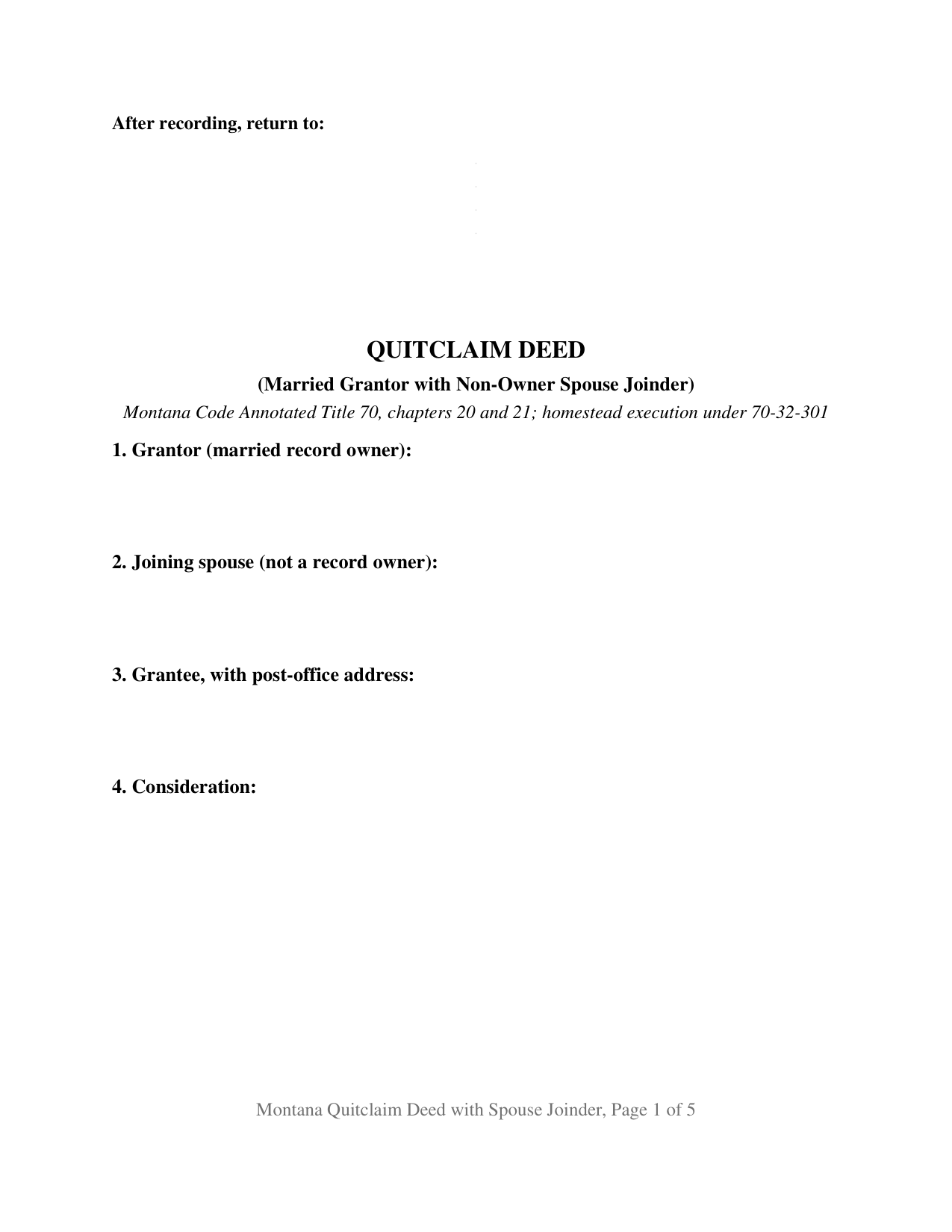
Missoula County Quitclaim Deed (Married Grantor with Non-Owner Spouse Joinder) Form
Fill in the blank Quitclaim Deed (Married Grantor with Non-Owner Spouse Joinder) form formatted to comply with all Montana recording and content requirements.
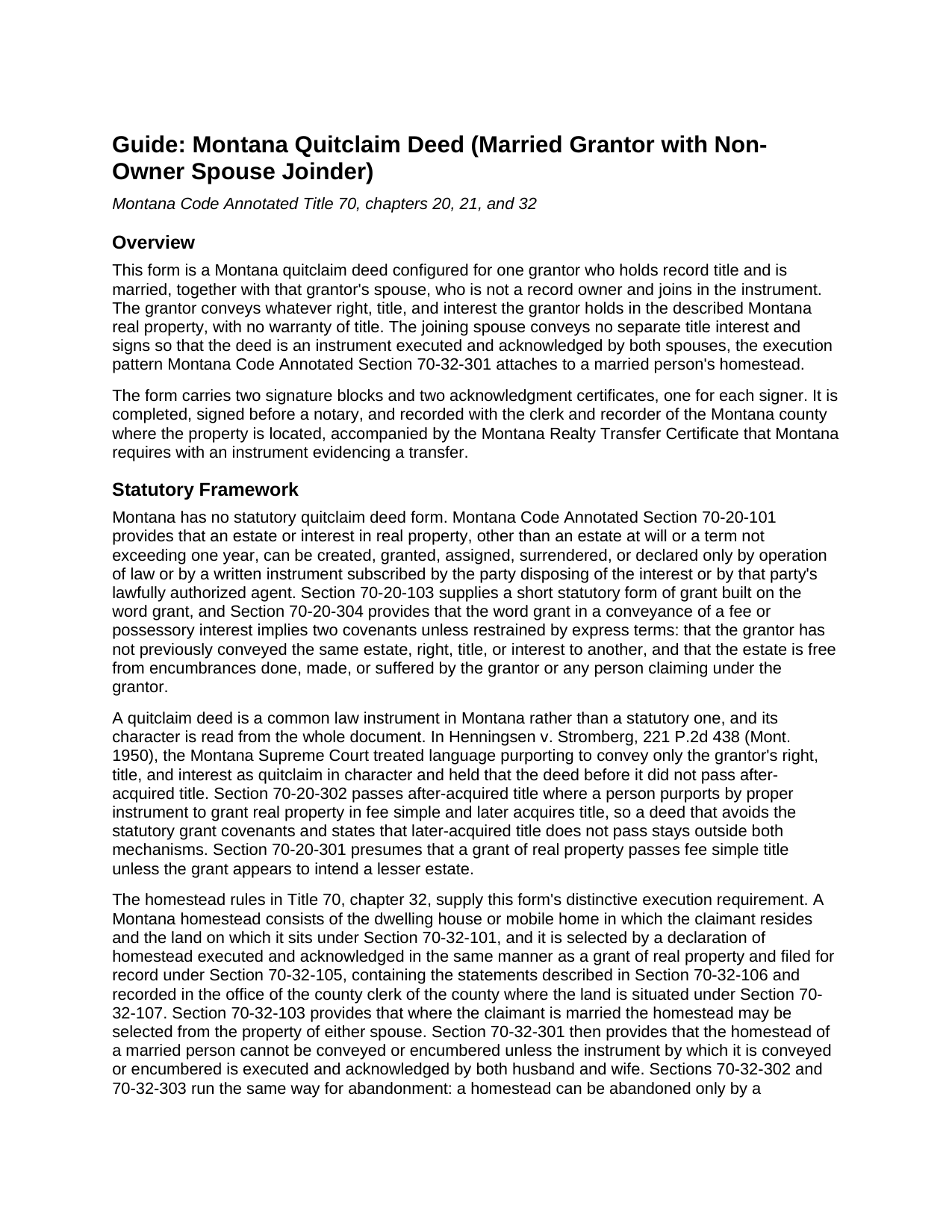
Missoula County Quitclaim Deed (Married Grantor with Non-Owner Spouse Joinder) Guide
Line by line guide explaining every blank on the Quitclaim Deed (Married Grantor with Non-Owner Spouse Joinder) form.
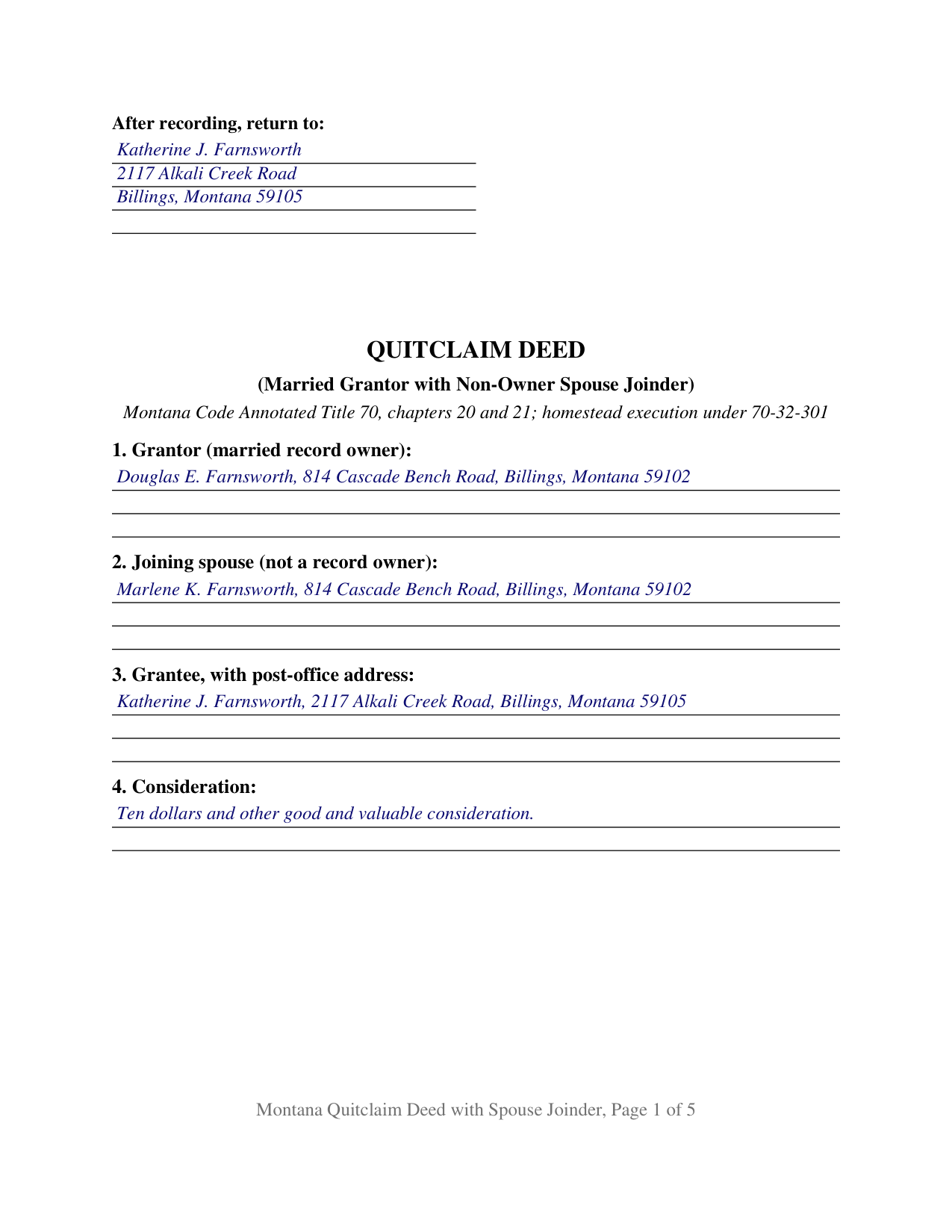
Missoula County Completed Example of the Quitclaim Deed (Married Grantor with Non-Owner Spouse Joinder) Document
Example of a properly completed Montana Quitclaim Deed (Married Grantor with Non-Owner Spouse Joinder) document for reference.
All 3 documents above included • One-time purchase • No recurring fees
Immediate Download • Secure Checkout
Additional Montana and Missoula County documents included at no extra charge:
Where to Record Your Documents
Missoula County Recorder / Clerk
Missoula, Montana 59802
Hours: 8:00am-5:00pm M-F
Phone: (406) 258-4752
Address for FedEx & UPS Deliveries:
Missoula, Montana 59802
Hours: (use either address for USPS mail)
Phone:
Recording Tips for Missoula County:
- Bring your driver's license or state-issued photo ID
- Ensure all signatures are in blue or black ink
- Double-check legal descriptions match your existing deed
- Verify all names are spelled correctly before recording
- White-out or correction fluid may cause rejection
Cities and Jurisdictions in Missoula County
Properties in any of these areas use Missoula County forms:
- Bonner
- Clinton
- Condon
- Frenchtown
- Huson
- Lolo
- Milltown
- Missoula
- Seeley Lake
Hours, fees, requirements, and more for Missoula County
How do I get my forms?
Forms are available for immediate download after payment. The Missoula County forms will be in your account ready to download to your computer. An account is created for you during checkout if you don't have one. Forms are NOT emailed.
Are these forms guaranteed to be recordable in Missoula County?
Yes. Our form blanks are guaranteed to meet or exceed the applicable formatting requirements used for recording in Missoula County, including margin requirements, font requirements, and other layout standards. This guarantee applies to formatting, not to the legal sufficiency of information entered by the user or the suitability of a form for a particular transaction.
Can I reuse these forms?
Yes. You can reuse the forms for your personal use. For example, if you have multiple properties in Missoula County you only need to order once.
What do I need to use these forms?
The forms are PDFs that you fill out on your computer. The free Adobe Acrobat Reader is recommended, and most PDF apps also work. You do NOT enter your property information online - you download the blank forms and complete them privately on your own computer.
Are there any recurring fees?
No. This is a one-time purchase. Nothing to cancel, no memberships, no recurring fees.
How much does it cost to record in Missoula County?
Recording fees in Missoula County vary. Contact the recorder's office at (406) 258-4752 for current fees.
Questions answered? Let's get started!
Montana land can stand in one spouse's name alone and still take two signatures to convey. This Montana quitclaim deed is configured for that asymmetry: one grantor who holds record title and releases the interest, and that grantor's spouse, who owns nothing of record and signs to join in the instrument. The deed passes whatever right, title, and interest the grantor holds at delivery, with no warranty of title, and it reaches the county clerk and recorder as one instrument executed and acknowledged by both spouses.
What the second signature is doing
Montana Code Annotated Section 70-32-301 states the rule plainly: the homestead of a married person cannot be conveyed or encumbered unless the instrument by which it is conveyed or encumbered is executed and acknowledged by both husband and wife. A Montana homestead is a selected thing, not an automatic one: it is claimed by a declaration executed, acknowledged, and recorded under Sections 70-32-105 through 70-32-107, it covers the dwelling in which the claimant resides and the land under it, and Section 70-32-103 lets a married claimant select it from the property of either spouse. So the record-title question and the homestead question can have different answers on the same parcel, and where they do, the statute asks for two acts from the spouse who is not on title: a signature and an acknowledgment. This deed collects both.
A grantor who conveys, a spouse who joins
Section 1 recites the grantor and mailing address. Section 2 recites the joining spouse and states that the spouse holds no record title. Section 8 takes the recording reference for a declaration of homestead standing against the property, and Section 10 carries the joinder language: the joining spouse conveys no separate title interest, executes and acknowledges the deed together with the grantor so that the instrument satisfies Section 70-32-301, and releases to the grantee any homestead right or claim under Title 70, chapter 32. Section 11 carries a labeled signature block for each of the two signers, and one acknowledgment certificate follows each block. The patterns that put this configuration in Montana records include a parcel one spouse bought before the marriage and never retitled, land that came to one spouse by gift or inheritance, and a tract where a title examiner finds a recorded homestead declaration standing against a single owner's name. The form is not set up as a two-owner conveyance in which both signers hold record title and both release an interest, and a deed signed in a trustee, personal representative, or entity capacity recites authority language this deed does not carry.
No promise of title travels with it
Montana builds its implied deed covenants around one word. Under Section 70-20-304, the word grant in a conveyance of a fee interest implies that the grantor has not already conveyed the same estate and that the estate is free of encumbrances the grantor created. This quit claim deed keeps clear of that mechanism: it states that grant is not used as a word of conveyance, that no covenant or warranty of title attaches, and that title the grantor picks up later does not pass through it. Montana publishes no statutory quitclaim form, and the Montana Supreme Court reads a deed's character from the whole document.
From the notary table to the county index
Each certificate follows the individual short form in Section 1-5-610, so the two signers may appear on different dates or before different officers; the completed example shows the grantor acknowledging four days before the joining spouse. The first page reserves three full inches for the recording stamp and prints the return name and address in the upper left corner, where Section 7-4-2636 places it, and the grantee's post-office address sits in the body of the deed because Section 7-4-2618 bars the clerk and recorder from receiving a deed without it. Recording runs twenty dollars for the first page and ten for each page after it for documents recorded on or after October 1, 2025. A Realty Transfer Certificate accompanies the deed, and that certificate, not the deed, carries the consideration figures.
The package delivers the deed as a fillable PDF, a completed example prepared on a Yellowstone County fact pattern with both certificates filled in, and a plain language guide covering each numbered section, the homestead execution rule, the notarization formality, and recording step by step. The materials are informational and are not legal advice.
Important: Your property must be located in Missoula County to use these forms. Documents should be recorded at the county recording office listed above.
This Quitclaim Deed (Married Grantor with Non-Owner Spouse Joinder) meets all recording requirements specific to Missoula County.
Our Promise
The documents you receive here are guaranteed to meet or exceed the applicable Missoula County recording format requirements. If there is a rejection caused by our formatting, we will correct the issue or refund your payment. This guarantee applies to document formatting only and does not extend to information entered by the user, the selection of the form, or the legal effect of the completed document.
Save Time and Money
Get your Missoula County Quitclaim Deed (Married Grantor with Non-Owner Spouse Joinder) form done right the first time with Deeds.com Uniform Conveyancing Blanks. At Deeds.com, we understand that your time and money are valuable resources, and we don't want you to face a penalty fee or rejection imposed by a county recorder for submitting nonstandard documents. We constantly review and update our forms to meet rapidly changing state and county recording requirements for roughly 3,500 counties and local jurisdictions.
4.8 out of 5 - ( 4,829 Reviews )
MANUEL O. 5 out of 5 stars
great service Loved!
Thank you!
Gina B. 5 out of 5 stars
This website is reliable and informative. So glad I can across this website. They provide a wide range of documents that are always provided on the recording county website. Thanks!
Thank you!
Phyllis R Q. 5 out of 5 stars
So far so good, I did not know the convenience I would have from my seat to file a legal document! Awesome Service!
Thank you!
Brenda W. 5 out of 5 stars
Good.
Thank you for your feedback. We really appreciate it. Have a great day!
Mary W. 5 out of 5 stars
Great service. Thank you
We appreciate your business and value your feedback. Thank you. Have a wonderful day!
Linda D. 5 out of 5 stars
very efficient and easy to use online platform. I reviewed several different sites before I settle on this one. Took my deed to the courthouse today and recorded it with no problems.
We appreciate your business and value your feedback. Thank you. Have a wonderful day!
Rachel F. 5 out of 5 stars
Wonderful forms as long as you know what you need. Do some research ahead of time so you can avoid looking like an idiot ordering the incorrect form for your situation.
Thank you!
Annelie A. 1 out of 5 stars
Unfortunately the forms were not useful to me, I still had to go pay a lawyer to create a deed for me.
Thank you for your feedback. We really appreciate it. Have a great day!
Karen K. 5 out of 5 stars
Deeds was very easy to use. I thought it might take weeks to complete, but the whole process was completed in just a few hours. I am very satisfied with my experience and would use them again
Thank you for your feedback. We really appreciate it. Have a great day!
Jack A. 5 out of 5 stars
First time user. Great service. If I need other forms, I'll definitely be using Deeds.
We appreciate your business and value your feedback. Thank you. Have a wonderful day!
Randy F. 5 out of 5 stars
SO FAR SO GOOD, DOC'S DOWNLOADED WITHOUT A PROBLEM
Thank you!
Sylvia H. 5 out of 5 stars
Deeds.com really made the process of completing and submitting the Lien application easy. Thank you, and I will be using you whenever I need a real estate document that you carry.
We appreciate your business and value your feedback. Thank you. Have a wonderful day!
Rut P M. 5 out of 5 stars
I was very pleased with the document I downloaded. I was able to edit it easily and save a copy both as a permanent copy or one that could still be edited. I also liked being able to cut and paste longer paragraphs. It cost a little more than I expected; however, it was worth it be cause I didn't have to fill it out by hand. Great job!
Thank you for your feedback. We really appreciate it. Have a great day!
Richard C. 5 out of 5 stars
Amazing from start to finish!
Thank you for your feedback. We really appreciate it. Have a great day!
Annette L. 5 out of 5 stars
Excellent customer service and value!
Thank you for your positive words! We’re thrilled to hear about your experience.