Valley County Assignment of Deed of Trust Form
Last validated September 30, 2026 by our Forms Development TeamFormatted for recording in Valley County, for property anywhere in the county: rural and unincorporated areas as well as Arcadia, Elyria, North Loup, Ord.
- 6 documents included
- Immediate PDF download
- Formatting guarantee
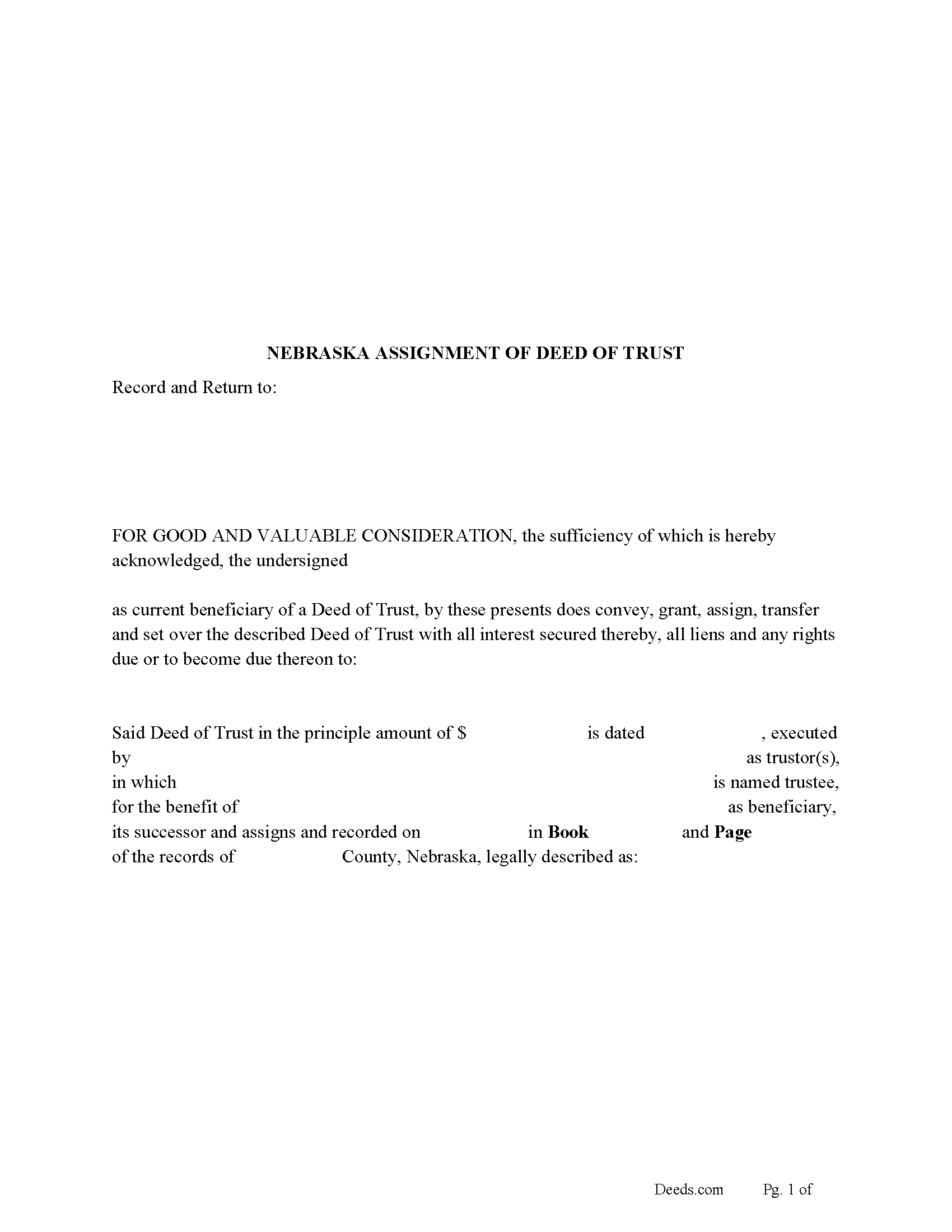
Valley County Assignment of Deed of Trust Form
Fill in the blank form formatted to comply with all recording and content requirements.
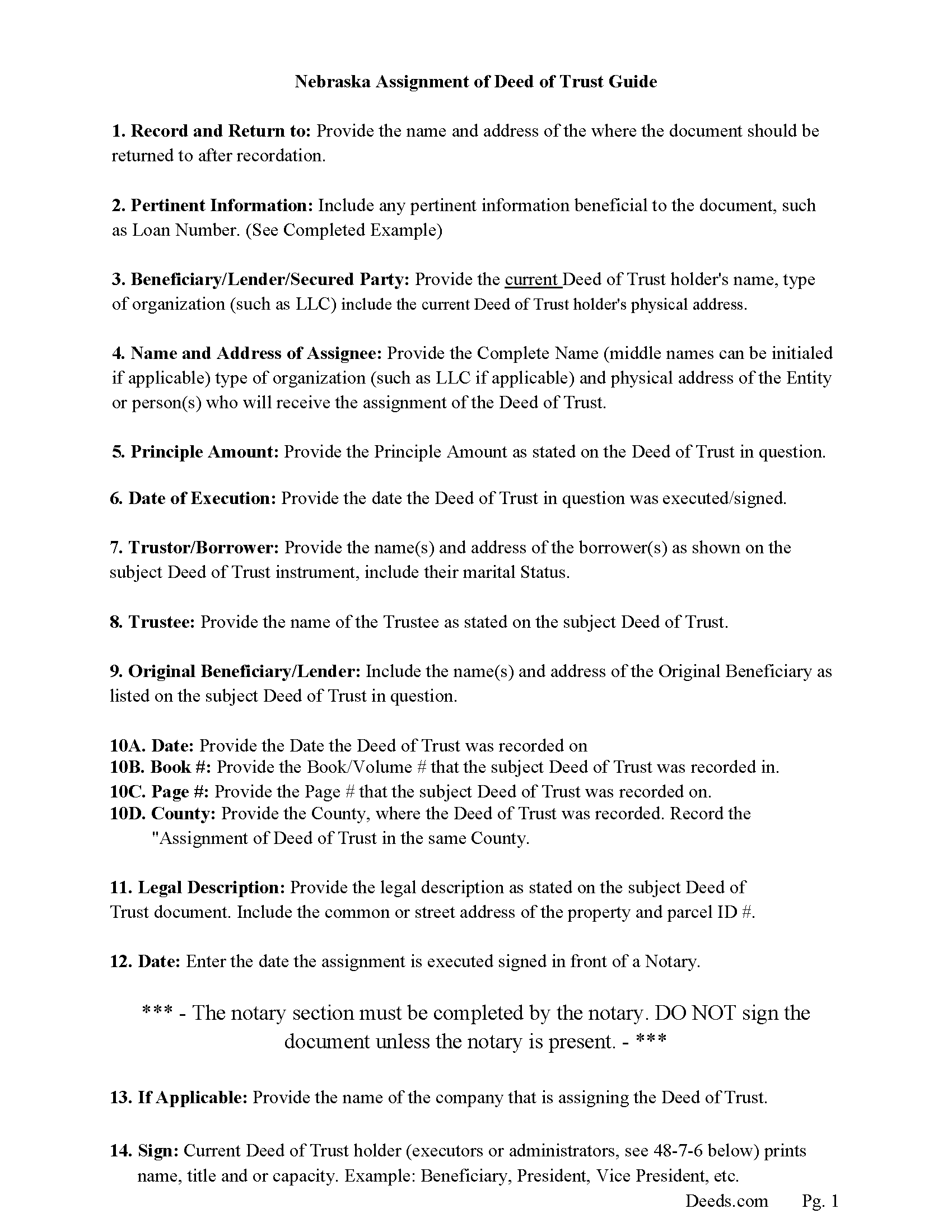
Valley County Assignment of Deed of Trust Guidelines
Line by line guide explaining every blank on the form.
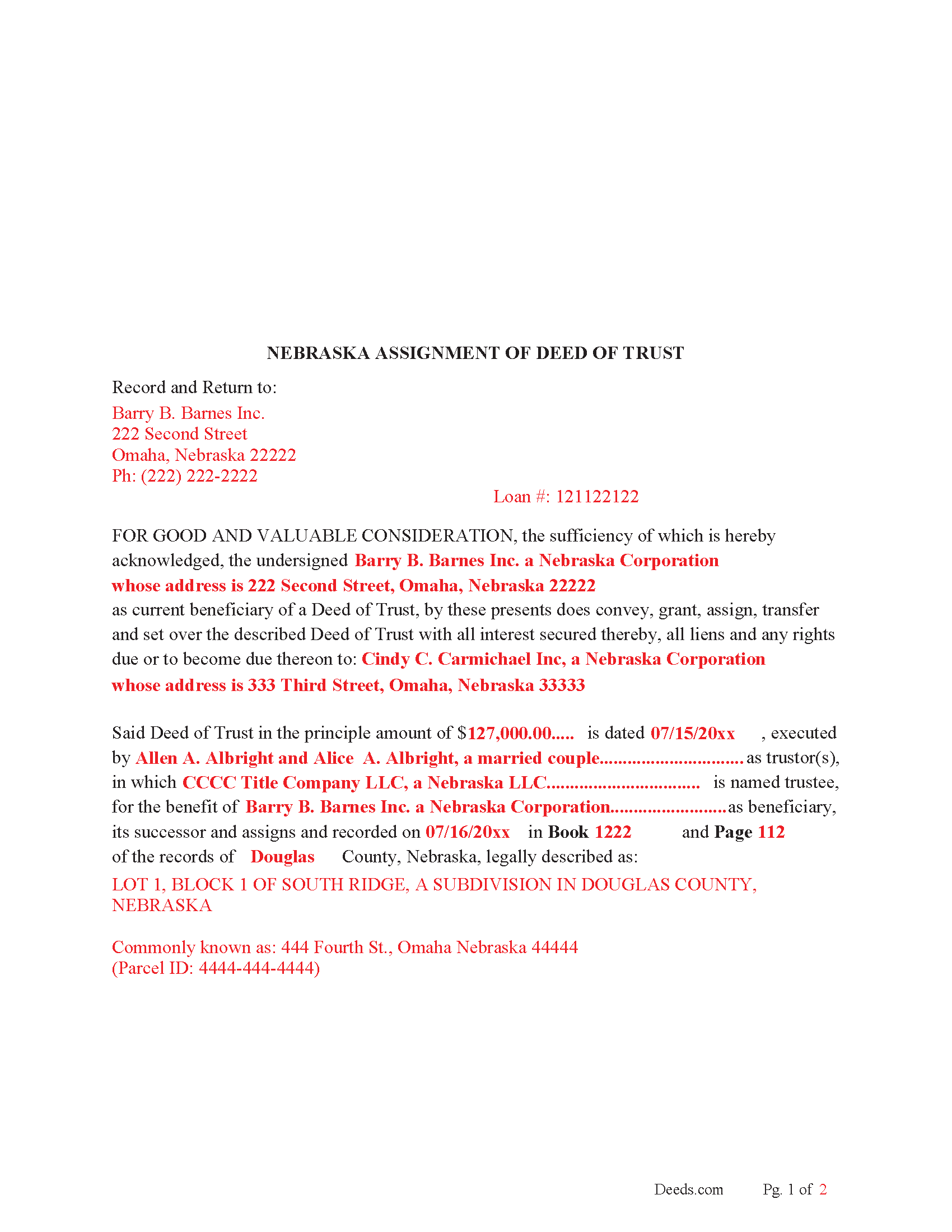
Valley County Completed Example of the Assignment of Deed of Trust Document
Example of a properly completed form for reference.
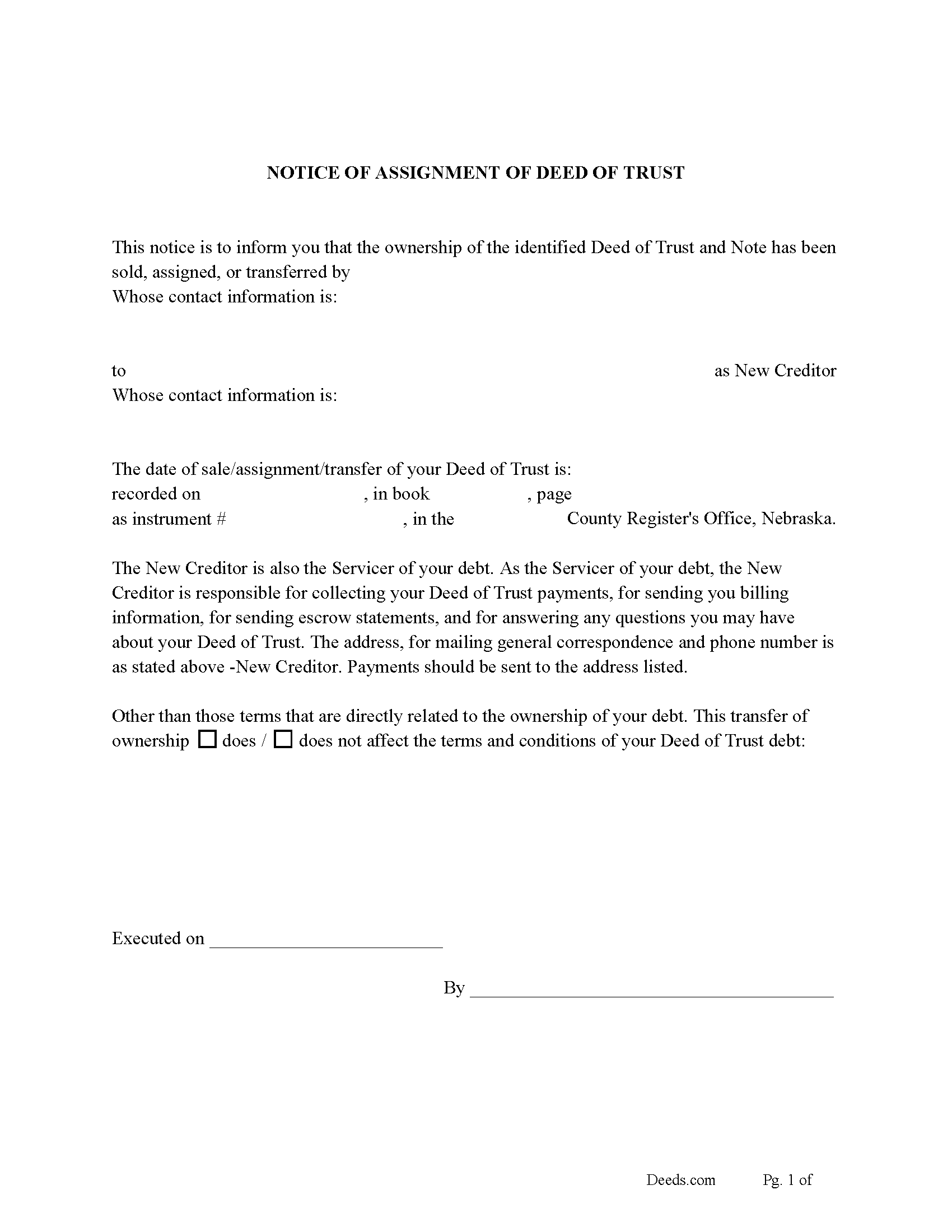
Valley County Notice of Assignment of Deed of Trust Form
Fill in the blank form formatted to comply with content requirements.
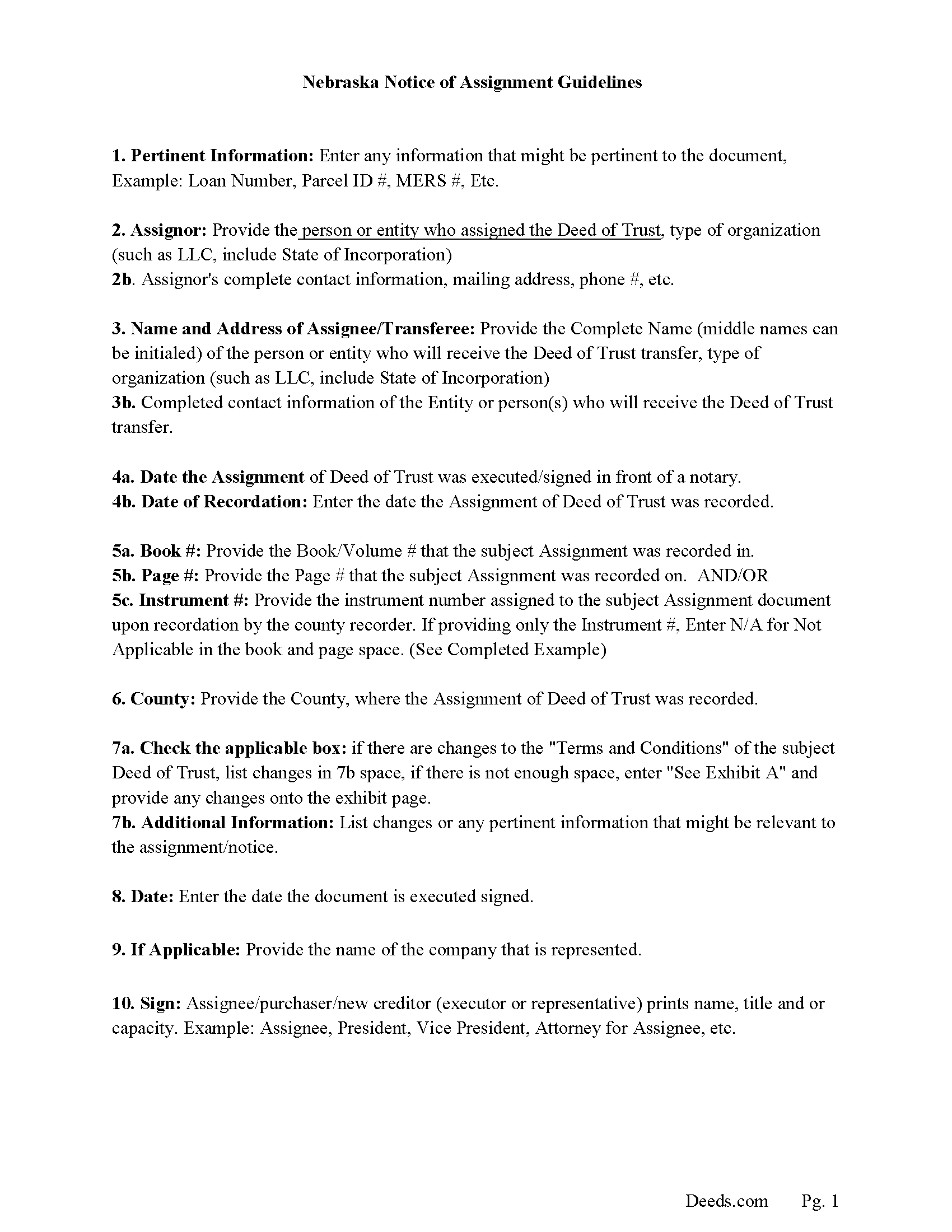
Valley County Notice of Assignment Guidelines
Line by line guide explaining every blank on the form.
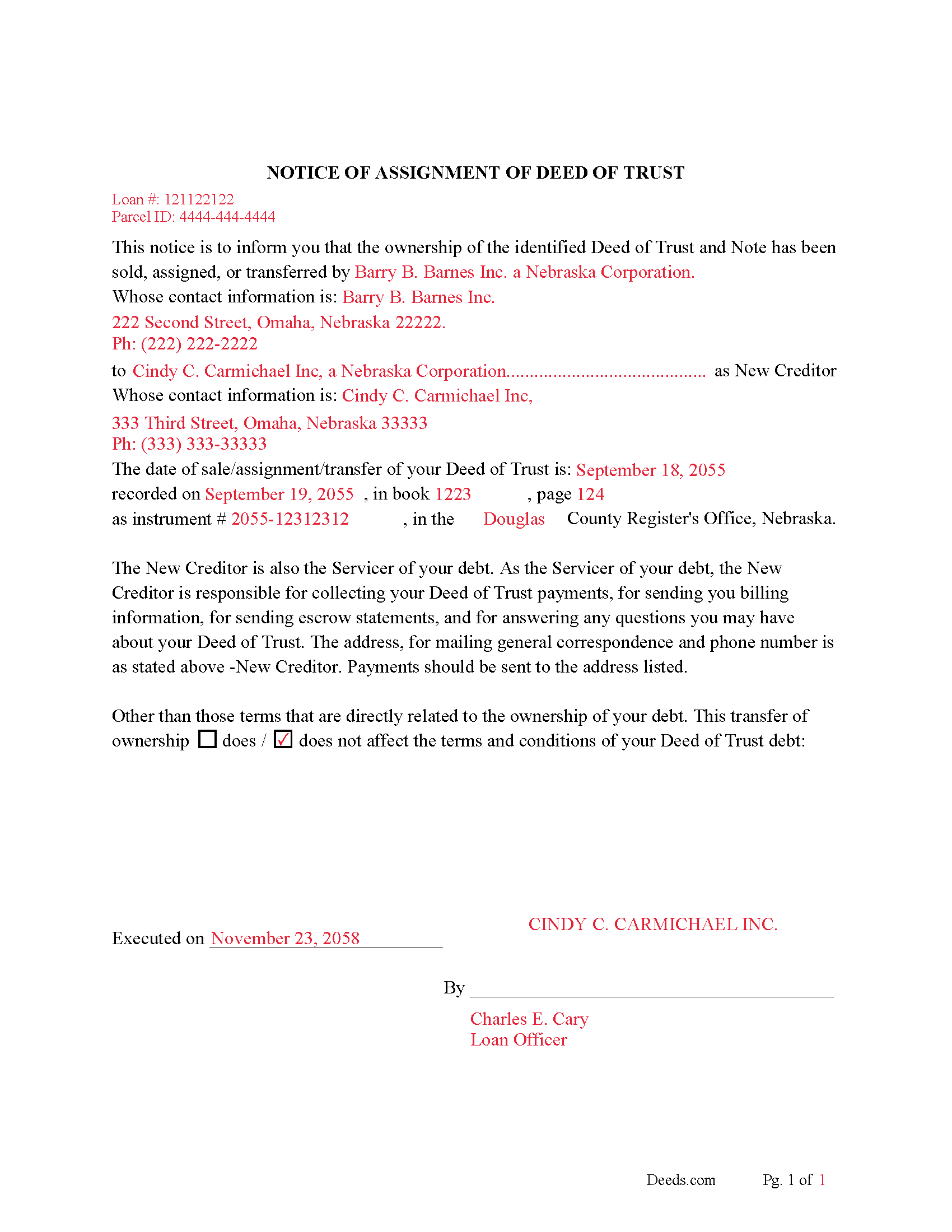
Valley County Completed Example of Notice of Assignment Document
Example of a properly completed form for reference.
All 6 documents above included • One-time purchase • No recurring fees
Immediate Download • Secure Checkout
Additional Nebraska and Valley County documents included at no extra charge:
Where to Record Your Documents
Valley County Register of Deeds
Ord, Nebraska 68862
Hours: 8:00am to 5:00pm M-F
Phone: (308) 728-3700
Recording Tips for Valley County:
- Bring your driver's license or state-issued photo ID
- Ensure all signatures are in blue or black ink
- Double-check legal descriptions match your existing deed
- Verify all names are spelled correctly before recording
- White-out or correction fluid may cause rejection
Cities and Jurisdictions in Valley County
Properties in any of these areas use Valley County forms:
- Arcadia
- Elyria
- North Loup
- Ord
Hours, fees, requirements, and more for Valley County
How do I get my forms?
Forms are available for immediate download after payment. The Valley County forms will be in your account ready to download to your computer. An account is created for you during checkout if you don't have one. Forms are NOT emailed.
Are these forms guaranteed to be recordable in Valley County?
Yes. Our form blanks are guaranteed to meet or exceed the applicable formatting requirements used for recording in Valley County, including margin requirements, font requirements, and other layout standards. This guarantee applies to formatting, not to the legal sufficiency of information entered by the user or the suitability of a form for a particular transaction.
Can I reuse these forms?
Yes. You can reuse the forms for your personal use. For example, if you have multiple properties in Valley County you only need to order once.
What do I need to use these forms?
The forms are PDFs that you fill out on your computer. The free Adobe Acrobat Reader is recommended, and most PDF apps also work. You do NOT enter your property information online - you download the blank forms and complete them privately on your own computer.
Are there any recurring fees?
No. This is a one-time purchase. Nothing to cancel, no memberships, no recurring fees.
How much does it cost to record in Valley County?
Recording fees in Valley County vary. Contact the recorder's office at (308) 728-3700 for current fees.
Questions answered? Let's get started!
A Deed of Trust assignment, also referred to as an "Assignment of Deed of Trust", occurs when the beneficiary/lender of the loan transfers their loan obligations to a third party. The lender usually assigns a Deed of Trust by selling it to a new bank or lender. This form can be used by the current beneficiary/lender even if the Deed of Trust in question states a different beneficiary/lender.
Current Borrowers must be notified of the assignment. Notification consists of contact information of the new creditor, recording dates, recording instrument numbers, changes in loan, etc. Included are "Notice of Assignment of Deed of Trust" forms.
The Truth and lending act requires that borrowers be notified when their Deed of Trust has been sold, transferred, or assigned to a new creditor. Generally, within 30 days to avoid up to $2,000.00 in statutory damages, plus reasonable attorney's fees. Systematic violations can reach up $500,000.00.
(Nebraska Assignment of DOT Package includes form, guidelines, and completed example) For use in Nebraska only.
Important: Your property must be located in Valley County to use these forms. Documents should be recorded at the county recording office listed above.
This Assignment of Deed of Trust meets all recording requirements specific to Valley County.
Our Promise
The documents you receive here are guaranteed to meet or exceed the applicable Valley County recording format requirements. If there is a rejection caused by our formatting, we will correct the issue or refund your payment. This guarantee applies to document formatting only and does not extend to information entered by the user, the selection of the form, or the legal effect of the completed document.
Save Time and Money
Get your Valley County Assignment of Deed of Trust form done right the first time with Deeds.com Uniform Conveyancing Blanks. At Deeds.com, we understand that your time and money are valuable resources, and we don't want you to face a penalty fee or rejection imposed by a county recorder for submitting nonstandard documents. We constantly review and update our forms to meet rapidly changing state and county recording requirements for roughly 3,500 counties and local jurisdictions.
4.8 out of 5 - ( 4,833 Reviews )
Steven b. 5 out of 5 stars
We used this document in 2018 and it was acceptable to Jackson County Missouri. It worked and is valid. Very happy with the product.
Thanks for the kind words, glad to see you back again. Have a great day!
MARILYN T. 5 out of 5 stars
Deed.com was so easy to use to file my Quit Claim deed. They instructed me on how to send them my documents and it was a breeze. The cost was minimal and saved me tons of time.
Thank you!
Diana A. 5 out of 5 stars
My service today was outstanding.your rep asked me several questions and was able to get me all the information I needed.
Thank you!
Susan C. 5 out of 5 stars
Hi When and how will I get the copy of my deed ? Thanks
Thanks for reaching out. Looks like the document you ordered has been available for you to download from your account since January 15, 2019 at 11:46 am.
Ron E. 5 out of 5 stars
Flawless. I ordered the forms needed, along with completed samples. I filled them out, and I was on my way to the recorders office. I would use deeds.com without hesitation.
Thank you for your feedback. We really appreciate it. Have a great day!
Renu A. 5 out of 5 stars
The service was very reliable and they even helped with filling out the paperwork properly. Very quick turn around and efficient!
Thank you!
Eric F. 5 out of 5 stars
Thank You deeds.com, your site helped me accomplish a difficult mission.
We appreciate your business and value your feedback. Thank you. Have a wonderful day!
Barbara K. 5 out of 5 stars
Very impressive...Thank you
Thank you for your feedback. We really appreciate it. Have a great day!
Alvera A. 5 out of 5 stars
Very easy to find my documents, download and print them!
We appreciate your business and value your feedback. Thank you. Have a wonderful day!
Rose H. 5 out of 5 stars
I am so glad I found this resource! As the Executor of a family members estate I wanted to save money by bypassing a lawyer as it seemed pretty straight forward to tranfer a Life Estate to the remainderman. (I had original deeds). But talking with 3 different states and 4 different counties - none of which seemed to need the same documents, I was almost ready to dump this in a lawyer's lap. This resource makes it simple!
We appreciate your business and value your feedback. Thank you. Have a wonderful day!
Rahul P. 5 out of 5 stars
Excellent Site for recording documents to respective county Recorder Office. Excellent customer service, very well informed and experienced staff who responds promptly and guide customers throughout recording process. My recording was suspended But KVH (Staff) gave me proper timely advise and guided me for the procedure till recording was done by county office. I would like to give 6 stars or more to the site as per my experience with this site. Highly recommended site
Thank you for your feedback. We really appreciate it. Have a great day!
Richard S. 5 out of 5 stars
Prompt and reliable service!!
Thank you!
Rachel E. 5 out of 5 stars
Our firm is working remotely and a lot of court services are limited with the corona-virus shutdowns, but we needed to record a Deed at the last minute. There was no other way we'd could get it done that quick without Deeds.com (staff) helped us work out some kinks and we got it recorded in less than 1 business day! Thank you!
Thank you for your feedback, we really appreciate it. Glad we could help.
Oldemar T. 5 out of 5 stars
Messaging system should reach customer email. It took me a couple of days to find out the processor had messaged me. A customer notification should be implemented for every message left in the account.
Thank you!
Sandra W. 5 out of 5 stars
I think this is going to be a very resourceful website, really have not had a chance to fully navigate yet. I look forward to accessing more.
Thank you!