Douglas County Grant Deed Form
Last validated October 12, 2026 by our Forms Development TeamFormatted for recording in Douglas County, for property anywhere in the county: rural and unincorporated areas as well as Bennington, Boys Town, Elkhorn, Omaha, Valley, Waterloo.
- 3 documents included
- Immediate PDF download
- Formatting guarantee
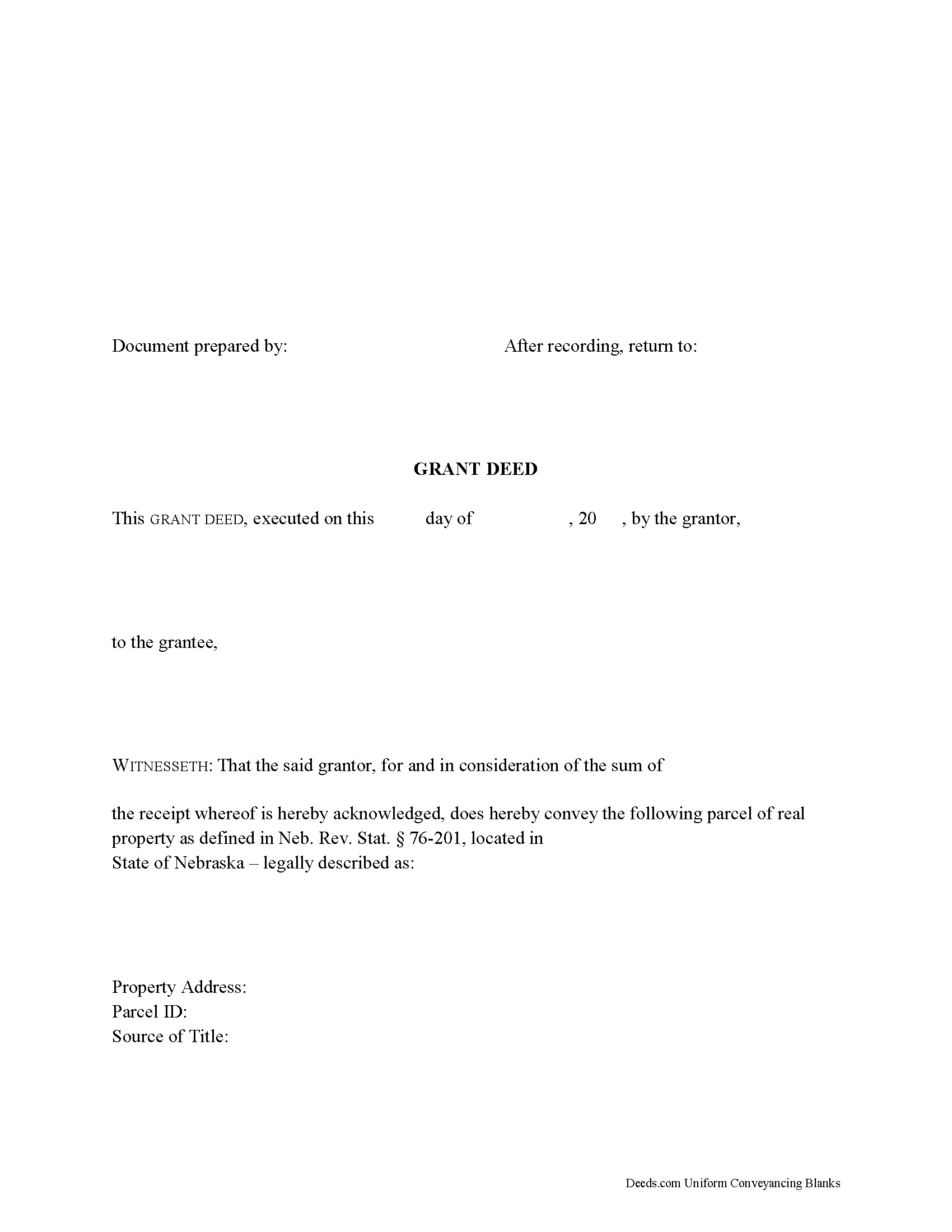
Douglas County Grant Deed Form
Fill in the blank form formatted to comply with all recording and content requirements.
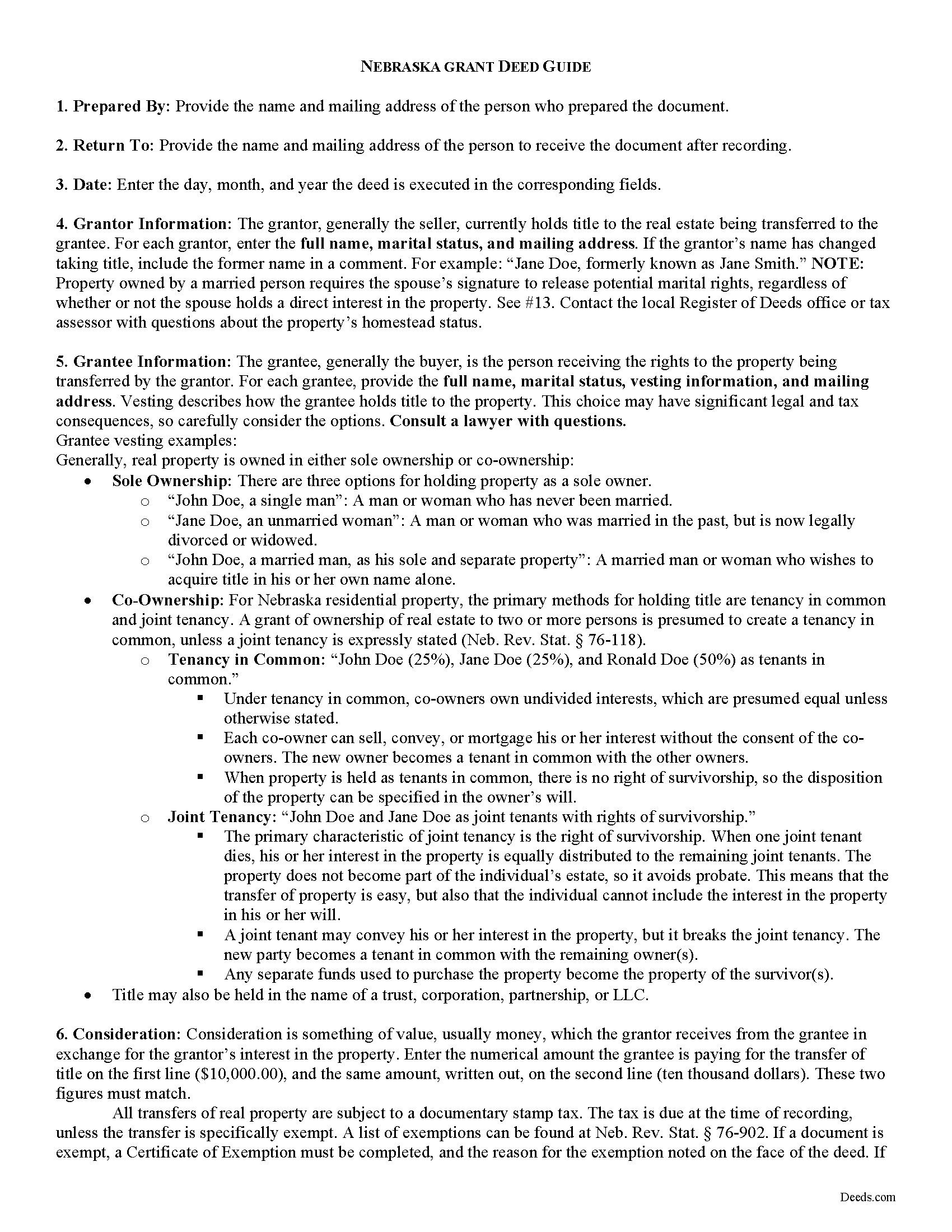
Douglas County Grant Deed Guide
Line by line guide explaining every blank on the form.
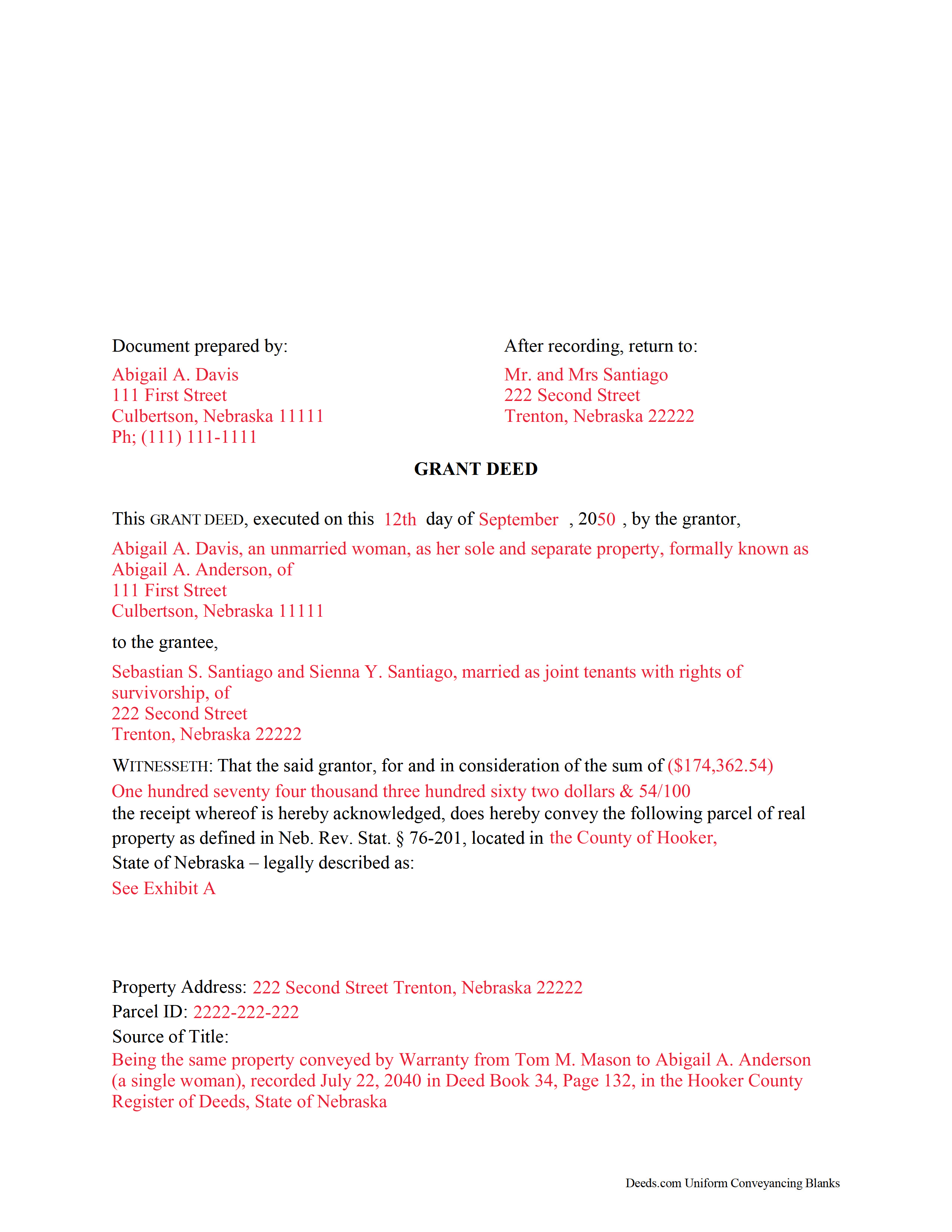
Douglas County Completed Example of the Grant Deed Document
Example of a properly completed form for reference.
All 3 documents above included • One-time purchase • No recurring fees
Immediate Download • Secure Checkout
Additional Nebraska and Douglas County documents included at no extra charge:
Where to Record Your Documents
Douglas County Register of Deeds
Omaha, Nebraska 68183
Hours: 8:00am to 4:30pm M-F / Filing until 3:15pm
Phone: (402) 444-7159
Recording Tips for Douglas County:
- Bring your driver's license or state-issued photo ID
- Ensure all signatures are in blue or black ink
- Ask about accepted payment methods when you call ahead
- Ask for certified copies if you need them for other transactions
- Ask if they accept credit cards - many offices are cash/check only
Cities and Jurisdictions in Douglas County
Properties in any of these areas use Douglas County forms:
- Bennington
- Boys Town
- Elkhorn
- Omaha
- Valley
- Waterloo
Hours, fees, requirements, and more for Douglas County
How do I get my forms?
Forms are available for immediate download after payment. The Douglas County forms will be in your account ready to download to your computer. An account is created for you during checkout if you don't have one. Forms are NOT emailed.
Are these forms guaranteed to be recordable in Douglas County?
Yes. Our form blanks are guaranteed to meet or exceed the applicable formatting requirements used for recording in Douglas County, including margin requirements, font requirements, and other layout standards. This guarantee applies to formatting, not to the legal sufficiency of information entered by the user or the suitability of a form for a particular transaction.
Can I reuse these forms?
Yes. You can reuse the forms for your personal use. For example, if you have multiple properties in Douglas County you only need to order once.
What do I need to use these forms?
The forms are PDFs that you fill out on your computer. The free Adobe Acrobat Reader is recommended, and most PDF apps also work. You do NOT enter your property information online - you download the blank forms and complete them privately on your own computer.
Are there any recurring fees?
No. This is a one-time purchase. Nothing to cancel, no memberships, no recurring fees.
How much does it cost to record in Douglas County?
Recording fees in Douglas County vary. Contact the recorder's office at (402) 444-7159 for current fees.
Questions answered? Let's get started!
Real property can be transferred from one party to another by executing a grant deed. Nebraska's statutory grant deed includes a covenant that the grantor has good title to the estate in quantity and quality which he purports to convey (Neb. Rev. Stat. 76-206).
A lawful grant deed includes the grantor's full name, mailing address, and marital status, and the grantee's full name, mailing address, marital status, and vesting. Vesting describes how the grantee holds title to the property. Generally, real property is owned in either sole ownership or in co-ownership.
For Nebraska residential property, the primary methods for holding title are tenancy in common and joint tenancy. A grant of ownership of real estate to two or more persons is presumed to create a tenancy in common, unless a joint tenancy is expressly stated (Neb. Rev. Stat. 76-118).
As with any conveyance of realty, a grant deed requires a complete legal description of the parcel. Recite the prior deed reference to maintain a clear chain of title, detail any restrictions associated with the property, and indicate whether the property is a homestead. The deed must meet all state and local standards of form and content for recorded documents.
Sign the deed in the presence of a notary public or other authorized official. Note that if the owner is married, both spouses must sign the form to release any potential marital rights to the land. For a valid transfer, file the deed at the recording office in the county where the property is located. Contact the same office to confirm accepted forms of payment.
All transfers of real property are subject to a documentary stamp tax. The tax is due at the time of recording. If the transfer is exempt under Neb. Rev. Stat. 76-902, note the reason on the face of the deed and fill out a certificate of exemption.
This article is provided for informational purposes only and is not a substitute for legal advice. Contact an attorney with questions about grant deeds, or for any other issues related to transfers of real property in Nebraska.
(Nebraska Grant Deed Package includes form, guidelines, and completed example)
Important: Your property must be located in Douglas County to use these forms. Documents should be recorded at the county recording office listed above.
This Grant Deed meets all recording requirements specific to Douglas County.
Our Promise
The documents you receive here are guaranteed to meet or exceed the applicable Douglas County recording format requirements. If there is a rejection caused by our formatting, we will correct the issue or refund your payment. This guarantee applies to document formatting only and does not extend to information entered by the user, the selection of the form, or the legal effect of the completed document.
Save Time and Money
Get your Douglas County Grant Deed form done right the first time with Deeds.com Uniform Conveyancing Blanks. At Deeds.com, we understand that your time and money are valuable resources, and we don't want you to face a penalty fee or rejection imposed by a county recorder for submitting nonstandard documents. We constantly review and update our forms to meet rapidly changing state and county recording requirements for roughly 3,500 counties and local jurisdictions.
4.8 out of 5 - ( 4,837 Reviews )
Annette L. 5 out of 5 stars
Wow -- amazingly fast turnaround and excellent customer service and communication. Thank you for saving me hours of time and effort!
We appreciate your business and value your feedback. Thank you. Have a wonderful day!
Donald P. 4 out of 5 stars
Very fast and efficient. Easy to fill out but was upset the latest tax exemptions ruled in 2014 did not seem to be included. Exclusion of sale to blood relatives, etc. _ the one I needed.
Thank you for your feedback. We really appreciate it. Have a great day!
SHIRLEY R. 5 out of 5 stars
This was Awesome!
We appreciate your business and value your feedback. Thank you. Have a wonderful day!
FRANK D. 5 out of 5 stars
Excellent software along with my other Will/Trust programs. I always use your program regarding deeds.
Thank you!
Ronald L. 3 out of 5 stars
There is not enough room on the form to describe my property which was taken directly from the previous deed. Other than that worked as expected.
Thank you for your feedback. We really appreciate it. Have a great day!
Gary F. 5 out of 5 stars
5 star review. Was able to order and download what I wanted in just a few minutes without any glitches.
Thank you for your feedback. We really appreciate it. Have a great day!
Barry C. 5 out of 5 stars
prompt, complete and efficient process --- kudos to you
Thank you so much Barry. Have a great day!
David R. 5 out of 5 stars
Very straightfoward and simple process. The submission of my artifact was completed within a half hour. The best part for me was the coverage/service-area that it included my jurisdiction
We are delighted to have been of service. Thank you for the positive review!
ARNOLD E. 5 out of 5 stars
SO FAR SO GOOD! I AM STILL COMPLETING THE QUIT CLAIM DEED. THANKS....ARNIE
Thank you Arnold, we really appreciate your feedback.
Glenn W. 5 out of 5 stars
I love this tool and it is easy to work with. The interface is straight forward and notifications are consistently accurate.
Thank you for your feedback. We really appreciate it. Have a great day!
James K. 5 out of 5 stars
Looks like a very professional site. I just don’t know what it would cost using this site.
Thanks for the kind words about the website James, sorry to hear that you could not find pricing information, we will try harder.
Wayne T. 5 out of 5 stars
I was skeptical when I first came upon this website. Not sure why I had such a negative feeling, but after I received the printed deed I felt relieved and completely satisfied. This is a great website for everyone who wouldn't want to retrieve their deed in person and worth the reasonable fee.
We appreciate your business and value your feedback. Thank you. Have a wonderful day!
Mary G. 5 out of 5 stars
Deeds.com was a fast and easy site to use the staff answered my questions online efficiently
Thank you!
Laureen M. 5 out of 5 stars
This service was extremely helpful. I truly appreciated the way I was communicated with every step of the way in getting my Deed recorded.
Thank you!
Gertrude F. 3 out of 5 stars
I like that DEEDS.com has a variety of forms tht I may need. However, I was disappointed that I am not able to save the PDF forms after I fill in the spaces. If I need to edit anything, I have to go back to the blank form and redo the whole thing. Perhap I am doing something wrong.
Thank you!