Grafton County Notice to Construction Lender Form
Last validated October 29, 2026 by our Forms Development TeamFormatted for recording in Grafton County, for property anywhere in the county: rural and unincorporated areas as well as Ashland, Bath, Bethlehem, Bristol, Campton, Canaan, Enfield, Enfield Center and 31 more.
- 3 documents included
- Immediate PDF download
- Formatting guarantee
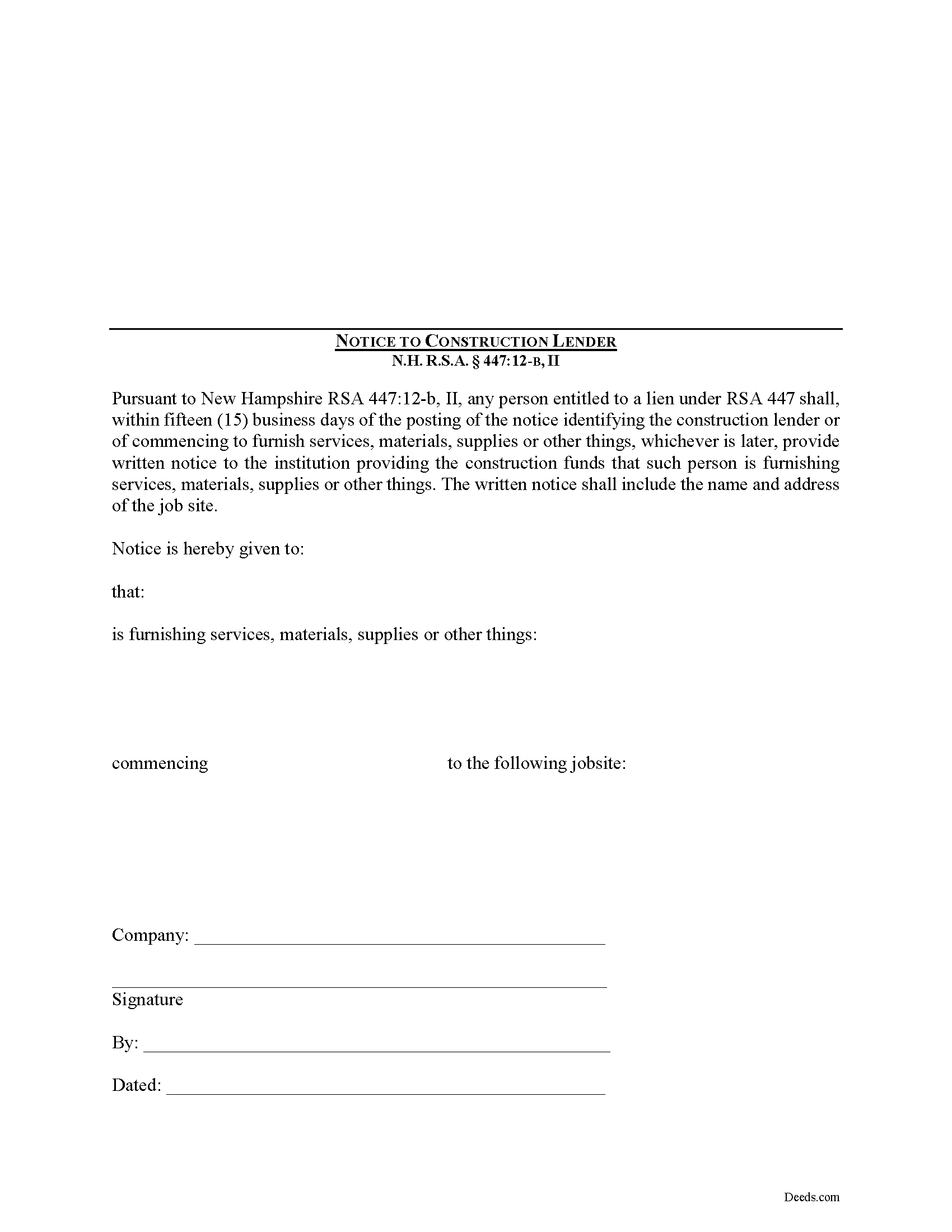
Grafton County Notice to Construction Lender Form
Fill in the blank Notice to Construction Lender form formatted to comply with all New Hampshire recording and content requirements.
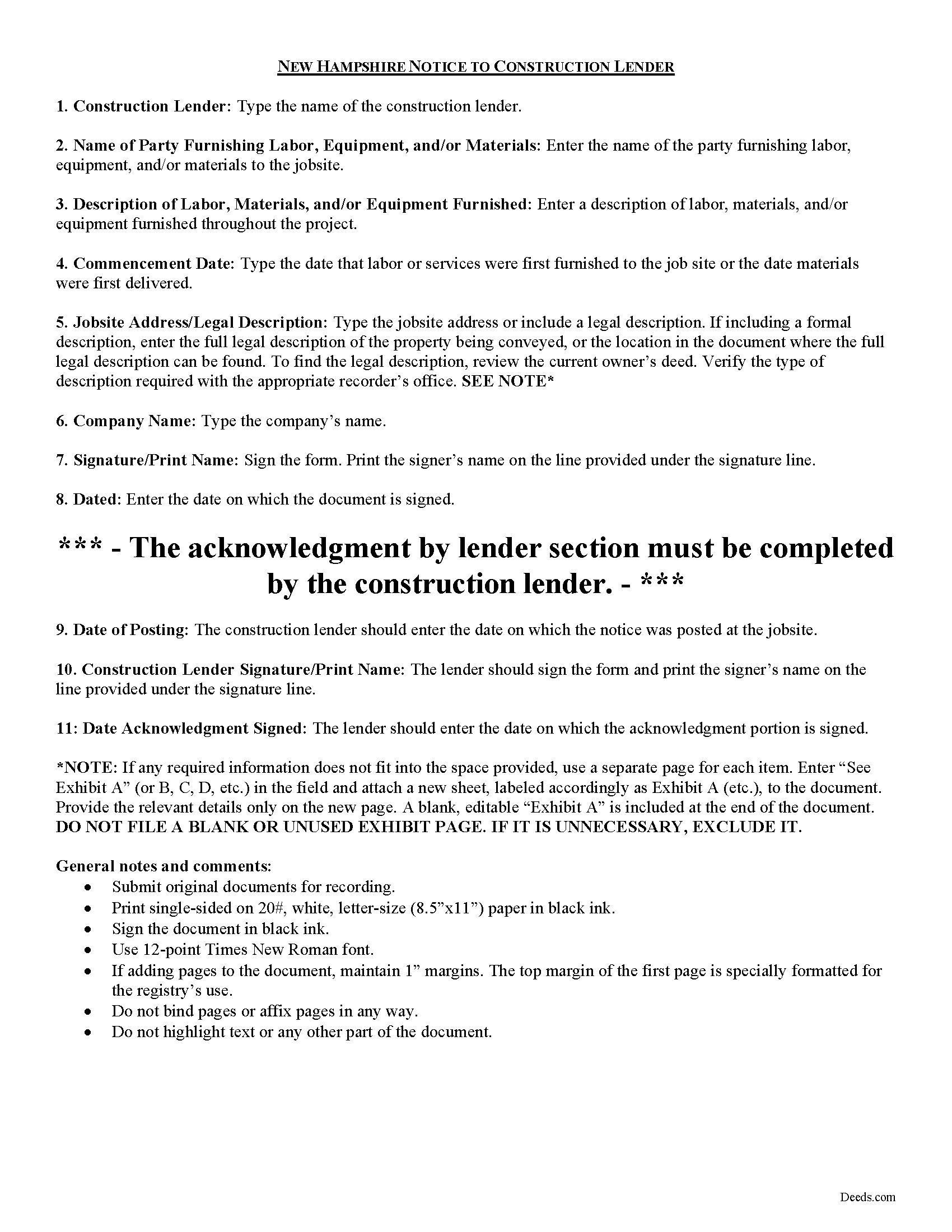
Grafton County Notice to Construction Lender Guide
Line by line guide explaining every blank on the form.
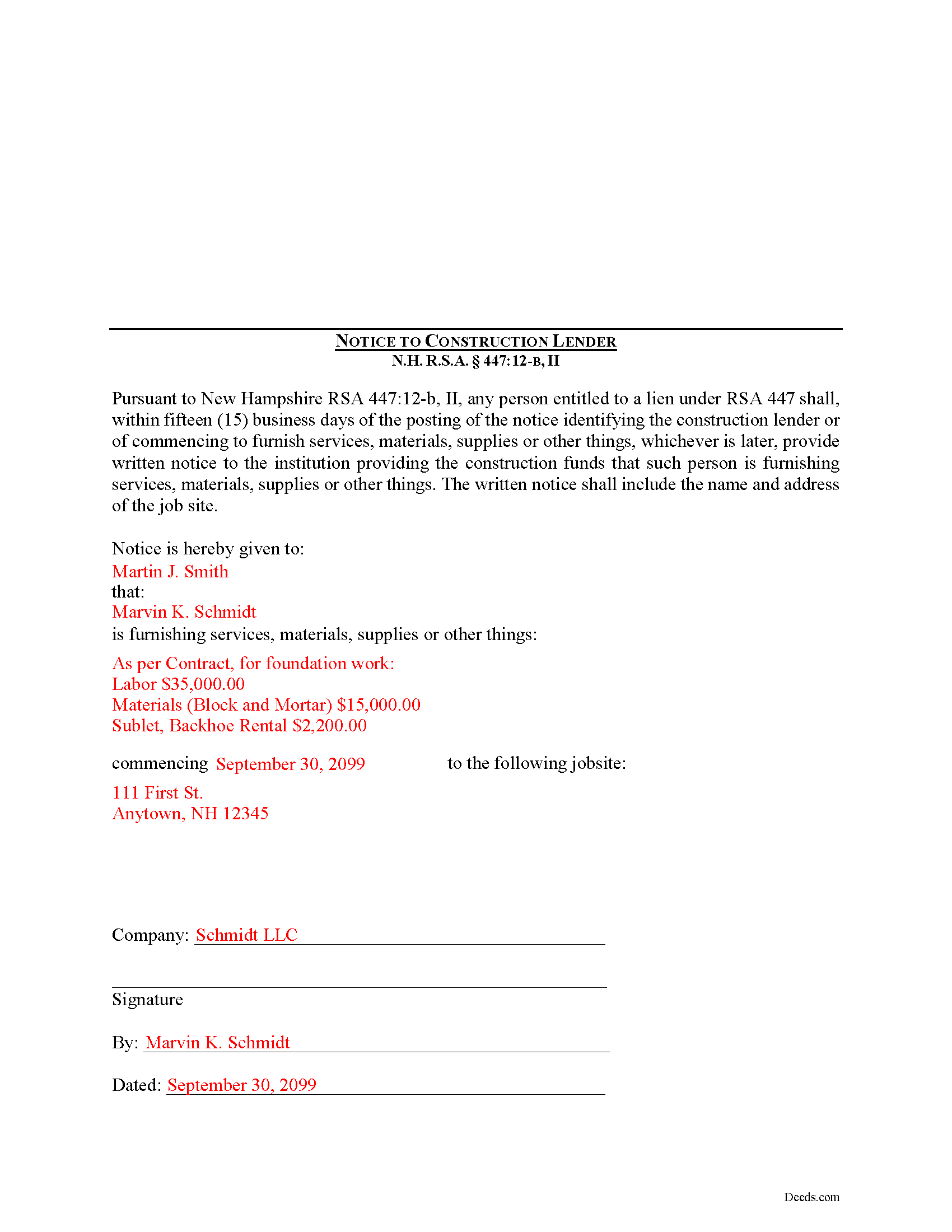
Grafton County Completed Example of the Notice to Construction Lender Document
Example of a properly completed form for reference.
All 3 documents above included • One-time purchase • No recurring fees
Immediate Download • Secure Checkout
Additional New Hampshire and Grafton County documents included at no extra charge:
Where to Record Your Documents
Registry of Deeds
North Haverhill, New Hampshire 03774
Hours: 8:00am - 4:00pm M-F / Recording until 3:30 PM
Phone: (603) 787-6921
Recording Tips for Grafton County:
- Bring your driver's license or state-issued photo ID
- Ensure all signatures are in blue or black ink
- White-out or correction fluid may cause rejection
- Ask about their eRecording option for future transactions
- Avoid the last business day of the month when possible
Cities and Jurisdictions in Grafton County
Properties in any of these areas use Grafton County forms:
- Ashland
- Bath
- Bethlehem
- Bristol
- Campton
- Canaan
- Enfield
- Enfield Center
- Etna
- Franconia
- Glencliff
- Grafton
- Hanover
- Haverhill
- Hebron
- Holderness
- Lebanon
- Lincoln
- Lisbon
- Littleton
- Lyme
- Lyme Center
- Monroe
- North Haverhill
- North Woodstock
- Orford
- Piermont
- Pike
- Plymouth
- Rumney
- Stinson Lake
- Sugar Hill
- Thornton
- Warren
- Waterville Valley
- Wentworth
- West Lebanon
- Woodstock
- Woodsville
Hours, fees, requirements, and more for Grafton County
How do I get my forms?
Forms are available for immediate download after payment. The Grafton County forms will be in your account ready to download to your computer. An account is created for you during checkout if you don't have one. Forms are NOT emailed.
Are these forms guaranteed to be recordable in Grafton County?
Yes. Our form blanks are guaranteed to meet or exceed the applicable formatting requirements used for recording in Grafton County, including margin requirements, font requirements, and other layout standards. This guarantee applies to formatting, not to the legal sufficiency of information entered by the user or the suitability of a form for a particular transaction.
Can I reuse these forms?
Yes. You can reuse the forms for your personal use. For example, if you have multiple properties in Grafton County you only need to order once.
What do I need to use these forms?
The forms are PDFs that you fill out on your computer. The free Adobe Acrobat Reader is recommended, and most PDF apps also work. You do NOT enter your property information online - you download the blank forms and complete them privately on your own computer.
Are there any recurring fees?
No. This is a one-time purchase. Nothing to cancel, no memberships, no recurring fees.
How much does it cost to record in Grafton County?
Recording fees in Grafton County vary. Contact the recorder's office at (603) 787-6921 for current fees.
Questions answered? Let's get started!
Proving Notice to Construction Lender in New Hampshire
Construction liens are governed by Chapter 447 of the New Hampshire Statutes.
Pursuant to New Hampshire RSA 447:12-b, II, any person entitled to a lien under RSA 447 shall, within fifteen (15) business days of the posting of the notice identifying the construction lender or of commencing to furnish services, materials, supplies or other things, whichever is later, provide written notice, via USPS Certified Mail with return receipt, to the institution providing the construction funds.
The notice states that such person is furnishing services, materials, supplies or other things necessary for the project. It identifies the parties, lists relevant dates, and includes the name and address of the job site. Failure to provide the notice required by this paragraph shall not alone invalidate the lien created by RSA 447:2-7. Id.
This article is offered for informational purposes only and is not legal advice. This information should not be relied upon as a substitute for speaking with an attorney. Please speak with an attorney familiar with lien laws for questions regarding required notifications to a construction lender or any other issues related to liens in New Hampshire.
Important: Your property must be located in Grafton County to use these forms. Documents should be recorded at the county recording office listed above.
This Notice to Construction Lender meets all recording requirements specific to Grafton County.
Our Promise
The documents you receive here are guaranteed to meet or exceed the applicable Grafton County recording format requirements. If there is a rejection caused by our formatting, we will correct the issue or refund your payment. This guarantee applies to document formatting only and does not extend to information entered by the user, the selection of the form, or the legal effect of the completed document.
Save Time and Money
Get your Grafton County Notice to Construction Lender form done right the first time with Deeds.com Uniform Conveyancing Blanks. At Deeds.com, we understand that your time and money are valuable resources, and we don't want you to face a penalty fee or rejection imposed by a county recorder for submitting nonstandard documents. We constantly review and update our forms to meet rapidly changing state and county recording requirements for roughly 3,500 counties and local jurisdictions.
4.8 out of 5 - ( 4,843 Reviews )
april m. 2 out of 5 stars
Could not give me any deed history prior to 1986, when our company bought the property, so this was a bust.
Thank you for your feedback April. Have a great day.
RICK M. 5 out of 5 stars
great
Thank you!
J Samuel B. 4 out of 5 stars
Good, but make your PDFs convertible to Word or RTF.
Thank you for your feedback. It helps us continue improving.
Jennifer O. 5 out of 5 stars
Quick, easy, affordable, eliminated the need for a lawyer.
Thank you for your feedback. We really appreciate it. Have a great day!
Susan C. 5 out of 5 stars
easy to use to get copy of documents. given your website by recorder in the country offices.
Thank you Susan, we appreciate your feedback.
John B. 5 out of 5 stars
Simply amazing. I had absolutely no idea how to properly file a deed, until someone told me about deeds.com. It's just such a well designed service, with fantastic customer support, and speed. Bravo to everyone at deeds.
We appreciate your business and value your feedback. Thank you. Have a wonderful day!
Jose S. 5 out of 5 stars
Thank you so very much I live in Texas but I Owned a home in Indiana with your help I could never get those paper that I need to change the ownership in Indiana. You have a great site.
Thank you!
Regina G. 5 out of 5 stars
Very good customer service. Would recommend them highly.
Thank you!
Richard O. 4 out of 5 stars
It has an easy-to-use interface and well-formatted, detailed forms. Consider adding AI agents to assist in completing these forms from data provided or available from public sources. Overall, I am very satisfied!
Your feedback is greatly appreciated. Thank you for taking the time to share your experience!
Nancy A. 5 out of 5 stars
This is an excellent resource. I was surprised because the price is so low I thought the products might be inferior. Not only were were the requested documents high quality, additional unrequested documents were added to my order that I didn't realize I would need until I read them. I especially appreciate that all the documents were specific to my county. I highly recommend using deeds.com.
Your satisfaction with our services is of utmost importance to us. Thank you for letting us know how we did!
Marie A. 5 out of 5 stars
Easy to download, helpful information and forms quick when you need them. Thank you Deeds.com.
Thank you Marie!
John H. 5 out of 5 stars
This was pretty easy especially for a old guy like me.
Thanks John, glad we could help!
Claudia H. 5 out of 5 stars
***** Have not used this option before. Found it easy to use and understand. Cost was reasonable and options on recording helpful. Would use again in a heartbeat.
We appreciate your business and value your feedback. Thank you. Have a wonderful day!
Diane C. 5 out of 5 stars
Hey, great job! Love these forms. They make the process really easy.
Great to hear Diane, have a fantastic day!
James P. 5 out of 5 stars
I wish I used this site more often. The format is pretty easy but the messages were invaluable and the staff were great. I was able to complete my transaction in a Covid environment from the security of my own home. Great service and tools!
Thank you for your feedback. We really appreciate it. Have a great day!