Sussex County Termination of Easement Form
Last validated October 6, 2026 by our Forms Development TeamFormatted for recording in Sussex County, for property anywhere in the county: rural and unincorporated areas as well as Andover, Augusta, Branchville, Franklin, Glasser, Glenwood, Greendell, Hamburg and 18 more.
- 3 documents included
- Immediate PDF download
- Formatting guarantee
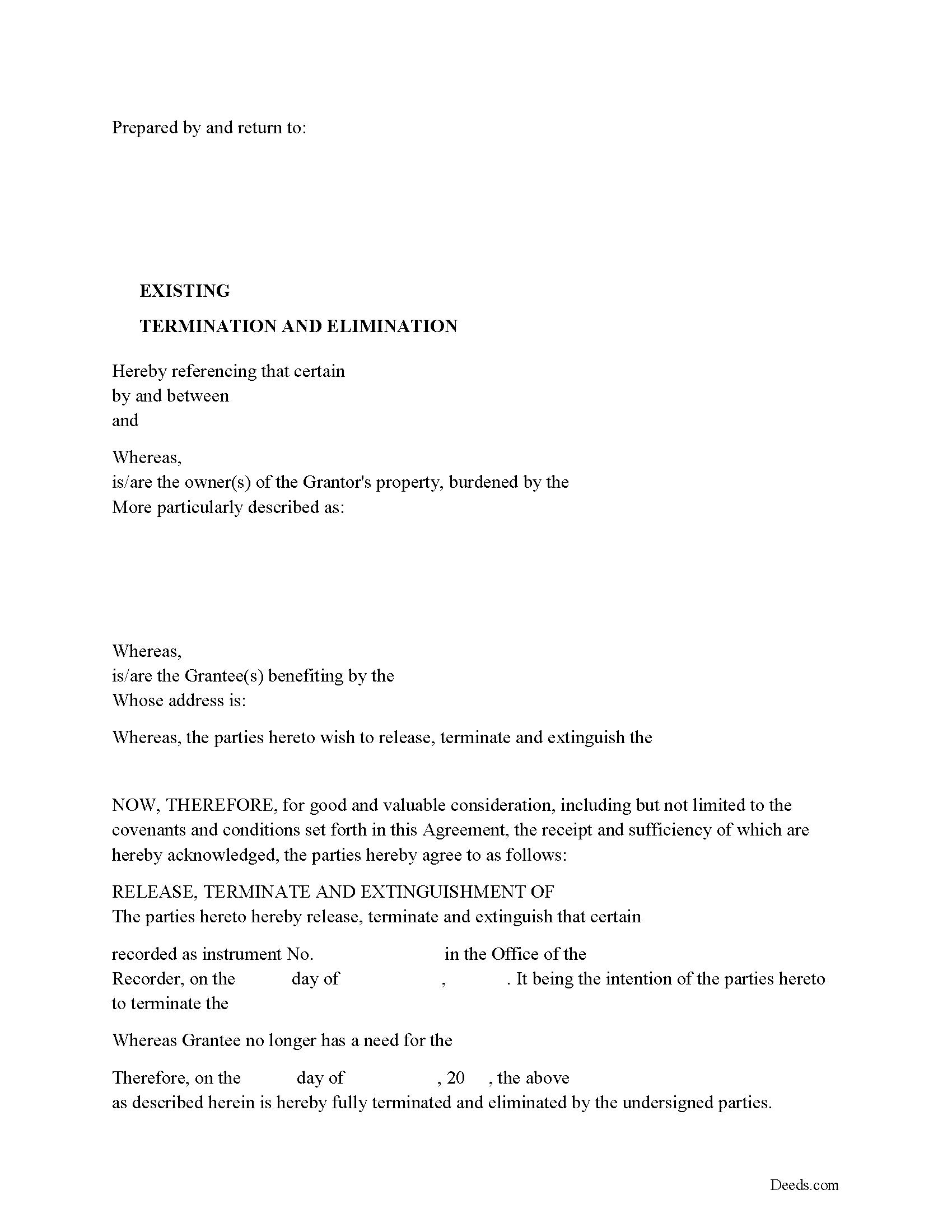
Sussex County Release of Easement, Right of Way Form
Fill in the blank form formatted to comply with all recording and content requirements.
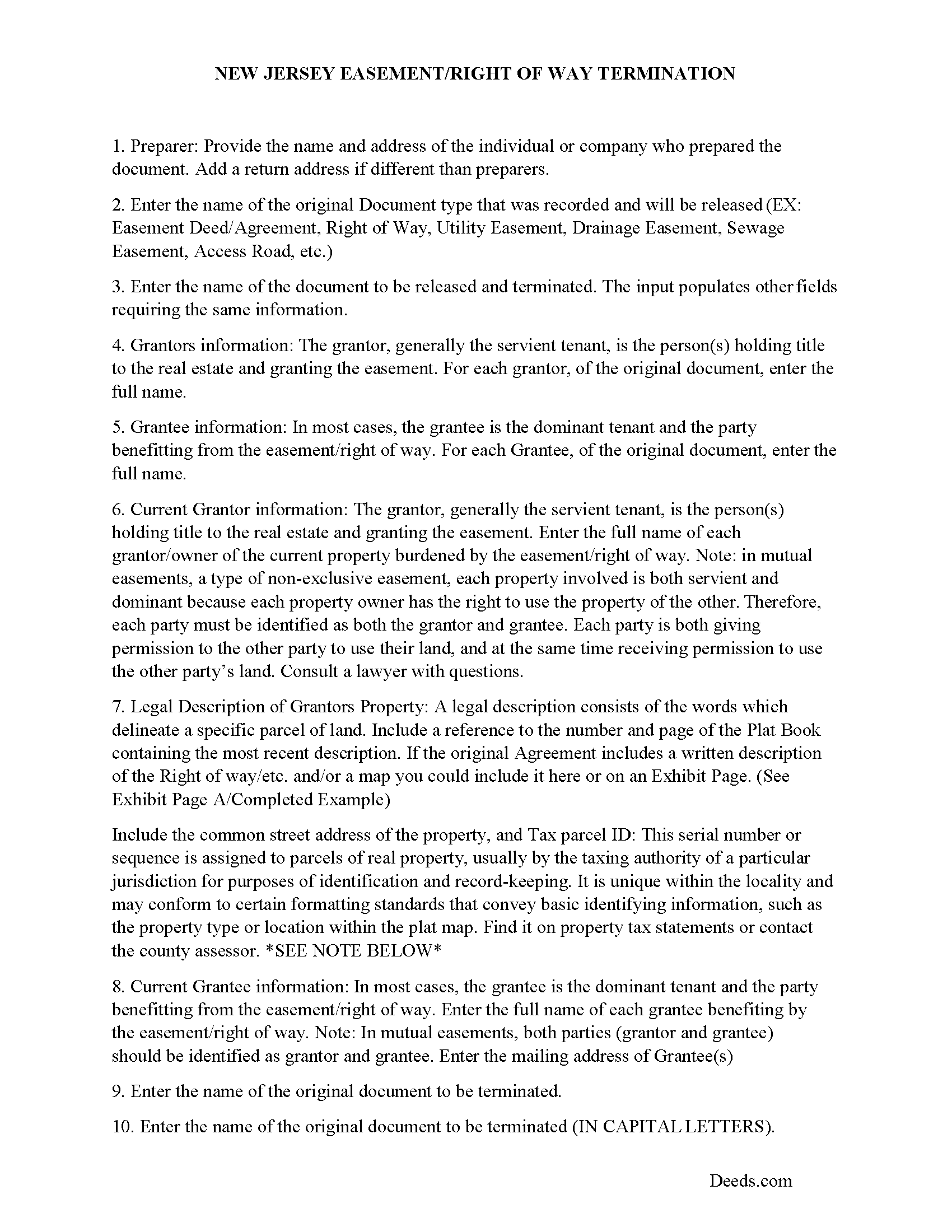
Sussex County Guidelines for Release of Easement
Line by line guide explaining every blank on the form.
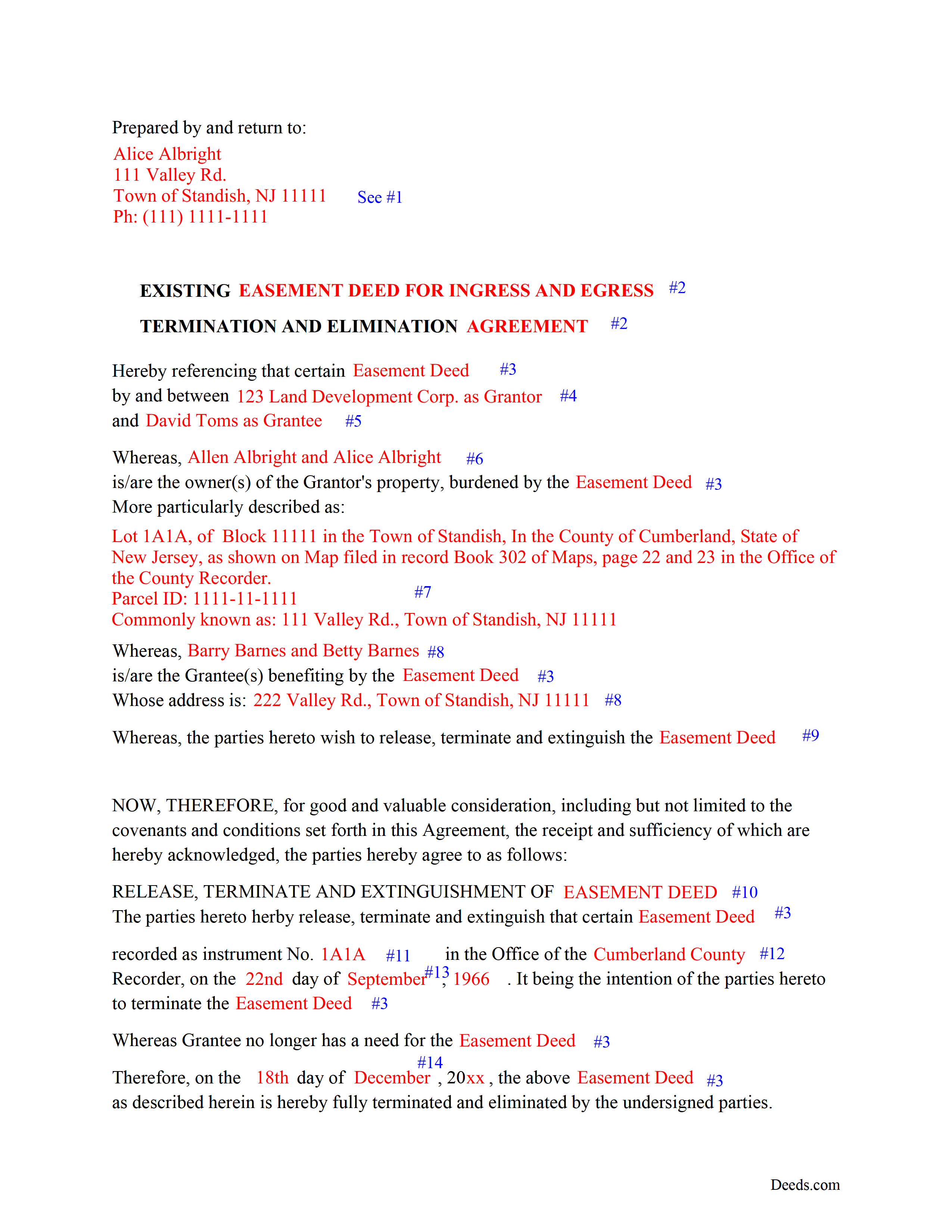
Sussex County Completed Example of the Release of Easement Document
Example of a properly completed form for reference.
All 3 documents above included • One-time purchase • No recurring fees
Immediate Download • Secure Checkout
Additional New Jersey and Sussex County documents included at no extra charge:
Where to Record Your Documents
Sussex County Clerk
Newton, New Jersey 07860
Hours: 8:00 to 4:00 M-F / first Monday of month until 6:00
Phone: (973) 579-0900
Recording Tips for Sussex County:
- Bring your driver's license or state-issued photo ID
- Ensure all signatures are in blue or black ink
- Check that your notary's commission hasn't expired
- Documents must be on 8.5 x 11 inch white paper
- Double-check legal descriptions match your existing deed
Cities and Jurisdictions in Sussex County
Properties in any of these areas use Sussex County forms:
- Andover
- Augusta
- Branchville
- Franklin
- Glasser
- Glenwood
- Greendell
- Hamburg
- Highland Lakes
- Hopatcong
- Lafayette
- Layton
- Mc Afee
- Middleville
- Montague
- Newton
- Ogdensburg
- Sparta
- Stanhope
- Stillwater
- Stockholm
- Sussex
- Swartswood
- Tranquility
- Vernon
- Wallpack Center
Hours, fees, requirements, and more for Sussex County
How do I get my forms?
Forms are available for immediate download after payment. The Sussex County forms will be in your account ready to download to your computer. An account is created for you during checkout if you don't have one. Forms are NOT emailed.
Are these forms guaranteed to be recordable in Sussex County?
Yes. Our form blanks are guaranteed to meet or exceed the applicable formatting requirements used for recording in Sussex County, including margin requirements, font requirements, and other layout standards. This guarantee applies to formatting, not to the legal sufficiency of information entered by the user or the suitability of a form for a particular transaction.
Can I reuse these forms?
Yes. You can reuse the forms for your personal use. For example, if you have multiple properties in Sussex County you only need to order once.
What do I need to use these forms?
The forms are PDFs that you fill out on your computer. The free Adobe Acrobat Reader is recommended, and most PDF apps also work. You do NOT enter your property information online - you download the blank forms and complete them privately on your own computer.
Are there any recurring fees?
No. This is a one-time purchase. Nothing to cancel, no memberships, no recurring fees.
How much does it cost to record in Sussex County?
Recording fees in Sussex County vary. Contact the recorder's office at (973) 579-0900 for current fees.
Questions answered? Let's get started!
Use this form to release, terminate, extinguish a previously recorded document that involves access to and from a property.
Documents such as:
1. Easement Deeds or Agreements (An easement is a non-possessory interest in land, granting the right to use someone else's property for a specific purpose, like a driveway or utility line)
2. Access Roads
3. Right of Ways
4. Utility Easements (Power, Gas, Water, Sewer, Etc.)
5. Drainage Easements
This document allows the owner of the land, burdened by the access and the party that benefits from the access, to sign an agreement releasing the property from such access, under the premises the benefiting party no longer needs access. Once the easement is successfully terminated and the release is recorded, it should be reflected in the title records for the property, effectively removing the easement from the property's title.
(NJ Termination of Easement Package includes form, guidelines, and completed example)
Important: Your property must be located in Sussex County to use these forms. Documents should be recorded at the county recording office listed above.
This Termination of Easement meets all recording requirements specific to Sussex County.
Our Promise
The documents you receive here are guaranteed to meet or exceed the applicable Sussex County recording format requirements. If there is a rejection caused by our formatting, we will correct the issue or refund your payment. This guarantee applies to document formatting only and does not extend to information entered by the user, the selection of the form, or the legal effect of the completed document.
Save Time and Money
Get your Sussex County Termination of Easement form done right the first time with Deeds.com Uniform Conveyancing Blanks. At Deeds.com, we understand that your time and money are valuable resources, and we don't want you to face a penalty fee or rejection imposed by a county recorder for submitting nonstandard documents. We constantly review and update our forms to meet rapidly changing state and county recording requirements for roughly 3,500 counties and local jurisdictions.
4.8 out of 5 - ( 4,828 Reviews )
Kevin C. 3 out of 5 stars
Nice site but $30 to download a blank form is a bit much.
Thank you for your feedback. We really appreciate it. Have a great day!
Stephen B. 1 out of 5 stars
5 stars. Licensed to practice law for 25 years in multiple jurisdictions, the most dreaded part of doing what you already know how to do is researching again to make sure the legislatures have not changed the rules while you were doing something else. 22 bucks for this package is one hell of a deal and a real timesaver. Many thanks.
Thank you for your feedback. We really appreciate it. Have a great day!
Donald H. 5 out of 5 stars
EXCELLENT,,super good. Quick & easy
Thank you!
Christopher S. 5 out of 5 stars
very easy to use, and comprehensive...I like the e-recording package
We are grateful for your feedback and looking forward to serving you again. Thank you!
Gladys F. 5 out of 5 stars
The process was very friendly and easy to use. I appreciated the status updates as well as clear instructions on what was needed to get the file ready for recording.
Thank you!
Lori W. 5 out of 5 stars
Great resource! Nice to have these forms and information available. No problems at the recorder, in fact it was the recorder that referred me to deeds.com they like their forms so much.
Thank you for your feedback. We really appreciate it. Have a great day!
Michael D. 5 out of 5 stars
Your Guide is very good but does not explain precisely where one can find the Instrument Number for the originally filed Claim of Lien.
Thank you for your feedback. We really appreciate it. Have a great day!
JoAnn L. 5 out of 5 stars
The process was easy, and efficient. There was a person available to help if needed. Very pleased, would use this again.
Thank you!
Donna C. 5 out of 5 stars
Easy to use.
Thank you!
Charles D. 5 out of 5 stars
The included instructions and example made the document easy to complete. And the additional documents for no additional charge were nice.
Thank you for your feedback. We really appreciate it. Have a great day!
Jeramy A. 5 out of 5 stars
Excellent source of information and forms. Deeds.com had exactly what I've been looking for and even had guides to filling out the forms.
We appreciate your business and value your feedback. Thank you. Have a wonderful day!
Cliff S. 5 out of 5 stars
Worked great. Count Clerk and Recorder liked them and we got the job done.
We’re always here to help. Thank you for your feedback.
Michael L. 5 out of 5 stars
Pretty good stuff, not exactly clear on the deed transfer costs and all
Thank you for your feedback. We really appreciate it. Have a great day!
Terri B. 4 out of 5 stars
It's worth the money. I would like to have seen a variety of examples showing different scenarios for completing a quitclaim deed.
Thank you!
John B. 5 out of 5 stars
I bought a Quitclaim Deed package for Fayette County, Kentucky, to transfer my house into a Living Trust that I had set up previously. Creating my Quitclaim Deed was pretty straightforward, using the form, the instructions, and the sample Quitclaim Deed. I signed my Quitclaim Deed at a nearby Notary Public, then took it to the Fayette County Clerk's office to be recorded. The clerk there asked me to make two small changes to the Quitclaim Deed, which she let me do in pen on the spot: * In the signature block for the receiver of the property, filled in "Capacity" as "Grantee as Trustee ______________________________ Living Trust". * In the notary's section, changed "were acknowledged before me" to "were acknowledged and sworn to before me".
Thank you for your feedback. We really appreciate it. Have a great day!