Otero County Notice of Administration Form
Last validated October 2, 2026 by our Forms Development TeamFormatted for recording in Otero County, for property anywhere in the county: rural and unincorporated areas as well as Alamogordo, Bent, Cloudcroft, High Rolls Mountain Park, Holloman Air Force Base, La Luz, Mayhill, Mescalero and 7 more.
- 3 documents included
- Immediate PDF download
- Formatting guarantee
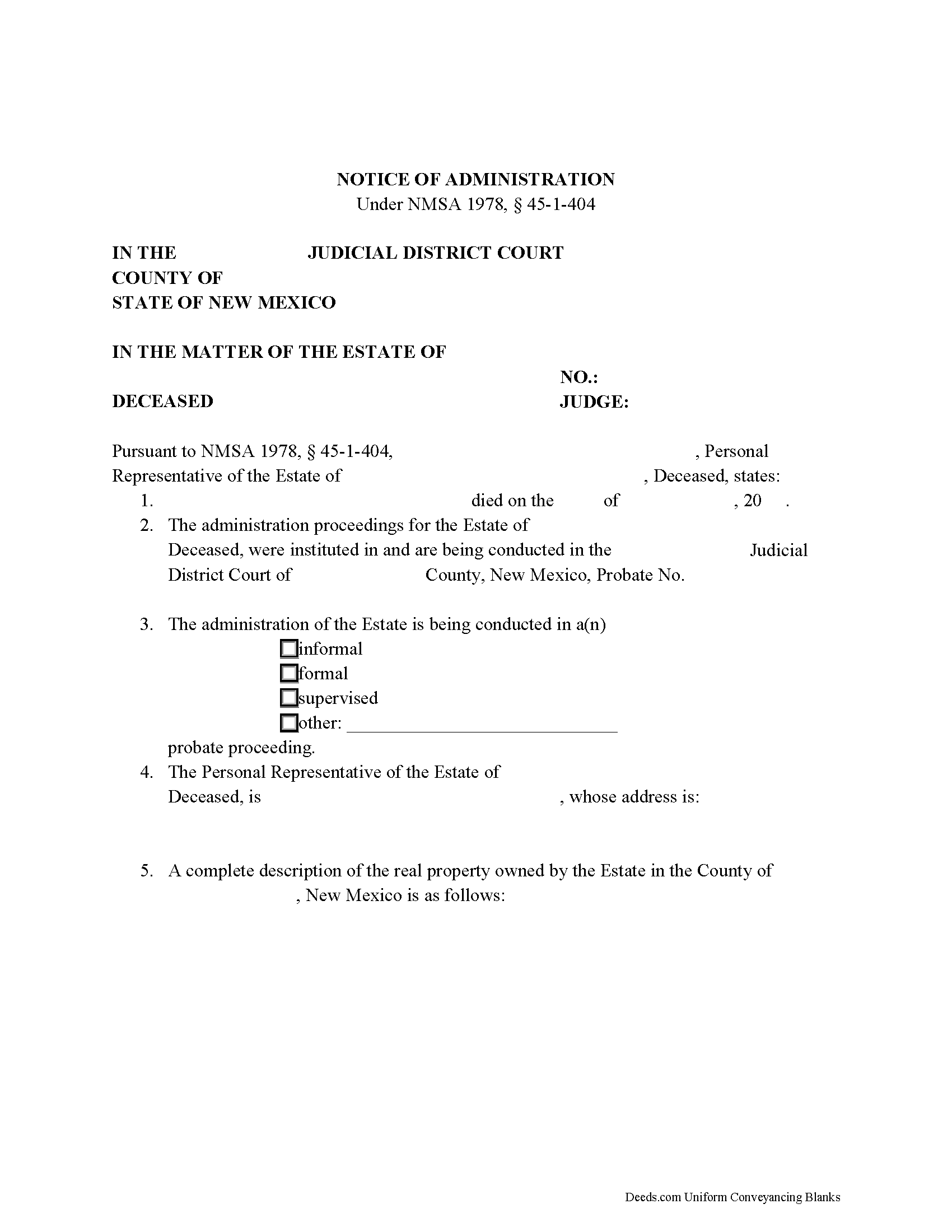
Otero County Notice of Administration Form
Fill in the blank form formatted to comply with all recording and content requirements.
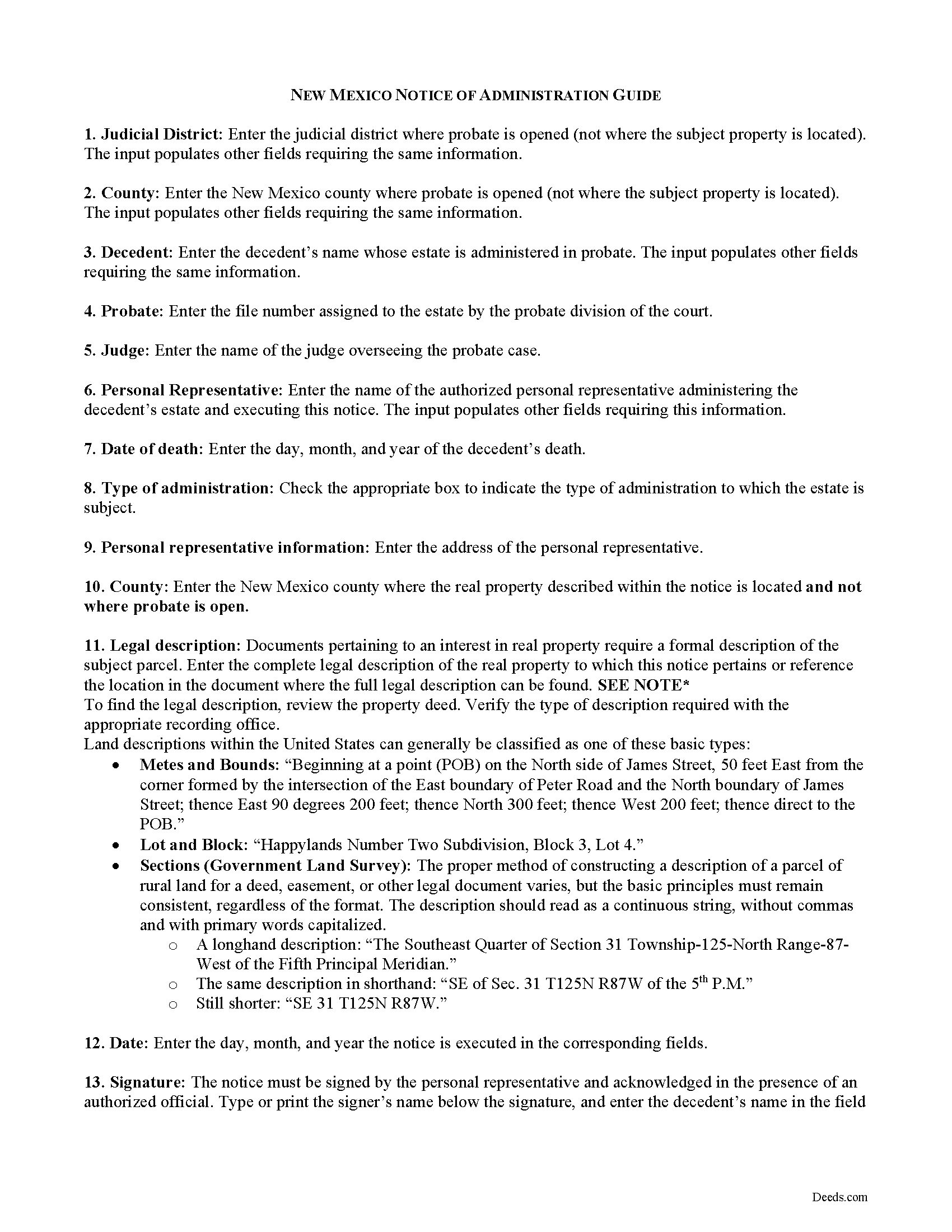
Otero County Notice of Administration Guide
Line by line guide explaining every blank on the form.
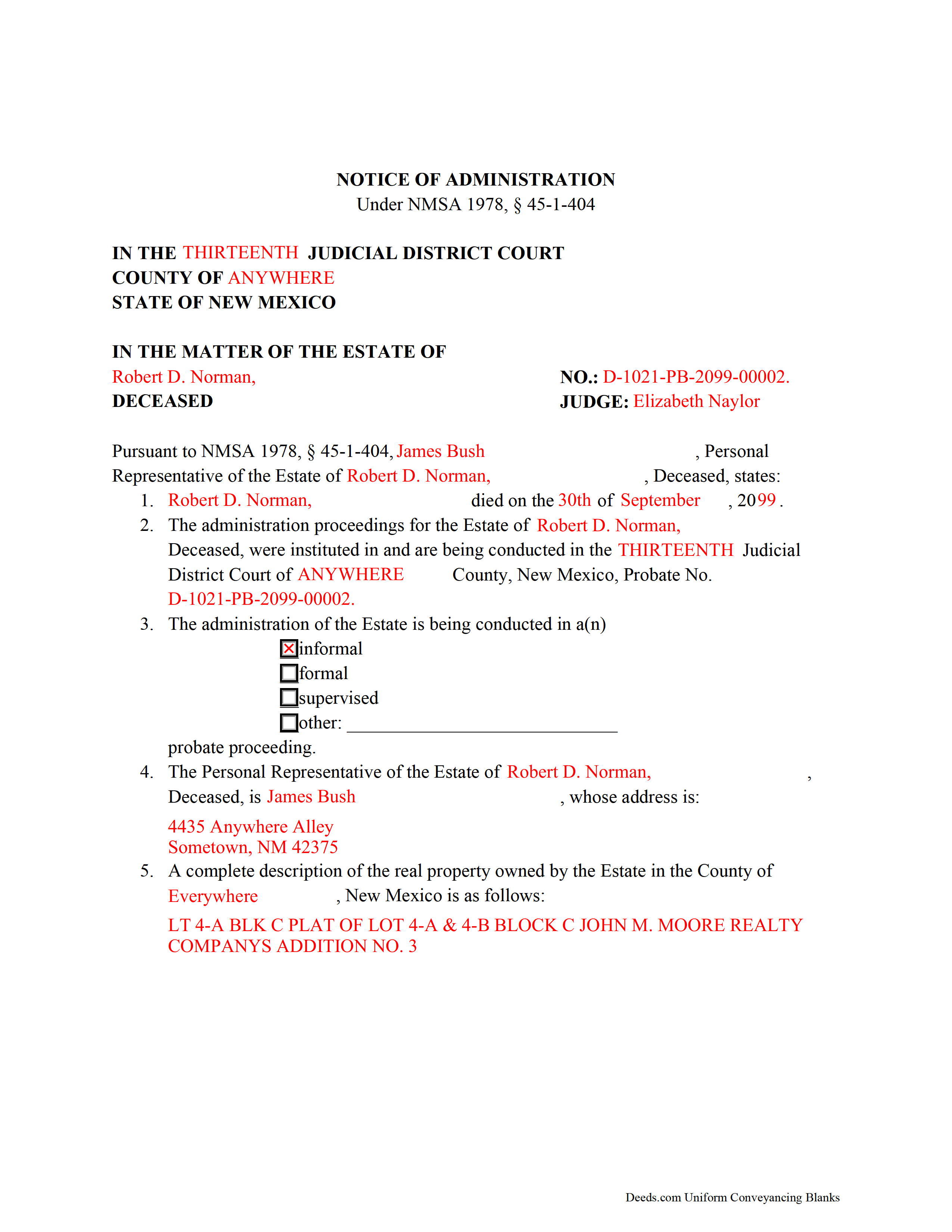
Otero County Completed Example of the Notice of Administration Document
Example of a properly completed form for reference.
All 3 documents above included • One-time purchase • No recurring fees
Immediate Download • Secure Checkout
Additional New Mexico and Otero County documents included at no extra charge:
Where to Record Your Documents
Otero County Clerk
Alamogordo, New Mexico 88310
Hours: 7:30 to 6:00 M-F
Phone: (575) 437-4942
Recording Tips for Otero County:
- Bring your driver's license or state-issued photo ID
- Ensure all signatures are in blue or black ink
- Double-check legal descriptions match your existing deed
- Verify all names are spelled correctly before recording
- White-out or correction fluid may cause rejection
Cities and Jurisdictions in Otero County
Properties in any of these areas use Otero County forms:
- Alamogordo
- Bent
- Cloudcroft
- High Rolls Mountain Park
- Holloman Air Force Base
- La Luz
- Mayhill
- Mescalero
- Orogrande
- Pinon
- Sacramento
- Sunspot
- Timberon
- Tularosa
- Weed
Hours, fees, requirements, and more for Otero County
How do I get my forms?
Forms are available for immediate download after payment. The Otero County forms will be in your account ready to download to your computer. An account is created for you during checkout if you don't have one. Forms are NOT emailed.
Are these forms guaranteed to be recordable in Otero County?
Yes. Our form blanks are guaranteed to meet or exceed the applicable formatting requirements used for recording in Otero County, including margin requirements, font requirements, and other layout standards. This guarantee applies to formatting, not to the legal sufficiency of information entered by the user or the suitability of a form for a particular transaction.
Can I reuse these forms?
Yes. You can reuse the forms for your personal use. For example, if you have multiple properties in Otero County you only need to order once.
What do I need to use these forms?
The forms are PDFs that you fill out on your computer. The free Adobe Acrobat Reader is recommended, and most PDF apps also work. You do NOT enter your property information online - you download the blank forms and complete them privately on your own computer.
Are there any recurring fees?
No. This is a one-time purchase. Nothing to cancel, no memberships, no recurring fees.
How much does it cost to record in Otero County?
Recording fees in Otero County vary. Contact the recorder's office at (575) 437-4942 for current fees.
Questions answered? Let's get started!
Probate, or the court supervised process of settling and distributing a decedent's estate, is commenced in the county where the decedent maintained a primary residence at the time of his or her death. What happens, though, when a decedent owned real property in New Mexico outside their county of residence?
For those situations, the estate's personal representative, (the fiduciary appointed by the court to administer the estate), is required to execute and file a statutory Notice of Administration under NMSA 1978, 45-1-404 in the county clerk's office where the property is situated.
The notice states the name of the decedent, the title and docket number of the administration proceedings, a description of the type of administration, the court where the administration is commenced, the personal representative's name, title, and address, and a complete legal description of the real property.
The personal representative signs the notice in the presence of a notary public before submitting it for recording. Once recorded in the conveyancing records where the property is located, no other documentation is required concerning the estate's administration in that county (45-1-404(B)).
Along with meeting the statutory content requirements, the document should meet all state and county formatting standards for documents relating to real property. A copy of the notice may be filed in the probate records of the county where probate is opened, though this is not necessary.
Consult an attorney with questions related to probate proceedings and Notices of Administration in New Mexico.
(New Mexico NOA Package includes form, guidelines, and completed example)
Important: Your property must be located in Otero County to use these forms. Documents should be recorded at the county recording office listed above.
This Notice of Administration meets all recording requirements specific to Otero County.
Our Promise
The documents you receive here are guaranteed to meet or exceed the applicable Otero County recording format requirements. If there is a rejection caused by our formatting, we will correct the issue or refund your payment. This guarantee applies to document formatting only and does not extend to information entered by the user, the selection of the form, or the legal effect of the completed document.
Save Time and Money
Get your Otero County Notice of Administration form done right the first time with Deeds.com Uniform Conveyancing Blanks. At Deeds.com, we understand that your time and money are valuable resources, and we don't want you to face a penalty fee or rejection imposed by a county recorder for submitting nonstandard documents. We constantly review and update our forms to meet rapidly changing state and county recording requirements for roughly 3,500 counties and local jurisdictions.
4.8 out of 5 - ( 4,829 Reviews )
Sharon D. 5 out of 5 stars
Very easy to understand forms...
We appreciate your business and value your feedback. Thank you. Have a wonderful day!
Jim H. 5 out of 5 stars
Well written form, and the guidance document and example supplied were very helpful.
Thank you!
Jeannette C. 5 out of 5 stars
Very useful service! This was easy and quick. It guides you through each step and emails update you during the process. Will use again!
Thank you!
Rachel C. 5 out of 5 stars
This service is a game-changer. I work all over and being able to e-record so easily has been so effective for my business.
Thank you for your feedback. We really appreciate it. Have a great day!
Kerrin S. 5 out of 5 stars
Wow, this was so easy & helpful. I didn't get it finished in time for recording, so I'm still waiting on that part, but the rest was simple and straight-forward. Thanks!
Thank you!
Kim H. 5 out of 5 stars
Great site. quick turnaround and communication. I needed an exception that they told me I needed and where to get the info within hours. I returned warranty deed with exception and the deed was recorded the same day! Great turnaround!
Thank you for your feedback. We really appreciate it. Have a great day!
Robert B. 5 out of 5 stars
Couldn't be more simple. Good product
Thank you!
Susan K. 5 out of 5 stars
They were unable to complete the task and my money was immediately refunded.
Thank you for your feedback Susan, sorry we were unable to assist.
Amy R. 5 out of 5 stars
Forms I was looking for were easy to find, easy to download and accessible at any time in my account.
We are grateful for your feedback and looking forward to serving you again. Thank you!
Frank T. 5 out of 5 stars
Great service, fast easy to use, accurate forms for our project. Thank you. FTM
Thank you for your feedback. We really appreciate it. Have a great day!
BILL G. 5 out of 5 stars
Slick
Thank you!
Deborah K. 5 out of 5 stars
great job but, I wanted to upload a document. I got it wrong, but the info was good.
Thank you!
Michele S. 4 out of 5 stars
This is a great service if you know what youre looking for. Unfortunately it just wasnt right for me and my situation.
Thank you!
Jeffrey S. 5 out of 5 stars
Web site was clear to understand and easy to use. Found what I needed quickly and crossed it off my to do list. Thanks, JS
We are grateful for your feedback and looking forward to serving you again. Thank you!
catherine c. 5 out of 5 stars
very efficient with communication and follow-up(s) will be using again, thank you!:)
Thank you!