Essex County Executor Deed Form
Last validated September 4, 2026 by our Forms Development TeamFormatted for recording in Essex County, for property anywhere in the county: rural and unincorporated areas as well as Bloomingdale, Crown Point, Elizabethtown, Essex, Jay, Keene, Keene Valley, Lake Placid and 21 more.
- 3 documents included
- Immediate PDF download
- Formatting guarantee
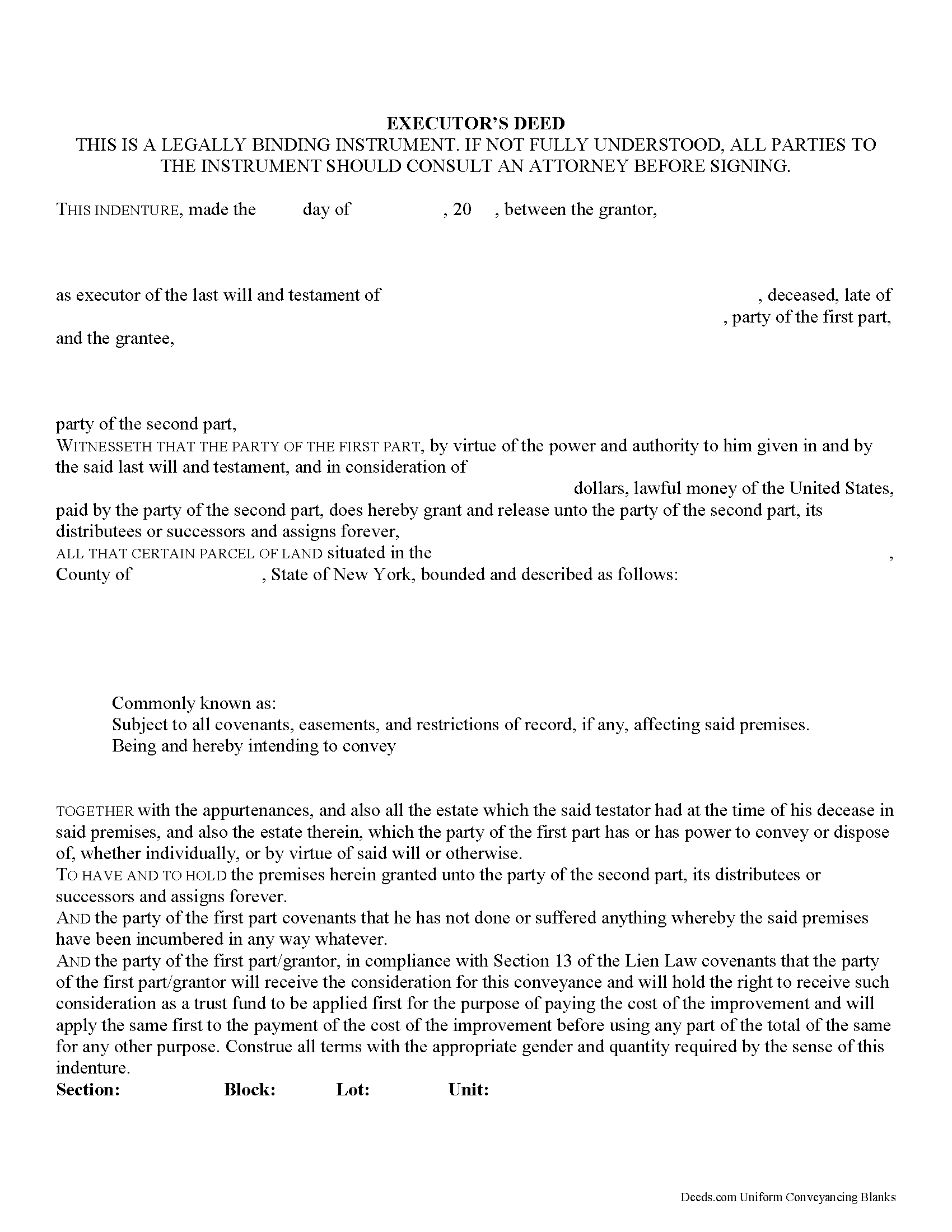
Essex County Executor Deed Form
Fill in the blank form formatted to comply with all recording and content requirements.
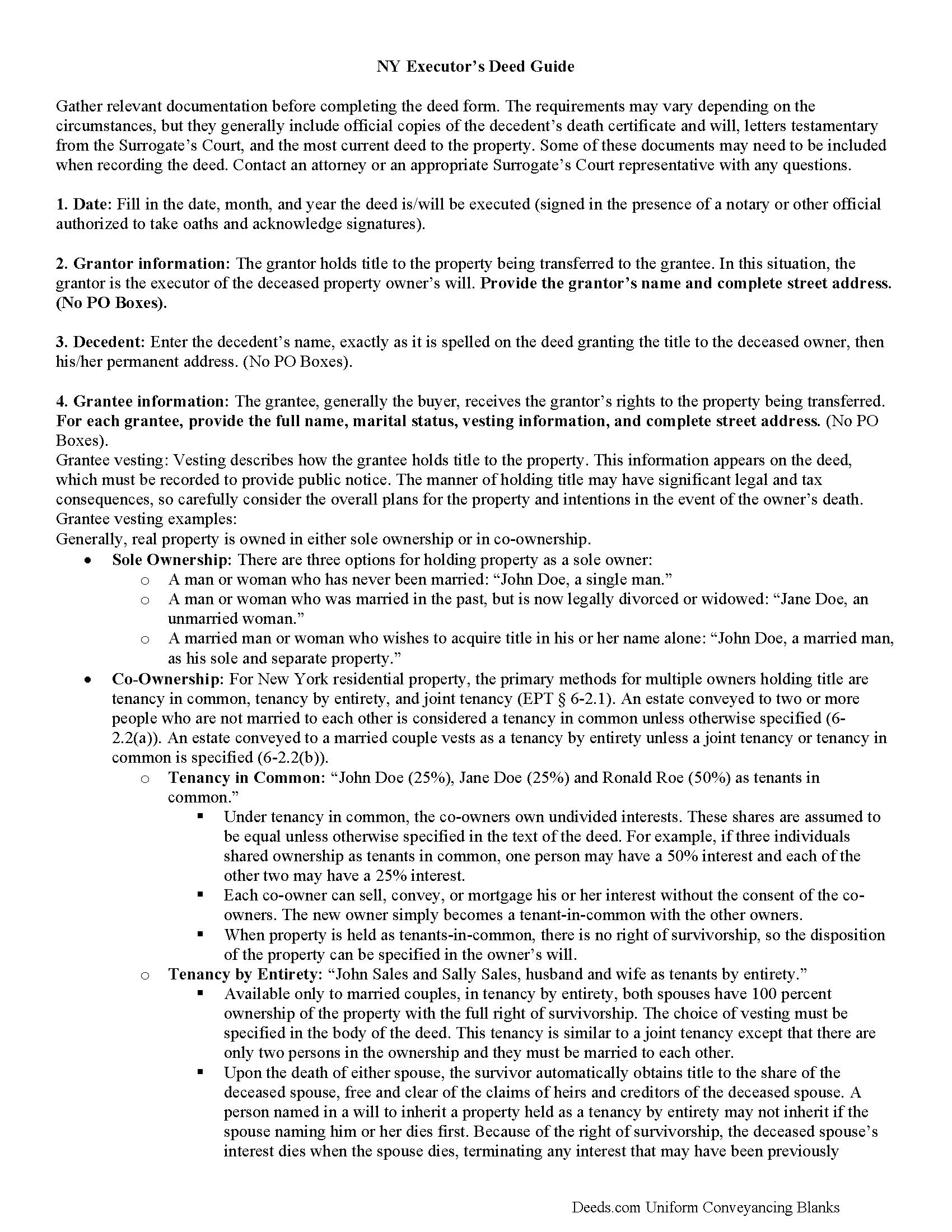
Essex County Executor Deed Guide
Line by line guide explaining every blank on the form.
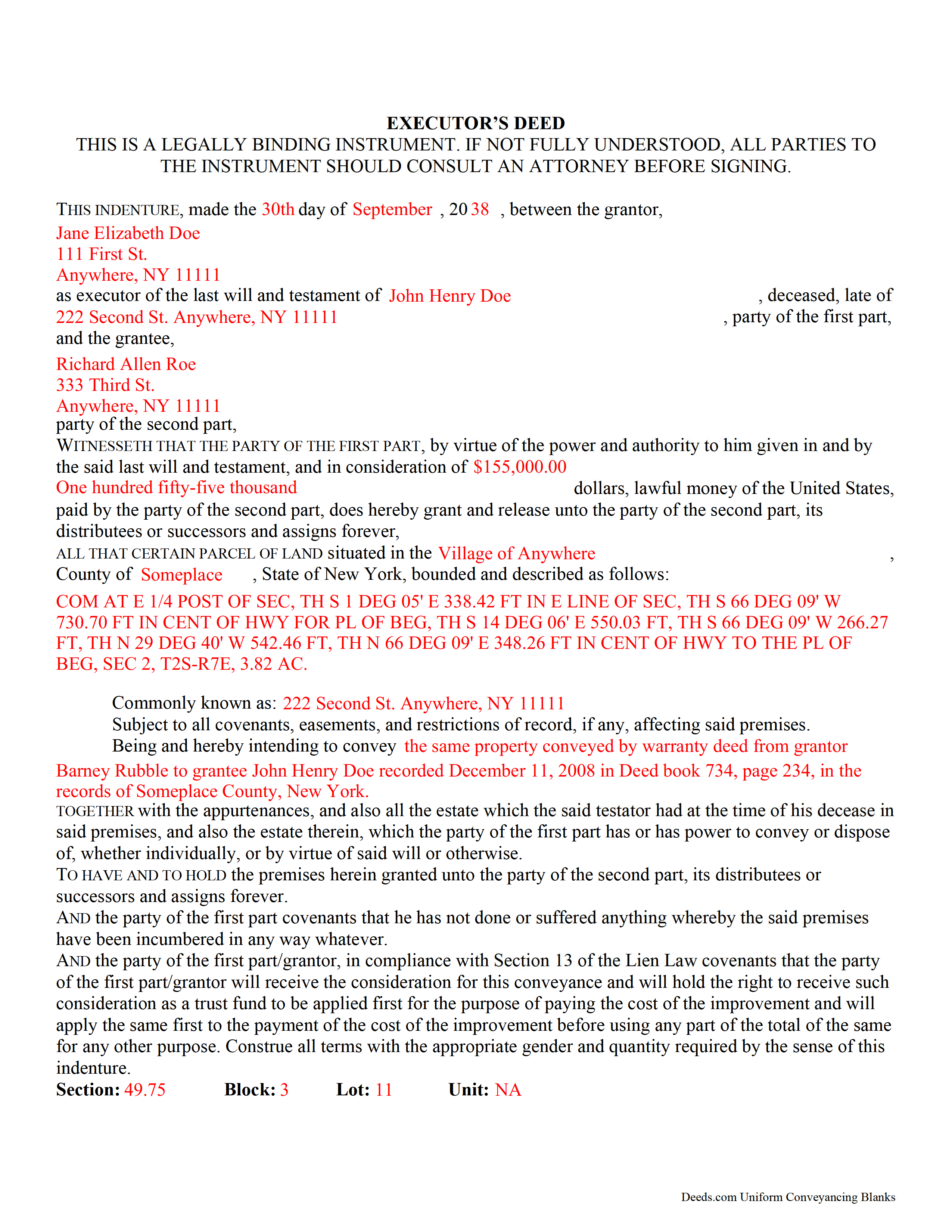
Essex County Completed Example of the Executor Deed Document
Example of a properly completed form for reference.
All 3 documents above included • One-time purchase • No recurring fees
Immediate Download • Secure Checkout
Additional New York and Essex County documents included at no extra charge:
Where to Record Your Documents
Essex County Clerk
Elizabethtown, New York 12932
Hours: Monday - Friday 8:00 AM - 5:00 PM
Phone: (518) 873-3600
Recording Tips for Essex County:
- Bring your driver's license or state-issued photo ID
- Ensure all signatures are in blue or black ink
- Make copies of your documents before recording - keep originals safe
- Recorded documents become public record - avoid including SSNs
- Recording fees may differ from what's posted online - verify current rates
Cities and Jurisdictions in Essex County
Properties in any of these areas use Essex County forms:
- Bloomingdale
- Crown Point
- Elizabethtown
- Essex
- Jay
- Keene
- Keene Valley
- Lake Placid
- Lewis
- Minerva
- Mineville
- Moriah
- Moriah Center
- New Russia
- Newcomb
- North Hudson
- Olmstedville
- Paradox
- Port Henry
- Port Kent
- Ray Brook
- Schroon Lake
- Severance
- Ticonderoga
- Upper Jay
- Westport
- Willsboro
- Wilmington
- Witherbee
Hours, fees, requirements, and more for Essex County
How do I get my forms?
Forms are available for immediate download after payment. The Essex County forms will be in your account ready to download to your computer. An account is created for you during checkout if you don't have one. Forms are NOT emailed.
Are these forms guaranteed to be recordable in Essex County?
Yes. Our form blanks are guaranteed to meet or exceed the applicable formatting requirements used for recording in Essex County, including margin requirements, font requirements, and other layout standards. This guarantee applies to formatting, not to the legal sufficiency of information entered by the user or the suitability of a form for a particular transaction.
Can I reuse these forms?
Yes. You can reuse the forms for your personal use. For example, if you have multiple properties in Essex County you only need to order once.
What do I need to use these forms?
The forms are PDFs that you fill out on your computer. The free Adobe Acrobat Reader is recommended, and most PDF apps also work. You do NOT enter your property information online - you download the blank forms and complete them privately on your own computer.
Are there any recurring fees?
No. This is a one-time purchase. Nothing to cancel, no memberships, no recurring fees.
How much does it cost to record in Essex County?
Recording fees in Essex County vary. Contact the recorder's office at (518) 873-3600 for current fees.
Questions answered? Let's get started!
Transferring New York Real Property with an Executor's Deed
Executor's deeds are used to transfer title to real property whose owner died testate (with a last will and testament.)
The executor is someone named to carry out the provisions contained within in a deceased individual's will. After the will is admitted to probate in the Surrogate's Court, the surrogate (the judge managing the case) authorizes the executor to begin his/her duties. Frequently, these include using an executor's deed to sell the decedent's real estate.
Executor's deeds contain the same information as warranty or quitclaim deeds, but they also include details about the executor and the deceased owner. The executor's signature must be notarized, but some cases may require a witness to sign the deed in front of the notary, too. Note that at sections 309-a and 309-b, New York's Real Property Law (RPP) sets out specific notary statements based on whether the deed is signed inside or outside the state.
In addition to the standard state and local forms that accompany deeds submitted for recording, executors might also need to attach letters testamentary from the Surrogate's Court, certified copies of the decedent's death certificate and will, and other supporting documentation as appropriate.
Probate procedures can be complicated, and each situation is unique. Seek assistance from an attorney or from the surrogate responsible for the case with any questions about this process.
(New York Executor Deed Package includes form, guidelines, and completed example)
Important: Your property must be located in Essex County to use these forms. Documents should be recorded at the county recording office listed above.
This Executor Deed meets all recording requirements specific to Essex County.
Our Promise
The documents you receive here are guaranteed to meet or exceed the applicable Essex County recording format requirements. If there is a rejection caused by our formatting, we will correct the issue or refund your payment. This guarantee applies to document formatting only and does not extend to information entered by the user, the selection of the form, or the legal effect of the completed document.
Save Time and Money
Get your Essex County Executor Deed form done right the first time with Deeds.com Uniform Conveyancing Blanks. At Deeds.com, we understand that your time and money are valuable resources, and we don't want you to face a penalty fee or rejection imposed by a county recorder for submitting nonstandard documents. We constantly review and update our forms to meet rapidly changing state and county recording requirements for roughly 3,500 counties and local jurisdictions.
4.8 out of 5 - ( 4,847 Reviews )
Riley K G. 5 out of 5 stars
Awesome, way better than some other offerings out there. Unfortunately some people won't realize that until it's too late.
Thank you!
Chad R. 5 out of 5 stars
a refreshing web based legal form site Thanks I will recommend to friend
Thank you!
Steve R. 5 out of 5 stars
Quick, clean, easy. A hat trick.
Thank you!
edward d. 5 out of 5 stars
used before awesome forms
Thank you!
Raad A. 3 out of 5 stars
Not easy to navigate
Thank you for your feedback.
Larry H. 5 out of 5 stars
Nice
Thank you!
Christine L. 5 out of 5 stars
I would like the ability to edit the document.
Thank you for your feedback Christine.
DEBORAH G. 3 out of 5 stars
This product is good but the text boxes are not large enough to contain the information required for the form. Even dates do not display with the entry you make.
Thank you for your feedback. We really appreciate it. Have a great day!
Laura H. 5 out of 5 stars
I was very impressed with how quickly I was provided the data.
Thank you!
Dirmarcus S. 5 out of 5 stars
I say I really do love Deed.com! Super easy to navigate and easy to get what you need for paperwork without spending a lot of money
Thank you for your positive words! We’re thrilled to hear about your experience.
Patricia R. 3 out of 5 stars
Very quick to respond with the obvious answers. I asked what form to use when adding my daughter to deed. Answer: talk to an attorney duh.
Thank you!
Bradley B. 5 out of 5 stars
Just as advertised.
Thank you for your feedback. We really appreciate it. Have a great day!
Bernard H. 5 out of 5 stars
The site is clear and easy to submit requests. I will be using again when needed. No problems and a pleasure to deal with.
Thank you for your feedback. We really appreciate it. Have a great day!
Brian O. 5 out of 5 stars
It's an instant download. I was very pleased that it included instructions and any necessary additional forms. Much easier than spending 3 hours on a county assessor's website searching for every single form. A good deal and I don't know how Deeds.com keeps up with thousands of counties. The fillable .pdf capability is a great enhancement.
Thank you for your feedback. We really appreciate it. Have a great day!
Toni M. 5 out of 5 stars
I liked having the forms. Some may need to know they can look at the legal Description from online county records, then type up in Word document line by line, the degree sign in Word program is achieved by using alt and 248 on number pad. Then on the form page one write SEE Exibit A and title your Word program description as Exibit A. Goes without saying the legal description should be looked over many times and it is easier to do so if you format your Word the same lineage as the legal description online which is usually not text which is why you have to retype it.
Thank you for your feedback. We really appreciate it. Have a great day!