Cayuga County Transfer on Death Deed Form
Last validated September 10, 2026 by our Forms Development TeamFormatted for recording in Cayuga County, for property anywhere in the county: rural and unincorporated areas as well as Auburn, Aurora, Cato, Cayuga, Fair Haven, Genoa, King Ferry, Locke and 10 more.
- 3 documents included
- Immediate PDF download
- Formatting guarantee
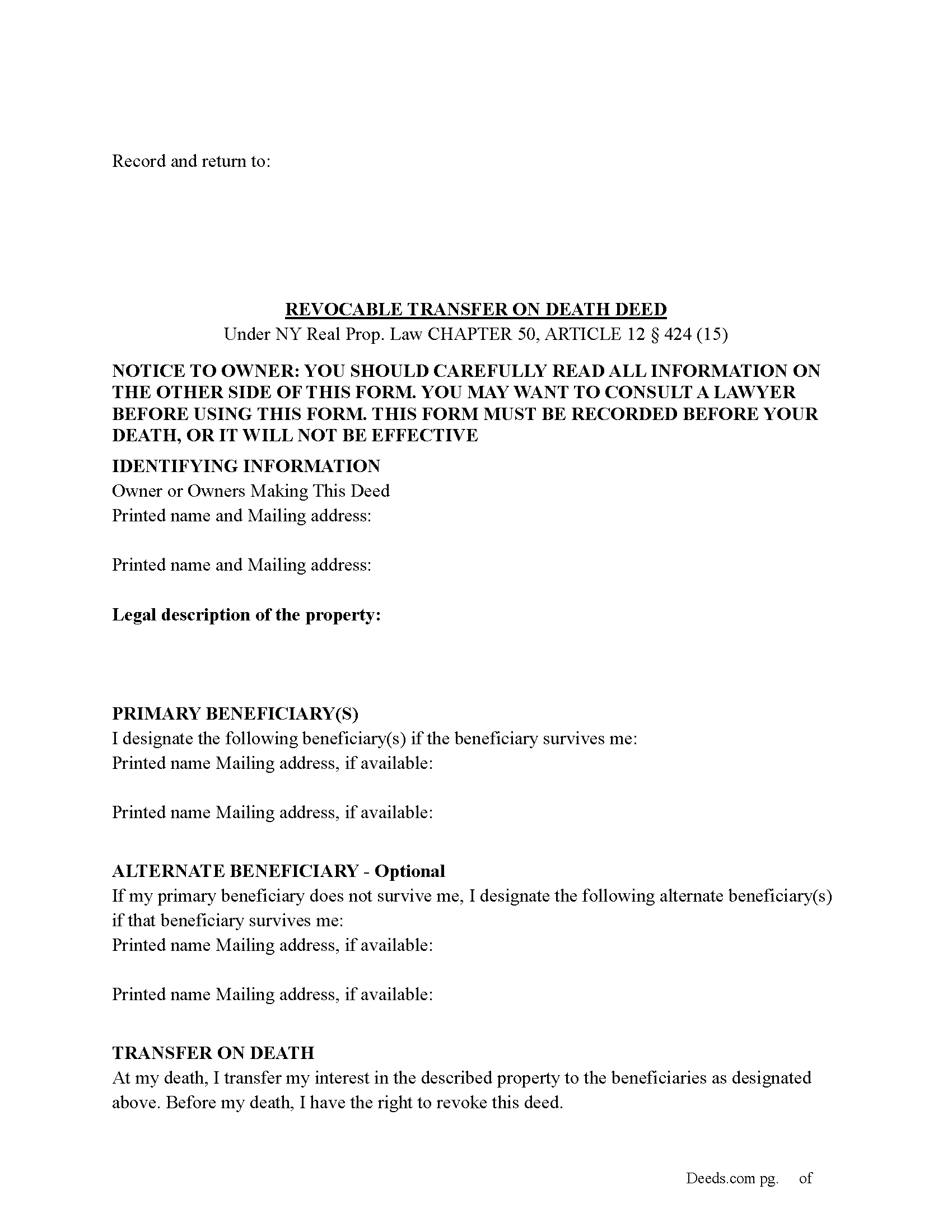
Cayuga County Transfer on Death Deed Form
Fill in the blank Transfer on Death Deed form formatted to comply with all New York recording and content requirements.
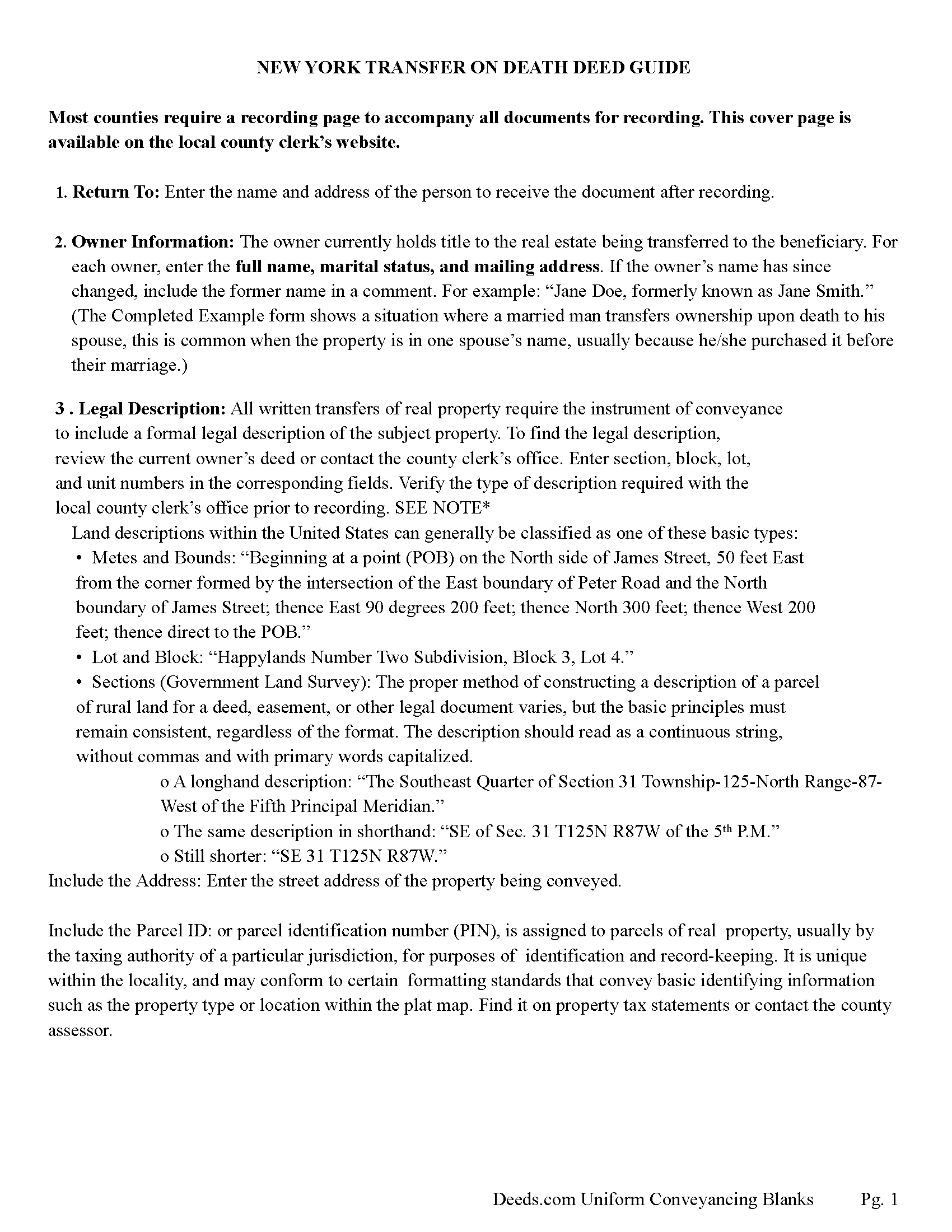
Cayuga County Transfer on Death Deed Guide
Line by line guide explaining every blank on the Transfer on Death Deed form.
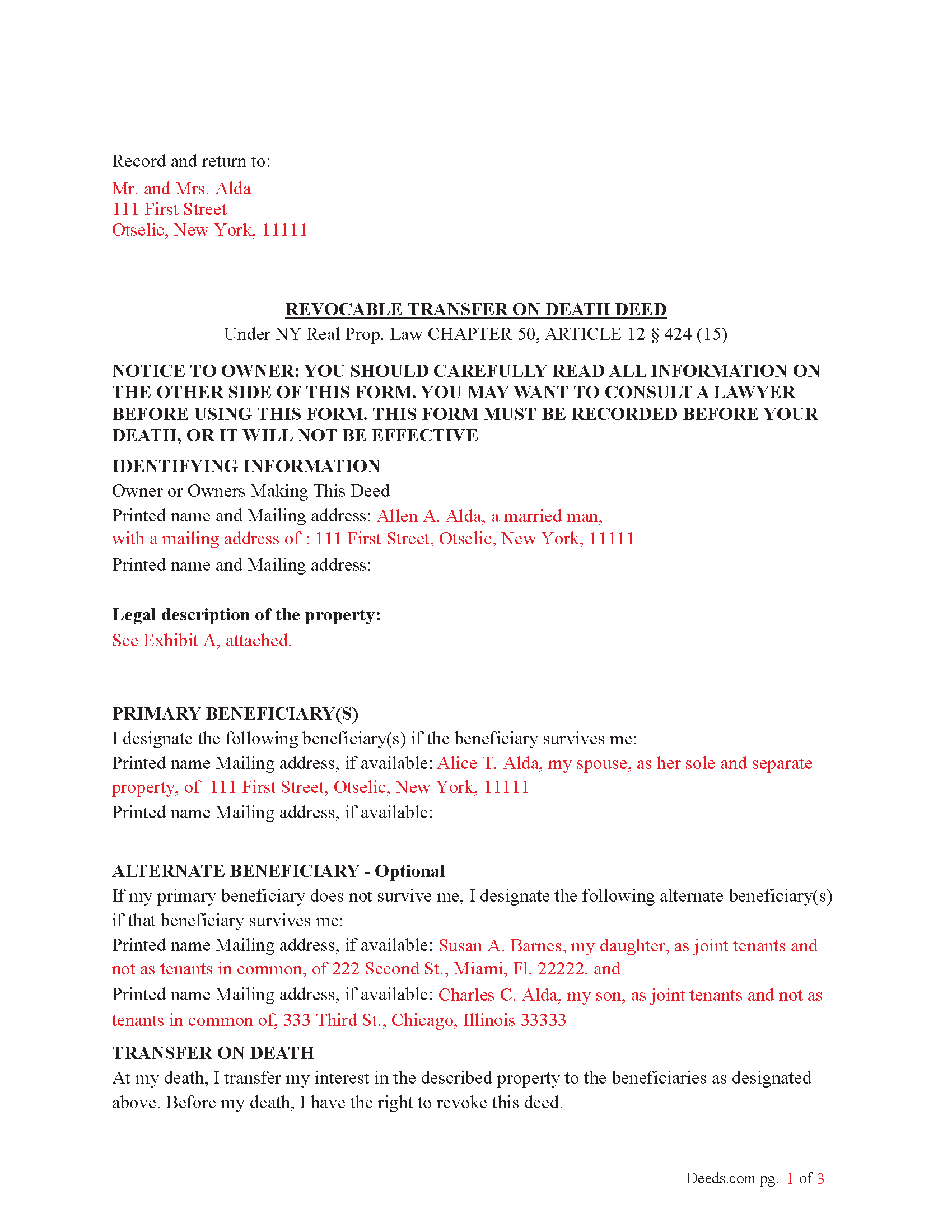
Cayuga County Completed Example of the Transfer on Death Deed Document
Example of a properly completed New York Transfer on Death Deed document for reference.
All 3 documents above included • One-time purchase • No recurring fees
Immediate Download • Secure Checkout
Additional New York and Cayuga County documents included at no extra charge:
Where to Record Your Documents
Cayuga County Clerk - County Office Building
Auburn , New York 13021
Hours: 9:00 to 5:00 M-F / Summer: 8:00 to 4:00 (July - August)
Phone: (315) 253-1271
Recording Tips for Cayuga County:
- Bring your driver's license or state-issued photo ID
- Ensure all signatures are in blue or black ink
- Double-check legal descriptions match your existing deed
- Verify all names are spelled correctly before recording
- White-out or correction fluid may cause rejection
Cities and Jurisdictions in Cayuga County
Properties in any of these areas use Cayuga County forms:
- Auburn
- Aurora
- Cato
- Cayuga
- Fair Haven
- Genoa
- King Ferry
- Locke
- Martville
- Meridian
- Montezuma
- Moravia
- Poplar Ridge
- Port Byron
- Scipio Center
- Sterling
- Union Springs
- Weedsport
Hours, fees, requirements, and more for Cayuga County
How do I get my forms?
Forms are available for immediate download after payment. The Cayuga County forms will be in your account ready to download to your computer. An account is created for you during checkout if you don't have one. Forms are NOT emailed.
Are these forms guaranteed to be recordable in Cayuga County?
Yes. Our form blanks are guaranteed to meet or exceed the applicable formatting requirements used for recording in Cayuga County, including margin requirements, font requirements, and other layout standards. This guarantee applies to formatting, not to the legal sufficiency of information entered by the user or the suitability of a form for a particular transaction.
Can I reuse these forms?
Yes. You can reuse the forms for your personal use. For example, if you have multiple properties in Cayuga County you only need to order once.
What do I need to use these forms?
The forms are PDFs that you fill out on your computer. The free Adobe Acrobat Reader is recommended, and most PDF apps also work. You do NOT enter your property information online - you download the blank forms and complete them privately on your own computer.
Are there any recurring fees?
No. This is a one-time purchase. Nothing to cancel, no memberships, no recurring fees.
How much does it cost to record in Cayuga County?
Recording fees in Cayuga County vary. Contact the recorder's office at (315) 253-1271 for current fees.
Questions answered? Let's get started!
To use the Transfer on Death (TOD) Deed under New York’s Real Property Law (RPP) CHAPTER 50, ARTICLE 12 § 424 (effective July 19, 2024), follow these steps:
1. Complete the TOD Deed
Designate a beneficiary: Clearly name the individual or entity (such as a charity or trust) who will inherit your property upon your death.
Include contingent beneficiaries if desired (NOT required). These are backup beneficiaries who would inherit the property if your primary beneficiary cannot (e.g., if they predecease you). Ensure the deed is filled out correctly, including the legal description of the property.
2. Execute the TOD Deed: The TOD deed must be signed by the property owner (the transferor) in the presence of two witnesses and a Notary Public. The witnesses should not be the beneficiaries themselves, as this could raise legal issues.
3. Record the TOD Deed: The completed deed must be recorded with the County Clerk's office where the property is located during your lifetime. Recording the deed is crucial because, without it, the transfer will not be valid upon your death.
4. Retain Ownership During Lifetime: After recording the TOD deed, you retain full control of the property during your lifetime. You can still sell, mortgage, or revoke the TOD deed at any time.
If you change your mind, you can revoke the TOD deed by filing a revocation form or executing a new TOD deed, which automatically invalidates the previous one.
5. Upon Your Death: Upon your death, the property automatically transfers to the designated beneficiary without going through probate.
Key points about when it takes effect:
Timing of Transfer: The deed only takes effect upon the death of the property owner. Until then, the owner retains full control over the property and can revoke or change the TOD deed at any time.
Recording Requirement: For the TOD deed to be valid, it must be recorded with the county clerk during the property owner's lifetime. If the deed is not recorded before death, it will not be effective.
Probate Avoidance: By using a TOD deed, the property passes directly to the named beneficiary without going through probate, simplifying the transfer process and reducing legal costs.
Important: Your property must be located in Cayuga County to use these forms. Documents should be recorded at the county recording office listed above.
This Transfer on Death Deed meets all recording requirements specific to Cayuga County.
Our Promise
The documents you receive here are guaranteed to meet or exceed the applicable Cayuga County recording format requirements. If there is a rejection caused by our formatting, we will correct the issue or refund your payment. This guarantee applies to document formatting only and does not extend to information entered by the user, the selection of the form, or the legal effect of the completed document.
Save Time and Money
Get your Cayuga County Transfer on Death Deed form done right the first time with Deeds.com Uniform Conveyancing Blanks. At Deeds.com, we understand that your time and money are valuable resources, and we don't want you to face a penalty fee or rejection imposed by a county recorder for submitting nonstandard documents. We constantly review and update our forms to meet rapidly changing state and county recording requirements for roughly 3,500 counties and local jurisdictions.
4.8 out of 5 - ( 4,823 Reviews )
Michael S. 5 out of 5 stars
Well designed easy to use system. Provided all instructions and updates required, as well as catching an extra form required by our county.
We appreciate your business and value your feedback. Thank you. Have a wonderful day!
Conrad R. 5 out of 5 stars
Easy to obtain form, easy to use. Came with instrucions and references to state statutes. Very Helpful.
We appreciate your business and value your feedback. Thank you. Have a wonderful day!
Robert B. 5 out of 5 stars
The forms were easy to download and fill.
Thank you!
Cindy W. 5 out of 5 stars
The site is a good idea, however, I couldn't find what I needed with just the address alone. I was looking to get the name of a former landlord, as I can't remember it.
Thank you!
Daniel V. 5 out of 5 stars
Awesome service Recorded a deed within 24hrs and saved my self a 14hr+ journey
Thank you for your feedback. We really appreciate it. Have a great day!
Tierre J. 1 out of 5 stars
I put in two orders. I did not get any results from either order and I am still waiting for my refunds.
Thank you for your feedback. Sorry we were not able to pull the information you requested. We reviewed your account and the payment voids were processed as your were notified. Sometimes, depending on your financial institution, it can take a few days for the pending charges to fall off of your statement reporting.
Connie J L. 5 out of 5 stars
Fast and easy to use. Easy to print.
Thank you!
Carol K. 5 out of 5 stars
Amazing! That's all I can say. From the time I started the process to the time the deed was recorded was less than two hours! What a great, streamlined, seamless process
Thank you!
Susan N. 5 out of 5 stars
Very easy to use and I received the information in a timely manner. I will use this service again.
Thank you!
AMY J. 5 out of 5 stars
Very easy user friendly thank you for that
Thank you!
Dave W. 5 out of 5 stars
Very handy when clueless about filling out a form. Saved hours of research.
Your appreciative words mean the world to us. Thank you and we look forward to serving you again!
John W. 2 out of 5 stars
You charge too much for a form. Your business model is shortsighted. I would not try to use your service again. You got $20 from me this once, but I would try very hard to not use your service again. Your model does not encourage serial or professional usage.
Thank you for your feedback John. We do wish that you had decided our product was too expensive prior to purchasing and using so that there was no remorse. Have a wonderful day.
Heather M. 5 out of 5 stars
Great service, convenient, fast and easy to use. Thumbs Up!!!!w
We appreciate your business and value your feedback. Thank you. Have a wonderful day!
Tammy C. 5 out of 5 stars
Was very easy to use and i would recommend it
Thank you!
Debra R. 5 out of 5 stars
So easy to follow when preparing a deed. The example places given helped to know how to correctly fill out the form! Very easy! I will use deeds.com again! Thank you!
Thank you!