Cayuga County Revocation of Transfer on Death Deed Form
Last validated October 6, 2026 by our Forms Development TeamFormatted for recording in Cayuga County, for property anywhere in the county: rural and unincorporated areas as well as Auburn, Aurora, Cato, Cayuga, Fair Haven, Genoa, King Ferry, Locke and 10 more.
- 3 documents included
- Immediate PDF download
- Formatting guarantee
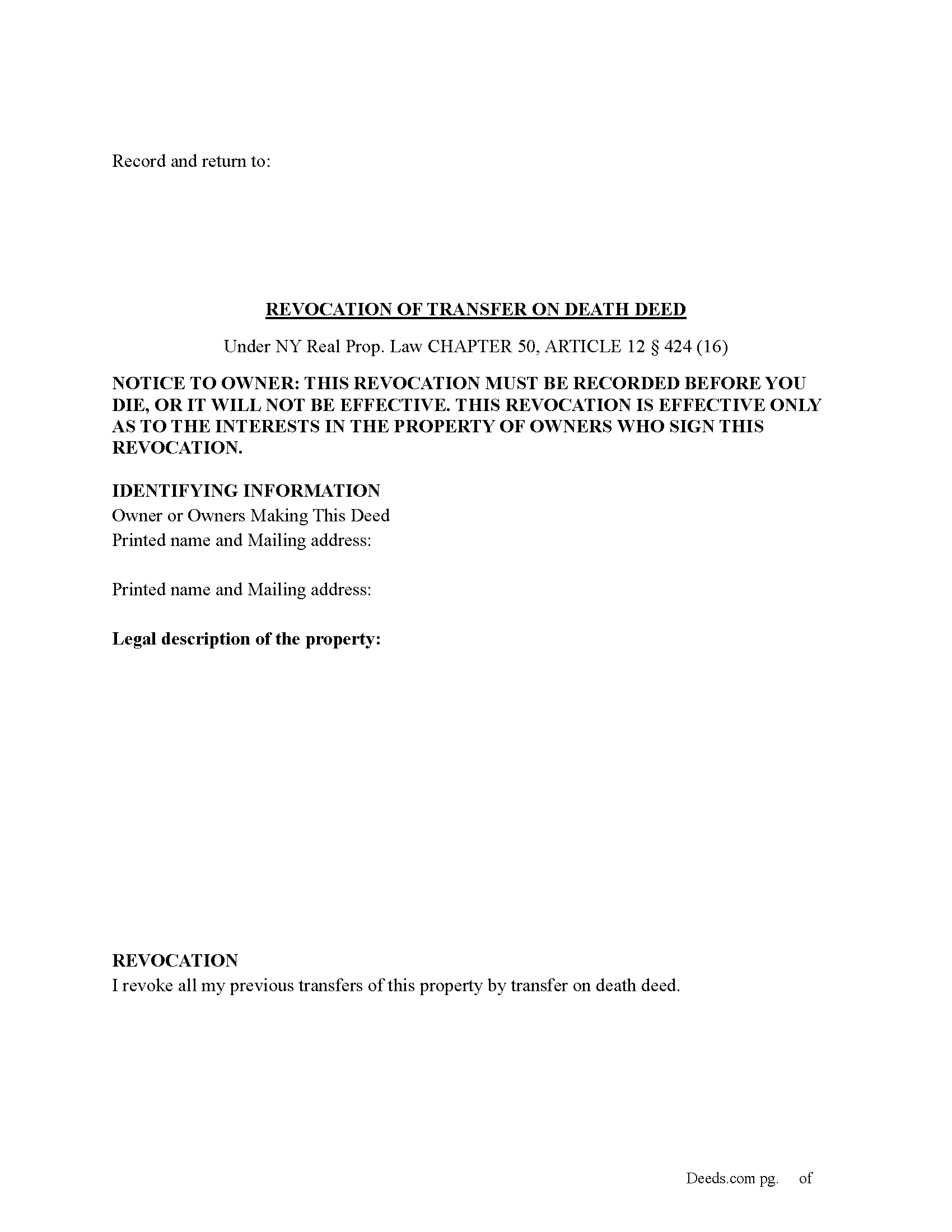
Cayuga County Revocation of Transfer on Death Deed Form
Fill in the blank Revocation of Transfer on Death Deed form formatted to comply with all New York recording and content requirements.

Cayuga County Revocation of Transfer on Death Deed Guide
Line by line guide explaining every blank on the Revocation of Transfer on Death Deed form.
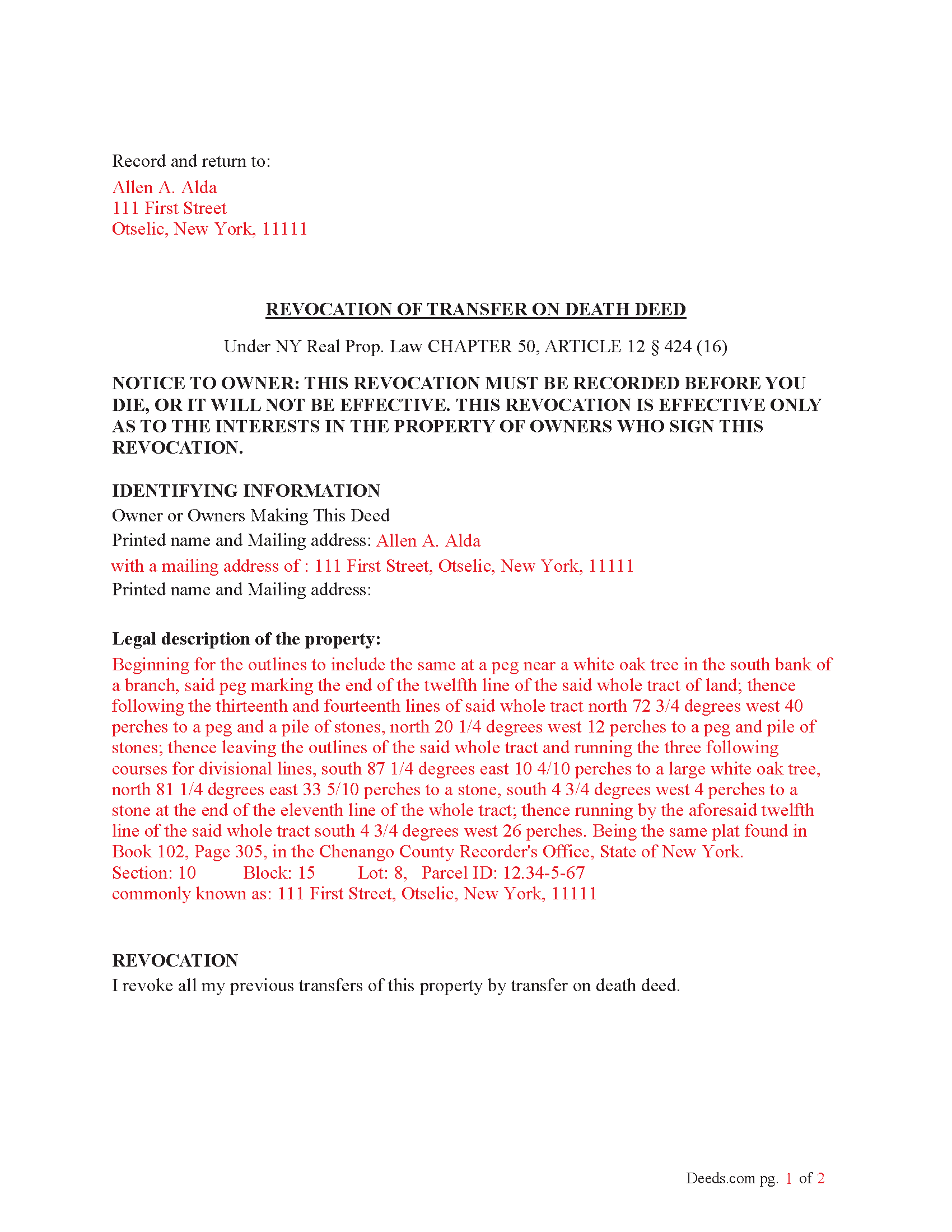
Cayuga County Completed Example of the Revocation of Transfer on Death Deed Document
Example of a properly completed New York Revocation of Transfer on Death Deed document for reference.
All 3 documents above included • One-time purchase • No recurring fees
Immediate Download • Secure Checkout
Additional New York and Cayuga County documents included at no extra charge:
Where to Record Your Documents
Cayuga County Clerk - County Office Building
Auburn , New York 13021
Hours: 9:00 to 5:00 M-F / Summer: 8:00 to 4:00 (July - August)
Phone: (315) 253-1271
Recording Tips for Cayuga County:
- Bring your driver's license or state-issued photo ID
- Ensure all signatures are in blue or black ink
- Ask about their eRecording option for future transactions
- Avoid the last business day of the month when possible
- Both spouses typically need to sign if property is jointly owned
Cities and Jurisdictions in Cayuga County
Properties in any of these areas use Cayuga County forms:
- Auburn
- Aurora
- Cato
- Cayuga
- Fair Haven
- Genoa
- King Ferry
- Locke
- Martville
- Meridian
- Montezuma
- Moravia
- Poplar Ridge
- Port Byron
- Scipio Center
- Sterling
- Union Springs
- Weedsport
Hours, fees, requirements, and more for Cayuga County
How do I get my forms?
Forms are available for immediate download after payment. The Cayuga County forms will be in your account ready to download to your computer. An account is created for you during checkout if you don't have one. Forms are NOT emailed.
Are these forms guaranteed to be recordable in Cayuga County?
Yes. Our form blanks are guaranteed to meet or exceed the applicable formatting requirements used for recording in Cayuga County, including margin requirements, font requirements, and other layout standards. This guarantee applies to formatting, not to the legal sufficiency of information entered by the user or the suitability of a form for a particular transaction.
Can I reuse these forms?
Yes. You can reuse the forms for your personal use. For example, if you have multiple properties in Cayuga County you only need to order once.
What do I need to use these forms?
The forms are PDFs that you fill out on your computer. The free Adobe Acrobat Reader is recommended, and most PDF apps also work. You do NOT enter your property information online - you download the blank forms and complete them privately on your own computer.
Are there any recurring fees?
No. This is a one-time purchase. Nothing to cancel, no memberships, no recurring fees.
How much does it cost to record in Cayuga County?
Recording fees in Cayuga County vary. Contact the recorder's office at (315) 253-1271 for current fees.
Questions answered? Let's get started!
(How do I revoke the TOD deed after it is recorded?
There are three ways to revoke a recorded TOD deed:
(1) Complete and acknowledge a revocation form and record it in each county where the property is located.
(2) Complete and acknowledge a new TOD deed that disposes of the same property and record it in each county where the property is located.
(3) Transfer the property to someone else during your lifetime by a recorded deed that expressly revokes the TOD deed. You may not revoke the TOD deed by will.) (Real Property (RPP) CHAPTER 50, ARTICLE 12 § 424(15))
Execution of Revocation: The revocation must be executed (signed) by the property owner in the presence of two witnesses and a Notary Public, similar to how the original TOD deed was executed.
Recording the Revocation: The revocation (whether via a new TOD deed or a revocation form) must be recorded in the County Clerk's office where the property is located, just like the original TOD deed. If the revocation is not recorded, it will not be valid.
Retain Control Until Revoked: The property owner retains full control over the property and can revoke the TOD deed at any time during their lifetime. However, after the owner's death, the TOD deed takes effect and cannot be revoked.
Important Considerations: Beneficiary Consent- The property owner does not need the consent of the beneficiary to revoke the TOD deed.
Automatic Revocation by Sale: If the property owner sells or transfers the property during their lifetime, this will also effectively revoke the TOD deed.
Important: Your property must be located in Cayuga County to use these forms. Documents should be recorded at the county recording office listed above.
This Revocation of Transfer on Death Deed meets all recording requirements specific to Cayuga County.
Our Promise
The documents you receive here are guaranteed to meet or exceed the applicable Cayuga County recording format requirements. If there is a rejection caused by our formatting, we will correct the issue or refund your payment. This guarantee applies to document formatting only and does not extend to information entered by the user, the selection of the form, or the legal effect of the completed document.
Save Time and Money
Get your Cayuga County Revocation of Transfer on Death Deed form done right the first time with Deeds.com Uniform Conveyancing Blanks. At Deeds.com, we understand that your time and money are valuable resources, and we don't want you to face a penalty fee or rejection imposed by a county recorder for submitting nonstandard documents. We constantly review and update our forms to meet rapidly changing state and county recording requirements for roughly 3,500 counties and local jurisdictions.
4.8 out of 5 - ( 4,843 Reviews )
Scott P. 5 out of 5 stars
The site was easy to use and find what I needed. The purchase and download were very easy.
Thank you!
Ryan J. 5 out of 5 stars
This was an excellent experience. The jurisdiction I was registering the Deed with, entrusts Deeds.com with their filing needs. And the staff held my hand through the process, and worked to submit the best package, and the Deed was successfully recorded.
We appreciate your business and value your feedback. Thank you. Have a wonderful day!
Stephanie S. 5 out of 5 stars
I received my information almost immediately. I read a few more things on the website and then refreshed and it was there! SO much easier than having to go to the office myself - thanks!!
Thank you!
John L. 5 out of 5 stars
Everything worked great. I hope I can get back to the document if I need to make changes. Thanks, John Lazur
Thank you!
Colleen N. 5 out of 5 stars
The instruction were very clear and the sample was also very helpful.
Thank you!
Rachel Y. 5 out of 5 stars
I liked the ease of use, however I would love to be able to add multiple APN’s and delete lines that are not applicable
Thank you, Rachel. We’re glad you found the form easy to use, and we appreciate your suggestions about adding multiple APNs and removing inapplicable lines. Feedback like this helps us improve our forms.
Robert H. 5 out of 5 stars
Just what I needed to file in Orange County. East to use and reasonably priced. Will use again if needed.
We appreciate your business and value your feedback. Thank you. Have a wonderful day!
Armstrong K. 5 out of 5 stars
Very smooth and speedy process. Thank you.
Thank you!
Robert V. 5 out of 5 stars
Website seems to work great and documents are very clear and easy to review and download, thank you. Regards, Bob
We appreciate your business and value your feedback. Thank you. Have a wonderful day!
David S. 5 out of 5 stars
It was as I suspected. Very useful.
Thank you for your feedback. We really appreciate it. Have a great day!
harriet l. 5 out of 5 stars
Worked very smoothly and got the job done
Thank you for your feedback. We really appreciate it. Have a great day!
Dennis M. 5 out of 5 stars
Very quick and easy to use. Deeds.com saved me a lot of money!
Thank you!
Nancy A. 5 out of 5 stars
First time user and I was pleasantly surprised how quick and easy it was to get my Deed recorded. And the fee was not outrageous.
We appreciate your business and value your feedback. Thank you. Have a wonderful day!
MARY P. 5 out of 5 stars
Quick easy and reliable. Thank you
Happy we could assist. Thank you for sharing your experience.
Steven C. 5 out of 5 stars
Easy but a little overpriced
We appreciate your business and value your feedback. Thank you. Have a wonderful day!