Watauga County Affidavit of Death and Heirship (Estate Real Property) Form
Last validated October 9, 2026 by our Forms Development TeamFormatted for recording in Watauga County, for property anywhere in the county: rural and unincorporated areas as well as Blowing Rock, Boone, Deep Gap, Sugar Grove, Valle Crucis, Vilas, Zionville.
- 3 documents included
- Immediate PDF download
- Formatting guarantee
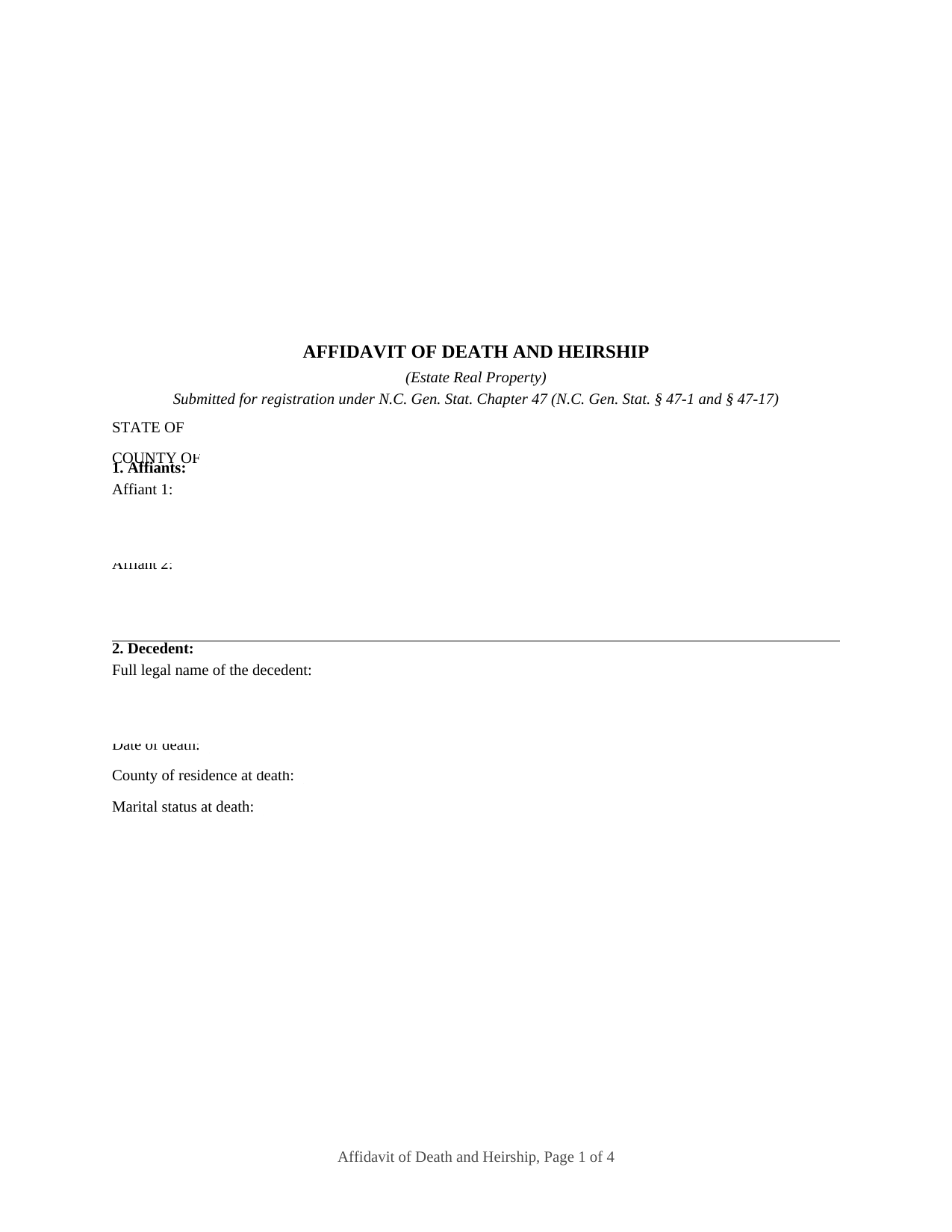
Watauga County Affidavit of Death and Heirship (Estate Real Property) Form
Fill in the blank Affidavit of Death and Heirship (Estate Real Property) form formatted to comply with all North Carolina recording and content requirements.
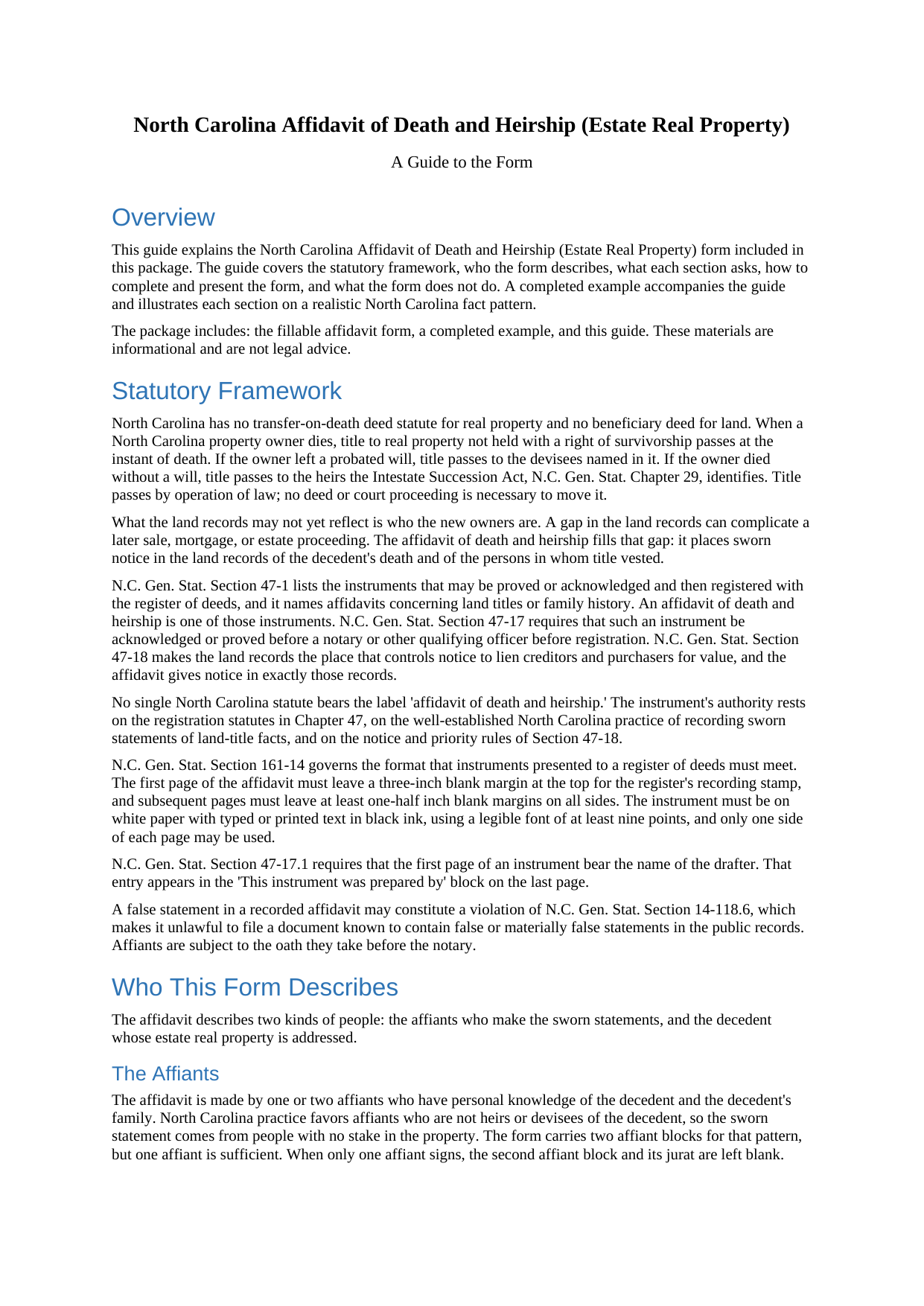
Watauga County Affidavit of Death and Heirship (Estate Real Property) Guide
Line by line guide explaining every blank on the Affidavit of Death and Heirship (Estate Real Property) form.
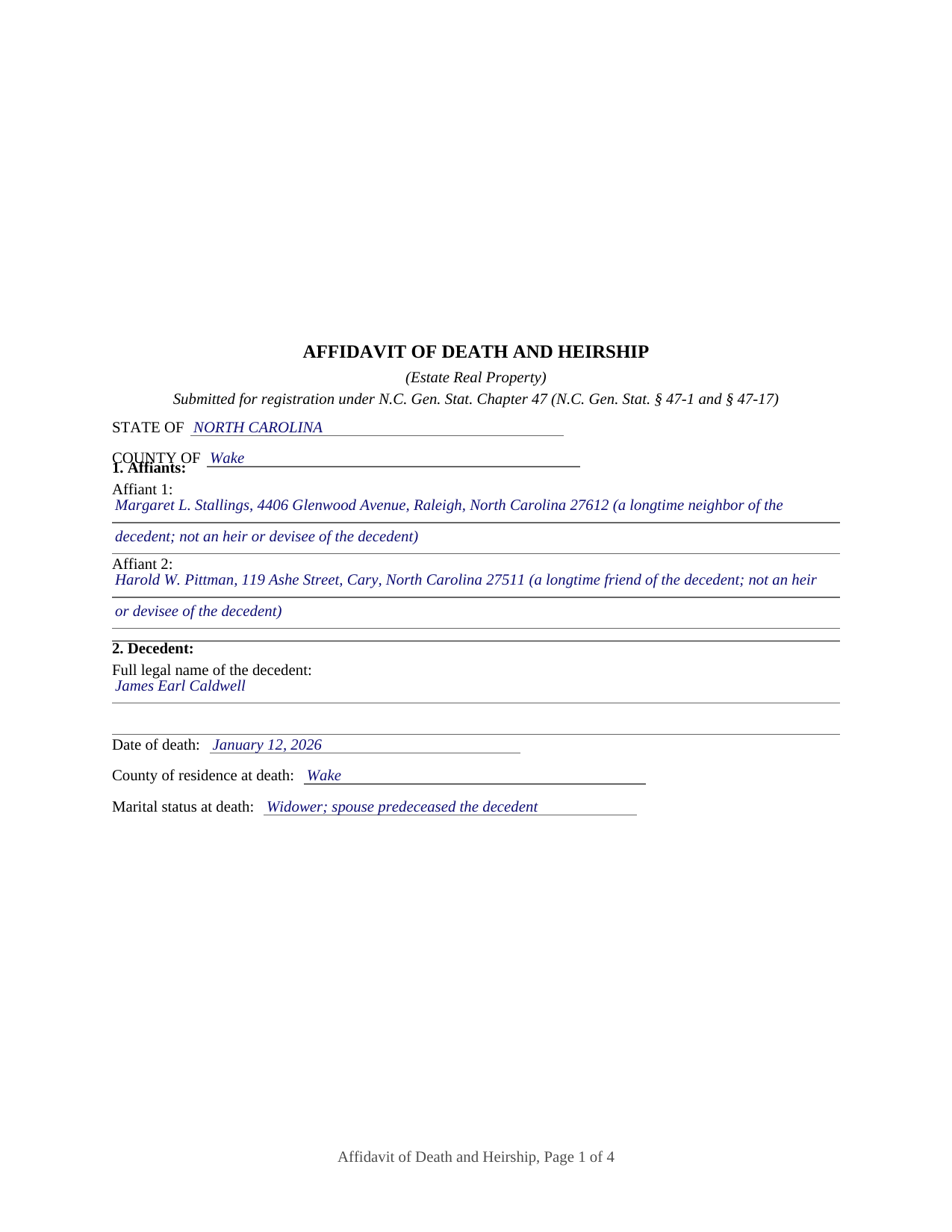
Watauga County Completed Example of the Affidavit of Death and Heirship (Estate Real Property) Document
Example of a properly completed North Carolina Affidavit of Death and Heirship (Estate Real Property) document for reference.
All 3 documents above included • One-time purchase • No recurring fees
Immediate Download • Secure Checkout
Additional North Carolina and Watauga County documents included at no extra charge:
Where to Record Your Documents
Watauga County Register of Deeds
Boone, North Carolina 28607
Hours: 8:00 to 5:00 M-F
Phone: (828) 265-8052
Recording Tips for Watauga County:
- Bring your driver's license or state-issued photo ID
- Ensure all signatures are in blue or black ink
- Ask about accepted payment methods when you call ahead
- Ask for certified copies if you need them for other transactions
- Ask if they accept credit cards - many offices are cash/check only
Cities and Jurisdictions in Watauga County
Properties in any of these areas use Watauga County forms:
- Blowing Rock
- Boone
- Deep Gap
- Sugar Grove
- Valle Crucis
- Vilas
- Zionville
Hours, fees, requirements, and more for Watauga County
How do I get my forms?
Forms are available for immediate download after payment. The Watauga County forms will be in your account ready to download to your computer. An account is created for you during checkout if you don't have one. Forms are NOT emailed.
Are these forms guaranteed to be recordable in Watauga County?
Yes. Our form blanks are guaranteed to meet or exceed the applicable formatting requirements used for recording in Watauga County, including margin requirements, font requirements, and other layout standards. This guarantee applies to formatting, not to the legal sufficiency of information entered by the user or the suitability of a form for a particular transaction.
Can I reuse these forms?
Yes. You can reuse the forms for your personal use. For example, if you have multiple properties in Watauga County you only need to order once.
What do I need to use these forms?
The forms are PDFs that you fill out on your computer. The free Adobe Acrobat Reader is recommended, and most PDF apps also work. You do NOT enter your property information online - you download the blank forms and complete them privately on your own computer.
Are there any recurring fees?
No. This is a one-time purchase. Nothing to cancel, no memberships, no recurring fees.
How much does it cost to record in Watauga County?
Recording fees in Watauga County vary. Contact the recorder's office at (828) 265-8052 for current fees.
Questions answered? Let's get started!
North Carolina has no transfer on death deed or beneficiary deed for real estate. When a North Carolina landowner dies, title to property not held with a right of survivorship passes the instant the owner dies: to the people named in a probated will, or, with no will, to the heirs the Intestate Succession Act identifies. The title has moved; what the land records may not yet show is who now holds it. A North Carolina affidavit of death and heirship is the sworn statement that fills that gap for estate real property.
A land record, not a transfer
The affidavit does not move title, because title moved at death. It is a sworn statement of facts, recorded with the register of deeds, that a named person died and that title to that person's described real property vested at death in the people named as heirs or devisees. A title examiner, lender, or buyer reviewing the chain of title later finds the death and the heirship stated where they look for it, rather than an open question after the last recorded deed.
Where the affidavit fits in Chapter 47
North Carolina does not have a single affidavit of heirship statute; the affidavit rests on the registration statutes. N.C. Gen. Stat. Section 47-1 lists the instruments that may be proved or acknowledged and then registered, naming affidavits concerning land titles or family history and any instruments pertaining to real property. An affidavit of death and heirship is both. Section 47-18, the registration statute at the center of North Carolina title, makes the land records the place that controls notice, and the affidavit gives notice in exactly those records.
Sworn by people with knowledge, not by the heirs
The affidavit is made by affiants with personal knowledge of the decedent and the family, and North Carolina practice favors affiants who are not heirs or devisees, so the statement comes from people with no stake in the property. The form carries two affiant blocks for that pattern and works for a single affiant as well. Each affiant swears before a notary, who completes a jurat. The heirs and devisees named in the affidavit do not sign, because it states facts about them rather than acting for them, and there is no spousal joinder line, because the affidavit conveys nothing.
What it states and what it leaves to other instruments
The sworn statements recite that the named persons are all of the heirs or devisees, that the affiants know of no other claimant, and that the affiants have no interest in the property. The affidavit states how title devolved; it does not determine ownership, settle a dispute, or cure a defect in the chain of title. Where the land was held with a right of survivorship, an affidavit of survivorship documents the passage to the survivor instead; where a personal representative conveys estate land, an executor or administrator deed does so.
The package pairs the fillable affidavit with a plain language guide that walks through every section and the statutes behind it and a completed example on a realistic North Carolina fact pattern. Because the affidavit is sworn, a false statement in it carries consequences under N.C. Gen. Stat. Section 14-118.6. These materials are informational and are not legal advice.
Important: Your property must be located in Watauga County to use these forms. Documents should be recorded at the county recording office listed above.
This Affidavit of Death and Heirship (Estate Real Property) meets all recording requirements specific to Watauga County.
Our Promise
The documents you receive here are guaranteed to meet or exceed the applicable Watauga County recording format requirements. If there is a rejection caused by our formatting, we will correct the issue or refund your payment. This guarantee applies to document formatting only and does not extend to information entered by the user, the selection of the form, or the legal effect of the completed document.
Save Time and Money
Get your Watauga County Affidavit of Death and Heirship (Estate Real Property) form done right the first time with Deeds.com Uniform Conveyancing Blanks. At Deeds.com, we understand that your time and money are valuable resources, and we don't want you to face a penalty fee or rejection imposed by a county recorder for submitting nonstandard documents. We constantly review and update our forms to meet rapidly changing state and county recording requirements for roughly 3,500 counties and local jurisdictions.
4.8 out of 5 - ( 4,842 Reviews )
Mylika M. 5 out of 5 stars
Deed.com has been an amazing resource for my solo practice. Very timely communication and quick results!
We truly value your business and appreciate your review.
Desmond L. 5 out of 5 stars
Easy access
We appreciate your business and value your feedback. Thank you. Have a wonderful day!
Robert S. 4 out of 5 stars
Process was easy to follow and worked as advertised. Thought the price was a little high.
Thank you!
Leslie Y. 5 out of 5 stars
I had my doubts going in but was pleasantly surprised at the thoroughness of the documents and information provided. Will use again.
We appreciate your business and value your feedback. Thank you. Have a wonderful day!
AHMED E. 5 out of 5 stars
5 stars
Thank you!
Harman F. 5 out of 5 stars
I was able to find the document I very much needed to get my process started. I really appreciate that there was a website to assist me in finding what I needed . I'm very Thankful that this website was available!
We are delighted to have been of service. Thank you for the positive review!
Samy K. 5 out of 5 stars
I searched on line for the blank forms I needed, everyone that said it's free was a part m they wanted to sign me up for a monthly membership, deeds.com had the forms that I can download and fill in, I paid $24 and got more than I needed, very easy company to deal with, I highly recommend them.
Thank you for your feedback. We really appreciate it. Have a great day!
William B. 5 out of 5 stars
The website works just as described. I couldn't ask for anything more helpful in drafting an easement and all at a very reasonable price. Thank you!
Thank you for your feedback. We really appreciate it. Have a great day!
Philippe B. 1 out of 5 stars
I purchased a Quit Claim Deed package a couple weeks ago. The included guide unfortunately didn't answer all the questions about my specific case of how to fill it out, so I sent them a couple questions on Sept 8. It's now the 23rd, and still no reply. The form is a useless waste of money if I don't know how to fill it out in a legally-accurate way.
We certainly do not want you to waste your money Philippe, to that end your order and payment has been canceled. We do hope that you seek the advice of a legal professional familiar with your specific situation. It should go without saying but just to be clear, our do it yourself forms do not include legal representation for $19. Have a wonderful day.
Jacqui G. 5 out of 5 stars
Excellent system and serviced!
Thank you!
Alex Q. 5 out of 5 stars
10 STARS! Deeds.com never fails! Thank you so much!
Thank you!
Janice S. 5 out of 5 stars
All instructions and forms are very easy to read and fill-out. Thank you
Thank you for your feedback. We really appreciate it. Have a great day!
James D. 5 out of 5 stars
I had a satisfying experience very informative and easy to navigate.
Thank you!
ROSA C. 5 out of 5 stars
Very happy with the service. Easy to use.
Thank you for your feedback. We really appreciate it. Have a great day!
Barbara P. 5 out of 5 stars
Love this service! So easy and quick
It was a pleasure serving you. Thank you for the positive feedback!