Yancey County Appointment of Substitute Trustee Form
Last validated October 23, 2026 by our Forms Development TeamFormatted for recording in Yancey County, for property anywhere in the county: rural and unincorporated areas as well as Burnsville, Green Mountain, Micaville.
- 4 documents included
- Immediate PDF download
- Formatting guarantee
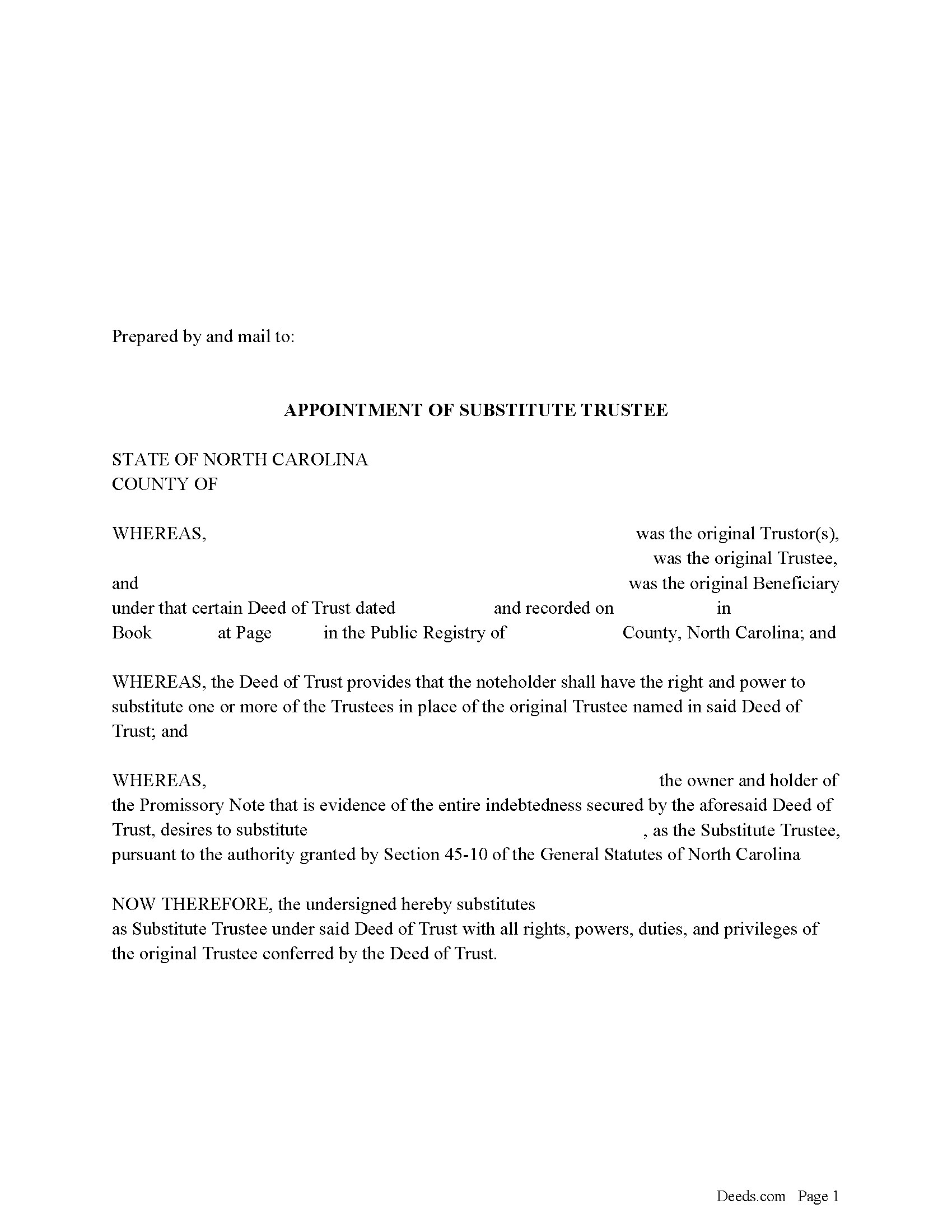
Yancey County Appointment of Substitute Trustee Form
Fill in the blank form formatted to comply with all recording and content requirements.
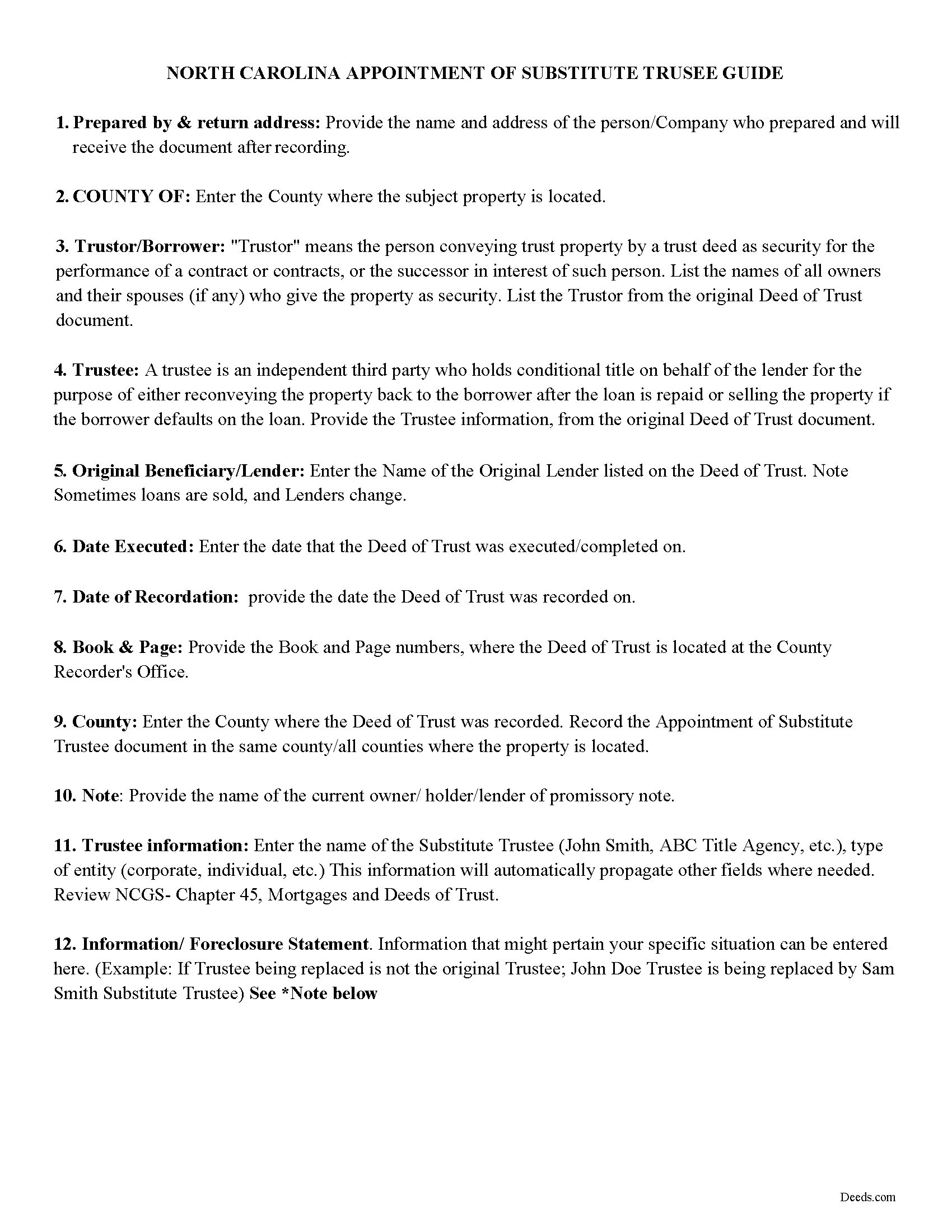
Yancey County Appointment of Substitute Trustee Guidelines
Line by line guide explaining every blank on the form.
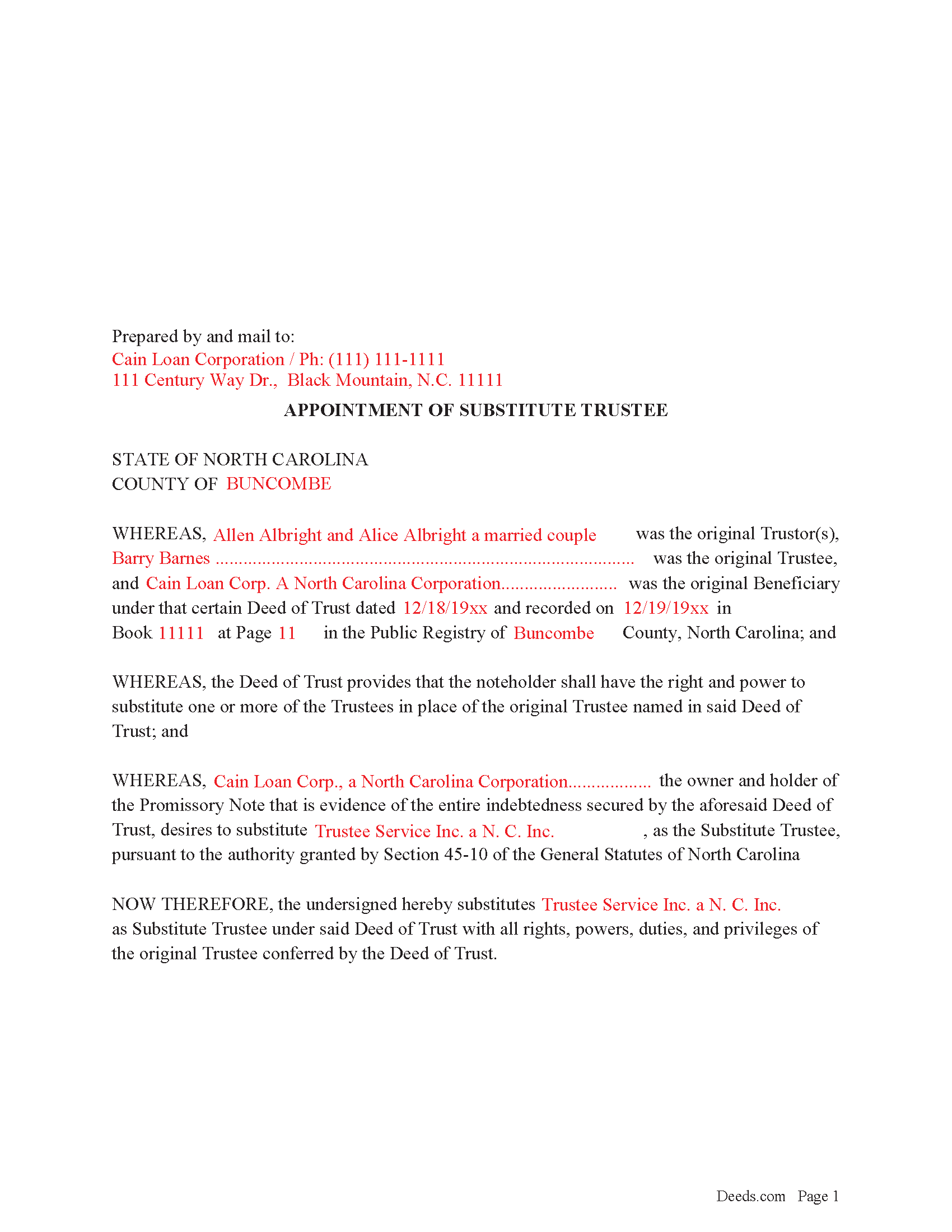
Yancey County Completed Example of the Appointment of Substitute Trustee Form
Example of a properly completed form for reference.
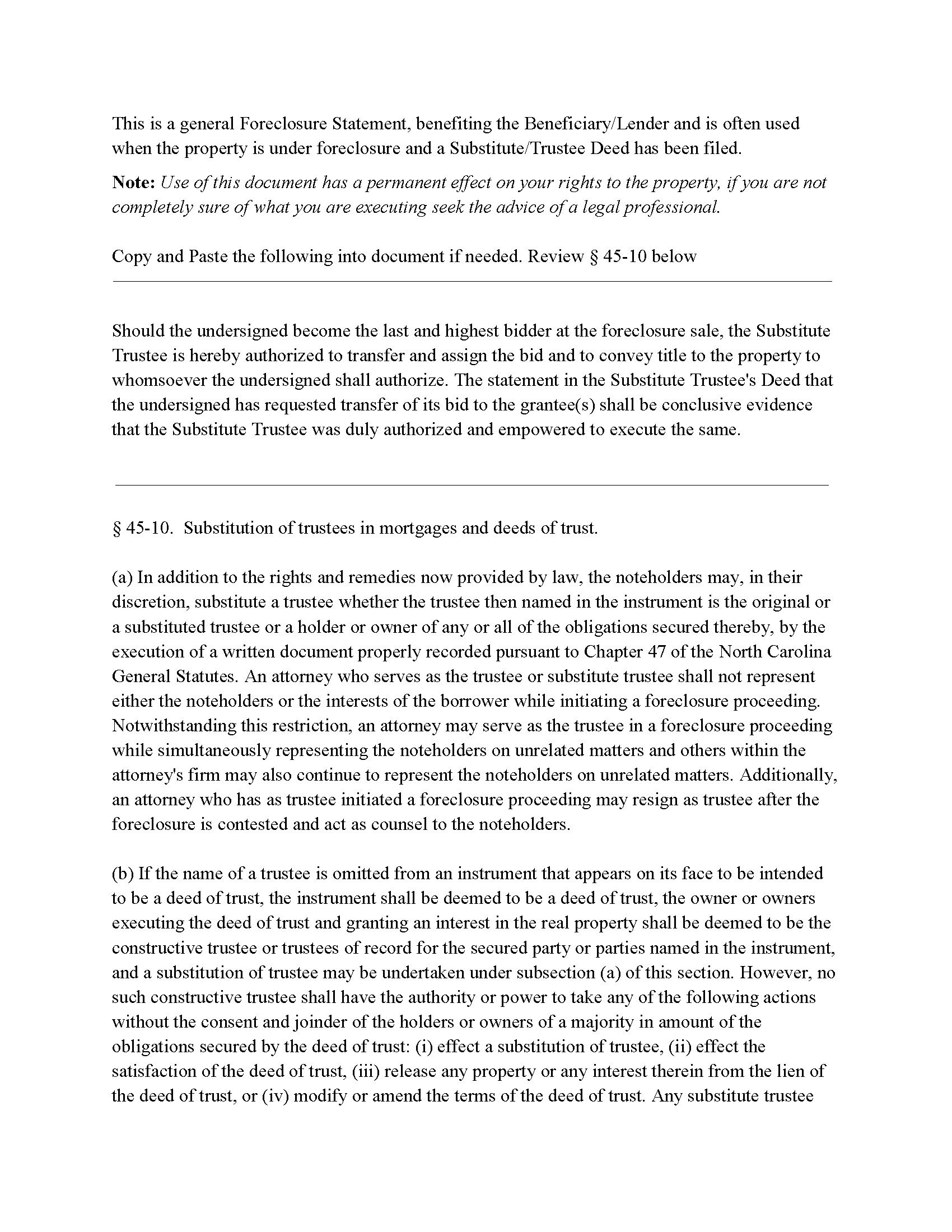
Yancey County Foreclosure Clause
Clause that can be added to the form, if foreclosure is involved.
All 4 documents above included • One-time purchase • No recurring fees
Immediate Download • Secure Checkout
Additional North Carolina and Yancey County documents included at no extra charge:
Where to Record Your Documents
Yancey County Register of Deeds
Burnsville, North Carolina 28714
Hours: 8:30 to 5:00 M-F
Phone: (828) 682-2174
Recording Tips for Yancey County:
- Bring your driver's license or state-issued photo ID
- Ensure all signatures are in blue or black ink
- Documents must be on 8.5 x 11 inch white paper
- Double-check legal descriptions match your existing deed
- Verify all names are spelled correctly before recording
Cities and Jurisdictions in Yancey County
Properties in any of these areas use Yancey County forms:
- Burnsville
- Green Mountain
- Micaville
Hours, fees, requirements, and more for Yancey County
How do I get my forms?
Forms are available for immediate download after payment. The Yancey County forms will be in your account ready to download to your computer. An account is created for you during checkout if you don't have one. Forms are NOT emailed.
Are these forms guaranteed to be recordable in Yancey County?
Yes. Our form blanks are guaranteed to meet or exceed the applicable formatting requirements used for recording in Yancey County, including margin requirements, font requirements, and other layout standards. This guarantee applies to formatting, not to the legal sufficiency of information entered by the user or the suitability of a form for a particular transaction.
Can I reuse these forms?
Yes. You can reuse the forms for your personal use. For example, if you have multiple properties in Yancey County you only need to order once.
What do I need to use these forms?
The forms are PDFs that you fill out on your computer. The free Adobe Acrobat Reader is recommended, and most PDF apps also work. You do NOT enter your property information online - you download the blank forms and complete them privately on your own computer.
Are there any recurring fees?
No. This is a one-time purchase. Nothing to cancel, no memberships, no recurring fees.
How much does it cost to record in Yancey County?
Recording fees in Yancey County vary. Contact the recorder's office at (828) 682-2174 for current fees.
Questions answered? Let's get started!
In a Deed of Trust, the trustee is an independent third party who holds conditional title on behalf of the lender for the purpose of either reconveying the property back to the borrower after the loan is repaid or selling the property if the borrower defaults on the loan. Trustee's can be replaced for many reasons, incapacity, incompetency, death, etc. Often a lender will substitute a trustee with a firm or corporation that will be conducting a foreclosure.
NCG 45-10. States:
In addition to the rights and remedies now provided by law, the noteholders may, in their discretion, substitute a trustee whether the trustee then named in the instrument is the original or a substituted trustee or a holder or owner of any or all of the obligations secured thereby, by the execution of a written document properly recorded pursuant to Chapter 47
This form is executed by the beneficiary/lender for the substitution of a trustee, it includes an optional foreclosure clause if needed for that purpose.
(North Carolina AOST Package includes form, guidelines, and completed example)
Important: Your property must be located in Yancey County to use these forms. Documents should be recorded at the county recording office listed above.
This Appointment of Substitute Trustee meets all recording requirements specific to Yancey County.
Our Promise
The documents you receive here are guaranteed to meet or exceed the applicable Yancey County recording format requirements. If there is a rejection caused by our formatting, we will correct the issue or refund your payment. This guarantee applies to document formatting only and does not extend to information entered by the user, the selection of the form, or the legal effect of the completed document.
Save Time and Money
Get your Yancey County Appointment of Substitute Trustee form done right the first time with Deeds.com Uniform Conveyancing Blanks. At Deeds.com, we understand that your time and money are valuable resources, and we don't want you to face a penalty fee or rejection imposed by a county recorder for submitting nonstandard documents. We constantly review and update our forms to meet rapidly changing state and county recording requirements for roughly 3,500 counties and local jurisdictions.
4.8 out of 5 - ( 4,864 Reviews )
OLGA R. 5 out of 5 stars
Excellent Service for E-Recording. They work with you and guide you on every aspect.
We appreciate your business and value your feedback. Thank you. Have a wonderful day!
Jay G. 5 out of 5 stars
Impressed by their expeditious response to my request which was facilitated by their fabulous software.
Thank you!
Jason James H. 5 out of 5 stars
Th forms were correct, exactly what I needed.
Thanks Jason, we appreciate the feedback.
Samuel M. 4 out of 5 stars
it was convenient to have a starting place, however, though the property is in Colorado, the probate is in Iowa, so I had to create my own document because you locked my capacity to edit the form I paid for. If I pay for it, I should be able to edit everything including non fill in text. I could not open it in word, as I normally could.
Thank you for your feedback. We really appreciate it. Have a great day!
A. S. 3 out of 5 stars
First, I am glad that you gave a blank copy, an example copy, and a 'guide'. It made it much easier to do. Overall I was very happy with your products and organization... however, things got pretty confusing and I have a pretty 'serious' law background in Real Estate and Civil law. With that said, I spent about 10+ hours getting my work done, using the Deed of Trust and Promissory note from you and there were a few problems: First, it would be FANTASTIC if you actually aligned your guide to actually match the Deed or Promissory Note. What I mean is that if the Deed says 'section (E)' then your guide shouldn't be 'randomly' numbered as 1,2,3, for advice/instructions, but should EXACTLY match 'section (E)'. Some places you have to 'hunt' for what you are looking for, and if you did it based on my suggestion, you wouldn't need to 'hunt' and it would avoid confusion. 2nd: This one really 'hurt'... you had something called the 'Deed of Trust Master Form' yet you had basically no information on what it was or how to use it. The only information you had was a small section at the top of the 'Short Form Deed of Trust Guide'. Holy Cow, was that 'section' super confusing. I still don't know if I did it correctly, but your guide says only put a return address on it and leave the rest of the 16 or so page Deed of Trust beneath it blank... and then include your 'Deed of Trust' (I had to assume the short form deed that I had just created) as part of it. I had to assume that I had to print off the entire 17 page or so title page and blank deed. I also had to assume that the promissory note was supposed to be EXHIBIT A or B on the Short Form Deed. It would be great if someone would take a serious look at that short section in your 'Short Form Deed of Trust Guide' and realize that those of us using your products are seriously turning this into a county clerk to file and that most of us, probably already have a property that has an existing Deed... or at least can find one in the county records if necessary... and make sure that you make a distinction between the Deed for the property that already exists, versus the Deed of Trust and Promissory note that we are trying to file. Thanks.
Thank you for your feedback. We'll have staff review the document for clarity. Have a great day!
Arthur M. 5 out of 5 stars
A good service that saves a lot of time and precludes making a trip to the County Assessors Office. Valuable service.
Thank you!
Lacina B. 5 out of 5 stars
Forms were appropriately priced, easy to download
Thank you for your feedback. We really appreciate it. Have a great day!
Jaime H. 5 out of 5 stars
quick and easy
Thank you!
Joshua A. 5 out of 5 stars
It was fast, secure, and reliable, and for the cost it saved me time, and driving four hours to the courthouse and back. It really saved me. Thank You.
Thank you Joshua, glad we could help.
Jean C. 5 out of 5 stars
I created an account for one particular document. It was very easy to find what I needed for my state and my county. The directions were easy to follow, the cost was reasonable and I was able to download the documents immediately. I recommend this site to anyone who needs legal documents and I will use it again when needed.
Thank you, Jean! We're so glad you had a great experience. We truly appreciate your recommendation and look forward to helping you again whenever you need us!
Susan G. 5 out of 5 stars
This is very helpful.
Thank you!
Carla H. 4 out of 5 stars
This is a very useful site for downloading legal forms - just be sure you're getting the form you need before buying. Unfortunately I selected the wrong form initially and had to buy a 2nd form to correct my error. I saw no way of communicating my error at that point - i.e., loss of one star.
Thank you for your feedback. We really appreciate it. Have a great day!
James R. 5 out of 5 stars
Useful and quick.
Thank you!
sandra f. 5 out of 5 stars
excellent transaction...very informative prior to purchase..
We appreciate your business and value your feedback. Thank you. Have a wonderful day!
John Q. 4 out of 5 stars
The process was a little confusing to understand at first for someone like me with no experience doing something like this. But after I spent a little time checking out everything, the process was easier than I thought it would be using this site. Also, the best part was the quick and helpful responses when using the Chat function.
Thank you, John! We appreciate your feedback and are glad our team could help make the experience a positive one. Thanks for giving us the opportunity to assist!