Mcdowell County Beneficiary and Executor Deed Form
Last validated October 21, 2026 by our Forms Development TeamFormatted for recording in Mcdowell County, for property anywhere in the county: rural and unincorporated areas as well as Glenwood, Little Switzerland, Marion, Nebo, Old Fort.
- 3 documents included
- Immediate PDF download
- Formatting guarantee
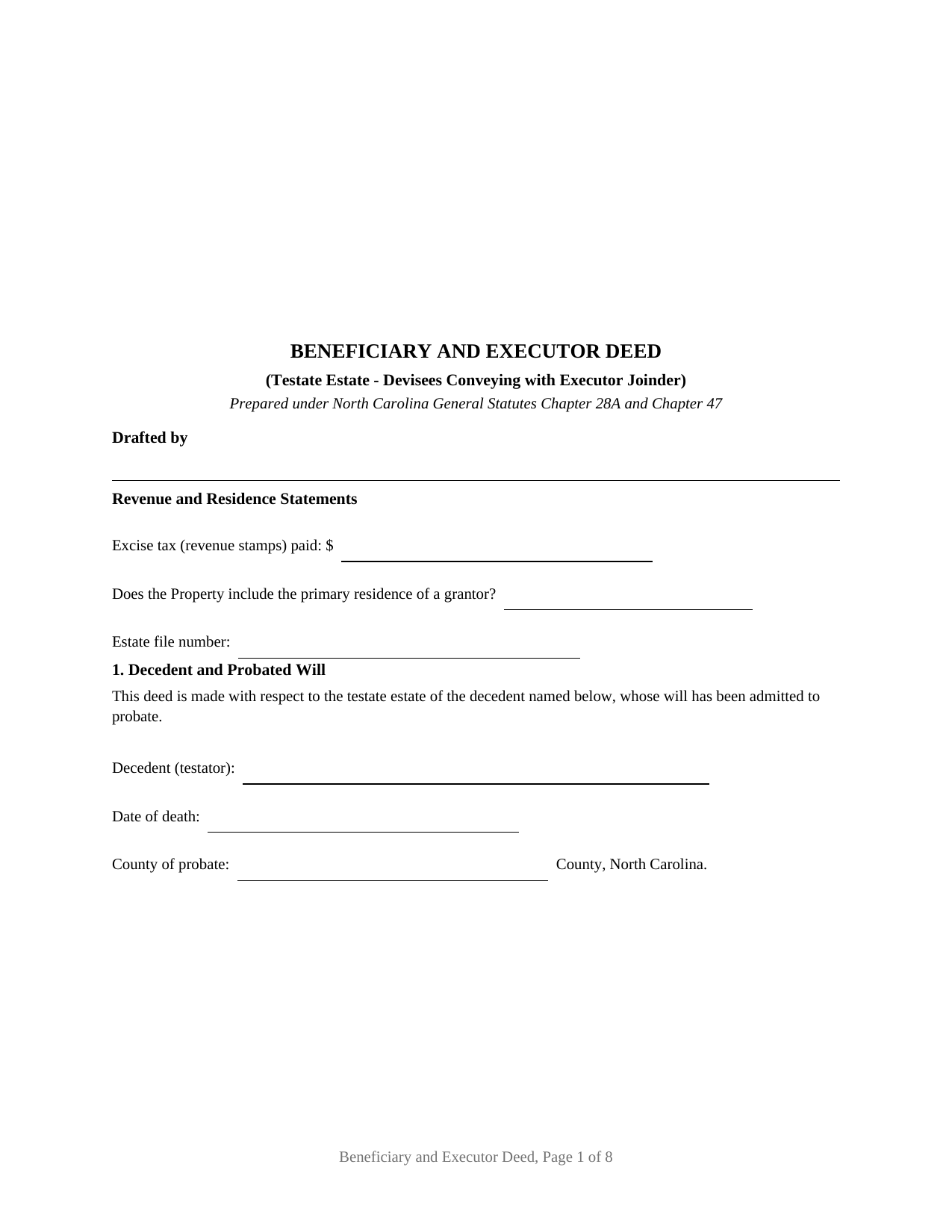
Mcdowell County Beneficiary and Executor Deed Form
Fill in the blank Beneficiary and Executor Deed form formatted to comply with all North Carolina recording and content requirements.
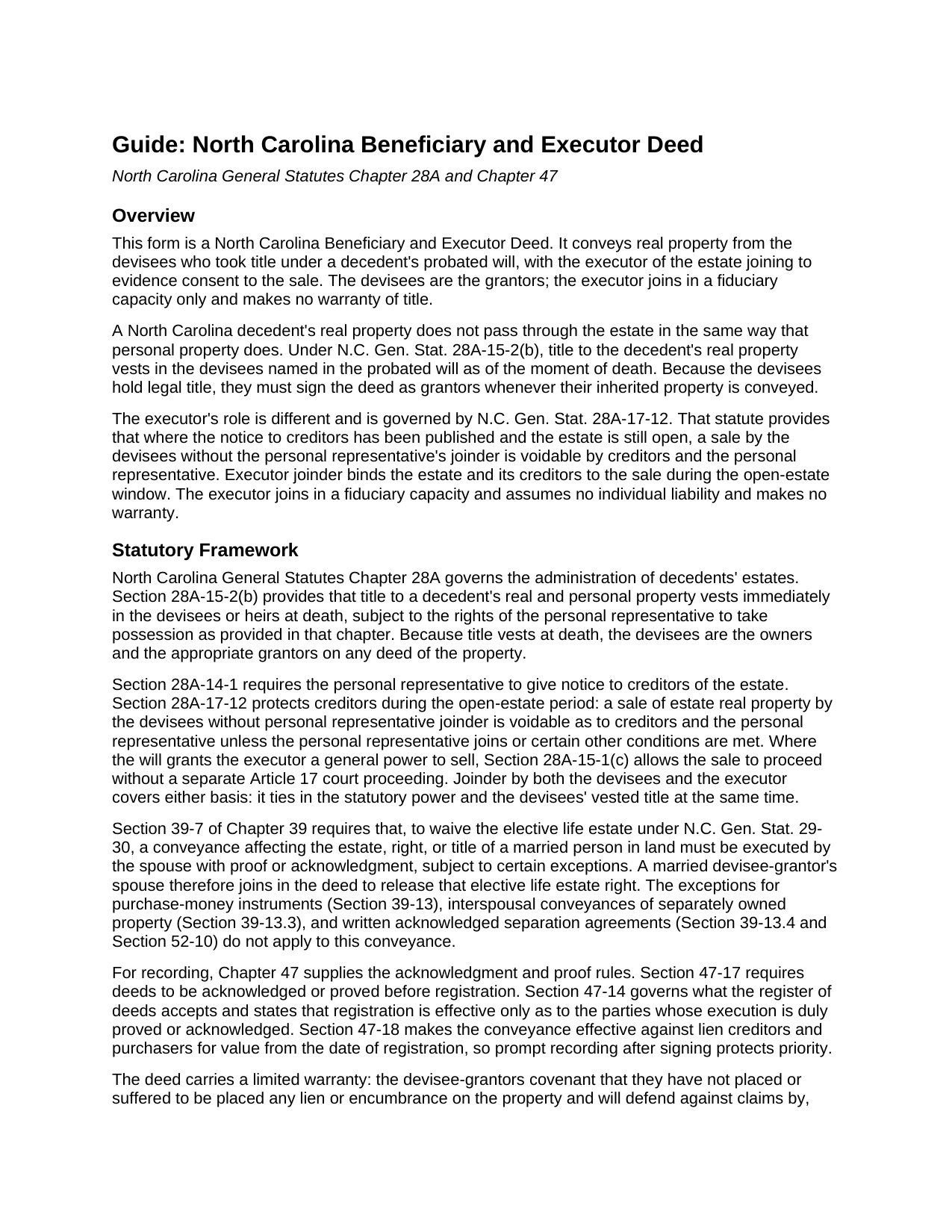
Mcdowell County Beneficiary and Executor Deed Guide
Line by line guide explaining every blank on the Beneficiary and Executor Deed form.
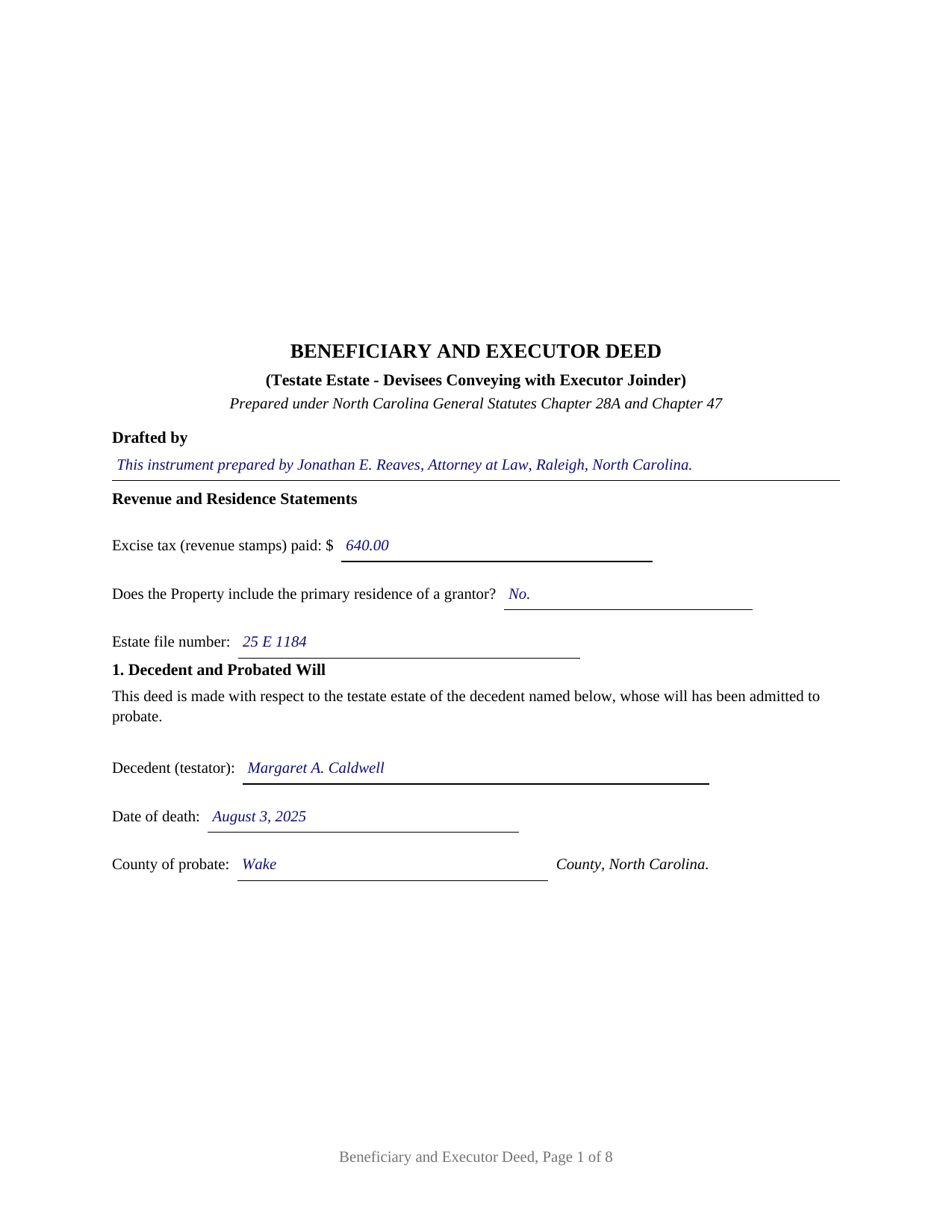
Mcdowell County Completed Example of the Beneficiary and Executor Deed Document
Example of a properly completed North Carolina Beneficiary and Executor Deed document for reference.
All 3 documents above included • One-time purchase • No recurring fees
Immediate Download • Secure Checkout
Additional North Carolina and Mcdowell County documents included at no extra charge:
Where to Record Your Documents
McDowell County Register of Deeds
Marion, North Carolina 28752
Hours: 8:30am-5:00pm M-F
Phone: (828) 652-4727
Recording Tips for Mcdowell County:
- Bring your driver's license or state-issued photo ID
- Ensure all signatures are in blue or black ink
- Check margin requirements - usually 1-2 inches at top
- Leave recording info boxes blank - the office fills these
- Make copies of your documents before recording - keep originals safe
Cities and Jurisdictions in Mcdowell County
Properties in any of these areas use Mcdowell County forms:
- Glenwood
- Little Switzerland
- Marion
- Nebo
- Old Fort
Hours, fees, requirements, and more for Mcdowell County
How do I get my forms?
Forms are available for immediate download after payment. The Mcdowell County forms will be in your account ready to download to your computer. An account is created for you during checkout if you don't have one. Forms are NOT emailed.
Are these forms guaranteed to be recordable in Mcdowell County?
Yes. Our form blanks are guaranteed to meet or exceed the applicable formatting requirements used for recording in Mcdowell County, including margin requirements, font requirements, and other layout standards. This guarantee applies to formatting, not to the legal sufficiency of information entered by the user or the suitability of a form for a particular transaction.
Can I reuse these forms?
Yes. You can reuse the forms for your personal use. For example, if you have multiple properties in Mcdowell County you only need to order once.
What do I need to use these forms?
The forms are PDFs that you fill out on your computer. The free Adobe Acrobat Reader is recommended, and most PDF apps also work. You do NOT enter your property information online - you download the blank forms and complete them privately on your own computer.
Are there any recurring fees?
No. This is a one-time purchase. Nothing to cancel, no memberships, no recurring fees.
How much does it cost to record in Mcdowell County?
Recording fees in Mcdowell County vary. Contact the recorder's office at (828) 652-4727 for current fees.
Questions answered? Let's get started!
North Carolina handles a decedent's real estate in a way that catches many families off guard: the land never sits in the estate. The moment an owner dies leaving a probated will, title vests in the devisees named in that will. A Beneficiary and Executor Deed is built around that fact. The people who inherited the property sign as the grantors who convey it, and the executor signs alongside them to consent to the sale and to make the conveyance hold up against the estate's creditors while the estate is open.
Why the Devisees Sign and the Executor Joins
Under N.C. Gen. Stat. 28A-15-2(b), title to a decedent's real property vests in the heirs at death, and where there is a probated will it vests in the devisees and relates back to the death. Because the devisees hold legal title, they are the grantors. The executor's signature does different work: N.C. Gen. Stat. 28A-17-12 provides that, where the notice to creditors is first published within two years after death, a sale by the devisees before the final account is approved is void as to creditors and the personal representative unless the personal representative joins. The executor's joinder binds the estate and its creditors during the open-estate window.
A Deed for a Testate Estate
This is the testate form: the decedent left a will, an executor qualified, and the estate is still open. The deed recites the date of death, the county of probate, and the estate file number, states that the executor was appointed under the will and is duly qualified and that notice to creditors has been given, and identifies the source of the executor's authority to consent to the sale. Where the will gives a general power to sell, N.C. Gen. Stat. 28A-15-1(c) lets the sale proceed without a separate Article 17 court proceeding. The intestate counterpart, in which an administrator joins the heirs, is the separate North Carolina Beneficiary and Administrator Deed.
Warranty That Fits a Fiduciary Sale
Because the devisees own the property, they can warrant title, and this deed has them give a limited warranty: they covenant that they placed no lien or encumbrance on the property and will defend against claims by, through, or under themselves or the decedent's estate, but no further. The executor joins without any warranty of title. North Carolina supplies no statutory short-form deed and reads covenant scope from the deed's own words, construed for the intent of the whole instrument under N.C. Gen. Stat. 39-1.1.
Marriage, Signing, and Recording
A married devisee-grantor's spouse joins in the deed. N.C. Gen. Stat. 39-7 contemplates spousal execution to waive the elective life estate that N.C. Gen. Stat. 29-30 gives a surviving spouse, so the form carries a joinder line for each married devisee-grantor's spouse. It provides blocks for up to two devisee-grantors plus the executor; additional devisees continue on an attached exhibit. Each signer acknowledges before a notary on a separate certificate, since registration is effective only as to parties whose execution is acknowledged. The deed is recorded with the register of deeds where the property lies; because North Carolina registers in order under N.C. Gen. Stat. 47-18, prompt recording protects priority, and the State excise tax is collected before recording.
The package includes the blank deed as a fillable PDF, a plain-language guide that walks through every section and the governing statutes, and a completed example built on a realistic Wake County sale. The materials are informational and are not legal advice; many estate sales in North Carolina are handled with the assistance of counsel.
Important: Your property must be located in Mcdowell County to use these forms. Documents should be recorded at the county recording office listed above.
This Beneficiary and Executor Deed meets all recording requirements specific to Mcdowell County.
Our Promise
The documents you receive here are guaranteed to meet or exceed the applicable Mcdowell County recording format requirements. If there is a rejection caused by our formatting, we will correct the issue or refund your payment. This guarantee applies to document formatting only and does not extend to information entered by the user, the selection of the form, or the legal effect of the completed document.
Save Time and Money
Get your Mcdowell County Beneficiary and Executor Deed form done right the first time with Deeds.com Uniform Conveyancing Blanks. At Deeds.com, we understand that your time and money are valuable resources, and we don't want you to face a penalty fee or rejection imposed by a county recorder for submitting nonstandard documents. We constantly review and update our forms to meet rapidly changing state and county recording requirements for roughly 3,500 counties and local jurisdictions.
4.8 out of 5 - ( 4,845 Reviews )
Loren H. 5 out of 5 stars
I really appreciate your forms according to South Dakota laws and statues. Your forms allow me to effectively do estate planning without extensive legal expenses. The "Revocable Transfer of Death Deed" is perfect to protect against extensive probate problems for seniors in retirement. Thank you and May God Bless.
We appreciate your business and value your feedback. Thank you. Have a wonderful day!
David C. 5 out of 5 stars
I was able to use your website for the purpose I was looking for. I was able to conclude the transactions I needed without having to use an attorney.
We appreciate your business and value your feedback. Thank you. Have a wonderful day!
Haydee P. 5 out of 5 stars
Thanks for advertising the forms and sharing to the public for easy access. I have been looking for a lawyer to process the papers but did not realize that I can do it myself until I googled the information. I found your website. Thanks again
Thank you for your feedback. We really appreciate it. Have a great day!
Shirley B. 5 out of 5 stars
Very convenient, glad I discovered this website.
We appreciate your business and value your feedback. Thank you. Have a wonderful day!
Sarah C. 5 out of 5 stars
Great, but I'd like to see the actual filings/documents in my account, PDF, not only the blank forms. Thank you.
Thank you for your feedback. We really appreciate it. Have a great day!
TEDDY Y. 5 out of 5 stars
this experience was made possible with the ease of using your service thank you
Thank you!
Brady D. 1 out of 5 stars
I would give you a zero if possible. The webpage is as cumbersome has all get out. I am on web pages all day every day and this one is by far the hardest one to get around in.
Thank you for sharing your feedback regarding your experience with our website. We are truly sorry to hear that navigating our site proved to be a challenge for you. Your insights are invaluable, and we will definitely take your comments into consideration as we work towards improving our online platform.
We wish you all the best in your future endeavors.
Carnell G. 4 out of 5 stars
The basic setup was fine but, I need to review the document in its entirety for accuracy which I have yet to do so. So far so good. The monthly fee is more than I need for right now.
Thank you!
William M. 5 out of 5 stars
I got what I needed and did exactly what I needed. All legal and no hassle. Thanks Deeds.com, you made the job much easier.
Thank you!
Michael M. 5 out of 5 stars
Thanks worked out great as the form was perfect and no problems filing it with the county.
Thank you for your feedback. We really appreciate it. Have a great day!
Teresa R. 5 out of 5 stars
FANTASTIC. Sometimes we think know something, glad I found out I was wrong before it was too late.
Thank you!
Brian W. 5 out of 5 stars
Easy, but it would be nice if there was an option for font size. It looks tiny, like 6 or 8.
Thank you for your feedback. We really appreciate it. Have a great day!
Joyce F. 5 out of 5 stars
The forms are simple to follow. I was hoping I would be able to add my personal info. That would make the forms even more simple.
We appreciate your business and value your feedback. Thank you. Have a wonderful day!
Jon W. 1 out of 5 stars
Useless for me. My deed could not be pulled. After investigation, I got a copy online directly from WV for $3. No one but editors of this will ever see this. Shame.
Thank you for your feedback. We really appreciate it. Have a great day!
Justin S. 5 out of 5 stars
Very useful information
Thank you!