Davie County Certificate of Trust Form
Last validated September 17, 2026 by our Forms Development TeamFormatted for recording in Davie County, for property anywhere in the county: rural and unincorporated areas as well as Advance, Cooleemee, Mocksville.
- 3 documents included
- Immediate PDF download
- Formatting guarantee
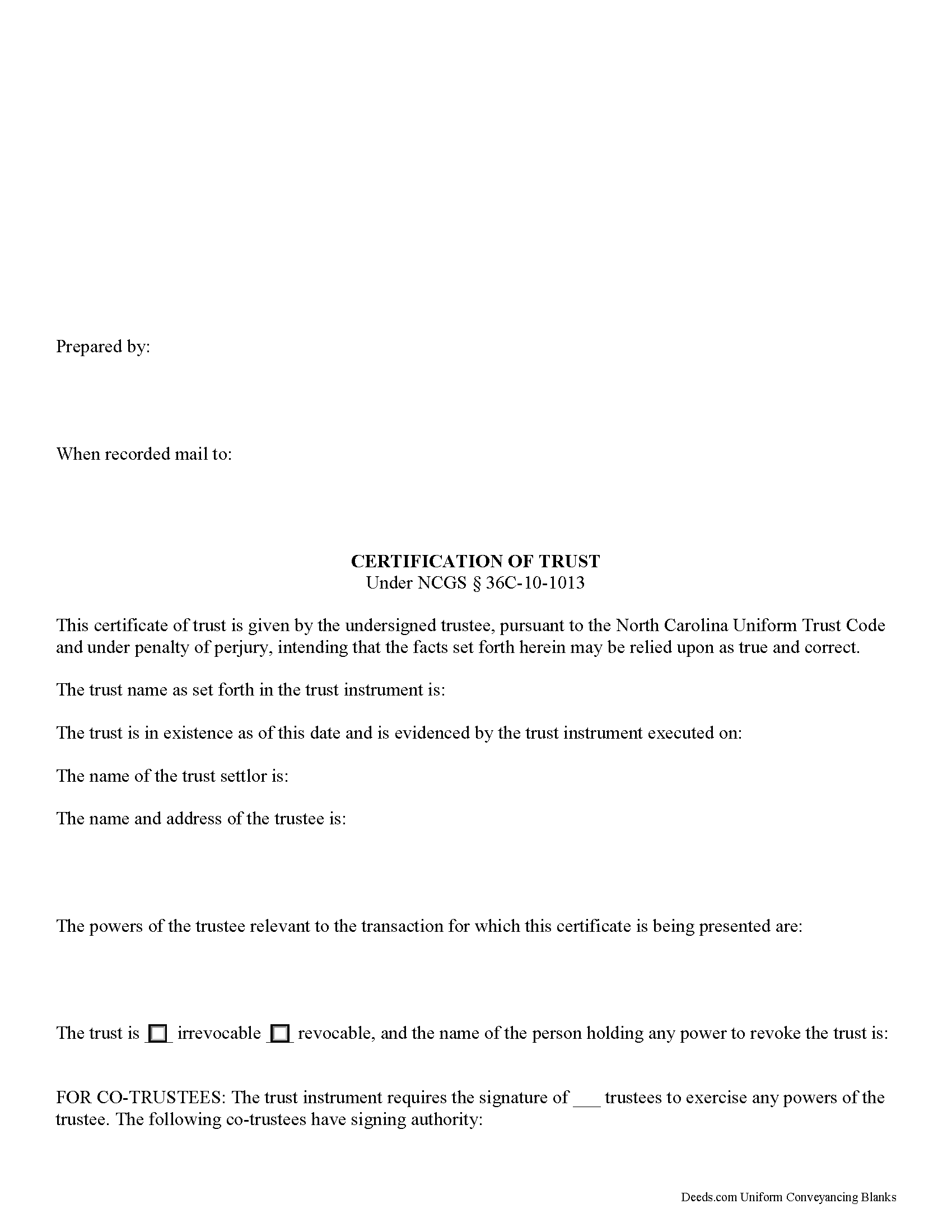
Davie County Certificate of Trust Form
Fill in the blank form formatted to comply with all recording and content requirements.
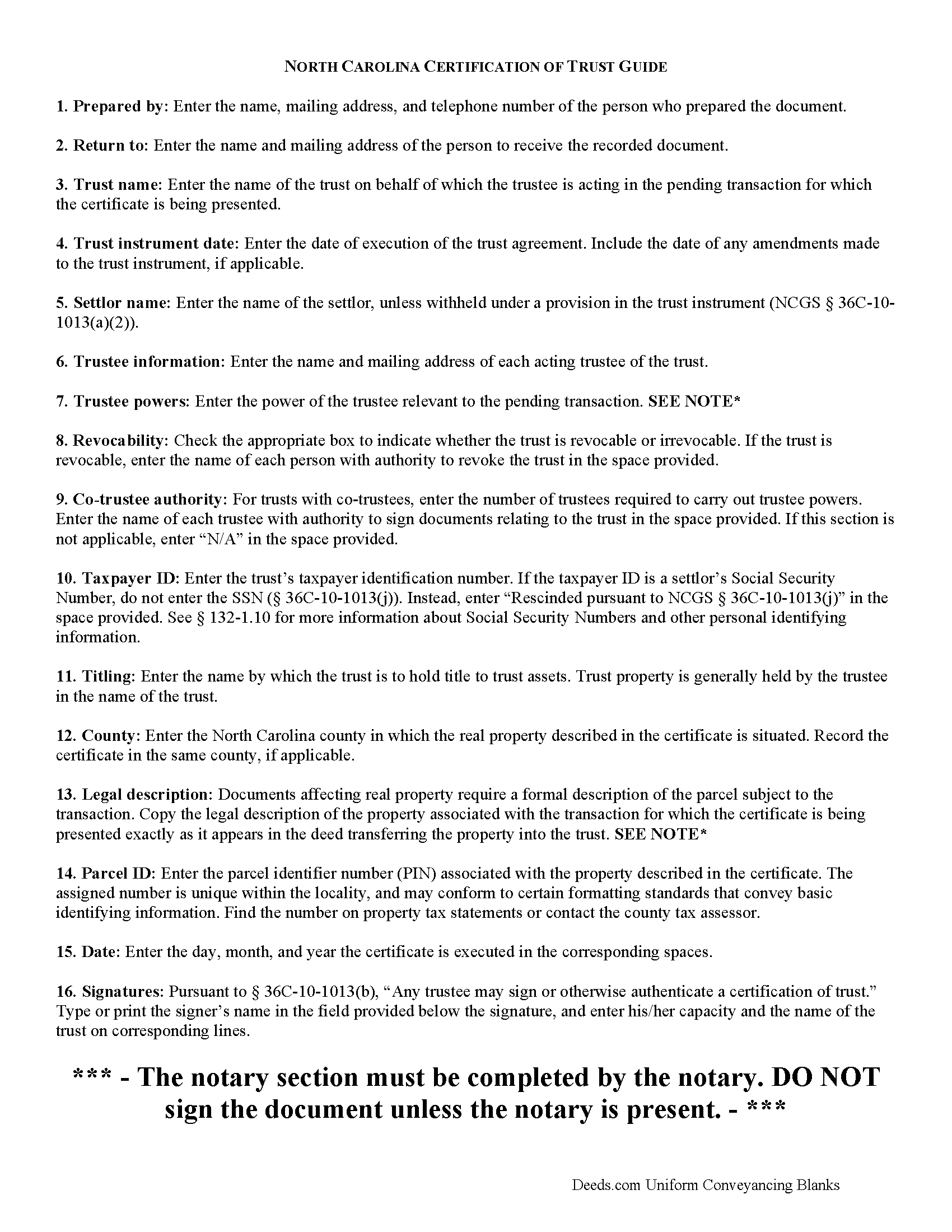
Davie County Certificate of Trust Guide
Line by line guide explaining every blank on the form.
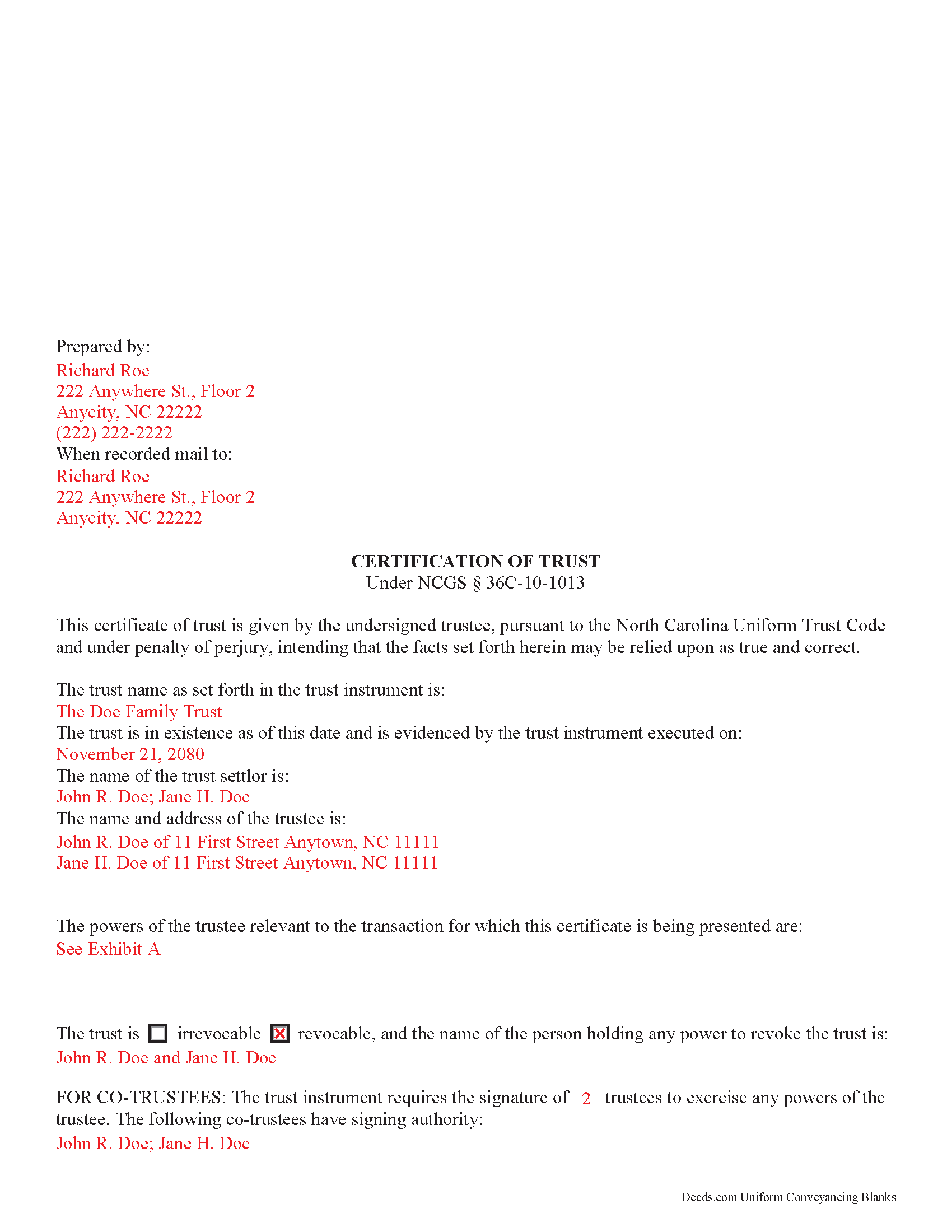
Davie County Completed Example of the Certificate of Trust Document
Example of a properly completed form for reference.
All 3 documents above included • One-time purchase • No recurring fees
Immediate Download • Secure Checkout
Additional North Carolina and Davie County documents included at no extra charge:
Where to Record Your Documents
Davie County Registrar of Deeds
Mocksville, North Carolina 27028
Hours: 8:30 to 5:00 M-F
Phone: (336) 753-6080
Recording Tips for Davie County:
- Bring your driver's license or state-issued photo ID
- Ensure all signatures are in blue or black ink
- Ask if they accept credit cards - many offices are cash/check only
- Check that your notary's commission hasn't expired
- Documents must be on 8.5 x 11 inch white paper
Cities and Jurisdictions in Davie County
Properties in any of these areas use Davie County forms:
- Advance
- Cooleemee
- Mocksville
Hours, fees, requirements, and more for Davie County
How do I get my forms?
Forms are available for immediate download after payment. The Davie County forms will be in your account ready to download to your computer. An account is created for you during checkout if you don't have one. Forms are NOT emailed.
Are these forms guaranteed to be recordable in Davie County?
Yes. Our form blanks are guaranteed to meet or exceed the applicable formatting requirements used for recording in Davie County, including margin requirements, font requirements, and other layout standards. This guarantee applies to formatting, not to the legal sufficiency of information entered by the user or the suitability of a form for a particular transaction.
Can I reuse these forms?
Yes. You can reuse the forms for your personal use. For example, if you have multiple properties in Davie County you only need to order once.
What do I need to use these forms?
The forms are PDFs that you fill out on your computer. The free Adobe Acrobat Reader is recommended, and most PDF apps also work. You do NOT enter your property information online - you download the blank forms and complete them privately on your own computer.
Are there any recurring fees?
No. This is a one-time purchase. Nothing to cancel, no memberships, no recurring fees.
How much does it cost to record in Davie County?
Recording fees in Davie County vary. Contact the recorder's office at (336) 753-6080 for current fees.
Questions answered? Let's get started!
North Carolina Certification of Trust
Codified under the North Carolina Uniform Trust Code, which governs testamentary and non-testamentary trusts, the certification of trust at NCGS 36C-10-1013 is a document verifying a trust's existence and a trustee's authority to act in the transaction for which the certificate is being presented.
A trust is an arrangement whereby a settlor transfers property to another person (the trustee), who holds it for the benefit of a third (the beneficiary). A testamentary trust takes effect upon the settlor's death as specified by his/her will, and a non-testamentary (inter vivos) trust takes effect during the settlor's lifetime, and functions pursuant to the terms established by the settlor in an unrecorded document called the trust instrument.
As the trust's administrator, the trustee handles the trust's assets and sees to the trust's affairs. Upon entering into a transaction involving the trust, a trustee can present a certification of trust to establish his authority to do so. The certificate contains the essential information about the trust that is necessary for the business at hand, allowing the trust instrument (containing the full scope of the trust's assets, the trustee's obligations, and identity of the beneficiary) to remain private.
Any trustee may execute a trust certificate ( 36C-10-1013(b)). In it, the trustee confirms that "the trust has not been revoked, modified, or amended in any manner that would cause the representations contained in the certification of trust to be incorrect" ( 36C-10-1013(c)). Recipients of a trustee's certificate may rely upon the statements contained within the document as correct without further inquiry ( 36C-10-1013(f)).
A certification of trust in North Carolina must state that the trust exists, and provide the date of the trust instrument. Unless withheld under a provision of the trust instrument, the document names each settlor, or person who contributes property to the trust ( 36C-1-103(17)). The certificate identifies the trust as either revocable or irrevocable, and gives the name of anyone holding a power to revoke the trust.
It also includes the name and address of the trust's currently acting trustee, along with a description of the trustee's powers relevant to the transaction for which the certificate is presented. If the trust has multiple trustees, the certificate shows how many trustees are required to exercise trustee powers, and which trustees have the authority to sign documents relating to the trust. It also specifies how trust assets will be titled (usually in the name of the trustee as representative of the trust).
Recipients of a certificate can request excerpts from the trust document designating the trustee and conferring the relevant powers necessary for the pending transaction unto the trustee ( 36C-10-1013(e)). Requesting that the trustee provide the entire trust instrument opens the recipient of a certification of trust up to certain liabilities under 36-10-1013(h). Note that this excludes the right to obtain a copy of the trust instrument in a legal proceeding involving the trust ( 36-10-1013(i)).
The certificate should also include the trust's taxpayer identification number, unless this number is the social security number of a settlor. If the taxpayer ID is rescinded from the document, however, it "shall be certified by the trustee to the person acting in reliance upon the certification of trust in a manner reasonably satisfactory to that person" ( 36C-10-1013(j)).
For transactions involving real property held in trust in North Carolina, the certification should meet all form and content requirements for real estate documents, including a legal description of the property subject to the transaction. The document may be recorded with the register of deeds in the county where the real property is located (36-10-1013(j)).
Talk to a lawyer with any questions regarding trusts and certifications of trust in North Carolina.
(North Carolina COT Package includes form, guidelines, and completed example)
Important: Your property must be located in Davie County to use these forms. Documents should be recorded at the county recording office listed above.
This Certificate of Trust meets all recording requirements specific to Davie County.
Our Promise
The documents you receive here are guaranteed to meet or exceed the applicable Davie County recording format requirements. If there is a rejection caused by our formatting, we will correct the issue or refund your payment. This guarantee applies to document formatting only and does not extend to information entered by the user, the selection of the form, or the legal effect of the completed document.
Save Time and Money
Get your Davie County Certificate of Trust form done right the first time with Deeds.com Uniform Conveyancing Blanks. At Deeds.com, we understand that your time and money are valuable resources, and we don't want you to face a penalty fee or rejection imposed by a county recorder for submitting nonstandard documents. We constantly review and update our forms to meet rapidly changing state and county recording requirements for roughly 3,500 counties and local jurisdictions.
4.8 out of 5 - ( 4,836 Reviews )
Robert L. 5 out of 5 stars
It was easy for me to open an account and upload a document for recording.
Thank you for your feedback. We really appreciate it. Have a great day!
Giuseppina M. 5 out of 5 stars
Love to work with your company
It was a pleasure serving you. Thank you for the positive feedback!
Sheri L. 5 out of 5 stars
Very helpful even though what I'm looking for hasnt updated yet. I'll use you again.
Thank you!
Glenella J. 4 out of 5 stars
I wish you had the older deeds online to look at. Other than that, I was very satisfied with my experience.
Thank you for your feedback. We really appreciate it. Have a great day!
Barbara M. 5 out of 5 stars
We love this service - so easy to use and quick. It is the second time we have used Deeds.com, in two different states. Wonderful service!
Thank you for your feedback. We really appreciate it. Have a great day!
Charles G. 5 out of 5 stars
I downloaded your Transfer on Death Deed Forms on Monday and registered the deed on Wednesday. Thank you.
We appreciate your business and value your feedback. Thank you. Have a wonderful day!
Mary H. 5 out of 5 stars
Your site was very informative and I was able to instantly and easily download the documents that I needed. I could not be happier with your service. Thank You Mary Harju
Thank you Mary, we really appreciate your feedback.
Sander G. 4 out of 5 stars
Good but knocked off a star because the download file names are mostly numbers instead of recognizable names of the file contents (e.g., Promissory_Note_blank.pdf). Renaming would be a great help!
Thank you for your feedback. We really appreciate it. Have a great day!
DEBORAH H. 5 out of 5 stars
I found everything I needed
Your feedback is valuable to us and helps us improve. Thank you for sharing your thoughts!
Dee S. 5 out of 5 stars
This was easy and much cheaper than getting a lawyer. Thanks! - From alabama
We appreciate your business and value your feedback. Thank you. Have a wonderful day!
WILLIAM H. 5 out of 5 stars
i also need a "NOTE" and this trust deed is not exactly what i wanted. it may work but not to well.
Thank you for your feedback. We really appreciate it. Have a great day!
Tanya B. 5 out of 5 stars
Very convenient way to record documents without leaving the office. Responses to any questions have always been very quick. Would recommend using the site to anyone who needs to record documents and wants to save valuable time.
Thank you!
Gayela C. 5 out of 5 stars
Easy to use and I really like having the guides that come along with the forms.
Thank you!
Antonia J. 5 out of 5 stars
Great Family Planner
Thank you!
Douglas T. 5 out of 5 stars
Deeds.com supplied me with forms I needed immediately.
Thank you!