Moore County Conditional Lien Waiver on Progress Payment Form
Last validated October 7, 2026 by our Forms Development TeamFormatted for recording in Moore County, for property anywhere in the county: rural and unincorporated areas as well as Aberdeen, Carthage, Eagle Springs, Highfalls, Jackson Springs, Lakeview, Pinebluff, Pinehurst and 4 more.
- 3 documents included
- Immediate PDF download
- Formatting guarantee
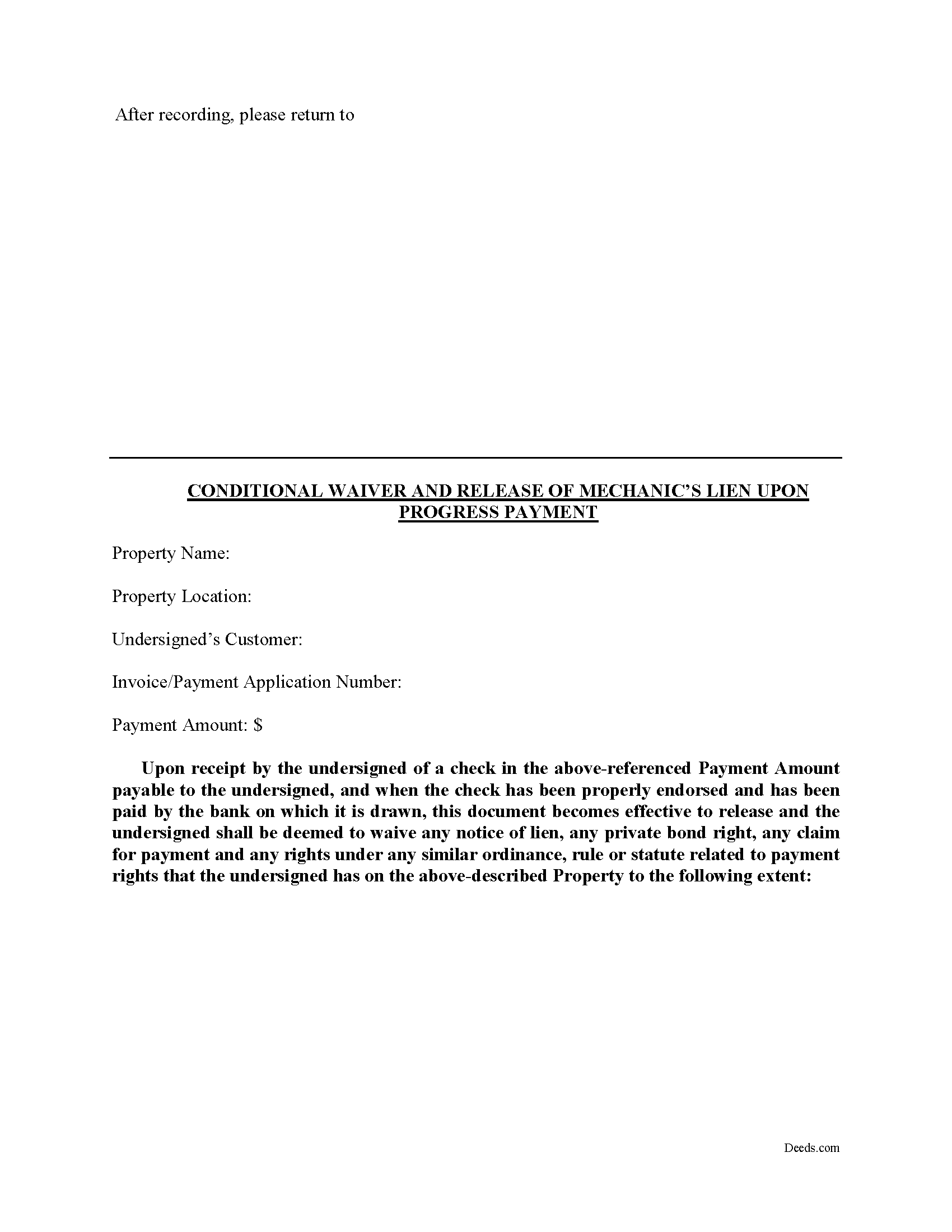
Moore County Conditional Lien Waiver on Progress Payment Form
Fill in the blank Conditional Lien Waiver on Progress Payment form formatted to comply with all North Carolina recording and content requirements.
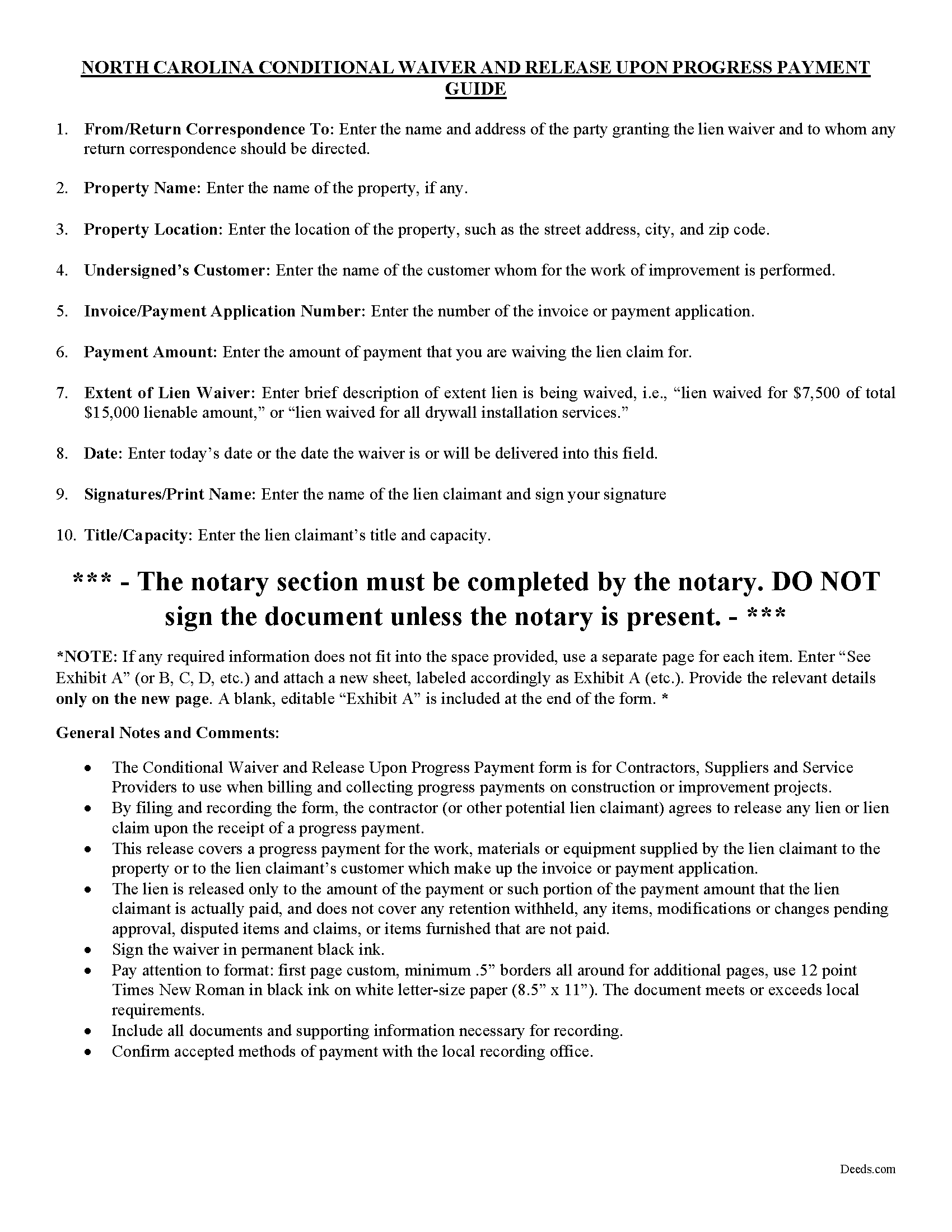
Moore County Conditional Lien Waiver on Progress Payment Guide
Line by line guide explaining every blank on the form.
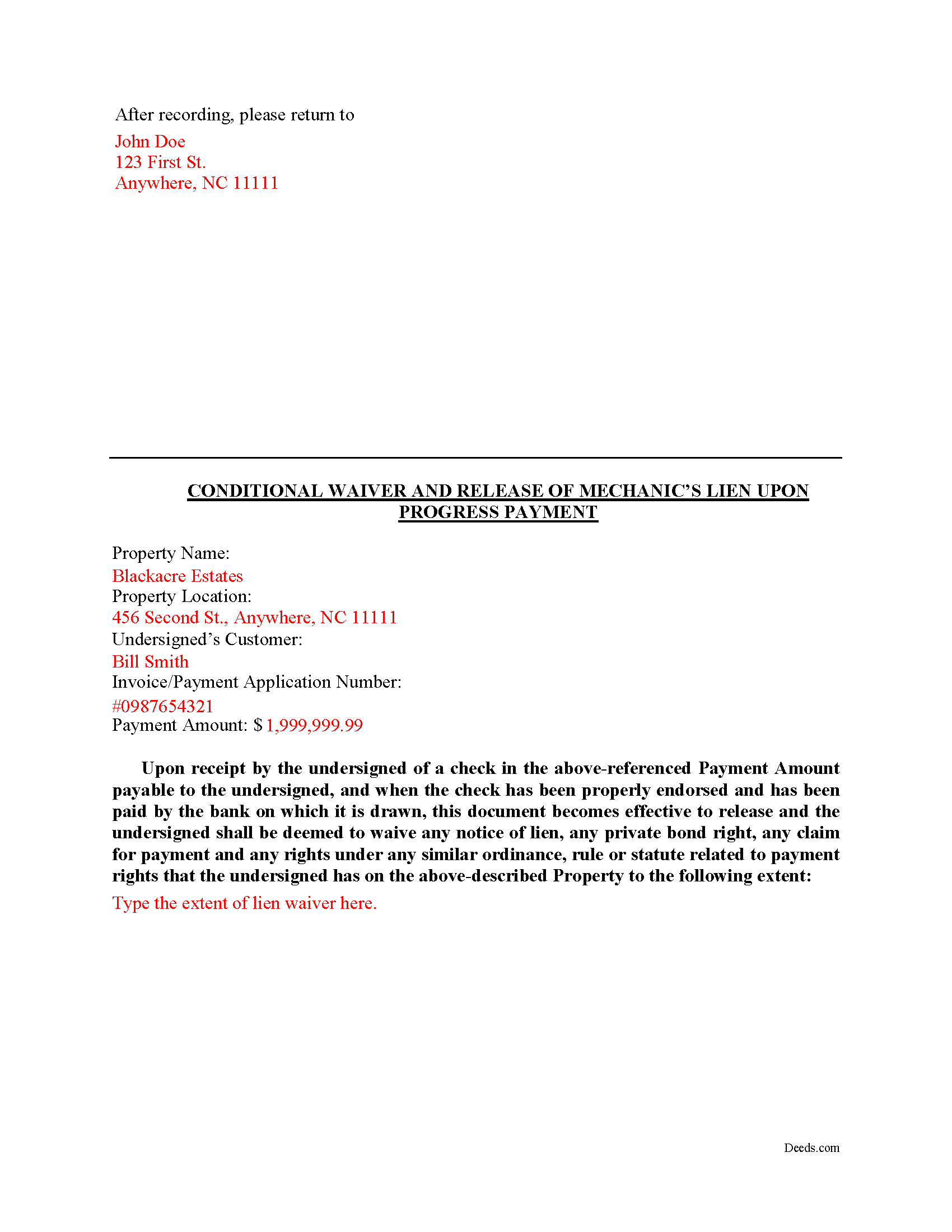
Moore County Completed Example of the Conditional Lien Waiver on Progress Payment Document
Example of a properly completed form for reference.
All 3 documents above included • One-time purchase • No recurring fees
Immediate Download • Secure Checkout
Additional North Carolina and Moore County documents included at no extra charge:
Where to Record Your Documents
Moore County Register of Deeds
Carthage, North Carolina 28327
Hours: 8:00am-5:00pm M-F
Phone: (910) 947-6370
Recording Tips for Moore County:
- Bring your driver's license or state-issued photo ID
- Ensure all signatures are in blue or black ink
- Both spouses typically need to sign if property is jointly owned
- Bring extra funds - fees can vary by document type and page count
- Check margin requirements - usually 1-2 inches at top
Cities and Jurisdictions in Moore County
Properties in any of these areas use Moore County forms:
- Aberdeen
- Carthage
- Eagle Springs
- Highfalls
- Jackson Springs
- Lakeview
- Pinebluff
- Pinehurst
- Robbins
- Southern Pines
- Vass
- West End
Hours, fees, requirements, and more for Moore County
How do I get my forms?
Forms are available for immediate download after payment. The Moore County forms will be in your account ready to download to your computer. An account is created for you during checkout if you don't have one. Forms are NOT emailed.
Are these forms guaranteed to be recordable in Moore County?
Yes. Our form blanks are guaranteed to meet or exceed the applicable formatting requirements used for recording in Moore County, including margin requirements, font requirements, and other layout standards. This guarantee applies to formatting, not to the legal sufficiency of information entered by the user or the suitability of a form for a particular transaction.
Can I reuse these forms?
Yes. You can reuse the forms for your personal use. For example, if you have multiple properties in Moore County you only need to order once.
What do I need to use these forms?
The forms are PDFs that you fill out on your computer. The free Adobe Acrobat Reader is recommended, and most PDF apps also work. You do NOT enter your property information online - you download the blank forms and complete them privately on your own computer.
Are there any recurring fees?
No. This is a one-time purchase. Nothing to cancel, no memberships, no recurring fees.
How much does it cost to record in Moore County?
Recording fees in Moore County vary. Contact the recorder's office at (910) 947-6370 for current fees.
Questions answered? Let's get started!
A lien waiver is a document drafted by a potential lien claimant such as a contractor, subcontractor, materials provider, equipment lessor or other party to the construction project (the claimant) that states they have received payment and thereby waive any future lien rights to the owner's property. Simply put, waiving a lien means giving up the right to a future lien in exchange for the payment of the potential lien amount in full or part.
Lien waivers generally fall into two categories: conditional and unconditional. A conditional waiver is effective only upon the triggering of a specific event, such as the payment check clearing. An unconditional waiver is an absolute abandonment of the claimant's right to a future lien whether or not payment is ever made to the possible claimant. North Carolina does not provide for lien waivers by statute, although waivers are still permissible and will be recognized by a state court under the principles of contract law.
The Conditional Waiver upon Progress Payment offers the most protection for lien claimants because it states that if the claimant(s) have actually been paid to date (including no return or stopped payment checks) the waiver serves as effective proof against any lien claim on the property. The lien is "conditioned" on receiving payment and is only waived if the claimant actually receives the payment.
Waivers should identify the parties, location of the job or project, relevant dates, costs, and payments, and any other details as needed.
By filing the form, the lien claimant represents that he or she either has already paid or will use the money he or she receives from this progress payment in order to make prompt payment in full to all his or her laborers, subcontractors, materialmen and suppliers for all work, materials or equipment that are the subject of this waiver and release.
Lien waivers also allow property owners to shield the title to their property from the general contractor, material suppliers, and subcontractors involved with a project. With a lien release upon a progress payment, the property owner moves toward clear title and the ability to obtain financing or sell the property. Proper lien waivers can also protect the property owner from liens filed by the contractor's subcontractors, suppliers and laborers who might record a lien if they are not paid by the contractor.
This article is provided for informational purposes only and should not be relied upon as a substitute for the advice of a legal professional. Please contact an attorney with questions about using lien waivers, or for any other issues related to liens in North Carolina.
Important: Your property must be located in Moore County to use these forms. Documents should be recorded at the county recording office listed above.
This Conditional Lien Waiver on Progress Payment meets all recording requirements specific to Moore County.
Our Promise
The documents you receive here are guaranteed to meet or exceed the applicable Moore County recording format requirements. If there is a rejection caused by our formatting, we will correct the issue or refund your payment. This guarantee applies to document formatting only and does not extend to information entered by the user, the selection of the form, or the legal effect of the completed document.
Save Time and Money
Get your Moore County Conditional Lien Waiver on Progress Payment form done right the first time with Deeds.com Uniform Conveyancing Blanks. At Deeds.com, we understand that your time and money are valuable resources, and we don't want you to face a penalty fee or rejection imposed by a county recorder for submitting nonstandard documents. We constantly review and update our forms to meet rapidly changing state and county recording requirements for roughly 3,500 counties and local jurisdictions.
4.8 out of 5 - ( 4,820 Reviews )
Paul R. 5 out of 5 stars
So far, so good. Great looking site.
Thank you!
Diana H. 4 out of 5 stars
little expensive same document in other county is free. however quite fast in responding. and just what i needed.
We appreciate your business and value your feedback. Thank you. Have a wonderful day!
Robert H. 5 out of 5 stars
I am very pleased with your service.
Thank you!
Scott W. 5 out of 5 stars
World class forms and service! Wish I had known about this site years ago, woulda saved me lots of headaches. Thank you.
Thanks for the kinds words Scott, have an amazing day!
Nancy R. 5 out of 5 stars
I AM NOT TOO SMART WHEN IT COMES TO COMPUTER STUFF, BUT THIS WEBSITE MADE IT SO VERY EASY & SIMPLE TO ACCOMPLISH THE TASK THAT WAS NEEDED. I FOUND MY STATE, FOUND THE TYPE OF DEED I NEEDED, FILLED IN THE BLANKS, PRINTED IT OUT & THEN GOT THE REQUIRED SIGNATURES WITNESSED & NOTARIZED -- EASY-PEASY! I WILL BE USING DEEDS.COM IN THE FUTURE & WILL CERTAINLY RECOMMEND IT TO FRIENDS & FAMILY. I REALLY APPRECIATED ALL THE OTHER FORMS OF EXPLANATION THEY GIVE YOU AS WELL AS AN EXAMPLE OF HOW YOUR COMPLETED DOCUMENT SHOULD LOOK ONCE YOU'RE FINISHED.
Thank you for your feedback. We really appreciate it. Have a great day!
Priscilla M. 5 out of 5 stars
Instructions are easy to follow which make filling out the forms easy and simple. I would definitely recommend Deeds.com.
Thank you!
CYNTHIA Z. 5 out of 5 stars
So easy to use and fast.
Thank you!
Cindy H. 5 out of 5 stars
Very easy to use and organized. When I needed the form I needed it immediately. I didn't want to get locked into a monthly subscription. Deeds.com met that need. Thanks!
We appreciate your business and value your feedback. Thank you. Have a wonderful day!
Claudia S. 5 out of 5 stars
Website is very easy to navigate.
We appreciate your business and value your feedback. Thank you. Have a wonderful day!
steven l. 3 out of 5 stars
As a first time user and not having knowledge of how your site worked it was awkward to upload a file and not know what to do next. I found out there is nothing to do next but that after some time looking for a submit button or some kind of confirmation that I was doing the right thing. Ended up being very easy, just wasted time trying to figure out what to do when there was nothing left to do.
Thank you!
Wilfrid J. 5 out of 5 stars
It was fast and easy but it's really official
Thank you!
Heidi G. 5 out of 5 stars
I have not yet actually completed the entire process. However, the preliminary documents, ability to try them and ease of filling them out is pretty nice, so far.
Thank you!
Salvatore R. 5 out of 5 stars
It was fast and easy to find.
Thank you!
Duane R. 5 out of 5 stars
Your site was very easy to use and provided all the information needed.
Thank you for your feedback. We really appreciate it. Have a great day!
Erika H. 5 out of 5 stars
The service was fast and efficient. So glad I stumbled upon this website!
Thank you for your feedback. We really appreciate it. Have a great day!