Cumberland County Disclaimer of Interest Form
Last validated October 12, 2026 by our Forms Development TeamFormatted for recording in Cumberland County, for property anywhere in the county: rural and unincorporated areas as well as Cumberland, Falcon, Fayetteville, Fort Bragg, Hope Mills, Linden, Pope A F B, Spring Lake and 2 more.
- 3 documents included
- Immediate PDF download
- Formatting guarantee
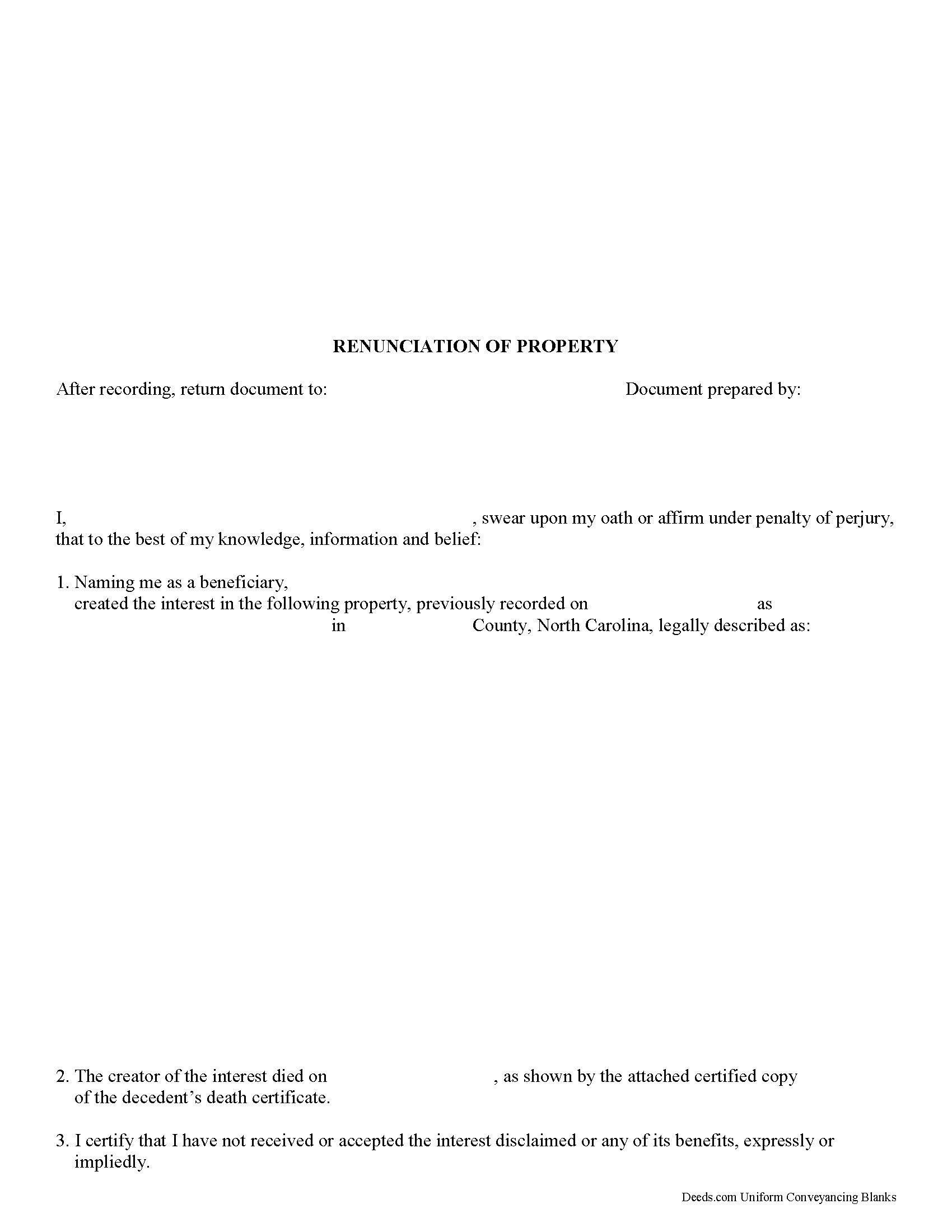
Cumberland County Disclaimer of Interest Form
Fill in the blank form formatted to comply with all recording and content requirements.
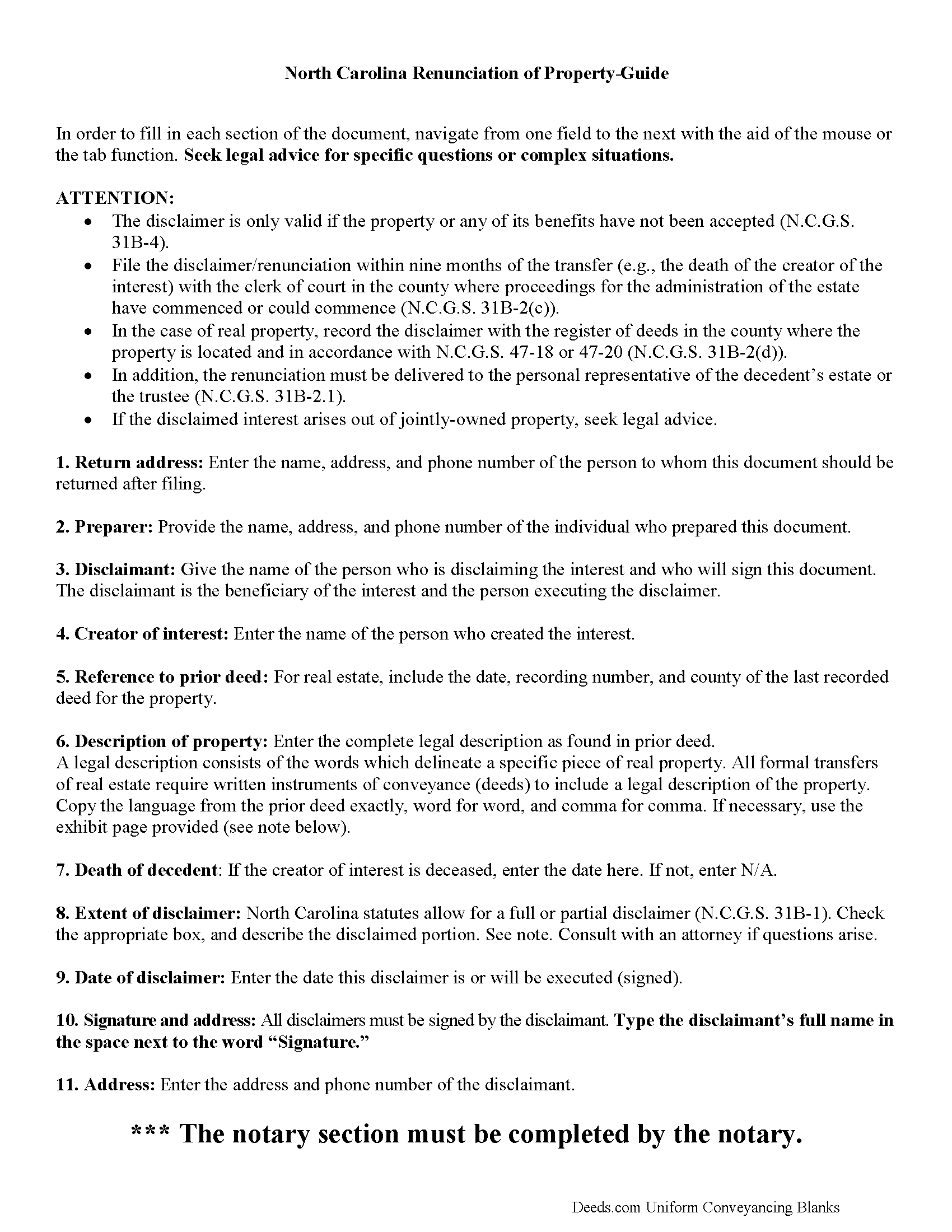
Cumberland County Disclaimer of Interest Guide
Line by line guide explaining every blank on the form.
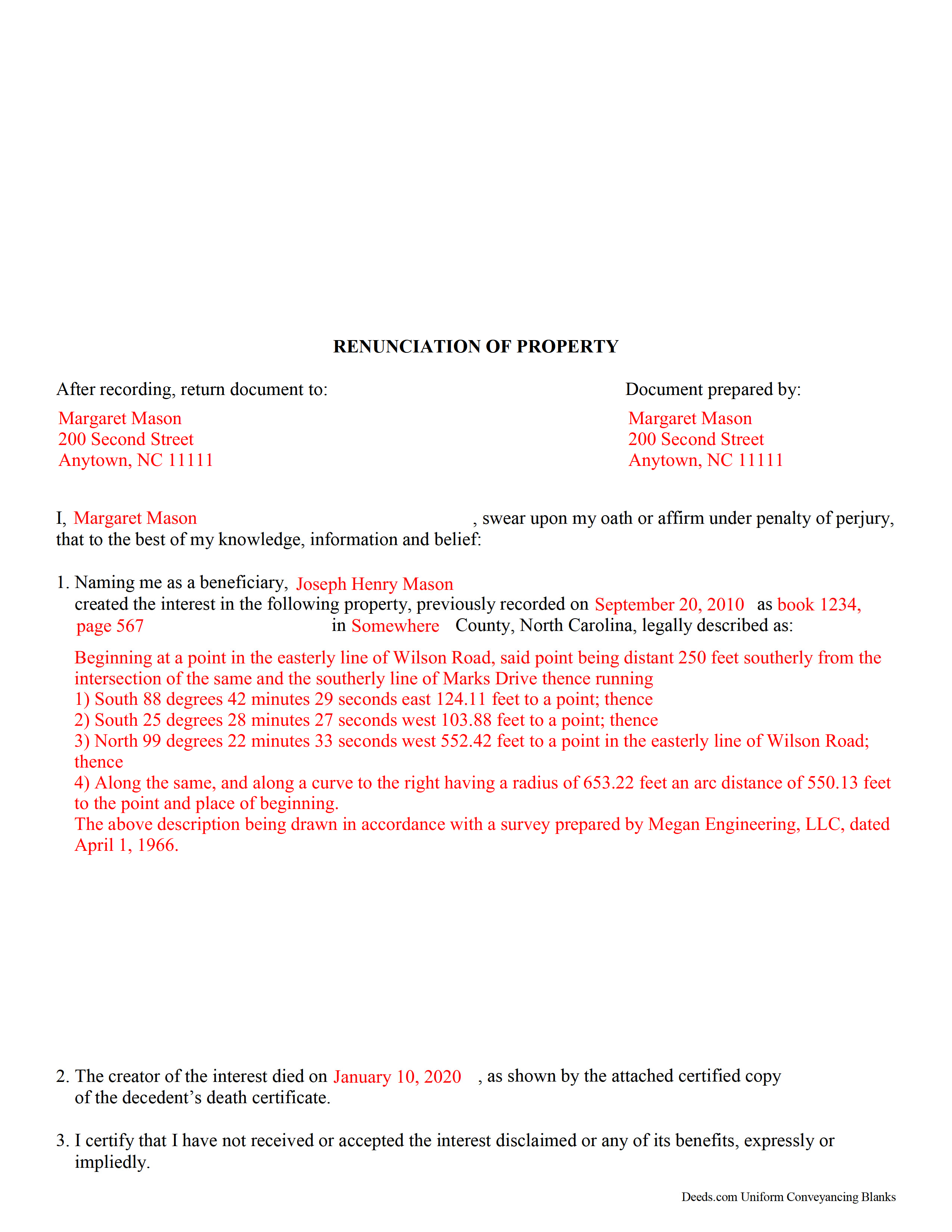
Cumberland County Completed Example of the Disclaimer of Interest Form
Example of a properly completed form for reference.
All 3 documents above included • One-time purchase • No recurring fees
Immediate Download • Secure Checkout
Additional North Carolina and Cumberland County documents included at no extra charge:
Where to Record Your Documents
Cumberland County Register of Deeds
Fayetteville, North Carolina 28301 / 28302
Hours: 8:00am-5:00pm M-F
Phone: (910) 678-7775 or 678-7783
Recording Tips for Cumberland County:
- Bring your driver's license or state-issued photo ID
- Ensure all signatures are in blue or black ink
- Ask for certified copies if you need them for other transactions
- Ask if they accept credit cards - many offices are cash/check only
- Check that your notary's commission hasn't expired
Cities and Jurisdictions in Cumberland County
Properties in any of these areas use Cumberland County forms:
- Cumberland
- Falcon
- Fayetteville
- Fort Bragg
- Hope Mills
- Linden
- Pope A F B
- Spring Lake
- Stedman
- Wade
Hours, fees, requirements, and more for Cumberland County
How do I get my forms?
Forms are available for immediate download after payment. The Cumberland County forms will be in your account ready to download to your computer. An account is created for you during checkout if you don't have one. Forms are NOT emailed.
Are these forms guaranteed to be recordable in Cumberland County?
Yes. Our form blanks are guaranteed to meet or exceed the applicable formatting requirements used for recording in Cumberland County, including margin requirements, font requirements, and other layout standards. This guarantee applies to formatting, not to the legal sufficiency of information entered by the user or the suitability of a form for a particular transaction.
Can I reuse these forms?
Yes. You can reuse the forms for your personal use. For example, if you have multiple properties in Cumberland County you only need to order once.
What do I need to use these forms?
The forms are PDFs that you fill out on your computer. The free Adobe Acrobat Reader is recommended, and most PDF apps also work. You do NOT enter your property information online - you download the blank forms and complete them privately on your own computer.
Are there any recurring fees?
No. This is a one-time purchase. Nothing to cancel, no memberships, no recurring fees.
How much does it cost to record in Cumberland County?
Recording fees in Cumberland County vary. Contact the recorder's office at (910) 678-7775 or 678-7783 for current fees.
Questions answered? Let's get started!
A beneficiary of an interest in property in North Carolina can renounce all or part of a bequeathed interest in, or power over, that property under N.C.G.S. 31.B-1, as long as it has not been accepted through actions that indicate ownership or through a written waiver of the right to disclaim (N.C.G.S. 31.B-4).
The written renunciation should identify the creator of the interest, provide a description of the disclaimed interest, a declaration of the disclaimer and its extent, and it must be signed by the disclaiming party.
A renunciation must be filed within nine months of the transfer (e.g. the death of the creator of the interest) with the clerk of court in the county where proceedings for the administration of the estate have commenced or could commence (N.C.G.S. 31B-2(c)). In the case of real property, record the disclaimer with the register of deeds in the county where the property is located (N.C.G.S. 31B-2(d)). In addition, the renunciation must be delivered to the personal representative of the decedent's estate or the trustee (N.C.G.S. 31B-2.1).
A renunciation is irrevocable and binding for the renouncing party and those claiming under him or her, so be sure to consult an attorney when in doubt about the drawbacks and benefits of disclaiming inherited property.
Important: Your property must be located in Cumberland County to use these forms. Documents should be recorded at the county recording office listed above.
This Disclaimer of Interest meets all recording requirements specific to Cumberland County.
Our Promise
The documents you receive here are guaranteed to meet or exceed the applicable Cumberland County recording format requirements. If there is a rejection caused by our formatting, we will correct the issue or refund your payment. This guarantee applies to document formatting only and does not extend to information entered by the user, the selection of the form, or the legal effect of the completed document.
Save Time and Money
Get your Cumberland County Disclaimer of Interest form done right the first time with Deeds.com Uniform Conveyancing Blanks. At Deeds.com, we understand that your time and money are valuable resources, and we don't want you to face a penalty fee or rejection imposed by a county recorder for submitting nonstandard documents. We constantly review and update our forms to meet rapidly changing state and county recording requirements for roughly 3,500 counties and local jurisdictions.
4.8 out of 5 - ( 4,837 Reviews )
James S. 5 out of 5 stars
The affidavit guidance was a great help and helped reduce the stress that usually comes with dealing with legalese. The Preliminary Change of Ownership that CA requires is quite complex since it covers a hoard of situations. I was left with a bit of uncertainty, but I definitely wouldn't want to try it without guidance.
Thank you for your feedback. We really appreciate it. Have a great day!
Robert B. 5 out of 5 stars
Found this sight on the internet looking for information to add my fiance' to the house deed. Looks like the right place to be. Looking forward to getting the forms I need.
Thank you!
ROBERTA G K. 5 out of 5 stars
I have looked and finally found a reliable source of updated legal documents that are current with local and state law that I can be readily downloaded for review, reference and use.
We appreciate your business and value your feedback. Thank you. Have a wonderful day!
Janet J. 5 out of 5 stars
The download process was quick and efficient. Here's hoping the printing process will be as easy. Appreciate this access to forms so much.
Thank you for your feedback. We really appreciate it. Have a great day!
Jill C. 5 out of 5 stars
Easy directions for document information.
We appreciate your business and value your feedback. Thank you. Have a wonderful day!
Joanne K. 5 out of 5 stars
I haven't used the forms yet, but was at the county recorders office and they looked at it and said it looked fine. The instructions were easy to read and the forms easy to complete and save for a next time, if there is need.
Thank you for your feedback. We really appreciate it. Have a great day!
Leah P. 5 out of 5 stars
Thank you for your complete listing of deeds and forms. The Deed form I needed worked perfectly!
Thank you!
Christina H. 5 out of 5 stars
The process was straightforward, quick and reasonably priced. The agents provided updates every step of the way.
Thank you!
David K. 5 out of 5 stars
Worked Great! First time go at the courthouse
Thank you!
Linda D. 5 out of 5 stars
very efficient and easy to use online platform. I reviewed several different sites before I settle on this one. Took my deed to the courthouse today and recorded it with no problems.
We appreciate your business and value your feedback. Thank you. Have a wonderful day!
Elliot B. 5 out of 5 stars
Outstanding forms and the recording service made a short day of what I needed to do. Will be back for the next one, thanks!
Thank you for your feedback. We really appreciate it. Have a great day!
Shannon y. 5 out of 5 stars
Awesome , easy-to-use and find exactly what I was needing and saved me alot of headache and money. Will definitely recommend to anyone
Your review means a lot to us. Thank you for taking the time.
Zunika B. 5 out of 5 stars
Was quick and easy compared to visiting downtown where the recorders office is closed or just the thought of mailing important documents and waiting until someone hopefully reaches back out to you. All responses were timely and process was easy. No complaints.
Thank you!
Vernon H. 5 out of 5 stars
Great process and very easy to complete
Thank you!
Jennifer C. 5 out of 5 stars
Fast turnaround. Very much appreciated!
Thank you!