Cumberland County Easement Deed Form
Last validated September 17, 2026 by our Forms Development TeamFormatted for recording in Cumberland County, for property anywhere in the county: rural and unincorporated areas as well as Cumberland, Falcon, Fayetteville, Fort Bragg, Hope Mills, Linden, Pope A F B, Spring Lake and 2 more.
- 4 documents included
- Immediate PDF download
- Formatting guarantee
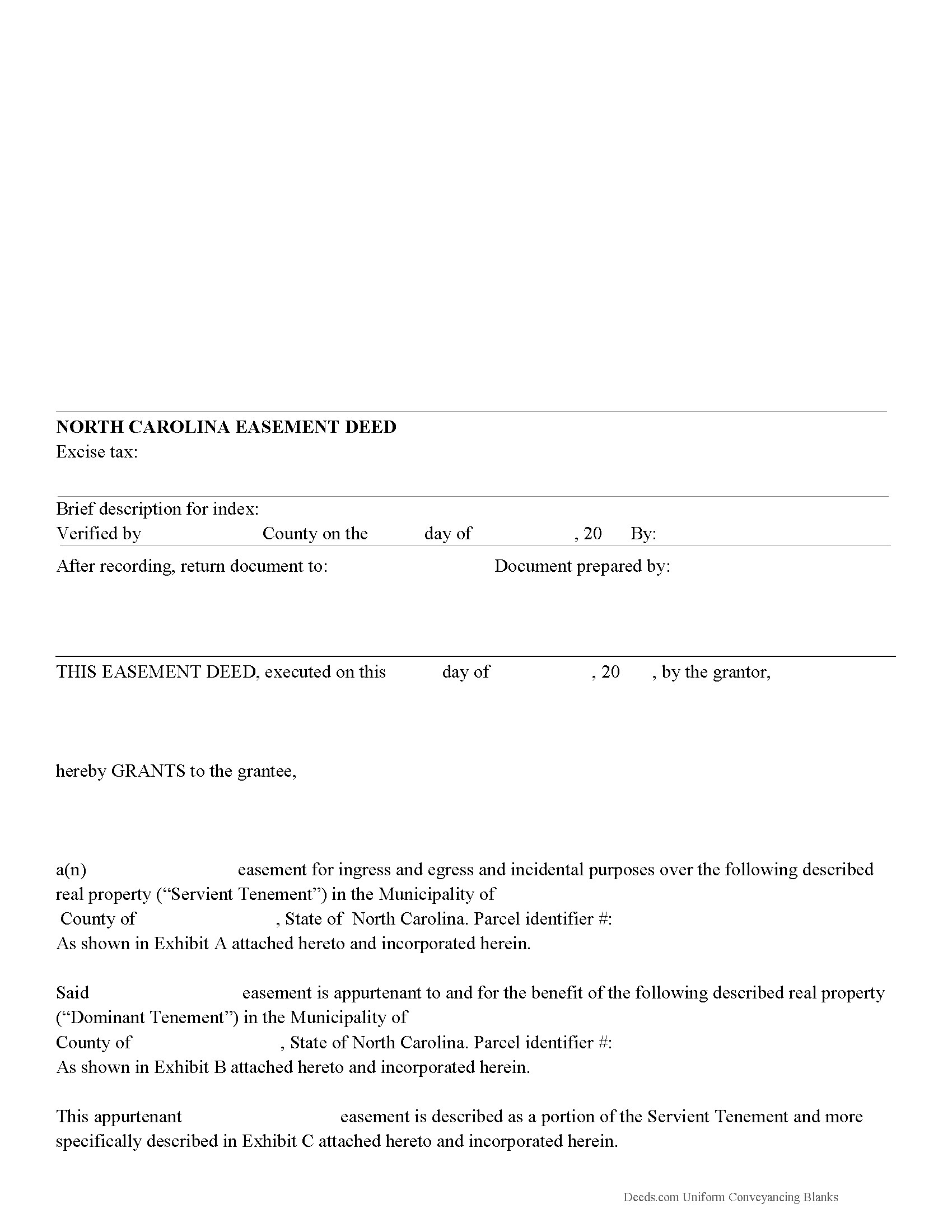
Cumberland County Easement Deed Form
Fill in the blank form formatted to comply with all recording and content requirements.
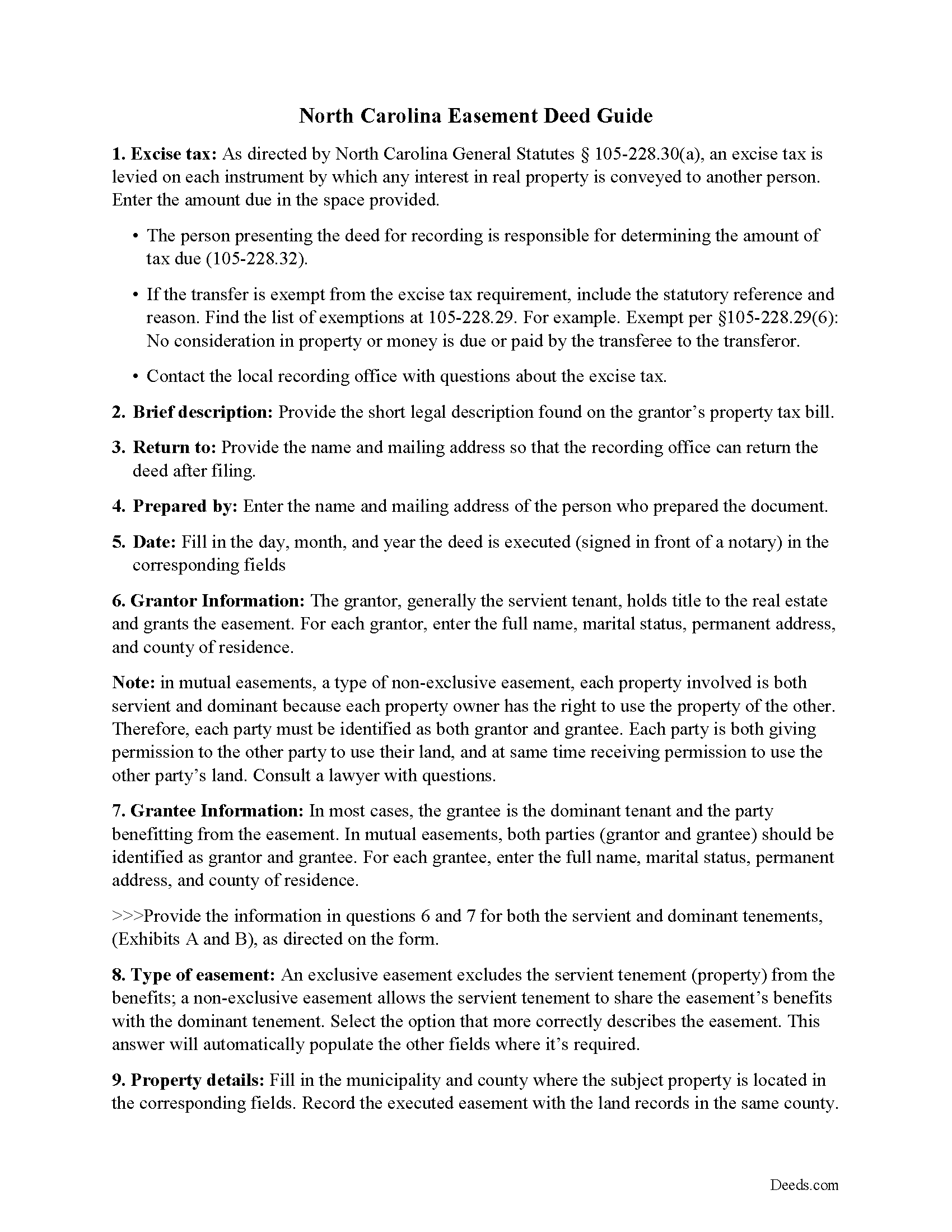
Cumberland County Easement Deed Guide
Line by line guide explaining every blank on the form.
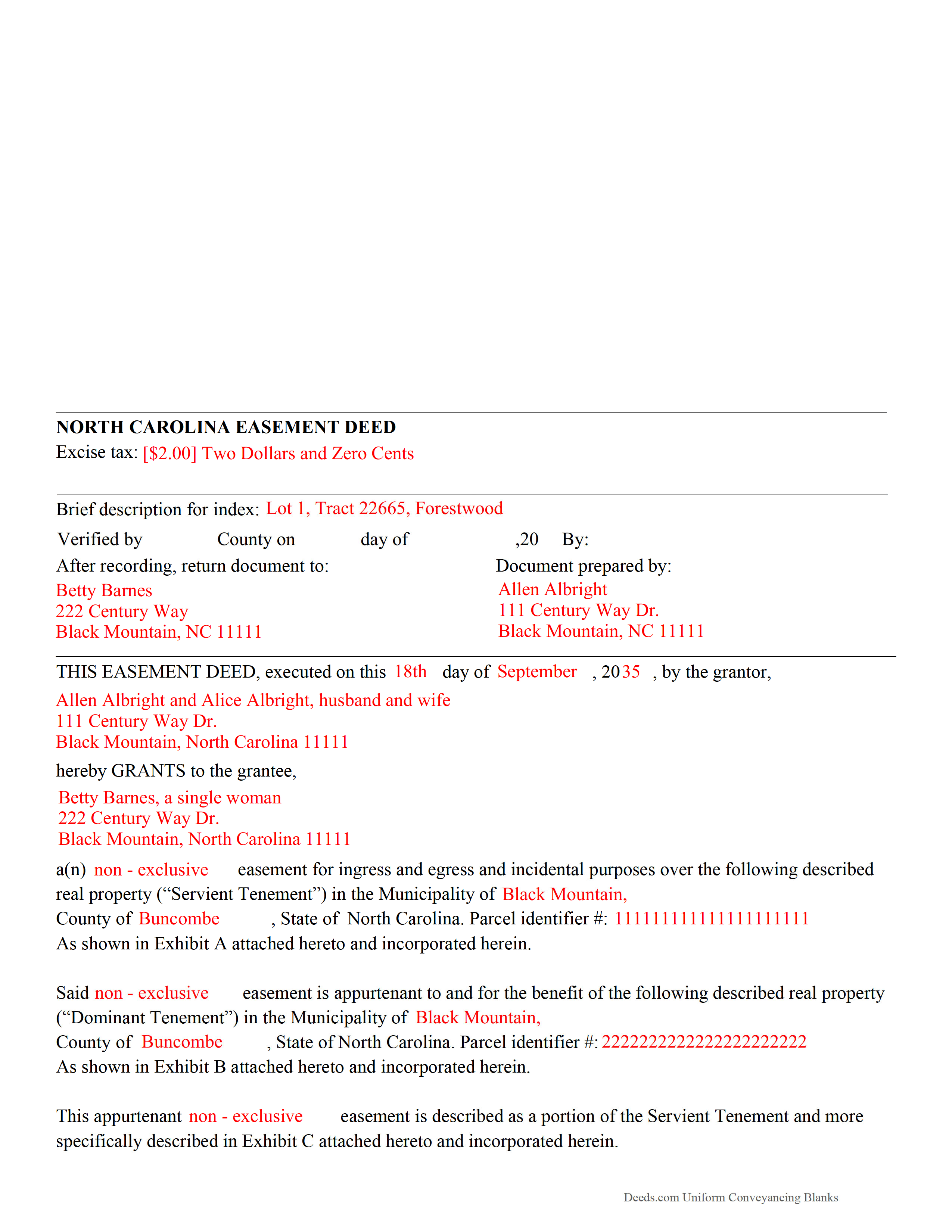
Cumberland County Completed Example of the Easement Deed Document
Example of a properly completed form for reference.
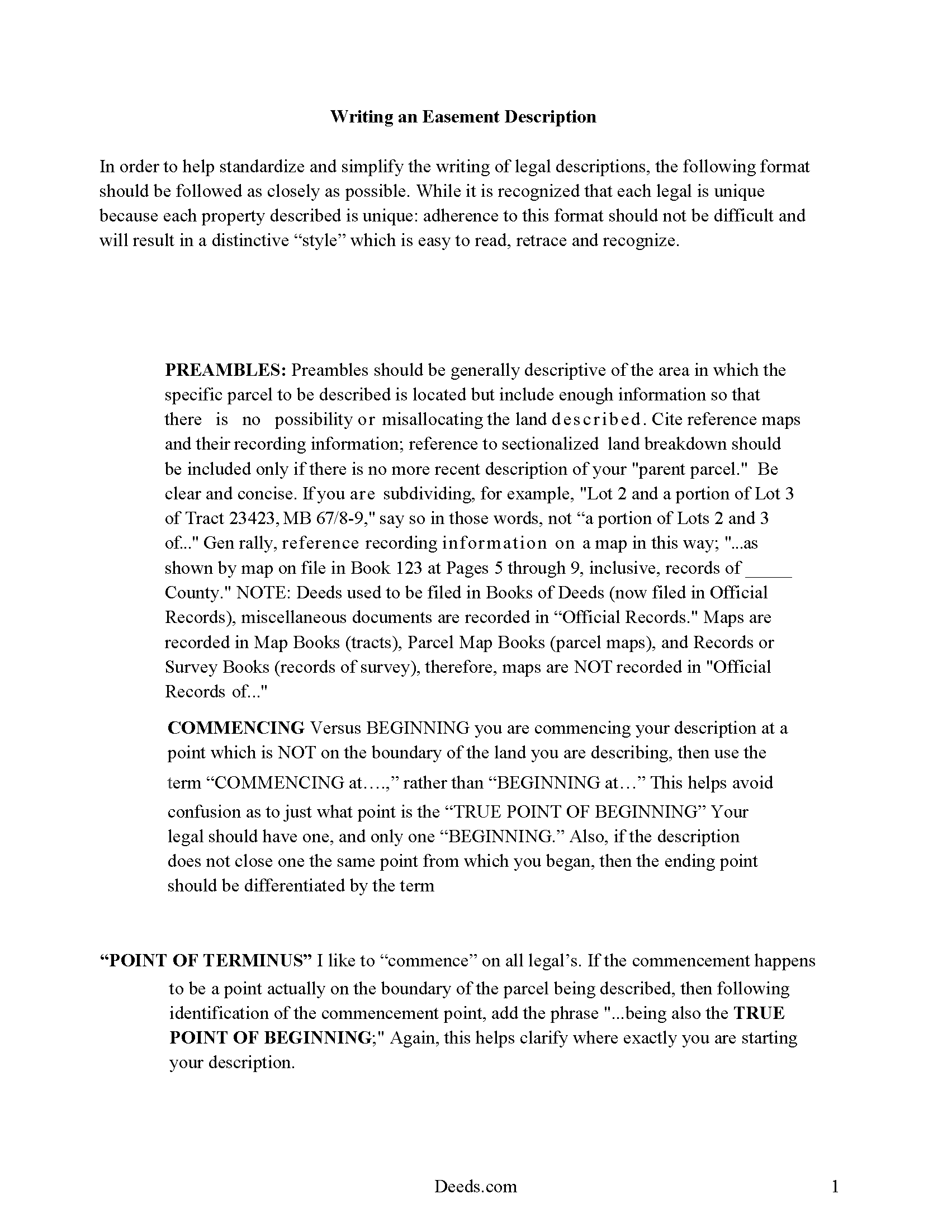
Cumberland County Guide to writing an Easement Description
A Description of the Easement will be required. This will show how to write an acceptable description for a Right of Way Easement, which gives access, to and from - point A to point B.
All 4 documents above included • One-time purchase • No recurring fees
Immediate Download • Secure Checkout
Additional North Carolina and Cumberland County documents included at no extra charge:
Where to Record Your Documents
Cumberland County Register of Deeds
Fayetteville, North Carolina 28301 / 28302
Hours: 8:00am-5:00pm M-F
Phone: (910) 678-7775 or 678-7783
Recording Tips for Cumberland County:
- Bring your driver's license or state-issued photo ID
- Ensure all signatures are in blue or black ink
- Ask about their eRecording option for future transactions
- Avoid the last business day of the month when possible
- Both spouses typically need to sign if property is jointly owned
Cities and Jurisdictions in Cumberland County
Properties in any of these areas use Cumberland County forms:
- Cumberland
- Falcon
- Fayetteville
- Fort Bragg
- Hope Mills
- Linden
- Pope A F B
- Spring Lake
- Stedman
- Wade
Hours, fees, requirements, and more for Cumberland County
How do I get my forms?
Forms are available for immediate download after payment. The Cumberland County forms will be in your account ready to download to your computer. An account is created for you during checkout if you don't have one. Forms are NOT emailed.
Are these forms guaranteed to be recordable in Cumberland County?
Yes. Our form blanks are guaranteed to meet or exceed the applicable formatting requirements used for recording in Cumberland County, including margin requirements, font requirements, and other layout standards. This guarantee applies to formatting, not to the legal sufficiency of information entered by the user or the suitability of a form for a particular transaction.
Can I reuse these forms?
Yes. You can reuse the forms for your personal use. For example, if you have multiple properties in Cumberland County you only need to order once.
What do I need to use these forms?
The forms are PDFs that you fill out on your computer. The free Adobe Acrobat Reader is recommended, and most PDF apps also work. You do NOT enter your property information online - you download the blank forms and complete them privately on your own computer.
Are there any recurring fees?
No. This is a one-time purchase. Nothing to cancel, no memberships, no recurring fees.
How much does it cost to record in Cumberland County?
Recording fees in Cumberland County vary. Contact the recorder's office at (910) 678-7775 or 678-7783 for current fees.
Questions answered? Let's get started!
An easement is the right to use another person's real property for a specific purpose. This is a non-possessory interest in property, and can be either appurtenant or in gross. In North Carolina, the holder of a legal or equitable title of an interest in real property can create, grant, reserve, or declare valid easements, restrictions, or conditions of record burdening or benefiting the same interest in real property ( 39 6.4).
All real property documents in this state must be executed and acknowledged in strict compliance with the acknowledgment provisions in North Carolina in order to be recorded and to provide constructive notice. An easement deed must be signed and acknowledged by the grantor. An individual form for acknowledgment by a grantor is presented in 47 38 of the North Carolina Statutes. Acknowledgments must be taken before an officer who is authorized by the state to take acknowledgments of deeds. Documents that are executed and acknowledged out-of-state can be recorded in this state, but they must conform to North Carolina law.
A person who owns or acquires any deed or agreement for rights of way and easements of any character shall record such deeds in the office of the register of deeds in the county where the affected land is situated. If such deed or agreement has been acquired, but no use has been made of the easement, the person holding such instrument is not required to record it until within 90 days after the beginning of the use of the easement granted thereby ( 47 27). No deed, agreement for right of way, or easement of any character will be valid against any purchaser for valuable consideration but from the time it is registered with the register of deeds in the appropriate county in North Carolina ( 47 27).
(North Carolina ED Package includes form, guidelines, and completed example)
Important: Your property must be located in Cumberland County to use these forms. Documents should be recorded at the county recording office listed above.
This Easement Deed meets all recording requirements specific to Cumberland County.
Our Promise
The documents you receive here are guaranteed to meet or exceed the applicable Cumberland County recording format requirements. If there is a rejection caused by our formatting, we will correct the issue or refund your payment. This guarantee applies to document formatting only and does not extend to information entered by the user, the selection of the form, or the legal effect of the completed document.
Save Time and Money
Get your Cumberland County Easement Deed form done right the first time with Deeds.com Uniform Conveyancing Blanks. At Deeds.com, we understand that your time and money are valuable resources, and we don't want you to face a penalty fee or rejection imposed by a county recorder for submitting nonstandard documents. We constantly review and update our forms to meet rapidly changing state and county recording requirements for roughly 3,500 counties and local jurisdictions.
4.8 out of 5 - ( 4,837 Reviews )
Cheryl B. 5 out of 5 stars
I did this on a desktop using a scanned .pdf file. Simple, straight-forward, excellent instructions, easy, fast, and well documented for each step. From account creation to proof of recording: 4 hours... from the comfort of my home. I would highly recommend this service to anyone, including - and maybe especially - those who are looking for fast recording who aren't well versed in computers and on-line processes. Well done in all ways.
We appreciate your business and value your feedback. Thank you. Have a wonderful day!
Peggy L. 5 out of 5 stars
Exactly what I needed and so nice to not have to pay a lawyer
We appreciate your business and value your feedback. Thank you. Have a wonderful day!
marshall w. 5 out of 5 stars
was not ready to pay for much needed forms but very important
Thank you for your feedback. We really appreciate it. Have a great day!
Randy F. 5 out of 5 stars
SO FAR SO GOOD, DOC'S DOWNLOADED WITHOUT A PROBLEM
Thank you!
Norman K. 2 out of 5 stars
It wasn't really what I needed I read and read and read and read and I thought I was to do with for filing for probate or probate executor but instead it was for the property if you are executor and but it wasn't very clear on that so it didn't work for me so I was kind of wasted money
Sorry to hear that Norman. We've gone ahead and canceled your order and payment.
Bernadette G. 5 out of 5 stars
I LOVE that very concise directions and a sample completed deed were included. They were incredibly helpful. I did like the quick response to questions and the refund of my purchase when they were unable to find a deed I needed. I wasn't sure if I could trust this site, but my deed transfer went through without a hitch with the paperwork that was provided/purchased.
We appreciate your business and value your feedback. Thank you. Have a wonderful day!
Rohini L. 5 out of 5 stars
This is the first time I am filling out a legal form downloaded from a website. Throughly impressed with the detailed explanation along with sample forms to help a novice like me to fill out the actual form. I will remember to go to your site if I need in the future and have already recommended your site to others. Thanks for an excellent job.
Your feedback is valuable to us and helps us improve. Thank you for sharing your thoughts!
David D. 5 out of 5 stars
Very easy to us & thanks for all the info to fill out the form.
We appreciate your business and value your feedback. Thank you. Have a wonderful day!
MICHELE B. 5 out of 5 stars
very intuitive website. had no problem finding form ad printing.
Thanks, Michelle! Glad the site was easy to navigate and that finding and printing your form went smoothly. We appreciate you taking the time to share this.
Anthony G. 5 out of 5 stars
I have only used the service on one occasion but so far it has been great. Extremely simple to use.
We appreciate your business and value your feedback. Thank you. Have a wonderful day!
Giovanni S. 5 out of 5 stars
Simple and easy going process
Thank you!
Mary Ann G. 2 out of 5 stars
Couldn't find the deed form that I needed. Needs to have a short summary to determine the correct form.
Sorry to hear that Mary Ann, we appreciate your feedback.
Steve F. 5 out of 5 stars
Fast Service, Easy to use. Highly Recommend!
Thank you!
George L. W. 5 out of 5 stars
Where have you been all my life?
Thank you!
Ashley H. 5 out of 5 stars
Thank you for the quick response time messaging back and forth to get this completed, and also the fairly speedy e-recording! Excellent customer service!!!
We appreciate your business and value your feedback. Thank you. Have a wonderful day!