Mcdowell County Notice of Subcontract Form
Last validated October 2, 2026 by our Forms Development TeamFormatted for recording in Mcdowell County, for property anywhere in the county: rural and unincorporated areas as well as Glenwood, Little Switzerland, Marion, Nebo, Old Fort.
- 3 documents included
- Immediate PDF download
- Formatting guarantee
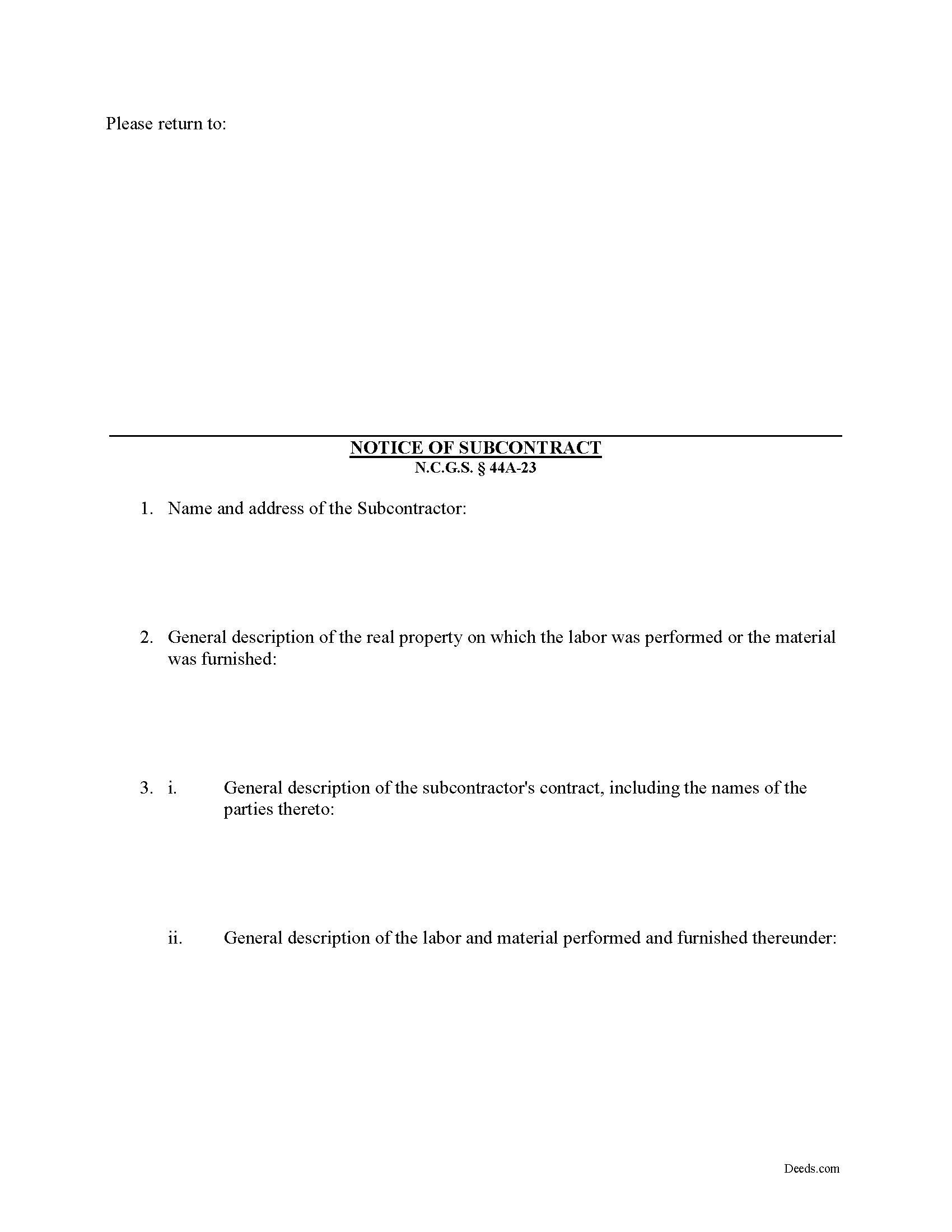
Mcdowell County Notice of Subcontract Form
Fill in the blank Notice of Subcontract form formatted to comply with all North Carolina recording and content requirements.
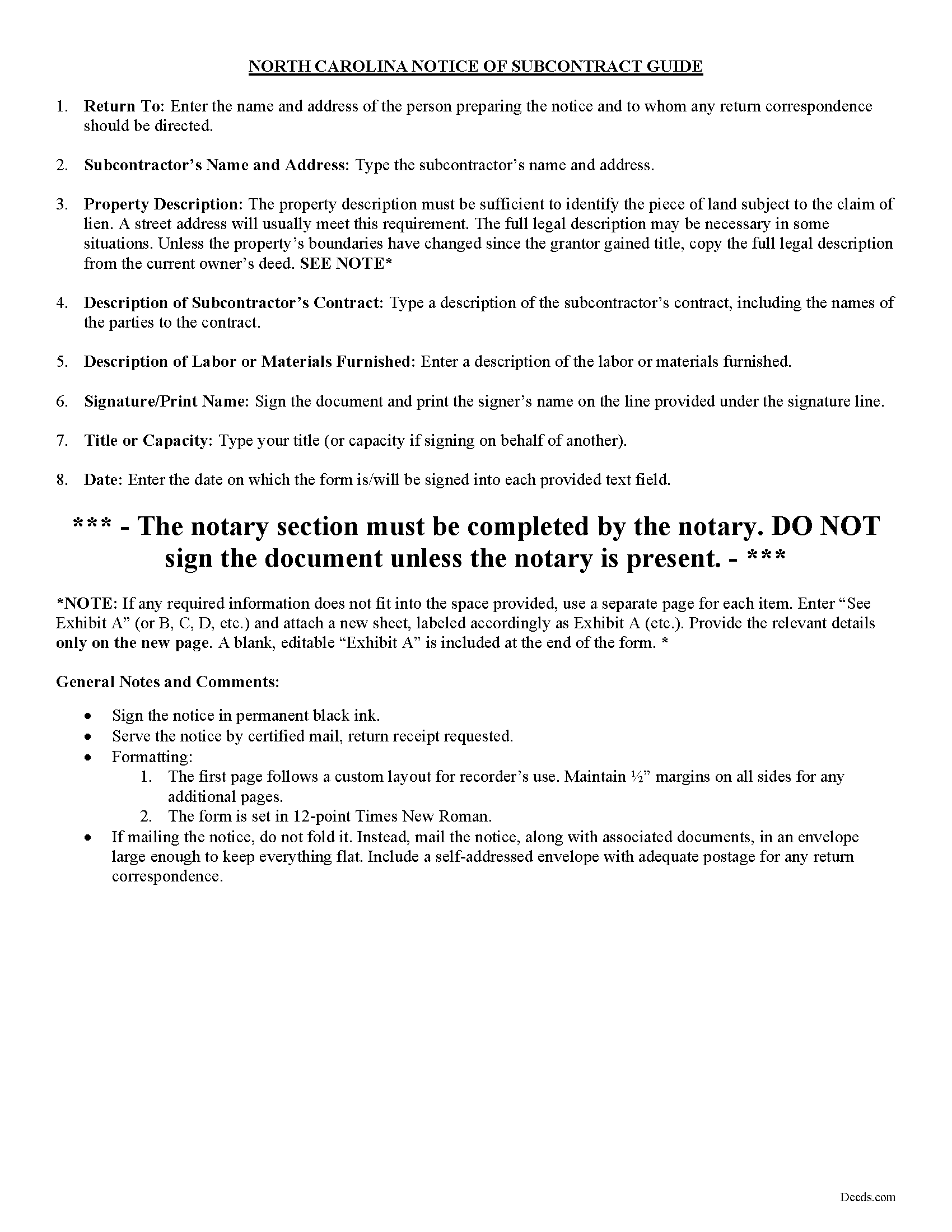
Mcdowell County Notice of Subcontract Guide
Line by line guide explaining every blank on the form.
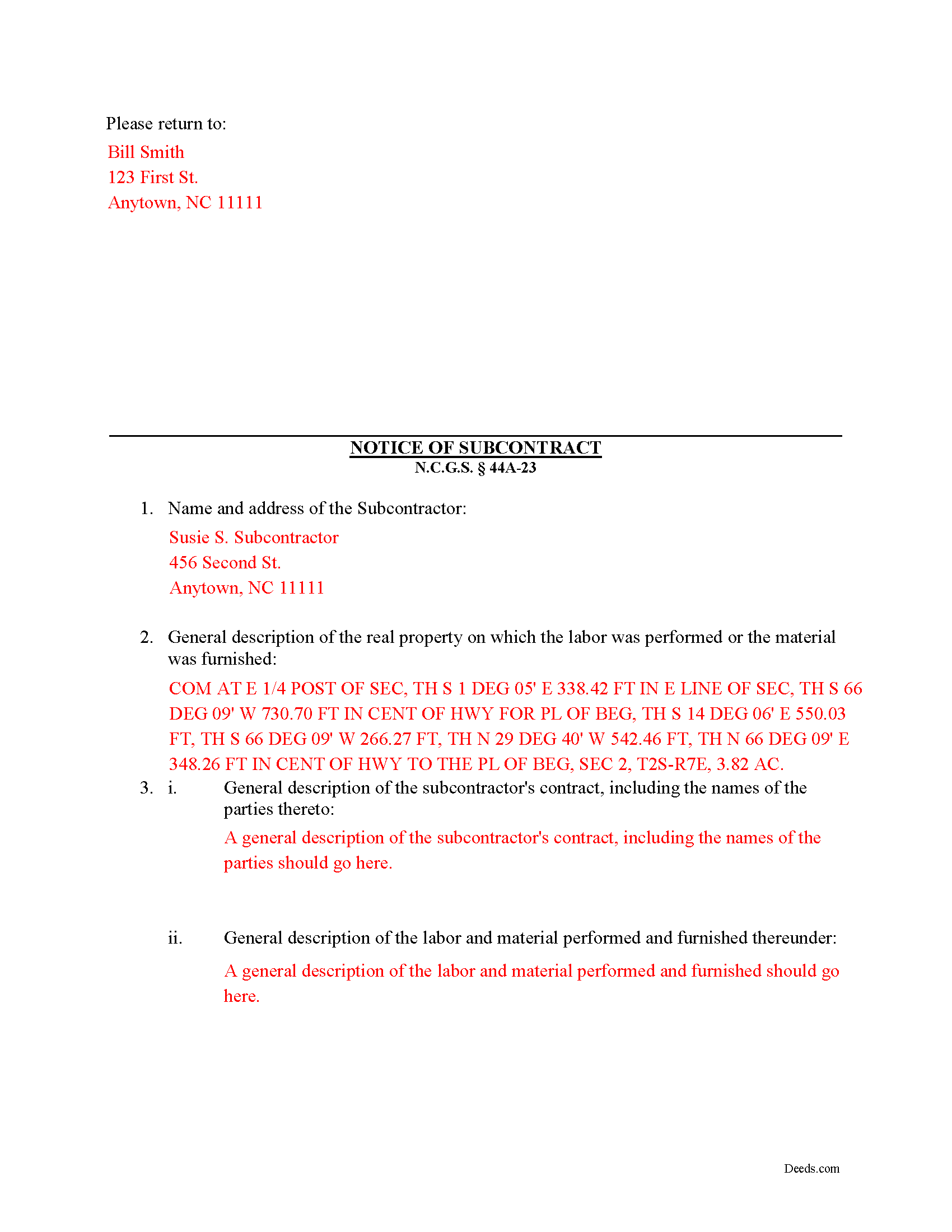
Mcdowell County Completed Example of the Notice of Subcontract Document
Example of a properly completed form for reference.
All 3 documents above included • One-time purchase • No recurring fees
Immediate Download • Secure Checkout
Additional North Carolina and Mcdowell County documents included at no extra charge:
Where to Record Your Documents
McDowell County Register of Deeds
Marion, North Carolina 28752
Hours: 8:30am-5:00pm M-F
Phone: (828) 652-4727
Recording Tips for Mcdowell County:
- Bring your driver's license or state-issued photo ID
- Ensure all signatures are in blue or black ink
- Bring extra funds - fees can vary by document type and page count
- Check margin requirements - usually 1-2 inches at top
- Leave recording info boxes blank - the office fills these
Cities and Jurisdictions in Mcdowell County
Properties in any of these areas use Mcdowell County forms:
- Glenwood
- Little Switzerland
- Marion
- Nebo
- Old Fort
Hours, fees, requirements, and more for Mcdowell County
How do I get my forms?
Forms are available for immediate download after payment. The Mcdowell County forms will be in your account ready to download to your computer. An account is created for you during checkout if you don't have one. Forms are NOT emailed.
Are these forms guaranteed to be recordable in Mcdowell County?
Yes. Our form blanks are guaranteed to meet or exceed the applicable formatting requirements used for recording in Mcdowell County, including margin requirements, font requirements, and other layout standards. This guarantee applies to formatting, not to the legal sufficiency of information entered by the user or the suitability of a form for a particular transaction.
Can I reuse these forms?
Yes. You can reuse the forms for your personal use. For example, if you have multiple properties in Mcdowell County you only need to order once.
What do I need to use these forms?
The forms are PDFs that you fill out on your computer. The free Adobe Acrobat Reader is recommended, and most PDF apps also work. You do NOT enter your property information online - you download the blank forms and complete them privately on your own computer.
Are there any recurring fees?
No. This is a one-time purchase. Nothing to cancel, no memberships, no recurring fees.
How much does it cost to record in Mcdowell County?
Recording fees in Mcdowell County vary. Contact the recorder's office at (828) 652-4727 for current fees.
Questions answered? Let's get started!
After a Notice of Contract has been filed and posted, second or third tier subcontractors may preserve their lien rights by serving a completed and signed Notice of Subcontract form on the contractor by certified mail or personal service. If the Notice is not filed and served, that second or third tier subcontractor will be barred from filing a claim of lien against the owner's real property. N.C.G.S. 44A-23.
The Notice of Subcontract contains: (1) the name and address of the subcontractor; (2) a general description of the real property on which the labor was performed or the material was furnished (such as street address, tax map lot and block number, reference to recorded instrument, or any description that reasonably identifies the real property); (3) a general description of the subcontractor's contract, including the names of the parties; and (4) a general description of the labor and material performed and furnished. N.C.G.S. 44A-23(b)(3).
Filing the Notice of Subcontract requires the contractor to send notice to second and third tier subcontractors within five days of paying a subcontractor on the project. Id. The purpose of this notification is to provide notice that money is being exchanged between the parties.
This article is provided for informational purposes only and should not be relied upon as a substitute for the advice of a legal professional. Please contact an attorney with questions about sending a Notice of Subcontract, or any other issues related to liens in North Carolina.
Important: Your property must be located in Mcdowell County to use these forms. Documents should be recorded at the county recording office listed above.
This Notice of Subcontract meets all recording requirements specific to Mcdowell County.
Our Promise
The documents you receive here are guaranteed to meet or exceed the applicable Mcdowell County recording format requirements. If there is a rejection caused by our formatting, we will correct the issue or refund your payment. This guarantee applies to document formatting only and does not extend to information entered by the user, the selection of the form, or the legal effect of the completed document.
Save Time and Money
Get your Mcdowell County Notice of Subcontract form done right the first time with Deeds.com Uniform Conveyancing Blanks. At Deeds.com, we understand that your time and money are valuable resources, and we don't want you to face a penalty fee or rejection imposed by a county recorder for submitting nonstandard documents. We constantly review and update our forms to meet rapidly changing state and county recording requirements for roughly 3,500 counties and local jurisdictions.
4.8 out of 5 - ( 4,850 Reviews )
Joanne W. 5 out of 5 stars
I was very pleased to find this service, as (another website) charges about $40 for the same service, so yours was a bargain.
Thank you!
Carol S. 5 out of 5 stars
Was very easy to use with the information and samples supplied.
Thank you for your feedback Carol. We appreciate you.
linda l. 4 out of 5 stars
I was very impressed with the Mineral Deed form, especially with the instructions to fill it out AND a copy of a completed for to compare against. This definitely saved me money for an attorney. The one thing I don't understand, though, is why I could not save the completed Deed to my hard drive. I did have to change a few things after the fact and I had to re-type the entire page to make the corrections. If not for this, I would definitely rate the forms and instructions as a 5 star.
Thank you for your feedback. We really appreciate it. Have a great day!
Andrew T. 5 out of 5 stars
I was pleasantly surprised with the experience. Cost was better than other sites I checked. Questions about my submittal were asked within an hour. Document was recorded by next day.
Thanks for the review, Andrew. Glad we could get your document recorded quickly — that's the standard we hold ourselves to. We appreciate your business.
Lesa F. 5 out of 5 stars
Excellent service for recovering a couple of deeds that had been misplaced. They were fast and efficient at a fair price. I would definitely use them again.
Thank you!
John M. 5 out of 5 stars
Amazing customer service, I greatly appreciate their help and understanding. Will always come back to this site for form needs.
Your feedback is greatly appreciated. Thank you for taking the time to share your experience!
Joel B. 5 out of 5 stars
I would have liked more room in the text fields for describing the potential claim. had to use Exhibit A. Could not delete Exhibit B. Alo would like to have a custom footer - not deeds.com. Unprofessional.
Thank you for your feedback. We really appreciate it. Have a great day!
Patricia E. 5 out of 5 stars
Easy to understand and download!
Thank you!
Vallerie M. 5 out of 5 stars
Amazing! Great prompt service and follow up. I couldn’t be happier
We are grateful for your engagement and feedback, which help us to serve you better. Thank you for being an integral part of our community.
Rhonda D. 3 out of 5 stars
The boxes do not allow you to add the entire information. The after recording return to box would not let me add a zipcode.
Thanks for the feedback Rhonda, we’ll take a look at that input field.
Phyllis M. 5 out of 5 stars
Using your site was very easy. I found what my friend said she wanted easily and downloaded it to retype her quitclaim deed.
Thank you for your feedback. We really appreciate it. Have a great day!
HELEN F. 5 out of 5 stars
Was straight to the point... Easy to read instructions... smooth process
Thank you for your feedback. We really appreciate it. Have a great day!
Roxanne B. 5 out of 5 stars
This is an excellent service during a pandemic! Recording documents can be challenging with changing hours and rules. Yesterday I was able to file an important document from the comfort of my home.
Thank you for your feedback. We really appreciate it. Have a great day!
Fred P. 5 out of 5 stars
Great website to get your state and county forms.
Thank you!
Kimberly E. 2 out of 5 stars
It was very easy to order,download, and print. The only issue I have is that the guide that came with my form really did not help me filling it out. I feel the explanations could have been better and suited more for the standard person. I was still confused when filling it out and will probably have to get a lawyer to make sure it's filled out correctly
Thank you for your feedback. We really appreciate it. Have a great day!