Randolph County Notice to Lien Agent Form
Last validated October 5, 2026 by our Forms Development TeamFormatted for recording in Randolph County, for property anywhere in the county: rural and unincorporated areas as well as Asheboro, Cedar Falls, Franklinville, Liberty, Ramseur, Randleman, Seagrove, Sophia and 2 more.
- 3 documents included
- Immediate PDF download
- Formatting guarantee
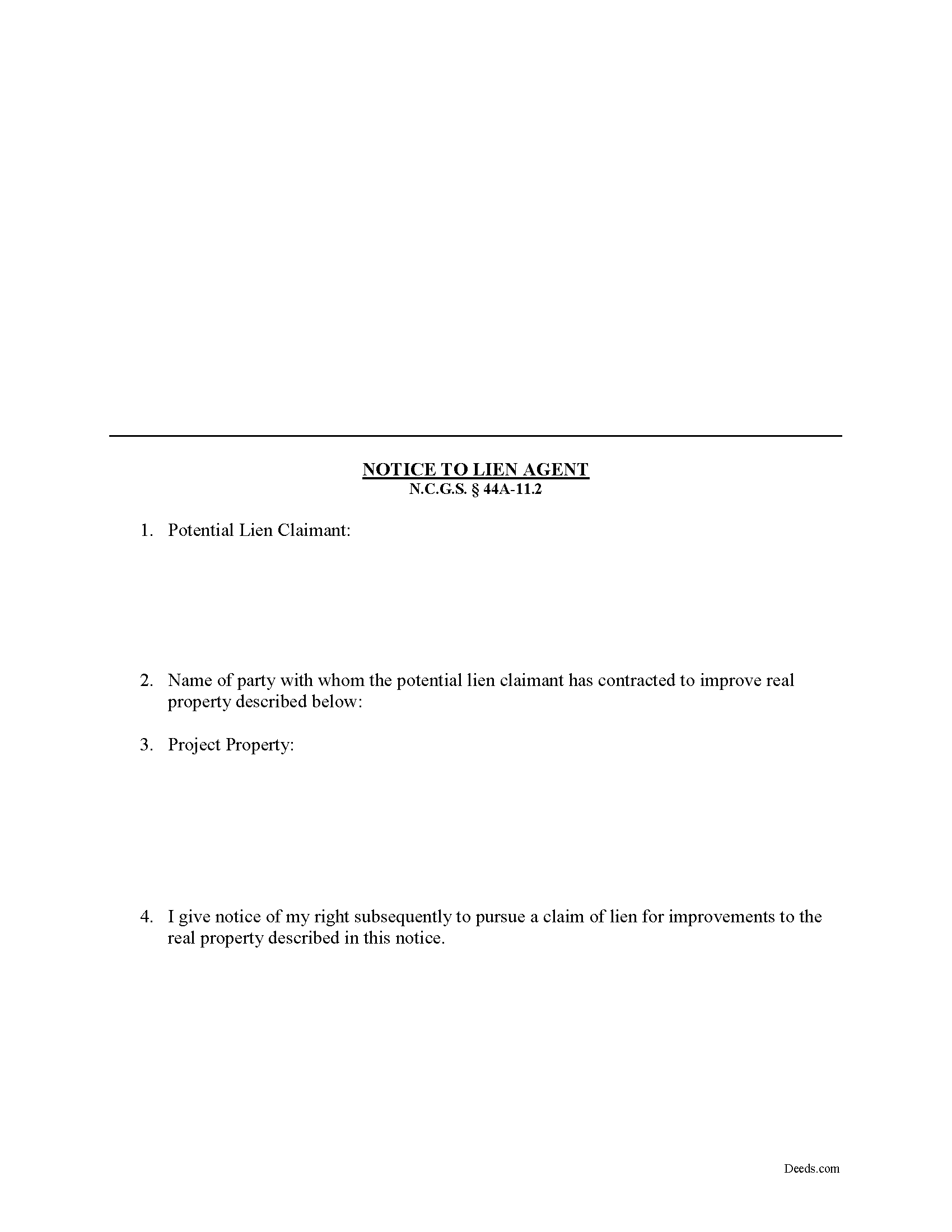
Randolph County Notice to Lien Agent Form
Fill in the blank Notice to Lien Agent form formatted to comply with all North Carolina recording and content requirements.
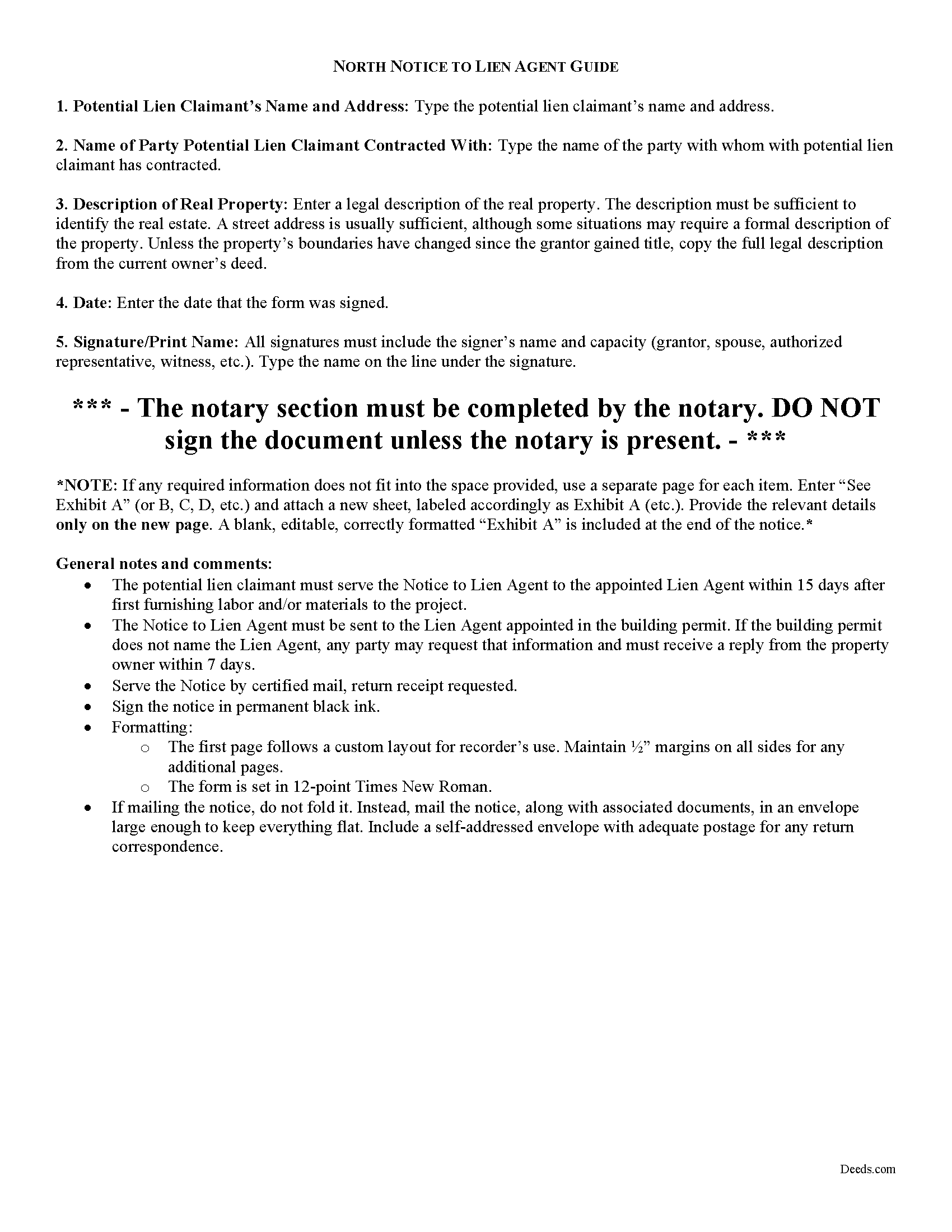
Randolph County Notice to Lien Agent Guide
Line by line guide explaining every blank on the form.
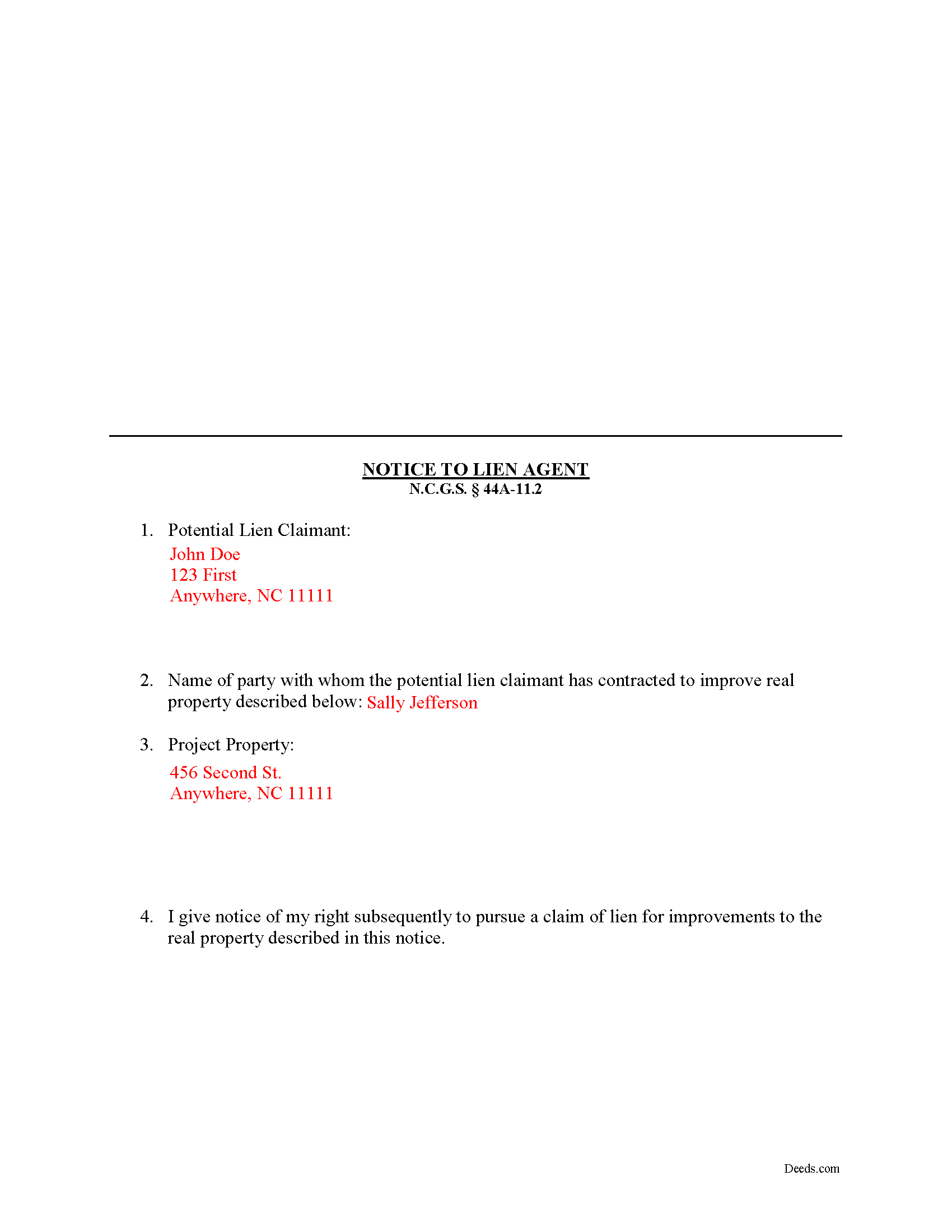
Randolph County Completed Example of the Notice of Lien Agent Document
Example of a properly completed form for reference.
All 3 documents above included • One-time purchase • No recurring fees
Immediate Download • Secure Checkout
Additional North Carolina and Randolph County documents included at no extra charge:
Where to Record Your Documents
Randolph County Register of Deeds
Asheboro, North Carolina 27204
Hours: 8:00am-5:00pm M-F / Recording until 4:30pm
Phone: (336) 318-6960
Recording Tips for Randolph County:
- Bring your driver's license or state-issued photo ID
- Ensure all signatures are in blue or black ink
- White-out or correction fluid may cause rejection
- Ask about their eRecording option for future transactions
- Avoid the last business day of the month when possible
Cities and Jurisdictions in Randolph County
Properties in any of these areas use Randolph County forms:
- Asheboro
- Cedar Falls
- Franklinville
- Liberty
- Ramseur
- Randleman
- Seagrove
- Sophia
- Staley
- Trinity
Hours, fees, requirements, and more for Randolph County
How do I get my forms?
Forms are available for immediate download after payment. The Randolph County forms will be in your account ready to download to your computer. An account is created for you during checkout if you don't have one. Forms are NOT emailed.
Are these forms guaranteed to be recordable in Randolph County?
Yes. Our form blanks are guaranteed to meet or exceed the applicable formatting requirements used for recording in Randolph County, including margin requirements, font requirements, and other layout standards. This guarantee applies to formatting, not to the legal sufficiency of information entered by the user or the suitability of a form for a particular transaction.
Can I reuse these forms?
Yes. You can reuse the forms for your personal use. For example, if you have multiple properties in Randolph County you only need to order once.
What do I need to use these forms?
The forms are PDFs that you fill out on your computer. The free Adobe Acrobat Reader is recommended, and most PDF apps also work. You do NOT enter your property information online - you download the blank forms and complete them privately on your own computer.
Are there any recurring fees?
No. This is a one-time purchase. Nothing to cancel, no memberships, no recurring fees.
How much does it cost to record in Randolph County?
Recording fees in Randolph County vary. Contact the recorder's office at (336) 318-6960 for current fees.
Questions answered? Let's get started!
North Carolina Preliminary Notice -- Notice to Lien Agent
North Carolina, like most states, requires a form of preliminary notice to be sent to property owners or other contractors in the chain as an essential step to claiming a mechanic's lien. In North Carolina, the notice takes the form of a "Notice to Lien Agent." A lien agent (usually a title company) must be designated by statute for all non-owner occupied projects exceeding a value of $30,000. N.C.G.S. 44A-11.1. The Notice serves the purpose of providing Lien Agent with notice that the potential lien claimant is or will be providing labor, services or materials to the project property that could be the subject of a later lien claim.
The Notice to Lien Agent must include: 1) the potential lien claimant's name, address, telephone number, fax number (if available), and email address (if available); 2) the name of the party with whom the potential lien claimant contracted; 3) a description of the real property sufficient to identify it; and 4) a statement giving notice of the potential lien claimant's right to subsequently pursue a claim of lien for the improvements to the property. N.C.G.S. 44A-11.2(i).
The Notice to Lien Agent must be filed within 15 days of the potential lien claimant's first furnishing to the project property. N.C.G.S. 44A-11.2(l)(1). Serve the Notice to Lien Agent on the identified lien agent using any of the acceptable means of service in the State, although certified U.S. mail is usually the most convenient option.
This article is provided for informational purposes only and should not be relied upon as a substitute for the advice of a legal professional. Please contact an attorney with questions about sending a Notice to Lien Agent, or any other issues related to liens in North Carolina.
Important: Your property must be located in Randolph County to use these forms. Documents should be recorded at the county recording office listed above.
This Notice to Lien Agent meets all recording requirements specific to Randolph County.
Our Promise
The documents you receive here are guaranteed to meet or exceed the applicable Randolph County recording format requirements. If there is a rejection caused by our formatting, we will correct the issue or refund your payment. This guarantee applies to document formatting only and does not extend to information entered by the user, the selection of the form, or the legal effect of the completed document.
Save Time and Money
Get your Randolph County Notice to Lien Agent form done right the first time with Deeds.com Uniform Conveyancing Blanks. At Deeds.com, we understand that your time and money are valuable resources, and we don't want you to face a penalty fee or rejection imposed by a county recorder for submitting nonstandard documents. We constantly review and update our forms to meet rapidly changing state and county recording requirements for roughly 3,500 counties and local jurisdictions.
4.8 out of 5 - ( 4,823 Reviews )
Sylvia H. 5 out of 5 stars
Thank you so very much for such an easy experience.
Thank you for your feedback. We really appreciate it. Have a great day!
Robert S. 5 out of 5 stars
Thank you! You are so awesome. Its amazing to be able to get everything together in a download packet. You make it so easy for the user.
We appreciate your business and value your feedback. Thank you. Have a wonderful day!
Kristy T. 5 out of 5 stars
Using your site made gifting personal property (land) so quick and easy. The forms were presented ready to complete and included detailed instructions. The "completed form" example was helpful. I definitely recommend your site to anyone who does not wish to pay expensive lawyer fees.
Thank you Kristy, we appreciate your feedback
Tamyra M. 5 out of 5 stars
Easy instructions.
Thanks for your feedback. We’re glad we could help.
Pat H. 3 out of 5 stars
As good as any of the rip off document services on the internet. Received the documents through download, were as described. Not as cheap as driving to the courthouse and getting them for free, but easier than doing so.
Thank you, Pat. We’re glad the documents were as described and easy to access. Just to clarify — Johnson County doesn’t provide a Transfer on Death Deed form. We make the correct, recordable version available, and any required supplemental forms are free on our site, with or without purchase.
Todd J. 5 out of 5 stars
Super Easy!
Thank you!
Carlene J. 5 out of 5 stars
Great way to do business with Dc Government! I submitted my documents and received everything back and approved on the same day! No wait , no line! Lol
Thank you for your feedback. We really appreciate it. Have a great day!
angela t. 4 out of 5 stars
good forms for what i needed.
We appreciate your business and value your feedback. Thank you. Have a wonderful day!
James M. 5 out of 5 stars
Very good experience.
Thank you!
James B. 5 out of 5 stars
Was a lot easier than driving to the County Building and faster than expected. Thank you!
We appreciate your business and value your feedback. Thank you. Have a wonderful day!
Helen D. 5 out of 5 stars
I was just trying to look up a record.
Thank you for your feedback. We really appreciate it. Have a great day!
William S C. 5 out of 5 stars
The Lady Bird Deed appears to be fine with me as are the instructions. However, there apparently are no specific laws in Texas addressing them other than they are OK. The problem is that lenders are surely going to use them as triggers for their due on sale clauses, especially as the current small mortgage rates begin to increase. The solution to that seems to be to sign and have them notarized, but not to record them unless the holder needs to enforce the provisions. It seems to me that you should consider your solution to that problem in your instructions.
Thank you for your feedback. We really appreciate it. Have a great day!
Rodney S. 5 out of 5 stars
Good service; thank you.
Thank you!
Anne J. 5 out of 5 stars
I could not be happier with the service. Shortly after I uploaded my documents, my package was prepared and invoiced. It was only minutes before the document was recorded with the County I selected and returned to me with their seal for download.
We appreciate your business and value your feedback. Thank you. Have a wonderful day!
Pamela S. 5 out of 5 stars
Great experience! Instructions are very clear and thorough. The completeness of the instructions really inspired confidence. Within minutes of uploading my document, I received a message that it had been prepared and submitted to the county for recording. Makes it so simple! Well worth it.
We appreciate your business and value your feedback. Thank you. Have a wonderful day!