Randolph County Release Deed for Deed of Trust Form
Last validated October 7, 2026 by our Forms Development TeamFormatted for recording in Randolph County, for property anywhere in the county: rural and unincorporated areas as well as Asheboro, Cedar Falls, Franklinville, Liberty, Ramseur, Randleman, Seagrove, Sophia and 2 more.
- 3 documents included
- Immediate PDF download
- Formatting guarantee
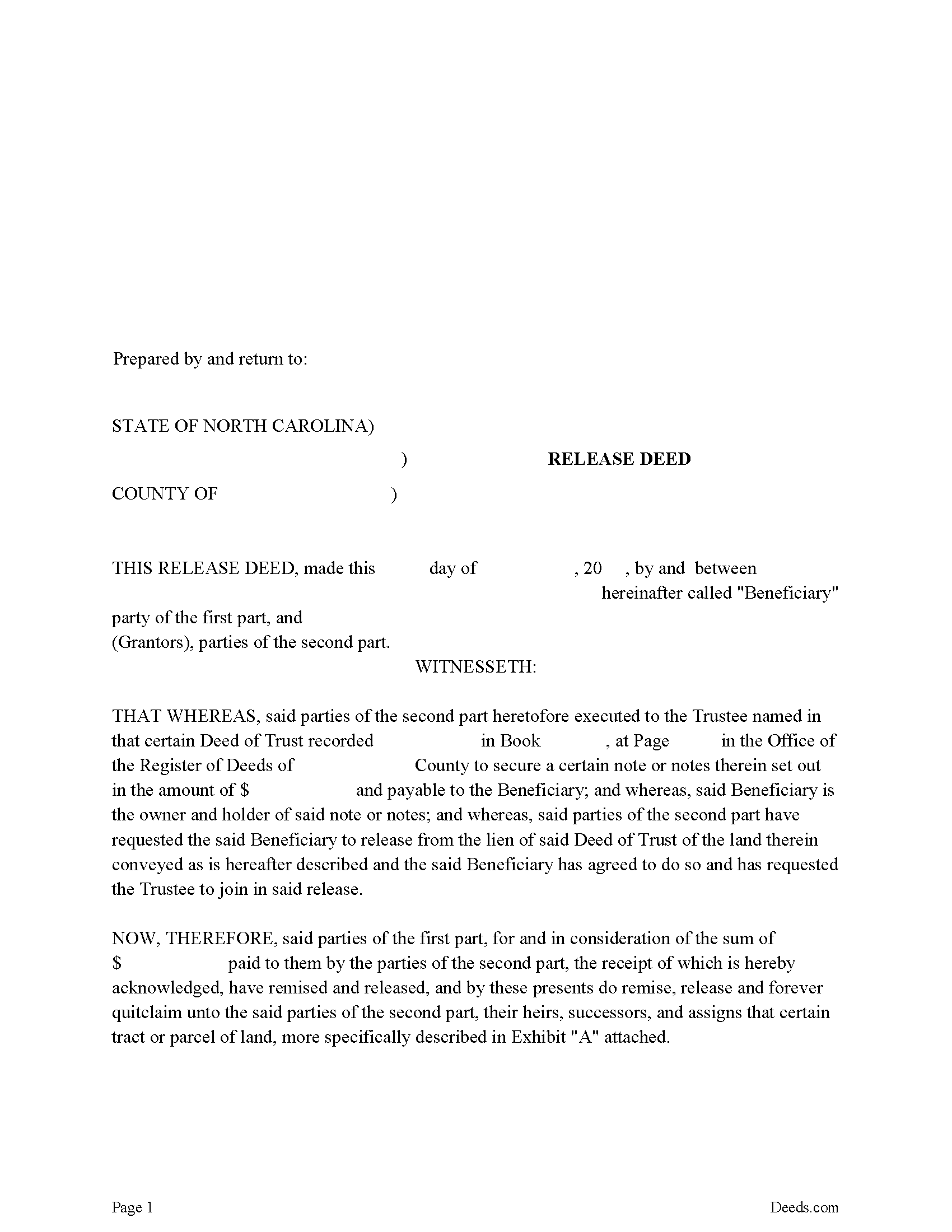
Randolph County Release Deed Form
Fill in the blank form formatted to comply with all recording and content requirements.
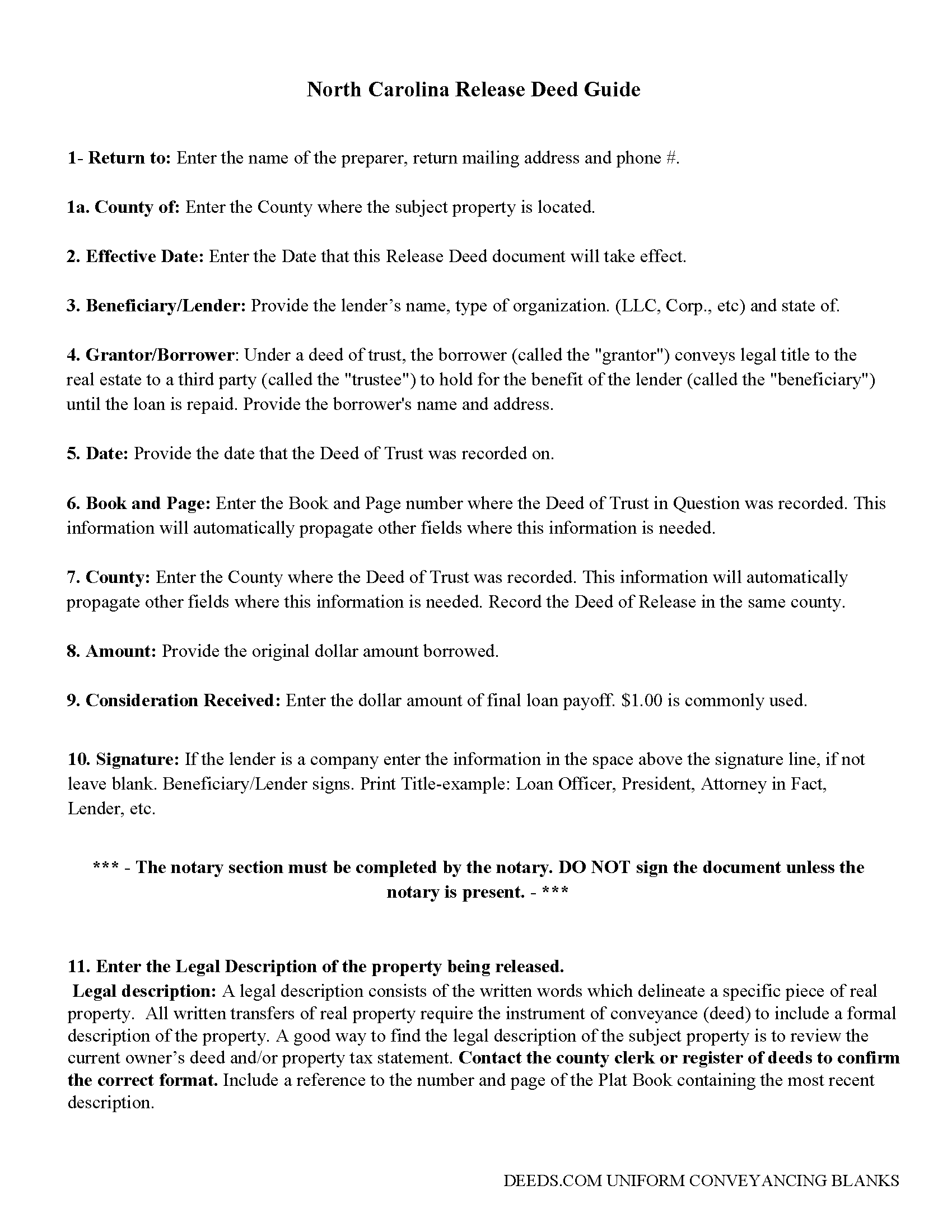
Randolph County Guidelines for Release Deed
Line by line guide explaining every blank on the form.
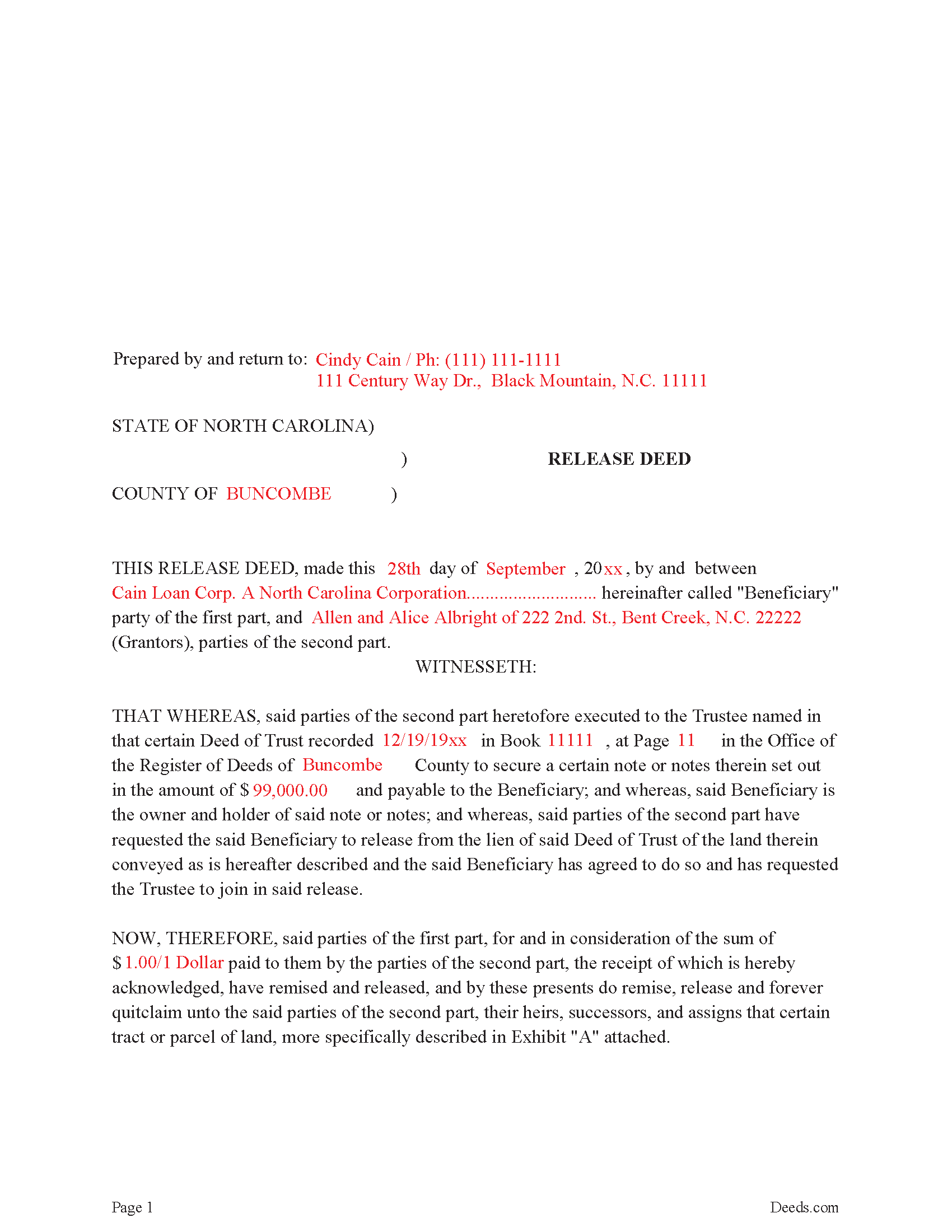
Randolph County Completed Example Release Deed
Example of a properly completed form for reference.
All 3 documents above included • One-time purchase • No recurring fees
Immediate Download • Secure Checkout
Additional North Carolina and Randolph County documents included at no extra charge:
Where to Record Your Documents
Randolph County Register of Deeds
Asheboro, North Carolina 27204
Hours: 8:00am-5:00pm M-F / Recording until 4:30pm
Phone: (336) 318-6960
Recording Tips for Randolph County:
- Bring your driver's license or state-issued photo ID
- Ensure all signatures are in blue or black ink
- Avoid the last business day of the month when possible
- Both spouses typically need to sign if property is jointly owned
- Bring extra funds - fees can vary by document type and page count
Cities and Jurisdictions in Randolph County
Properties in any of these areas use Randolph County forms:
- Asheboro
- Cedar Falls
- Franklinville
- Liberty
- Ramseur
- Randleman
- Seagrove
- Sophia
- Staley
- Trinity
Hours, fees, requirements, and more for Randolph County
How do I get my forms?
Forms are available for immediate download after payment. The Randolph County forms will be in your account ready to download to your computer. An account is created for you during checkout if you don't have one. Forms are NOT emailed.
Are these forms guaranteed to be recordable in Randolph County?
Yes. Our form blanks are guaranteed to meet or exceed the applicable formatting requirements used for recording in Randolph County, including margin requirements, font requirements, and other layout standards. This guarantee applies to formatting, not to the legal sufficiency of information entered by the user or the suitability of a form for a particular transaction.
Can I reuse these forms?
Yes. You can reuse the forms for your personal use. For example, if you have multiple properties in Randolph County you only need to order once.
What do I need to use these forms?
The forms are PDFs that you fill out on your computer. The free Adobe Acrobat Reader is recommended, and most PDF apps also work. You do NOT enter your property information online - you download the blank forms and complete them privately on your own computer.
Are there any recurring fees?
No. This is a one-time purchase. Nothing to cancel, no memberships, no recurring fees.
How much does it cost to record in Randolph County?
Recording fees in Randolph County vary. Contact the recorder's office at (336) 318-6960 for current fees.
Questions answered? Let's get started!
Executed by the lender, once the trustee is notified by the borrower. Signed by the lender, releasing any lien attached by the "Deed of Trust" that's assigned to the property. In general, a release is required to be recorded within 60 days of satisfaction.
(North Carolina Release of DOT Package includes form, guidelines, and completed example)
Important: Your property must be located in Randolph County to use these forms. Documents should be recorded at the county recording office listed above.
This Release Deed for Deed of Trust meets all recording requirements specific to Randolph County.
Our Promise
The documents you receive here are guaranteed to meet or exceed the applicable Randolph County recording format requirements. If there is a rejection caused by our formatting, we will correct the issue or refund your payment. This guarantee applies to document formatting only and does not extend to information entered by the user, the selection of the form, or the legal effect of the completed document.
Save Time and Money
Get your Randolph County Release Deed for Deed of Trust form done right the first time with Deeds.com Uniform Conveyancing Blanks. At Deeds.com, we understand that your time and money are valuable resources, and we don't want you to face a penalty fee or rejection imposed by a county recorder for submitting nonstandard documents. We constantly review and update our forms to meet rapidly changing state and county recording requirements for roughly 3,500 counties and local jurisdictions.
4.8 out of 5 - ( 4,839 Reviews )
Linda s. 5 out of 5 stars
This was such an easy process and even tho you had to pay a $15 - to me it was well worth not having to drive downtown etc or take the risk of mailing the documents (fearing that they would get lost). I'll be using this from now on...
We appreciate your business and value your feedback. Thank you. Have a wonderful day!
Dubelsa T. 5 out of 5 stars
Loved it!!!!! Beats going downtown!!!! Super easy and fast!!!
We appreciate your business and value your feedback. Thank you. Have a wonderful day!
eduardo r. 5 out of 5 stars
Very easy to fill out forms thank you very much
Thank you!
Kathryn M. 5 out of 5 stars
Never know an online service was available for recording county documents. It was so easy and simple and FAST! Within a matter of a couple hours it's done. I would definitely recommend Deeds.com to anyone.
Thank you Kathryn, we really appreciate that.
michael k. 5 out of 5 stars
fast and easy to fill out forms.
Thank you!
John T. 5 out of 5 stars
Great site, I was able to navigate with ease. We appreciate all those who contributed in making this possible
Thank you!
Don R. 3 out of 5 stars
From Pennsylvania here. Documents are great and easy to fill out however you are lacking a couple of things. You only provide the option for a Grant Deed when you purchase by your county which is Mercer County for me. Why not give the ability to get a Warranty Deed that better protects the Grantee? Also, being from Pennsylvania and in a county that mined Buituminous Coal we are required to include the Coal Severance Notice and Bituminous Mine Subsidence and Land Conservation Act Notice. You can check the box on your Deed form that they are required and attached but you do not provide the verbiage or form for this. You state that you know what each county requires and include everything required but you do not include these two required Notices. This has been a requirement for years and the wording never changes. I had to look for these Notices and hand type this information and include it on another seperate page after the Notary section on the Deed. The Grantor has to sign the Coal Severance Notice and be witnessed by a Notary so I had to add another place for the Notary and will have to pay twice for witnessed signatures when it could have been included in your document. My Deed from 2003 was done that way and then the Notary statement after that so it was only one notarized witness of signature.
Thank you for your feedback. We really appreciate it. Have a great day!
Billie M. 4 out of 5 stars
My overall experience was positive. Little trouble uploading documents but resolved. I had two mineral deeds to file in Arkansas, two different counties, exactly the same form, only difference being property description; one was completed, one was canceled. I emailed to inquire why and the reply was in an automatic email indicating that email address was not monitored and if further action would be taken on Deeds.com part, I would be notified. Other than that, I would recommend their services to avoid using snail mail.
We appreciate your business and value your feedback. Thank you. Have a wonderful day!
William A. 5 out of 5 stars
great service and very accommodating generally, and especially during these times.
We appreciate your business and value your feedback. Thank you. Have a wonderful day!
Kathryn P. 4 out of 5 stars
Somewhat easy to traverse.
Thank you!
Christopher V. 5 out of 5 stars
GREAT STUFF TKS
Thank you!
Sandra H. 5 out of 5 stars
I am a retired attorney. I chanced upon this website while looking for a Florida Lady Bird Deed Form. It conforms to Florida Law and was exactly what I needed. The forms are easy to obtain and even easier to use and print out.
Thank you so much Sandra, we really appreciate your feedback.
Bernard H. 5 out of 5 stars
The site is clear and easy to submit requests. I will be using again when needed. No problems and a pleasure to deal with.
Thank you for your feedback. We really appreciate it. Have a great day!
Christopher M. 5 out of 5 stars
Awesome company. Fast, friendly, professional.
We are delighted to have been of service. Thank you for the positive review!
Kent B. 2 out of 5 stars
Disappointed on most recent order. Format did not permit changing the "boilerplate" language to change "grantor" to "grantors". In so restricting, could not use pre-printed form to make a joint party conveyance.
Sorry to hear of your disappointment. We've canceled your order and payment for the warranty deed document. Have a wonderful day.