Orange County Quitclaim Deed (LLC Grantor) Form
Last validated October 26, 2026 by our Forms Development TeamFormatted for recording in Orange County, for property anywhere in the county: rural and unincorporated areas as well as Carrboro, Cedar Grove, Chapel Hill, Efland, Hillsborough.
- 3 documents included
- Immediate PDF download
- Formatting guarantee
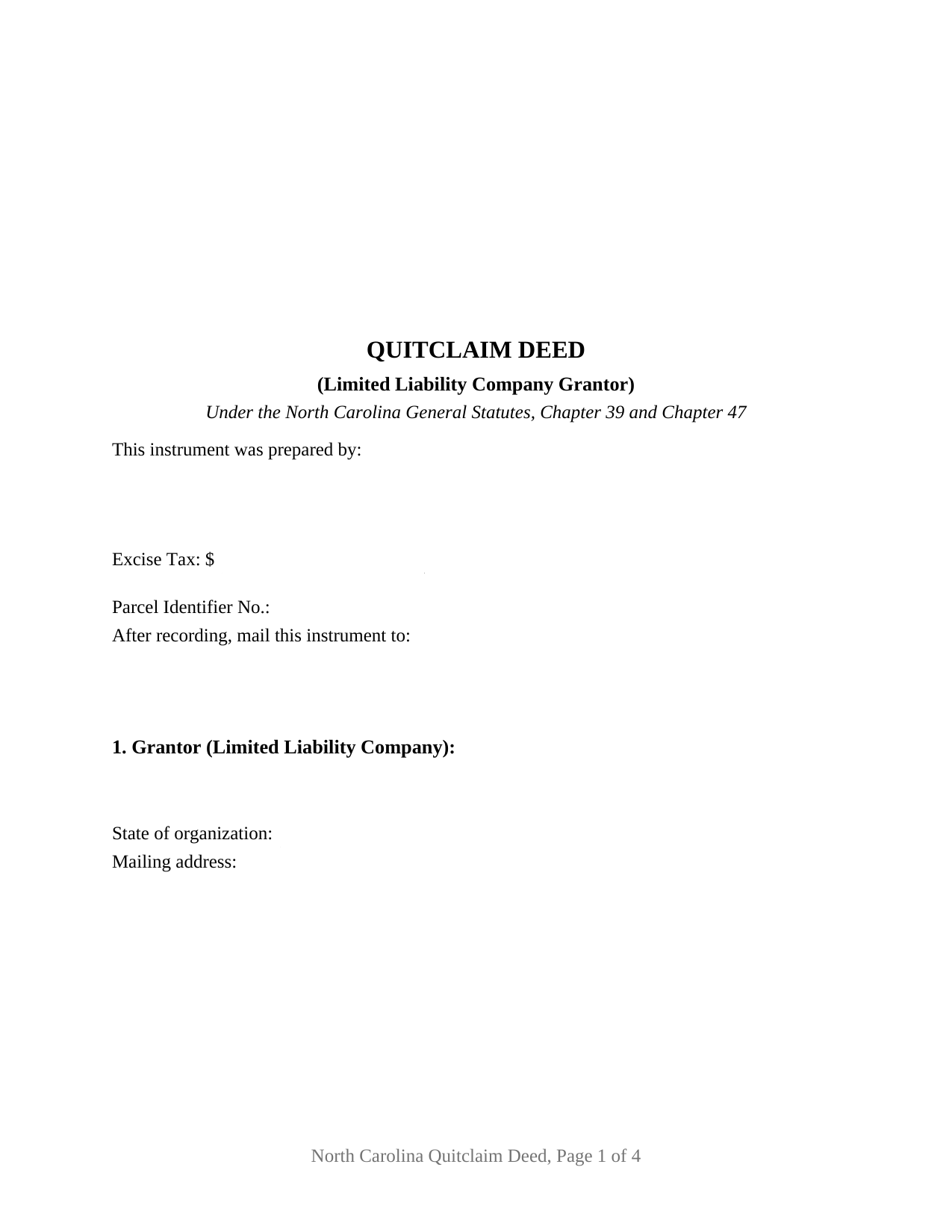
Orange County Quitclaim Deed (LLC Grantor) Form
Fill in the blank Quitclaim Deed (LLC Grantor) form formatted to comply with all North Carolina recording and content requirements.
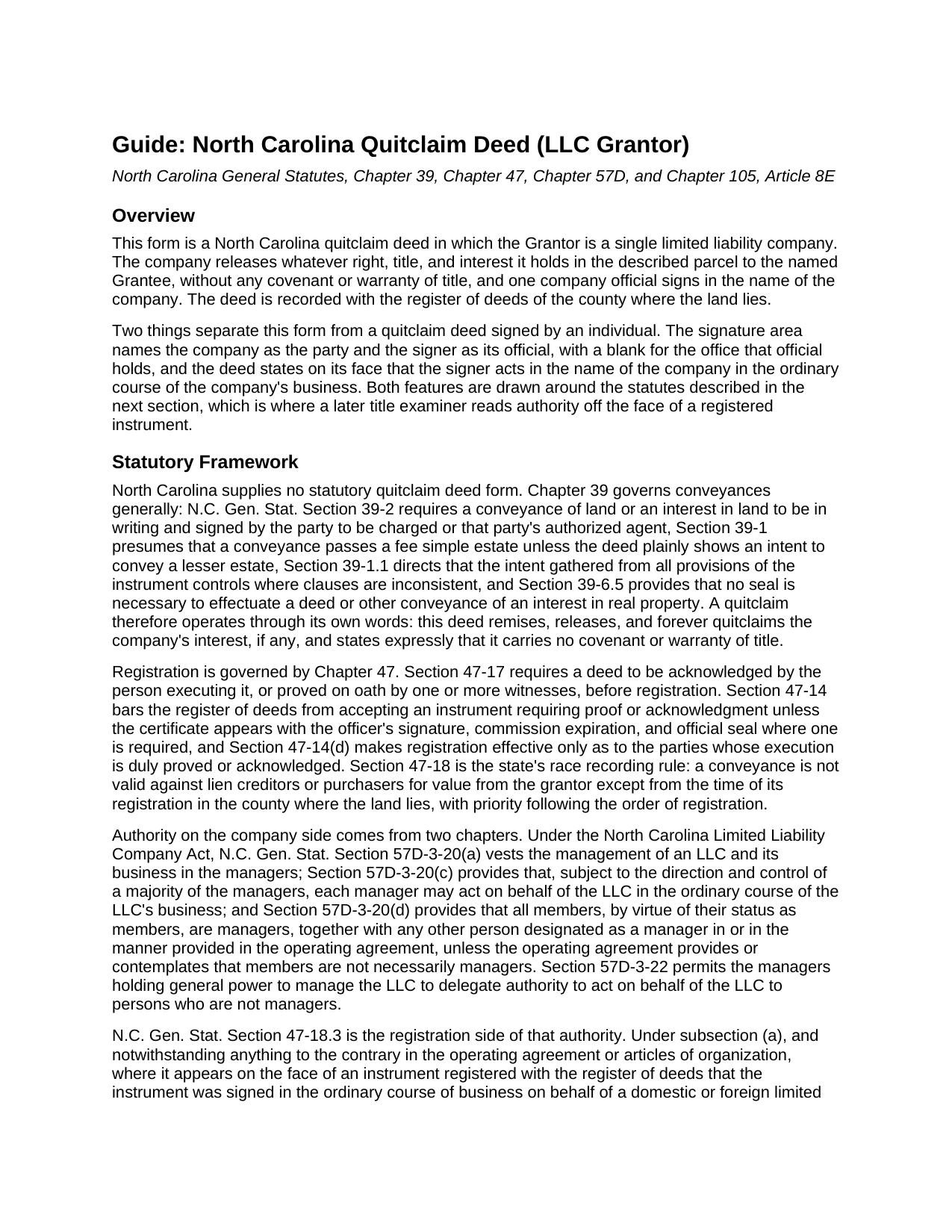
Orange County Quitclaim Deed (LLC Grantor) Guide
Line by line guide explaining every blank on the Quitclaim Deed (LLC Grantor) form.
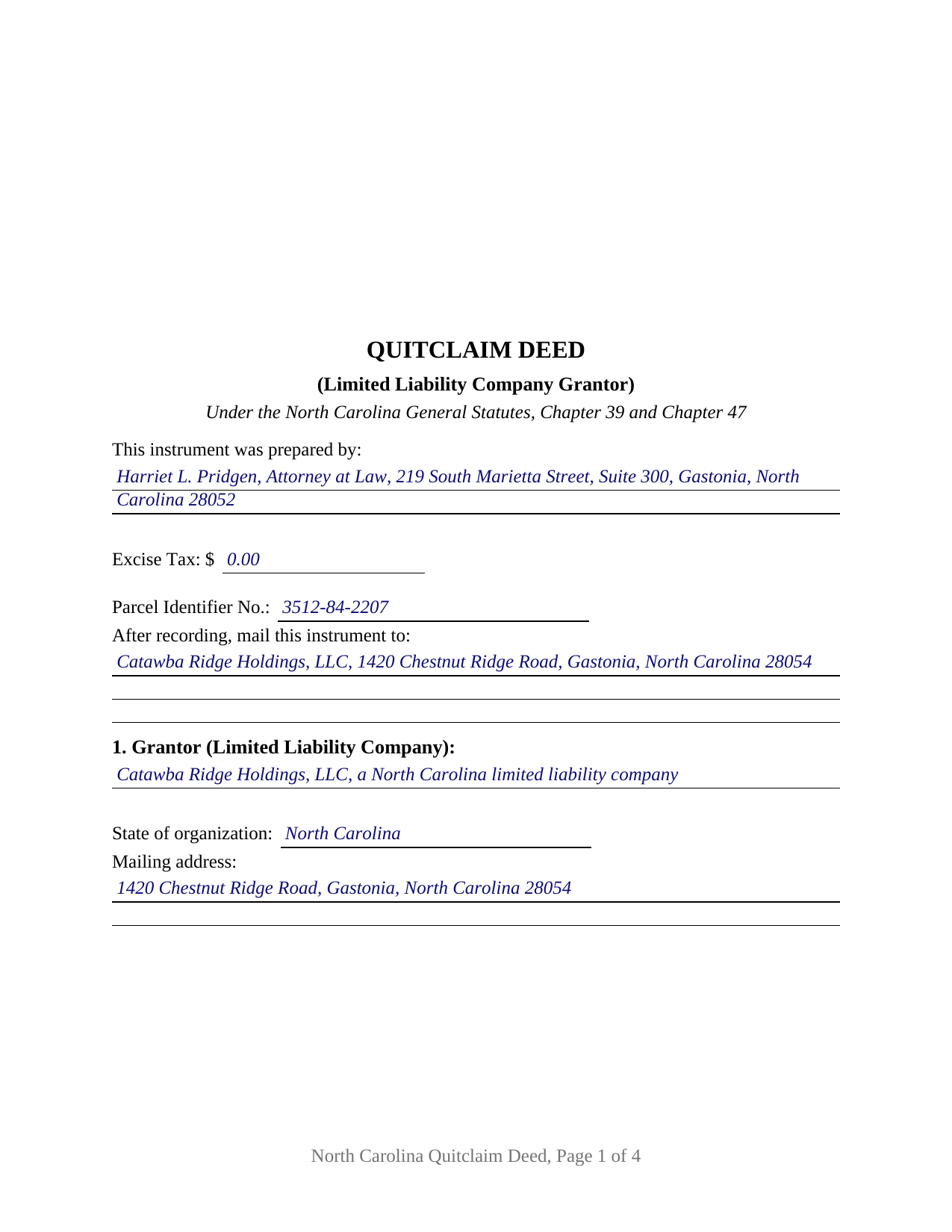
Orange County Completed Example of the Quitclaim Deed (LLC Grantor) Document
Example of a properly completed North Carolina Quitclaim Deed (LLC Grantor) document for reference.
All 3 documents above included • One-time purchase • No recurring fees
Immediate Download • Secure Checkout
Additional North Carolina and Orange County documents included at no extra charge:
Where to Record Your Documents
Orange County Register of Deeds
Hillsborough, North Carolina 27278
Hours: 8:00am-5:00pm M-F / Recording until 4:30pm
Phone: (919) 245-2675
Recording Tips for Orange County:
- Bring your driver's license or state-issued photo ID
- Ensure all signatures are in blue or black ink
- Verify all names are spelled correctly before recording
- White-out or correction fluid may cause rejection
- Ask about their eRecording option for future transactions
Cities and Jurisdictions in Orange County
Properties in any of these areas use Orange County forms:
- Carrboro
- Cedar Grove
- Chapel Hill
- Efland
- Hillsborough
Hours, fees, requirements, and more for Orange County
How do I get my forms?
Forms are available for immediate download after payment. The Orange County forms will be in your account ready to download to your computer. An account is created for you during checkout if you don't have one. Forms are NOT emailed.
Are these forms guaranteed to be recordable in Orange County?
Yes. Our form blanks are guaranteed to meet or exceed the applicable formatting requirements used for recording in Orange County, including margin requirements, font requirements, and other layout standards. This guarantee applies to formatting, not to the legal sufficiency of information entered by the user or the suitability of a form for a particular transaction.
Can I reuse these forms?
Yes. You can reuse the forms for your personal use. For example, if you have multiple properties in Orange County you only need to order once.
What do I need to use these forms?
The forms are PDFs that you fill out on your computer. The free Adobe Acrobat Reader is recommended, and most PDF apps also work. You do NOT enter your property information online - you download the blank forms and complete them privately on your own computer.
Are there any recurring fees?
No. This is a one-time purchase. Nothing to cancel, no memberships, no recurring fees.
How much does it cost to record in Orange County?
Recording fees in Orange County vary. Contact the recorder's office at (919) 245-2675 for current fees.
Questions answered? Let's get started!
A limited liability company cannot hold a pen. Someone signs for it, and North Carolina answers the authority question by reading that person's office off the face of the registered instrument. This fillable quitclaim deed is drawn around that reading: one limited liability company stands as Grantor, the company name repeats above the signature line, one company official signs beneath it, and a labeled blank records the office that official holds.
Why the office beside the signature matters
G.S. 47-18.3(a) is the provision a title examiner reaches for years later. Where a registered instrument shows on its face that it was signed in the ordinary course of business for a domestic or foreign limited liability company by its manager, member, president, vice-president, treasurer, or another official the subsection names, the instrument stands as to innocent third parties as though the board had authorized it, unless the paper reveals a potential breach of fiduciary obligation on its face. The section also spares such an instrument any attached or separately recorded resolution of the managers or members. Chapter 57D sits behind it: G.S. 57D-3-20 vests management in the managers, lets each manager act for the company in the ordinary course of its business, and makes every member a manager by virtue of membership unless the operating agreement provides otherwise. The deed puts the office on the page; the operating agreement decides who may sign.
One company, one signer, one certificate
The form recites a single Grantor company by legal name, state of organization, and mailing address, the last being what G.S. 105-317.2 asks of every grantor. The signature area repeats the company name, then carries a signature line, a printed-name line for the register's index, a date, and the office or title blank, with entries such as Manager, Managing Member, or President. One acknowledgment certificate follows the single signer. G.S. 47-38 supplies a certificate form that serves an individual signing as a manager or member of a limited liability company, whether or not the certificate recites the capacity. Positions in the records that present this configuration include a company distributing a parcel to its sole member as the company winds up, a parcel moving between two companies under common ownership in a restructuring, and a company releasing a parcel back to the member who contributed it. The form recites one conveying company and one signer: not two companies, not two officials signing together, and not an individual conveying individually.
The company releases what it has, and no more
North Carolina prescribes no quitclaim form, so the words carry the work. This deed remises, releases, and forever quitclaims the company's right, title, and interest, if any, and states in its own sentence that it conveys without covenant or warranty of title and enlarges nothing. G.S. 39-1 delivers whatever estate the company holds unless the deed plainly shows a smaller one, and G.S. 39-6.5 makes a seal unnecessary, so no company seal belongs on the signature line. Searchers reach the instrument as a quit claim deed, a quitclaim, or a non-warranty deed; under any label, liens and easements ride through the release.
Excise tax when no money changes hands
Page one reports the excise figure, which G.S. 105-228.32 makes the presenter's duty and the register's collection before recording. The G.S. 105-228.30 rate is one dollar per five hundred dollars, or part, of value. Entity transfers frequently land among the classes G.S. 105-228.29 places outside the tax: a gift, a transfer with no consideration due or paid by the transferee, and a transfer by merger, conversion, or consolidation. G.S. 105-228.28 reaches every non-governmental conveyance of North Carolina real estate, so the figure gets reported either way, zero included.
What the register reads first
The first page keeps the three inch stamp space G.S. 161-14(b) reserves, states the instrument type at its top, and below that gathers the drafter entry required by G.S. 47-17.1, the excise line, a parcel identifier blank for county indexing under G.S. 161-30, and a return address. Under G.S. 47-18 the deed becomes good against lien creditors and purchasers for value only from registration in the county holding the land.
Included: the deed as a fillable PDF, a completed example set in Gaston County where a company distributes a lot to its sole member in winding up, and a plain language guide covering each section, the authority statutes, the excise treatment, the grantee vesting menu, and county recording prerequisites. Nothing here is legal advice; it describes North Carolina law generally.
Important: Your property must be located in Orange County to use these forms. Documents should be recorded at the county recording office listed above.
This Quitclaim Deed (LLC Grantor) meets all recording requirements specific to Orange County.
Our Promise
The documents you receive here are guaranteed to meet or exceed the applicable Orange County recording format requirements. If there is a rejection caused by our formatting, we will correct the issue or refund your payment. This guarantee applies to document formatting only and does not extend to information entered by the user, the selection of the form, or the legal effect of the completed document.
Save Time and Money
Get your Orange County Quitclaim Deed (LLC Grantor) form done right the first time with Deeds.com Uniform Conveyancing Blanks. At Deeds.com, we understand that your time and money are valuable resources, and we don't want you to face a penalty fee or rejection imposed by a county recorder for submitting nonstandard documents. We constantly review and update our forms to meet rapidly changing state and county recording requirements for roughly 3,500 counties and local jurisdictions.
4.8 out of 5 - ( 4,836 Reviews )
Mary Ann H. 5 out of 5 stars
The Deeds.com website was clear and easy to follow. I completed it about 20 minutes. I appreciate the convenience of doing it from home and that I will receive a copy by mail.
Thank you for your feedback. We really appreciate it. Have a great day!
Robert J. F. 5 out of 5 stars
Nice work. Easy to use site for reasonable price. Thank you.
Thank you for your feedback. We really appreciate it. Have a great day!
sean m. 5 out of 5 stars
Wow everything I need in one place... what a concept. thanks Deeds.com for the deeds, the guides and the transfer certificate all included for a great price
We appreciate your business and value your feedback. Thank you. Have a wonderful day!
Pamela W. 5 out of 5 stars
This was so easy! Doing it this way saved me a bundle. I used the example form to make sure mine was correct. I would highly recommend this to anyone.
Thanks Pamela. We're glad the completed example was helpful.
Nola B. 4 out of 5 stars
I like the form except the title should be ENHANCED LIFE ESTATE DEED and not Quit Claim Deed
Thank you for your feedback. We really appreciate it. Have a great day!
dill h. 5 out of 5 stars
easy-peasy
We appreciate your business and value your feedback. Thank you. Have a wonderful day!
Lisa P. 5 out of 5 stars
Your forms are worth the investment. The guide and example were very helpful and thorough.
We appreciate your business and value your feedback. Thank you. Have a wonderful day!
A. S. 3 out of 5 stars
First, I am glad that you gave a blank copy, an example copy, and a 'guide'. It made it much easier to do. Overall I was very happy with your products and organization... however, things got pretty confusing and I have a pretty 'serious' law background in Real Estate and Civil law. With that said, I spent about 10+ hours getting my work done, using the Deed of Trust and Promissory note from you and there were a few problems: First, it would be FANTASTIC if you actually aligned your guide to actually match the Deed or Promissory Note. What I mean is that if the Deed says 'section (E)' then your guide shouldn't be 'randomly' numbered as 1,2,3, for advice/instructions, but should EXACTLY match 'section (E)'. Some places you have to 'hunt' for what you are looking for, and if you did it based on my suggestion, you wouldn't need to 'hunt' and it would avoid confusion. 2nd: This one really 'hurt'... you had something called the 'Deed of Trust Master Form' yet you had basically no information on what it was or how to use it. The only information you had was a small section at the top of the 'Short Form Deed of Trust Guide'. Holy Cow, was that 'section' super confusing. I still don't know if I did it correctly, but your guide says only put a return address on it and leave the rest of the 16 or so page Deed of Trust beneath it blank... and then include your 'Deed of Trust' (I had to assume the short form deed that I had just created) as part of it. I had to assume that I had to print off the entire 17 page or so title page and blank deed. I also had to assume that the promissory note was supposed to be EXHIBIT A or B on the Short Form Deed. It would be great if someone would take a serious look at that short section in your 'Short Form Deed of Trust Guide' and realize that those of us using your products are seriously turning this into a county clerk to file and that most of us, probably already have a property that has an existing Deed... or at least can find one in the county records if necessary... and make sure that you make a distinction between the Deed for the property that already exists, versus the Deed of Trust and Promissory note that we are trying to file. Thanks.
Thank you for your feedback. We'll have staff review the document for clarity. Have a great day!
ROBERT P. 5 out of 5 stars
Got what I needed
Thank you!
Frankie A. 4 out of 5 stars
Deeds.com recorded documents for me without any issue. It's a good service and provides a lot of assistance on its web site. However, I asked for a printed receipt (i.e. an pdf copy of one), but after a staff provided me with an obvious answer, they simply ignored my follow up requests. I also asked a simple formatting question that they should have been able to answer; instead, they passed the buck and referred me to the recorder, which currently is a very time-consuming venture. They also have no telephone number for any issue. Generally, the service saves me the time and effort of physically recording a document, but when you think about $19.00 per recording seems like a steep price for the services rendered.
We appreciate your feedback Frankie. We are glad that we were able to submit your documents as requested. Sorry to hear that we let you down in other areas. We do encourage you to shop around for services that may better suit your needs. Have a wonderful day.
Casey W. 5 out of 5 stars
Excellent service, quick and right to the point, without a monthly subscription! Perfect for filers of single documents! Thanks!
Thank you for your feedback. We really appreciate it. Have a great day!
Ingrid K. 5 out of 5 stars
Prompt efficient service.
Thank you!
Kevin C. 3 out of 5 stars
Nice site but $30 to download a blank form is a bit much.
Thank you for your feedback. We really appreciate it. Have a great day!
SHIRLEY H. 3 out of 5 stars
I like that they have all the forms, but I could not find it they would submit the forms to the recorders office
Thank you!
Angie K. 4 out of 5 stars
Thank You!
Thank you Angie.