Anson County Quitclaim Deed (Married Grantor with Non-Owner Spouse Joinder) Form
Last validated October 14, 2026 by our Forms Development TeamFormatted for recording in Anson County, for property anywhere in the county: rural and unincorporated areas as well as Ansonville, Lilesville, Mc Farlan, Morven, Peachland, Polkton, Wadesboro.
- 3 documents included
- Immediate PDF download
- Formatting guarantee
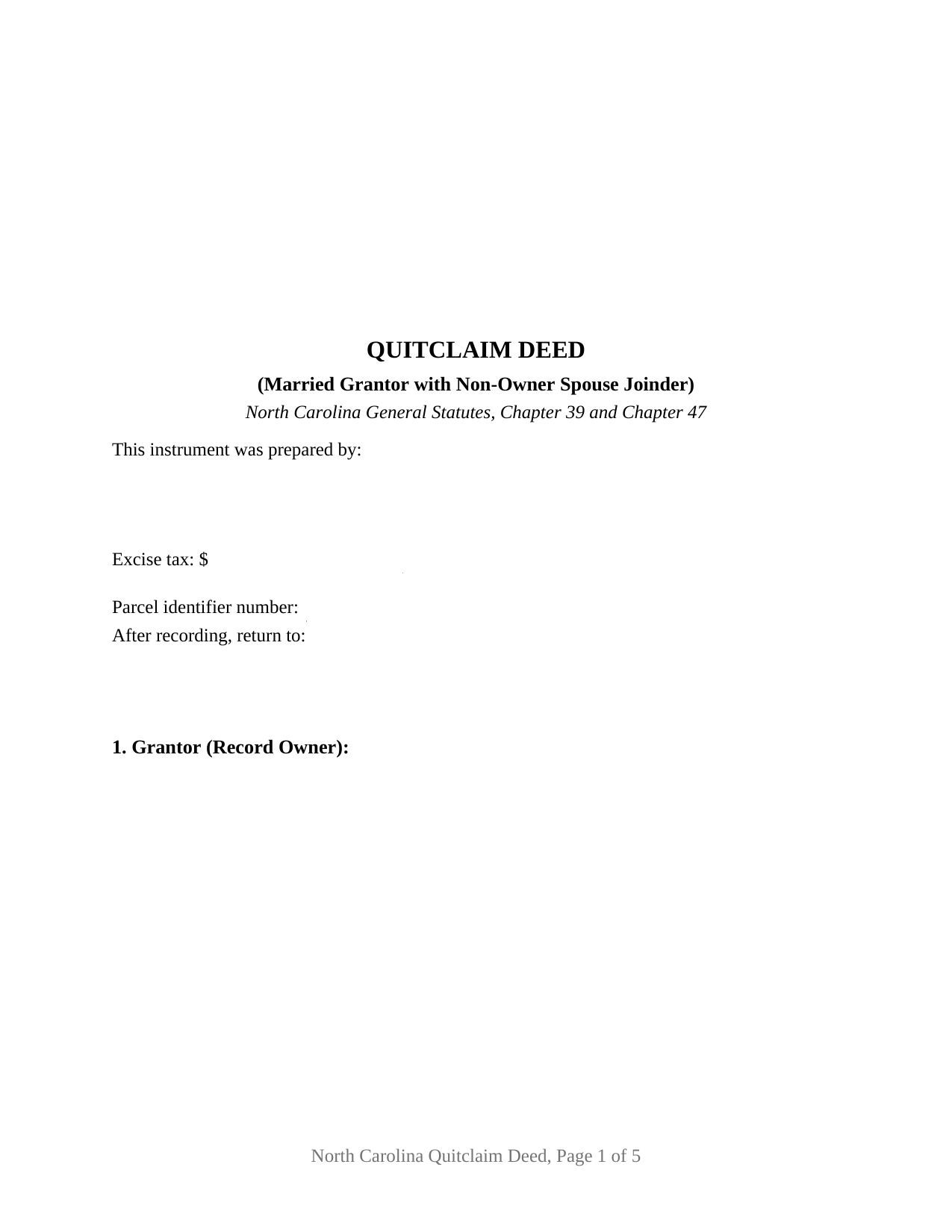
Anson County Quitclaim Deed (Married Grantor with Non-Owner Spouse Joinder) Form
Fill in the blank Quitclaim Deed (Married Grantor with Non-Owner Spouse Joinder) form formatted to comply with all North Carolina recording and content requirements.
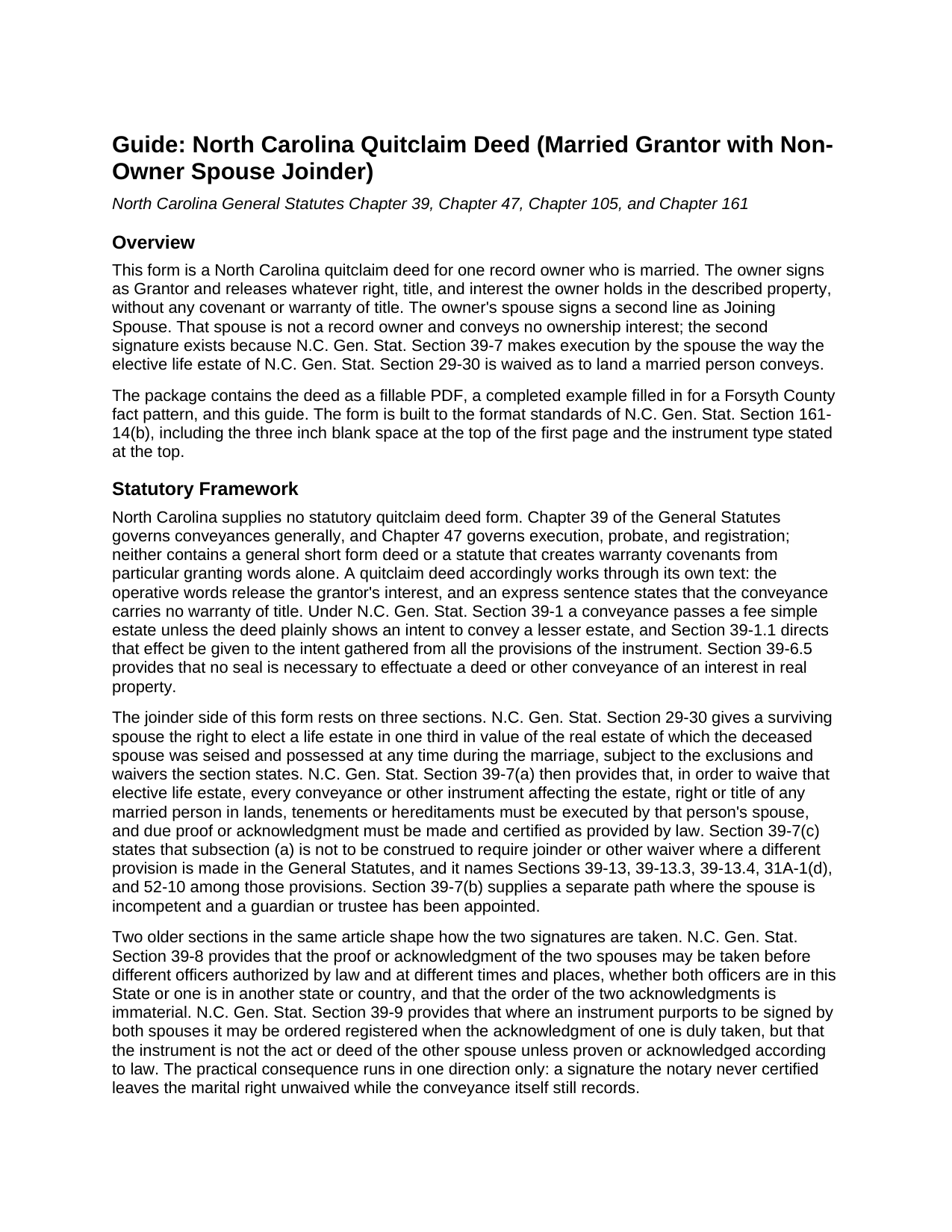
Anson County Quitclaim Deed (Married Grantor with Non-Owner Spouse Joinder) Guide
Line by line guide explaining every blank on the Quitclaim Deed (Married Grantor with Non-Owner Spouse Joinder) form.
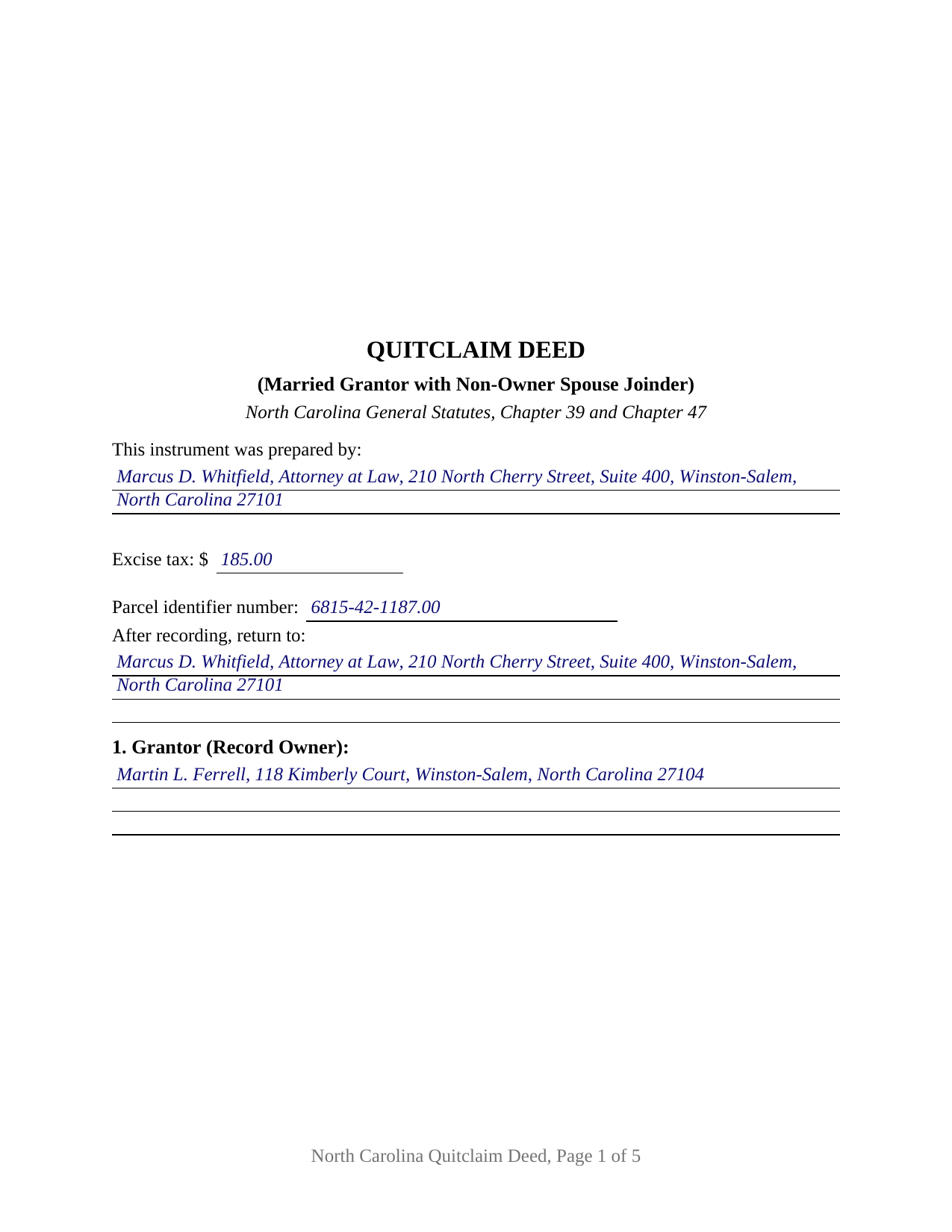
Anson County Completed Example of the Quitclaim Deed (Married Grantor with Non-Owner Spouse Joinder) Document
Example of a properly completed North Carolina Quitclaim Deed (Married Grantor with Non-Owner Spouse Joinder) document for reference.
All 3 documents above included • One-time purchase • No recurring fees
Immediate Download • Secure Checkout
Additional North Carolina and Anson County documents included at no extra charge:
Where to Record Your Documents
Anson County Register of Deeds
Wadesboro, North Carolina 28170
Hours: 8:30 to 4:30 Monday through Friday
Phone: (704) 994-3209
Recording Tips for Anson County:
- Bring your driver's license or state-issued photo ID
- Ensure all signatures are in blue or black ink
- Request a receipt showing your recording numbers
- Ask about accepted payment methods when you call ahead
- Ask for certified copies if you need them for other transactions
Cities and Jurisdictions in Anson County
Properties in any of these areas use Anson County forms:
- Ansonville
- Lilesville
- Mc Farlan
- Morven
- Peachland
- Polkton
- Wadesboro
Hours, fees, requirements, and more for Anson County
How do I get my forms?
Forms are available for immediate download after payment. The Anson County forms will be in your account ready to download to your computer. An account is created for you during checkout if you don't have one. Forms are NOT emailed.
Are these forms guaranteed to be recordable in Anson County?
Yes. Our form blanks are guaranteed to meet or exceed the applicable formatting requirements used for recording in Anson County, including margin requirements, font requirements, and other layout standards. This guarantee applies to formatting, not to the legal sufficiency of information entered by the user or the suitability of a form for a particular transaction.
Can I reuse these forms?
Yes. You can reuse the forms for your personal use. For example, if you have multiple properties in Anson County you only need to order once.
What do I need to use these forms?
The forms are PDFs that you fill out on your computer. The free Adobe Acrobat Reader is recommended, and most PDF apps also work. You do NOT enter your property information online - you download the blank forms and complete them privately on your own computer.
Are there any recurring fees?
No. This is a one-time purchase. Nothing to cancel, no memberships, no recurring fees.
How much does it cost to record in Anson County?
Recording fees in Anson County vary. Contact the recorder's office at (704) 994-3209 for current fees.
Questions answered? Let's get started!
One name in the record, two signatures on the deed. This North Carolina quitclaim deed comes as a fillable PDF drawn for a married record owner who holds the property alone: the owner releases whatever interest the owner has, and the owner's husband or wife signs a second labeled line as a joining spouse, receiving nothing and conveying nothing, so that a marital right no title index carries stays behind.
The right the second signature reaches
Dower and curtesy left North Carolina law in 1959, abolished by G.S. 29-4, and for land the elective life estate of G.S. 29-30 took their place: a surviving spouse may elect a life estate in one third in value of the real estate the deceased spouse was seised and possessed of at any time during the marriage. The measure looks back across the whole marriage, so it can reach land sold years earlier. G.S. 39-7(a) supplies the release and frames it as execution, not wording: to waive the G.S. 29-30 elective life estate, every conveyance or other instrument affecting the estate, right or title of a married person in land must be executed by that person's spouse, with due proof or acknowledgment made and certified as provided by law. The signature is the waiver, and this deed gives it a labeled line and a certificate of its own.
One record owner, one joining spouse
The form recites exactly one record owner as Grantor and one non-owner spouse as Joining Spouse, and prints under the second block a sentence stating that the Joining Spouse holds no record title and signs solely for the purpose stated in the conveyance section. That section moves twice: the Grantor remises, releases, and forever quitclaims all right, title, and interest, if any, in the land, and the Joining Spouse joins to waive and release the G.S. 29-30 elective life estate as to it, conveying nothing and warranting nothing. Two signature blocks and two acknowledgment certificates follow, matching the way these deeds get signed, since G.S. 39-8 allows the two acknowledgments to be taken before different officers, at different times and places, one of them outside the state, in either order. Patterns presenting this shape in the records include land one spouse acquired before the marriage and deeds away during it, a parcel held in one spouse's name alone passing to a relative or to a company the owner forms, and a closing where the examining attorney wants the spouse's signature before the buyer's title is insured. The form is not built for land both spouses own, which is held by the entirety and moves under G.S. 41-58 only with both owners joining, nor for co-owners not married to each other.
A release, not a promise
No statute prescribes a North Carolina quitclaim deed, so the instrument, also searched as a quit claim deed or a non-warranty deed, carries its own operative words and its own disclaimer: it passes the interest the Grantor has, if any, without covenant or warranty of title, express or implied. The fee simple presumption of G.S. 39-1 delivers the whole of what the Grantor owns unless the deed plainly shows a smaller estate. How the receiving side holds what arrives is written into the grantee blank, and the guide walks that menu, from the tenancy in common default to the entirety estate the completed example illustrates.
What a missing certificate costs
Page one keeps the three inch space G.S. 161-14(b) reserves and gathers, below it, the drafter entry that G.S. 47-17.1 makes a condition of acceptance, the excise tax figure, the parcel number, and the return block. One consequence of that design earns its own sentence: under G.S. 47-14(d) registration is effective only as to parties whose execution is duly proved or acknowledged, and G.S. 39-9 provides that a deed purporting to be signed by both spouses may be ordered registered on one acknowledgment while never becoming the deed of the other. Taken to the counter with the owner's certificate alone, this deed still moves the owner's interest and leaves the marital right where it stood.
The download holds the deed as a fillable PDF, a completed example worked through a Forsyth County conveyance of land the grantor held separately, and a plain language guide covering each numbered section, the excise tax and county prerequisites, the acknowledgment rules, and how the grantees may hold title. The materials describe North Carolina law in general terms and are not legal advice.
Important: Your property must be located in Anson County to use these forms. Documents should be recorded at the county recording office listed above.
This Quitclaim Deed (Married Grantor with Non-Owner Spouse Joinder) meets all recording requirements specific to Anson County.
Our Promise
The documents you receive here are guaranteed to meet or exceed the applicable Anson County recording format requirements. If there is a rejection caused by our formatting, we will correct the issue or refund your payment. This guarantee applies to document formatting only and does not extend to information entered by the user, the selection of the form, or the legal effect of the completed document.
Save Time and Money
Get your Anson County Quitclaim Deed (Married Grantor with Non-Owner Spouse Joinder) form done right the first time with Deeds.com Uniform Conveyancing Blanks. At Deeds.com, we understand that your time and money are valuable resources, and we don't want you to face a penalty fee or rejection imposed by a county recorder for submitting nonstandard documents. We constantly review and update our forms to meet rapidly changing state and county recording requirements for roughly 3,500 counties and local jurisdictions.
4.8 out of 5 - ( 4,833 Reviews )
Gloria J. 5 out of 5 stars
I needed a Missouri Notice of Intent to Sell without a named designated buyer. Mo Statutes require notice be notarized and filed 45 days before any closing to protect buyer from liens. You do not have that document. We are flipping a house so it must be filed. Our lawyer was on vacation. Cannot find one anywhere on net. Finally got a template from our title company.
Thank you for your feedback Gloria.
ed d. 5 out of 5 stars
Fast efficient hassle free
Thank you for your feedback. We really appreciate it. Have a great day!
Wendy B. 5 out of 5 stars
Really appreciate you he quick response and solution to my problem!! Thank you!!
Thank you for your feedback. We really appreciate it. Have a great day!
Shari S. 5 out of 5 stars
Deeds.com is a wonderful resource providing helpful information, forms, examples, and instructions. Thank you for your service.
We appreciate your business and value your feedback. Thank you. Have a wonderful day!
Luz G. 5 out of 5 stars
very user friendly
Thank you for taking a moment to share your thoughts.
Elango R. 5 out of 5 stars
It was so easy to use the site and got recording done in a day. Very happy with experience.
Thank you!
Charlotte H. 5 out of 5 stars
Easy to use and download. Everything we needed with a guide for accuracy.
Thank you!
DEBORAH G. 3 out of 5 stars
This product is good but the text boxes are not large enough to contain the information required for the form. Even dates do not display with the entry you make.
Thank you for your feedback. We really appreciate it. Have a great day!
David K. 5 out of 5 stars
My 1st trip to your site. I give it a full 5-star rating! Thank you. I'll be back.
Thank you for your feedback. We really appreciate it. Have a great day!
Sherri P. 3 out of 5 stars
I thought it was easy, but I wish it were faster. I uploaded my document Monday night (after 5pm) and got my invoice the next morning Tuesday paid it right away. and my document was not sent to me as recorded until Wednesday morning even though it was recorded the day earlier at 8:30am. So there was a delay of almost 24 hours letting me know that my document was recorded. So if they could speed that up so that we knew exactly when it got recorded immediately I would give it a million stars
Thank you!
ROBERT M. 5 out of 5 stars
Lots of Info. Forms seem straightforward. Easy to Fill out.
Thank you for your feedback. We really appreciate it. Have a great day!
Robin B. 5 out of 5 stars
I came, I saw, I ordered, I downloaded.
Thank you!
Robert W. 5 out of 5 stars
With the guide everything went great
Thank you!
Bobbie N. 5 out of 5 stars
Thank you so much for making the site so easy to use.
Thank you for your feedback. We really appreciate it. Have a great day!
Brennan H. 5 out of 5 stars
I had worked for a couple of months sending things back and forth to the county and still had no success. I decided to use deeds.com and it was all done in a few hours. Such a relief! While I find this to be wrong and the county should work with property owners as well as they work with third parties, I was still grateful for this service.
Thank you for your feedback. We really appreciate it. Have a great day!