Wilson County Release Deed for Deed of Trust Form
Last validated October 7, 2026 by our Forms Development TeamFormatted for recording in Wilson County, for property anywhere in the county: rural and unincorporated areas as well as Black Creek, Elm City, Lucama, Saratoga, Sims, Stantonsburg, Wilson.
- 3 documents included
- Immediate PDF download
- Formatting guarantee
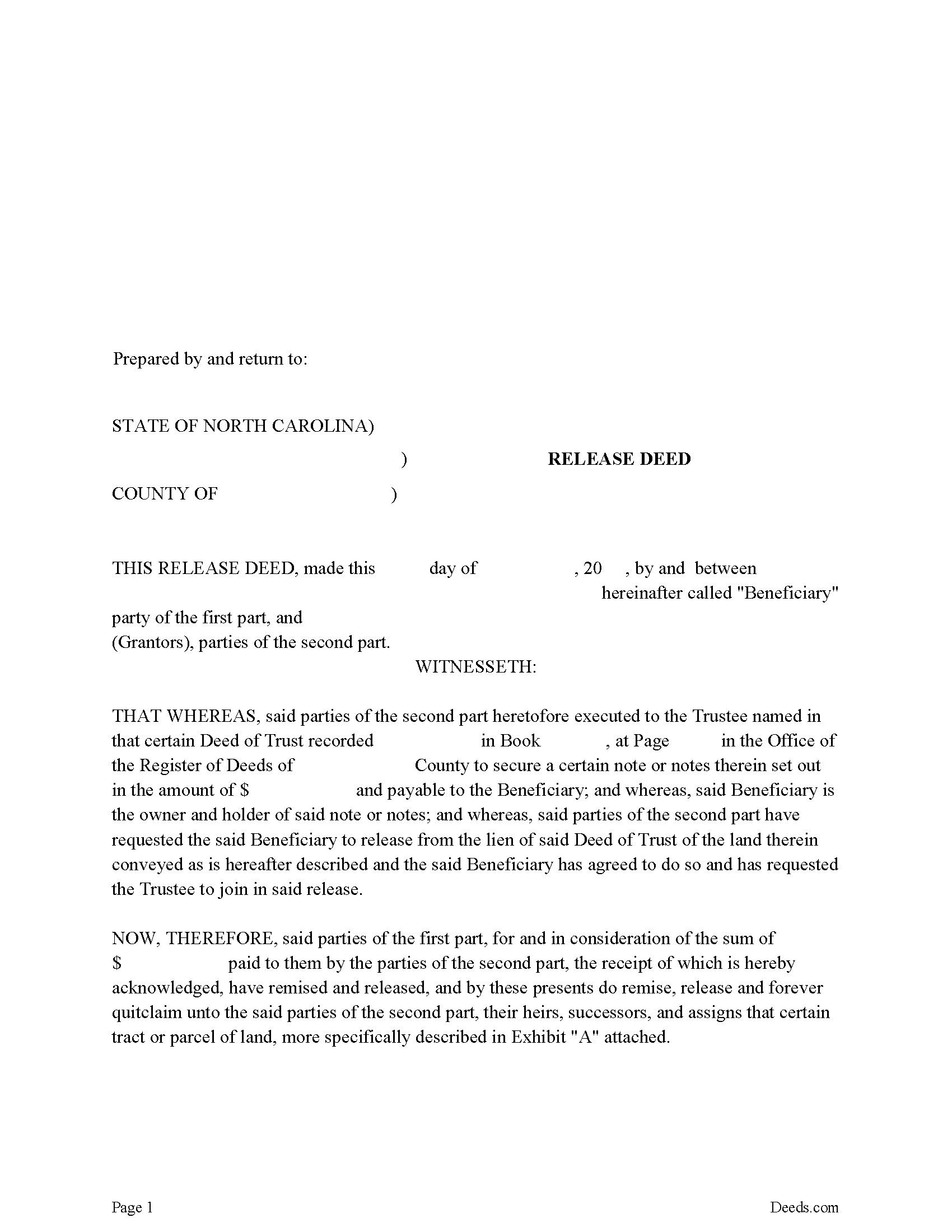
Wilson County Release Deed Form
Fill in the blank form formatted to comply with all recording and content requirements.
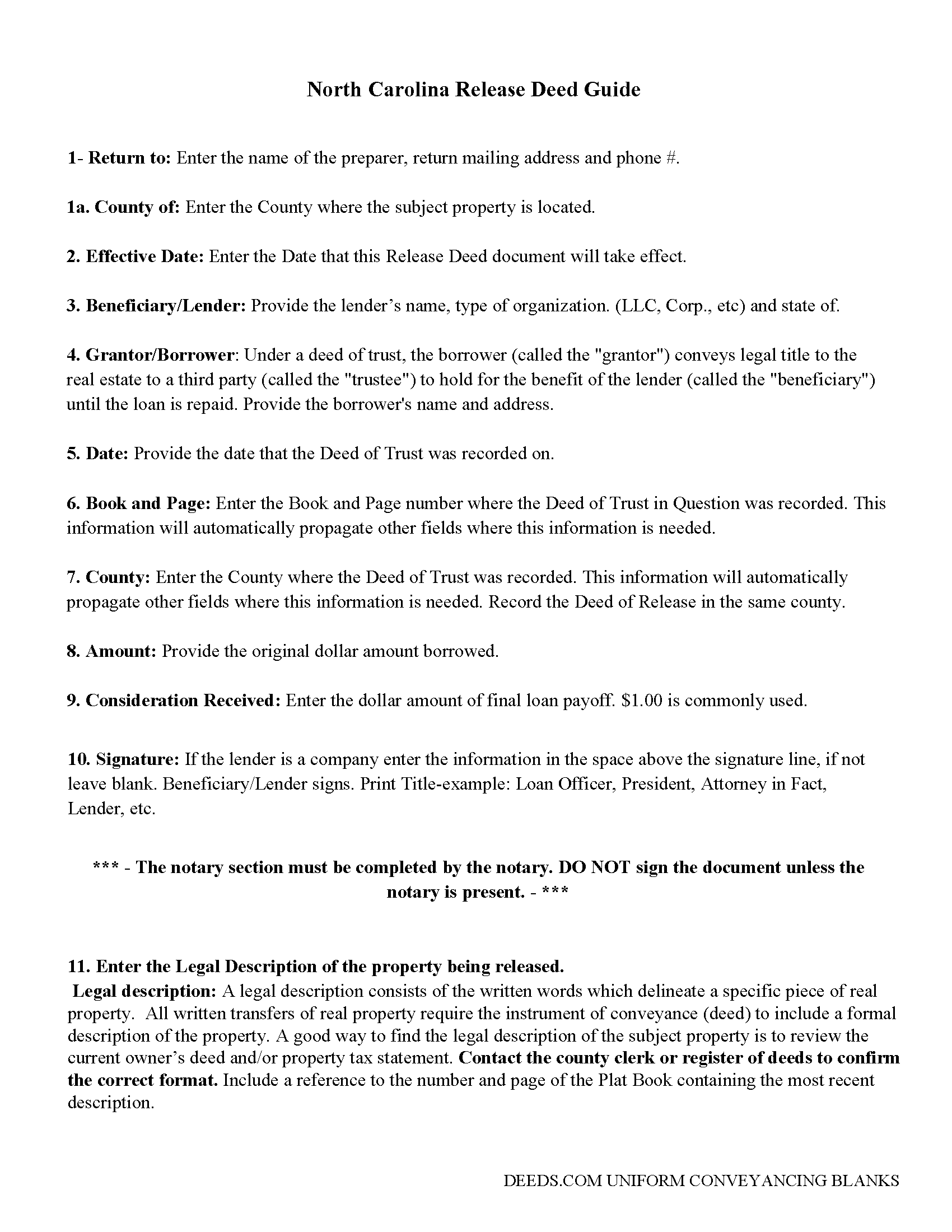
Wilson County Guidelines for Release Deed
Line by line guide explaining every blank on the form.
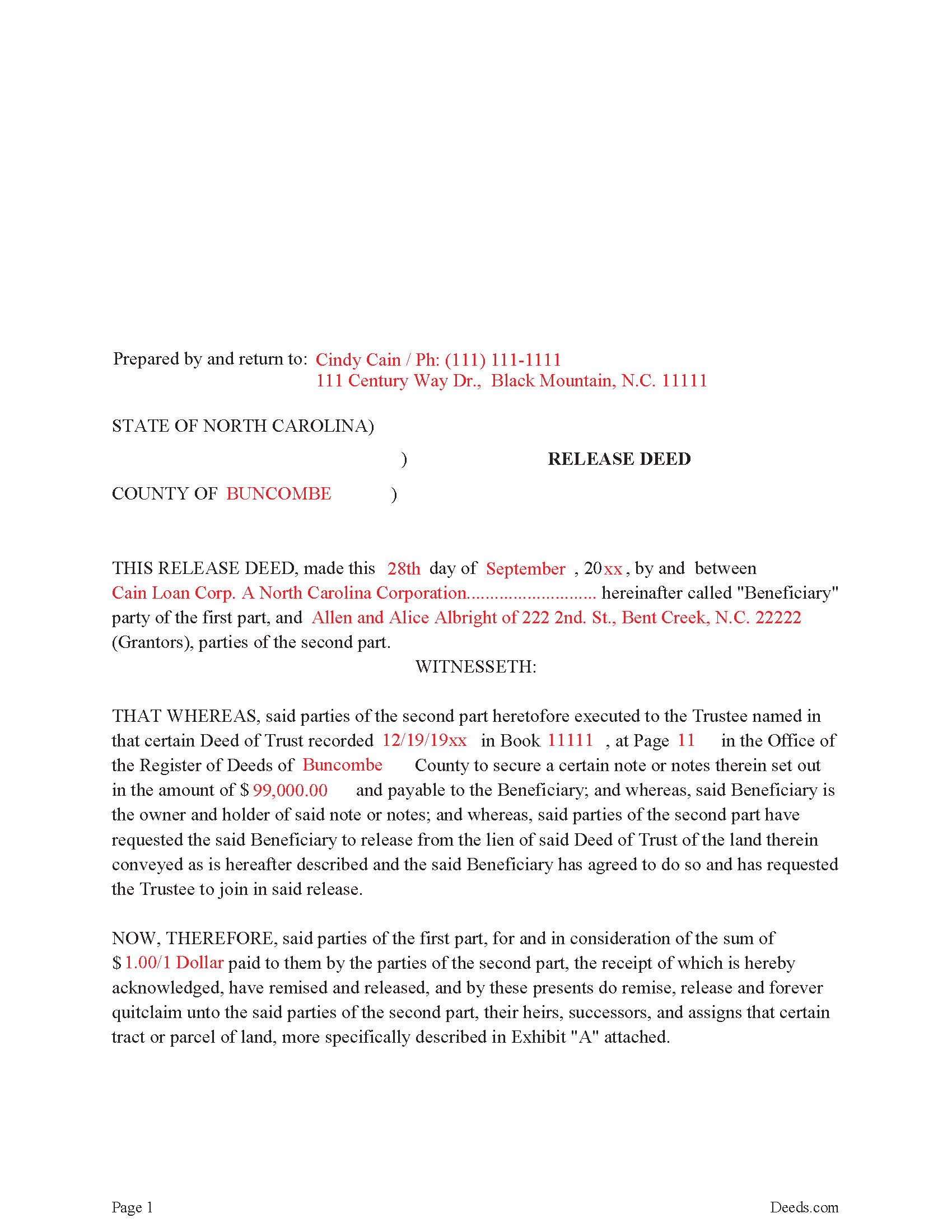
Wilson County Completed Example Release Deed
Example of a properly completed form for reference.
All 3 documents above included • One-time purchase • No recurring fees
Immediate Download • Secure Checkout
Additional North Carolina and Wilson County documents included at no extra charge:
Where to Record Your Documents
Wilson County Register of Deeds
Wilson, North Carolina 27893 / 27894
Hours: 8:00am-5:00pm M-F
Phone: (252) 399-2935
Recording Tips for Wilson County:
- Bring your driver's license or state-issued photo ID
- Ensure all signatures are in blue or black ink
- Recording fees may differ from what's posted online - verify current rates
- Request a receipt showing your recording numbers
- Ask about accepted payment methods when you call ahead
Cities and Jurisdictions in Wilson County
Properties in any of these areas use Wilson County forms:
- Black Creek
- Elm City
- Lucama
- Saratoga
- Sims
- Stantonsburg
- Wilson
Hours, fees, requirements, and more for Wilson County
How do I get my forms?
Forms are available for immediate download after payment. The Wilson County forms will be in your account ready to download to your computer. An account is created for you during checkout if you don't have one. Forms are NOT emailed.
Are these forms guaranteed to be recordable in Wilson County?
Yes. Our form blanks are guaranteed to meet or exceed the applicable formatting requirements used for recording in Wilson County, including margin requirements, font requirements, and other layout standards. This guarantee applies to formatting, not to the legal sufficiency of information entered by the user or the suitability of a form for a particular transaction.
Can I reuse these forms?
Yes. You can reuse the forms for your personal use. For example, if you have multiple properties in Wilson County you only need to order once.
What do I need to use these forms?
The forms are PDFs that you fill out on your computer. The free Adobe Acrobat Reader is recommended, and most PDF apps also work. You do NOT enter your property information online - you download the blank forms and complete them privately on your own computer.
Are there any recurring fees?
No. This is a one-time purchase. Nothing to cancel, no memberships, no recurring fees.
How much does it cost to record in Wilson County?
Recording fees in Wilson County vary. Contact the recorder's office at (252) 399-2935 for current fees.
Questions answered? Let's get started!
Executed by the lender, once the trustee is notified by the borrower. Signed by the lender, releasing any lien attached by the "Deed of Trust" that's assigned to the property. In general, a release is required to be recorded within 60 days of satisfaction.
(North Carolina Release of DOT Package includes form, guidelines, and completed example)
Important: Your property must be located in Wilson County to use these forms. Documents should be recorded at the county recording office listed above.
This Release Deed for Deed of Trust meets all recording requirements specific to Wilson County.
Our Promise
The documents you receive here are guaranteed to meet or exceed the applicable Wilson County recording format requirements. If there is a rejection caused by our formatting, we will correct the issue or refund your payment. This guarantee applies to document formatting only and does not extend to information entered by the user, the selection of the form, or the legal effect of the completed document.
Save Time and Money
Get your Wilson County Release Deed for Deed of Trust form done right the first time with Deeds.com Uniform Conveyancing Blanks. At Deeds.com, we understand that your time and money are valuable resources, and we don't want you to face a penalty fee or rejection imposed by a county recorder for submitting nonstandard documents. We constantly review and update our forms to meet rapidly changing state and county recording requirements for roughly 3,500 counties and local jurisdictions.
4.8 out of 5 - ( 4,865 Reviews )
Thomas F. 5 out of 5 stars
Haven't filed yet but it seems everything I need is here. Easy process
Thank you!
Hyacinth A. 5 out of 5 stars
It was easy and helpful to use Deed.com
We appreciate your comments and your trust in us. Thank you.
JAMES D. 5 out of 5 stars
Slick as can be and so convenient. Worked like a charm
Thank you for your feedback. We really appreciate it. Have a great day!
Virginia S. 5 out of 5 stars
Very quick process and forms were downloaded. I am very pleased with the detailed information for filling out the forms. Would use again.
We appreciate your business and value your feedback. Thank you. Have a wonderful day!
Robert D. 5 out of 5 stars
These forms made it so easy to update the property deed and the instructions and sample filled out form were most helpful. You might want to add some brief information on when or why to use the Acknowledgment in Individual Capacity notary form. In my case the notary was required to use it but also filled in the brief notarize section on the Affidavit as well. She said the one on the Affidavit had some value because it showed she had witnessed the my signature. But this was only after I suggested both be filled in as she initially thought to just strike through it and just use the Acknowledgment in Individual Capacity form.
Thank you for your feedback. We really appreciate it. Have a great day!
Joseph B. 5 out of 5 stars
Awesome!
Thank you!
Lara C. 5 out of 5 stars
Love it! It was super easy. Will be back!
Thank you for your feedback. We really appreciate it. Have a great day!
Lucille F. 5 out of 5 stars
Instructions very detailed and clear.
We appreciate your business and value your feedback. Thank you. Have a wonderful day!
Laura L. 5 out of 5 stars
Used a form from this service. Best part about these forms is that they don't let you get in trouble by removing or changing things that should not be changed. It's easy to look at something and think why is this margin so big, why is this field so small and want to change it only to find out it is incredibly important. That's why they are the deed document pros.
Thank you for the thoughtful review! We're so glad to hear you found our forms reliable and well-structured. It’s true—what might look like an odd margin or a small field is often there for a very specific legal or recording reason. We’ve seen how small changes can lead to big headaches, which is why we design our documents to be both user-friendly and compliant with strict recording standards. We really appreciate you recognizing the care that goes into each one. Thanks again for choosing us!
Mary L. 5 out of 5 stars
Great site. Very easy to use.
Thank you for your feedback. We really appreciate it. Have a great day!
Charles H. 5 out of 5 stars
Website is user-friendly and very helpful, butI will have to wait until I submit my documents to the Clerk of Court to see if they are acceptable.
Thank you for your feedback. We really appreciate it. Have a great day!
O. Peter P. 2 out of 5 stars
I find your forms hard to use, inasmuch as the forms cannot be converted to a Word Document. Editing and deleting of extra lines is not possible, making for a deed with large blank spaces. Document that results is not usable for me.
Sorry to hear that we did not meet your expectations. We have canceled your order and payment. We do hope you find something more suitable to your needs elsewhere. Have a wonderful day.
Mary H. 5 out of 5 stars
I have downloaded all the forms and the guidelines. The information provided is very helpful and easy to access. Thank you
Thank you for your feedback. We really appreciate it. Have a great day!
Robert G. 5 out of 5 stars
Excellent. I needed a NOC recorded immediately and you guys made it happen when all other avenues looked like they were not going to be possible. Thank you very much.
Thank you for your feedback. We really appreciate it. Have a great day!
Robyn R. 5 out of 5 stars
Deeds.com was so simple and easy to use! My local recorders office is closed due to COVID-19 and their recording said to use Deeds.com. I thought it was going to either be very complicated or very expensive and it was neither!!! The site walked me through step by step and the price of their service was very fair and affordable. They were very timely and efficient and my documents were recorded almost immediately! Thank you Deeds.com!!!
Thank you Robyn, glad we could help.